


When using an Android phone, you will occasionally want to check the hardware or system status. This article will recommend a very easy-to-use “DevCheck Device & System Info” free app. Not only does it have no ads, most of the functions can be used in the free version. In addition to real-time monitoring of system information usage, there are also various hardware information, and even some test functions are provided to help you detect whether it is being used normally. It is worth keeping in your phone.
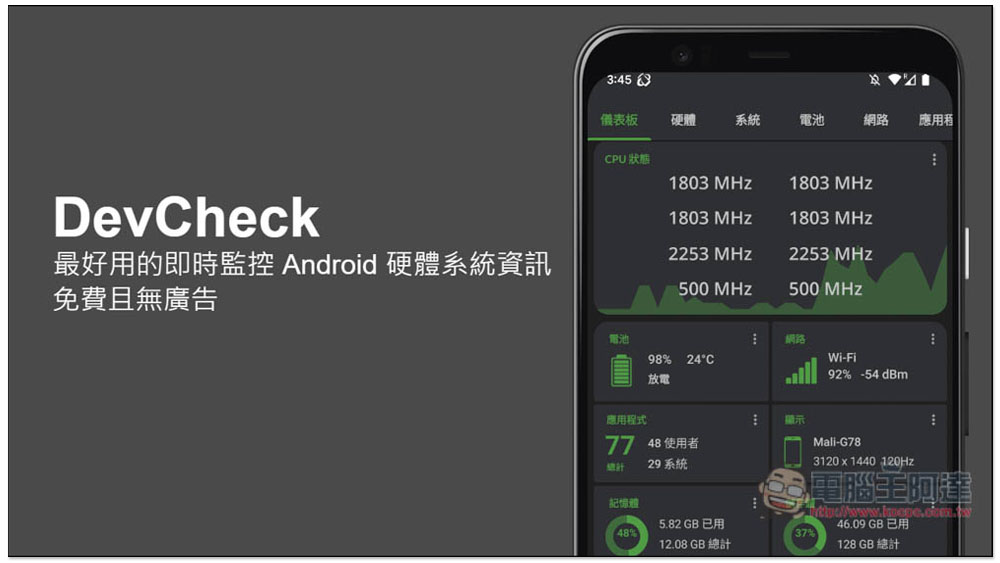
DevCheck is the best real-time monitoring Android hardware system information app, free and ad-free.
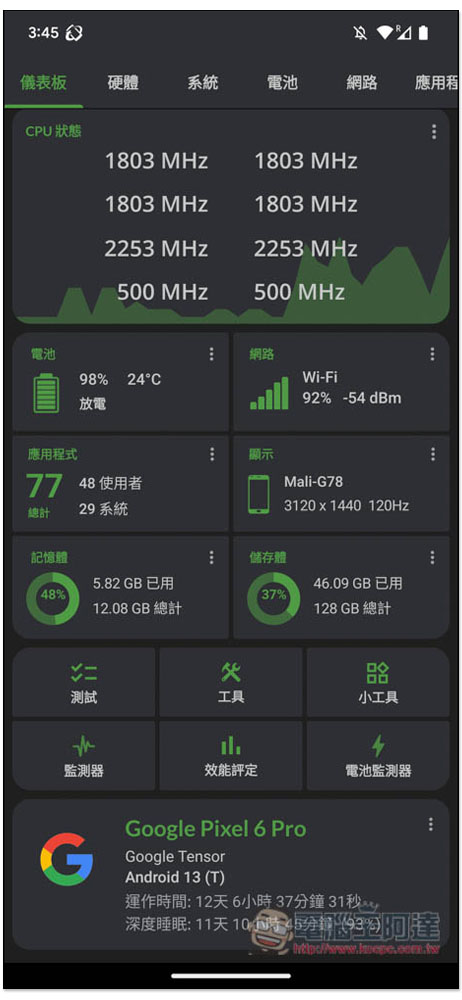
After opening the DevCheck Device & System Info App, the homepage will display real-time system information, including each CPU status, battery power and temperature, Wi-Fi network, memory usage, storage space usage, etc. The CPU will also tell you the real-time clock of each core:
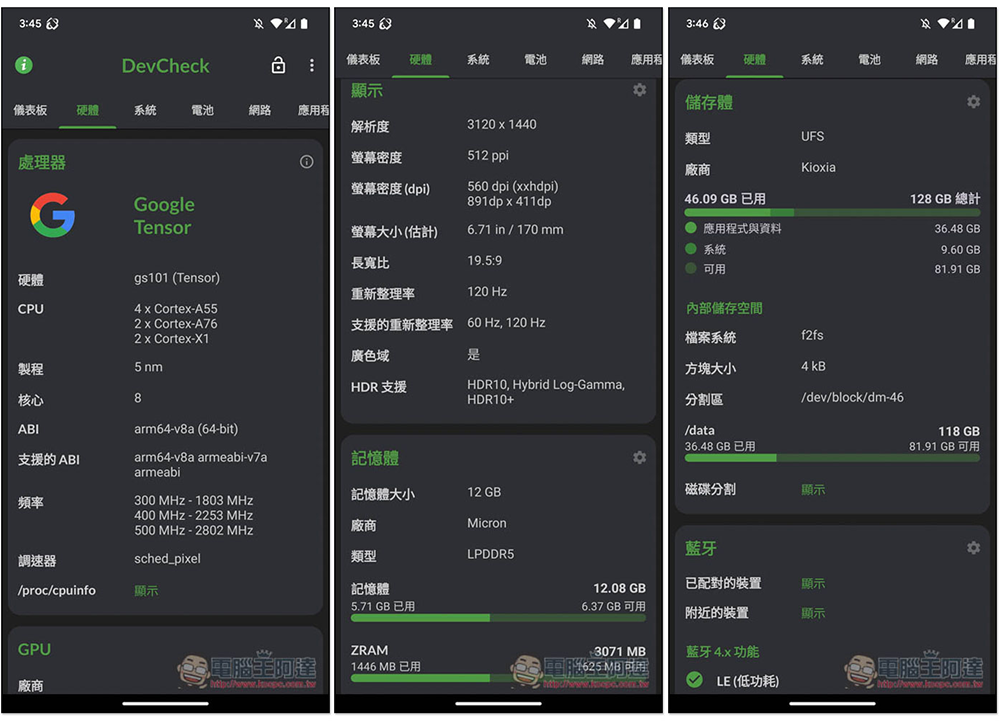
In the hardware menu, you can check all the specifications of this phone, such as which processor, screen resolution and refresh rate, detailed body information, various types of storage space usage, what kind of audio is supported (such as: MIDI, low latency and professional audio support), Bluetooth functions, etc. It is very rich. If you want to check the hardware information of this phone, you can definitely find it with this App:
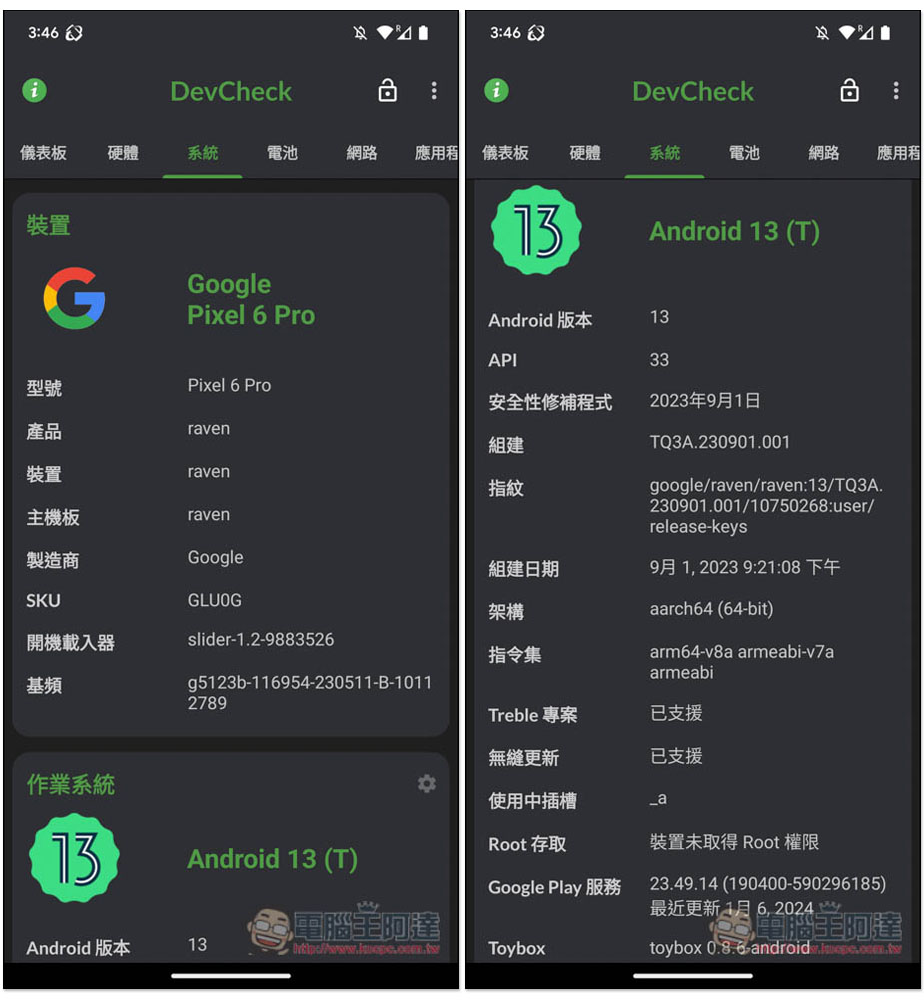
The system menu can query the installed Android version, architecture, and Google Play services version:
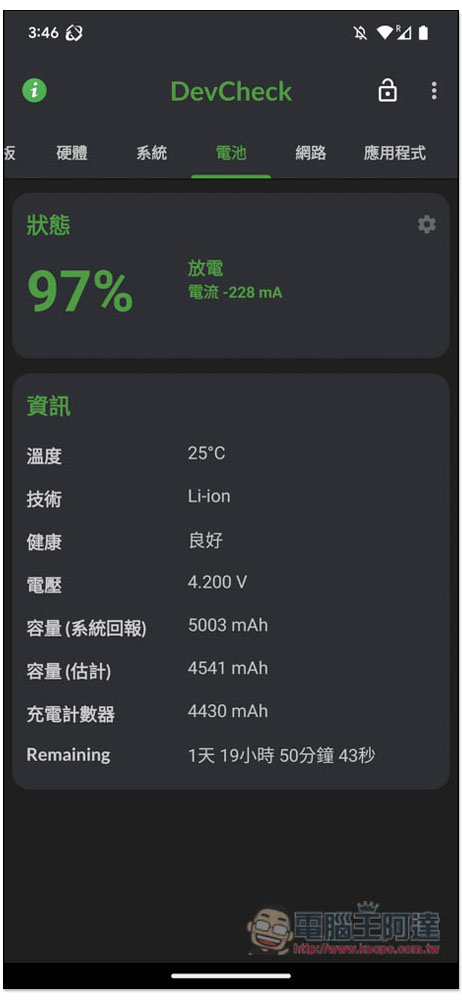
In addition to displaying capacity, the battery also displays health, real-time temperature, and remaining time based on current usage. In addition, the battery capacity estimated by the App is also displayed:
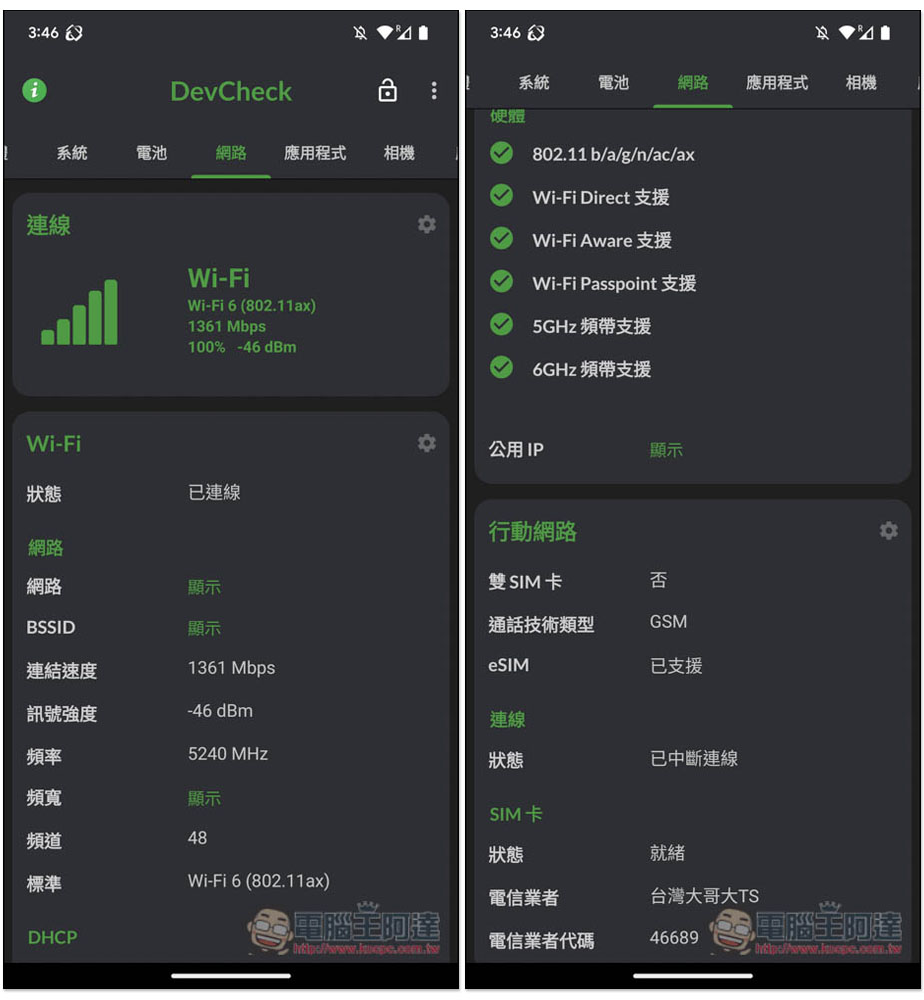
There is also a lot of information on Wi-Fi networks, such as the Wi-Fi standard, band support, eSIM, etc. of this mobile phone. Everything related to wireless networks and mobile networks can be found here:
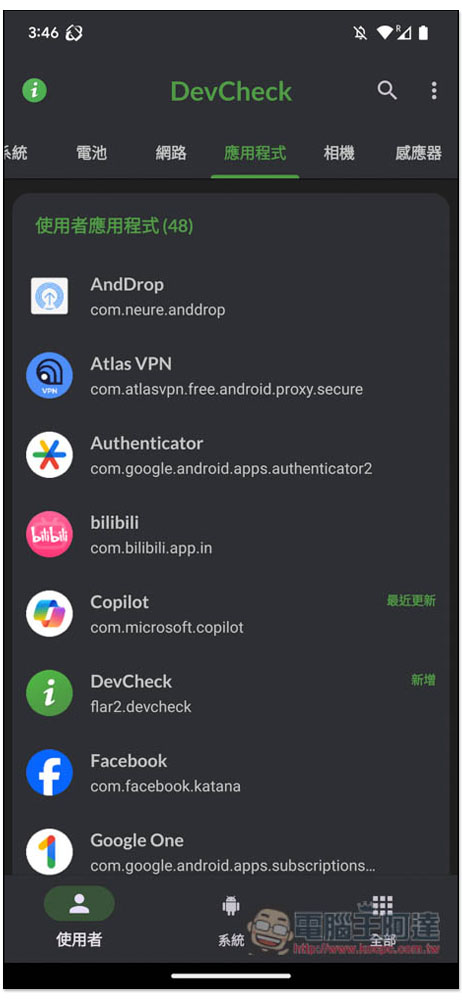
Apps list the programs installed on your phone. You can click to quickly jump to the management screen of the App in the settings:
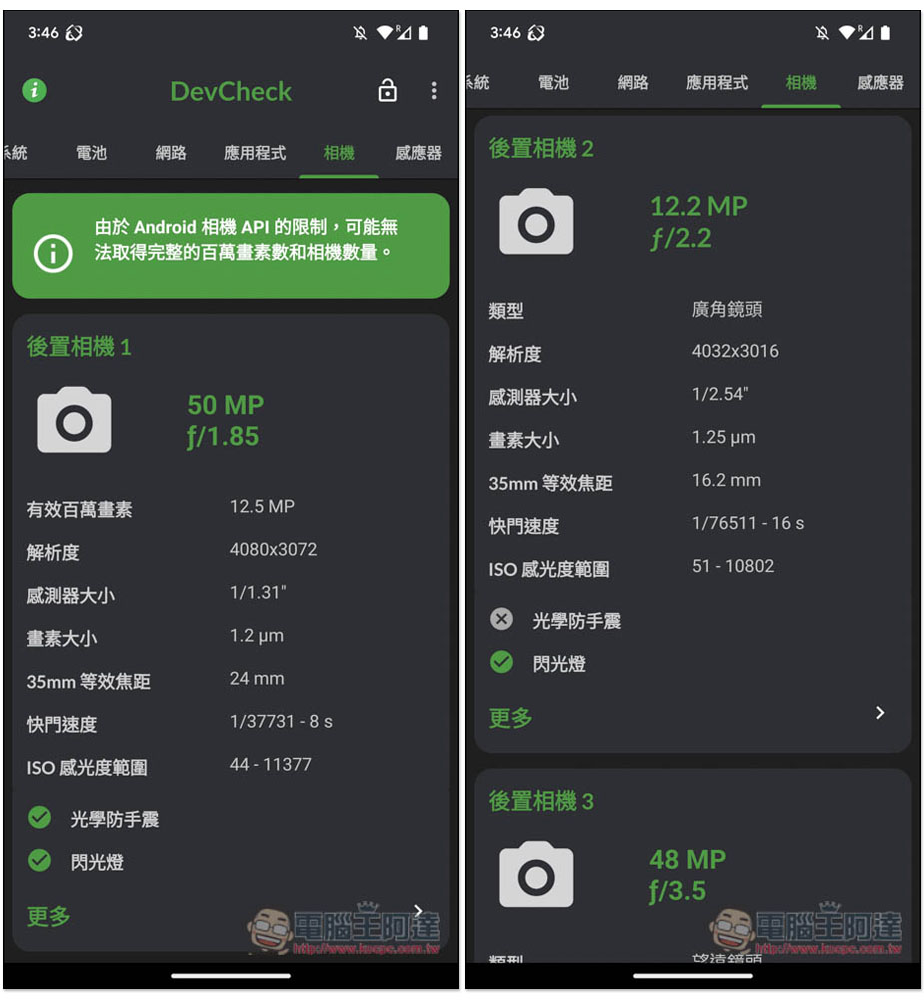
The camera menu can query all the lens pixels and detailed specifications of the mobile phone, including information on cameras that do not support optical image stabilization:
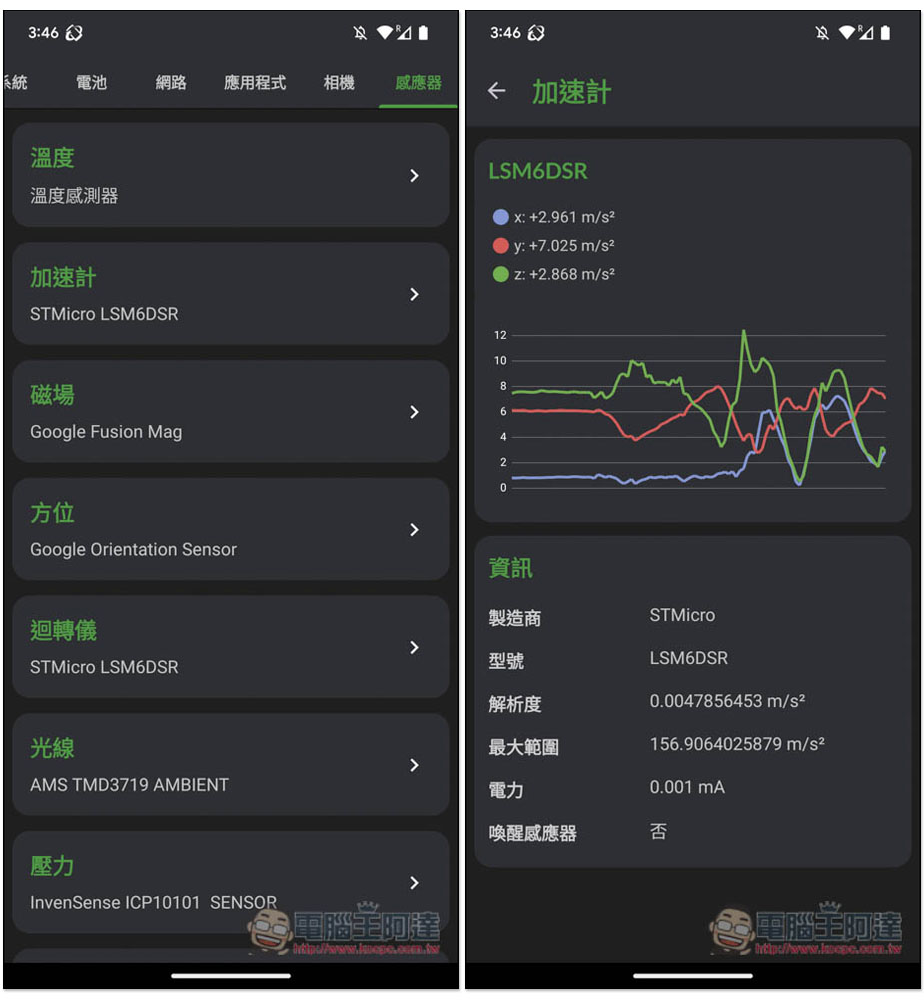
I think the sensor is very good. What is displayed here is real-time information. If you are worried about a problem with a certain sensor, you can test it directly here. Like me, I tried to test the accelerometer. After entering the accelerometer menu, move the phone to see if there is any change in XYZ:
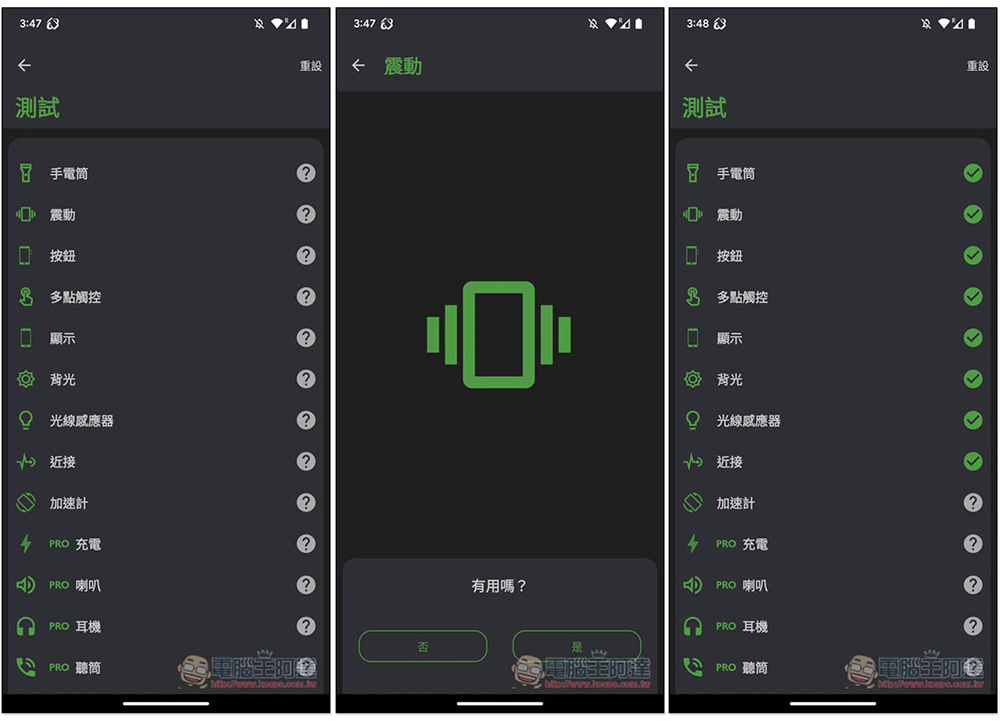
In addition, there is a test option at the bottom of the homepage menu of the dashboard, where you can find many hardware test functions. Most of the free versions can be used. Others, such as charging, speakers, headphones, earpieces, etc., are marked PRO, which means you need to upgrade to the paid version:
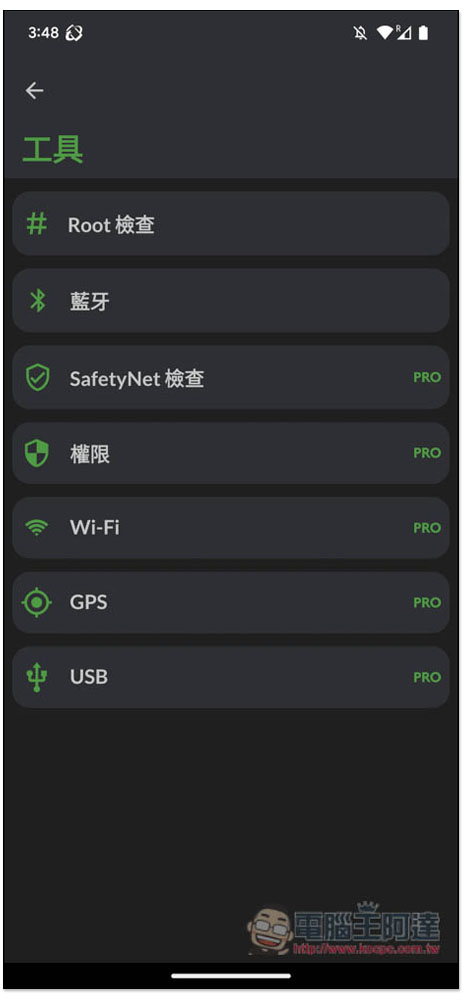
In the tool options, there are also Root check, Bluetooth functions, GPS, Wi-Fi, etc. are only available in the PRO version:
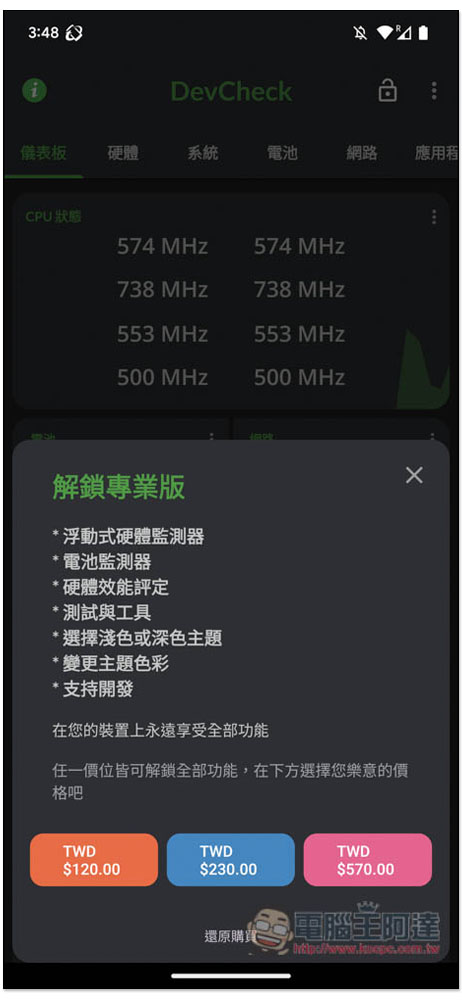
The free version is very easy to use and has no ads. Unless you really need some features that can only be used with PRO, the free version is enough. The paid version is not expensive, it is a one-time payment, and it also provides three amount options, all of which can unlock all functions. The more expensive version has a sense of sponsorship:
Source: KOCPC Chinese