


After actually trying the “Log” that has been provided in the iOS 17.2 public beta version, I personally believe that whether you want to use such an original app or not. But as long as you are using a device from the Apple ecosystem, there should be many related functions or applications that will receive a lot of inspiration from it. Continue reading to easily record every day with iOS 17.2 Journal App tutorial report content.

Easily record every day iOS 17.2 Journal Journal App usage tutorial
As one of the new apps released for iOS 17 at WWDC, it seems that many people don’t particularly care about the new built-in app “Journal App” at the first time.
After all, for those who keep diaries on mobile devices, there are so many related applications in the App Store now, and there are definitely apps that they are used to. For those who want to occasionally record pictures, text, etc. in units of “days”, there should be many alternatives to the apps that come to mind immediately – for example, the original note-taking app is very useful, and the author’s favorite “Craft” already has a built-in “monthly calendar” interface similar to a diary.
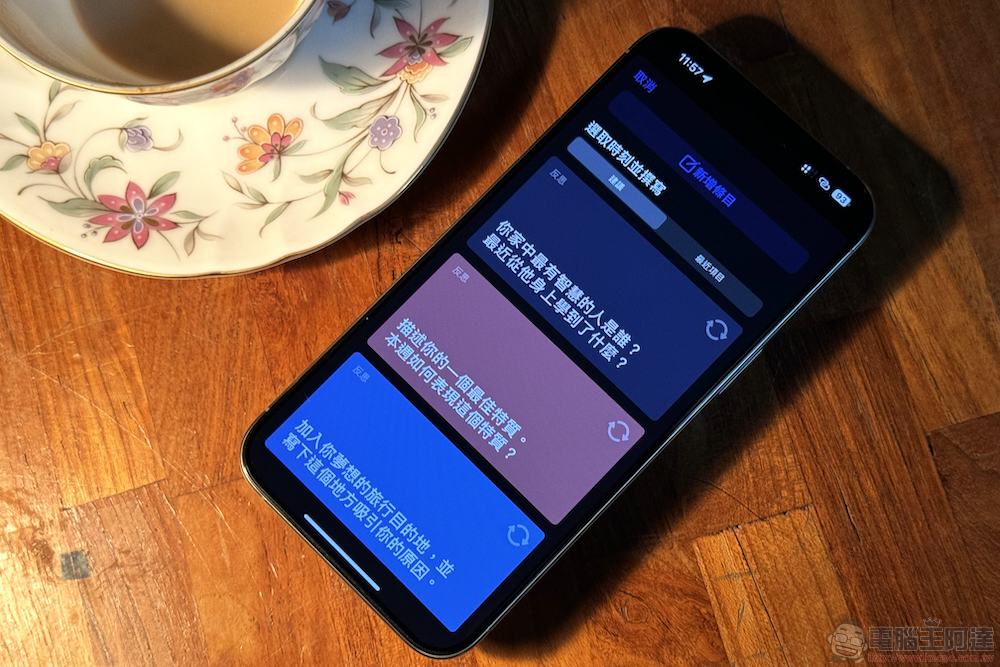
However, after actually trying out the “Log” that has been provided in the iOS 17.2 public beta version. I personally believe that whether you want to use such an original app or not. But as long as you are using a device from the Apple ecosystem, there should be many related functions or applications that will receive a lot of inspiration from it.
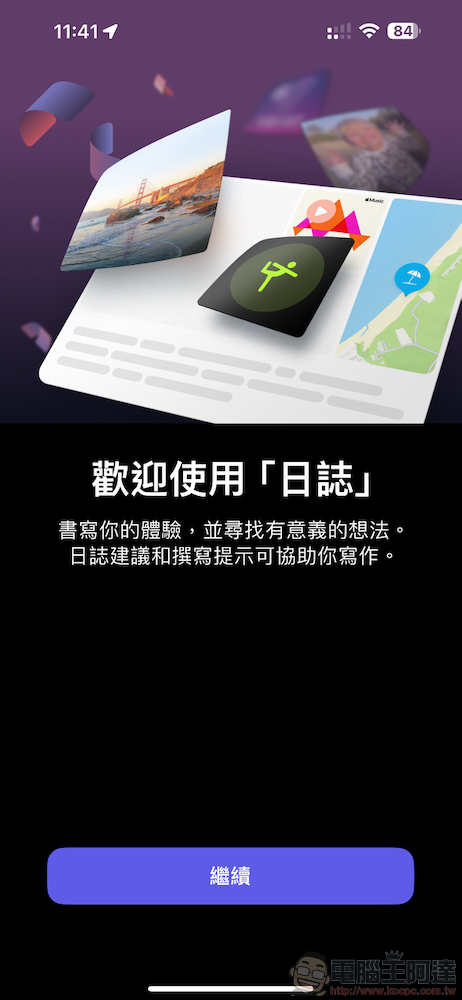
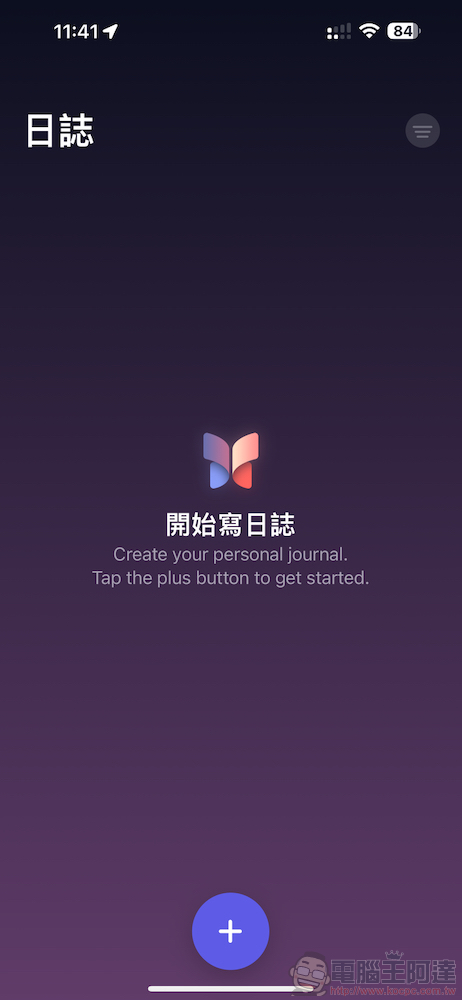
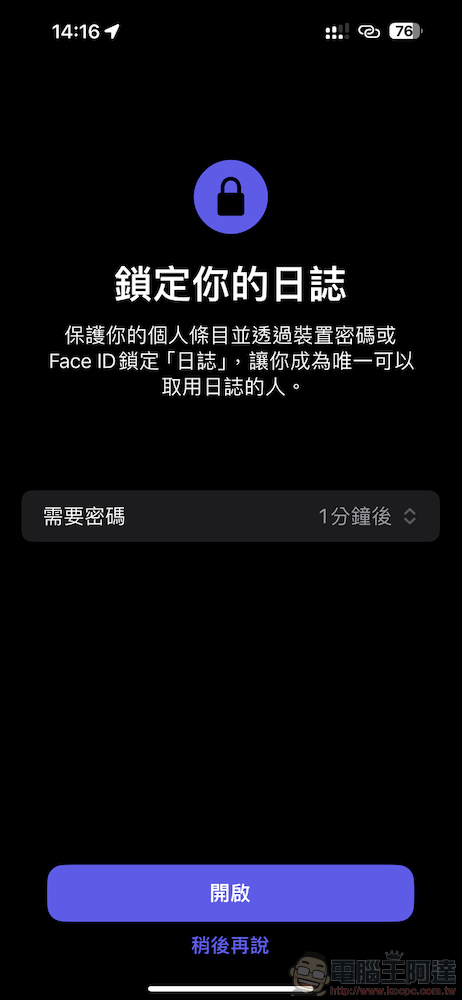
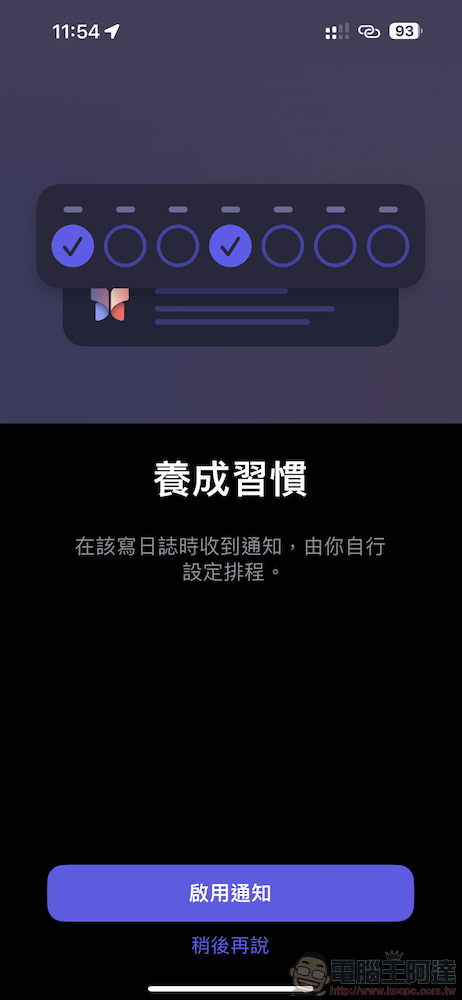
The function of the journal app is actually quite simple. You can use Face ID to add another layer of protection to this more private record, and you can also use the notification function to let the app proactively remind you to record your mood for the day.
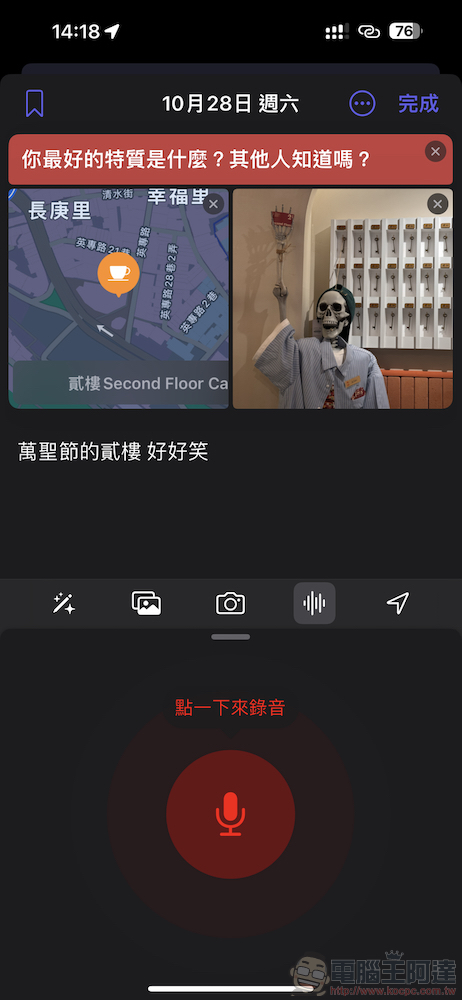
You can easily start creating a new diary/note through the “+” at the bottom. In the interface, you can record the mood and interesting things of “a certain day” through text, pictures and even voice. The original log application also provides a check-in function for quickly adding anchor points.
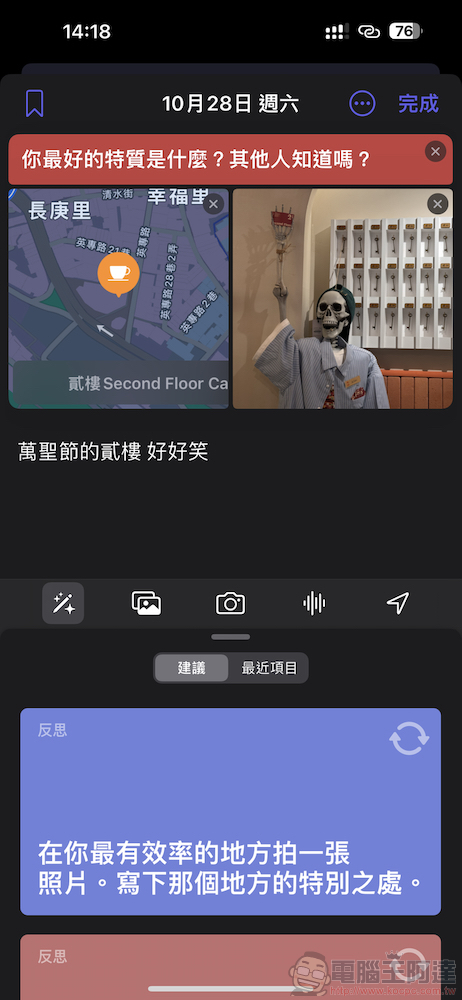
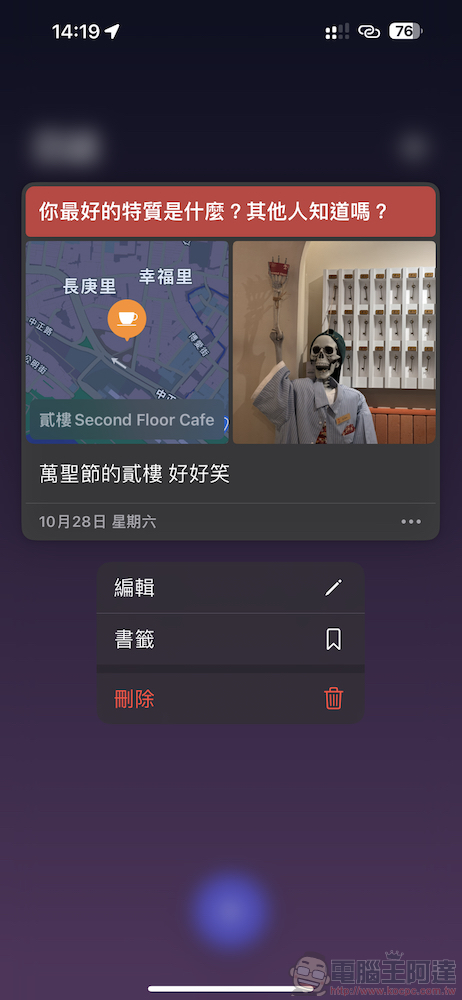
On the list page of the log, you can also simply slide left and right to perform “bookmark” or “edit” or “delete” actions; click on the respective pictures and content to expand the media browsing interface; check-in locations can also be edited and viewed later. These added data can also be subsequently deleted separately.

In addition to the basic writing functions, I personally think there are two most powerful functions of the original log application. One is the suggestion function that can be activated through the magic wand tool in the interface – although in the public beta version there is only a basic “Reflection” card, which provides users with basic daily themes (click the rearrange in the upper right corner to rearrange). But what’s great about this feature is that it can also actively collect various information on your iPhone, including exercise records and music listening content, and provide daily record inspiration in the form of cards.
I believe that for people who really want to develop the habit of writing a diary every day, the most troublesome/difficult thing is to have the inspiration to write every day!
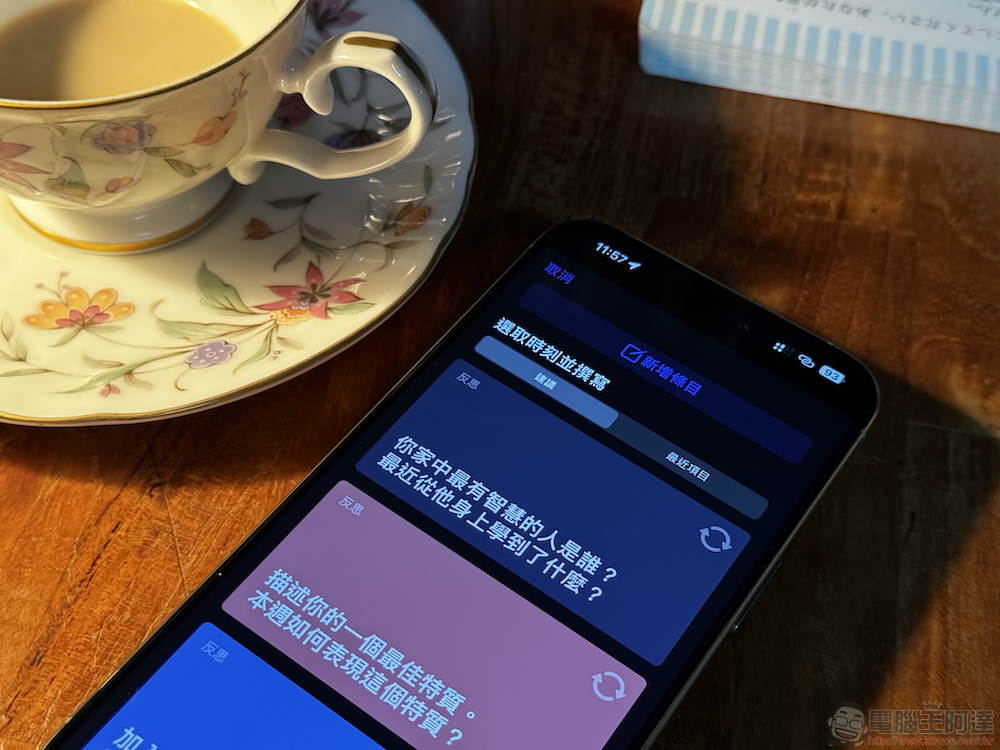
As for the second functional feature, it is also related to the Journal Suggestion function. These suggestions generated based on private data are all “processed on the device”, and the log app itself cannot read this data until you choose to join the app’s editor. I have to say that this is really thanks to the machine learning that iOS devices have been working hard on and the software and hardware layout in terms of privacy.
As far as we know, since the data analyzed by the log suggestions will not be sent to servers other than the local end for calculation, it is unlikely that confidential private data may be used for learning as is often seen in the current development of generative AI.

Due to its high privacy features, as this App is about to be pushed to all users, the official will also open the Journal Suggestion API for use by third-party related applications. Let all developers in the Apple application ecosystem have access to this great feature that inspires journaling!
Simply put, if you already have a regular journaling app that you can trust. If future developers also accept this API. You can get more relevant suggestions from your phone for inspiration when writing in your diary. Before this, the easiest way to inspire diary inspiration through diary suggestions is to open the original “Diary” app and let it analyze and learn the relevant dynamics and usage data that you care about every day.
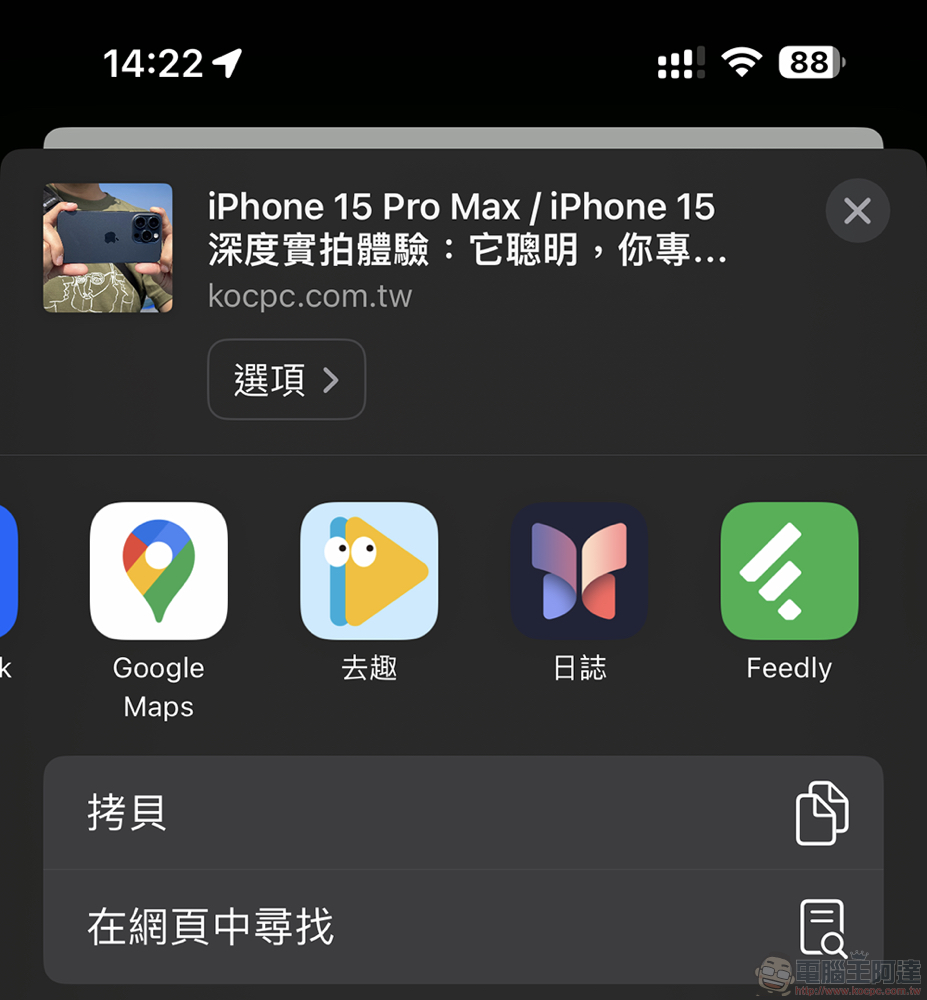
In addition to finding inspiration in the app, you can also find the “Diary” in the menu of shareable link items such as browsing the web for quick sharing; the diary itself can specify a specific date, or simply record based on the date of creation.
If there are multiple logs in a single day, they will be arranged in the same one with different project cards – I originally thought they would be integrated into the “same article”, but it turned out not to be! But in fact, it looks really neat this way, and it can also prevent too much media and record information from being crammed into one project.

As for such a super private thing as writing a diary, Apple’s original app is indeed trying to protect privacy as much as possible, providing users with more inspiration from personal daily activities for reference, which is different from traditional diary apps. There is also (should) no need to worry about the leakage of diaries synchronized to iCloud, at least as far as the original app is concerned, it uses encryption technology that even Apple cannot read – for third-party apps, at least you can import the API after you press “Join” Before the analysis data is provided, the application itself cannot obtain your relevant information.
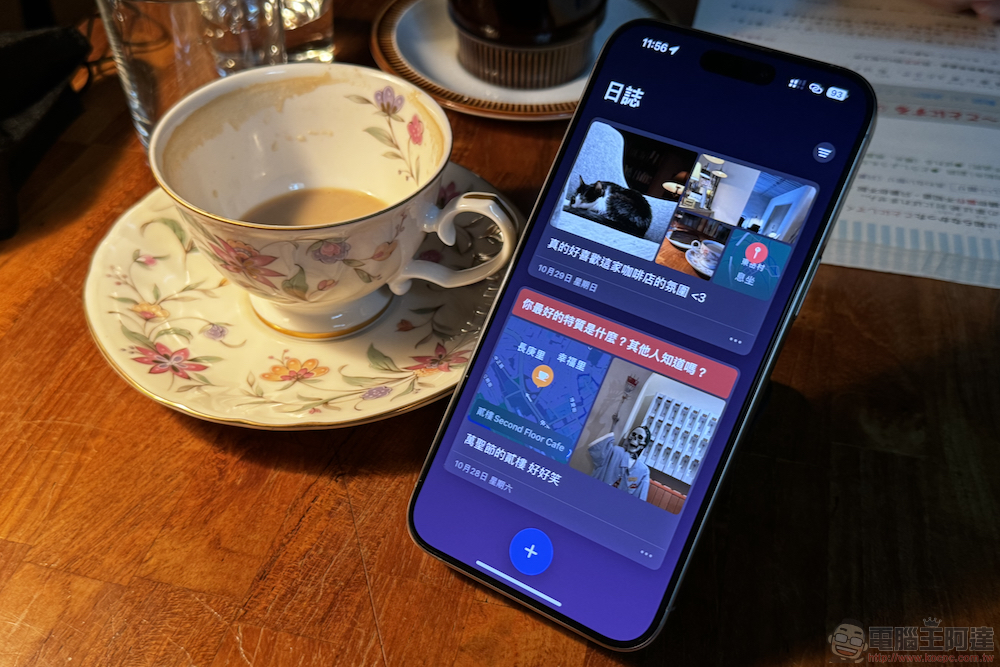
The original diary application is relatively simple at least when we tried it on the public beta version (I always feel that it should at least be linked to the original “Memo” app, whether you want to add notes or drawing and writing information, it will be good!). However, I personally believe that Apple will gradually introduce more and more useful functions to this application in the future, so that users will be more willing to record their daily life through mobile devices.
On the other hand, you can also expect that after third-party applications join this Journal Suggestion API support, the flexibility of such applications will be greatly improved! In short, if you have activated the public test qualification of iOS, you should be able to find the “Log” App of iOS 17.2 on the desktop. Give it a try!
Further reading:

Source: KOCPC Chinese