


Friends who like to sing, or some resident singers, often use some software to separate the vocals and accompaniment of the music, so that they can have accompaniment songs like KTV. In fact, there are many softwares for separating vocals and accompaniment. In addition, the use of AI to train vocal singing is now popular, and this function has become popular because of this.
The Ultimate Vocal Remover V5 that I will introduce today is a set of free open source software, and its function is quite powerful. After selecting the set model, you can separate the vocals and accompaniment with one click. The generated sound files are also quite excellent, completely comparable to professional sound source separation software:
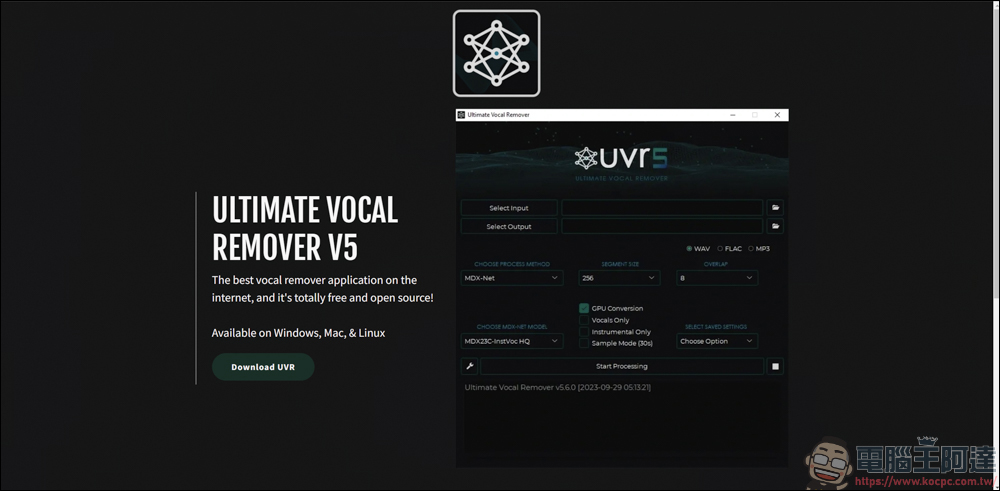
The Ultimate Vocal Remover V5 Download
First go to the official website of The Ultimate Vocal Remover V5 to download (please click me), then you will jump to this open source page, and then click the Main Download Link to download the program ( Please click me to download ) :
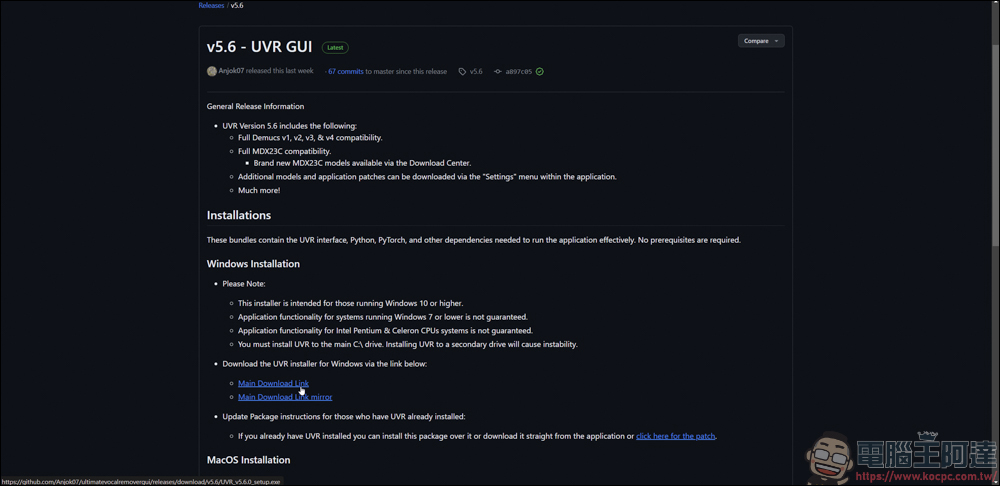
The downloaded file is an exe file, click twice to execute:
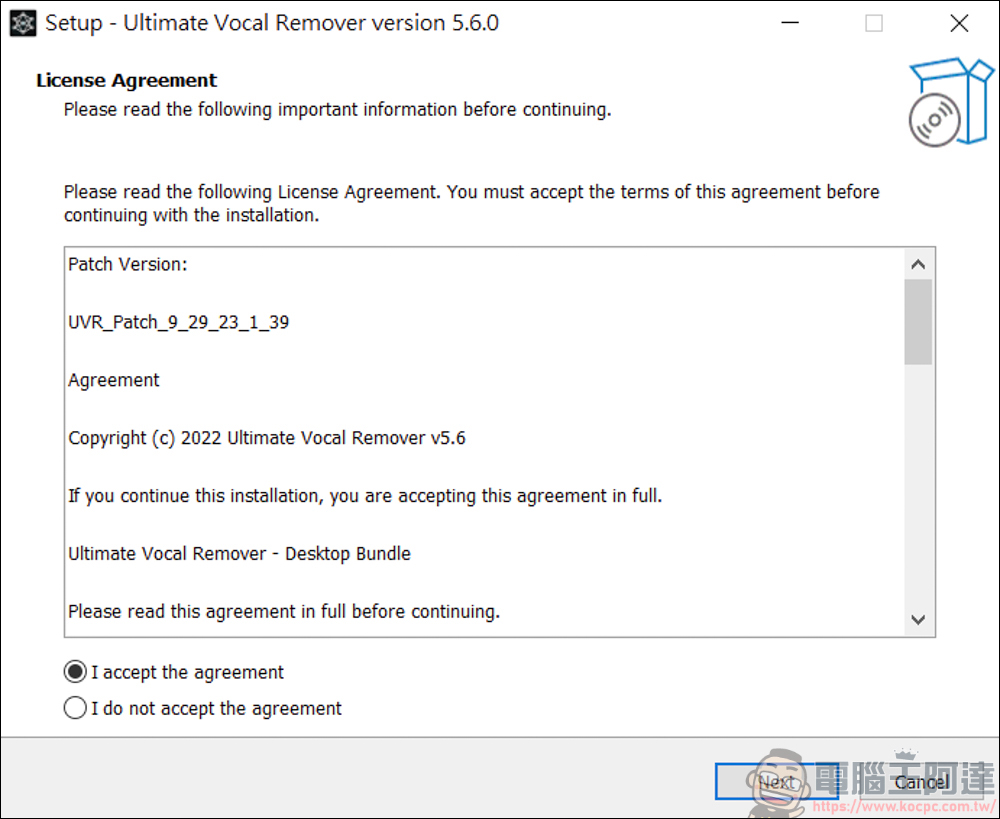
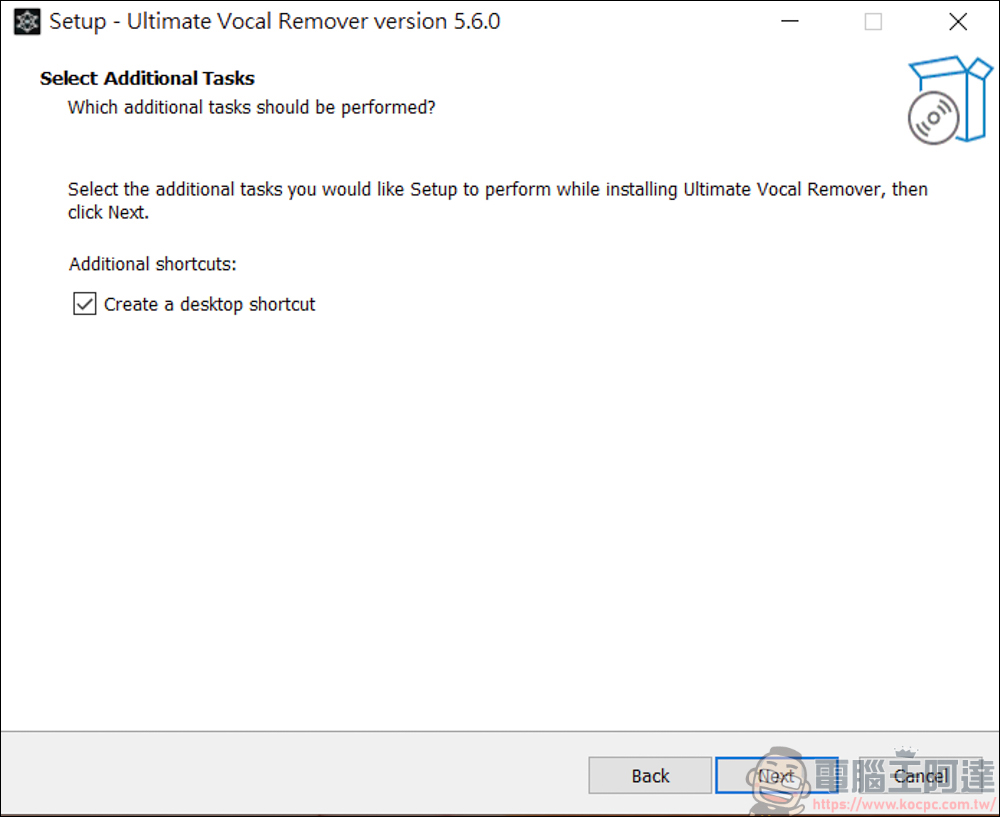
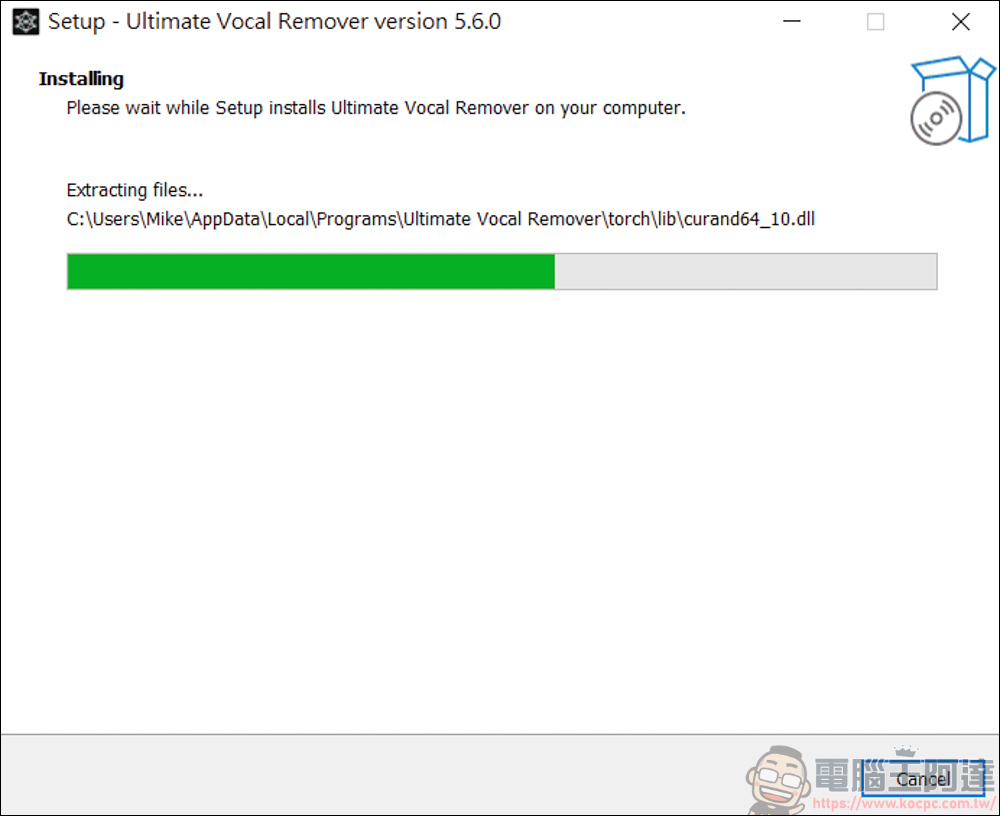
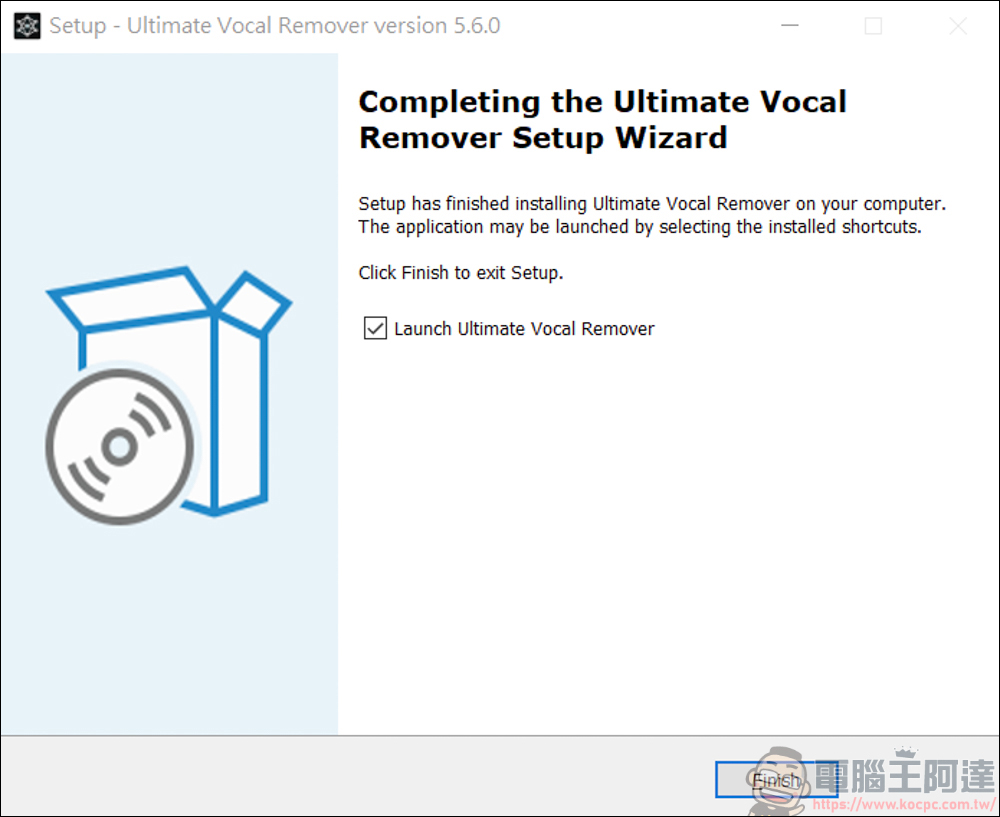
The installation process is very simple, just keep going to the next step. It is recommended to install the software in C slot as it will be more stable:
The Ultimate Vocal Remover V5 usage introduction
After installation, you can execute The Ultimate Vocal Remover V5:
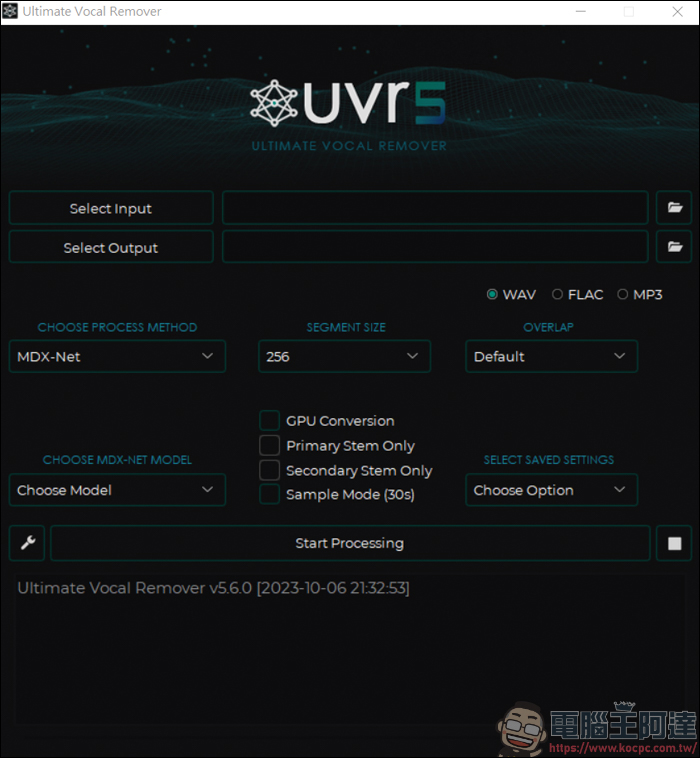
I will give you a brief introduction step by step. The first is the Select Input at the top, which is to select the position where you want to separate the audio file:
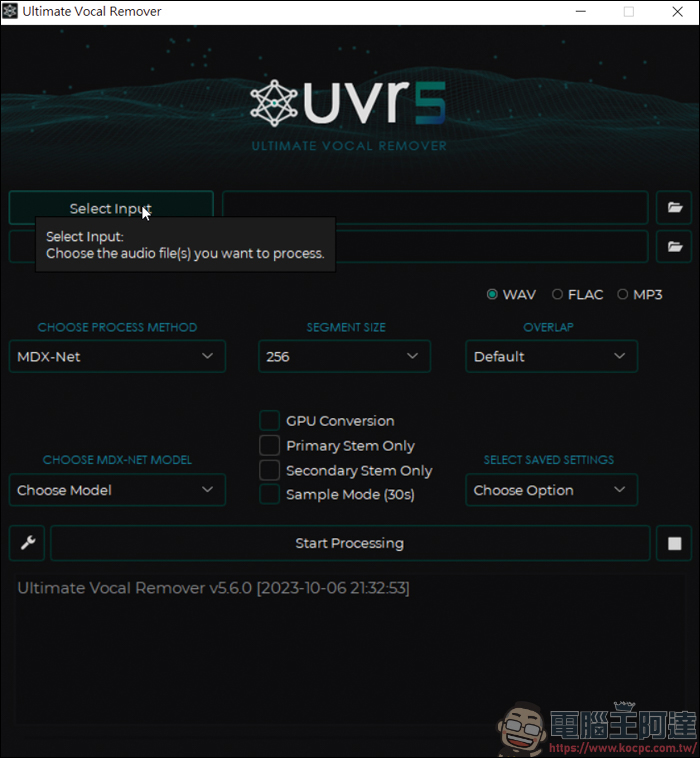
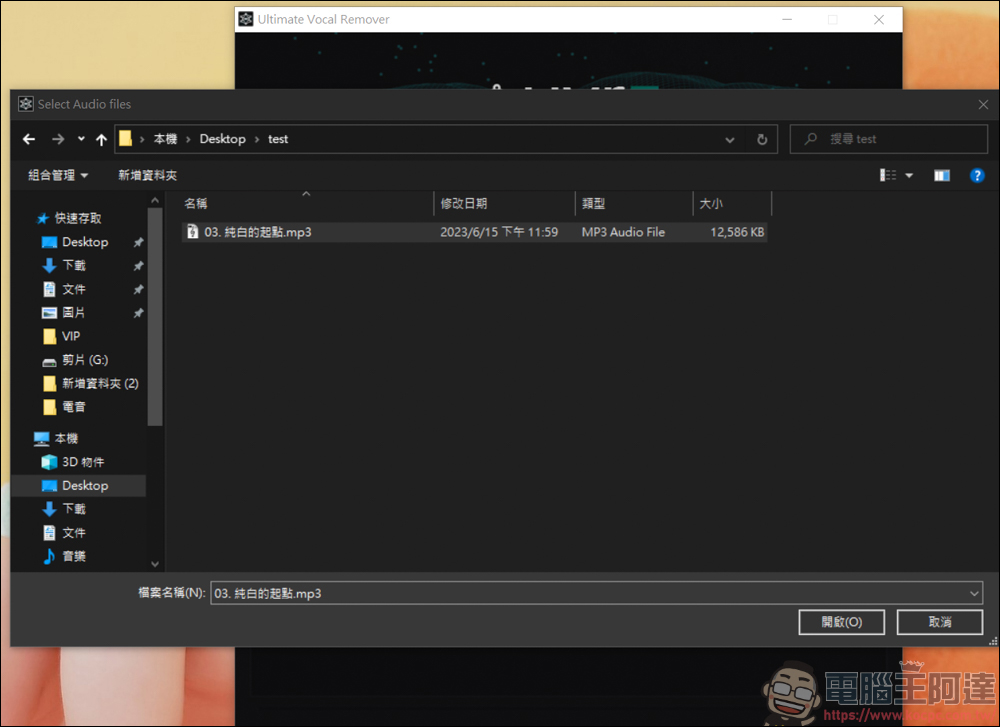
Here is a random song to use as an example:
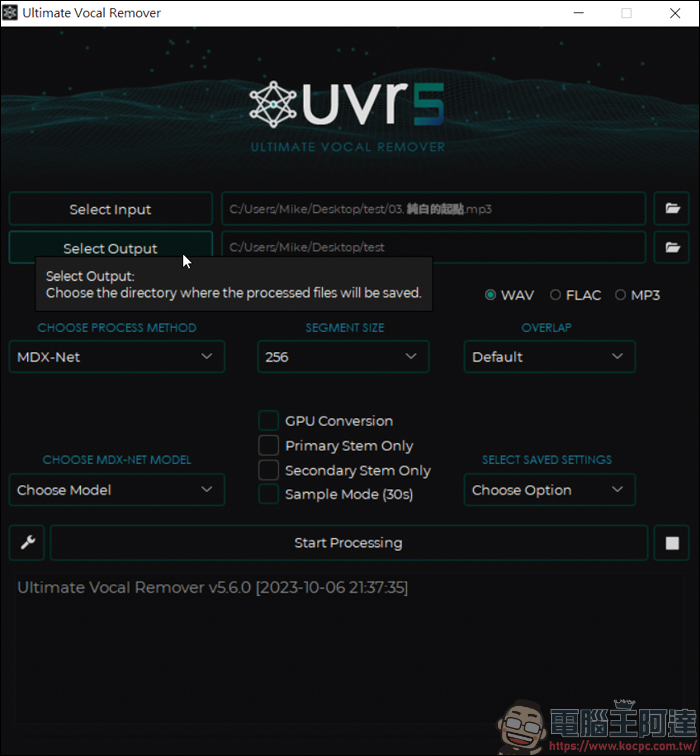
Select output is the output location of the finished audio file:
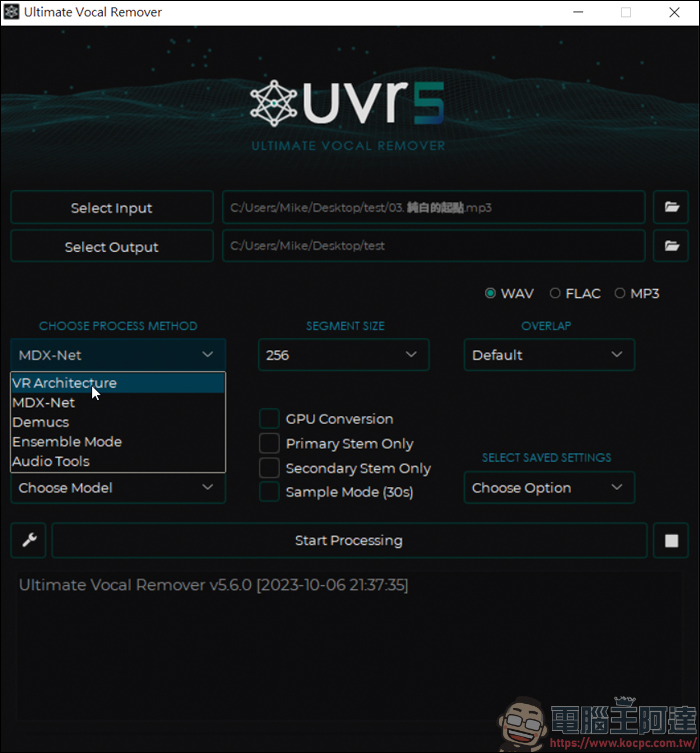
The block on the left is to select the AI model to be calculated. My current simpler approach is to select VR architecture:
If you choose Windows size 320, you will have very good sound quality:
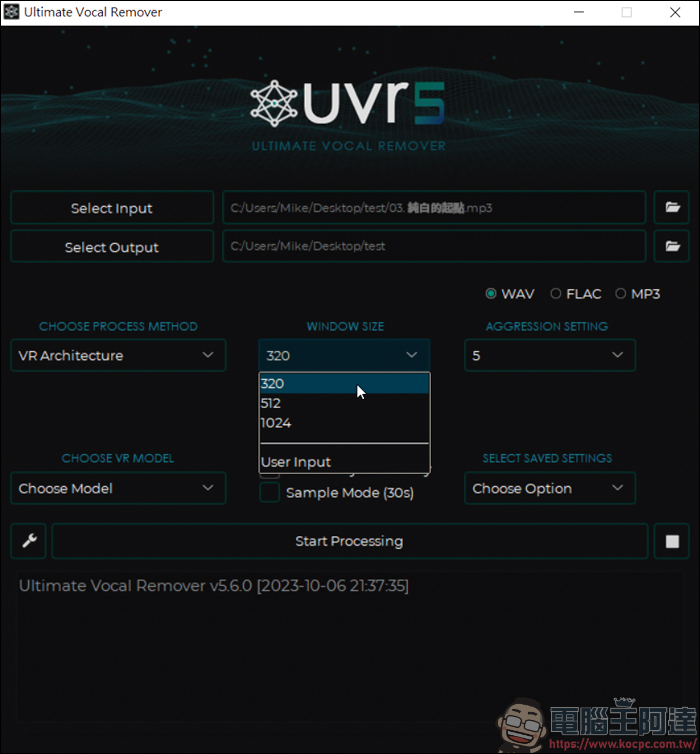
Aggression setting depends on the performance of your computer. If the computer is very strong, you can set it higher. Otherwise, set it lower. In this way, the calculation will be divided and processed quickly:
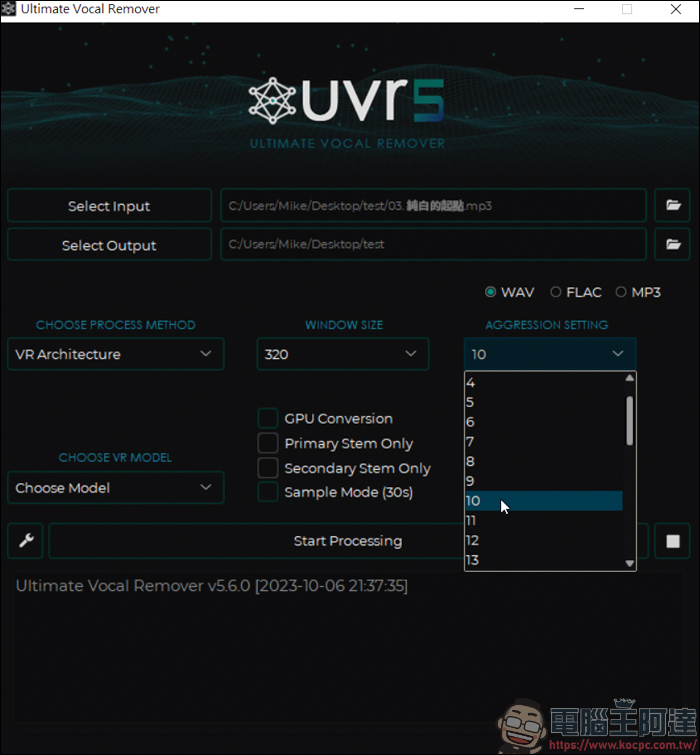
Then select the mode. If you want to separate your life from the accompaniment today, you can choose the Karaoke model:
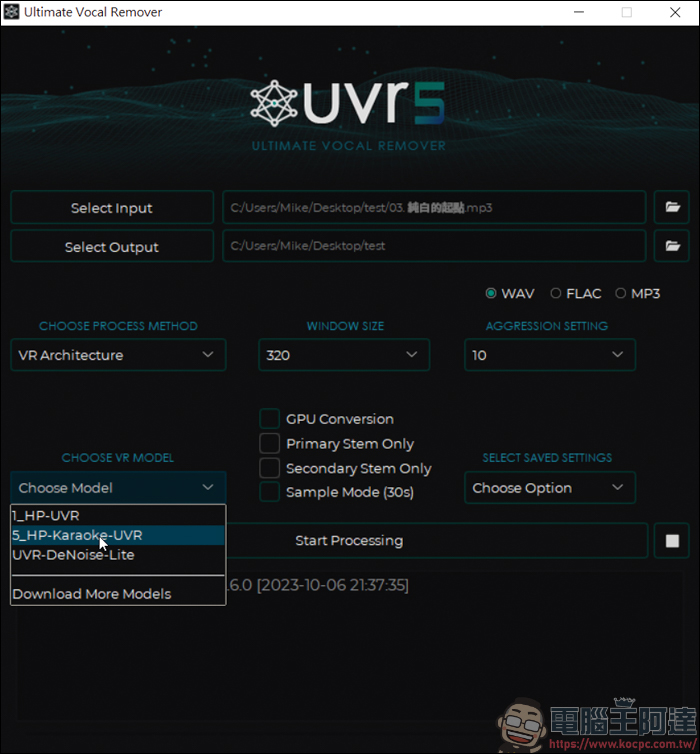
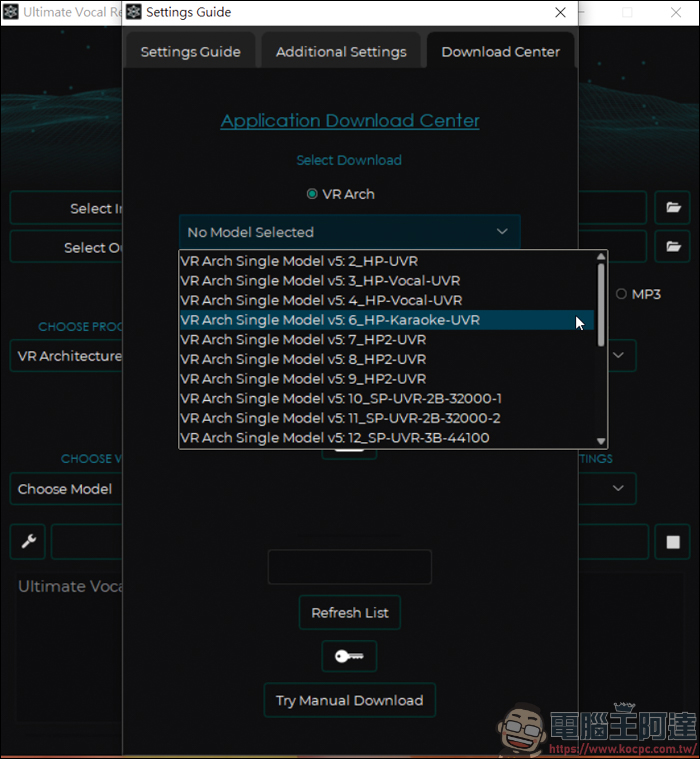
Because I have installed it before, if there is no Karaoke model, you can download other models by yourself:
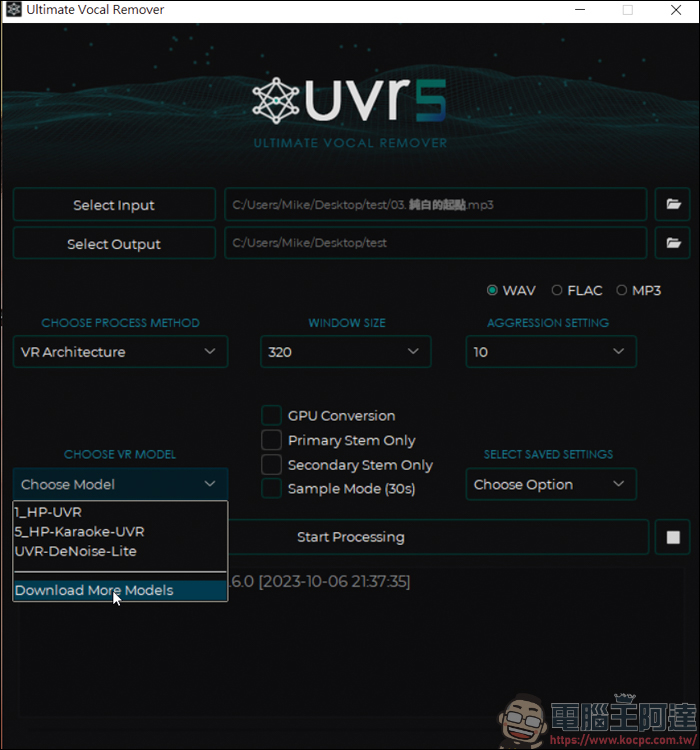
What we want to consider this time is VR architecture, so after checking VR Arch, you can see many models in the drop-down menu, just select the one with Karaoke:
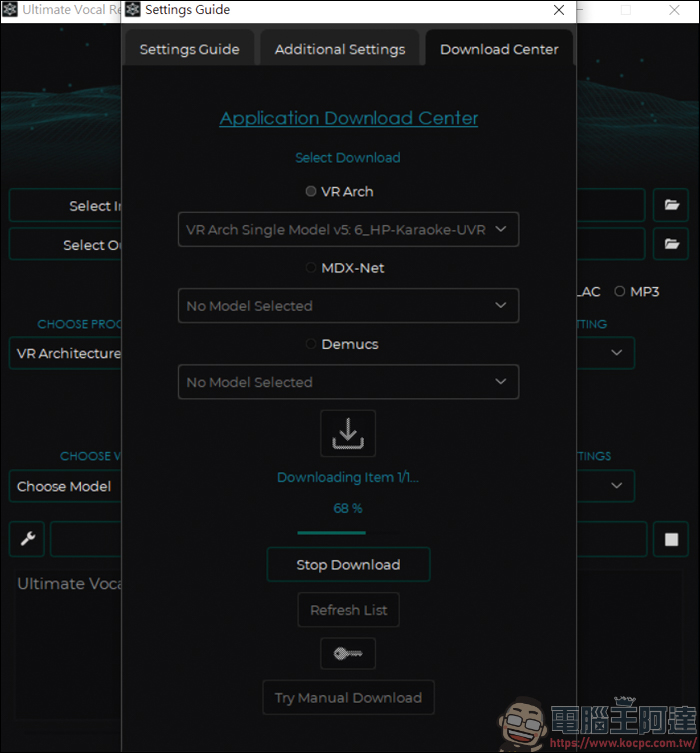
Then press the download symbol at the bottom to download:
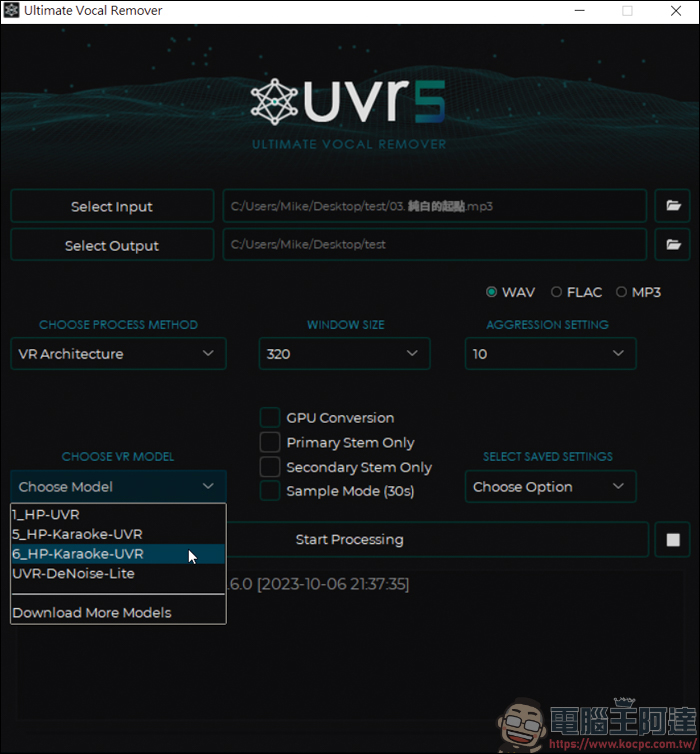
After downloading, select the model with the word Karaoke:
There are four options to choose from here, namely GPU computing, accompaniment only, vocals only, and only 30-second samples output:
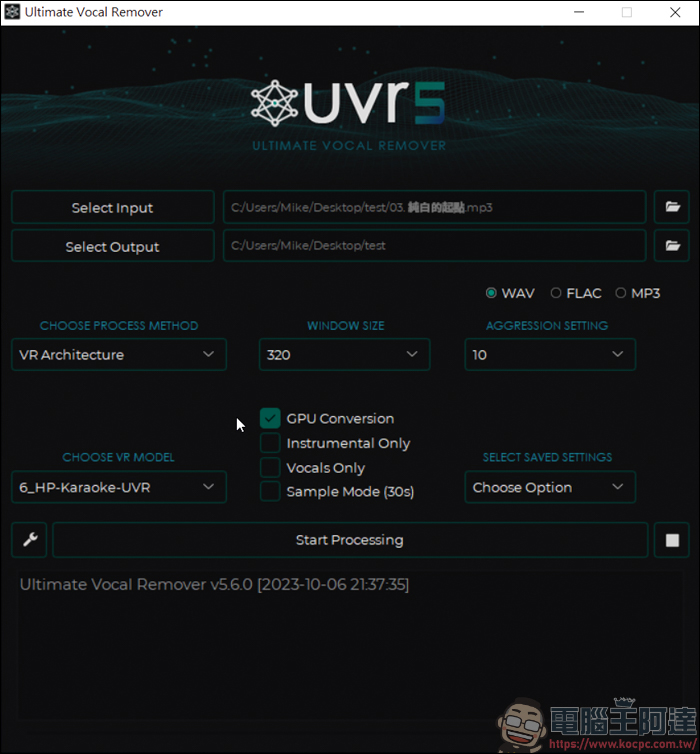
Here I will test the effect of extracting accompaniment + vocals, so I only checked the GPU operation. When done, press Start Processing, and the software will start computing:
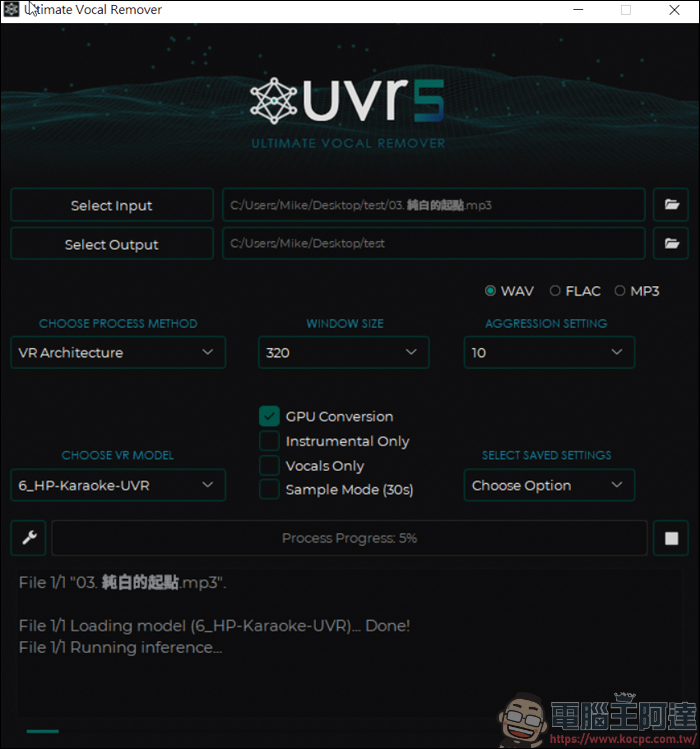
After processing, you can get the accompaniment and vocal sound files:
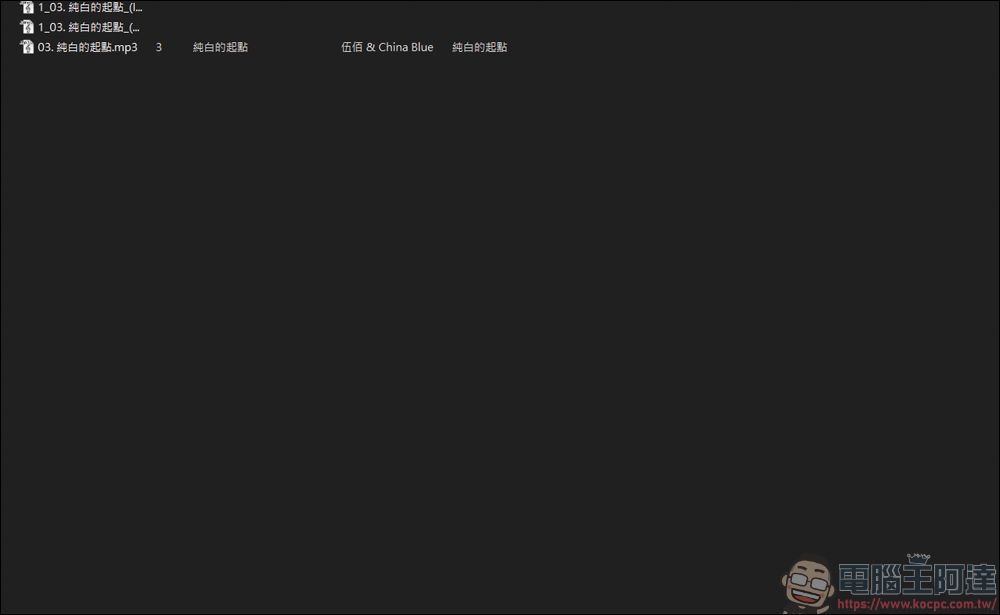
I have put the generated sound file in the link below. If you are interested, you can listen to it. Although the accompaniment will still have slightly dirty vocals, to be honest, the effect is very good:
accompaniment
Here we also changed another Vocal model test that specializes in processing sound:
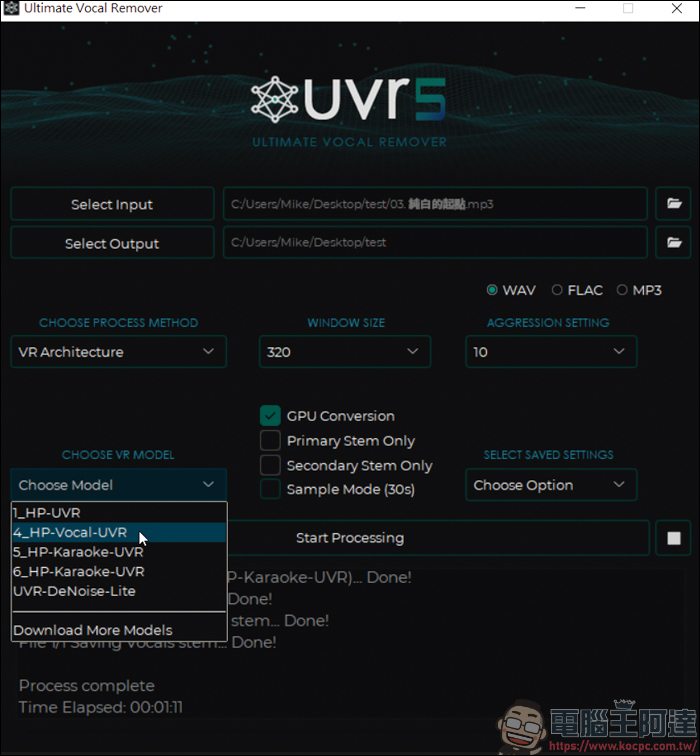
Check to generate only vocals:
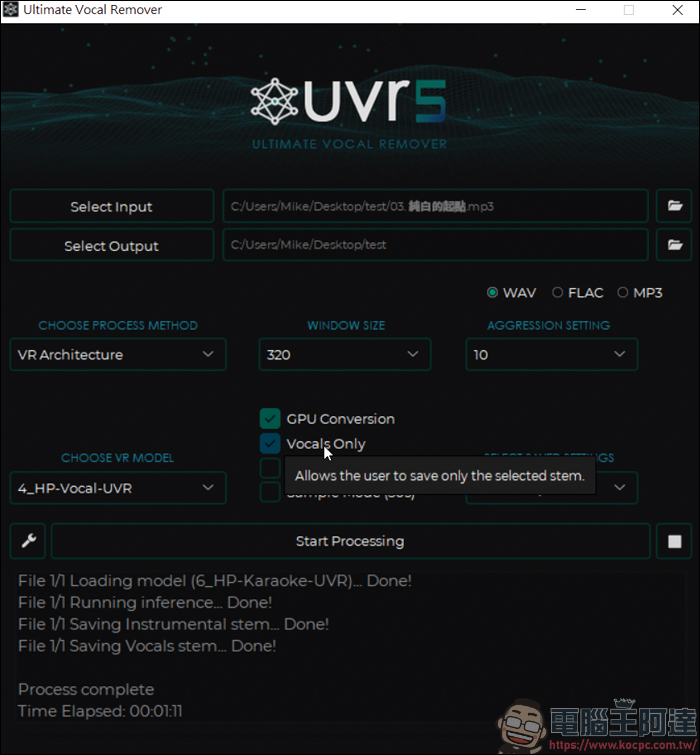
The generated human voice file is like this. It sounds no different from the human voice extracted by the Karaoke model. You can try it out:
Source: KOCPC Chinese