

• About Us
King of Computer Media
  • Home
  • Tech News
  • AI News
  • Apps & Tutorials
  • Mobile & Telecom
  • Lifestyle
  • About Us
No Result
View All Result
  • Home
  • Tech News
  • AI News
  • Apps & Tutorials
  • Mobile & Telecom
  • Lifestyle
  • About Us
No Result
View All Result
King of Computer Media
No Result
View All Result

Home - Mac OS software sharing and teaching - LATEST tracks whether there are new versions of Mac’s installed software and provides one-click updates for all functions

LATEST tracks whether there are new versions of Mac’s installed software and provides one-click updates for all functions

KOCPC Editor by KOCPC Editor
September 11, 2023 - Updated on August 4, 2026
in Mac OS software sharing and teaching

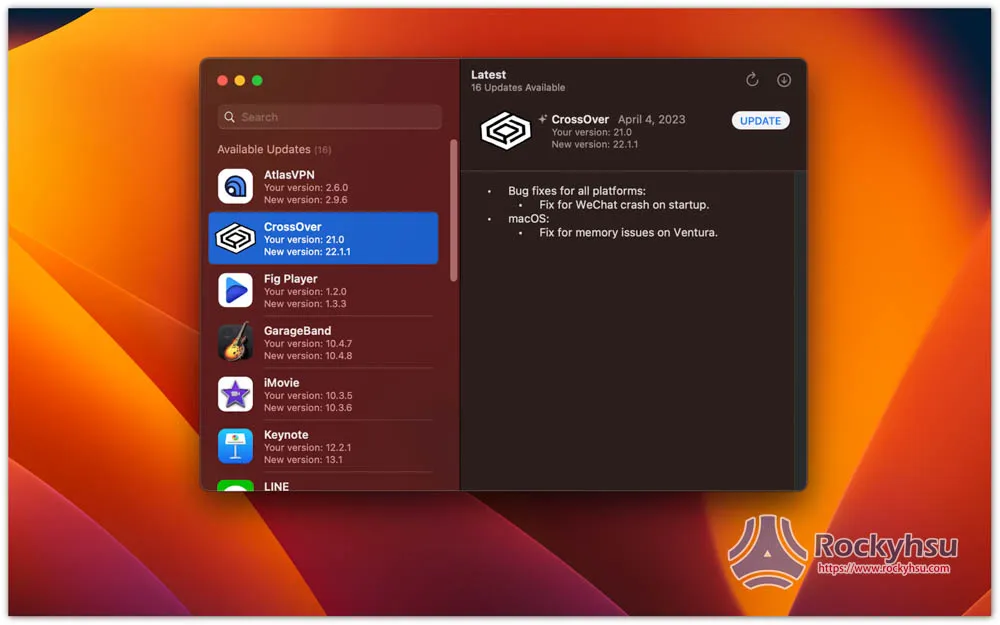
When using Mac, in addition to installing App software from the App Store, many people like me also download it from the Internet. Therefore, it is difficult to track each installed software version in the long run and whether it is the latest version. This article is about a very useful free software called LATEST, which can not only track all installed software, but also has a one-click update function.

You may be interested in:
  • The best Mac productivity software recommendations! These can help you improve work efficiency

What Mac models are supported?

Both the Intel version and Apple Silicon can use this, and according to the developer’s instructions, it also supports Touch Bar, allowing you to operate the updated software functions directly in Touch Bar without using a keyboard or mouse.

LATEST operation teaching

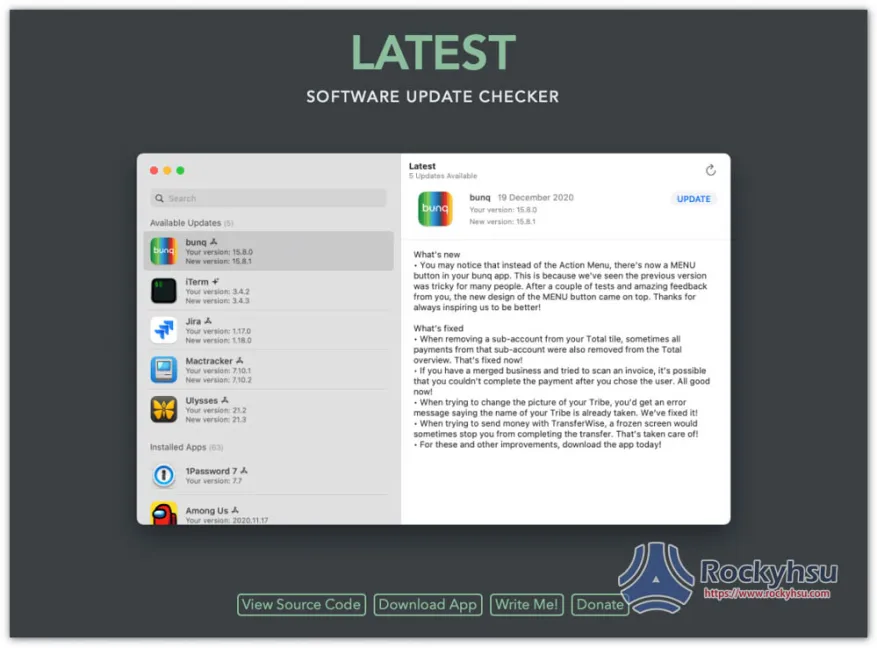
This is open source software and is shared on GitHub. The developer has also created an official webpage. You can click the link below to go to the official website to download the App.

  • Click here to get LATEST

1. You can start using it directly after downloading the App, no installation required

After entering the official website, click the Download App button below:
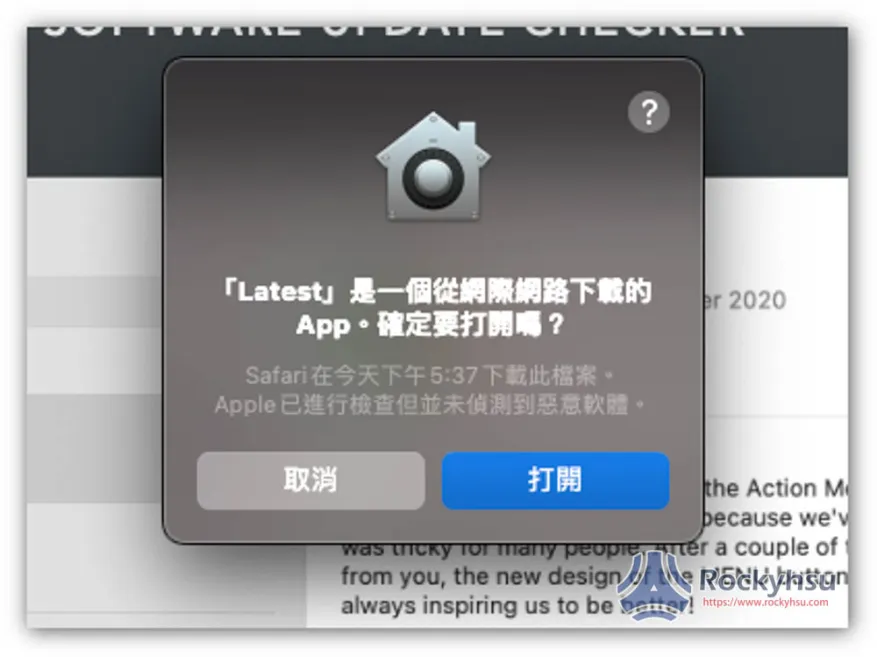
This screen will pop up when you open it for the first time. Click to open and you can start using it:
2. Browse which apps on your Mac can be updated

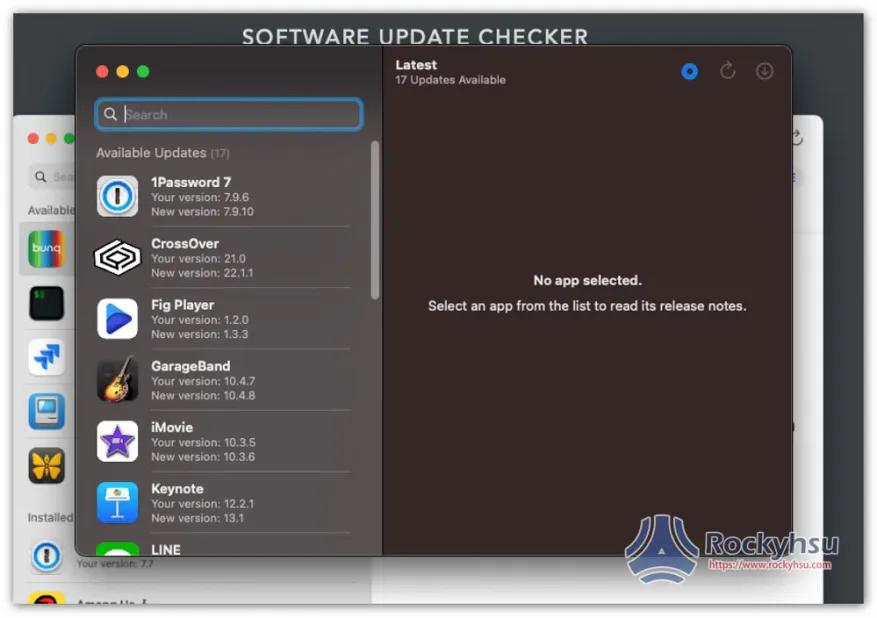
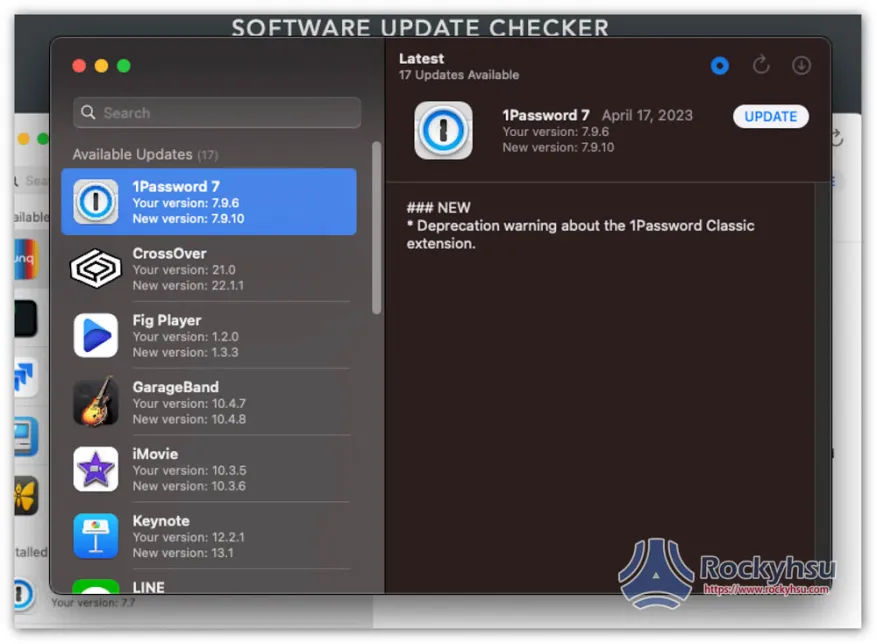
The left side will show that there are new versions of apps on your Mac. Apps that are already the latest version will not be listed. According to the developer’s instructions, most software apps are supported, whether it is App Store or software downloaded from the Internet:
3. One-click update or individual update

There will be an UPDATE update button on the right side of every App software. If it is downloaded from the Internet, click it to start the update:
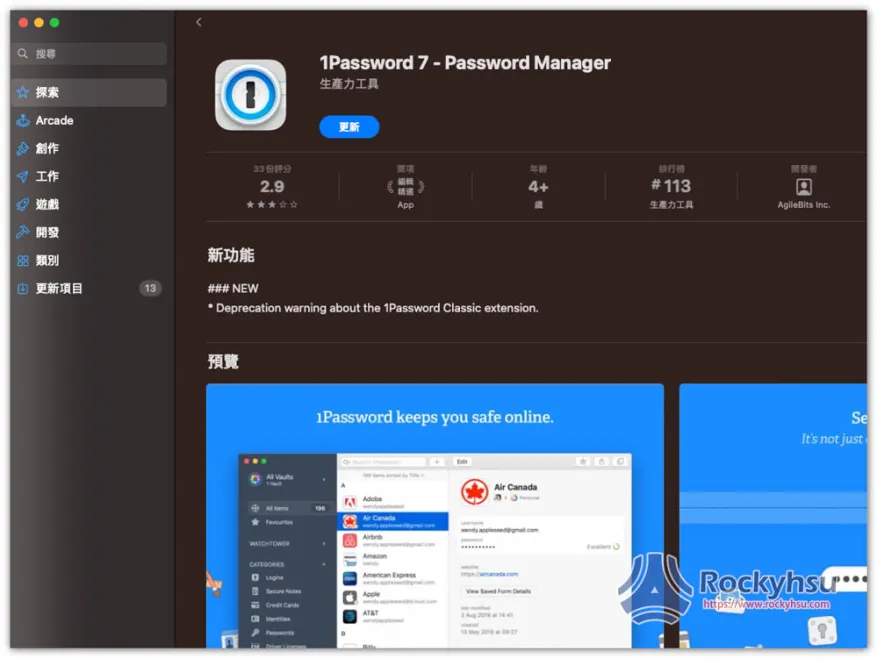
If installed from the App Store, the App’s store page will automatically open:
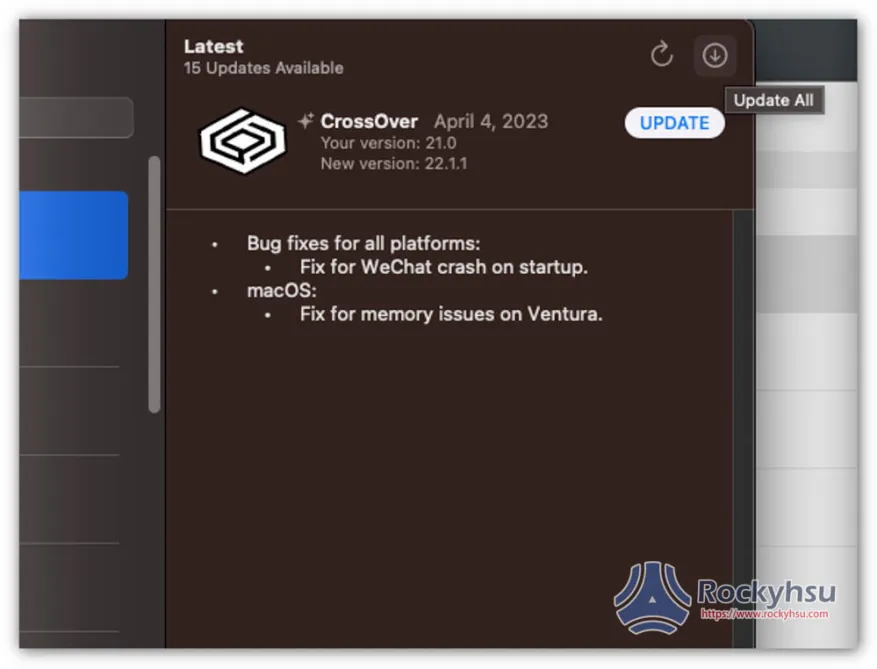
There is a small Update All icon in the upper right corner. Click it to update everything with one click:
Mac software subscription recommendation: Setapp

For friends who have been Mac users for a long time, it is highly recommended to consider Setapp, a Mac software subscription service. For only $9.99 per month, you can use more than 240 affordable and well-known Mac software, such as:

  • The very famous system cleaning and acceleration software CleanMyMac X 
  • Mockuuups Studio that can create product composite images
  • Permute video conversion software
  • Bartender who manages the Menu Bar in the upper right corner…etc.

Basically, with this subscription service, all your Mac needs can be met, especially for friends who work on Mac. You can find a lot of high-quality software in this subscription service.

Setapp offers a 7-day free trial.Click me to go to the official website to see more。

You may be interested in:
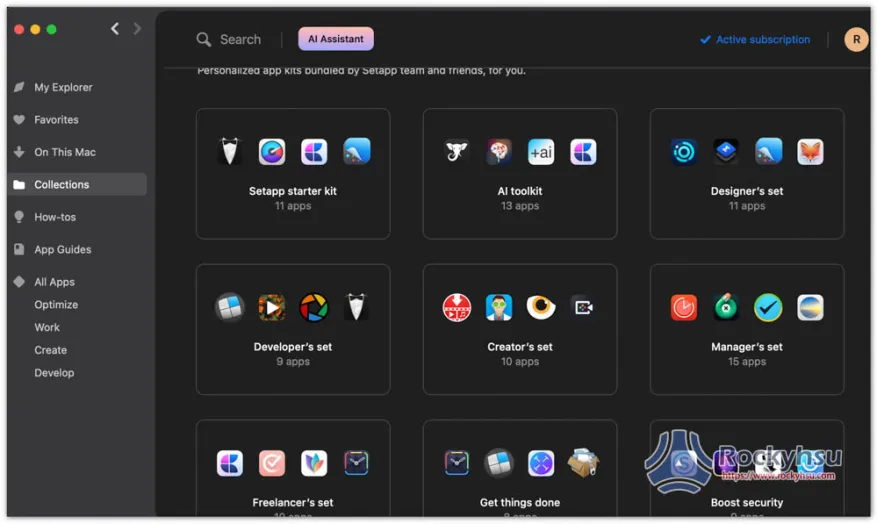
  • Setapp Mac and iOS software recommended subscription service, one account can use more than 230 professional paid software apps

Summarize

However, this one-click update function does not mean that it goes smoothly every time. When I tested several software downloaded from the Internet, the update failed. Therefore, sometimes I still have to go to the official website to download the installation file of the new version, or open the App software to use the built-in update function.

You may be interested in:

  • Mac VPN recommended! These are the best options I’ve tested

Source: KOCPC Chinese

Recent Posts

  • The Xiaomi Pad 8S Pro has passed network access certification and will debut with the self-developed XRING O3 chip.
  • The entire Google Pixel 11 lineup has been leaked! Official promotional renders of the Pixel 11 Pro XL have also surfaced
  • Are Chinese phone battery capacities falsely labeled? A brief look at the “capacity locking” phenomenon in Chinese silicon-carbon batteries.
  • NCC is leaderless, recklessly sending out national-level alert messages!?
  • What does “QR” in QR Code mean?

Recent Comments

No comments to show.
  • About Us

We welcome partnership inquiries and product review opportunities from smartphone manufacturers, iPhone accessory brands, and app developers.koc kocpc.com.tw|Privacy Policy |Hosting & Maintenance: Fast Line Taiwan, A-Chang Digital Technology

No Result
View All Result
  • Home
  • Tech News
  • AI News
  • Apps & Tutorials
  • Mobile & Telecom
  • Lifestyle
  • About Us

We welcome partnership inquiries and product review opportunities from smartphone manufacturers, iPhone accessory brands, and app developers.koc kocpc.com.tw|Privacy Policy |Hosting & Maintenance: Fast Line Taiwan, A-Chang Digital Technology