


Previously Google launch Gemini CLI It’s also free for everyone to use, and it’s let many people experience using it in Command Prompt / terminal. Gemini The great thing is that although xAI hasn’t released its own version yet, other teams have already created Grok CLI, which can be installed with just one command, for those who want to use it through the terminal. Grok Those who are interested can give it a try.
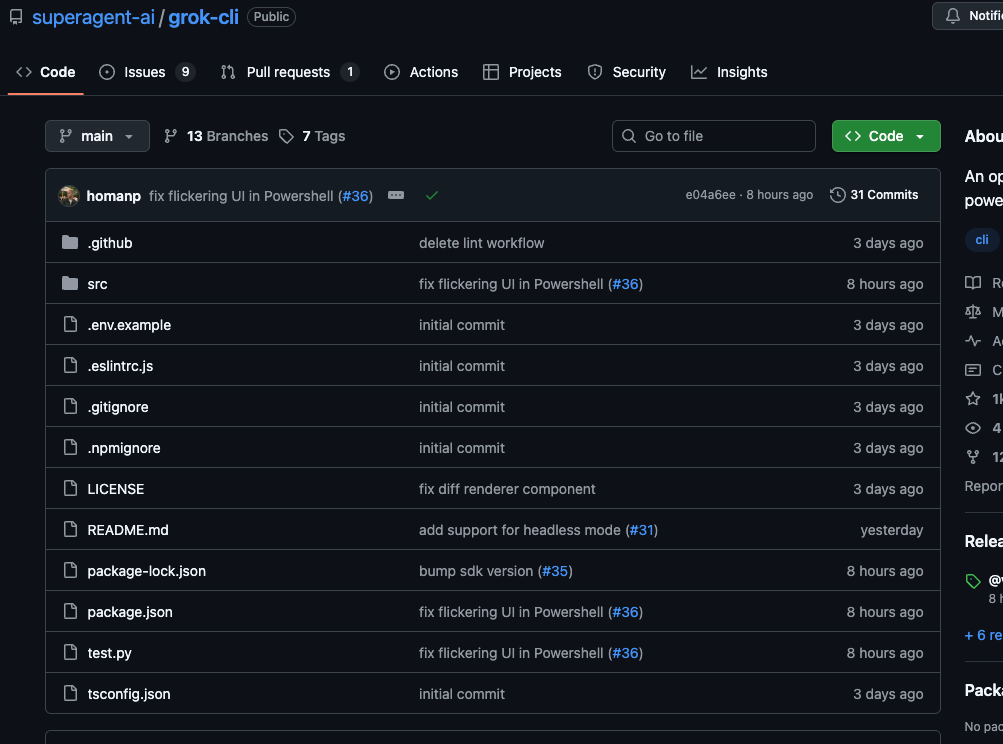
Grok CLI is here! It installs with just one command, but you’ll need an API Key.
First, you should know that Grok CLI is not officially released by xAI — it’s an open-source tool developed by Superagent-ai that integrates xAI’s Grok model into your terminal via a CLI. Because of this, you’ll need an API key to use it, and you’ll be charged based on your usage — there’s no free tier like Gemini.
The main features are as follows:
- Conversational AI Operation: Interact with Grok-3 Using Natural Language
- Smart File Handling: View, Create, and Edit Local Project Files
- Shell Integration: Execute bash commands via natural language
- Automatic tool selection: the backend determines the best execution method.
- Interactive UI: Building Beautiful Terminal Visual Interfaces with Ink
- Fully open source and MIT-licensed: lightweight yet extensible.
And the installation is also very simple. Open your command prompt or terminal, enter the following command and submit it, and you can install it globally. In the future, just type grok to activate it, just like Gemini CLI:
npm install -g @vibe-kit/grok-cli
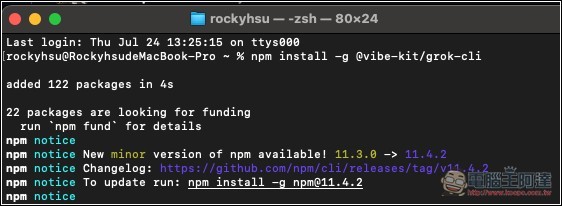
Additionally, make sure your Node.js is version 16 or above. You can check this with the following command. node -v
If you haven’t installed Node.js yet, go to the official website and download the version that suits your operating system.
After installation, you still need to fill in the Grok API Key for it to work properly; without it, you won’t be able to open the Grok CLI interface:
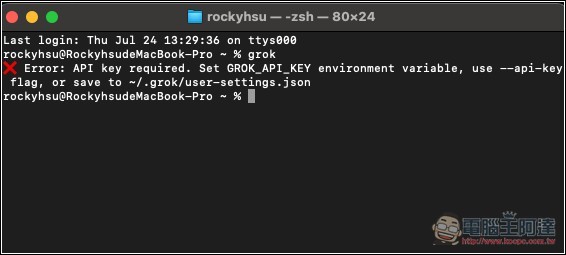
There are four ways to enter the Grok API Key. You can use whichever one you prefer. I used the environment variable method, and the command is as follows:
export GROK_API_KEY=你的API金鑰
If you want it to be ready to use every time you open it without having to set it up again, you can create a user profile.
Once the API Key is set up, type Grok to open the Grok CLI interface:
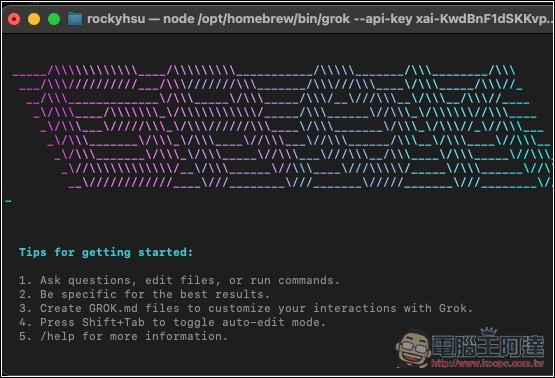
The model defaults to Grok-3-latest. If you want to use a different model, such as Grok 4, you can switch models with the following command:
grok --model grok-4-latest
grok --model grok-3-latest
grok --model grok-3-fast
Basically, anything Gemini CLI can do, Grok CLI can also do—like answering basic questions, generating articles, summarizing meeting content, web development and debugging, building complete websites and applications, and performing web searches to get briefings, among other things.
The only thing to note is that, because it’s through an API Key, you’re billed based on your usage.
Source: KOCPC Chinese