


After using the Windows operating system for a long time, you will definitely feel that it is running slower and slower, or you have obviously deleted a lot of things, but the storage space is still not enough. Recently, there is a highly rated Wise Care 365 PRO system optimization and performance acceleration software. It is offering a limited-time free event, and it is a lifetime free version. It is not a one-year serial number. You don’t need to fill in any information when you get it, which is very good.
The widely acclaimed Wise Care 365 PRO system optimization and performance acceleration software is free for a lifetime
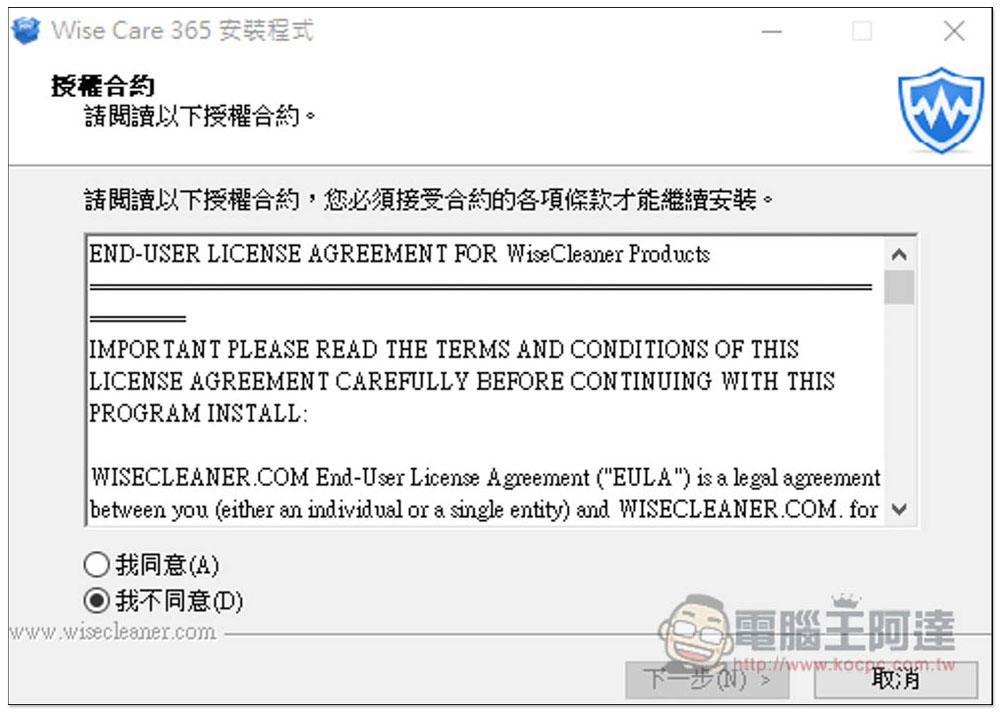
The Wise Care 365 PRO limited free event launched this time is on the WinningPC website. After entering the event page and scrolling down, you can find the installation file of the software, and it is a registered version, which means that once installed, it is the PRO professional version. There is a Traditional Chinese interface. If there are no special requirements, just click Next during the installation process:
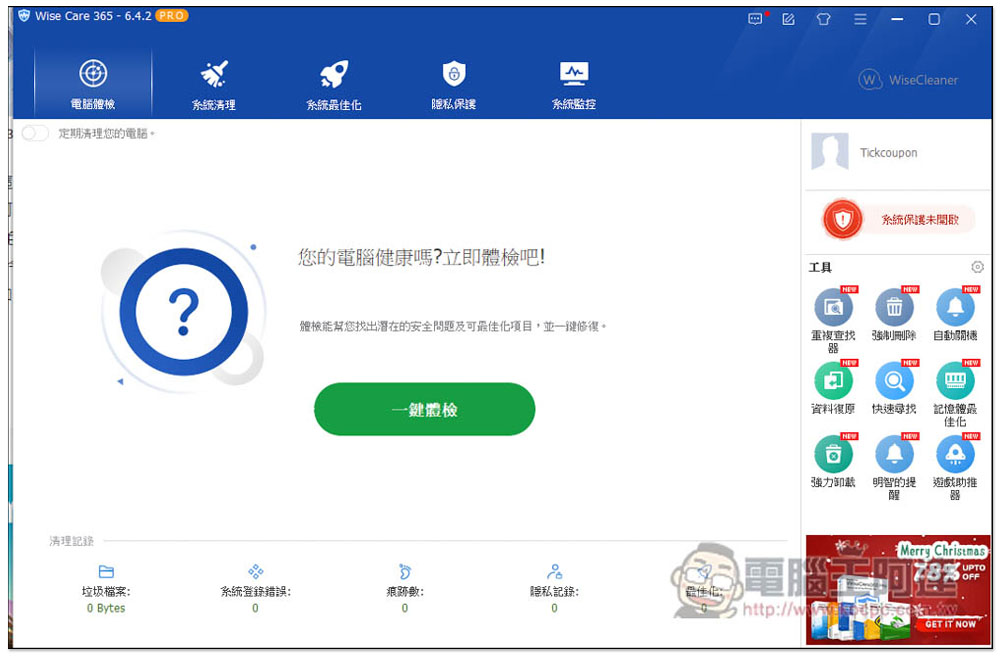
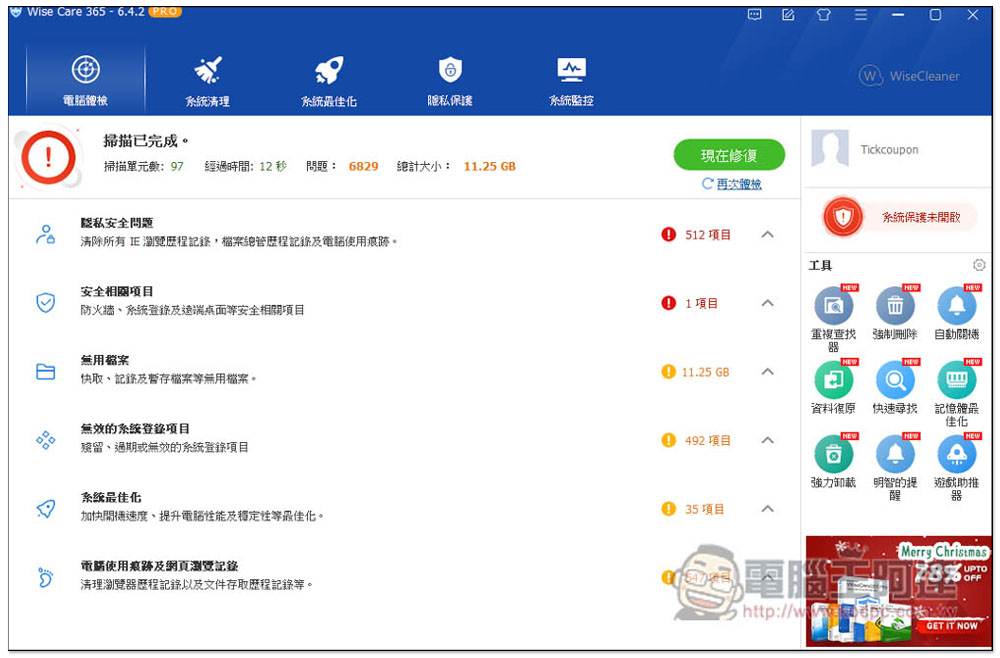
After installation, open it and you will see the word PRO above, which means it is a registered professional version. There is a built-in one-click physical check function, which will scan the current status of your computer with one click:
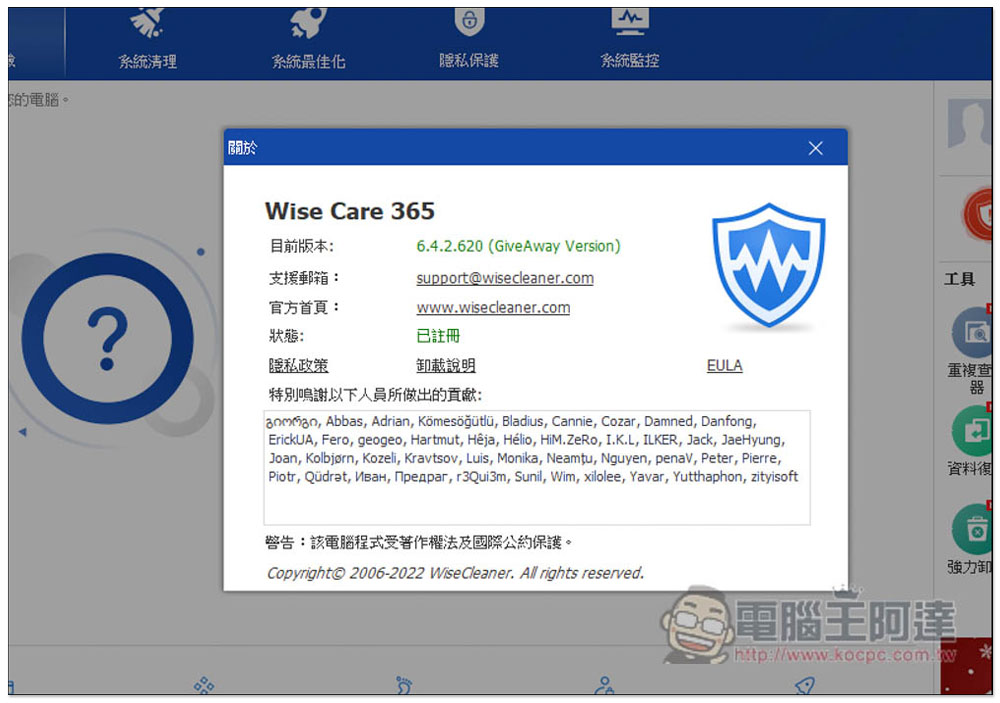
I also entered About to check, and the status indeed said registered:
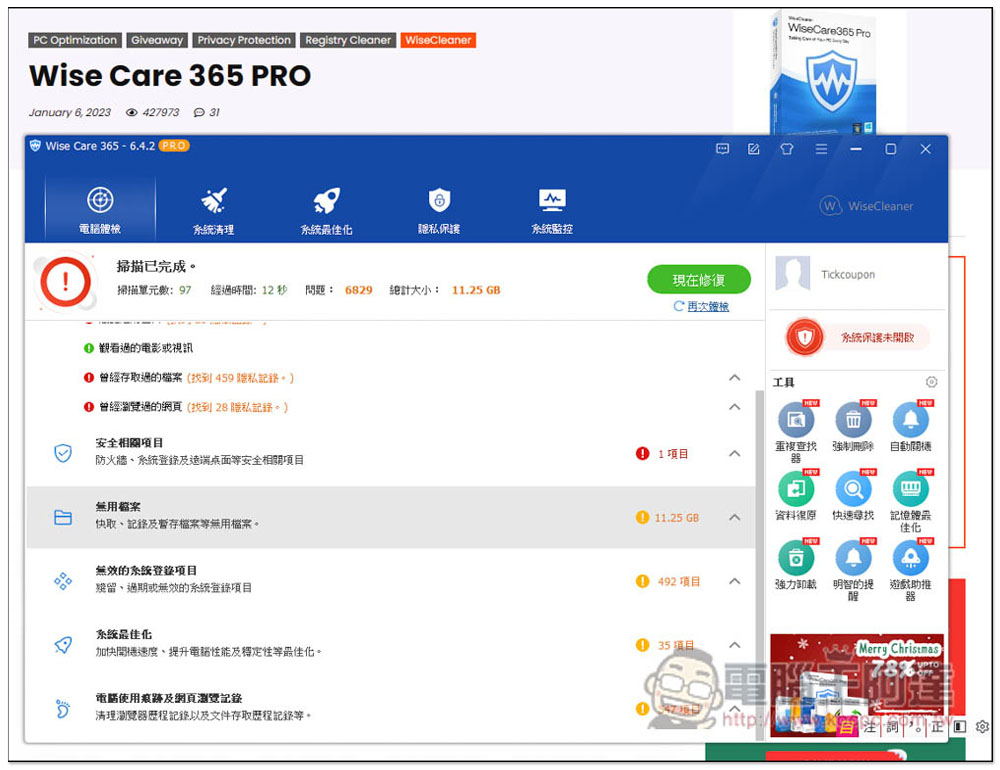
The one-click physical examination will scan six major items, including “privacy and security issues”, “security-related items”, “useless files”, “invalid system login items”, “system optimization” and “computer usage traces and web browsing records”. The scanning speed is quite fast and will be completed in one minute:
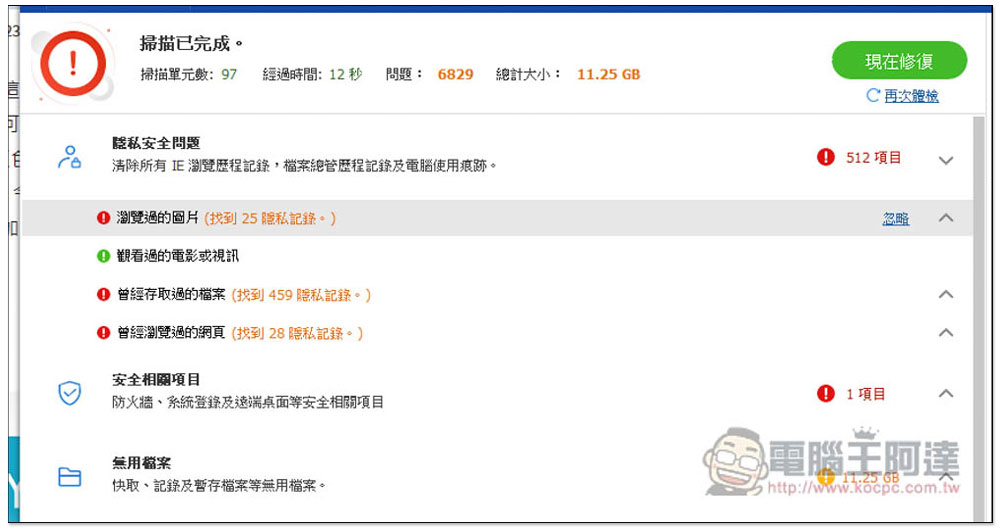
After expanding the arrow, you can view detailed items, such as the privacy and security issues of my Windows 10 operating system, which have three red words, including viewed images and web pages, accessed files, etc.:
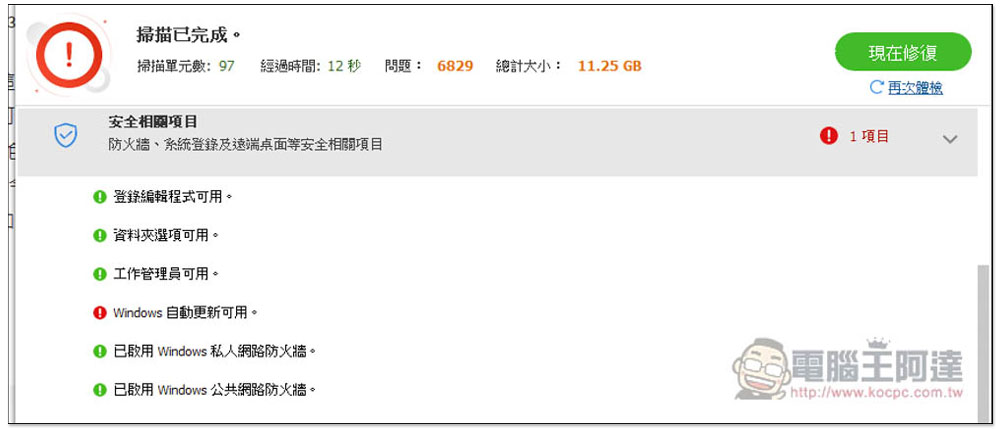
The security project is okay, there is only a red letter, there is a new Windows automatic update available:
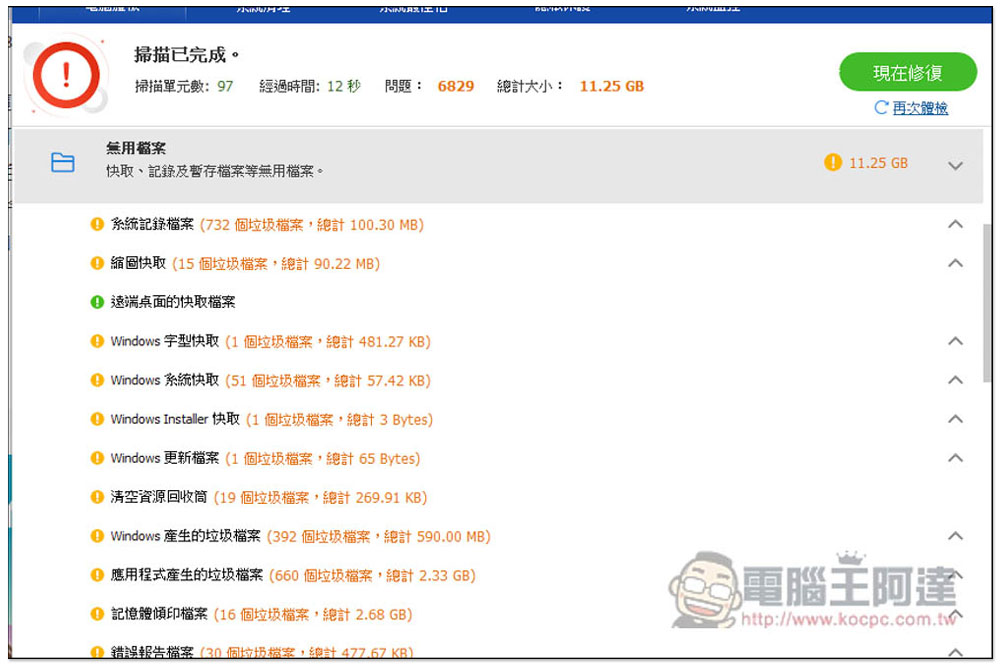
I really didn’t expect so many useless files, up to 11.25GB. I have only installed this operating system for about a month, which is really scary. There is a one-click repair (repair now) function in the upper right corner. I recommend confirming each item before pressing it. If there is something you don’t want to be repaired, there is also an ignore function:
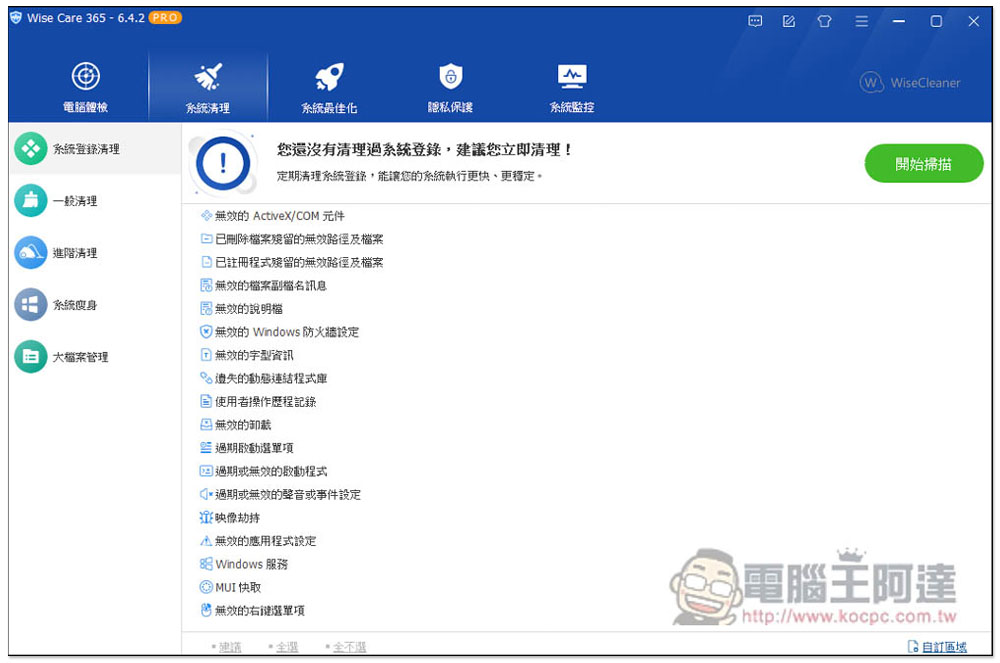
In addition, you can also manually optimize each item. For example, system cleaning includes “system login cleaning”, “general cleaning”, “advanced cleaning”, “system slimming” and large file management:
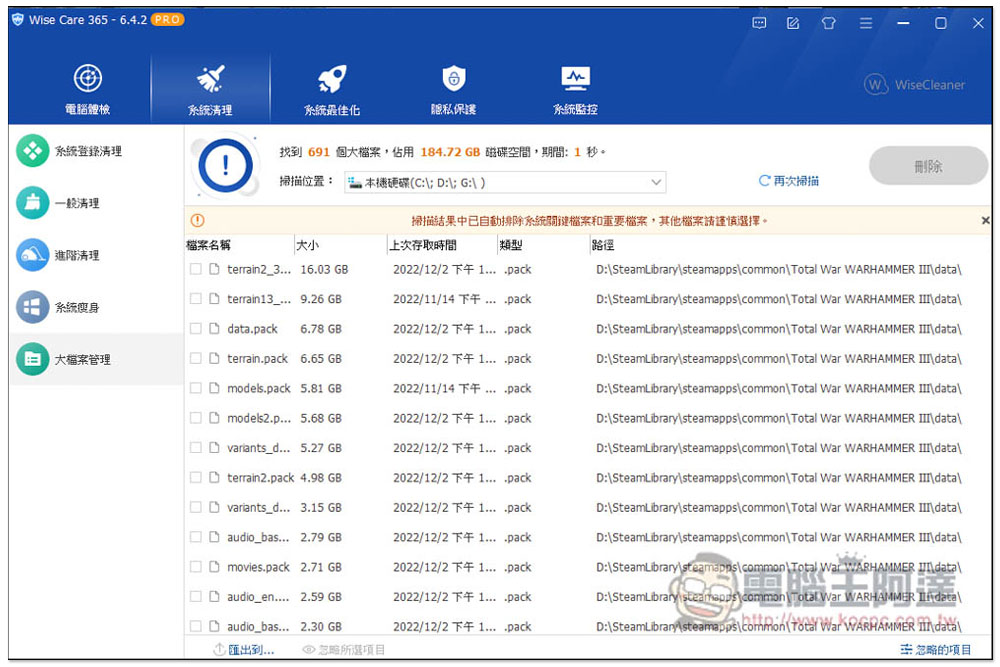
Large file management is quite useful. It can quickly scan large files in the system and arrange them according to size:
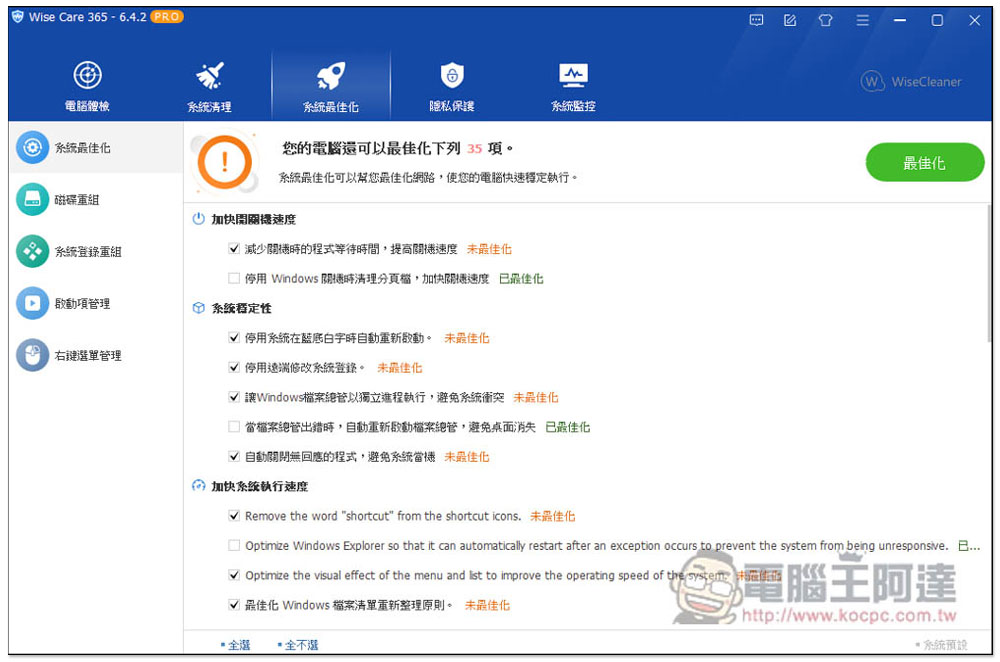
The system optimization section includes “System Optimization”, “Disk Reorganization”, “System Login Reorganization”, “Startup Item Management” and “Right-click Menu Management”:
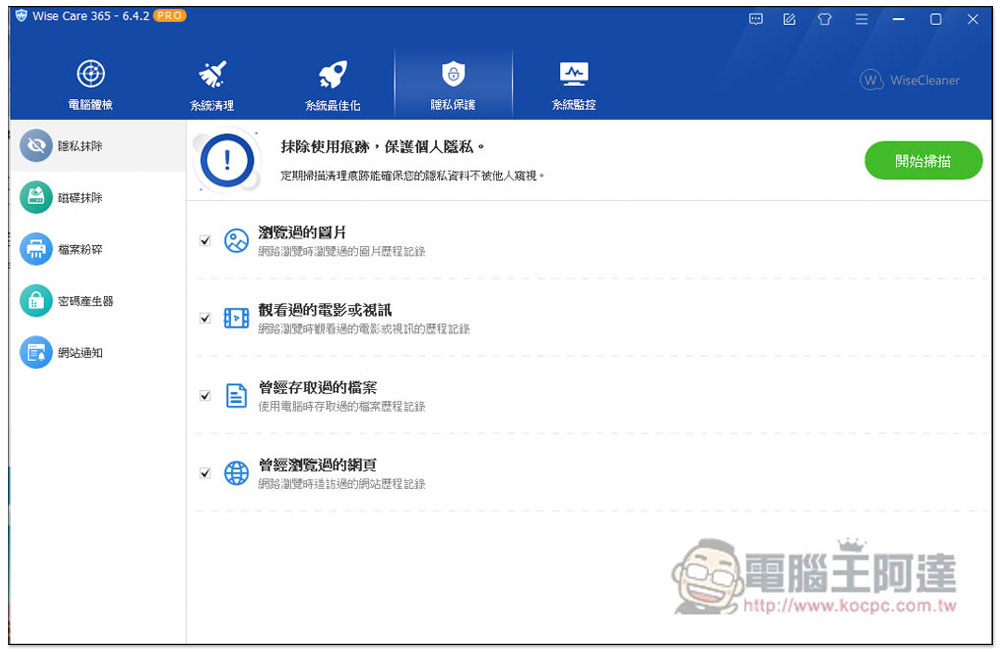
Among privacy protection, there are “Privacy Erase”, “Disk Erase”, “File Shredder”, “Password Generator” and “Website Notification”:
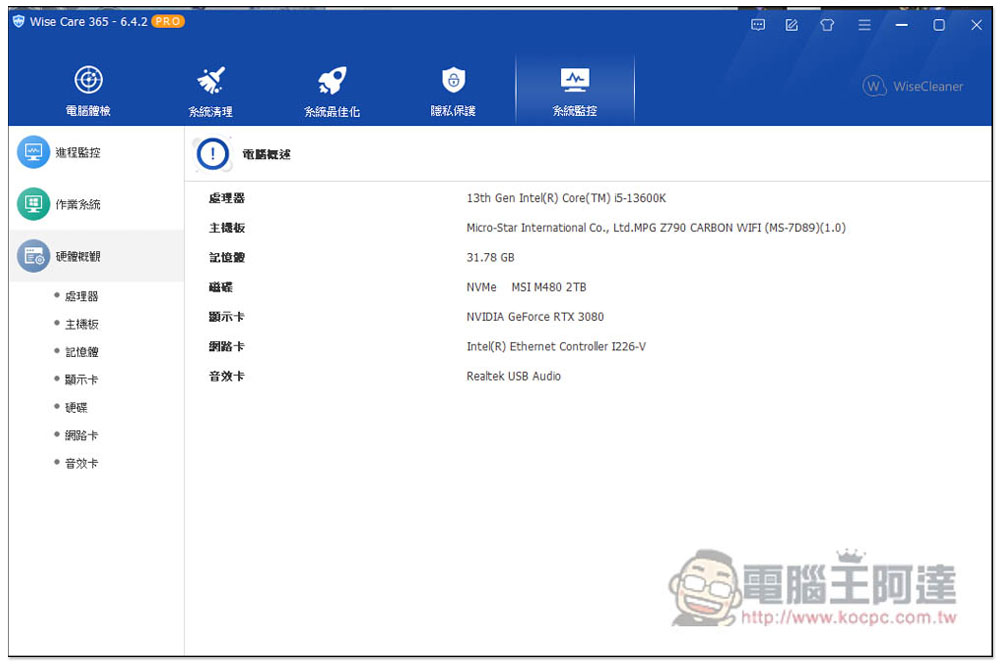
Finally, system monitoring is monitoring. You can check the hardware model and details of the computer, such as processor, motherboard, memory, graphics card, operating system information, and which applications have been used recently (process monitoring):
It is not certain when the Wise Care 365 PRO limited free offer will last, but those in need are advised to get it and install it as soon as possible. There are still a lot of functions, and the rest is left to the readers to play with.
Source: KOCPC Chinese