


When needing to quickly transfer large files, many people will immediately think of Google Drive、Dropbox、pCloud waitcloud space, but these services require logging in to an account, setting permissions when sharing, and even files that are too large can easily lead to full space. If you only share temporary files and do not have any important files, the cloud space is actually a bit troublesome. At this time, storage.to Free file sharing spaceIt is a very good choice. It can be used without registration. The maximum file size is 25GB. In addition to being automatically destroyed within a maximum of 7 days, it also provides the function of destroying it after the other party has read it. With AES-256 encryption technology, it is highly secure.
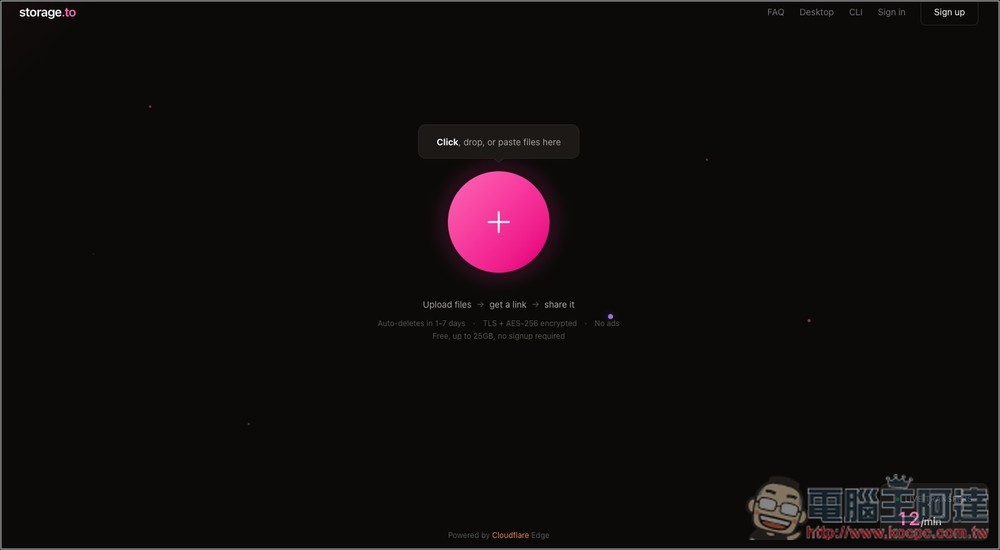
Storage.to Free File Space Sharing Tool Introduction and Operation Tutorial
storage.to is a free file transfer tool that focuses on “simple and fast sharing”. It does not require an account registration, and there is no advertising interference. Just drag the file to the web page, the system will automatically upload and generate a sharing link, and you can transfer the file to the other party within a few seconds.
The operation process is very simple. There are only three steps in the whole process: upload the file, get the link, and share it. Users can directly drag files to the page, or click to select files. After the upload is completed, a dedicated download URL will be generated. The recipient can download the file simply by opening the link. Very convenient for people who need to quickly share pictures, documents, videos or large files.
In addition, storage.to also emphasizes security and privacy protection. All files are TLS encrypted during transmission and stored using AES-256 encryption technology to ensure that data is protected from unauthorized access. Users can also set password protection for files, so that only people who know the password can download the files, further improving security.
Files will be retained for 1 to 7 days, and will be automatically deleted by the system after expiration to avoid taking up server space. Cloudflare global network nodes are used behind the platform, so upload speeds are usually quite fast and perform well for cross-border transmissions.
Featured highlights
- Free to use, supports up to 25GB file upload
- You can use it directly without registering an account
- Drag files to quickly upload and generate sharing links
- Files are automatically saved for 1 to 7 days and automatically deleted upon expiration.
- Supports TLS + AES-256 encryption to protect data security
- Download password can be set to improve file privacy
- Provides “Destroy after reading” function
- Using Cloudflare global network nodes, the transmission speed is fast
- Simple interface and no advertising interference
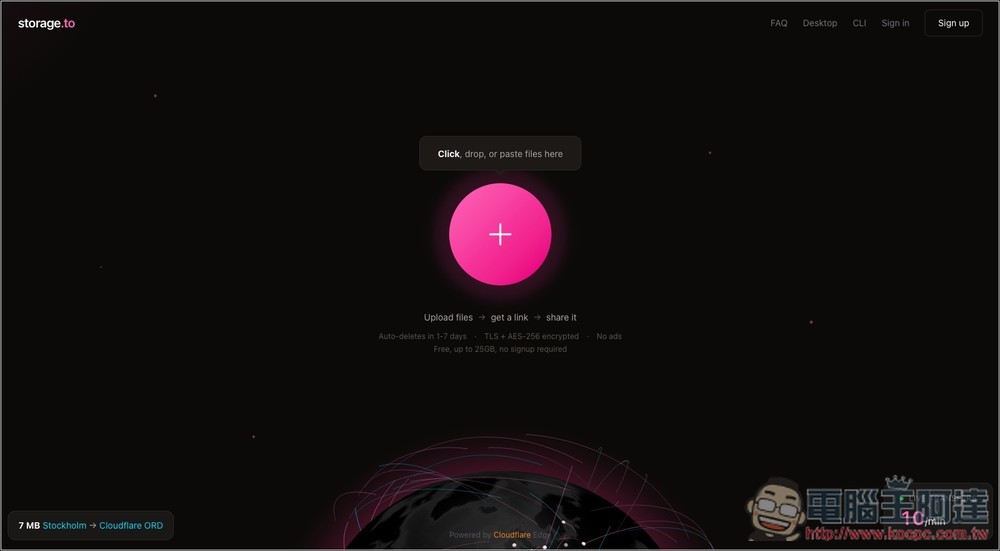
After clicking the link above to enter storage.to, you can drag in the file you want to share, or press + to select manually. Each share can be up to 25GB:
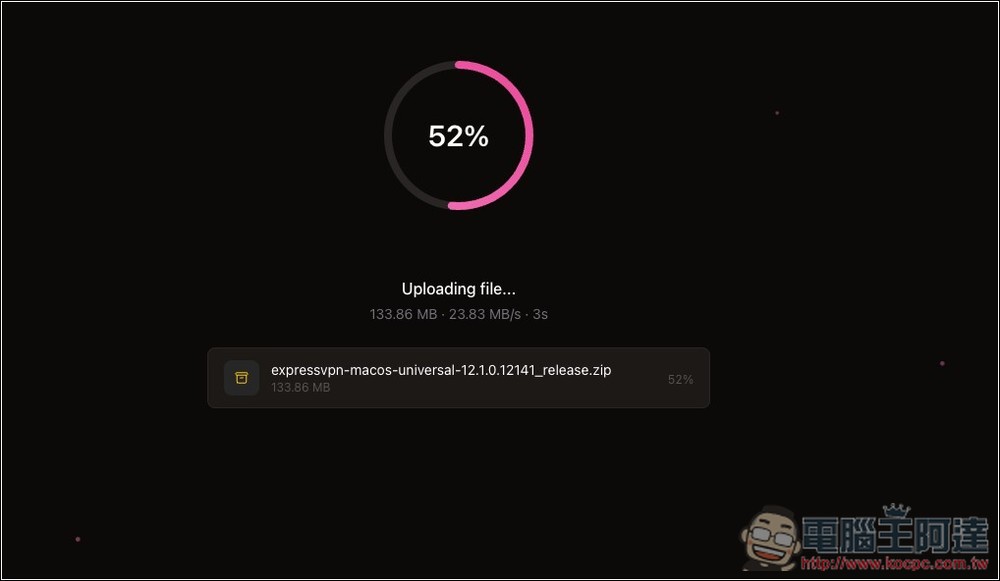
Then the upload will start. Considering the free file sharing space, the speed is quite fast:
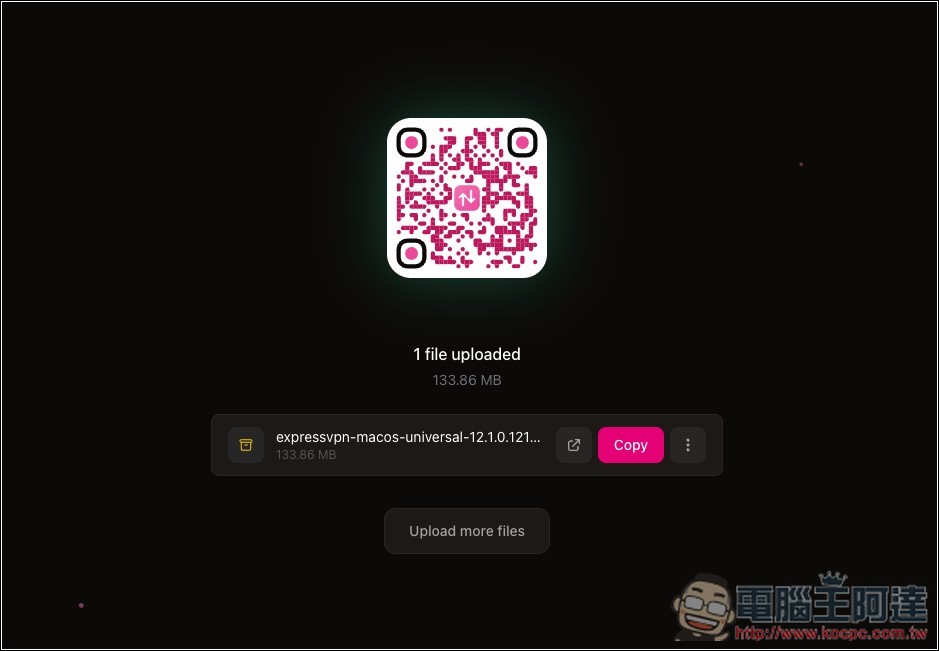
Once completed, you will get a shared QRCode and file link. Press Copy to copy with one click. You can also add more files to this screen at any time. Click Upload more files below to select manually or drag them into the window:
When sharing multiple files, in addition to copying the sharing link of a single file, there is also a general link:
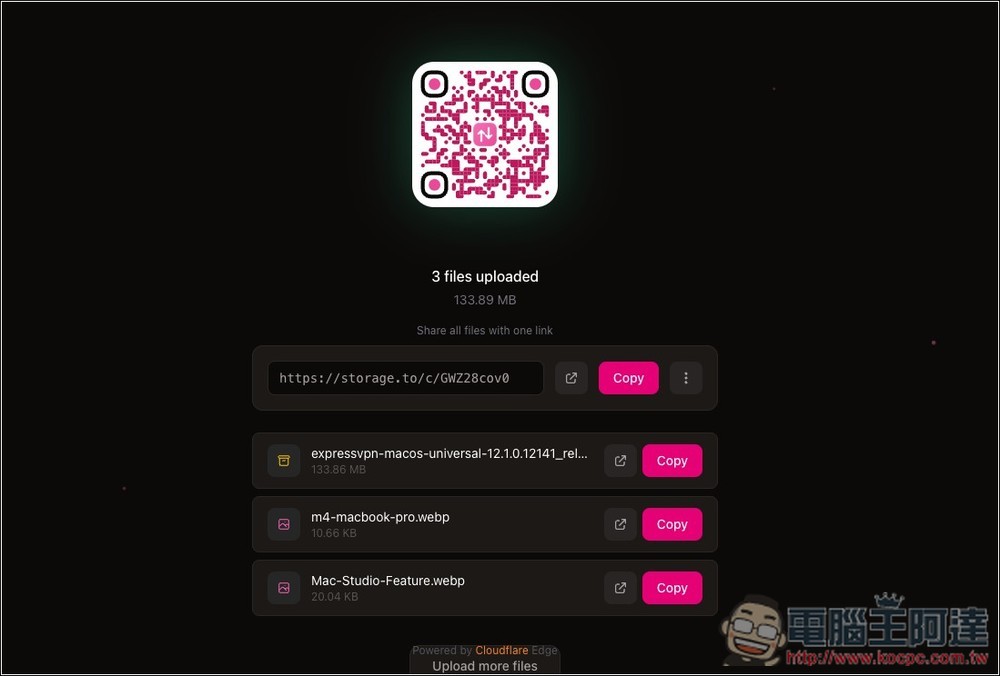
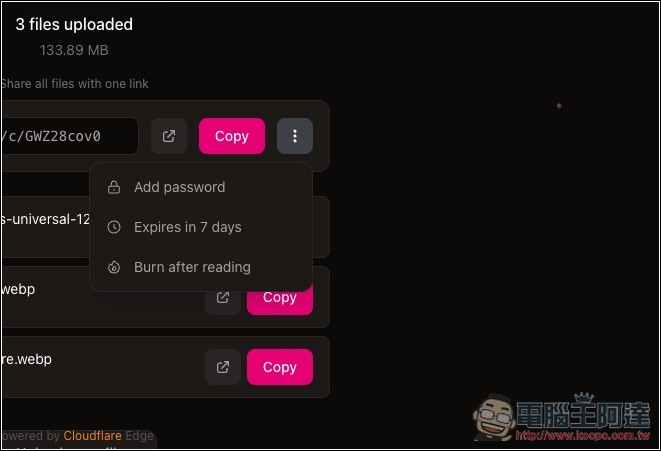
The default is to automatically destroy it after 7 days. If you want it to be destroyed after the other party reads it, turn on the last Burn after reading. Add password is to add password:
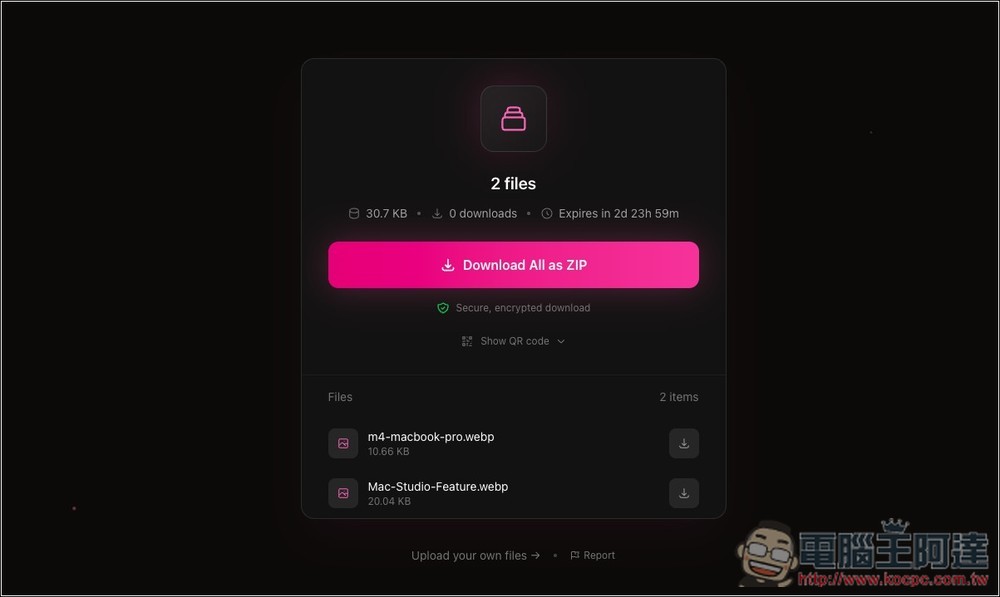
When the other party opens the link, it will look like this:
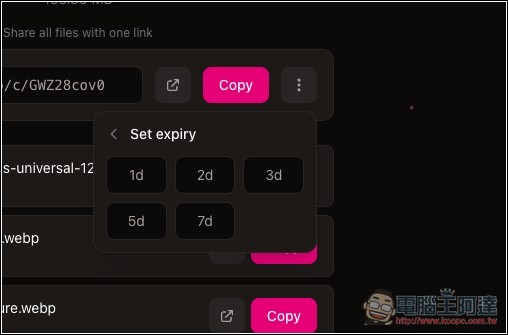
The number of days for destruction can also be modified and can be adjusted to 1 day, 2 days, 3 days, 5 days or 7 days:
Source: KOCPC Chinese