


Recently, because I have been improving my Japanese, I was looking for any useful Japanese apps in the App Store. I found this “Japanese Vocabulary for Everyone” with quite complete functions. It will push a new Japanese word every day, as well as a 50-sound learning test, basic Japanese courses, etc., and there are almost no ads. It is highly recommended for people who want to learn Japanese. One app can help you lay the foundation.
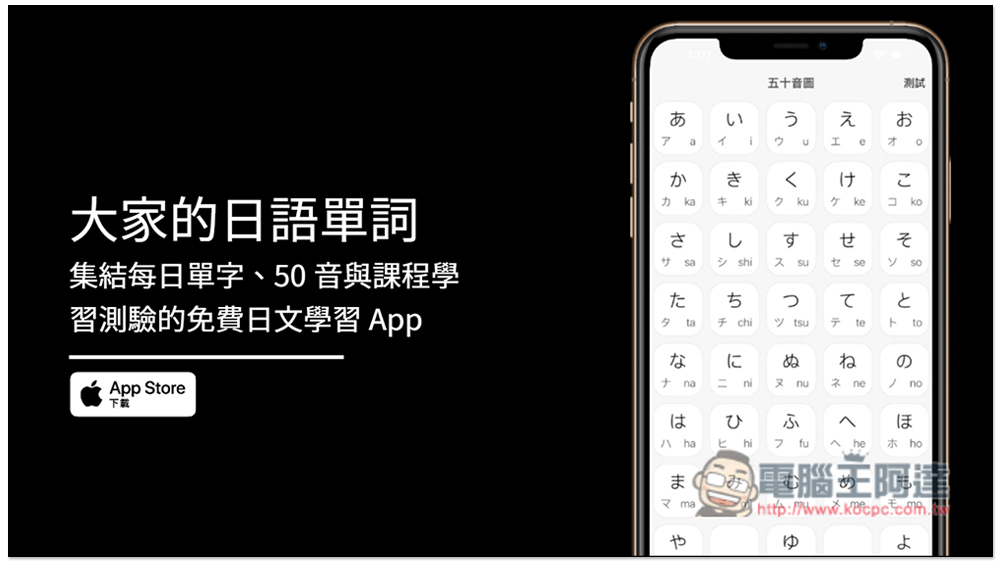
Introduction to everyone’s Japanese vocabulary free Japanese learning app
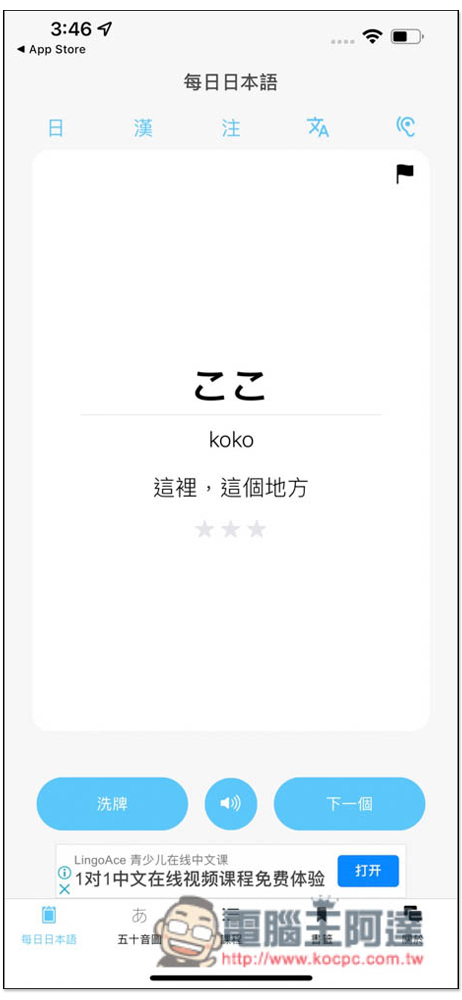
After opening our Japanese Word App, daily Japanese words will be pushed on the homepage. The default Japanese, pronunciation and Chinese explanations will all be displayed. If you don’t want any of them to appear, you can click on the function icon above. For example: click “Chinese” to turn off the Chinese explanation. If you have already learned this word, you can click the “Next” function below to switch to a new Japanese word:
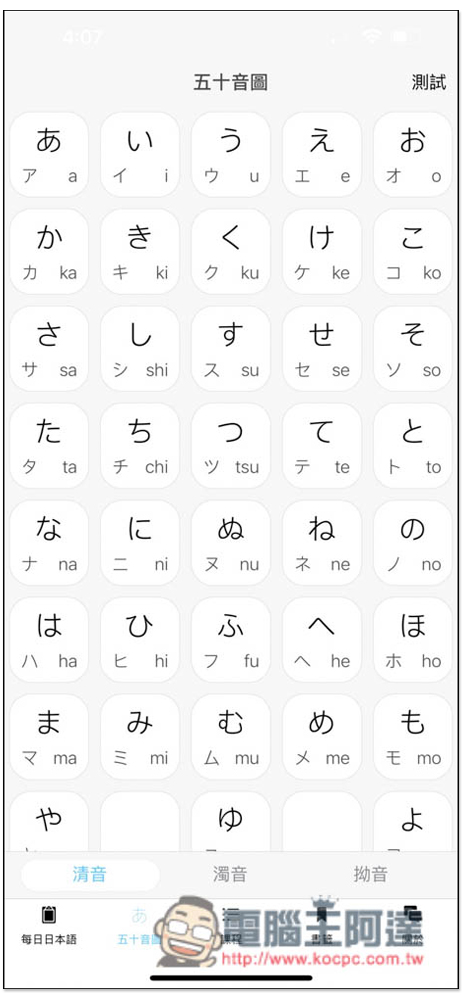
The most important syllabary to learn is hiragana and katakana. Click to listen to the pronunciation. Press the upper right corner to take the test:
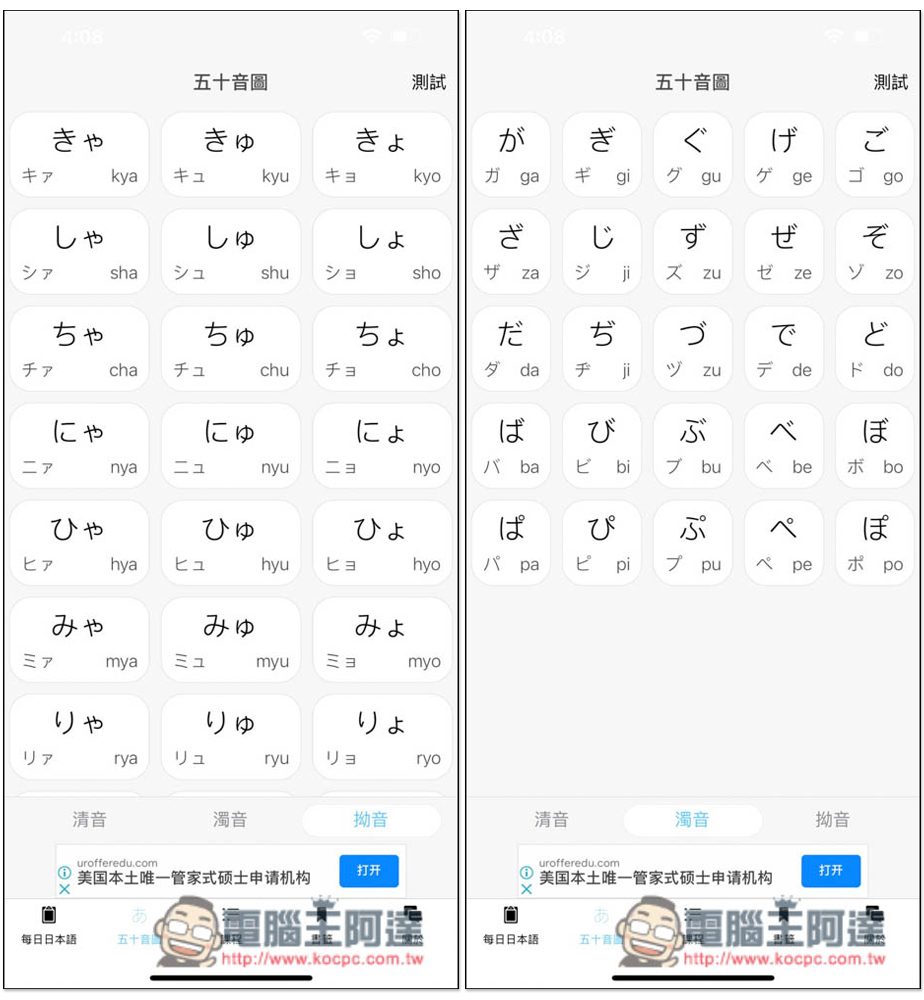
There are also voiced and oblique sounds, and they are also accompanied by hiragana and katakana:
The test section is also quite diverse. You can customize whether to display hiragana, answer in romaji, katakana and romaji, or katakana and hiragana, depending on which part you want to strengthen. Click the option above to switch:
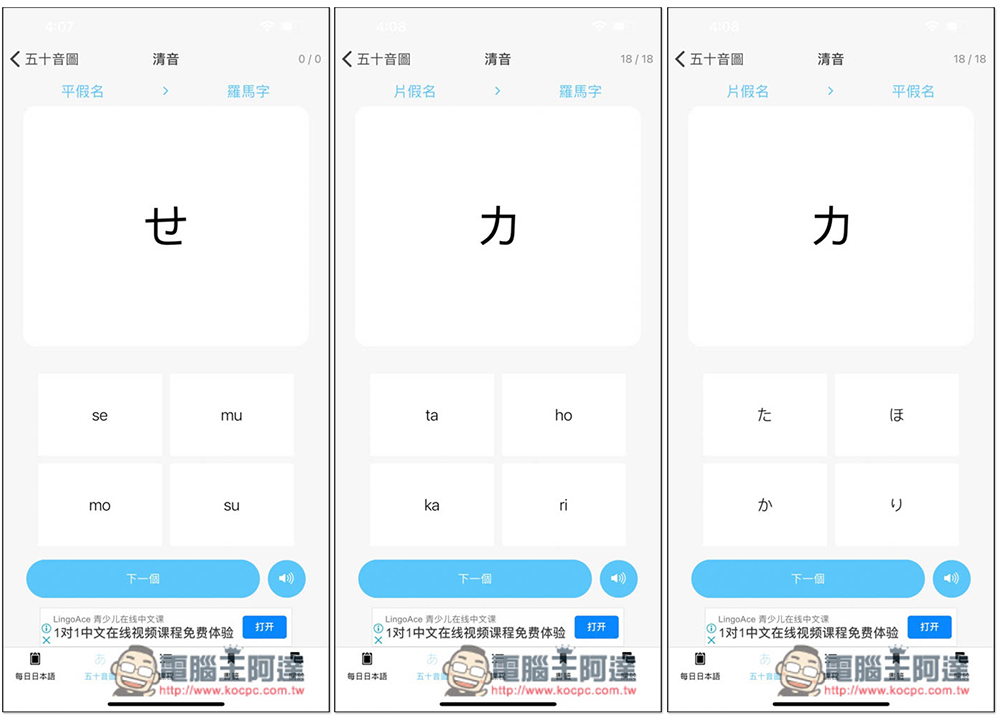
There are two levels in the course, namely “Beginner I”, “Beginner II”, “Advanced I”, and “Advanced II”. There are a total of 50 lessons after taking them all, which is quite a lot. If you are serious about it, you should have a certain foundation in Japanese after learning:
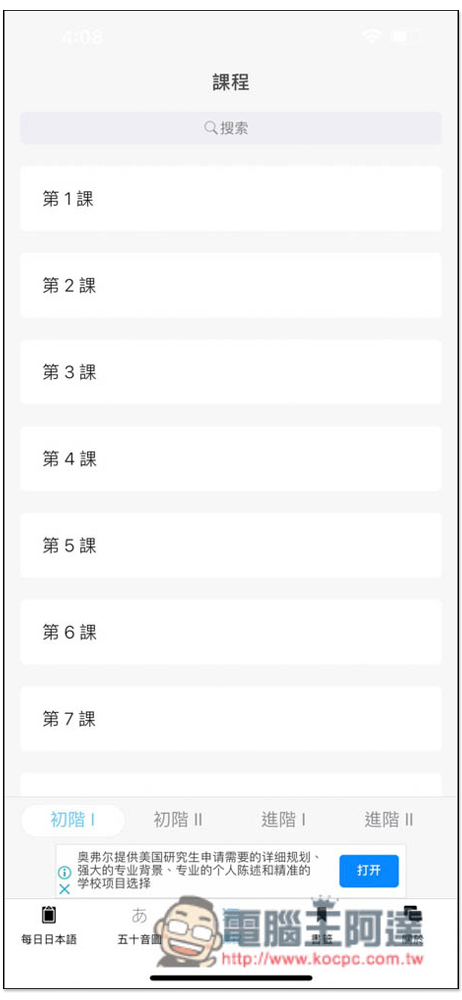
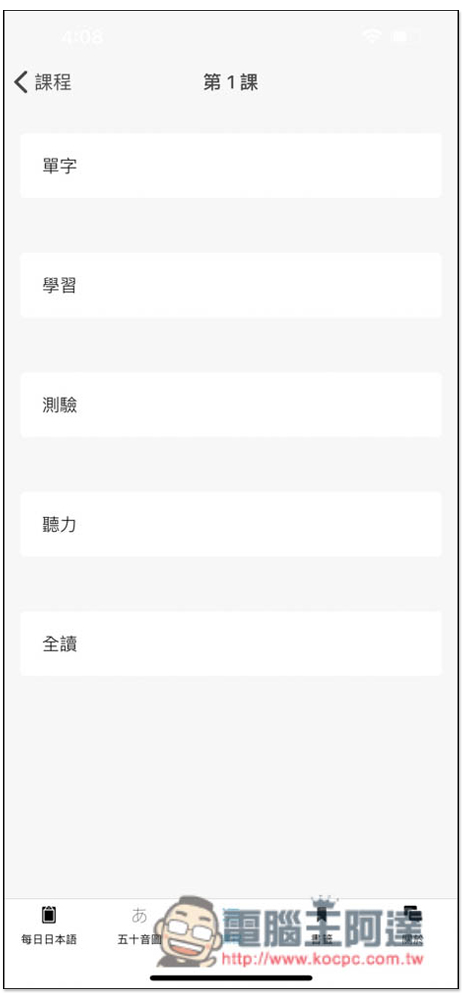
Each course has five parts, vocabulary, learning, testing, listening, and full reading, which is similar to the content of our Japanese courses:
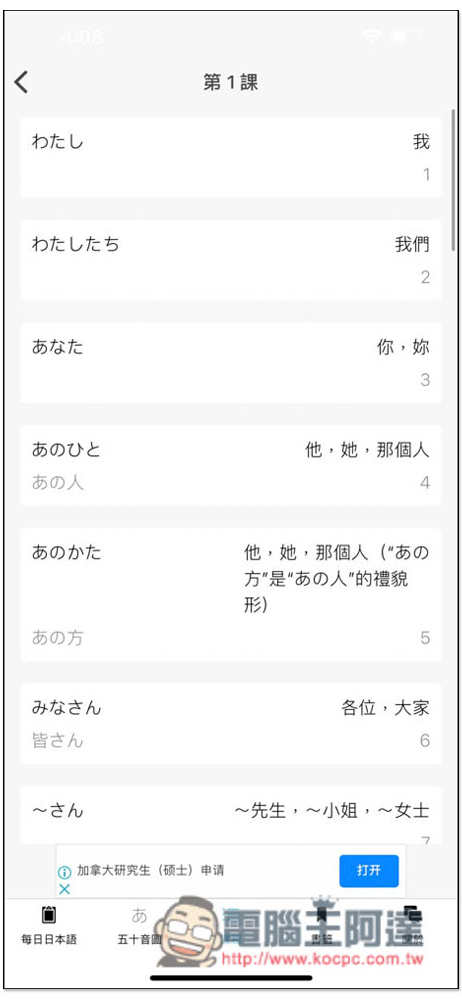
The vocabulary you will learn in the first lesson is also the same as everyone’s Japanese. Click on any word to listen to the pronunciation:
After you have roughly browsed the word part, you can use the learning mode to learn each word one by one. If you encounter a word that is too difficult to memorize, or you want to remember in particular, click on the star below to add it to the word book:
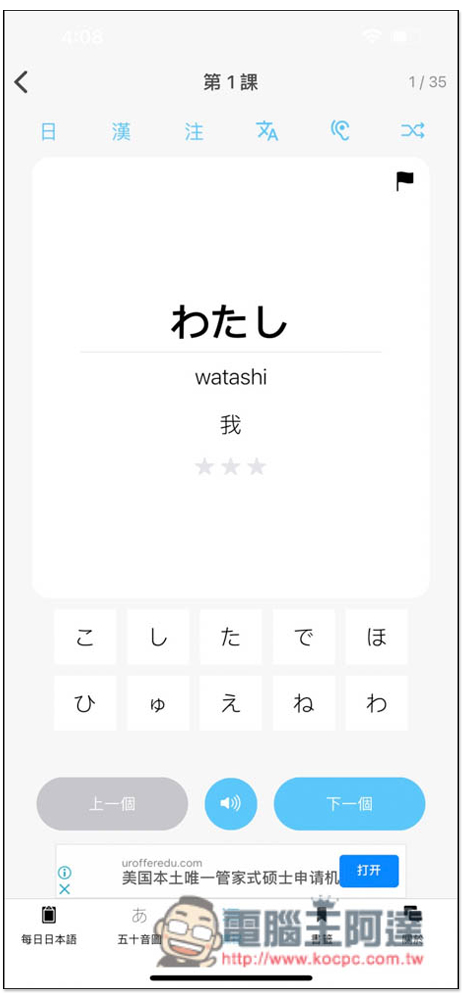
The learning method of this app is to display Japanese words, and then you press the hiragana or katakana below to spell them out:
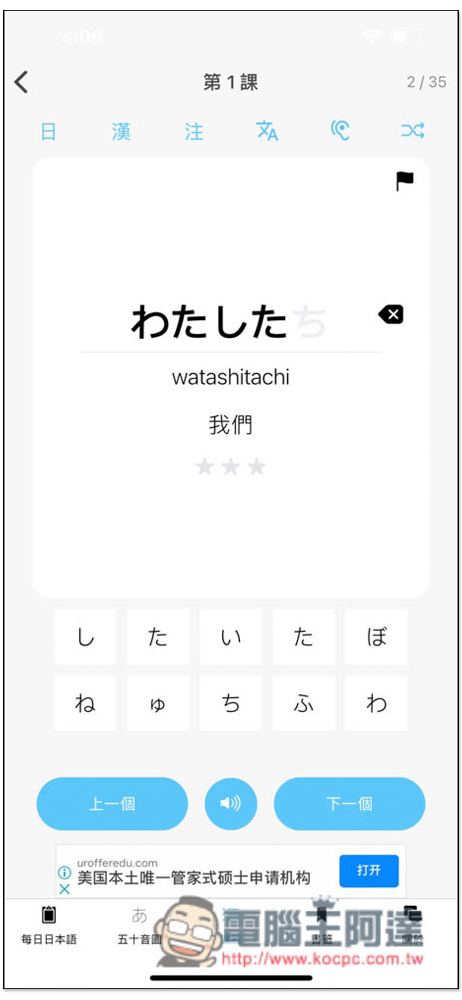
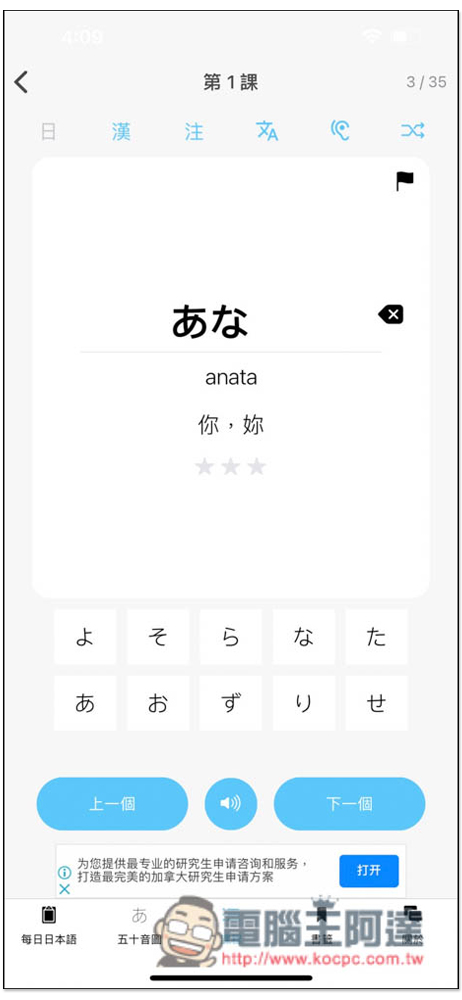
Once you are familiar with it to a certain level, I suggest you turn off the Japanese display, just listen to the pronunciation or the Chinese explanation, and spell out the word on your own:
In the test section, the questions are also displayed at the top, and you choose the answer from the bottom. The default is Japanese single-word questions, select Chinese explanation, this can also be changed according to your test needs, such as Japanese single-word questions and Chinese characters, Chinese character questions and notes:
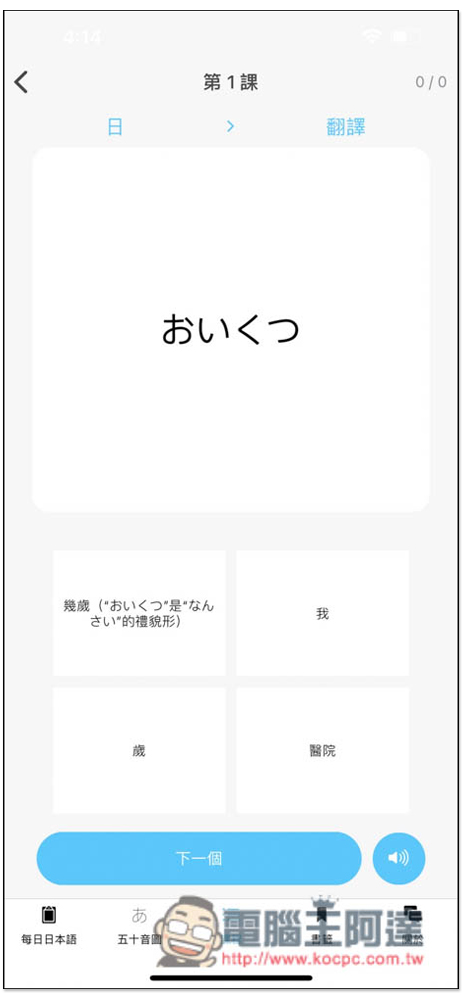
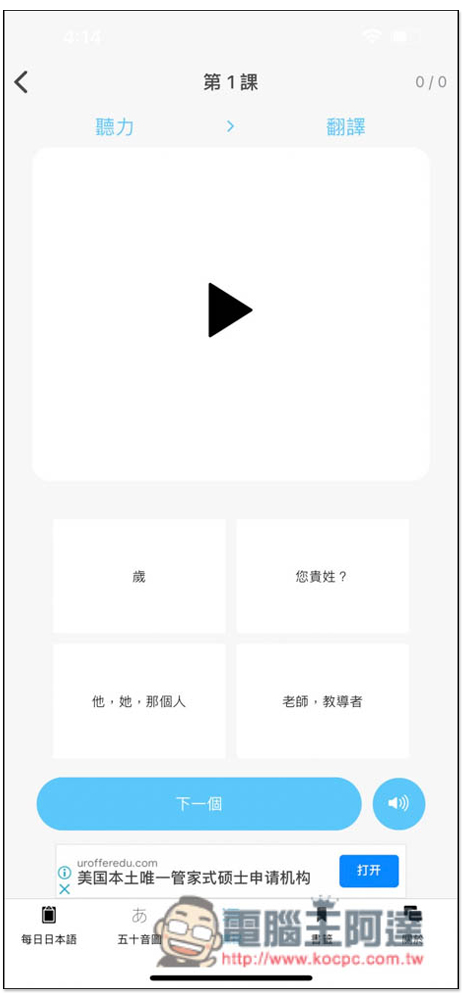
The listening test is also pretty good. You can pronounce the words and then choose the answer:
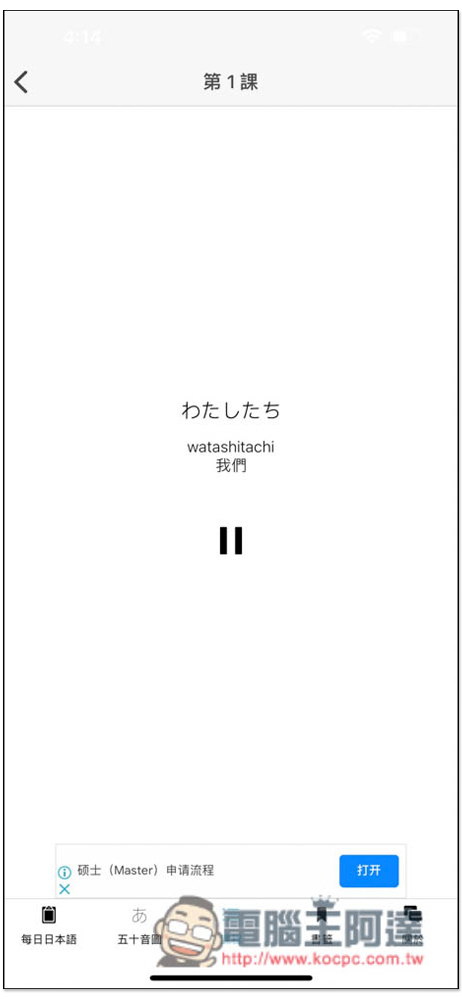
This app also provides a very special “read all” function, which will automatically play the course content from the beginning without you having to press:
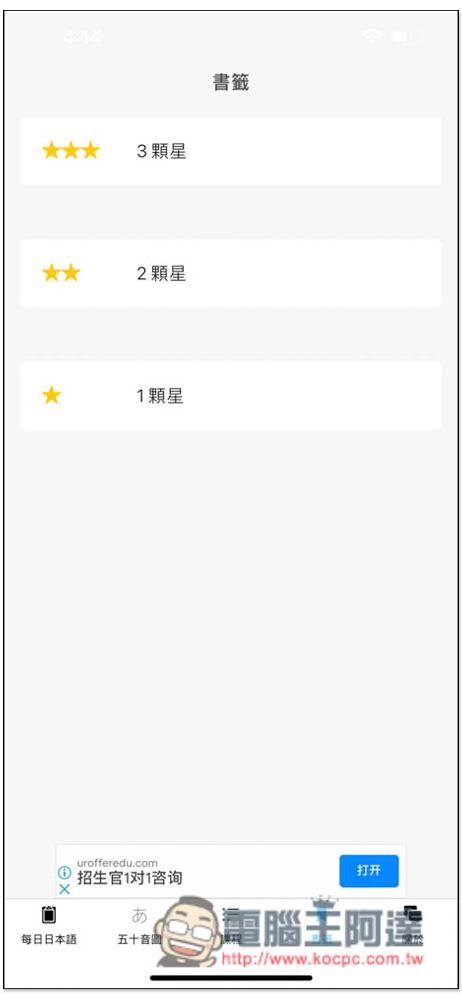
The bookmark word book has 1, 2, and 3 stars, which I also think is very good. For example, when you encounter a really difficult Japanese word, you can put it in 3 stars. If you already know but often forget it, you can put 2 stars. For very common Japanese words, 1 star is enough. In this way, when you have time and want to strengthen the words, you can know which ones can be reviewed quickly and which ones need more time:
This app provides in-app purchases. After the third lesson of the course, you need to upgrade and pay to read and take tests, so you should give it a try first. If you think it is good, you can consider it.
Source: KOCPC Chinese