


There are many free YouTube download tools on the Internet now, like the ones we introduced before y2meta、noTube、x2Convert Wait, although these are useful, they all have ads, and some are even annoying pop-ups, so some people may not like them. FLVTOCOM is another good choice. There are no ads at all, YouTube videos and MP3s can be downloaded, and it is not only supported by computers, but also by mobile phones.

Introduction to FLVTOCOM free ad-free YouTube videos and MP3 download tools
Although FLVTOCOM does not provide Chinese language, it is very simple to use. After entering the website, paste the YouTube URL you want to download. After selecting the MP4 or MP3 format, you can start downloading.
Paste the YouTube URL into the search bar:
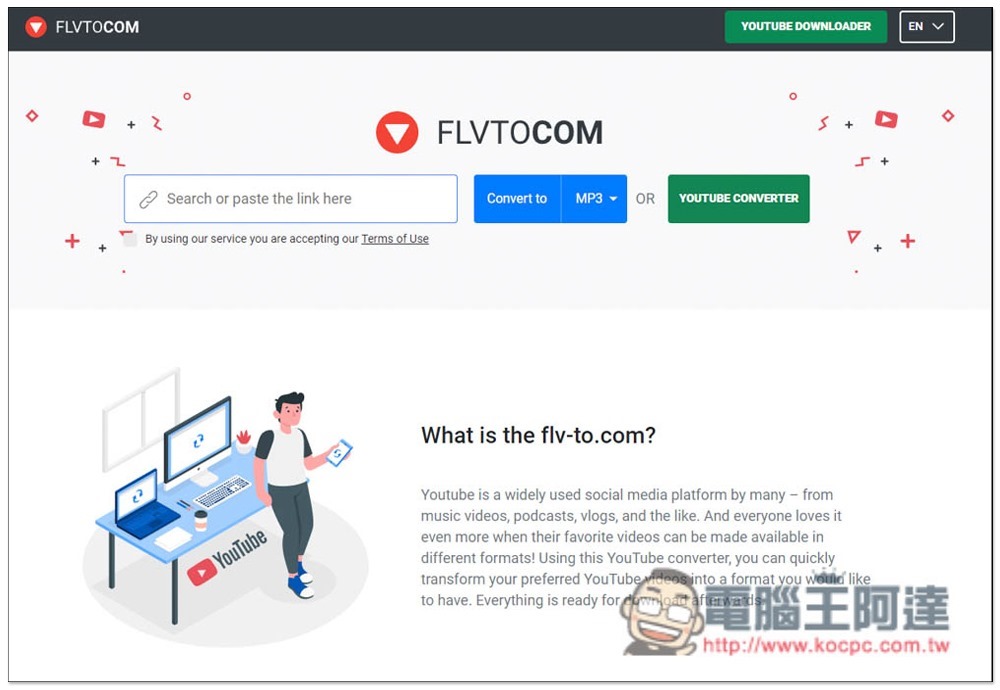
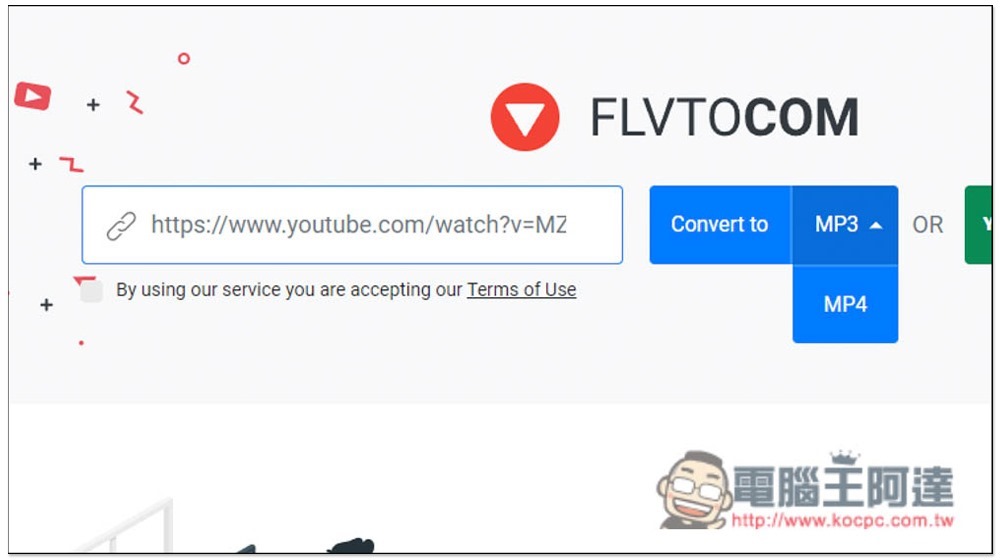
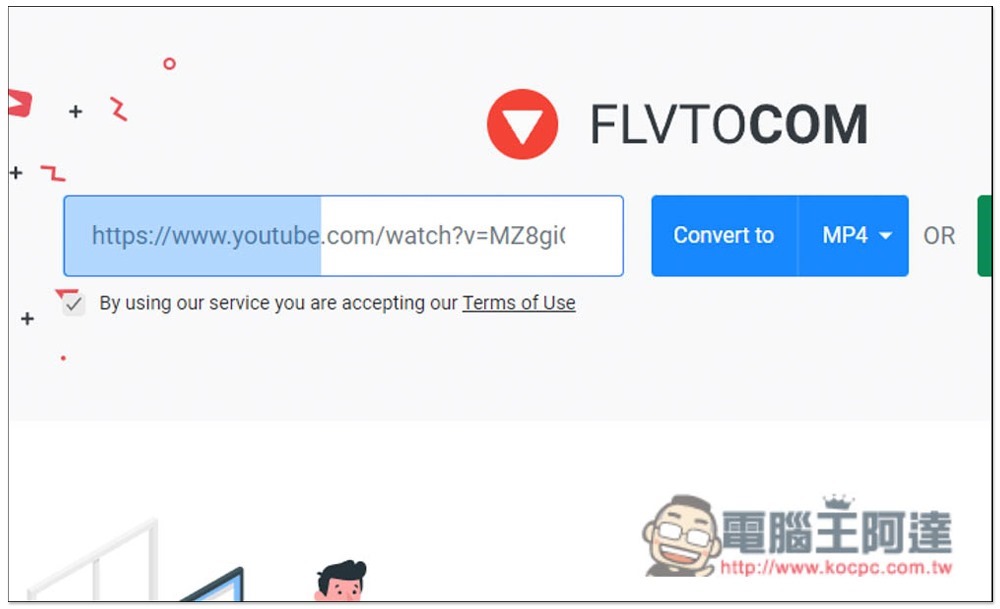
On the right, you can choose whether to download MP3 or MP4 format. After selecting, please check the box below By using our service are accepting our Terms of Use, then press Convert to and the conversion will start. Ignore the OR on the far right. This is another desktop download tool:
The conversion takes a few seconds, just wait for the middle energy bar to run out:
After running, you will see the download point. Press Download to download to your local machine or mobile phone:
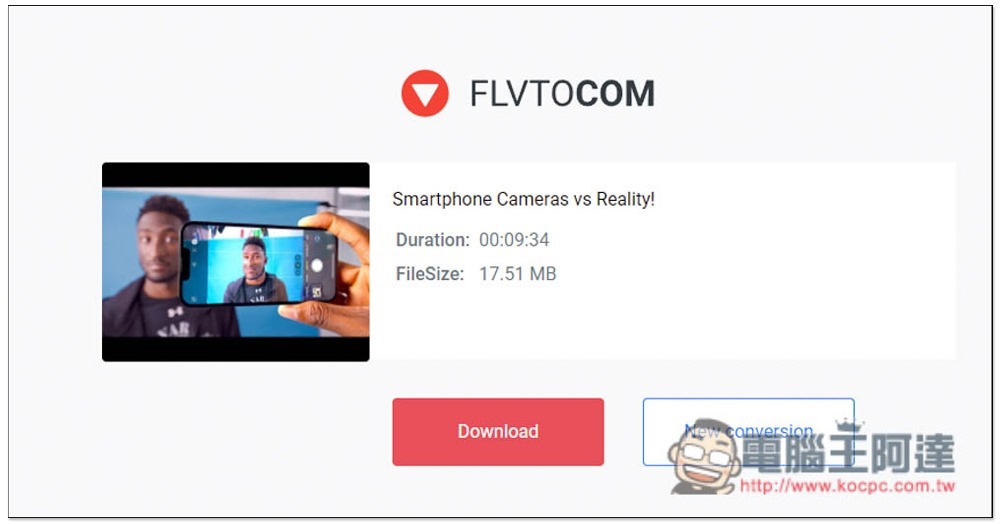
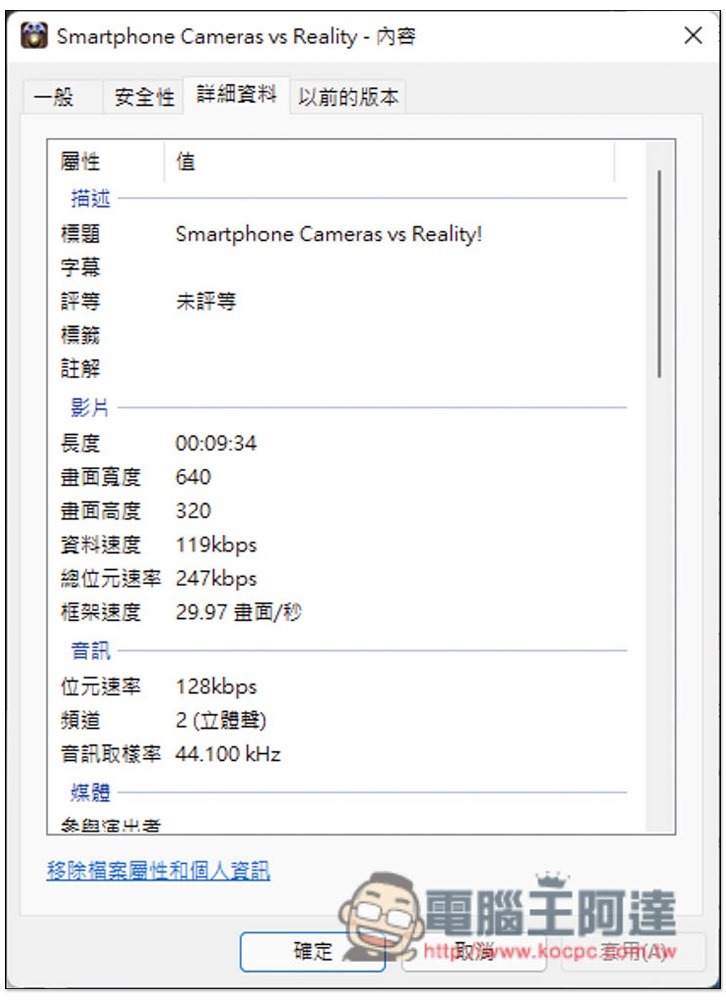
But after all, it is free and has no ads. The resolution of this downloadable YouTube only supports 640×320, which is slightly lower:
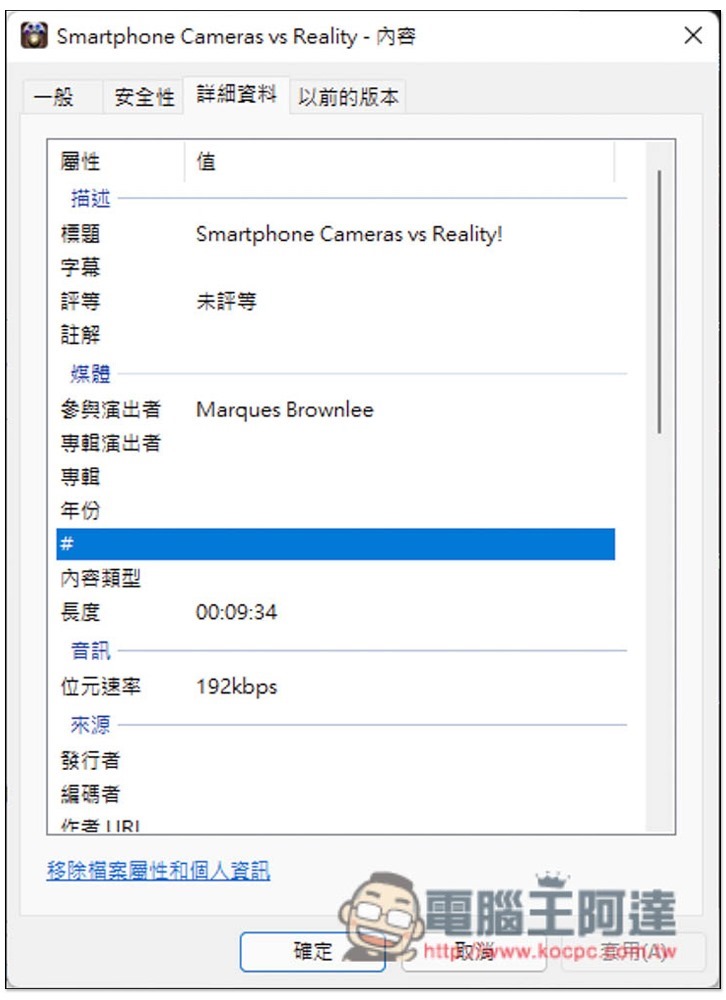
MP3 music is 192kbps, which is acceptable:
If you want to download YouTube videos with higher quality, it is recommended to use Qvideodownloader, this one supports up to 4K resolution.
Finally, I would like to remind you that such online YouTube download tools sometimes fail. If you suddenly cannot download when using it, it is recommended that you try again in a few days, or use other online tools.
Source: KOCPC Chinese