


Many people use their breaks during commuting, work, and extra time after meals to read online articles to learn and absorb the latest information of the day. However, because the time is too short, they often encounter situations where they cannot read the entire article. At this time, the Read Later App is a very good auxiliary tool. If you have an iPhone, there is such a free “Again_The Purest Later Reader” in the App Store The app is not only simple to operate, but also has a simple interface design and no unnecessary complicated functions. It is very easy to use and I recommend it to everyone.
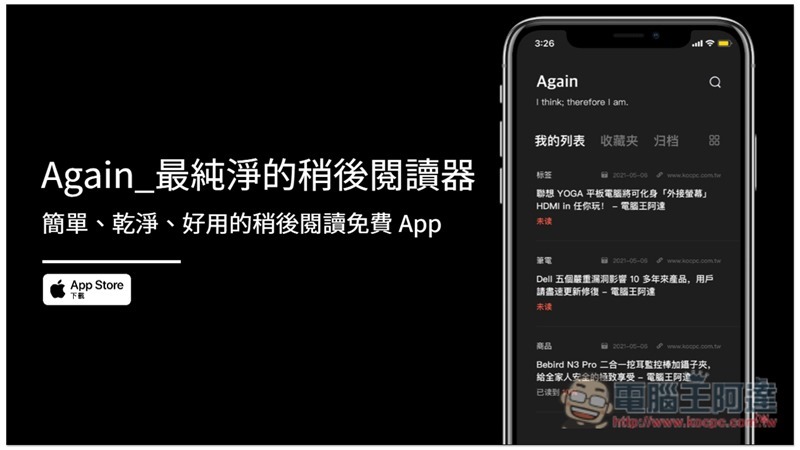
Again_The purest later reader app introduction
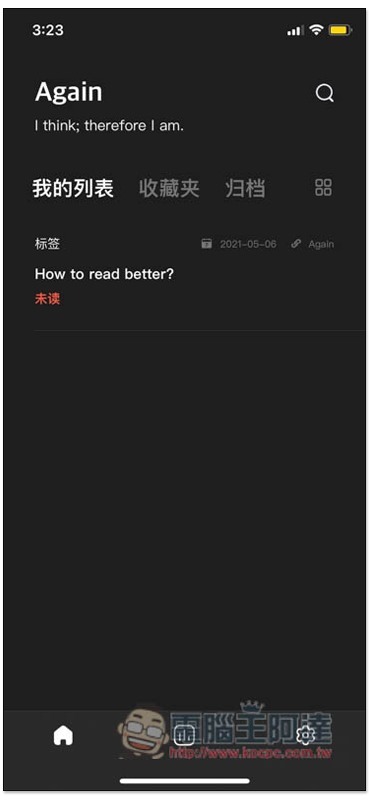
Again_The purest later reader supports Chinese. When the App is opened, you will see three main categories, My List, Favorites and Archives. There are operation instructions in the “How to read better” on the screen. Those who need it can read it:
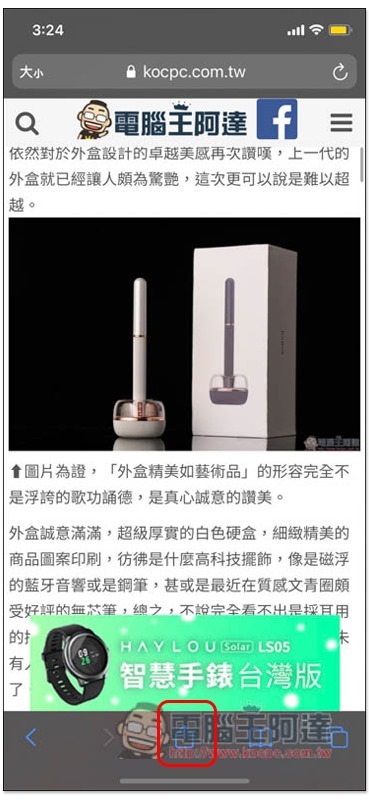
The usage is very simple. When you can’t finish reading a certain online article and want to continue reading later, please click the share icon below:
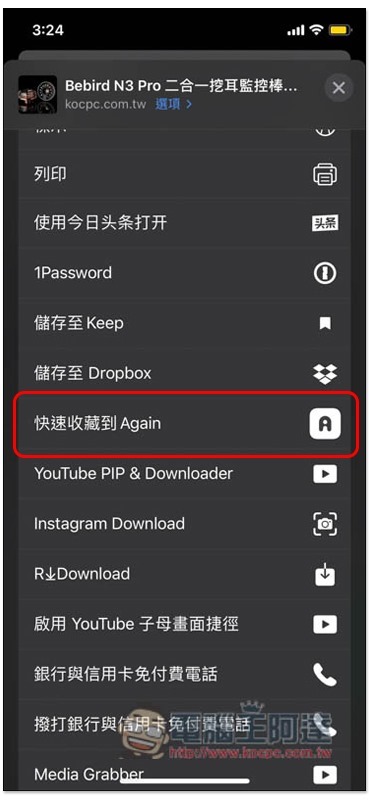
Then the menu will pop up, find and click “Quickly Save to Again”:
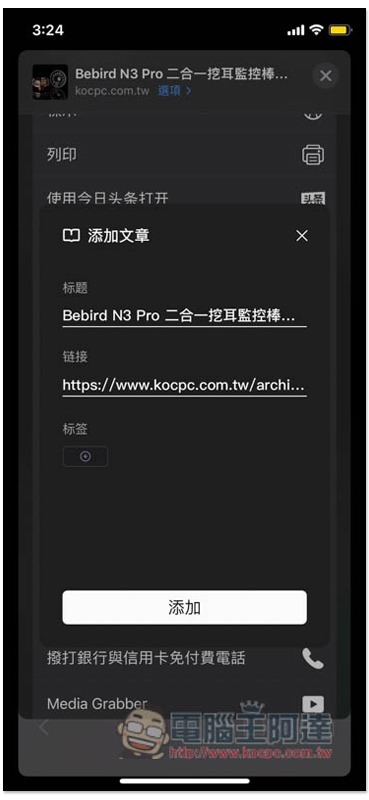
The title is defaulted to the webpage title, and there is a label function below. If there is nothing to modify, just click Add directly, so that this article will be added to the App:
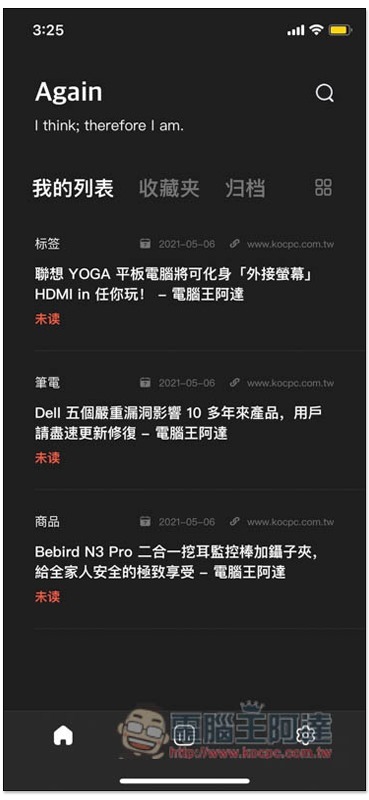
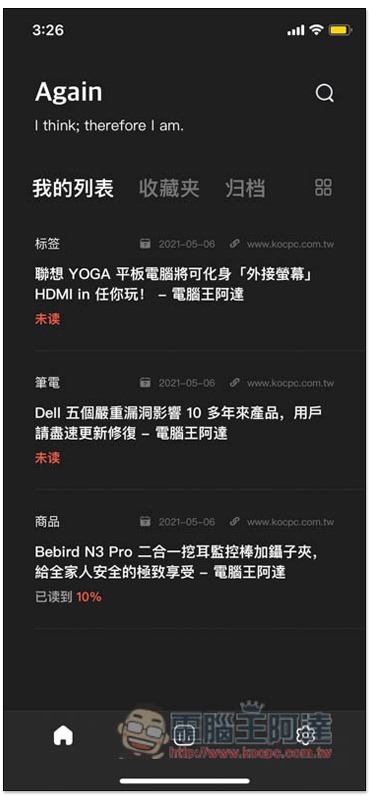
After opening the app, you can find all the online articles you have added to read later. The date of addition will also be marked above:
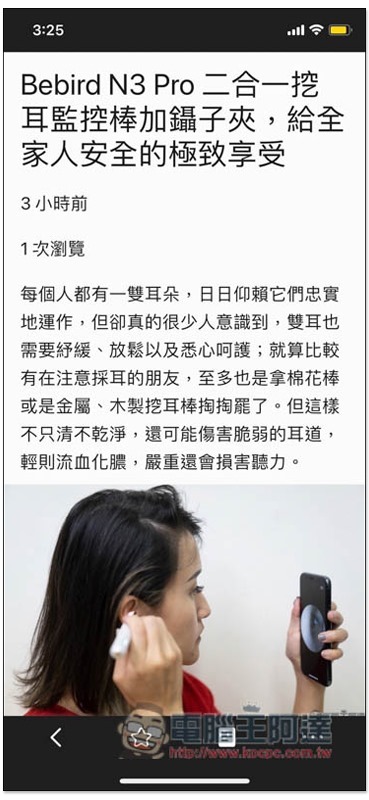
When you have time, you can open the link directly in the app and continue reading:

It also provides a focus mode, which will automatically block all distractions and allow you to concentrate on the article:
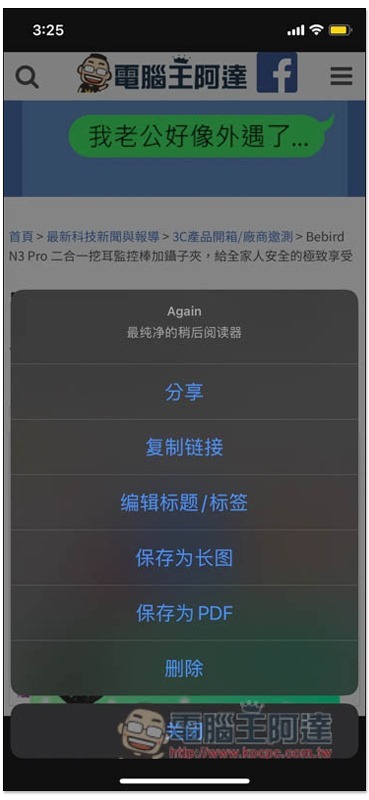
There are some other functions in the lower right corner, such as: sharing, saving as long screenshot, saving as PDF, etc.:
If you open a certain article and still don’t have time to read it all, the link will also indicate how many percent of the article you have read. For example, I have read 10% of the third article:
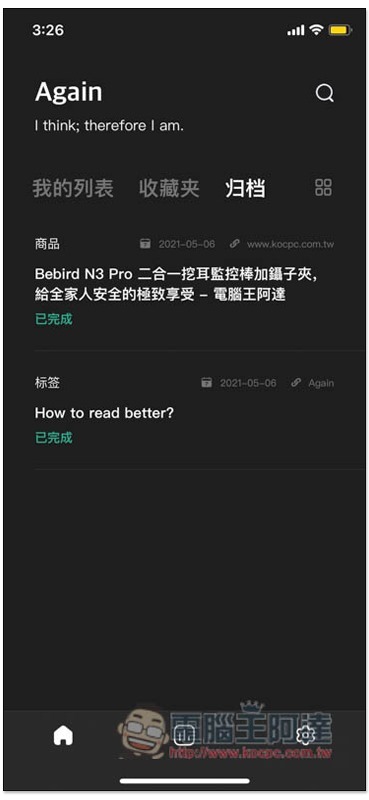
After reading them all, this article will be automatically archived and will no longer appear in my list. This feature is very good:
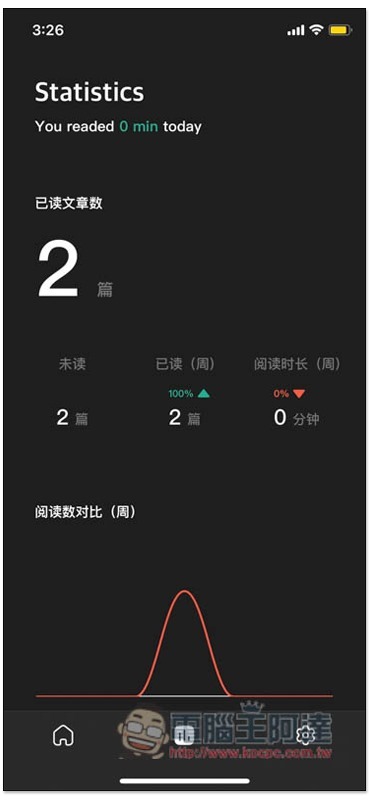
It also provides data statistics function, which will calculate how many articles you have read and the weekly reading volume:
Source: KOCPC Chinese