


In the past, when browsing the web using Chrome on an Android phone, if you saw a link that interested you and wanted to open it to see the content, a new web page would be opened. People are lazy, and in the long run, more and more tabs would be opened. I believe many people have encountered this situation. The good news is that in the latest Chrome version, Google has added a very practical “Preview Web Page” function, which allows users to quickly browse the linked web pages without opening a new tab. Moreover, they can actually browse up and down, not just view the page. It is very convenient. Let’s teach you how to use it.

1. Confirm your Android Chrome version
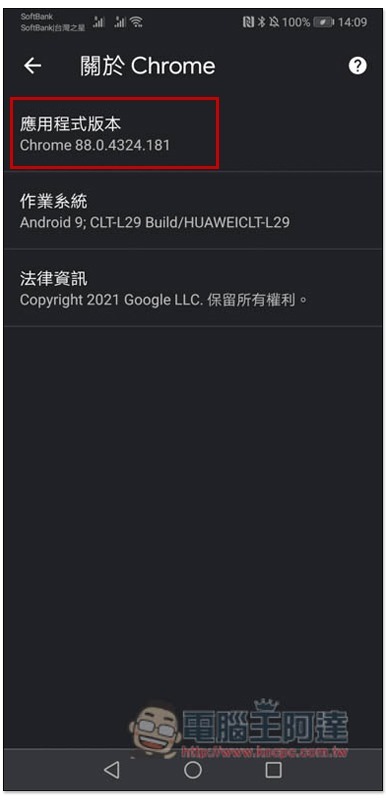
The preview web page function added this time is version 89 of Chrome. If you have not upgraded to the latest version, please update it first. This section of Chrome can be found by clicking on the upper right corner… –> Settings –> About Chrome. Mine is the old version Chrome 88:
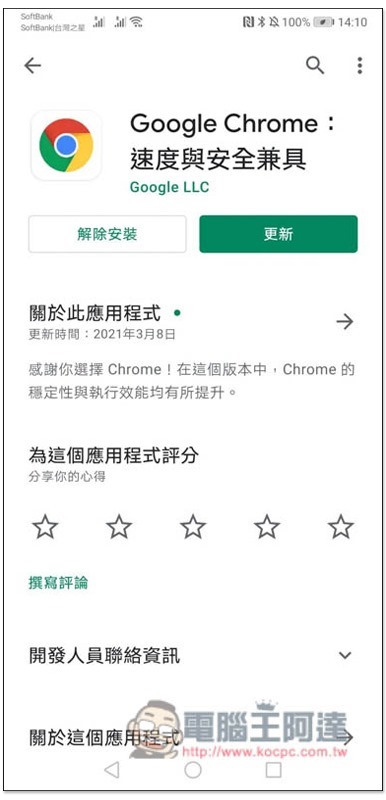
Go to the Google Chrome application page on Google Play and the update button will be displayed:
2. Chrome 89 version preview web page function operation tutorial
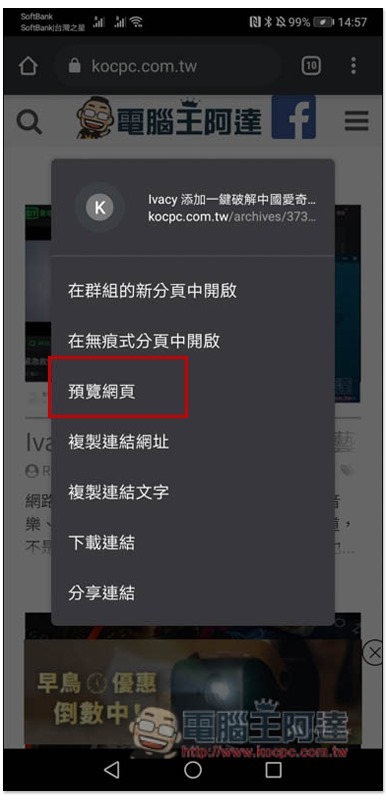
The usage is very simple. After long pressing the hyperlink you want to browse, a menu will pop up, and you will find the preview web page in the middle:
After clicking, this hyperlinked web page will be opened directly under this tab:
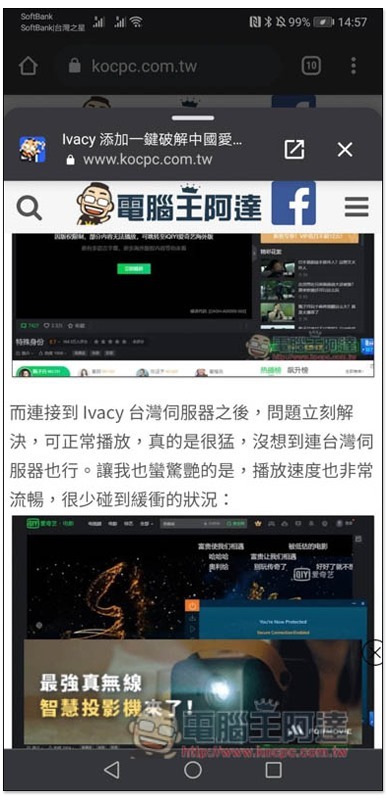
And you can scroll up and down to browse:
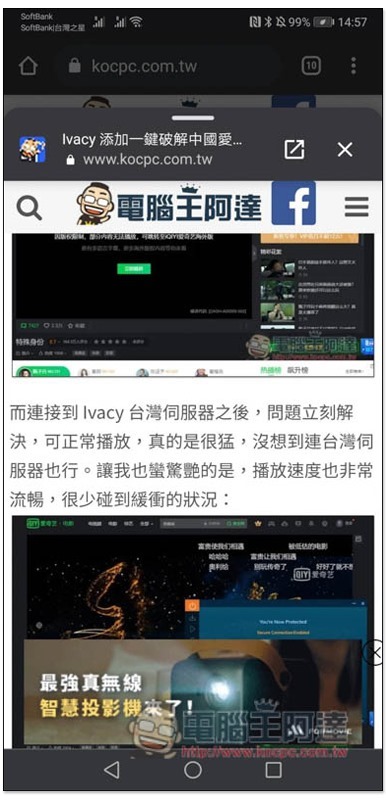
However, if you preview the hyperlinks in the web page, you cannot use the preview web page again. In addition, if you are interested in the content of this web page and want to save it in paging mode, just click the arrow icon in the upper right corner:
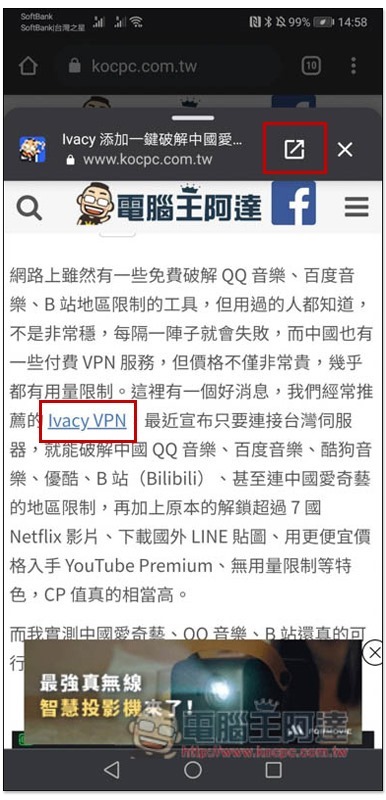
It will be opened in paging mode instead, and Chrome will automatically help you group it with the original web page:
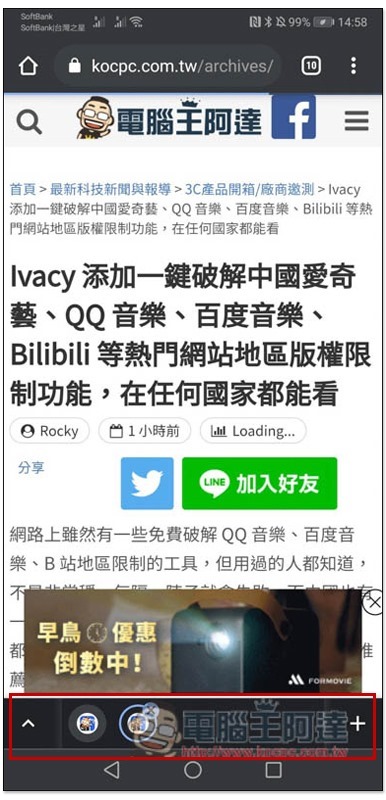
Like this, you can also add more paginations with the same content yourself:
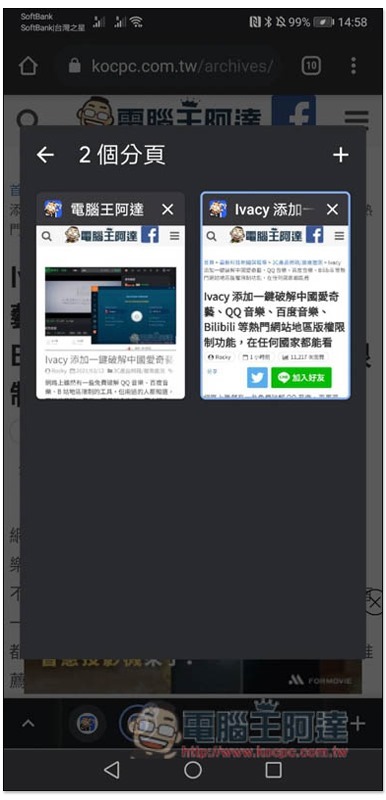
The advantage of paging groups is that it not only makes it easier to find the web pages you want, but also avoids the situation where the paging screen becomes too cluttered when too many are opened:
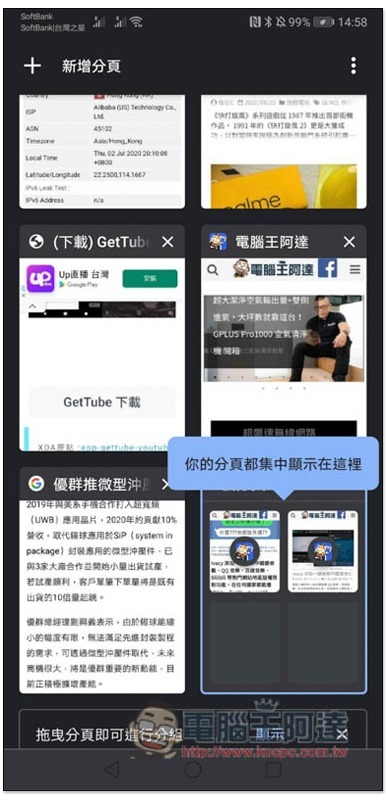
Therefore, when browsing the web with Chrome in the future, you can make full use of this web page preview function to effectively avoid the situation of opening more and more paginations.
Source: KOCPC Chinese