


Even though we’re already on Windows 11, and more than five years have passed since the operating system launched—with many modern AI features added—Windows 11 still has quite a few areas that retain interfaces from decades ago, from the Windows 95 era. Microsoft has finally started to pay attention to this. According to foreign media reports, Microsoft executives have confirmed that ancient dialog boxes in Windows 11, Device Manager, and other MMC management tools will all get modernized interface designs. The newly released November routine update has also already changed the right-click menu and AutoPlay window to a new UI design.
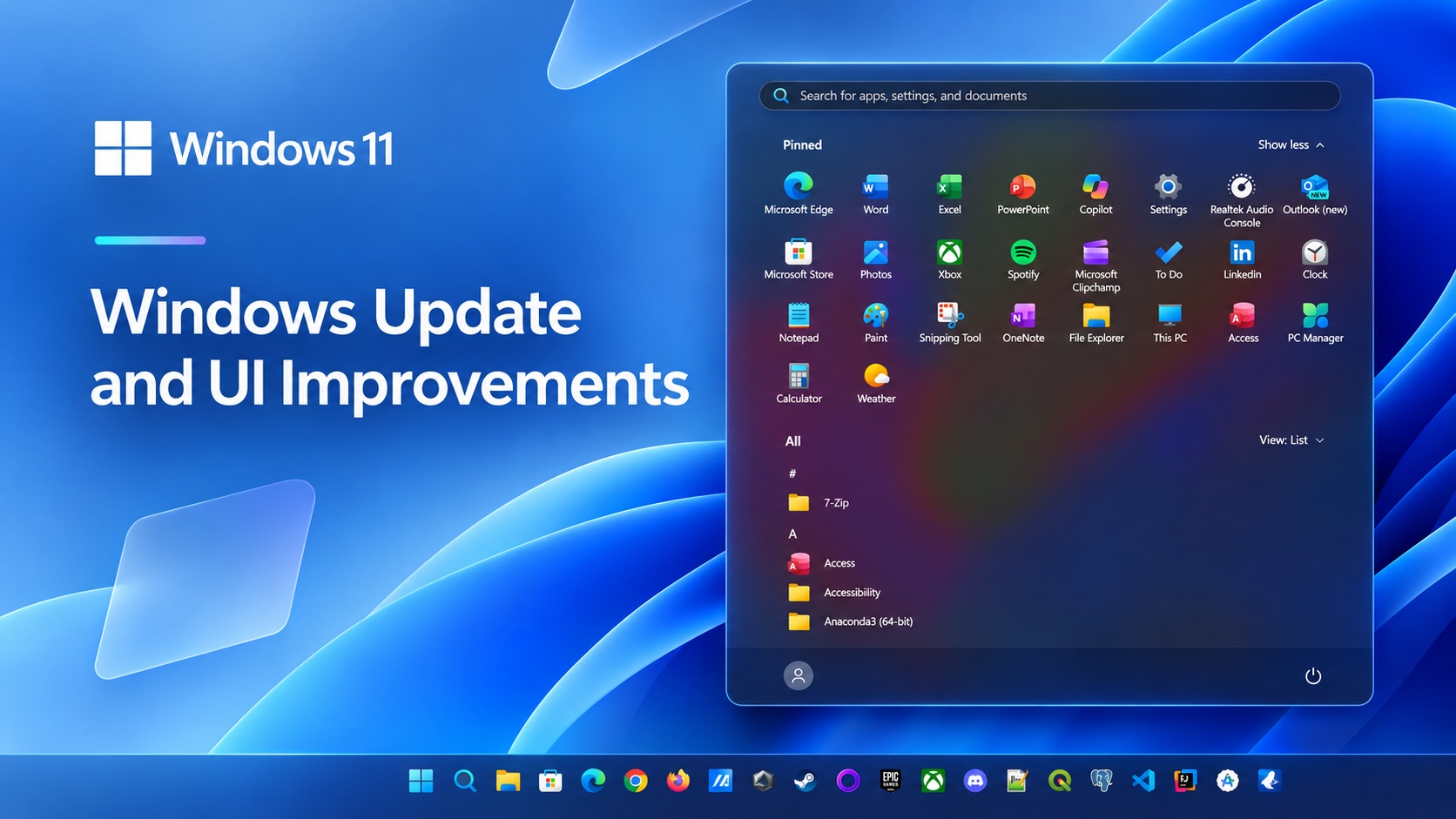
Image source:Wccftech
Microsoft confirms Windows 11’s ancient dialog boxes are being revamped! Even MMC management tools are getting updated, and the November update has already brought a new right-click menu.
According to Windows Latest According to reports, Marcus Ash, Corporate Vice President in Microsoft’s Design and Research division, said in a reply to a user comment on X that these ancient dialog boxes would be redesigned to be modern.
This post is by Jen Gentleman from the Windows engineering team, introducing a new option to permanently disable Sticky Keys prompts. In the comments, a user wrote that they hope Microsoft will “WinUI-fy” legacy Win32 dialog boxes and all MMC tools, and move the remaining Control Panel features into Settings. Ash then replied only, “We’ve noticed it, and we’re working on this part too.” However, no timeline was provided.
@ItsL0N3 @JenMsft Noted and working on that too.
— Marcus Ash (@marcusash) November 7, 2026
Windows Latest also lists the legacy tools and dialog boxes still present in Windows 11, with a numbered list of 22 items in total; the following are probably the ones general users open most often. To see for yourself, press Win + R to bring up Run, and enter the name on the right to open it:
| Windows Tools | Main uses | Execution window input |
|---|---|---|
| Device Manager | Manage hardware and drivers | devmgmt.msc |
| Disk Management | Manage disk partitions and volumes | diskmgmt.msc |
| Task Scheduler | Set up tasks to run automatically. | taskschd.msc |
| Event Viewer | View system errors and event logs | eventvwr.msc |
| Service | Enable or disable background services | services.msc |
| System content | Adjust advanced settings such as virtual memory and environment variables. | sysdm.cpl |
| Programs and features | Uninstall software, turn Windows features on | appwiz.cpl |
| Network connection | Configure the network adapter and manually assign the IP address. | ncpa.cpl |
| Power Options | Switch power plans and adjust advanced power settings. | powercfg.cpl |
| Disk Cleanup | Clear temporary files and system junk | cleanmgr |
Internet connectivity is something everyone should be familiar with:
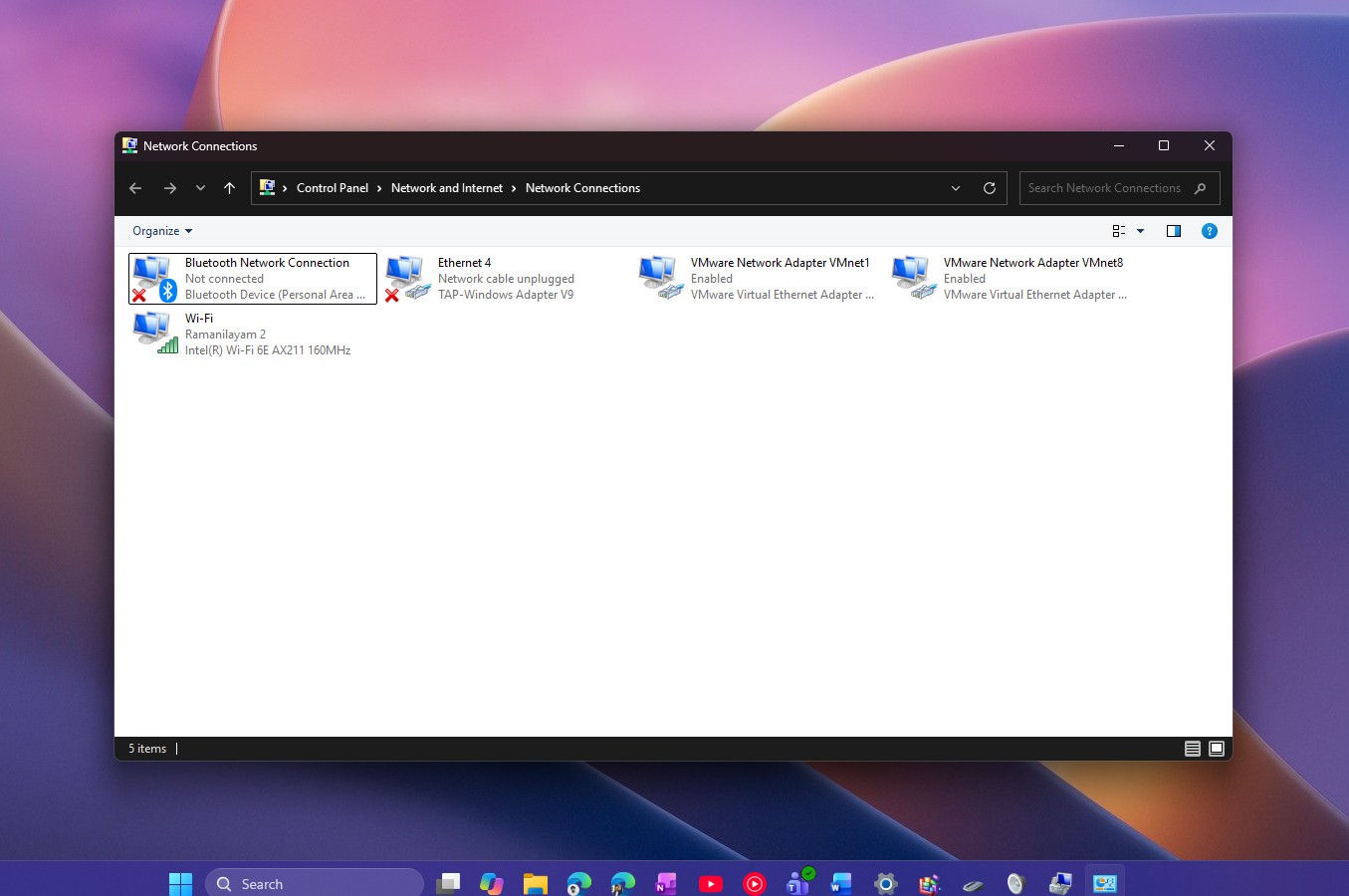
Image source: Windows Latest
Also, this program and feature:
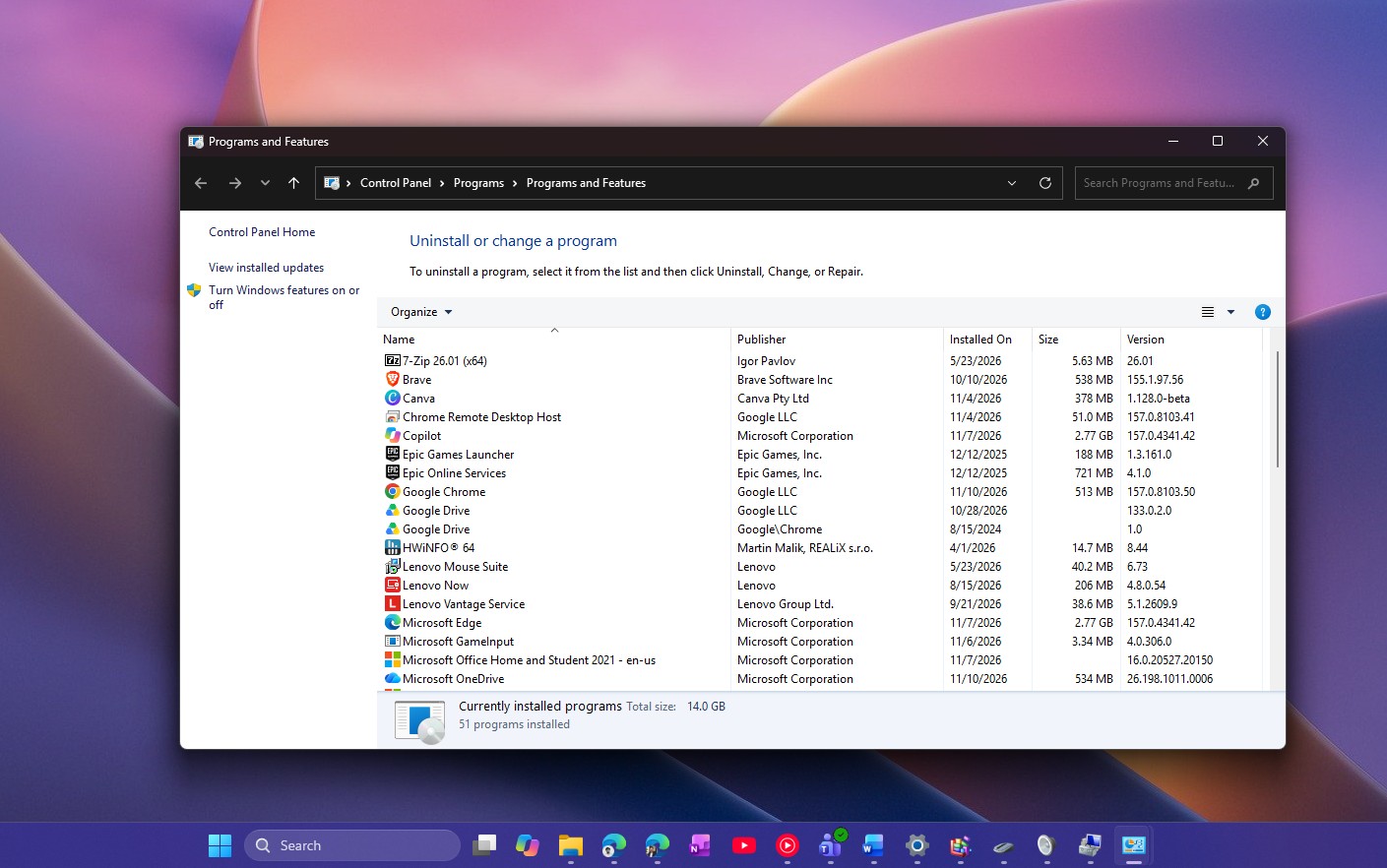
Image source: Windows Latest
Besides the ones in the table, there are also Local Group Policy Editor, Computer Management, DirectX Diagnostic Tool, Character Map, ODBC Data Source Administrator, Bluetooth File Transfer, and the window that appears when you right-click a drive and select “Format”:
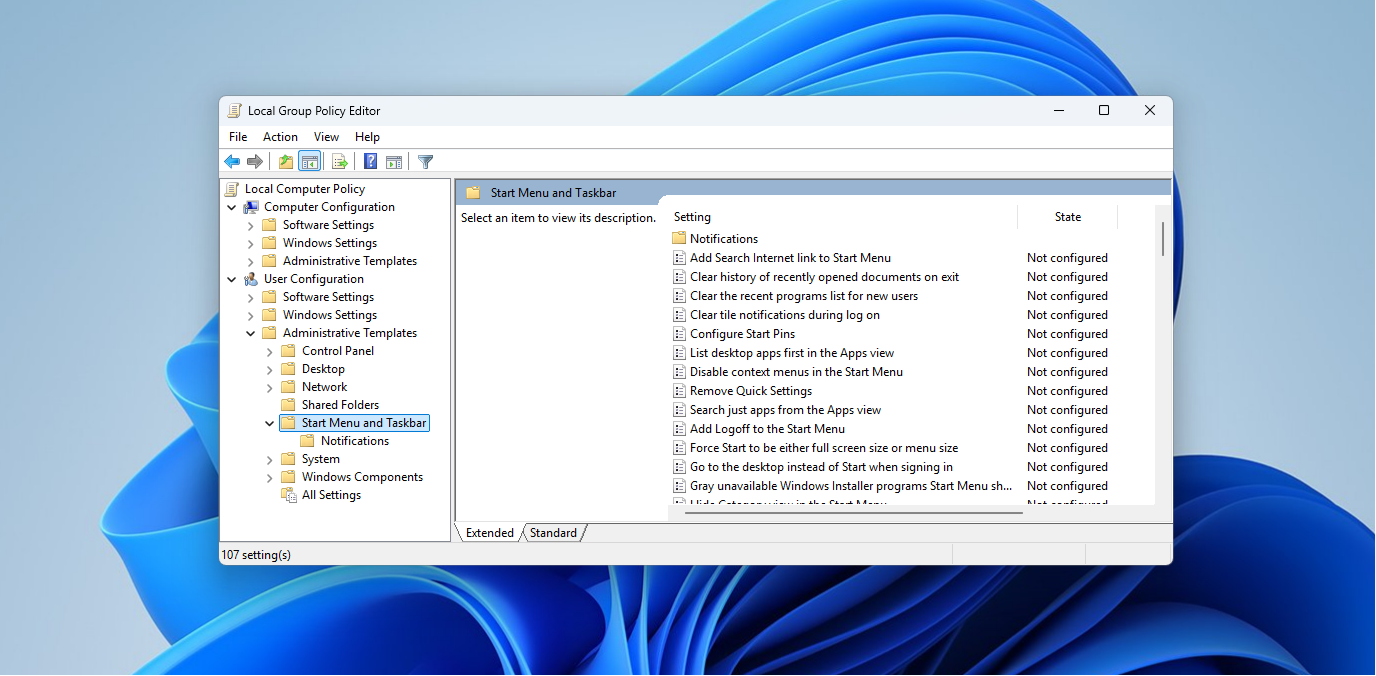
Image source: Windows Latest
Even the phone dialer app is still there:
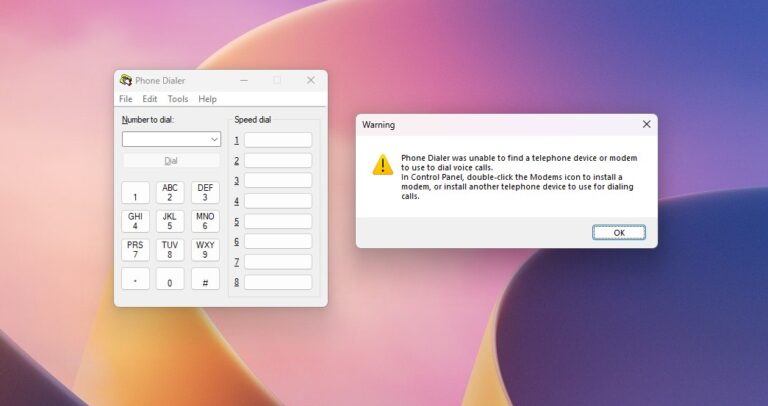
Image source: Windows Latest
In the November update, the right-click menu and several high-visibility legacy windows have already been switched to the new design:
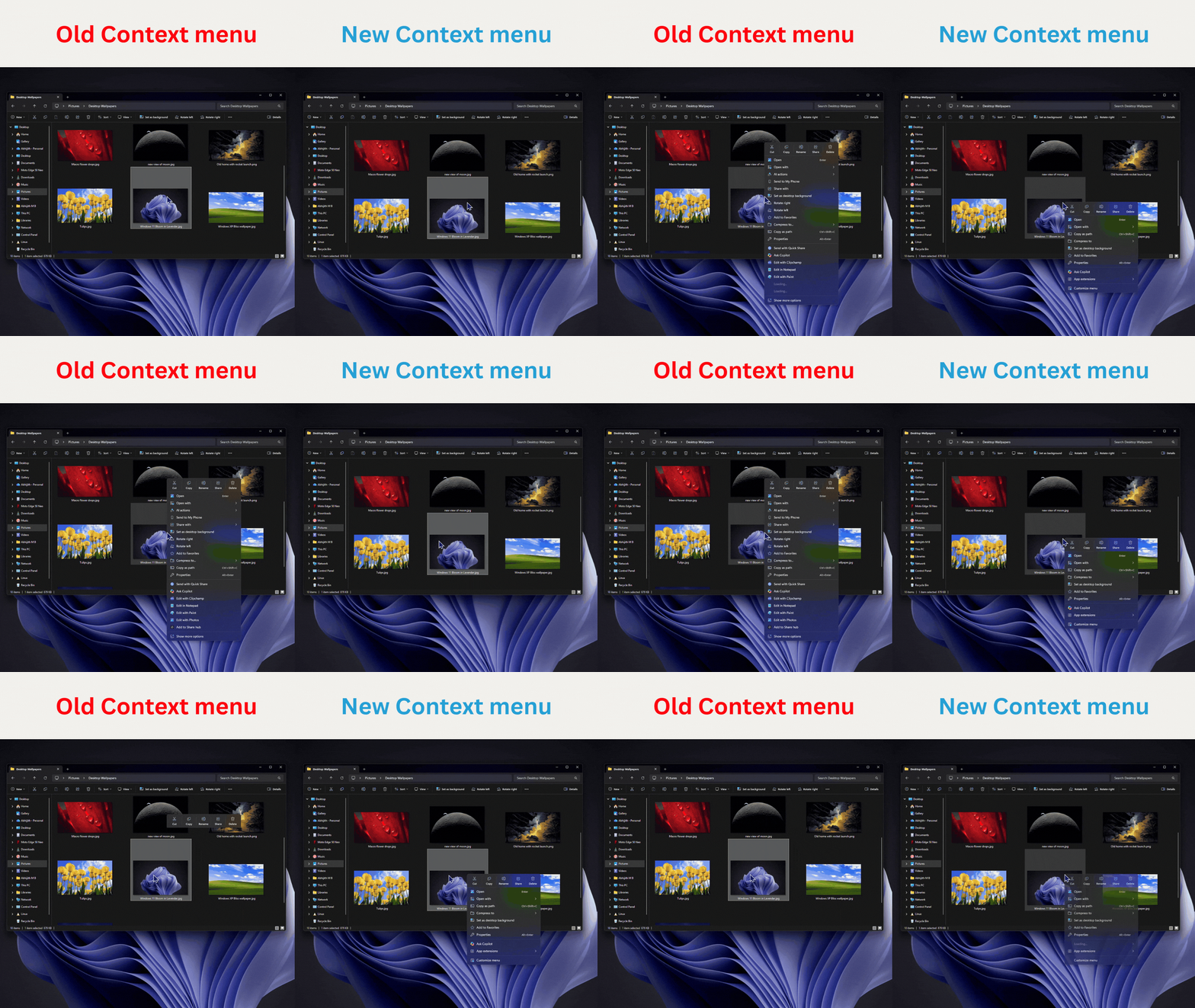
The main changes in the November update are summarized as follows:
| Improvement items | Key changes |
|---|---|
| Right-click menu | Startup speed is significantly improved, with customizable displayed commands, third-party extensions, and layout. |
| Autoplay dialog box | Rewritten with WinUI, with support for dark mode and text scaling; notifications can be sent to the notification center to view later. |
| Folder Options | Add dark mode to the legacy settings dialog |
| File Explorer Search | Search result names, locations, and dates now use a consistent layout; in the address bar, you can use “~” to jump directly to the user folder. |
| Windows Recovery Environment (WinRE) | Automatically reuse the Wi-Fi settings already saved in the system. |
| Cloud Rebuild (Cloud Reconstruction) | Even if the system won’t boot, you can still download an image from Windows Update and reinstall. |
As for why Microsoft still hasn’t upgraded the old interface after all these years?
Marcus Ash explained this summer when he appeared on Windows Central’s podcast that legacy tools like Control Panel involve a large number of existing features: “We have to be very careful not to break our compatibility promise.” If customers’ drivers or other software depend on those legacy features, changing them becomes tricky. He also explained Microsoft’s approach: first fully move the features into Settings, and only once that is done will it retire the original locations.
However, with the arrival of the AI era, this change should become much easier—perhaps that is also why Microsoft chose to optimize at this time.
Source: KOCPC Chinese