


Previously, we introduced a method, inTaiwan can also successfully register and use Meta Muse.But it requires a VPN, which not everyone has, so this article will introduce another way to register for Meta Muse without a VPN.
As before, let me first note that methods like these may be blocked by Meta at any time, so if it doesn’t work when you test it, it may have been blocked.

A way to register early for Meta Muse even without a VPN
The method in this article is to use the free virtual cloud browser provided by Lexmount. I tested it earlier, and it still works for now.
However, during the process of registering for Meta Muse, age verification is required, and you’ll need to enter your credit card information. Since it’s a cloud browser, not your own computer, there is somewhat of a risk. You’ll have to decide for yourself on this part; currently, the safest method is still to use a paid VPN.
I’ll also provide the invitation code here first:LTR17O
If you enter it within 48 hours after registering, both you and I can get 1 billion Muse tokens, up to 30 people.
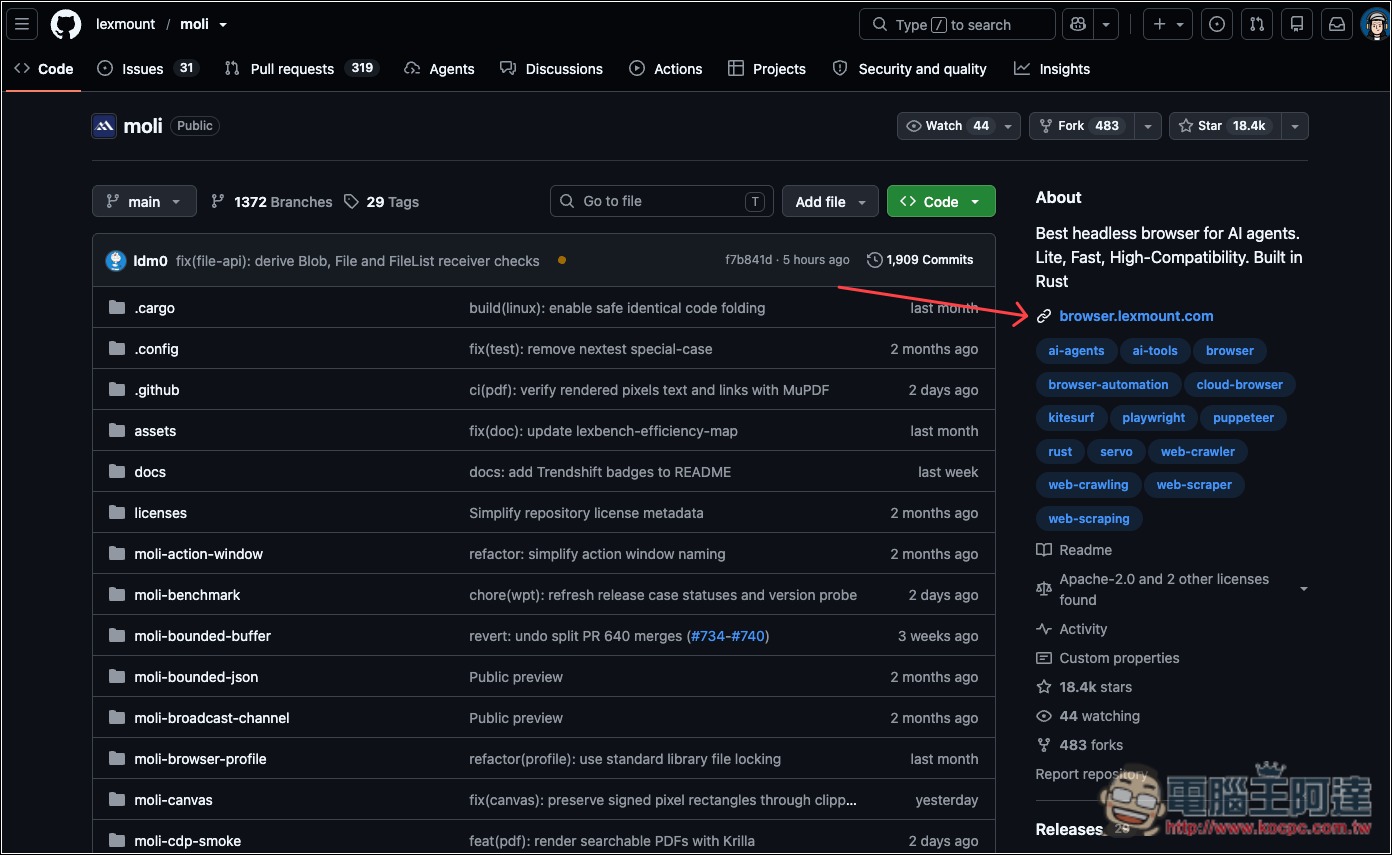
First, go to the Moli project on GitHub, and click the link in the top right corner to go to the lexmount official website:
Next, click Start for free to create an account. Quick sign-up with a Google account is supported:

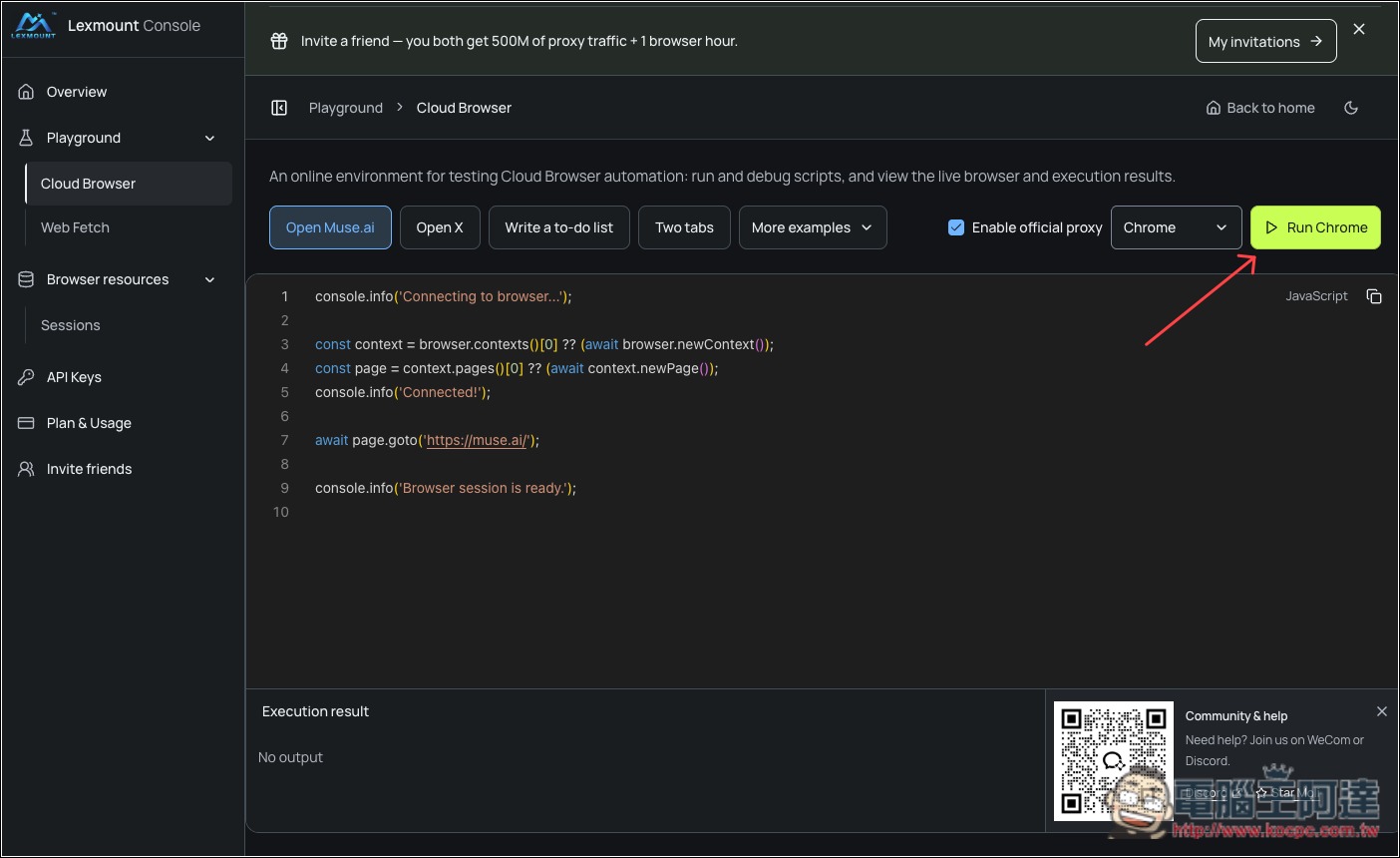
After completing registration, you will automatically be taken to the back office. Click the Run Chrome button in the upper right:
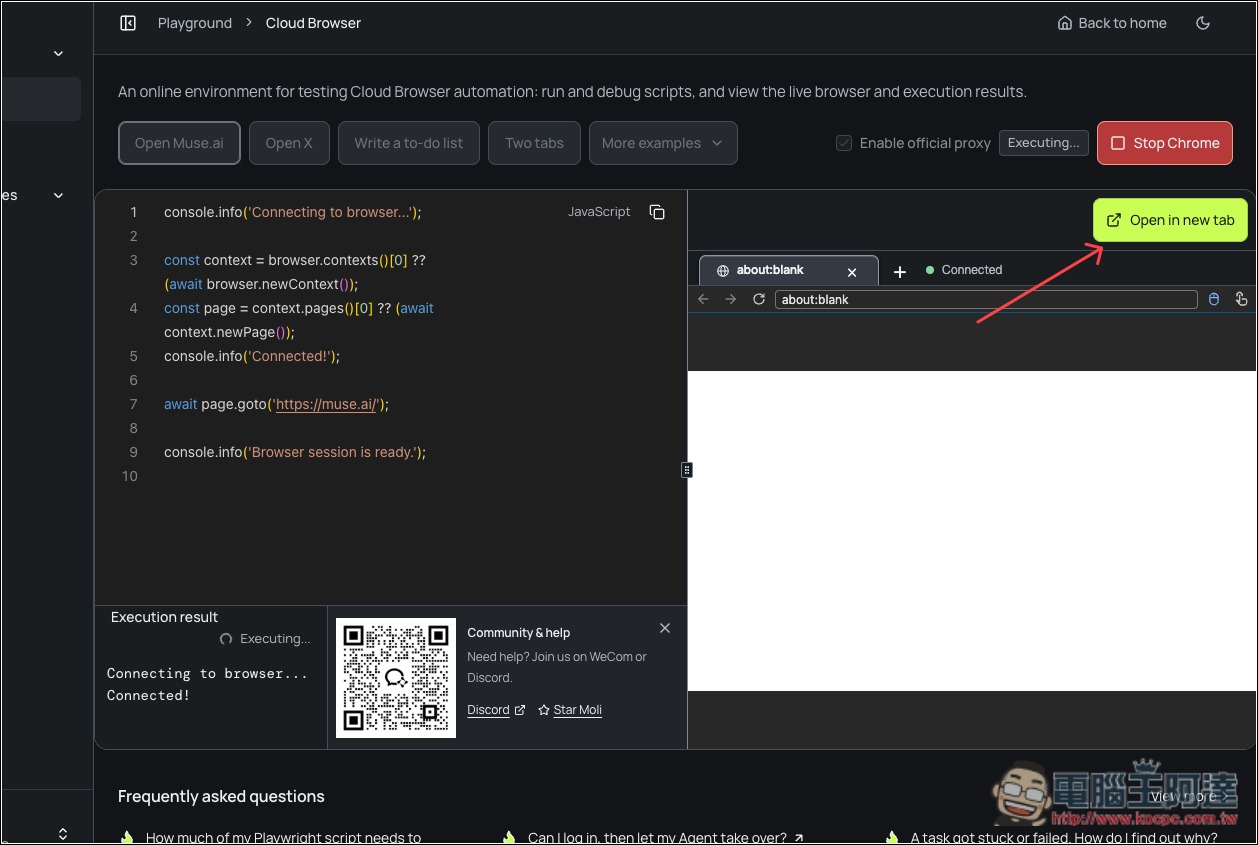
After Chrome is running, click Open in new tab to open it in a new tab:
You will automatically be taken to the Muse AI webpage. After confirming the URL is correct, enter the E-mail you want to register with. It is recommended that you do not register using the E-mail associated with your Facebook account:
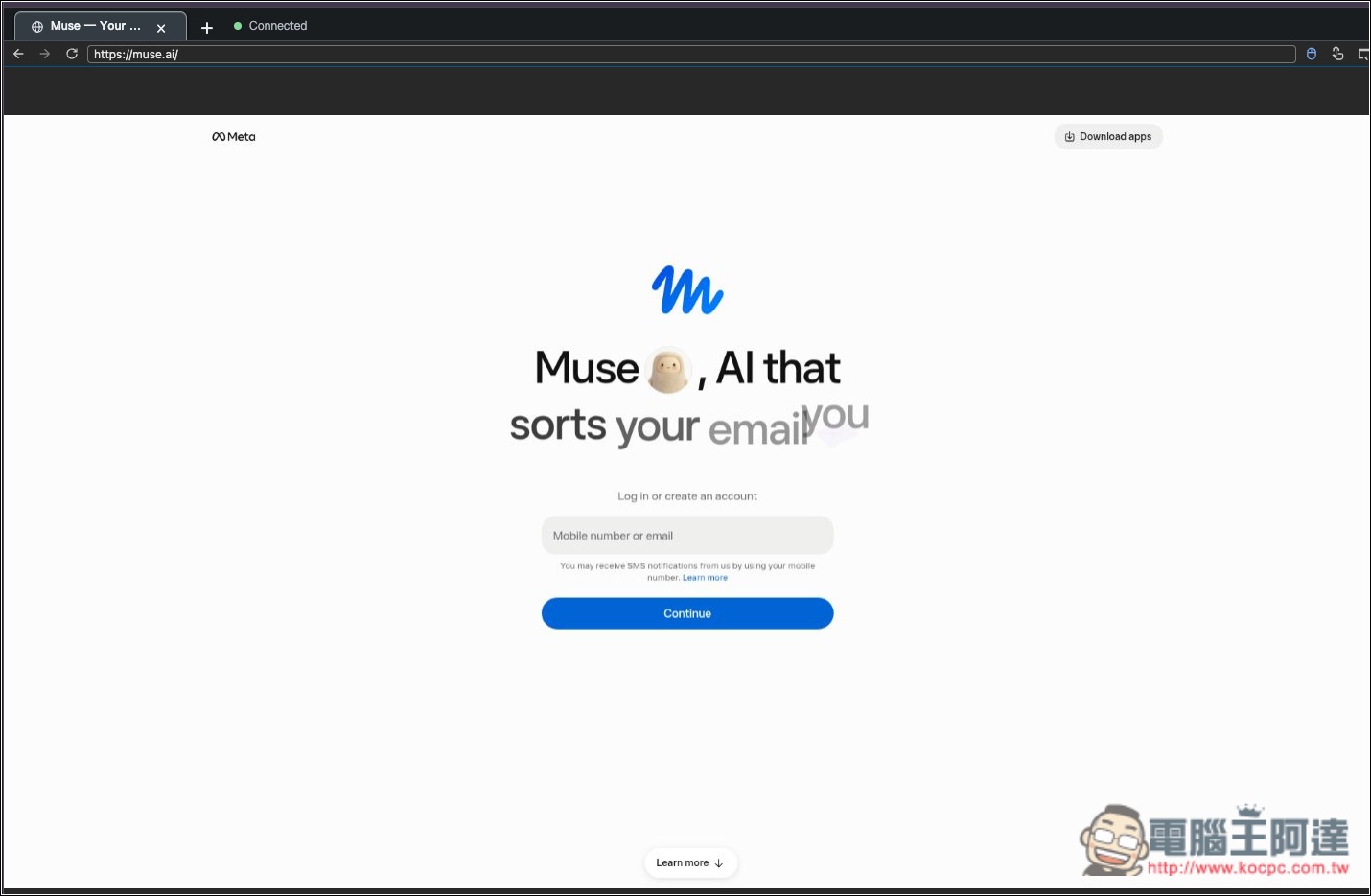
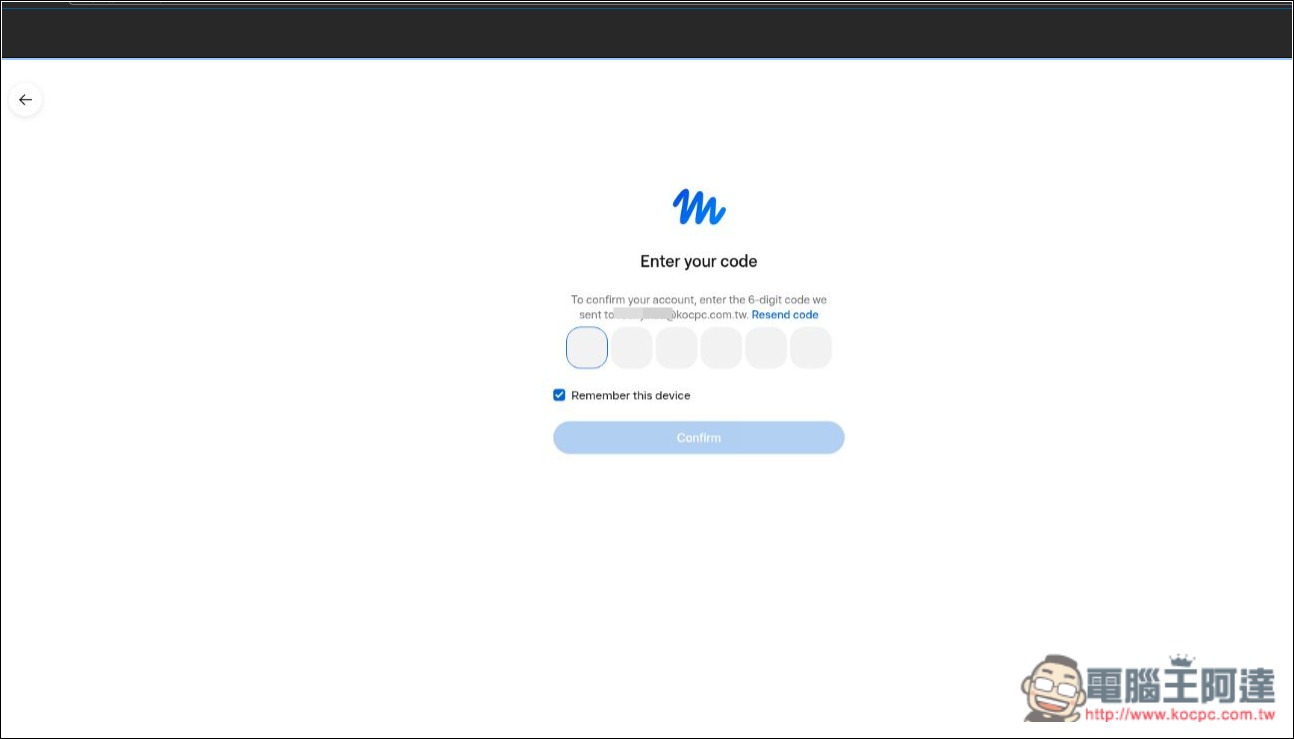
You will need to receive a verification code:
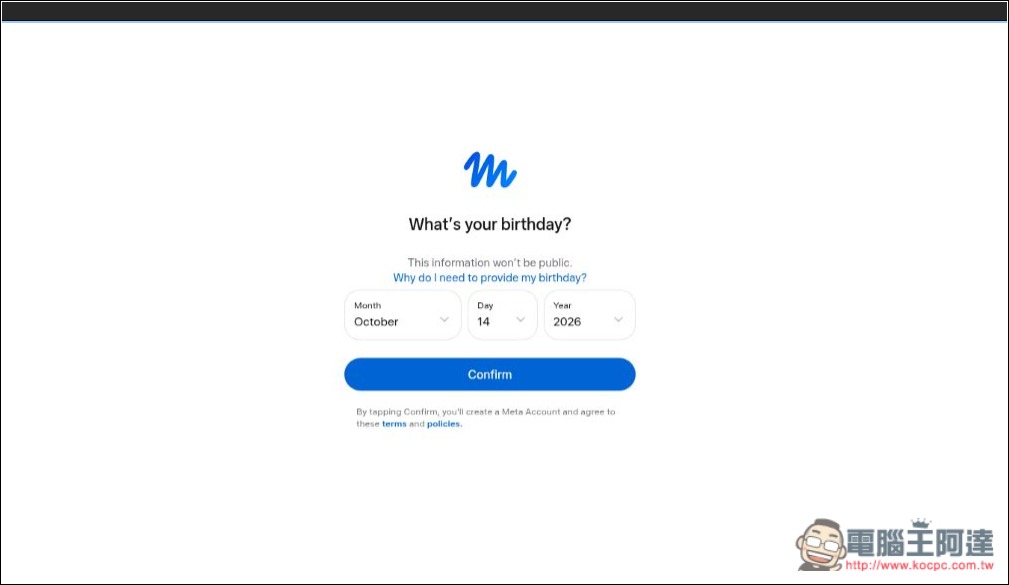
Set your age:
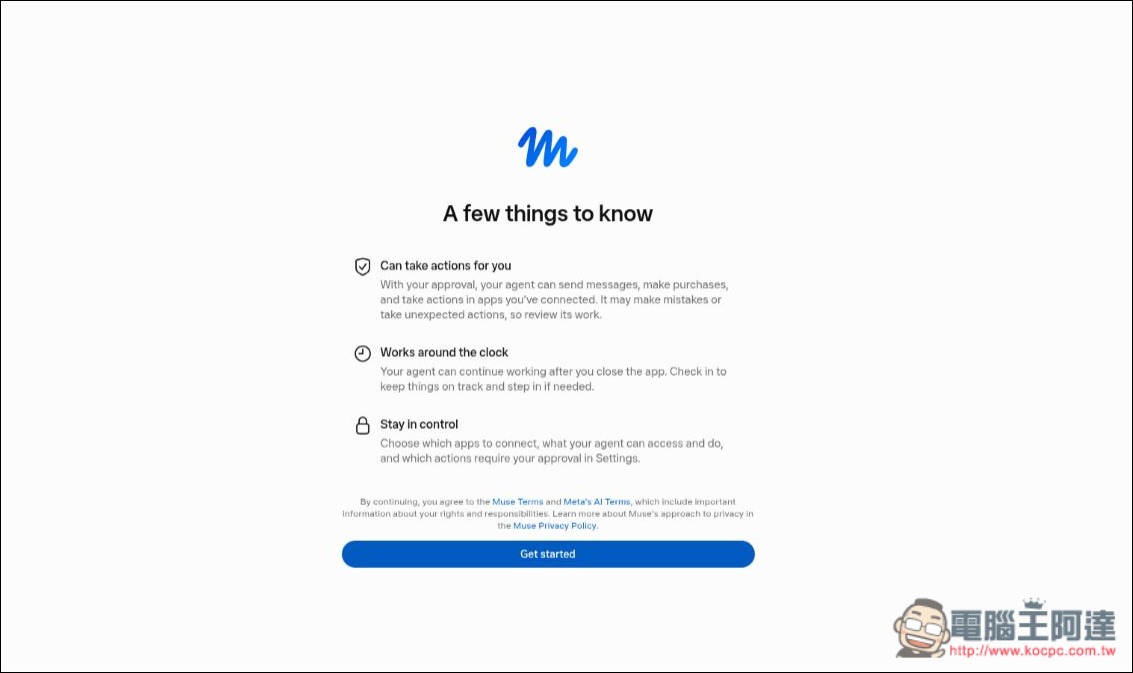
There are some things we’d like to let you know first. If that’s okay, press Get started:
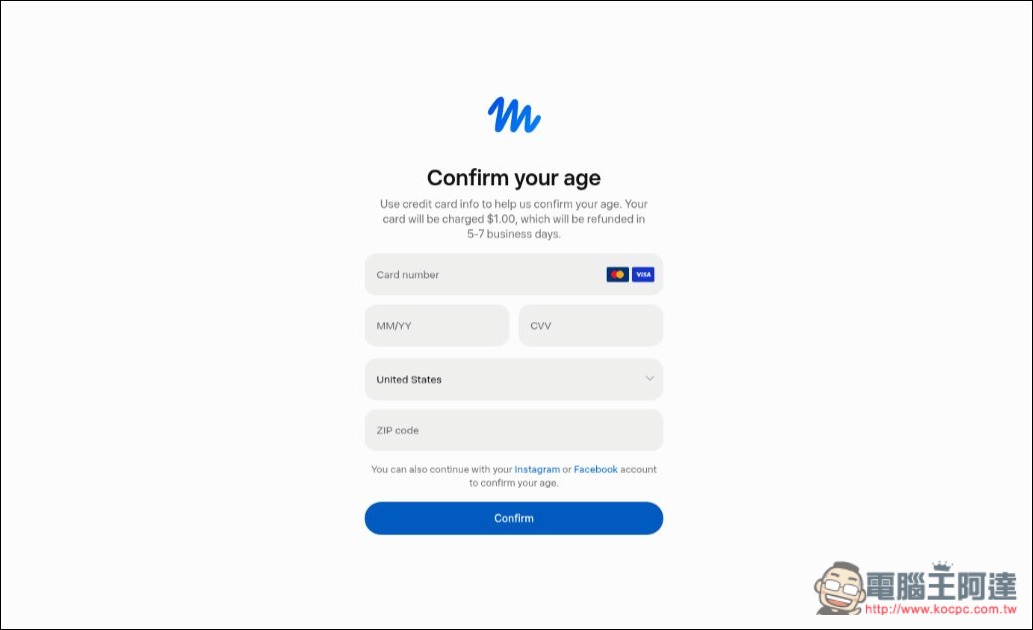
You’ll then proceed to the credit card age verification step, where you can enter a Taiwanese credit card. Once age verification is complete, your registration is done, and you can start using Muse:
What kind of open-source project is Moli?
Moli is a free and open-source browser developed in the Rust language, designed specifically for AI Agents and web automation tasks.
Unlike the familiar Google Chrome and Microsoft Edge, Moli uses a headless browser architecture and does not provide a typical graphical user interface. Instead, it lets AI or programs directly access web content, perform actions, and extract data. Its biggest feature is that it does not rely on Chrome or Chromium at all, and its main selling points are low memory usage and fast startup.
When a traditional browser opens a website, it usually needs to load a complete rendering engine to handle web page layout, images, and visual effects, but when an AI Agent performs data extraction tasks, it often only needs to retrieve the web page text, links, and structured information.
Therefore, Moli prioritizes processing web content and structure, performing additional rendering only when screenshots or visual presentation are needed, thereby reducing unnecessary resource consumption.
In terms of performance, according to test data published by the developers, during web scraping tasks, Moli’s median memory usage is about 73 MiB, while Chrome Headless reaches as high as 773 MiB, equivalent to reducing memory usage by more than 90%.
The preparation time for launching CDP is also shorter than Chrome’s. However, Moli’s automation compatibility is still not as good as Chrome’s, so it cannot yet completely replace traditional browsers.
Feature-wise, Moli supports capturing web pages as Markdown, HTML, JSON, and other formats, and can also generate webpage screenshots and PDF documents.
Source: KOCPC Chinese