


Free ChatGPT users can generate images every day, but the number is very limited, so it’s easy to hit the quota. If you often run into this and want to generate more images, we previously introduced… MindVideo AI The website has now launched the free version of the GPT Image 2 model, meaning free users can use it too without deducting any points. Of course, there is still a daily limit, but the quota is slightly larger than ChatGPT’s, and combined with the bonus points, you can still generate quite a few images.
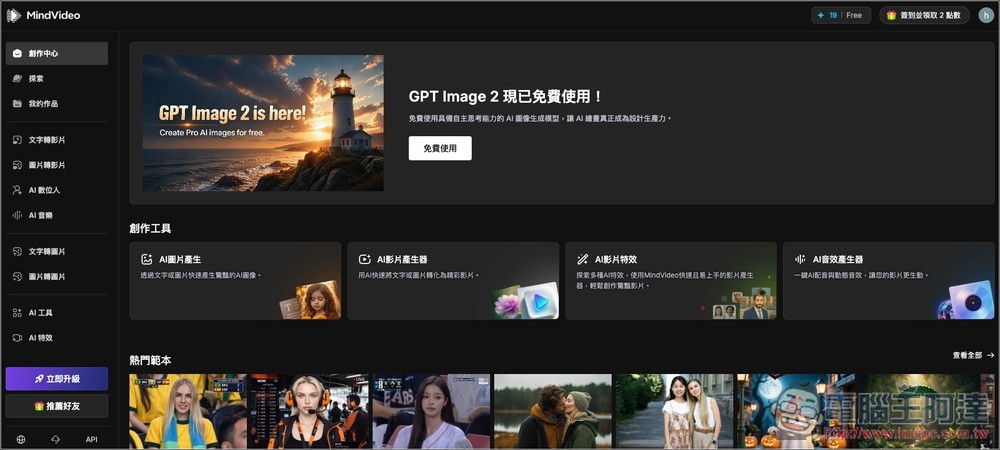
MindVideo AI offers the free version of the GPT Image 2 model, allowing free generation without deducting credits.
MindVideo AI is an online platform offering a range of AI creative tools, including AI video, AI images, AI music, and AI digital humans. For AI images, users simply enter text prompts to generate images quickly. It provides multiple AI image model options such as GPT Image 2, Nano Banana, Seedream, Kling, and Wanx, and users can select different generation quality, speed, and style according to their needs.
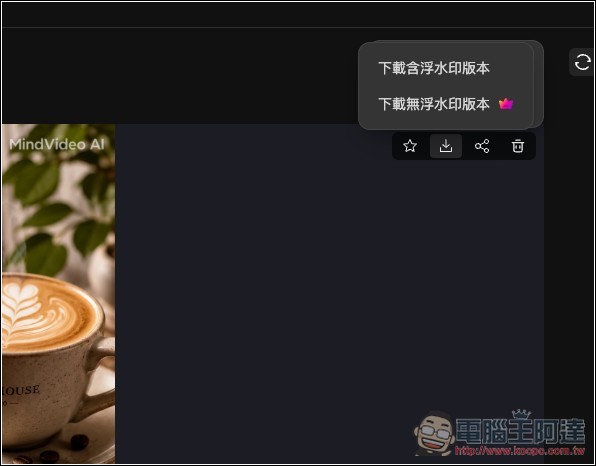
Registration is free, and after signing up you will receive a certain amount of free credits. There is also a daily check-in bonus that awards credits, which can be used to generate AI content. The cost in credits varies depending on the feature and model selected. However, note that images downloaded with the free plan will have watermarks, even if credits are used. Watermark-free versions and advanced features are only available to paid members. If you don’t want watermarks, you can try some online AI watermark removal tools.
Feature List:
- Supports text-to-image generation—simply enter a prompt to generate images.
- Offers multiple AI image models, including GPT Image 2 Free, so you can choose based on your quality, speed, and style needs.
- Built-in extended features including image-to-video, text-to-video, and image-to-image.
- Can be used for social media posts, article covers, advertising assets, product images, and creative design.
- Supports post-editing features such as image extension, repainting, eraser, and clarity enhancement.
- The interface is intuitive.
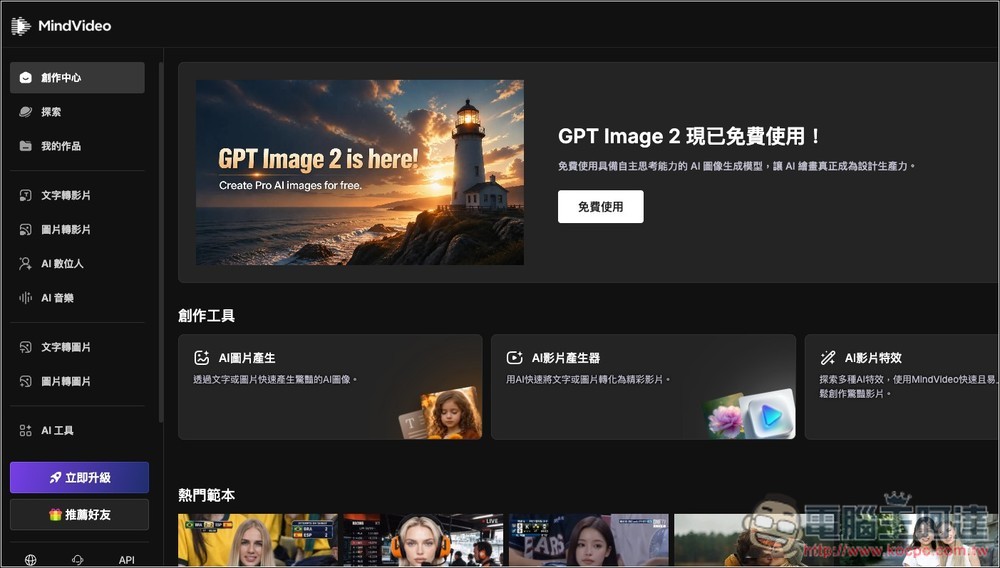
After entering MindVideo AI through the link above, register an account first. Then, on the homepage, you’ll see an announcement that says “GPT Image 2 is now free to use.” Clicking “Free to Use” will take you directly to the text-to-image feature. Of course, you can also click the “Text-to-Image” option on the left:
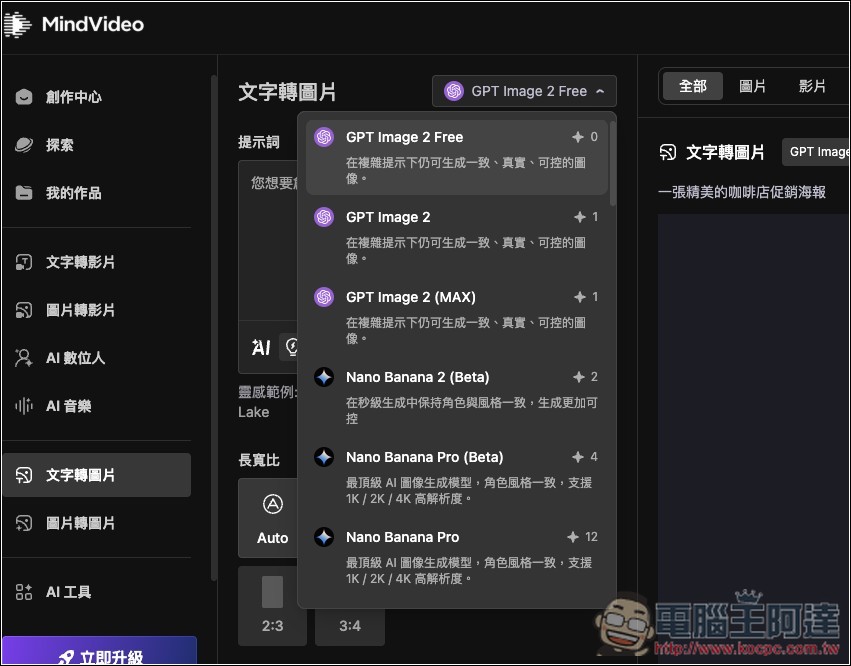
Then, in the model menu, you’ll see the GPT Image 2 Free option, with the points in the upper right showing 0, so it won’t cost any. The non-free GPT Image 2 and GPT Image (MAX) each cost one point, while Nano Banana 2 is quite a lot more, at least two points or more:
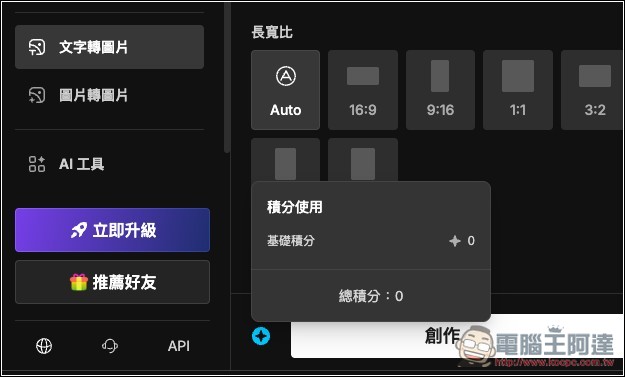
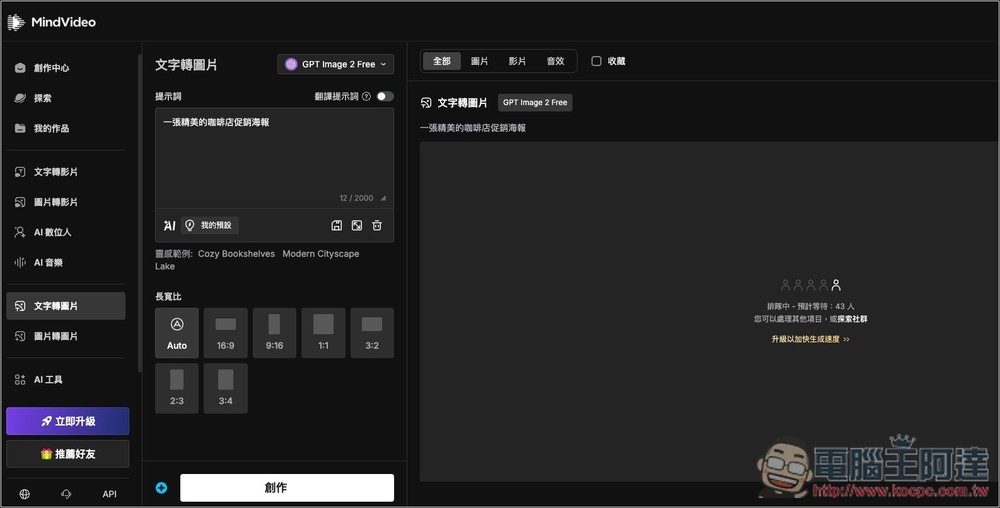
Enter your prompt. You can also set the aspect ratio below; it defaults to Auto, but you can specify options like 16:9, 9:16, 1:1, 3:2, and so on. When ready, click Create:
Of course, free generation requires queuing, but don’t be intimidated by the number of people ahead. When I generated this image, for example, there were 43 people ahead of me, but it only took about 2–3 minutes:
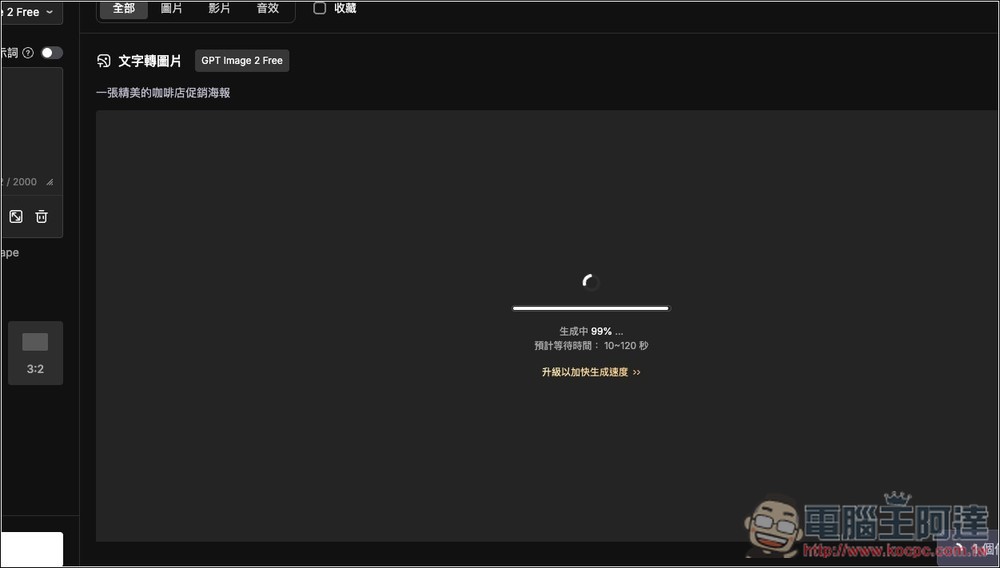
Then it will start generating, and it’s pretty fast:
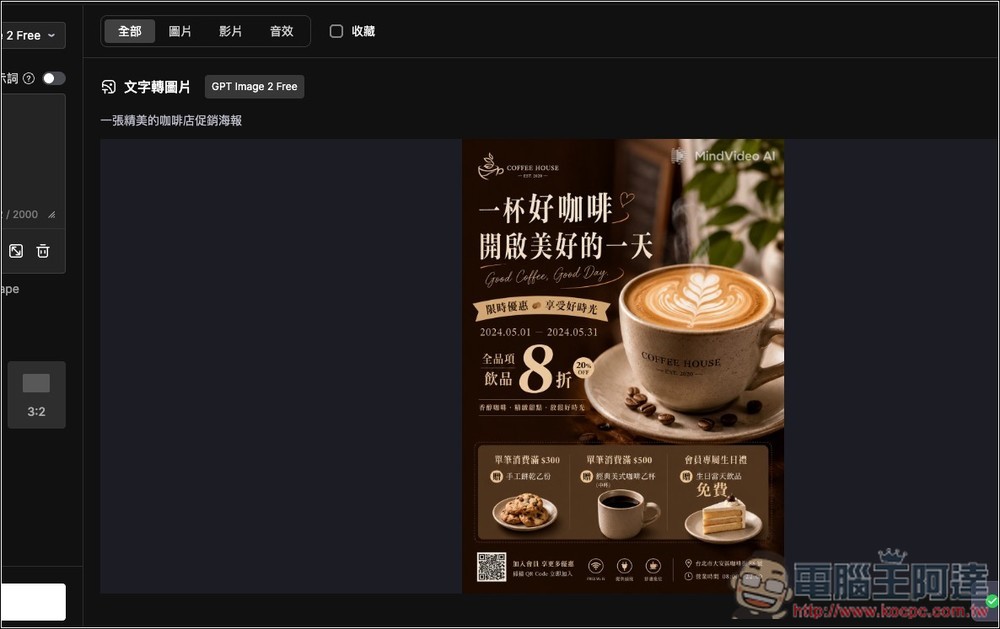
Hands-on testing confirms it is the GPT Image 2 model; the quality is quite good, and the Chinese text is also very accurate. You can also notice the MindVideo AI logo in the upper right corner:
If you like it, click the download icon in the top-right corner of the image to download it:
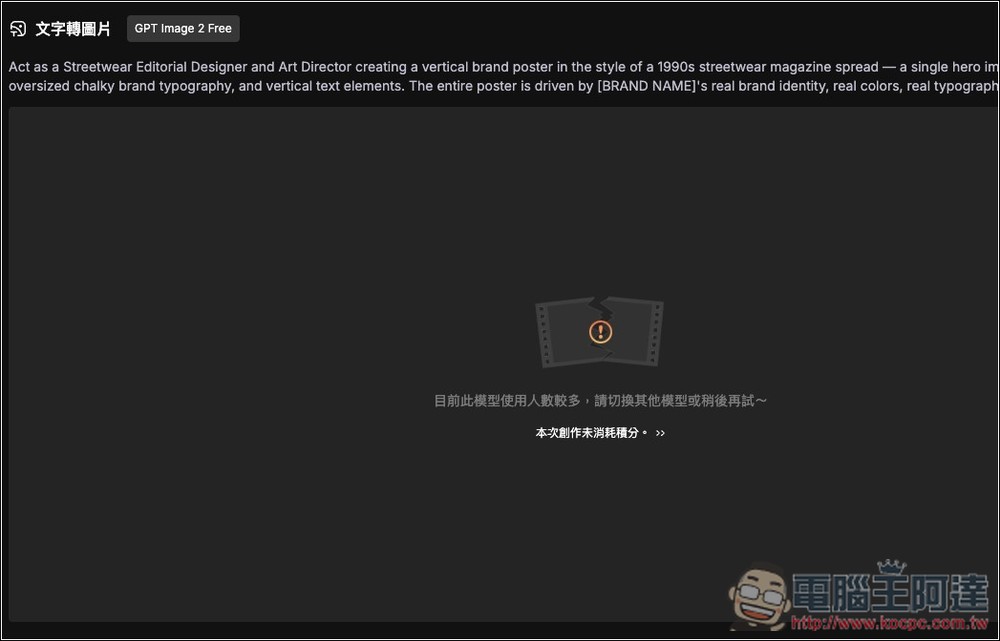
Sometimes when there are too many users, you may see a message like “Currently this model has a high number of users, please switch to another model or try again later.” At this point, just click Create again, and it will generally start queuing and generating:
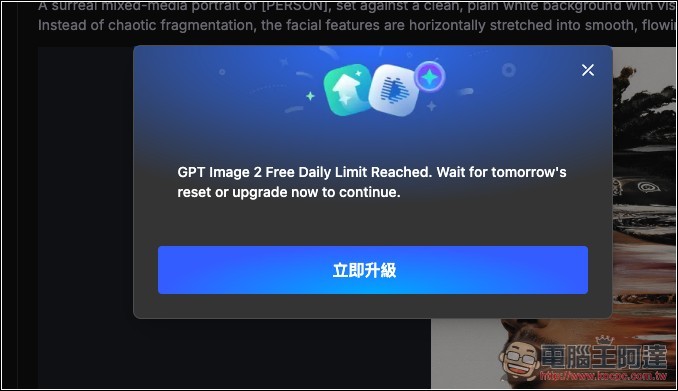
From my testing, the free model seems to offer a daily quota of 5 images. If you exceed that and want to keep generating, you can switch to the credit-consuming version, or you can register another account:
Source: KOCPC Chinese