


In today’s Internet era of information explosion, major platforms are full of audio and video content that we want to save, whether it is funny short videos shared by friends, instructional videos, or Reels, Shorts, and TikTok that we cannot miss on social platforms. Many people will think, “Is there a way to directly download and collect them?” Yes! What I want to introduce today is Downr, a super practical free online video downloading tool that supports more than 50 platforms. You can download videos or audios with just one click. It requires no installation or login, and can be easily operated on your mobile phone! This article will take you to quickly understand Downr’s features, operating procedures, supported platforms, and limitations, so that you don’t have to look for tools and take chances when you want to download videos in the future!
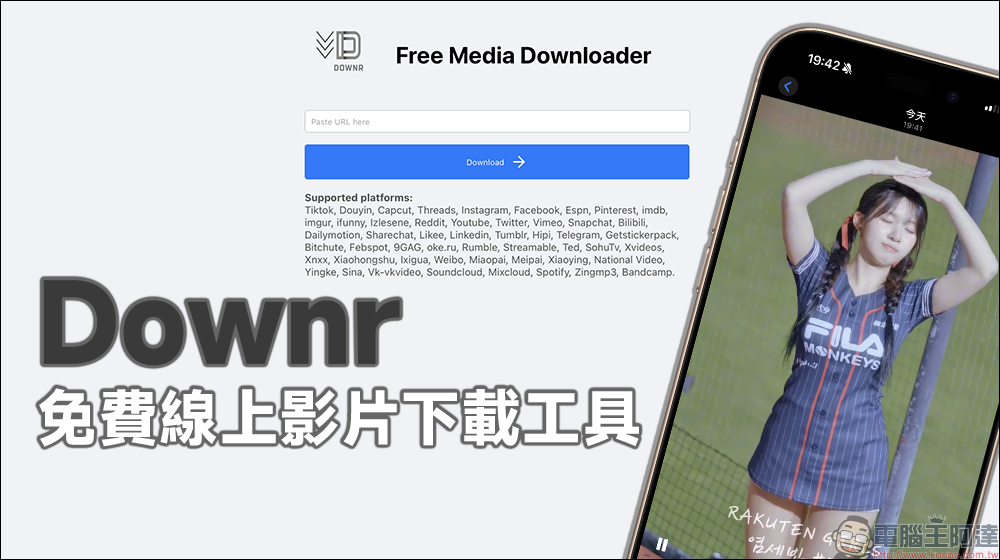
Downr is a free online video download tool, including videos from dozens of platforms such as Threads and Instagram.
Downr is an online video and audio download tool. It is completely free and does not require registering an account or installing any programs or apps. It can be operated directly through the browser. It’s very intuitive to use: Just paste the link to the video and the system will automatically parse it and generate download options.
Currently, Downr supports more than 50 platforms, including the commonly used Y sites, Facebook, Instagram, Threads, TikTok,
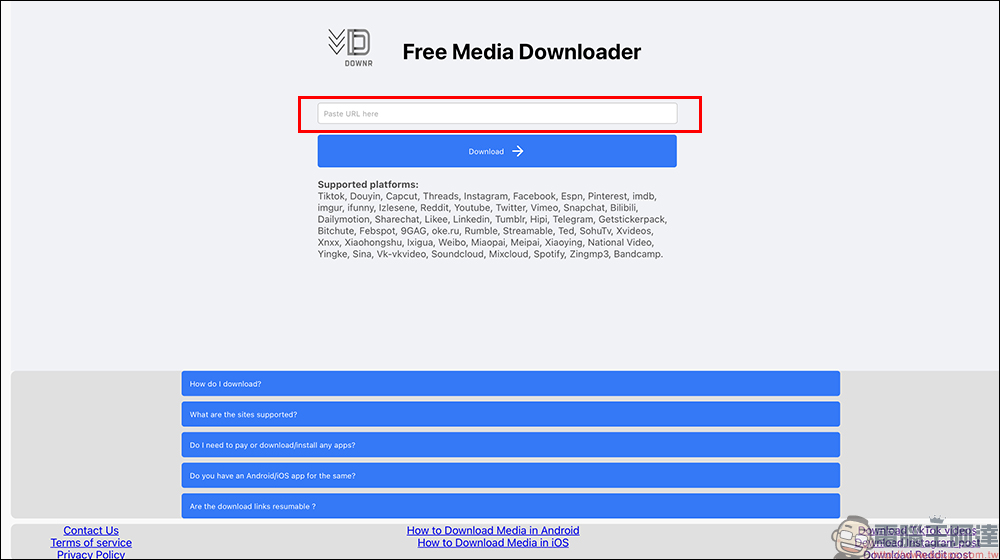
Downr’s three-step download process is super simple, making it easy for anyone to get started. Here are the steps:
Step 1: Paste the video link
Open Downr website, paste the link to the video you want to download into the search bar, and click “Download”. Here we first use the video of the Threads platform to demonstrate: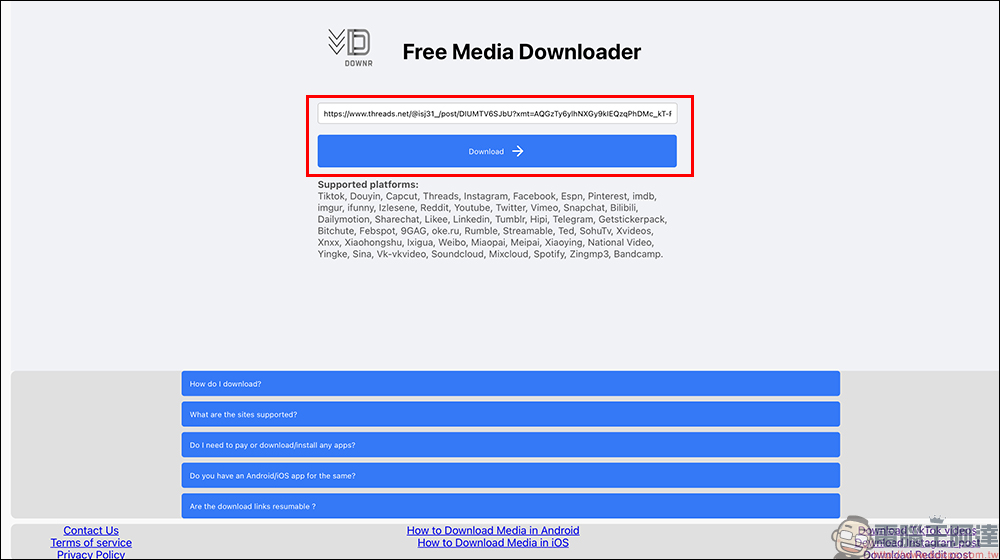
Step 2: Select the format to download
Downr will automatically scan the video page and generate a list of downloadable file formats.
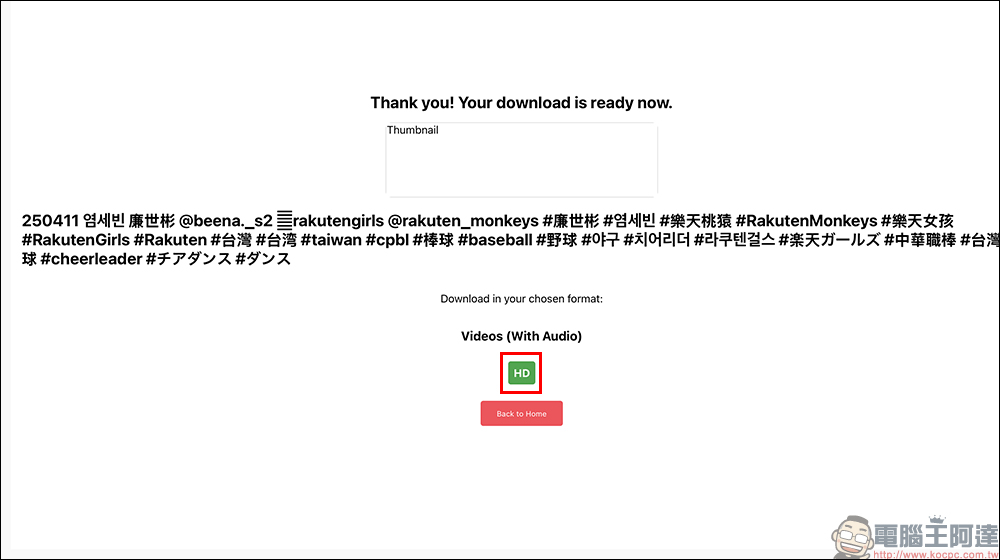
Step 3: Click to download
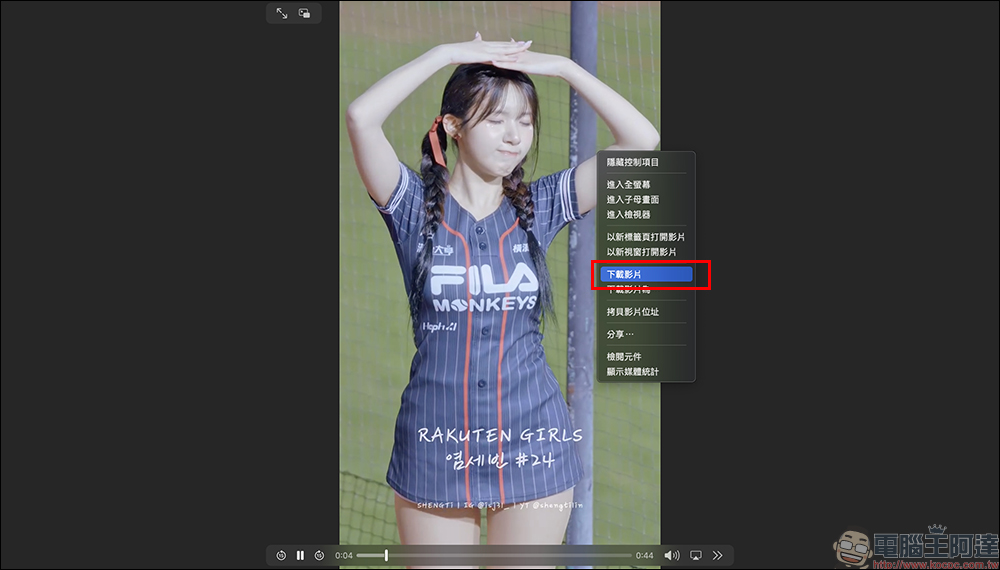
Sometimes after clicking the format, the browser will play the video directly. If you want to really “save” it, just click the “Menu” in the lower right corner of the video playback page, and then find the “Download” button.
Depending on the source platform, the format selection will vary, for example:
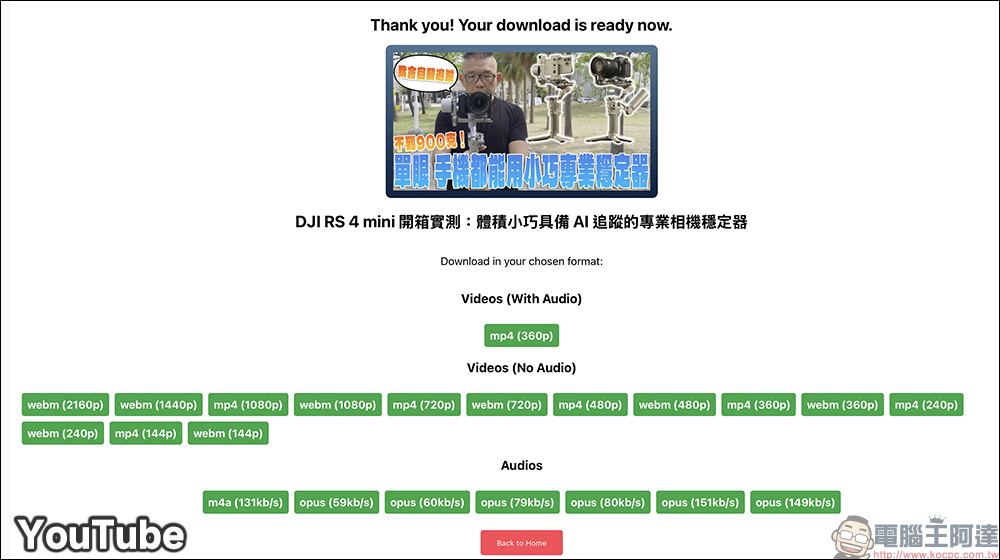
- YouTube: MP4 format usually appears, but the resolution of the version with sound supports up to 360p. If you want a 4K high-definition version of the video, you may only have a picture without sound. This is a pity for Downr.
- Facebook: Available in HD (High Definition) and SD (Standard Definition), and usually include sound.
- Video platforms such as Instagram,
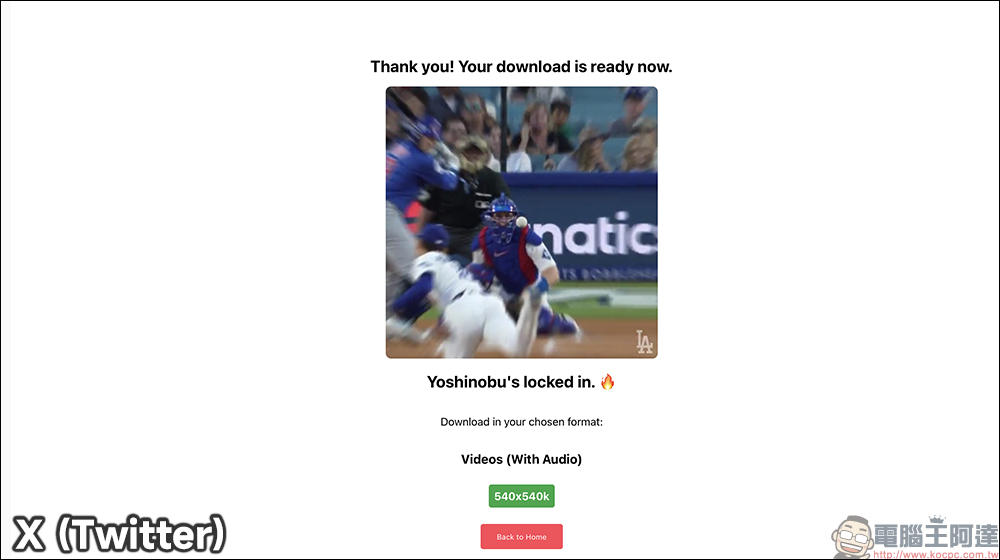
In addition, X (formerly Twitter) can download videos with sound in one go.
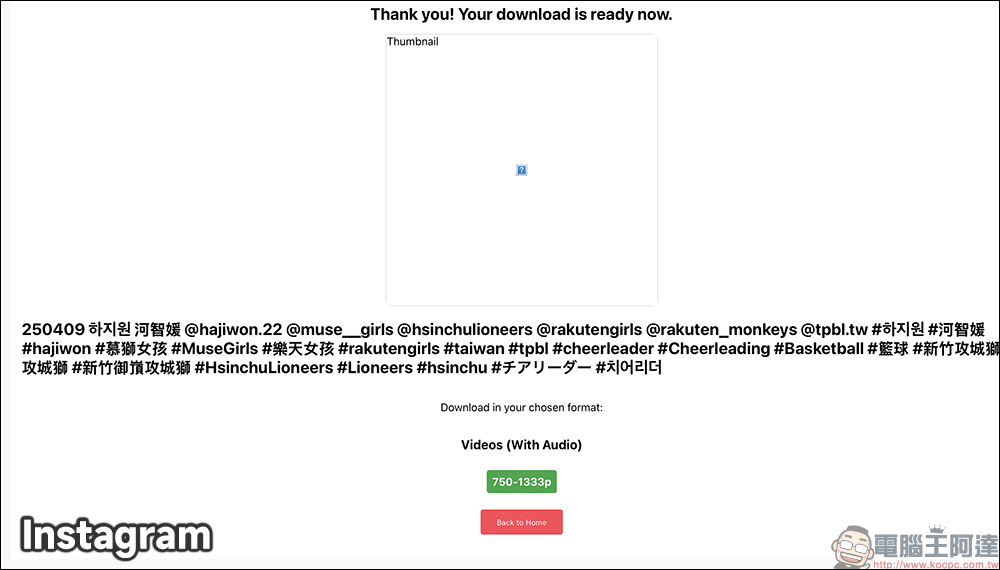
Instagram can also directly download video files containing sound:
Downr free online video download tool
Further reading:
Are you still letting Shorts covers be randomly selected? A must-read for YouTube creators, “this trick” will directly double your traffic
Source: KOCPC Chinese