


This year WWDC 24 At the Worldwide Developers Conference, Apple finally announced that it will iPadOS 18 The iPad will have built-in native computer apps, but for more Apple users, when they usually use computers, they often have to look for apps or use Spotlight search to find answers to mathematical calculations. Today I would like to recommend a desktop calculator app that can be used on both iPhone and iPad and can be used directly on the computer from the home screen. There are also a variety of themes for users to choose!
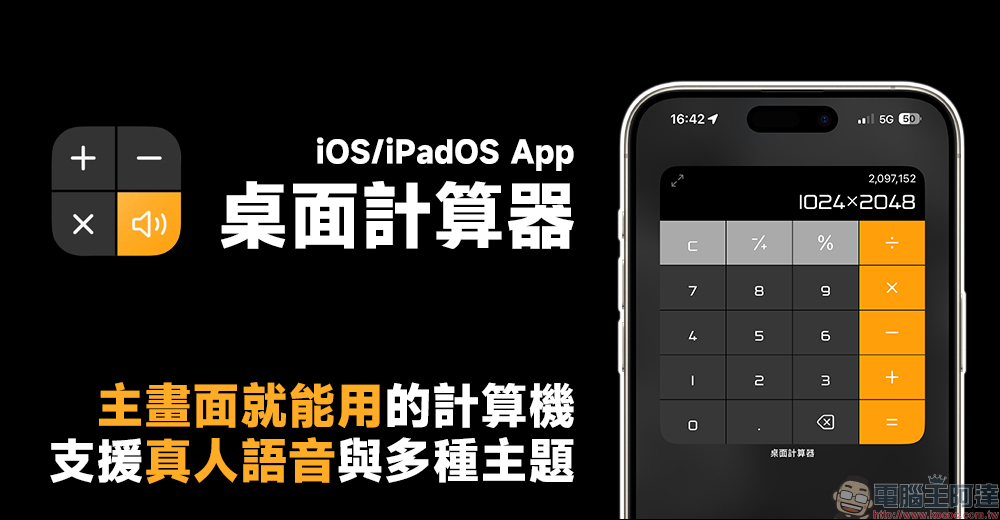
Desktop calculator app, no ads, no need to open the app! You can use your computer from the main screen, and you can choose from a variety of themes.
Do you want to turn on your computer at any time and don’t want to turn on the built-in computer? Today I want to share with you a “desktop calculator” app for iOS/iPadOS. This free computer app can support various calculation functions of the computer in the form of widgets on the main screen. It also has a variety of themes that can be freely matched, and it even has a built-in human voice so that people will not be afraid of clicking the wrong numbers!
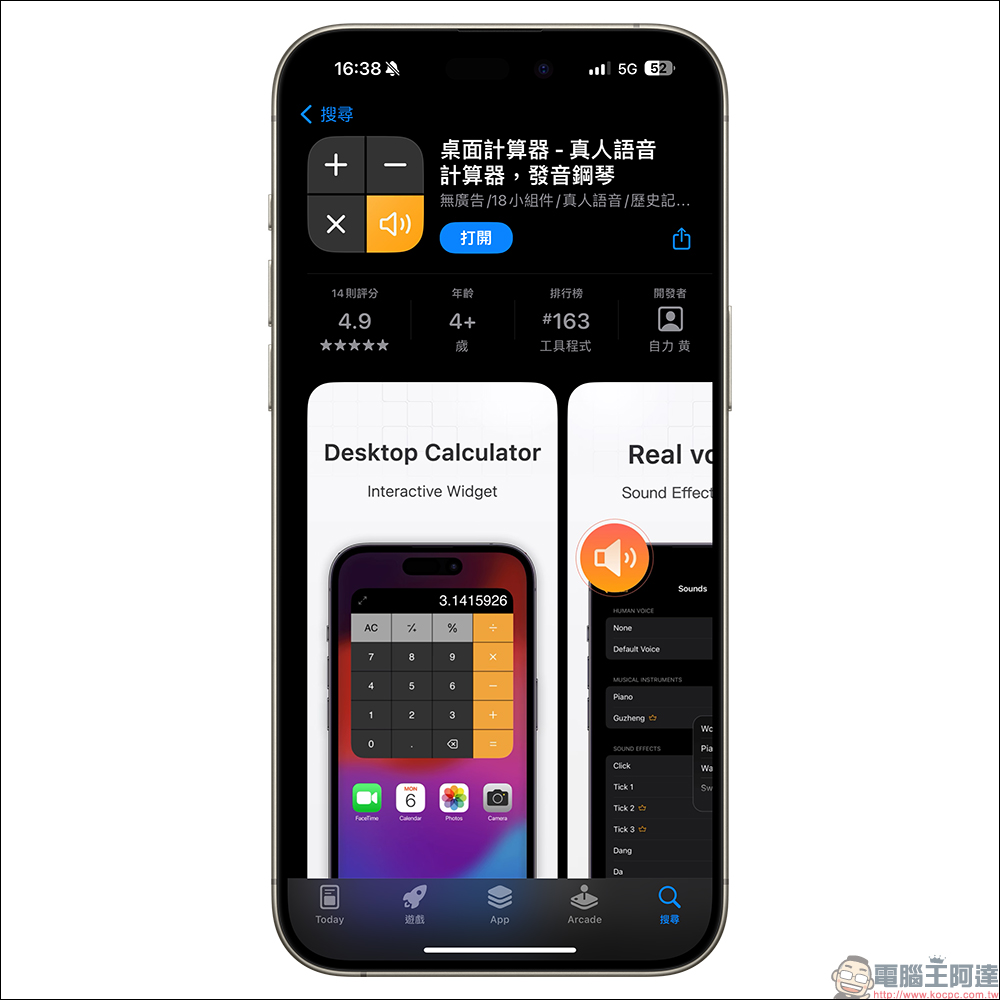
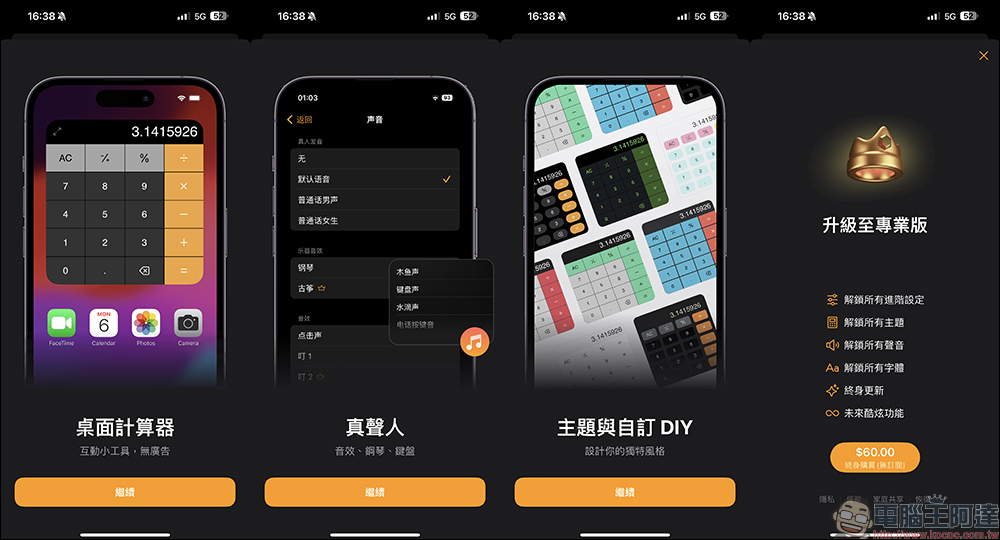
“Desktop Calculator” is a free app to download. You can also upgrade to the professional version by paying a one-time fee of NT$60 via in-app purchase. The professional version unlocks all advanced settings, all themes, all sounds, all fonts, and also enjoys lifetime updates and more cool new features in the future. But even if you continue to use the free version, you can still enjoy no ads, real voice, a variety of themes and custom DIY options. If you do not need to upgrade to the professional version for the time being, just click the “X” in the upper right corner of the professional version upgrade page.
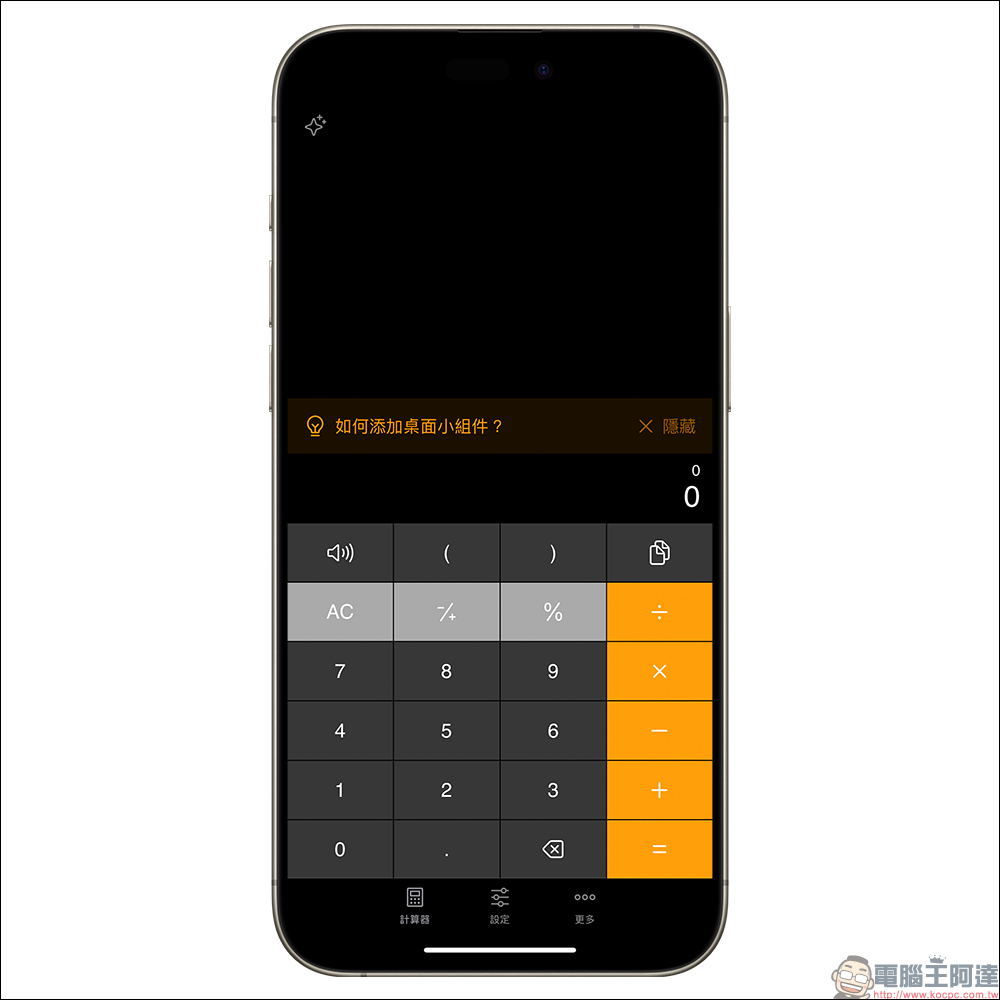
The default home screen function is like the native computer color matching, and various computer functions can also be used. But everyone downloads this app mainly for its desktop gadgets, right? Next, I will quickly share with you how to set it up.
After opening the “Desktop Calculator” app for the first time, return to the home screen of your iPhone or iPad, and then long press a blank space to enter the editing mode of the home screen. At this time, click the “+” button at the top of the screen to add a main screen widget. Since the “Desktop Calculator” App has been opened earlier, we can see it and click on it here. If you don’t see “Desktop Calculator” when adding a gadget, you can open the app first and then come back to look for it!
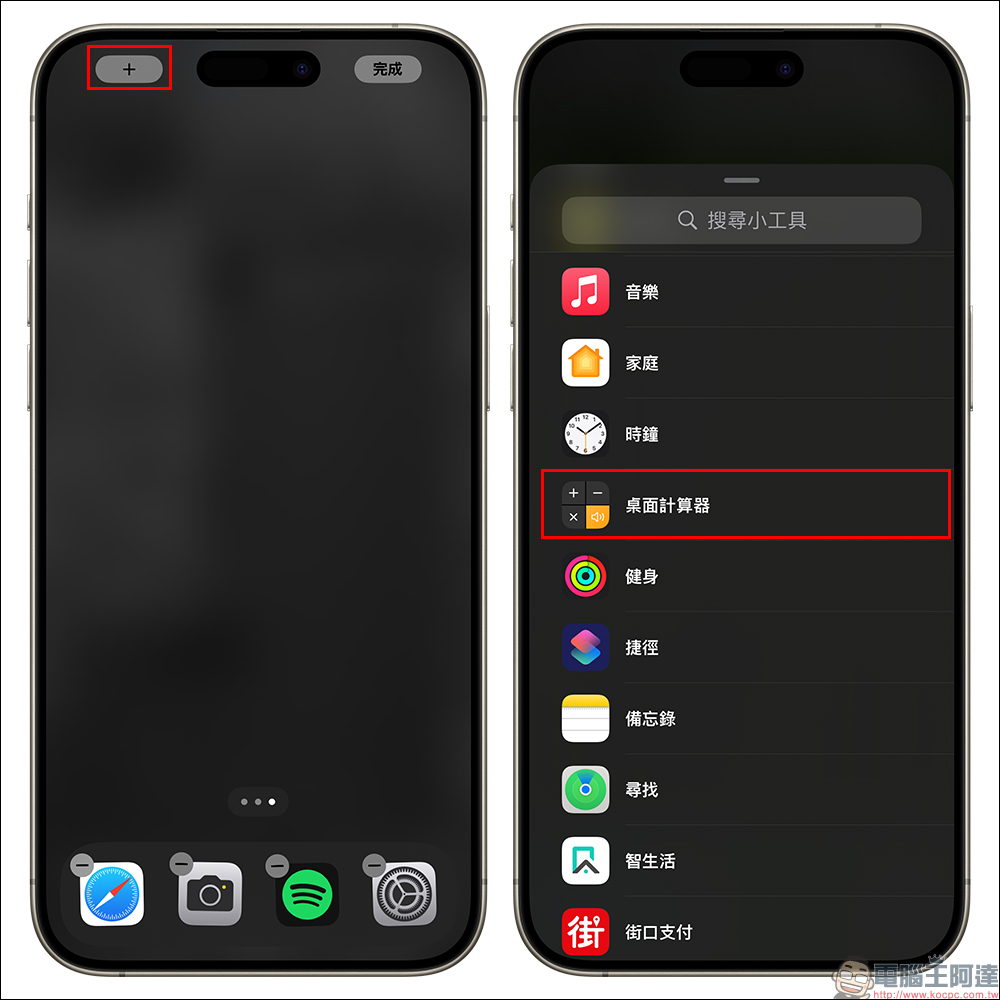
The gadget interface on the main screen of the Desktop Calculator App is a small computer. Click “Add Gadget” and place it in the appropriate position, and click “Done”!
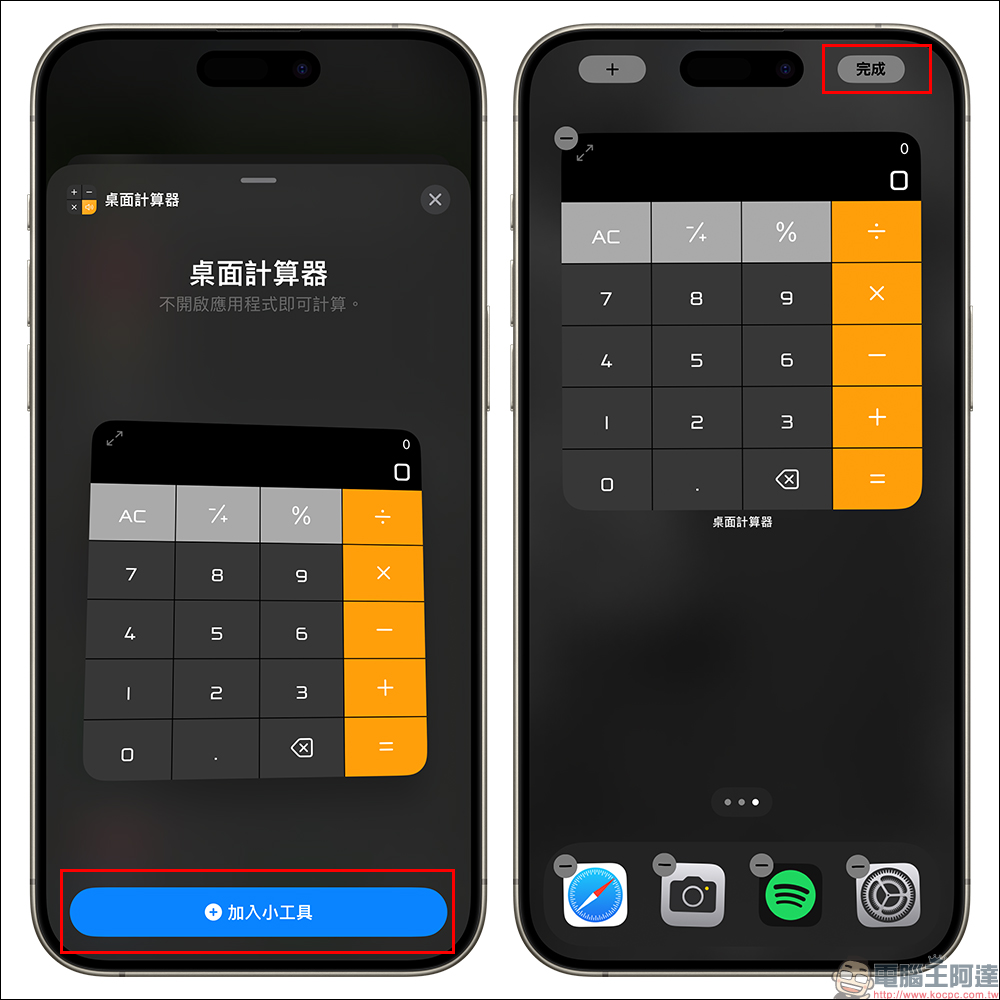
In the main screen, users can freely operate various formula calculations on the computer.
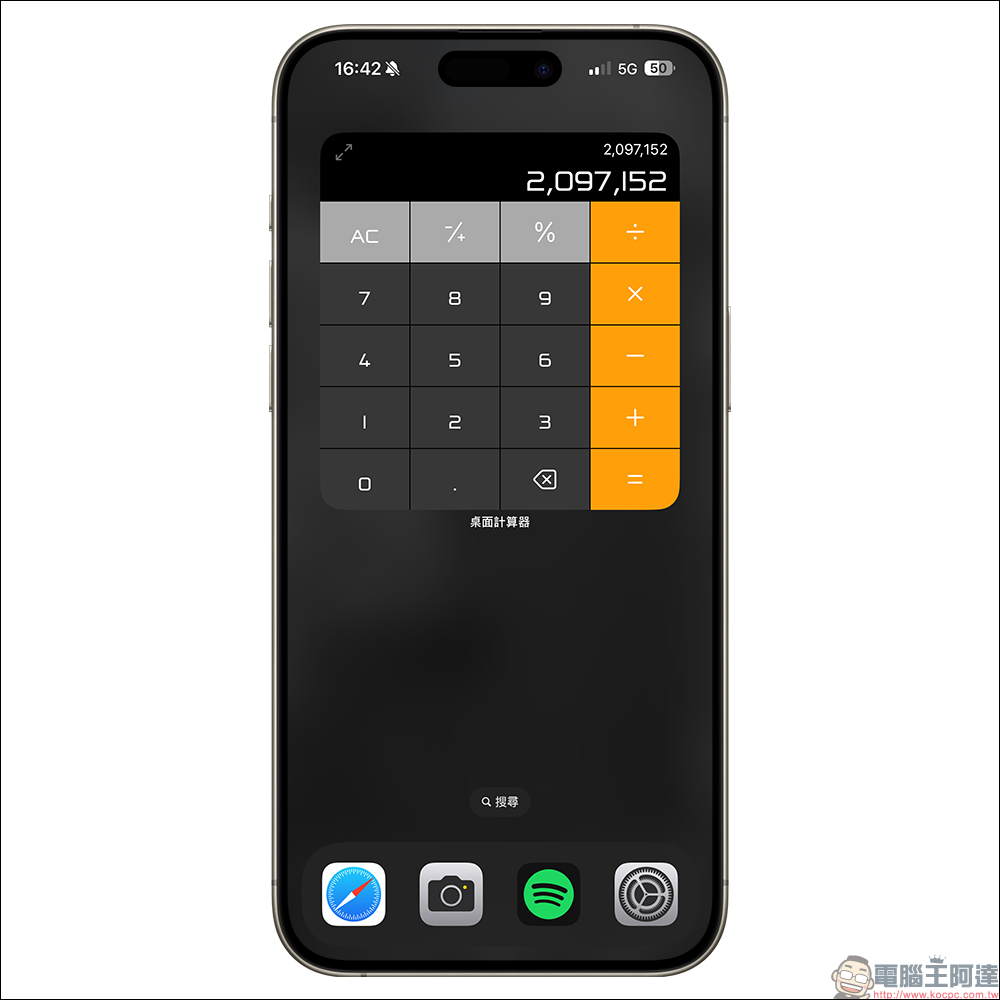
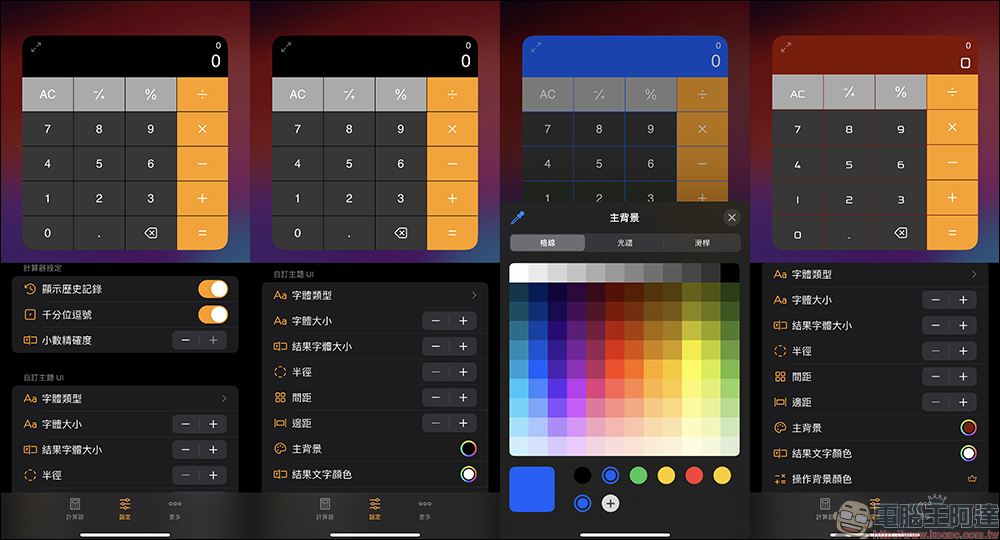
If you want to further edit your computer’s interface, just click the “Full Screen” button in the upper left corner of the gadget to open the app. Then there are a variety of computer themes built-in in “Settings”. Except for the themes with a “crown” icon in the name, which are only available for the paid professional version, the rest are all themes that can be used in the free version. To be honest, there are many free theme options that are good-looking and easy to use. You can change different computer themes at any time to create your own iPhone/iPad home screen.
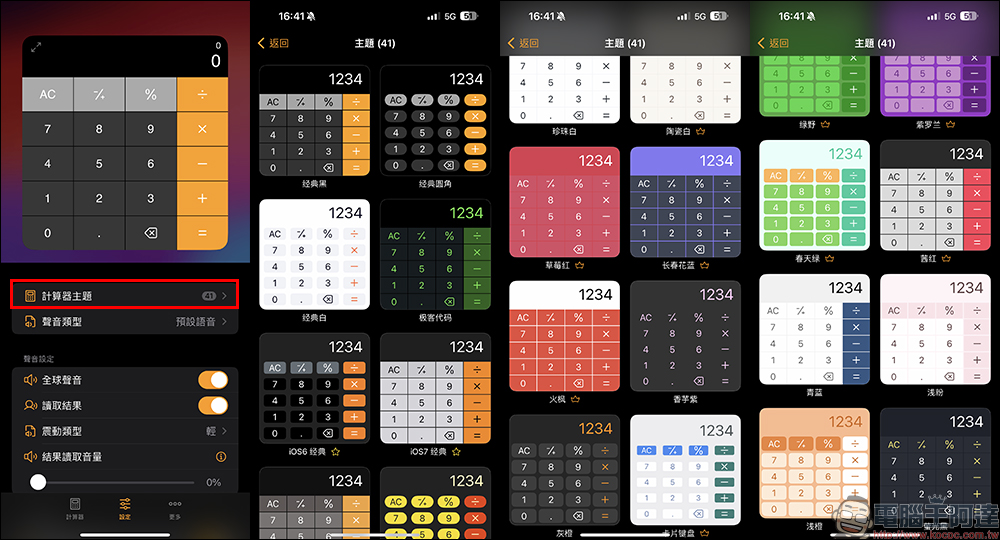
In addition to the built-in theme styles, users can further set the computer’s functions and select the main background, result text color, font type, font size, and even the computer’s radius, spacing, margins, etc. by customizing the theme UI.
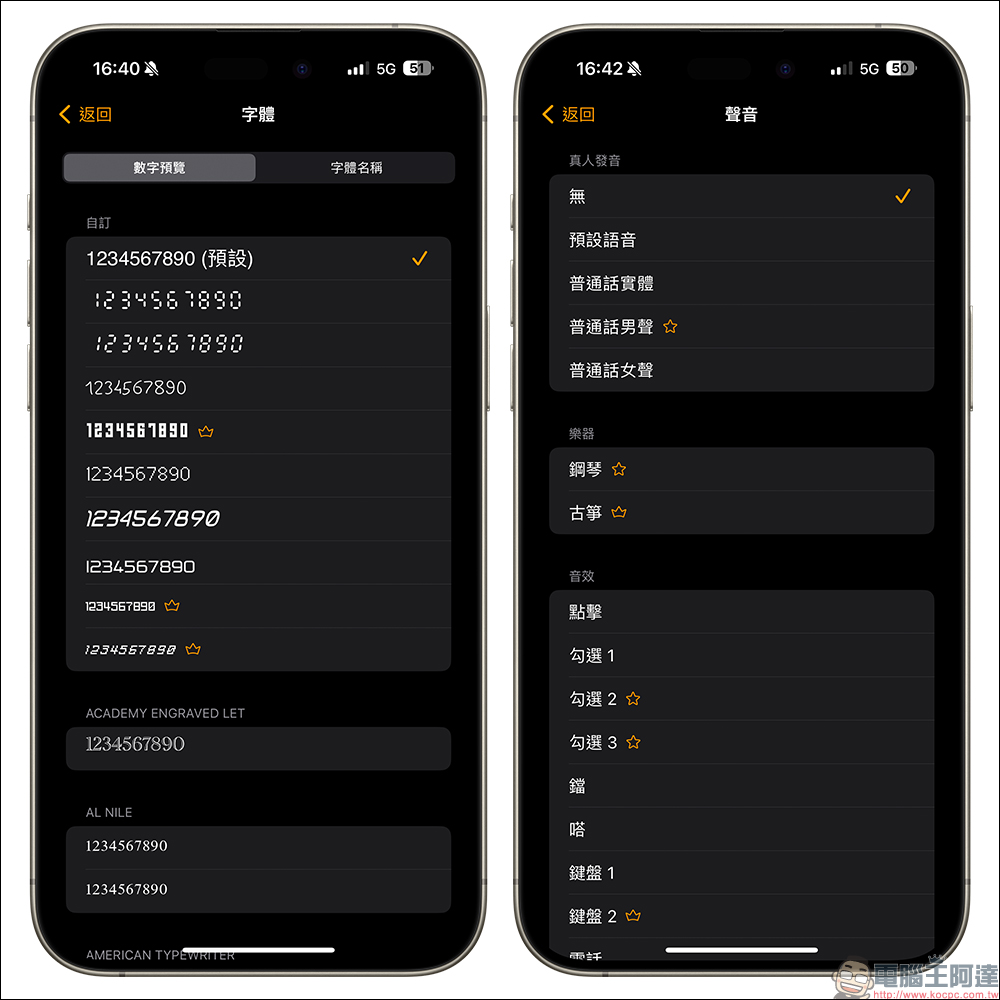
The built-in fonts available in the free version are very rich, and of course the professional version has more fonts available. In addition, the “Desktop Calculator” App has a variety of built-in voice functions with human pronunciation, as well as musical instruments and sound effects to choose from. If you don’t want the sound to appear every time you press the computer, you can also switch to the “None” setting.
Desktop Calculator App Download (App Store)
Further reading:
2024 Apple BTS’s LINE shopping guide is now available! Limited time 4.5% LINE POINTS rebate with no upper limit (~7/17)
Source: KOCPC Chinese