


Anyone who uses communication software should be familiar with the mention function through “@”. Recently, the “group all tagging function” has been implemented in Facebook groups and LINE computer versions. By typing “@” in the input box of the group chat room, you can tag all members at once through “@All” or “@Everyone”.

Facebook groups and LINE computer versions have begun to implement the “all group annotation function”
For Facebook groups, the “group all tagging function” is currently only available in the Facebook mobile app, both iOS and Android versions, but cannot be used in the Facebook computer version. There are also strict restrictions on all Facebook community annotation functions. First of all, you must be a Facebook community administrator.
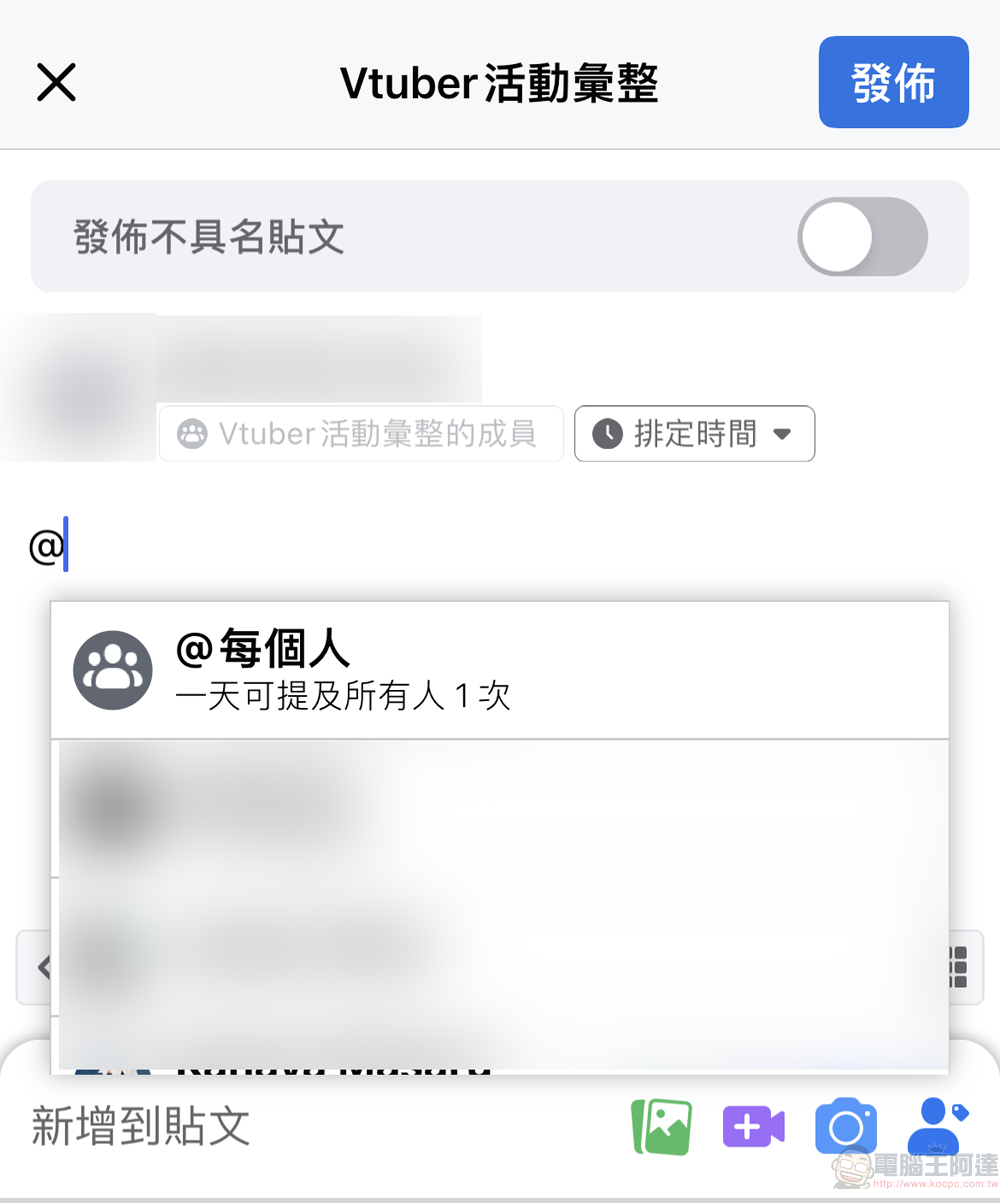
After confirming that you are a Facebook community administrator and using the mobile app, you can enter @ in Facebook community posts or comments, and then click on the first option “@Everyone”. Here you can also see a system prompt “You can mention everyone once a day” to limit the abuse of this function.
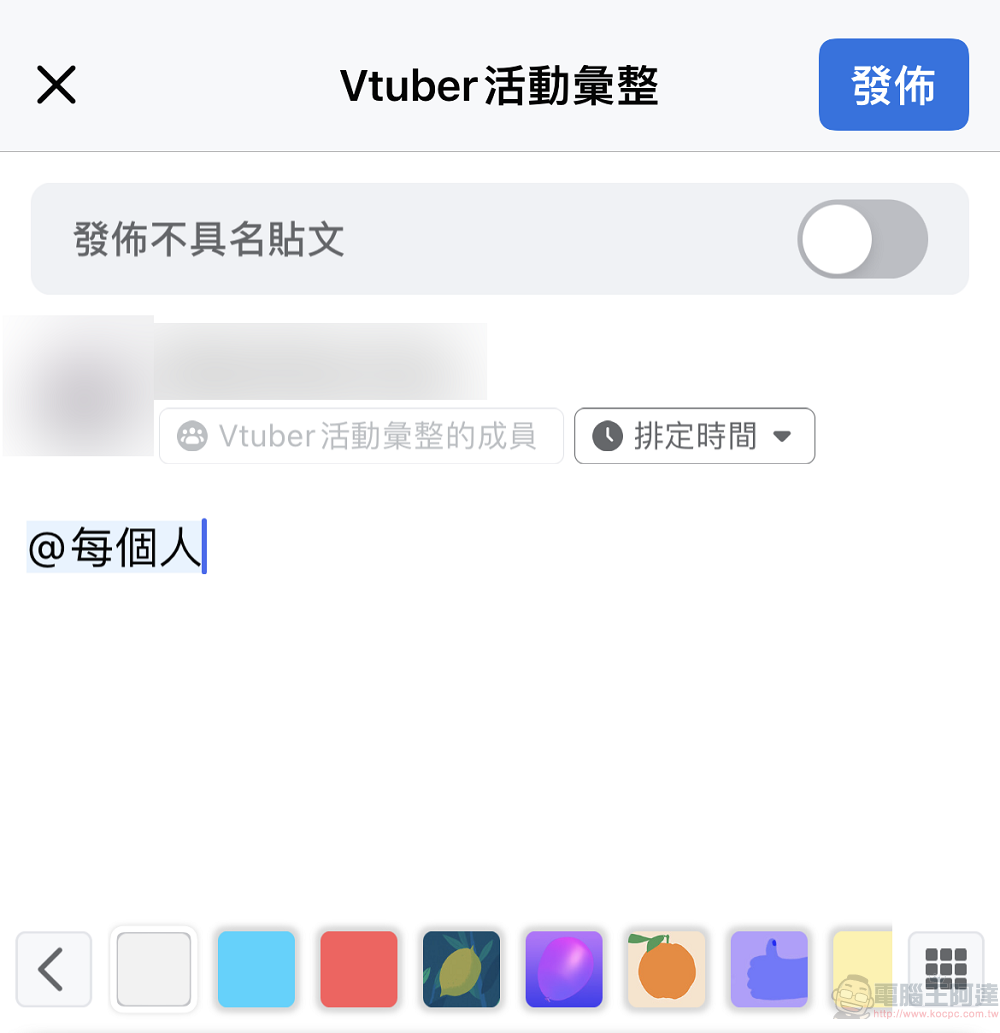
When you post or comment, you will see “@everyone” with a blue background. You can directly enter the content and send it. After that, members of the Facebook community will receive a notification that “you were mentioned in a post/comment”.
LINE announced on August 31 that the computer version of LINE has been updated to version 7.11 (inclusive) or above. After the mobile phone version is updated to LINE 12.14 (inclusive) or above, the group “mark all” function can be used.
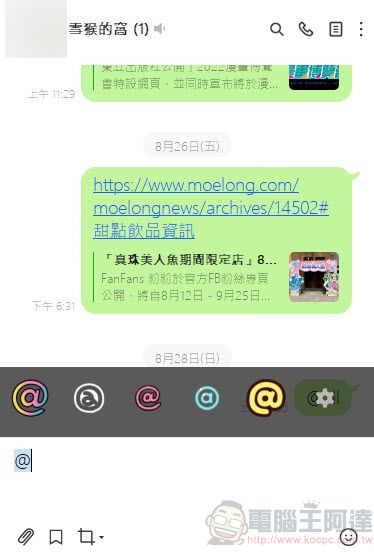
Before the group “mark all” function was implemented, if you typed “@” in the group chat room input box, it would only be regarded as requiring the symbol “@”.
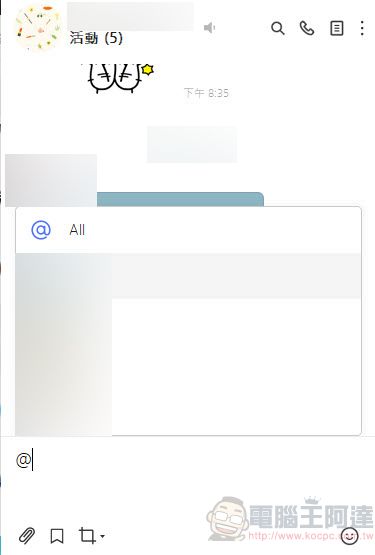
After the group “mark all” function is installed, if you type “@” in the group chat room input box in “groups” and multi-person chat rooms (excluding chat rooms with only one person (such as personal groups), LINE social chat rooms, and official accounts), you will see ” @All” option, or directly enter “@All”, you can tag all members at once. If the party receiving the message has not updated the computer version of LINE to 7.11 (inclusive) or above, a text message will be displayed when someone uses the “Tagging All” function.
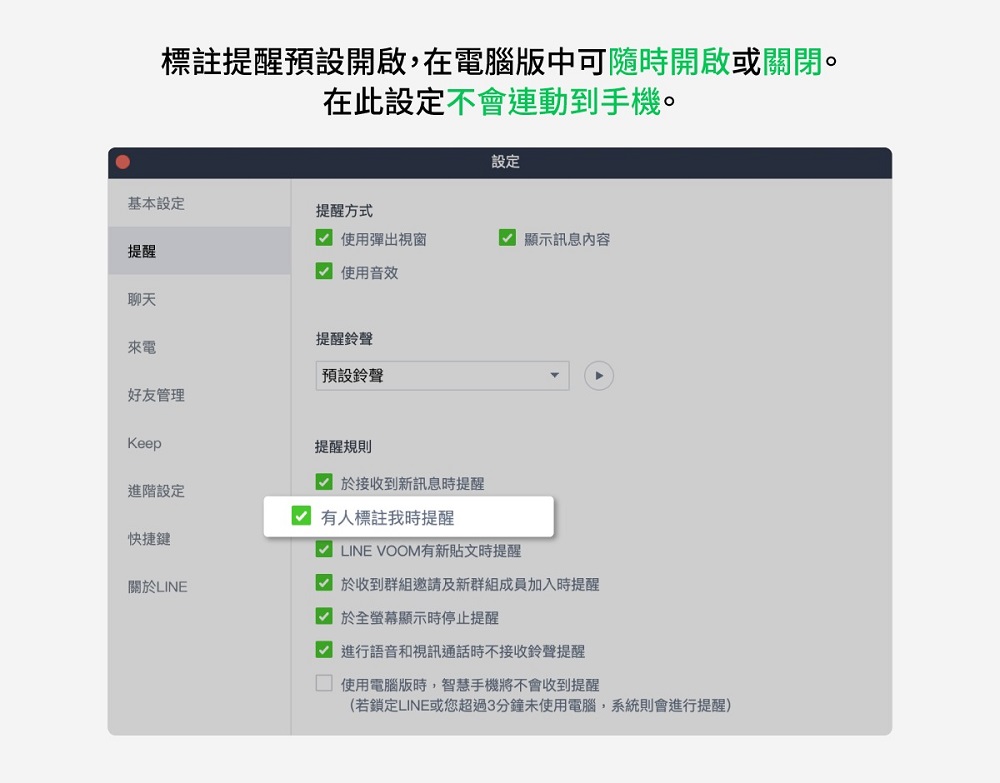
In addition, LINE also stated that “marking” related reminders can be turned on or off for the computer version. The “Markup Reminder” on the computer version is turned on by default, and turning it on or off here will not be linked to the Markup Reminder on the mobile phone.
I remember that not long ago, some people suddenly discovered that the “group all tagging function” has been implemented when using LINE, but most of them said they were not very happy, thinking that they would probably be notified frequently in the future. Taking the all tagging function of Facebook groups as an example, since the group administrator can only mention everyone once a day, there is probably no possibility of abuse; LINE does not seem to have a particularly clear limit at present, and maybe it will also plan to limit the number of uses in the future.
Source: KOCPC Chinese