


Invincible Novel is a very powerful novel app on Android. It not only provides a large number of free novels, but also has a complete classification function so that you can quickly find the novels you like. It also has a listening function. When you can’t keep staring at the screen, you can switch to storytelling and read it out, which is very convenient.
However, I would like to remind you that the source of the free novels provided by this app is not sure, and those who are concerned are advised to skip it directly.

Introduction to Wudi Novel App, with built-in listening function and a large number of free novels
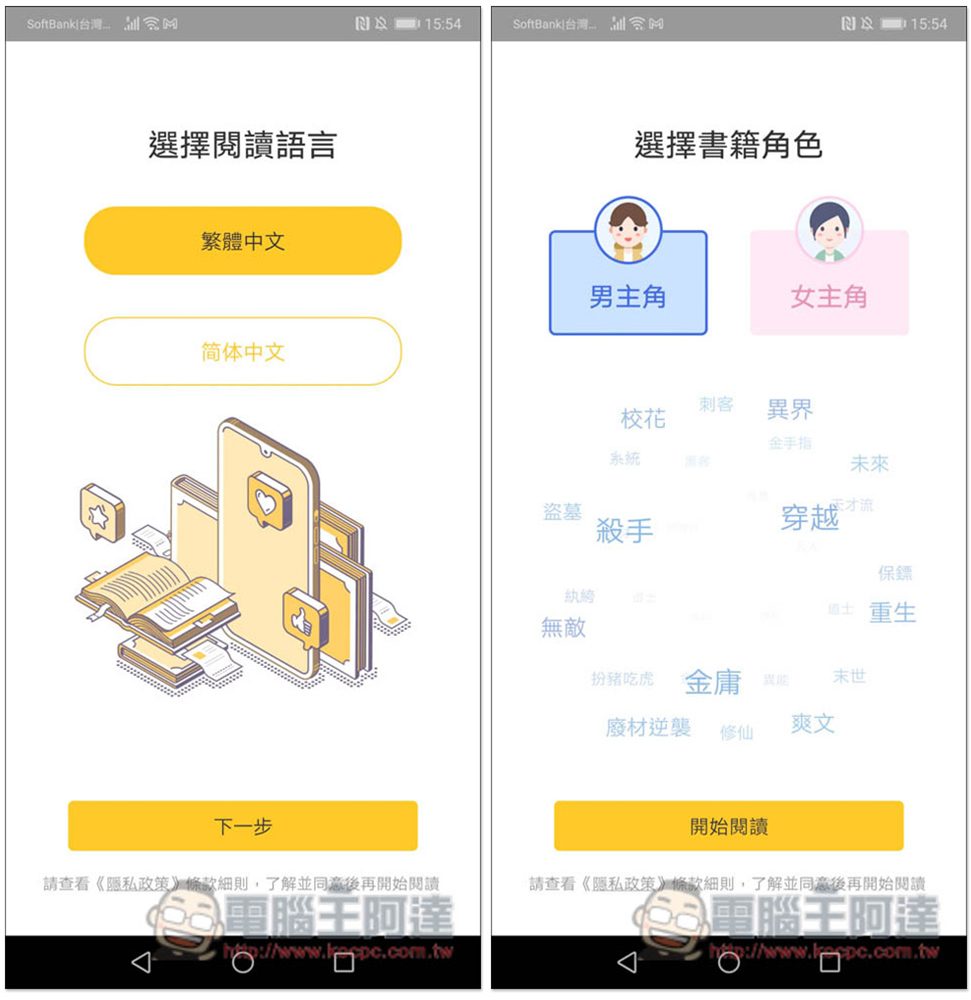
After opening the Wudi Novel App, you will first be asked to select “Traditional Chinese” or “Simplified Chinese”, followed by book characters. The character part will affect the recommended novel types displayed on the homepage. For example: if you select the male protagonist, novels suitable for boys will appear on the homepage:
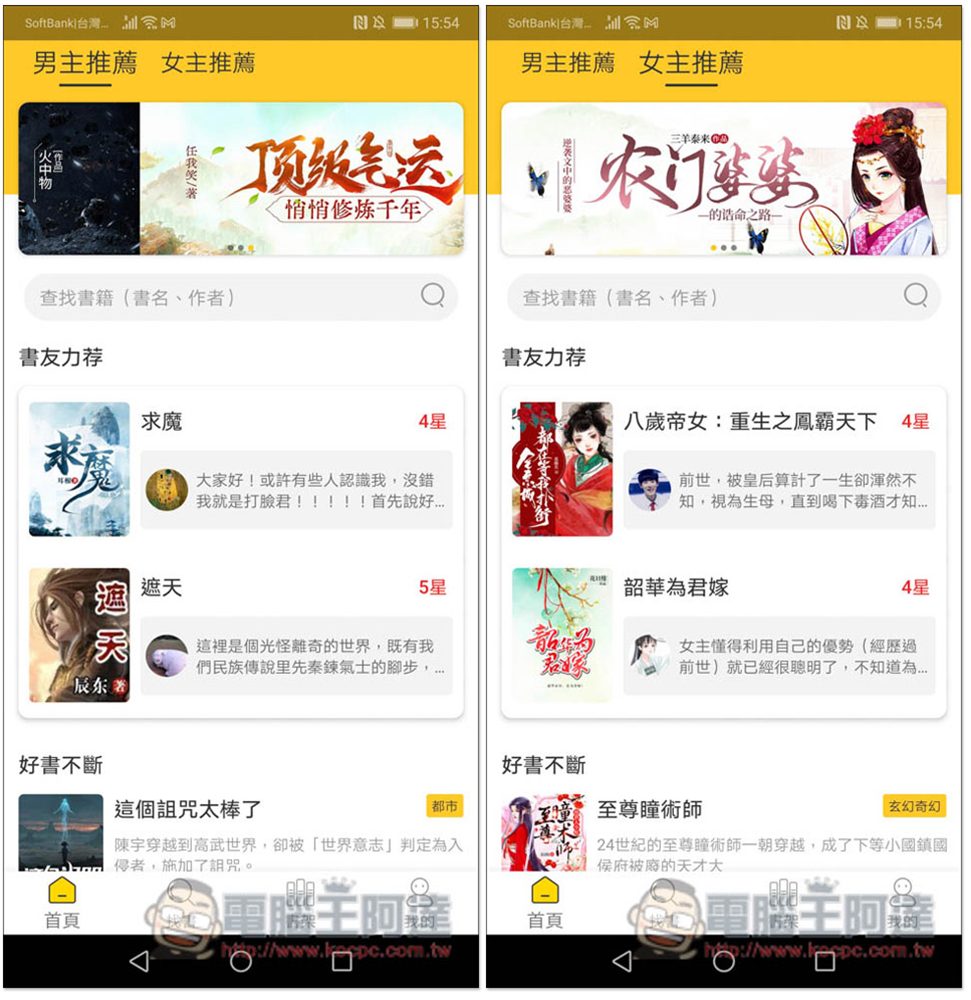
Then you will enter the homepage. The impact just mentioned is the “Boys Recommendation” and “Girl Recommendation” at the top. If you choose the male protagonist, “Boy Recommendation” will appear on the first page. If you select the heroine, it will become “Girl Recommendation.” It doesn’t matter if you make the wrong choice. Just switch manually, or go to My Menu to modify:
Click on the library to view all classification menus. The major categories are “by category, by plot, by character, by space, by style and by ranking”. It depends on which genre you like. When you really don’t know what to watch, you can go to the rankings to find:
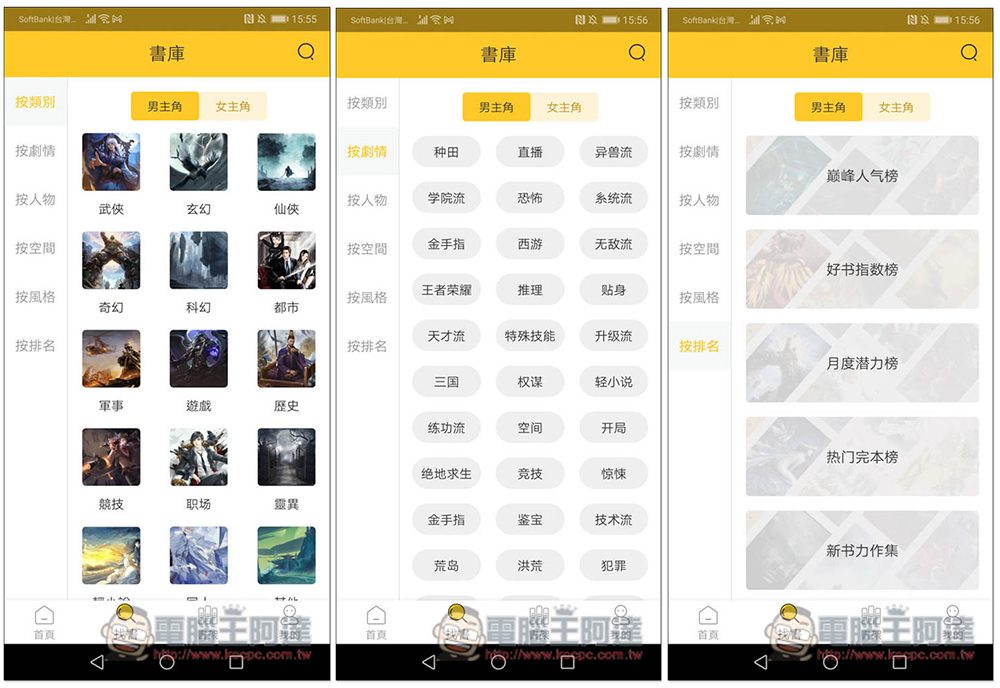
The rankings also provide many categories, such as peak popularity rankings, monthly potential rankings, popular completion rankings, etc. Each one has a recommendation index. It is recommended to find a higher ranking to avoid being easily missed:
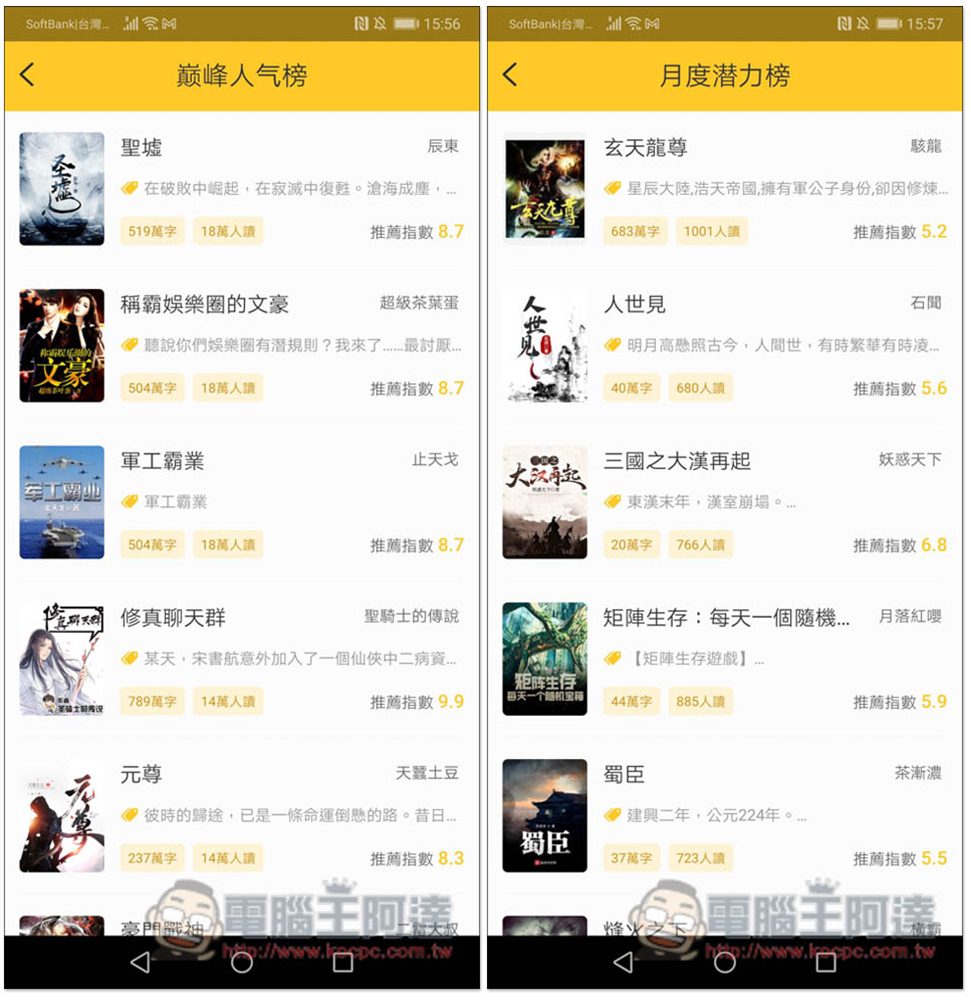
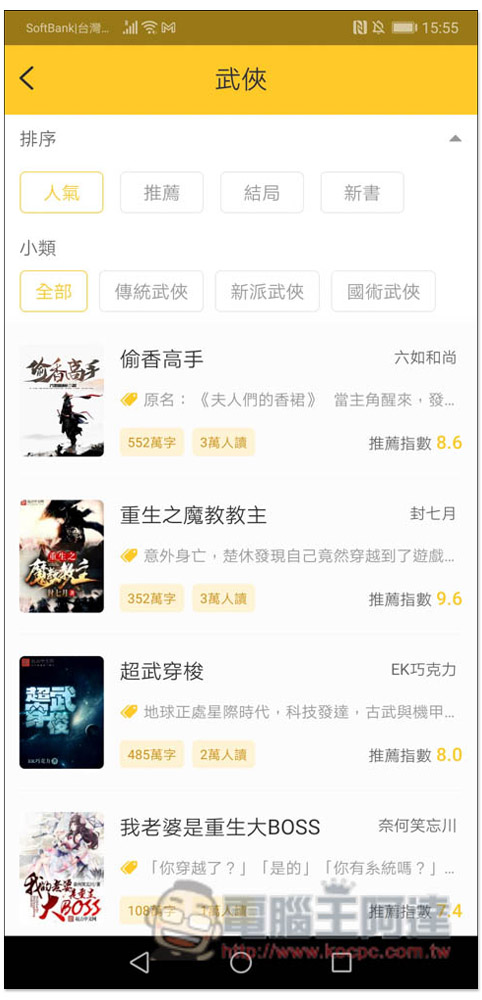
The inner pages of each category also have recommendation index, how many words there are, how many people have read it, and there is also a filter function at the top:
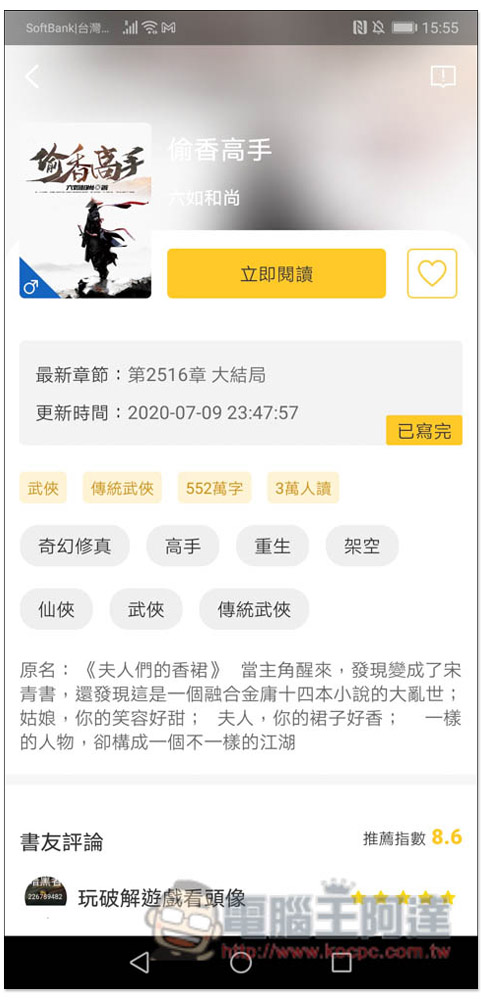
After you find the novel you are interested in, click “Read Now” to start reading:
Supports gesture operations. Swipe right or left to switch to the previous page. Click the screen to jump to the next page. Press and hold anywhere on the screen and release to open the menu function:

After opening the menu, you can find the “Listening to Books” function at the bottom, and the background color can also be changed:

To use the listening book mode for the first time, you need to download the audio resource package:

This playback mode also allows you to manually adjust the speed. You can speak slower or faster if you want:

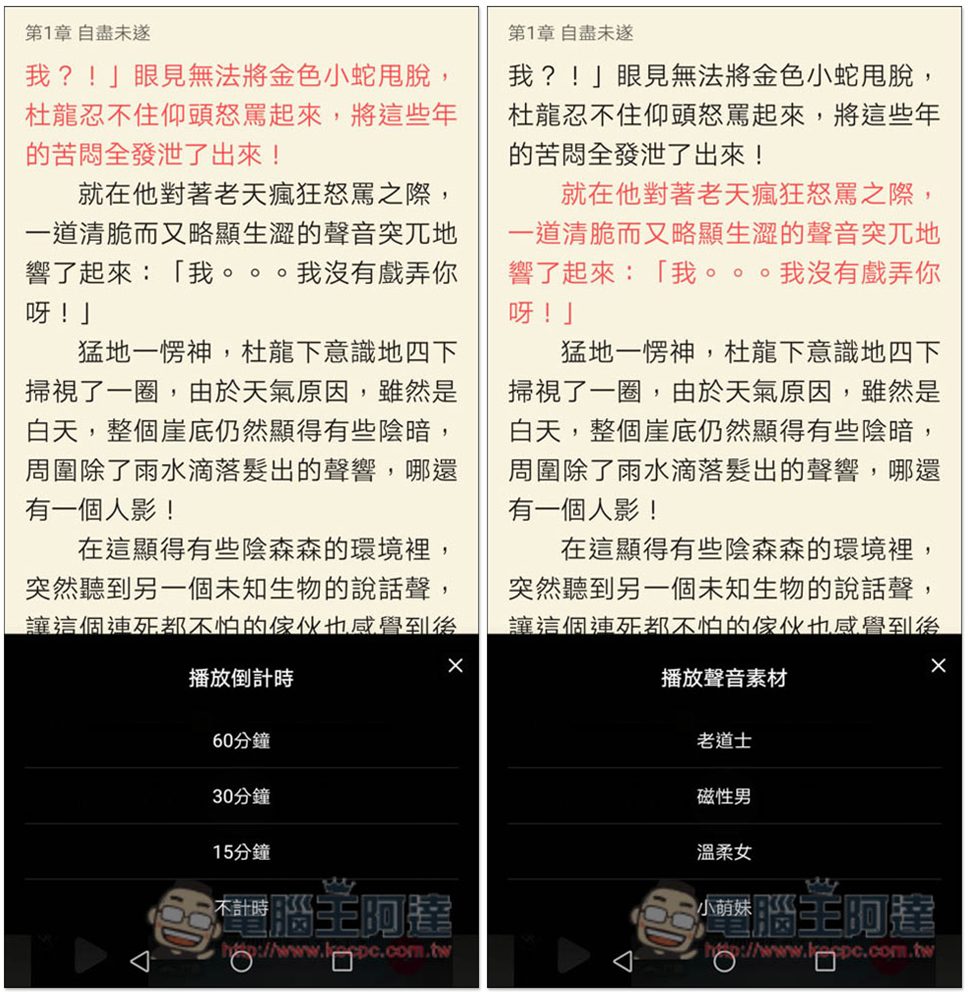
If you want to listen before going to bed, it also has a countdown function. After setting the time, it will automatically stop reading, so you don’t have to press it manually, which is quite convenient. In addition, if you don’t like the preset voice, you can also change it to other voices. There are four voices in total: old Taoist priest, magnetic difficulty, gentle girl and little cute girl:
There is also a bookshelf function, where you can add your favorite novels for easy opening and reading in the future. There seem to be three books in the default bookshelf: Jiangnan Beyond the Wall, Peerless Sword God, and Taoist Priest of the Earth (if you choose the male protagonist). If you don’t want them, you can manually remove them:

After using it for a period of time, the cache will increase. It is recommended to clean it regularly so that it does not take up too much space on your phone. You can find the cache clearing function by entering the My menu. In the personal settings at the top, you can change the hero or heroine:

Every novel has a book review function, so it is recommended to read it before reading and see what everyone thinks before making a decision.
Source: KOCPC Chinese