


When browsing the Bilibili website, you will more or less find some videos that you want to download for collection or watch offline. If you are using an iPhone, this article recommends a very easy-to-use “Bilibili Video Download” shortcut script. After installation, when you see Bilibili videos that you want to download offline in the future, you can download them for free with just a few clicks, and it supports up to 1080p image quality.
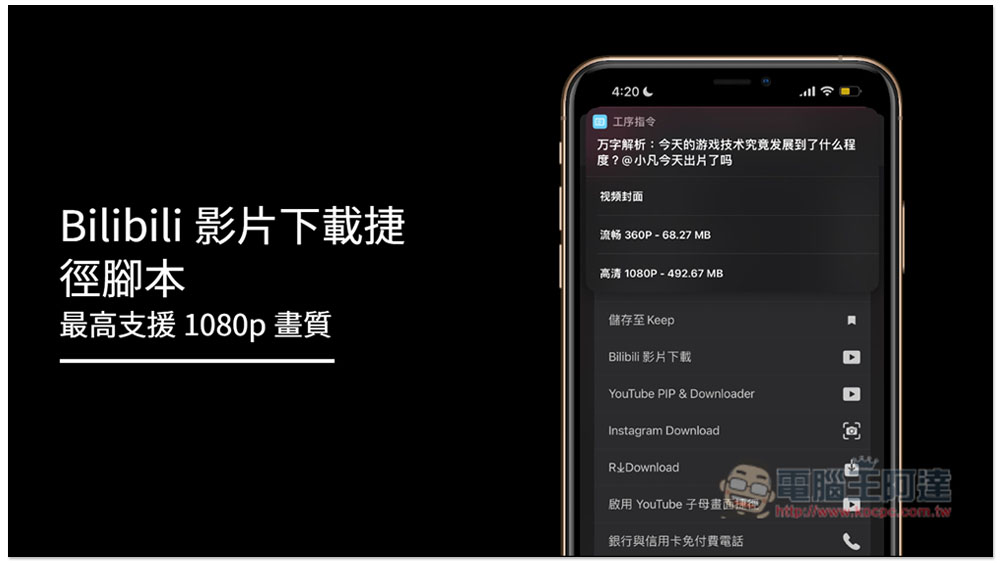
Bilibili video download shortcut script introduction
Before installing the shortcut script, you need to have the “Shortcut” App. If you don’t have it yet, please go to the App Store to download and install it.
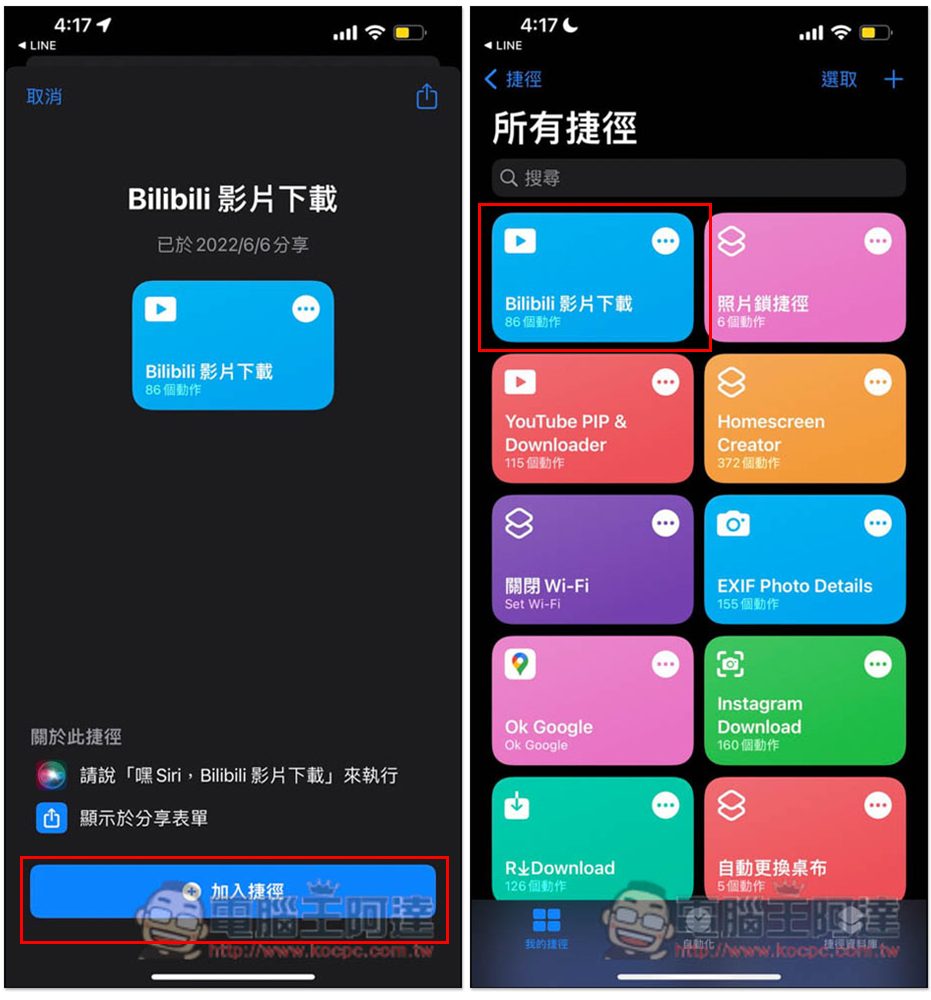
After opening the Bilibili video download link, click “Add Shortcut” below, and it will appear in all your shortcut menus. No need to set anything, you can start using it directly:
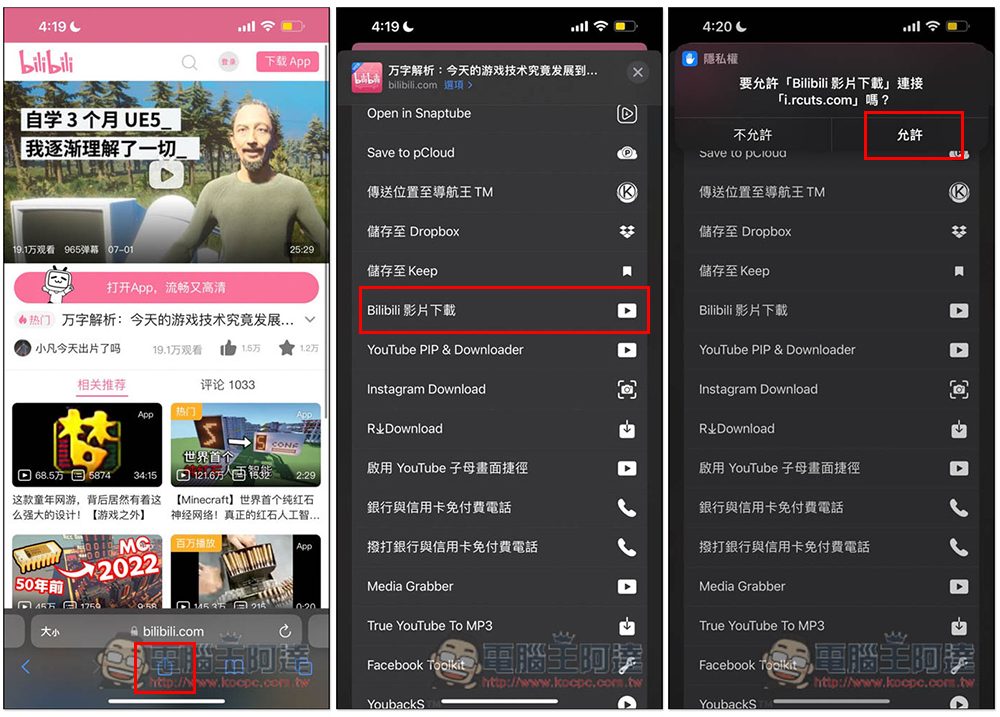
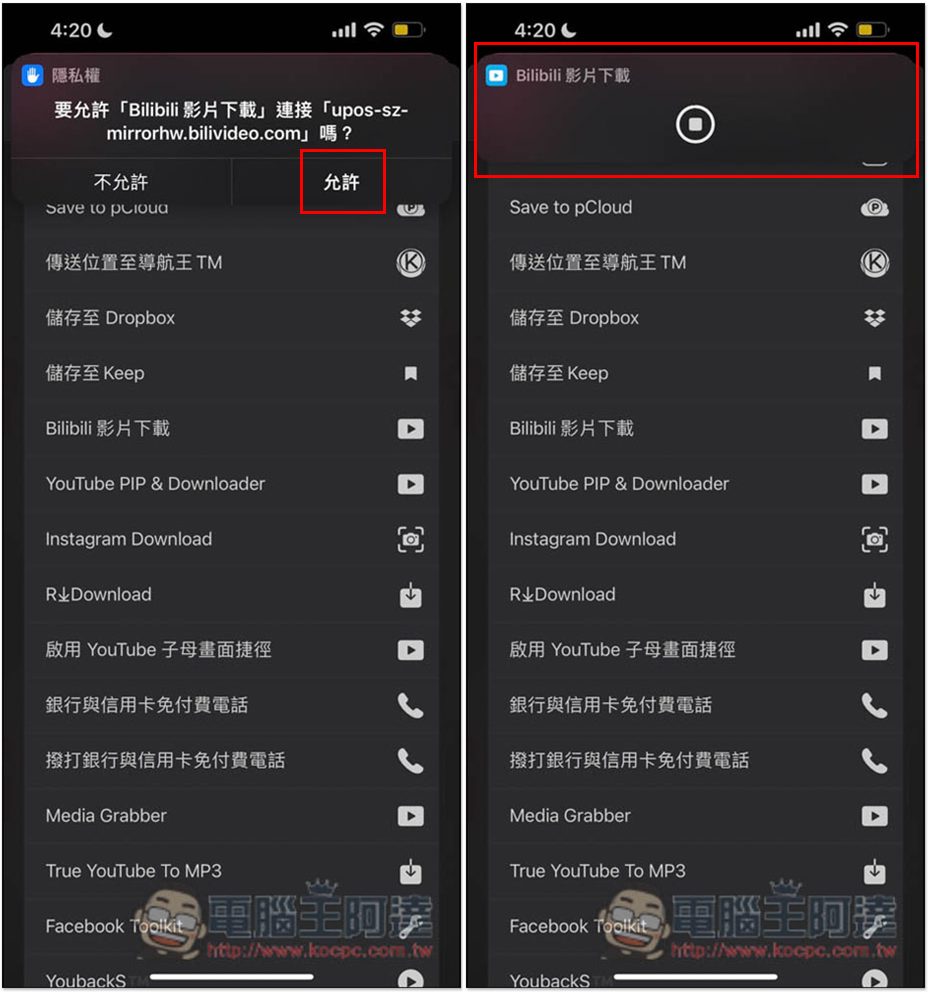
The method of use is very simple. After opening the Bilibili video page you want to download, click the share icon below, find “Bilibili Video Download” in the menu, click on the top and a notification will pop up, click “Allow”:
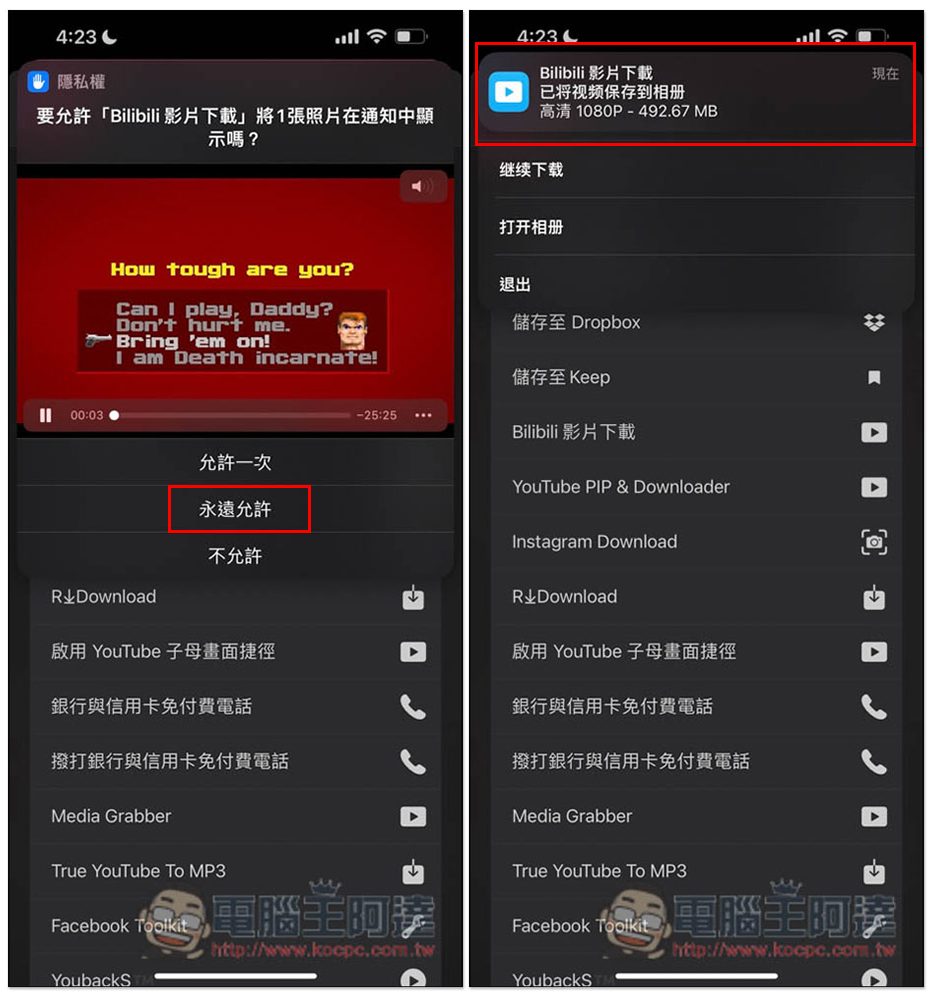
If you are too lazy to click every time, to allow “Bilibili Video Download” to connect to “118.24.49.88”, it is recommended to click “Always Allow”. The next page will let you choose the image quality you want to download. There are two types: 360P and 1080P. It also supports downloading covers. The 1080P image quality file will be larger and it will take a little more time to wait for the download to complete. If there is no problem, just click to download directly:
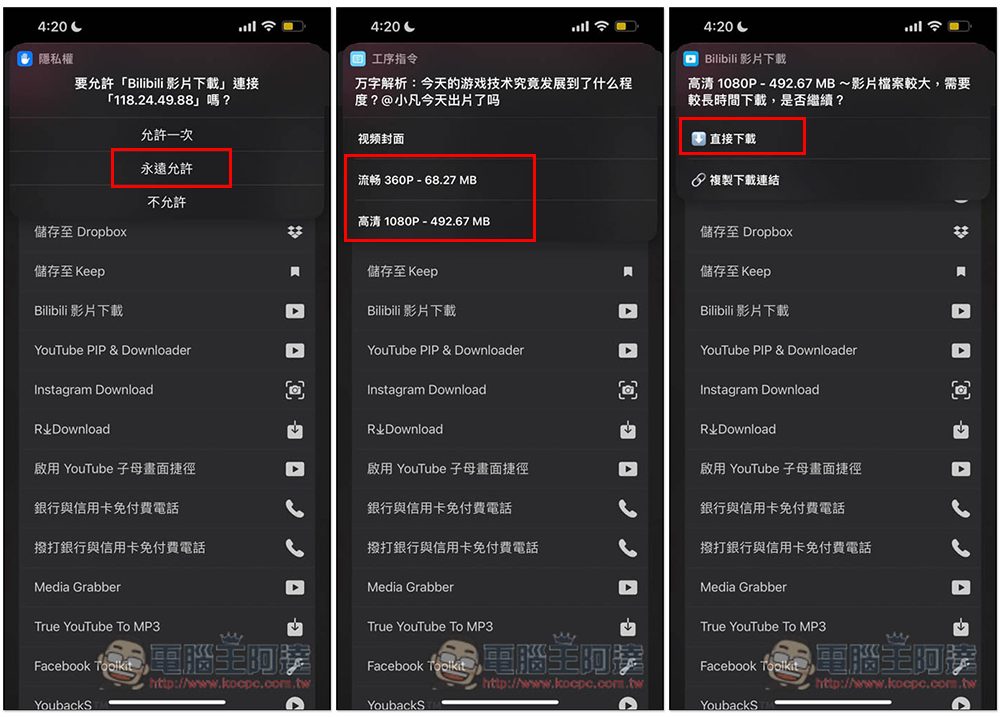
Then press Allow, and then you will see that the download is in progress. Remember to keep this screen open. Jumping will stop the download. 1080P will indeed wait for a long time, so just leave it and wait for it to finish. Remember that the screen cannot be dimmed, and the entire blackout will stop:
After downloading, a notification will pop up above, please click Always Allow and it will be saved to your photos. Open the Photos app to watch this video offline. A 25-minute video in 1080P costs 492.67MB. It seemed that I had to wait three or four minutes for the download to complete. If your Internet speed is not very fast and you cannot wait so long, it is recommended that you download 360P first. If the image quality is not acceptable, then download 1080P:
Although there are some Bilibili video downloading tools on the Internet, the operation is more troublesome. You need to copy the URL and paste it. With this one, you can just press the share button. Moreover, after completing these steps for the first time, the download will start with one click next time without having to click it again.
Also be reminded that this type of shortcut script may become invalid after a while, so if you cannot use it after downloading it, it may not be supported.
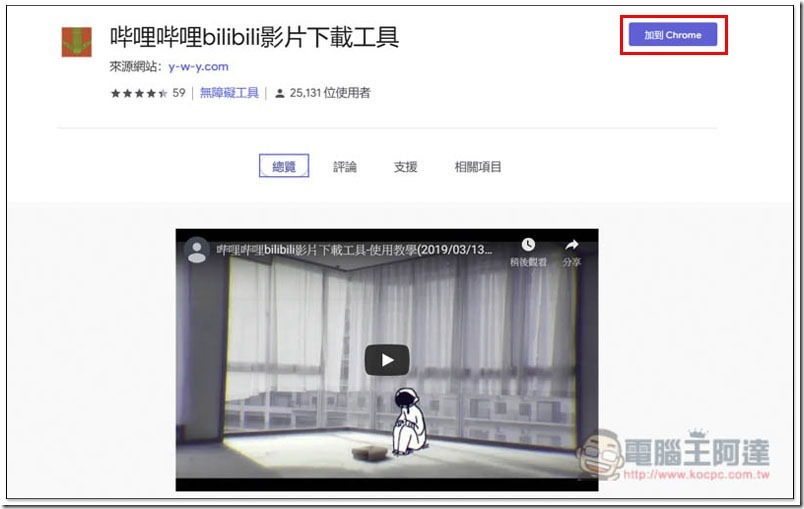
If you are also looking for the computer version of Bilibili video download tool, you can refer to the “Bilibili bilibili video download tool free Chrome extension plug-in”, the Edge browser can also be installed, it is simple and easy to use:
Source: KOCPC Chinese