


AlthoughThe download interface and operation are suspected to be a tribute to Chrome (XD), but it seems that this will not slow down the efficiency of Firefox in constantly adding new features. Actually, for various website services such as Facebook, which have recently been suffering from the anti-tracking function of mobile systems, a function is introduced to actively truncate the URL string used for tracking clicks. In short, under this function, the URL tracking function of a specific website will automatically delete suspicious strings in the URL, so that users will no longer be tracked by specific websites through links – it seems that these online services are going to cry again? Continue reading Firefox doesn’t make things easier for website advertisers either, launching a feature that automatically truncates URL tracking strings (teaching you how to enable it).

Firefox doesn’t make things easier for website advertisers either, launching a feature to automatically truncate URL tracking strings (teach you how to enable it)
The URL is followed by a long string of garbled characters starting with “question mark” that makes people think “???”. I believe most people know that these URLs are actually used to provide tracking data related to specific website services. However, for sites like support and incentives, there may even be monetization sites that offer discounts. In fact, many of them are used by specific services to track clicks and other functions.
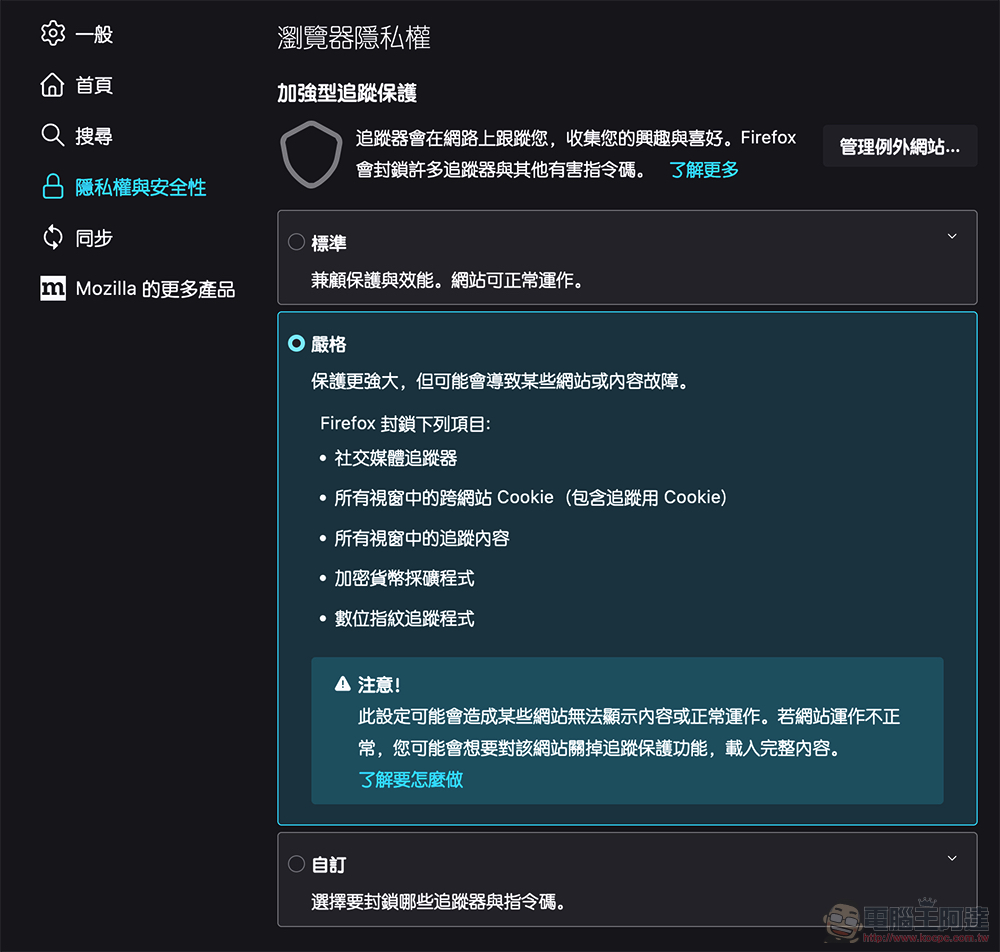
For this situation, Firefox, which often launches innovative browser privacy features, chose to provide services for specific websites in the latest version 102, including: Facebook, Drip, Vero, Marketo, Olympics and HubSpot. It usually puts tracking strings on external links of the service, providing a way for users to decide whether to let the browser target URLs. URLs automatically truncate connection tracking strings starting with strings such as “fbclid=” and “mkt_tok=”. This provides more advanced privacy protection.
I actually tested this feature. After activating the “privacy.query_stripping.enabled.pbmode” function, the fbclid= or mc_eid= suffixed URL string originally attached to the Facebook service and external links will be directly filtered back to the original URL length – I compared the same URL when opened in another browser, and it will be followed by a long string of characters.
That is to say, this feature is currently said to only support tracking strings from a few websites. It will not filter out some ordinary shopping guide links indiscriminately, so there should be no need to worry about it affecting relevant online shopping discounts and other website content.
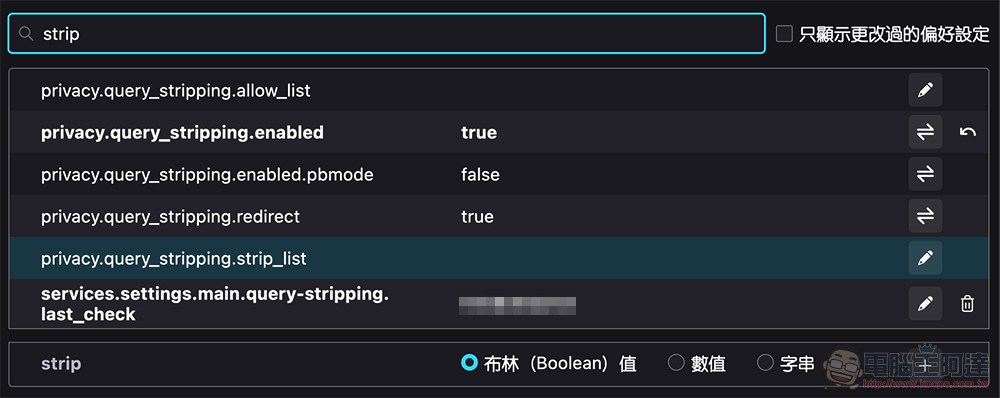
The easiest way to enable this feature is to go to Firefox Adjusting the tracking protection setting to “Strict” on the privacy and security settings page (about:preferences#privacy) includes the activation of this feature; if you only want to activate this feature separately in “Standard”, you can search for “strip” on the advanced settings page of “about:config” to find “privacy.query_stripping.enabled.pbmode” and press the button behind it to adjust the setting to “true” to activate it.
Further reading:
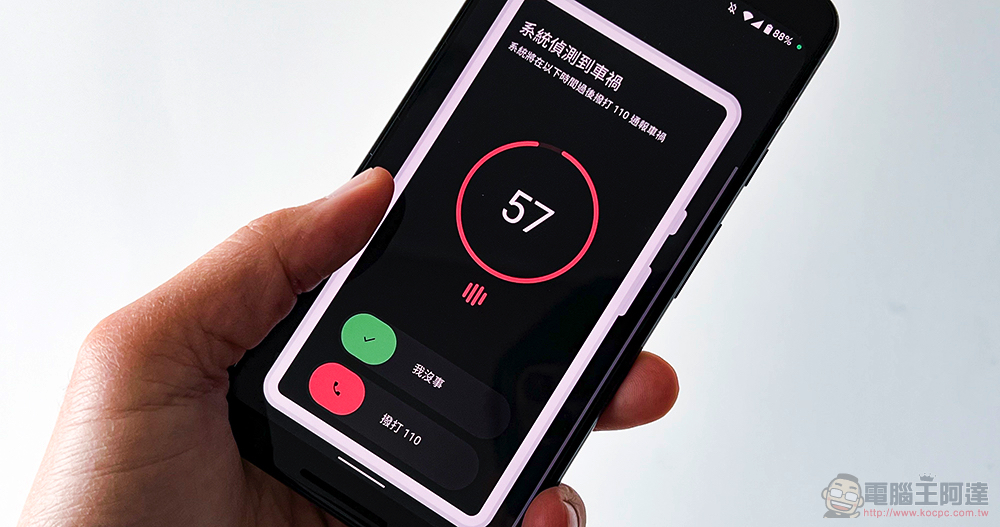
Android car accident detection seems to be ready to be pushed to “non” Pixel phones!
Source: KOCPC Chinese