


With the rise of streaming music services, in addition to competing in various aspects such as song lineup, sound quality, and price, innovative music functions are also one of the entry points to create differences to attract users to subscribe. To some extent, it may be considered that the program “Carpool Karaoke” highlighted the interesting habit of many people who often follow the music as if they were singing in KTV. The streaming music service Spotify also thought of creating an interesting party function for this purpose. Continue reading Spotify launches “KTV/Karaoke” singing mode and will also rate you! (See here for how to enable it) Report content.
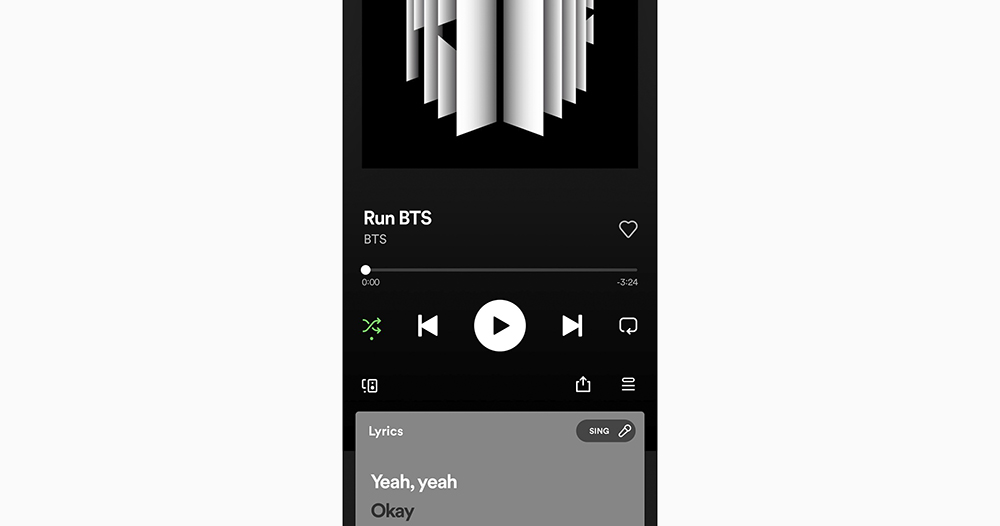
▲Image source: Marie (Twitter)
Spotify launches “KTV/Karaoke” singing mode, and it will also rate you! (How to enable it, see here)
I believe that many people who love music will hum along to their favorite songs when they hear them, or even sing to their heart’s content in an environment that will not disturb others, such as in the car or in the house. They even invite friends to join in the fun, which often becomes a happy scene like “Carpool Karaoke”.
It can be regarded as catering to such usage habits, or if you want to create more interesting streaming music listening pleasure. Spotify actually silently added a “Sing” button in the lyrics function.
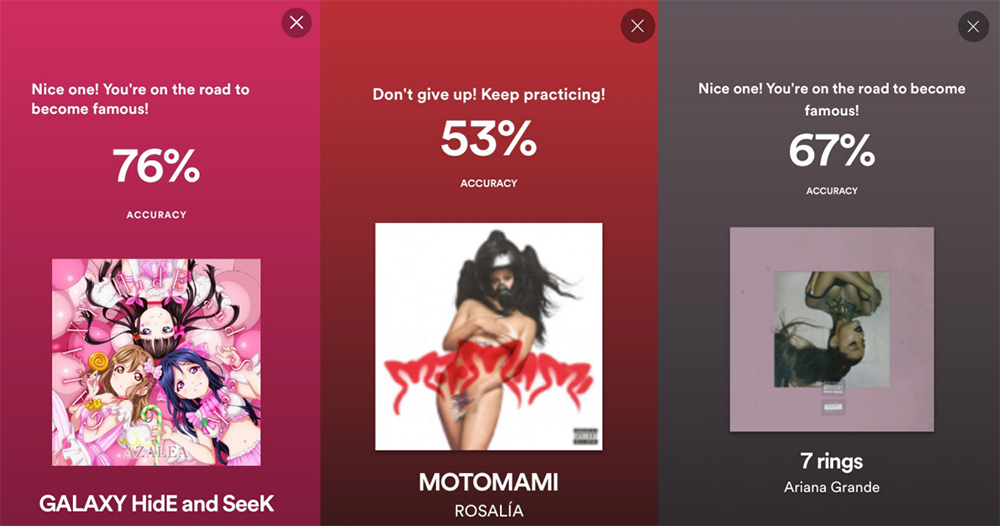
Recently, some subscribers discovered that this new button will appear in songs that already have lyrics. After trying it out, I discovered that this “Spotify Karaoke” singing mode will actually judge your performance based on the “accuracy” of the lyrics after you finish singing.
Although this function sounds like the singing rating function of traditional KTV. However, as of now, since its evaluation criteria are currently based on correctness, it is estimated that it does not have the function to detect “singing skills”, but at least it can use the internal evaluation and detection mechanism to compare the accuracy of the lyrics to score.
Spotify Karaoke will display the correct percentage of your singing on a dedicated screen after the song ends, and will also provide relevant comments. Things like “You’re going to be famous” or “Don’t give up! Keep practicing!” etc. – I see close to 80% of the comments so far, I don’t know what the comments would be if it were higher (laughs).
Speaking of which, this function can be said to be a singing score. At present, it seems that it may be more similar to the concept of an artifact for memorizing lyrics? But I believe that for people who like to turn on music and sing with friends, this function should bring more laughter.
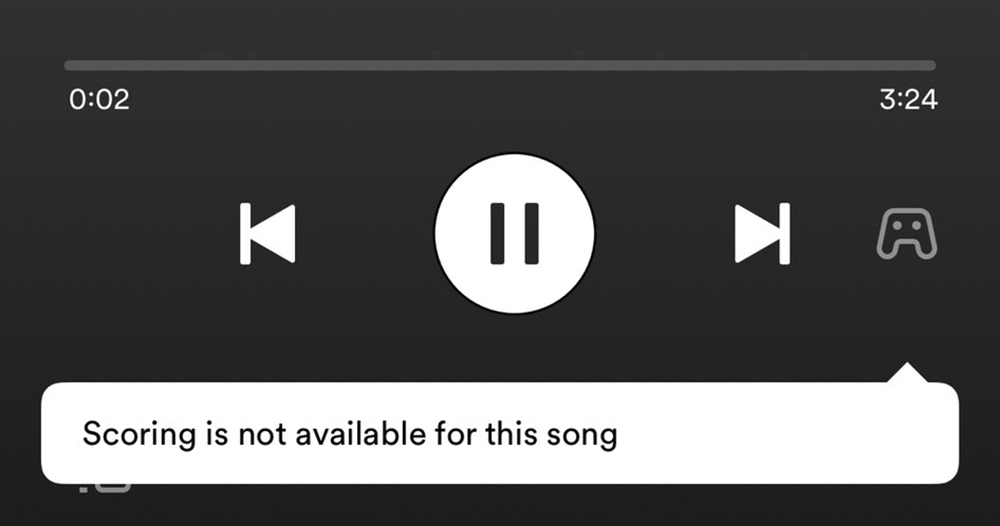
If you want to use this feature, remember to update to the latest version of Spotify (I haven’t seen this feature in the free version yet). To enable it, just go to the bottom of the interface and find the “Lyrics” function field when playing a song. Basically, you can see the “Sing” button nearby. Corresponding to the privacy function of the mobile phone system, a window for microphone access will also pop up. Basically, you should be able to use it after you agree, so open it and give it a try!
Further reading:
Android car accident detection seems to be ready to be pushed to “non” Pixel phones!
Source: KOCPC Chinese