


It’s fair to say that modern life can’t do without AI assistants. With AI, many things become much easier—for example, when reading articles online, AI can quickly give you the key points; when reading foreign languages, AI can instantly translate them into Chinese; when you need to write, AI can not only provide inspiration but also help finish most of the content; and when you need images, you can simply generate them with AI, and so on.
This article is recommending a very powerful all-in-one AI tool called Monica AI. It not only integrates the most well-known AI models currently on the market, such as OpenAI, Claude, and Llama, but also comes with nearly every AI feature you might need—including all the ones mentioned above. It supports PDF reading, video generation, music creation, and more. In short, you could say that installing this one tool covers all your needs.
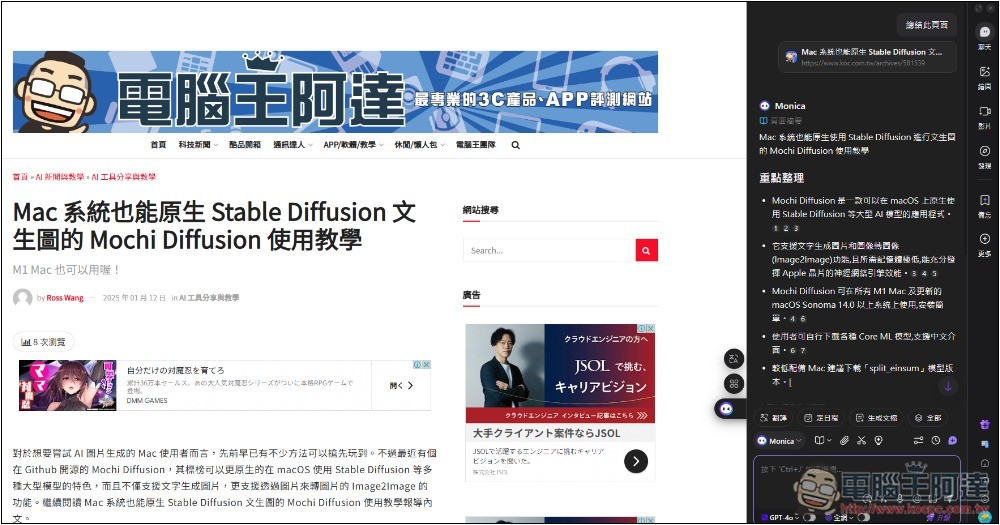
Introduction to Monica All-in-One AI Assistant
Monica AI is an all-in-one tool marketed specifically for Taiwanese users, supporting all platforms with apps for Windows, Mac, iOS, and Android, as well as a browser extension. Below, I’ll use the browser version as an example for the introduction.
Although the free version can’t use advanced or high-end models like GPT-4o, Claude 3.5 Sonnet, Gemini 1.5 Pro, and o1-preview, you can still use GPT-4 mini and Claude 3 Haiku, with 40 uses per day—definitely enough.
Even if it’s not enough, you can switch to Monica’s own model. In my testing, Monica’s own model responds quite well in most cases.
Image generation, video generation, and ChatPDF are also usable in the free version, just with some feature limitations.
Monica Operation Guide
For computer users, I’d highly recommend using browser extensions—they’re more convenient to use than desktop applications.
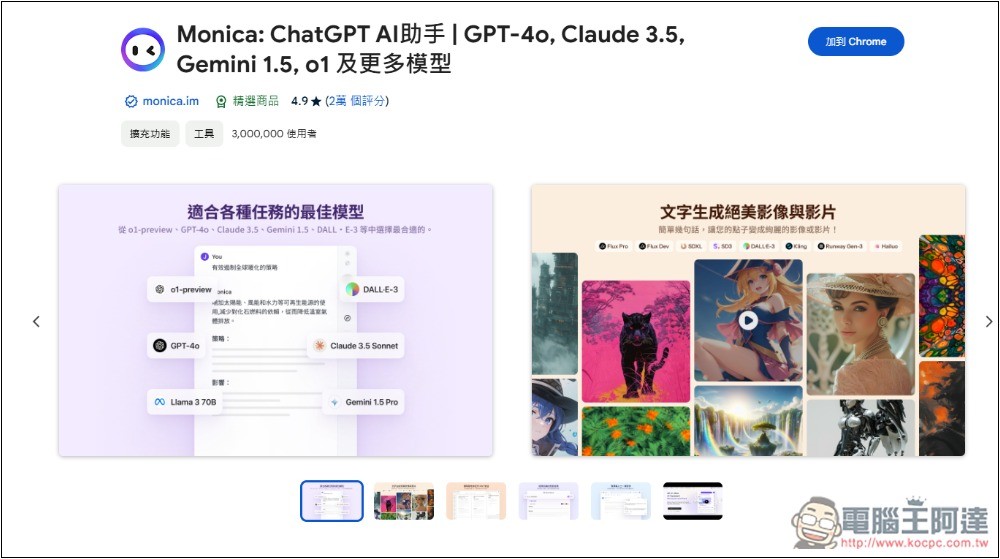
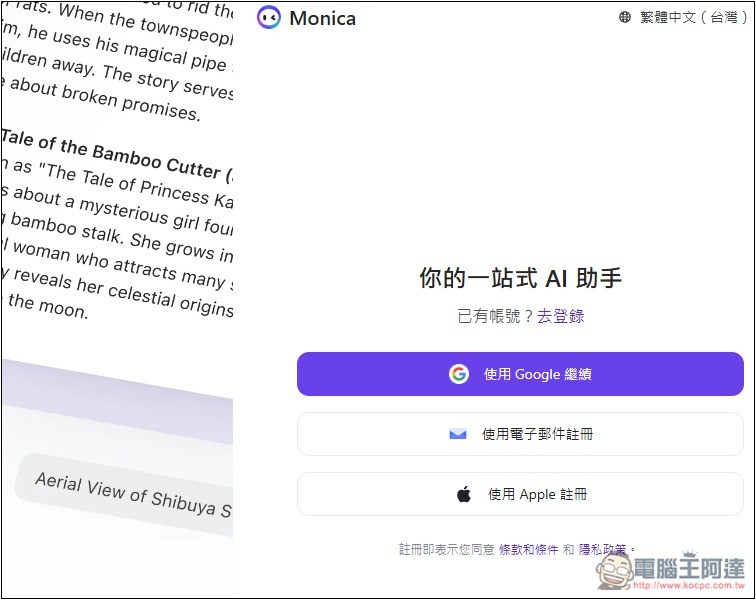
Registration and login required for use:
After installation, a small Monica icon will appear on the right side, and it also supports the Ctrl + M shortcut for quick launch:
After opening, Monica’s chat window will appear on the right side. It has tons of features, divided into three main sections: Tools, Drawing, Chat. There is also a function menu on the right:
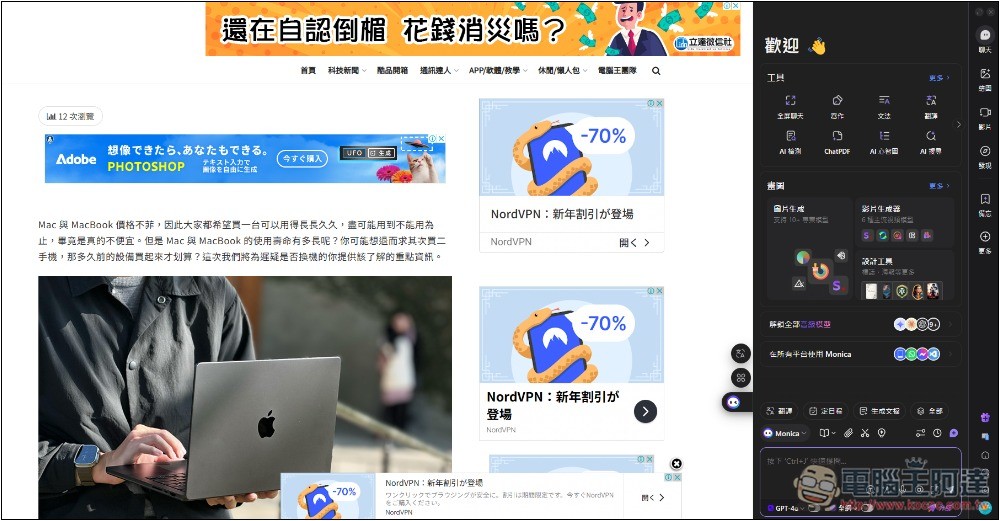
Monica has a lot of features; here are a few that I commonly use.
1. Summarize the article
There is a book icon at the top of the chat window. Click it to summarize the current page’s content with one click.
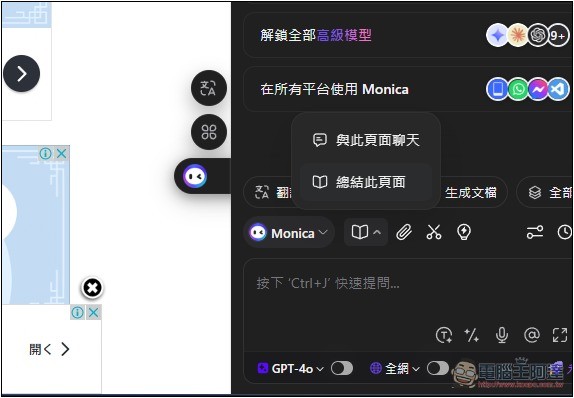
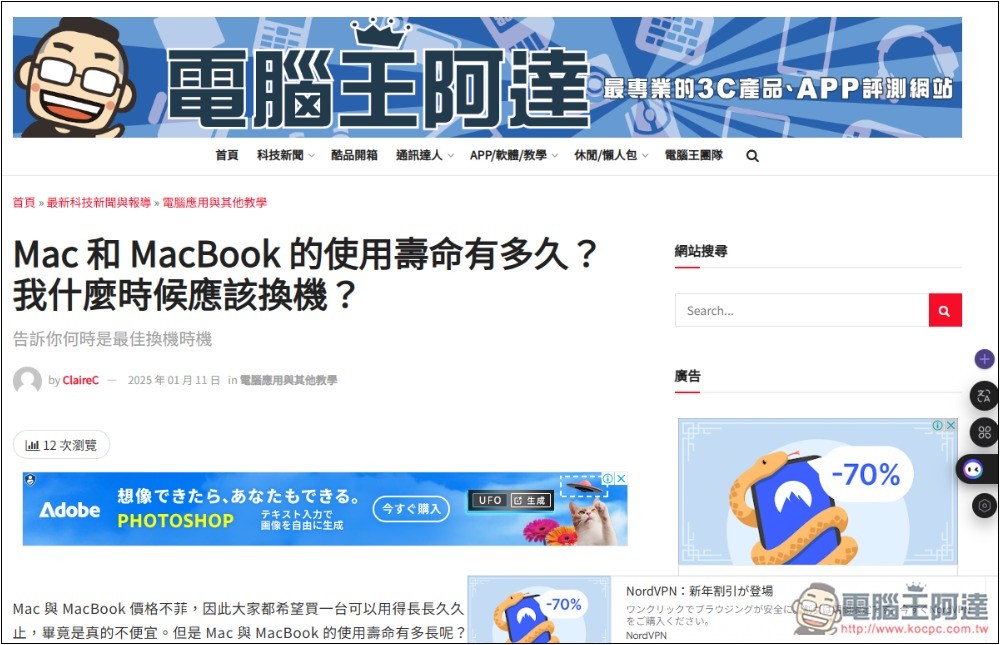
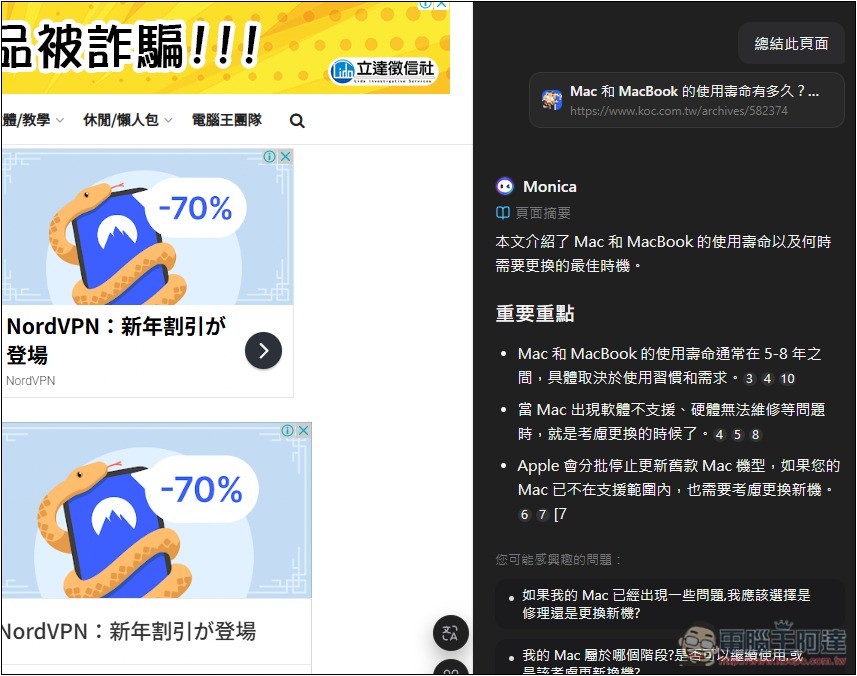
I test「How long does a Mac or MacBook last? When should I upgrade?For this article, I didn’t switch to other models but used Monica’s own model. The results were already very good, and the key points were indeed all sorted out:
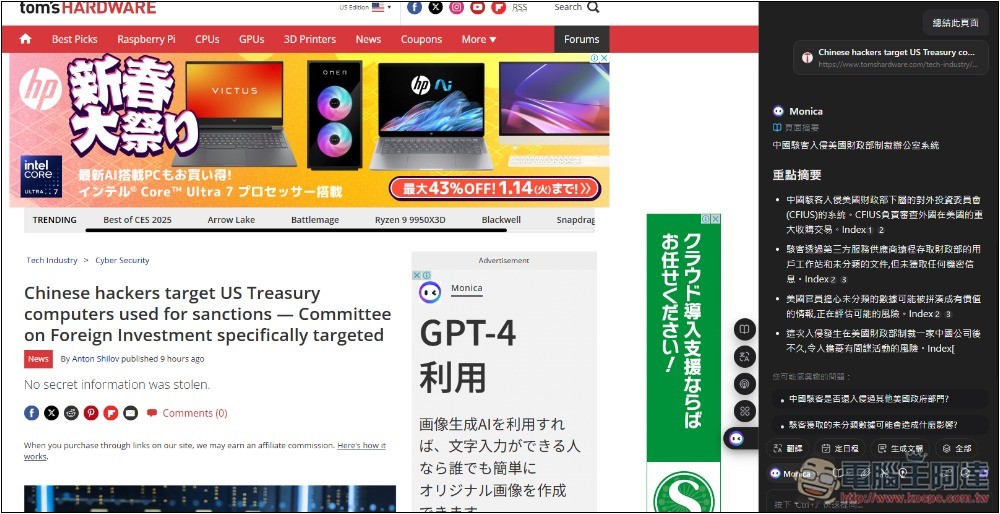
If the content is in a foreign language, it will still summarize directly in Chinese without needing a separate translation request.
If the summary doesn’t have the answer you’re looking for, you can also talk directly to the AI and ask whether the article contains relevant content:
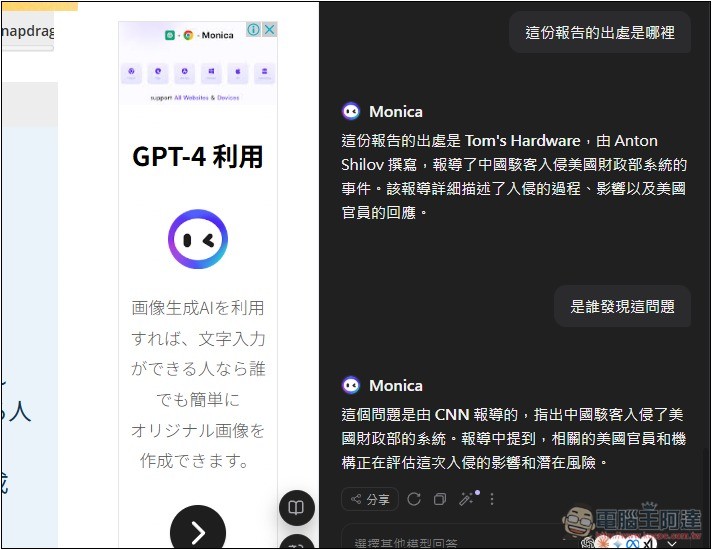
2. Generate a mind map and document from the content.
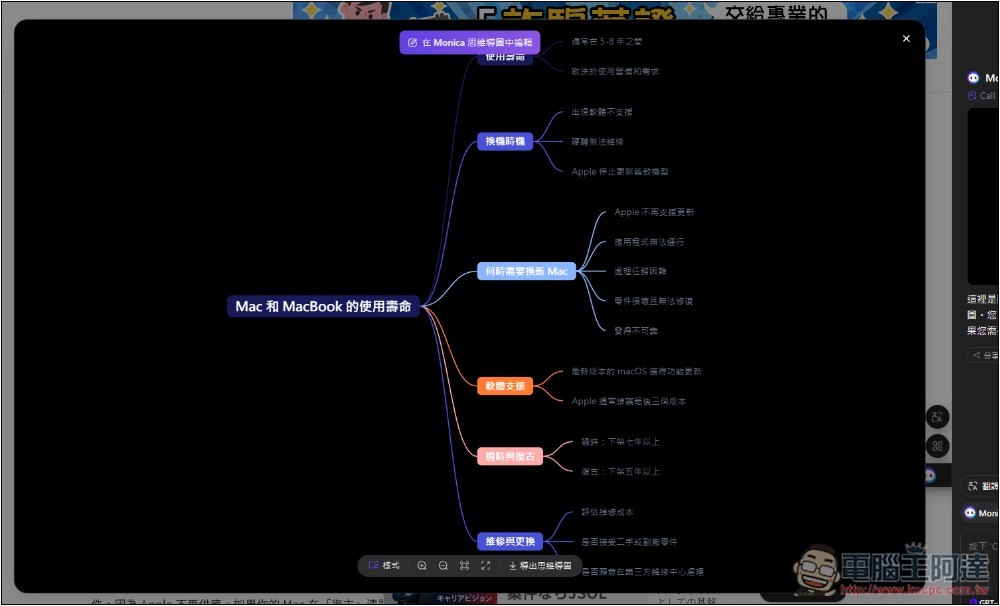
This is one of my favorite features: Monica can turn content into a mind map, making it easier for you to understand the whole content. Below the reply, you’ll find the mind map generation feature—click it to generate:
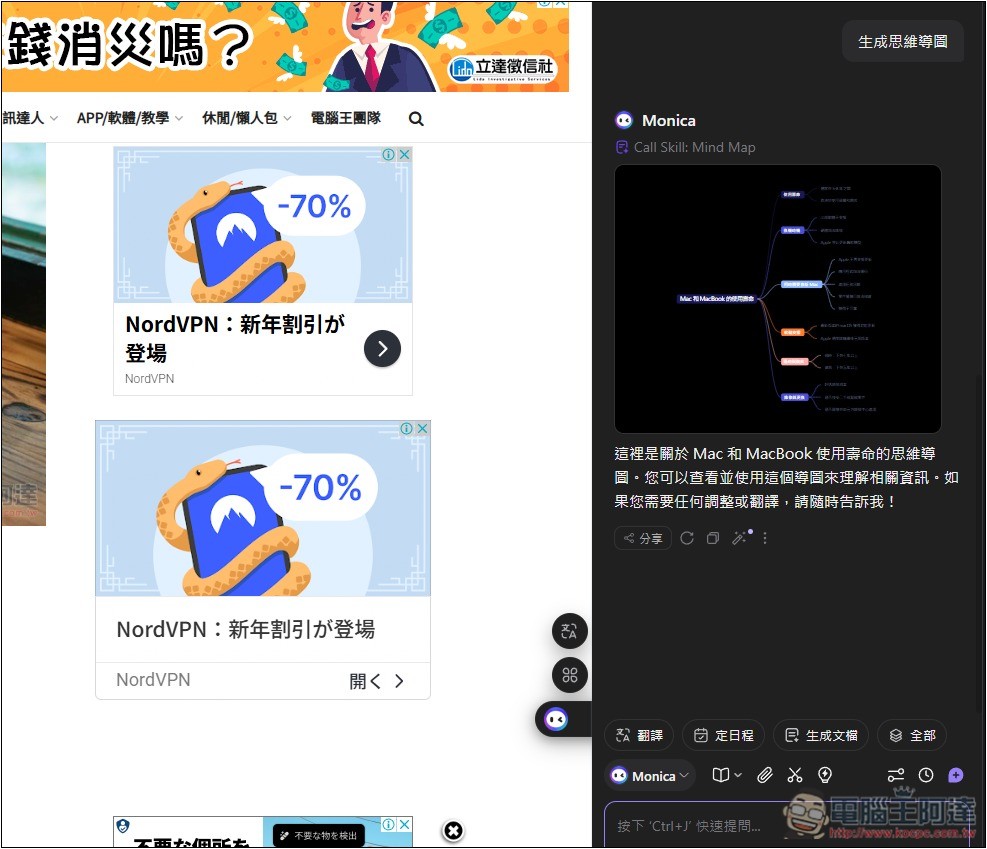
Presenting the entire article content as a mind map really makes it easier to understand. If you like it, you can also download and save this image.
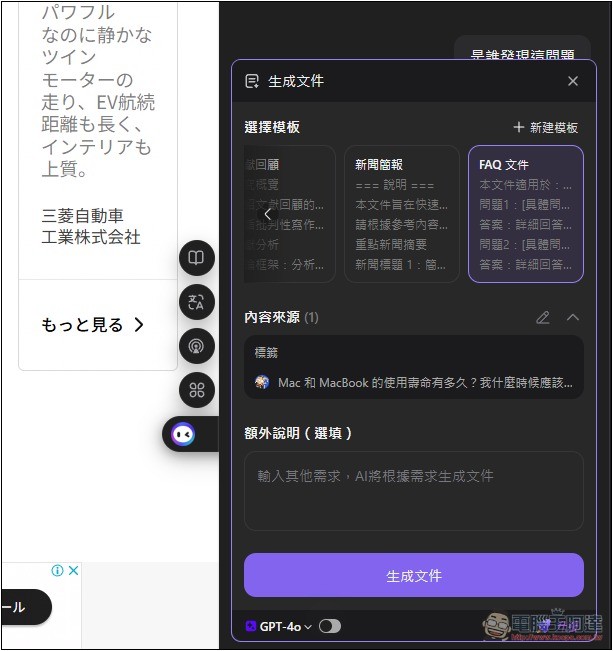
In addition to mind maps, it can also generate documents on various topics, with preset reports, article reviews, news briefs, FAQs, etc., and you can also create templates yourself:
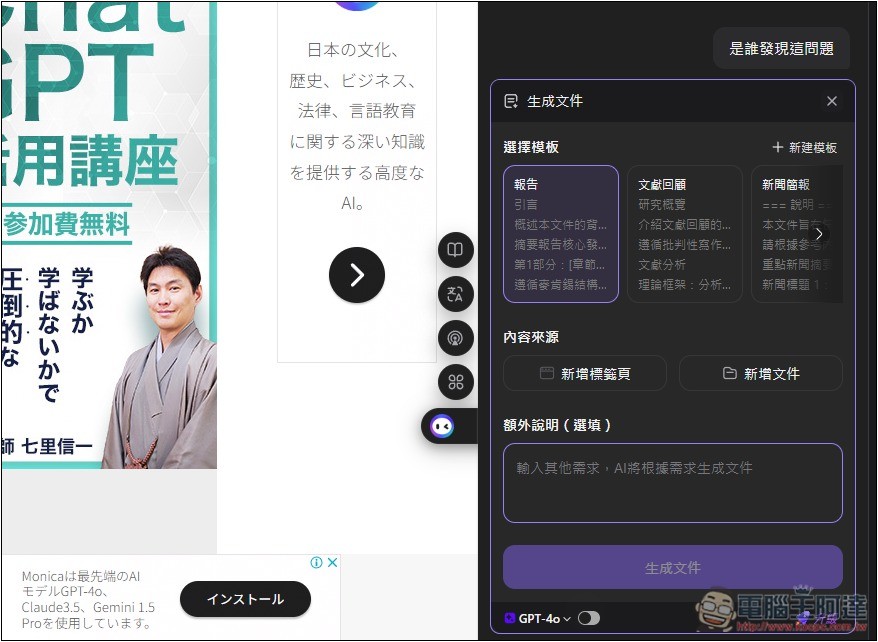
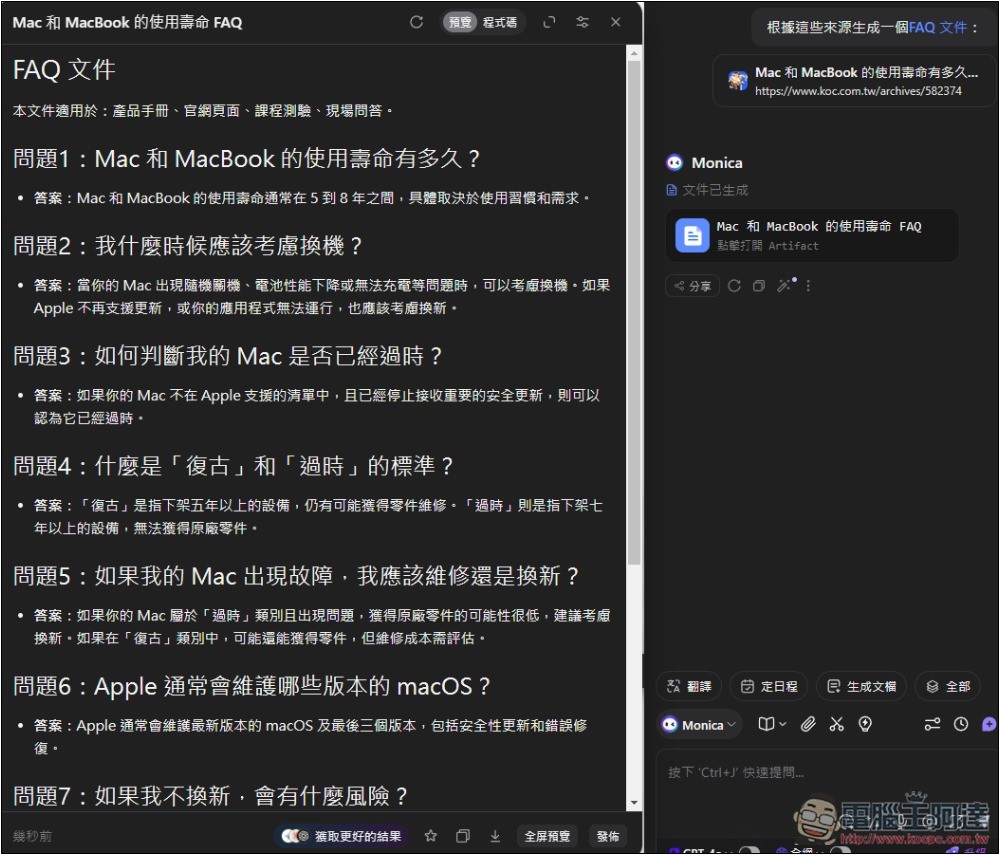
I put the previous「How long do Mac and MacBook last? When should I upgrade?Convert into an FAQ document:
Monica will generate questions and answers related to the article’s content, and also provide them in code format so we can directly feed them to the AI we’re training.
3. Ask about image or screenshot content
Monica also has visual capabilities, enabling it to analyze the content of images you upload or capture in order to answer related questions.
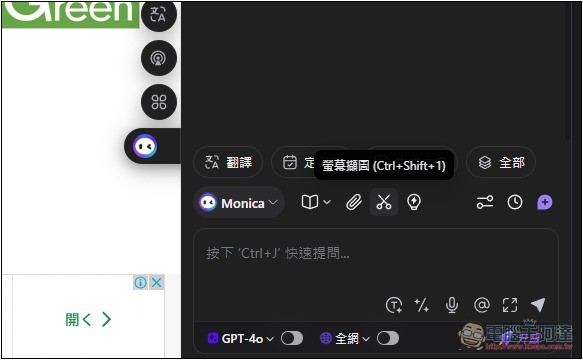
You can directly click the paperclip to upload files, or use the built-in screenshot feature to capture:
I excerpted the content of a foreign article:
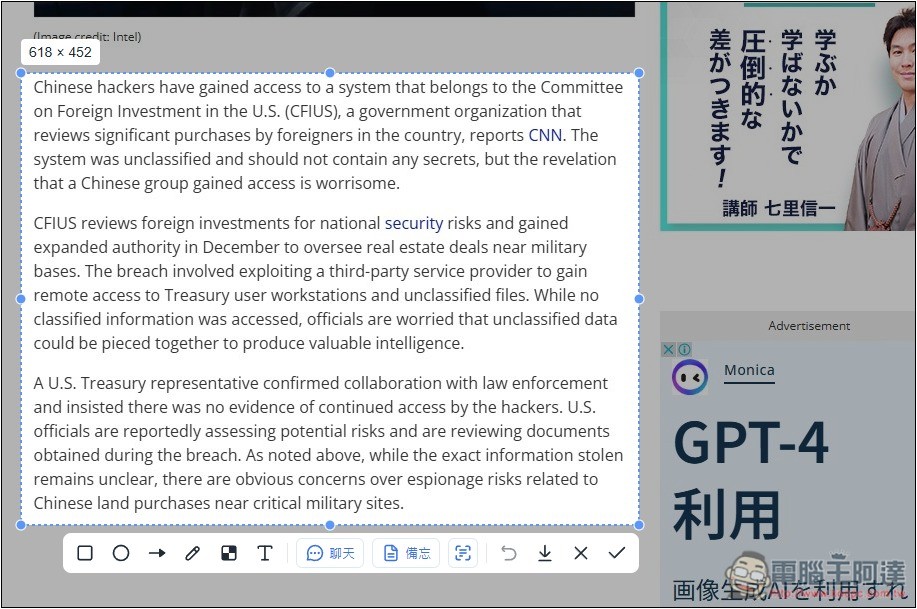
A toolbar will appear at the bottom, where you can directly send content to the AI (by clicking Chat). It also supports OCR technology to extract text. If you just want to make a screenshot, you can also use Monica’s screenshot feature. On the left, there are arrow, box, and text tools. After capturing, you can edit directly and then download the screenshot:
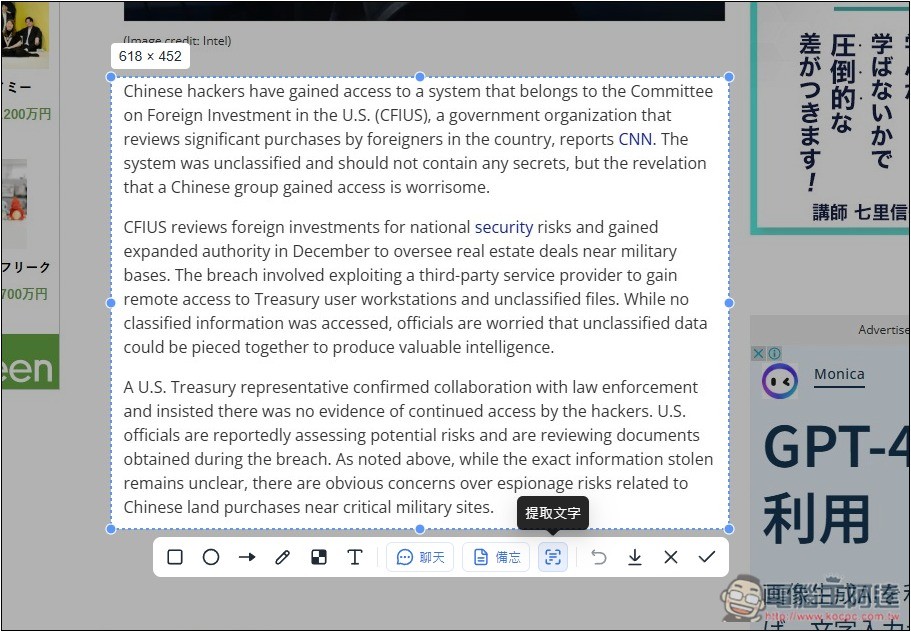
I used extract text, and sure enough, the text in the range I just captured became editable and copyable:
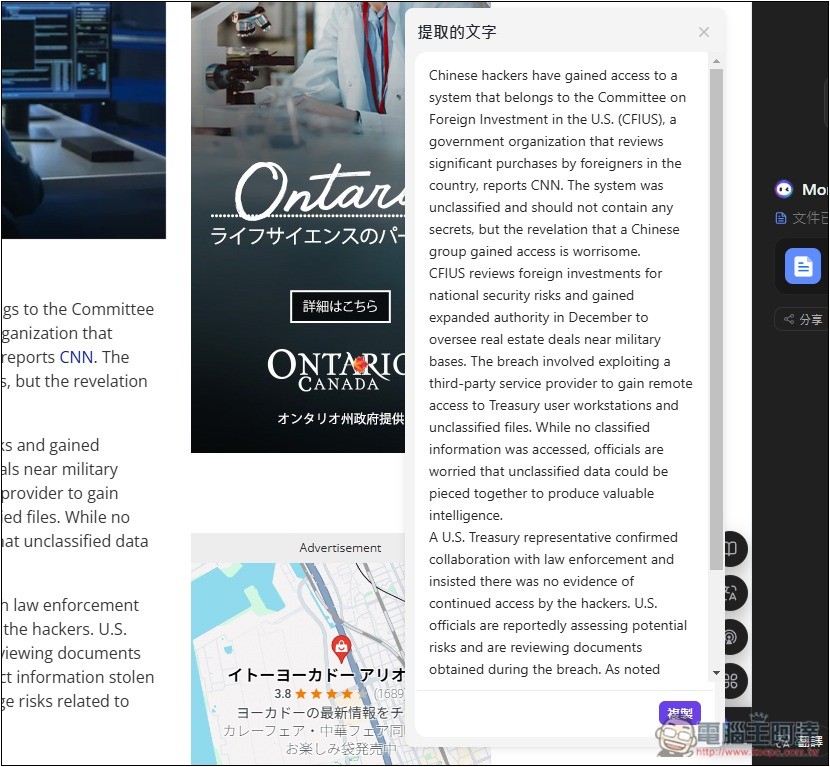
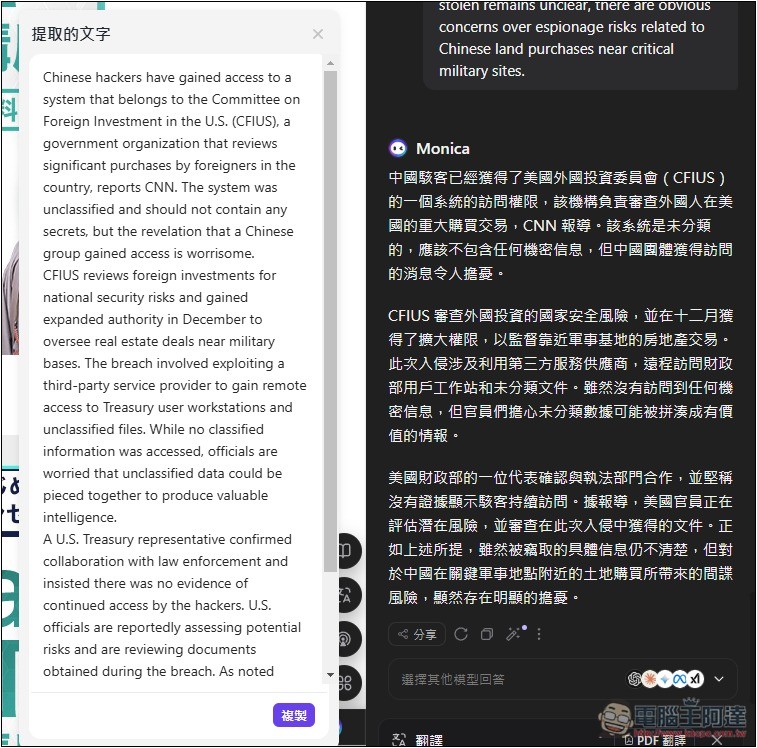
Then I threw it into the AI and asked it to translate, and I got the Chinese content:
4. AI Image Generation
Monica also offers various AI drawing features, including image generation, video generation, design tools, live canvas, image editing, watermark removal, and more, all available in the drawing features menu:
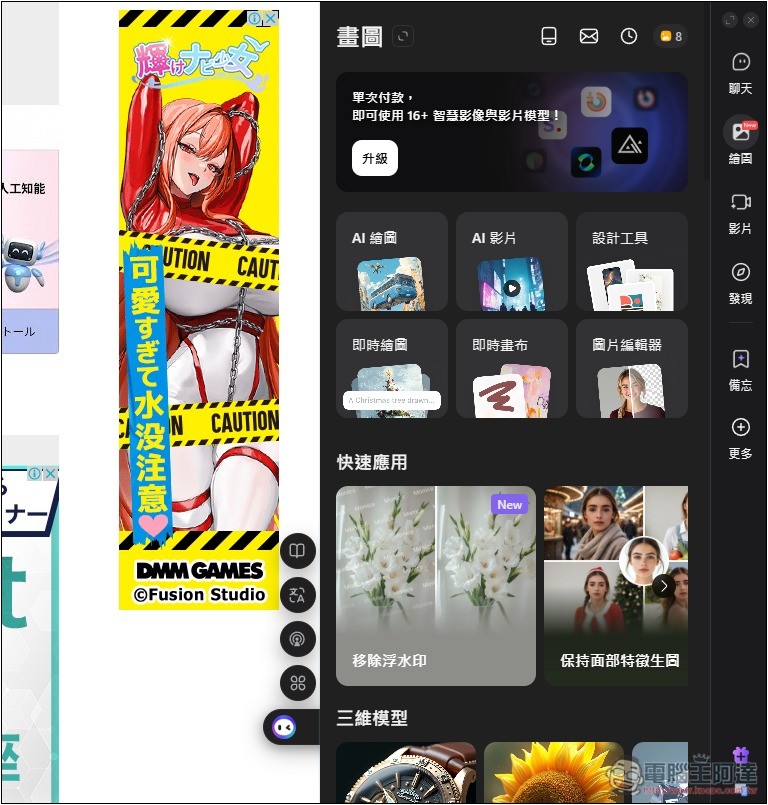
However, when creating it, a separate window will be opened, rather than being done within the original chat room:
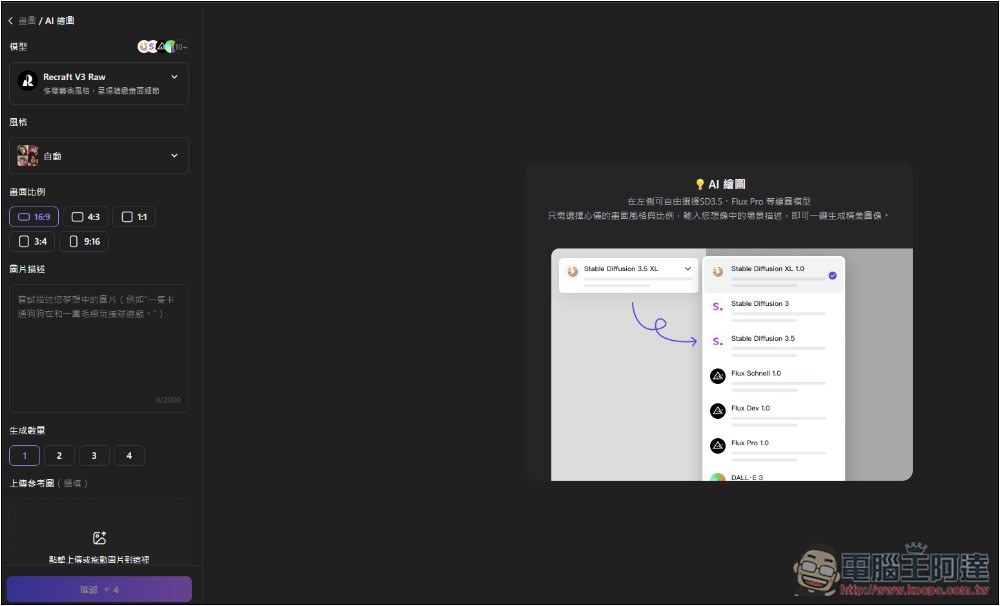
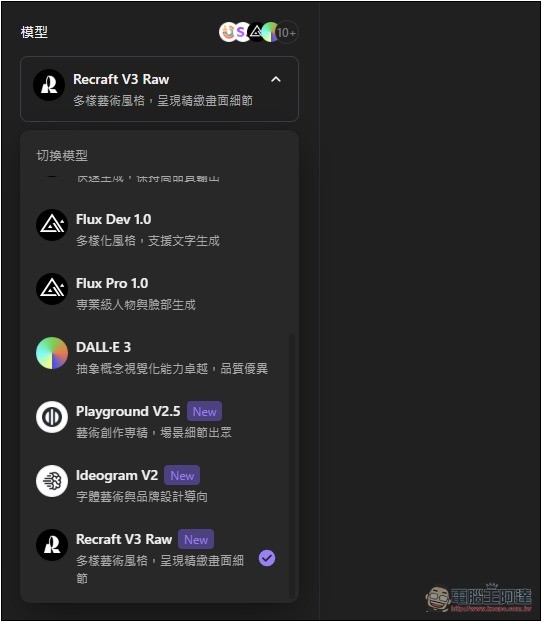
AI image generation also offers a huge variety of models, including Recraft V3 Raw, Flux, DALL-E, Ideogram, and more. Below, each one is explained in terms of what type of images it’s best suited for:
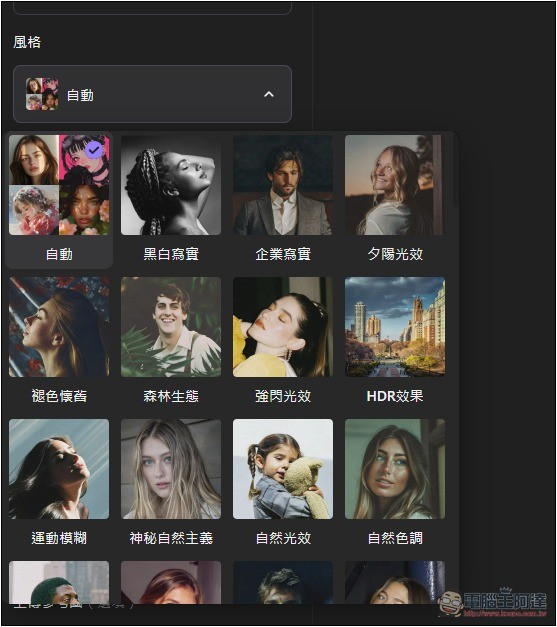
There are also many style options, including black and white, faded vintage, corporate realism, HDR effects, sunset lighting, and more:
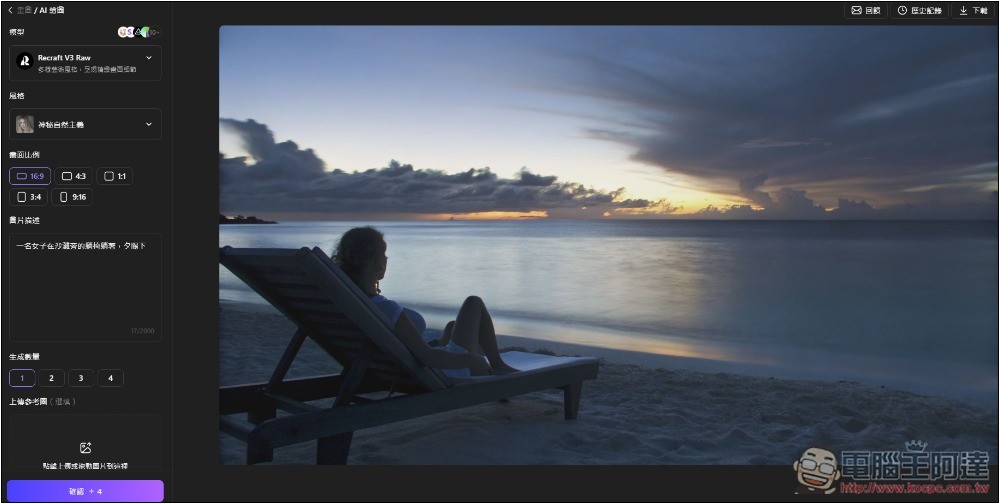
The generation speed is also quite fast—it completes within a few seconds after execution:
5. AI Writing
Monica’s AI writing features are also incredibly rich, allowing you to specify the desired length, format, tone, and more, while supporting multiple languages.
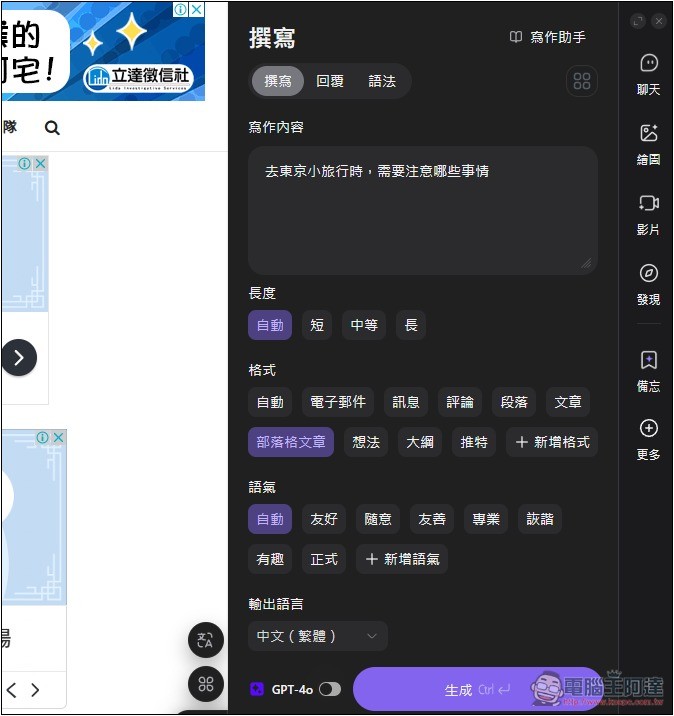
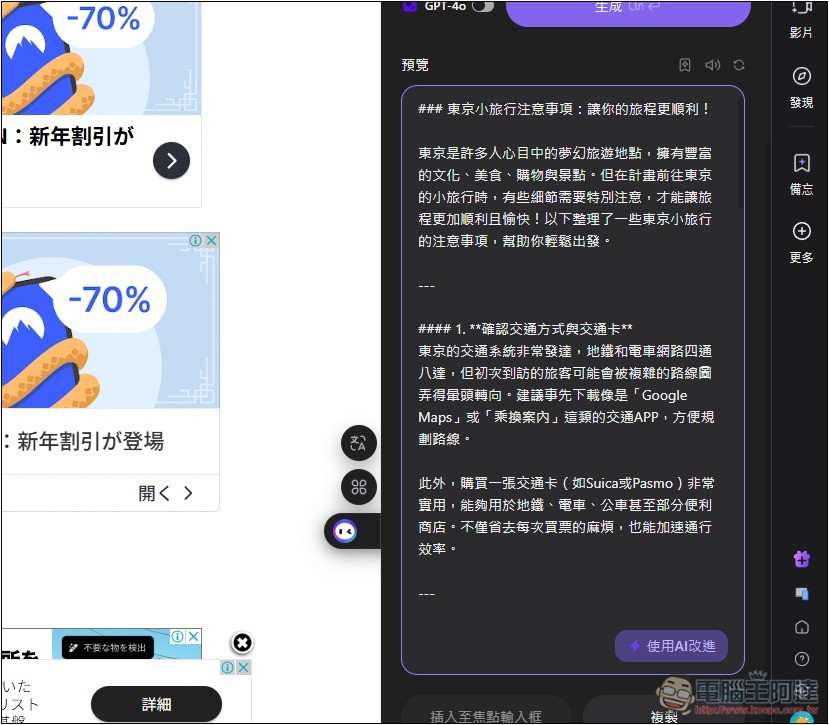
Casually generating thousands of characters of content:
Source: KOCPC Chinese