


Although there are many free and commercially available stock photo materials on the Internet, each one is an independent website, and it actually takes time to find. CC0.CN, a free search engine, can help you save this time. It manually collects pictures from several well-known free stock photo websites, including Pixabay, Pexels, Unsplash, etc., allowing users to search with one click and quickly find the pictures they need. CC0.CN does not provide original images, so when downloading, you also need to go back to the gallery material website to download, and you can double-check the authorization part.
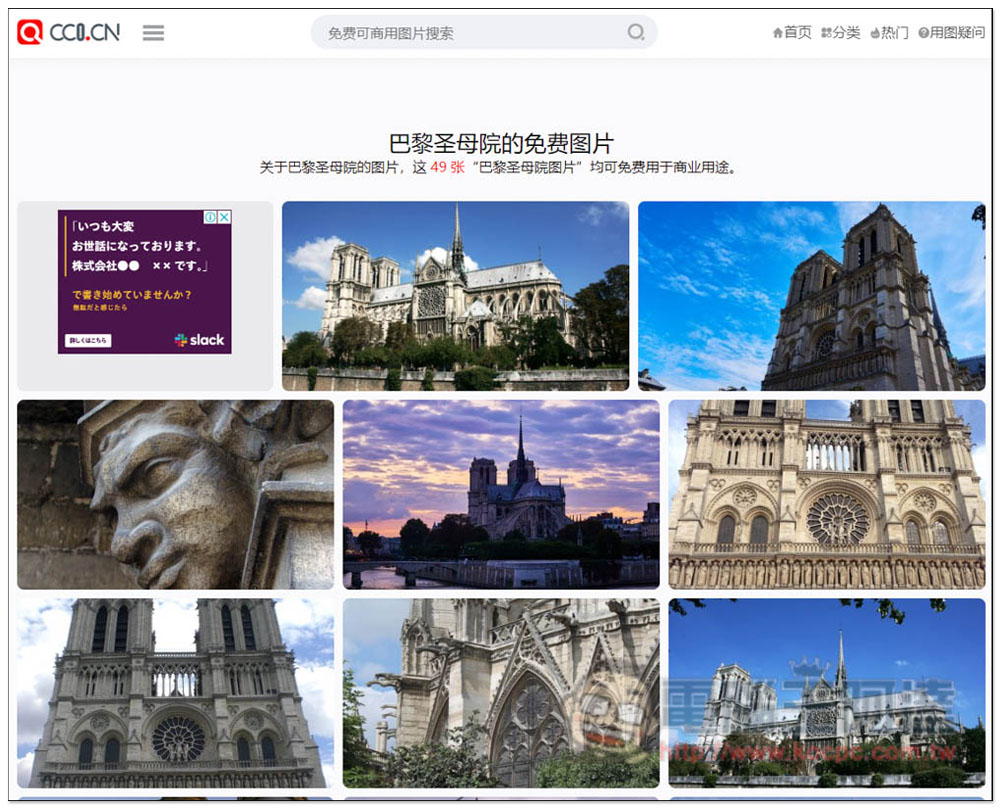
CC0.CN One-click search of major free photo material websites
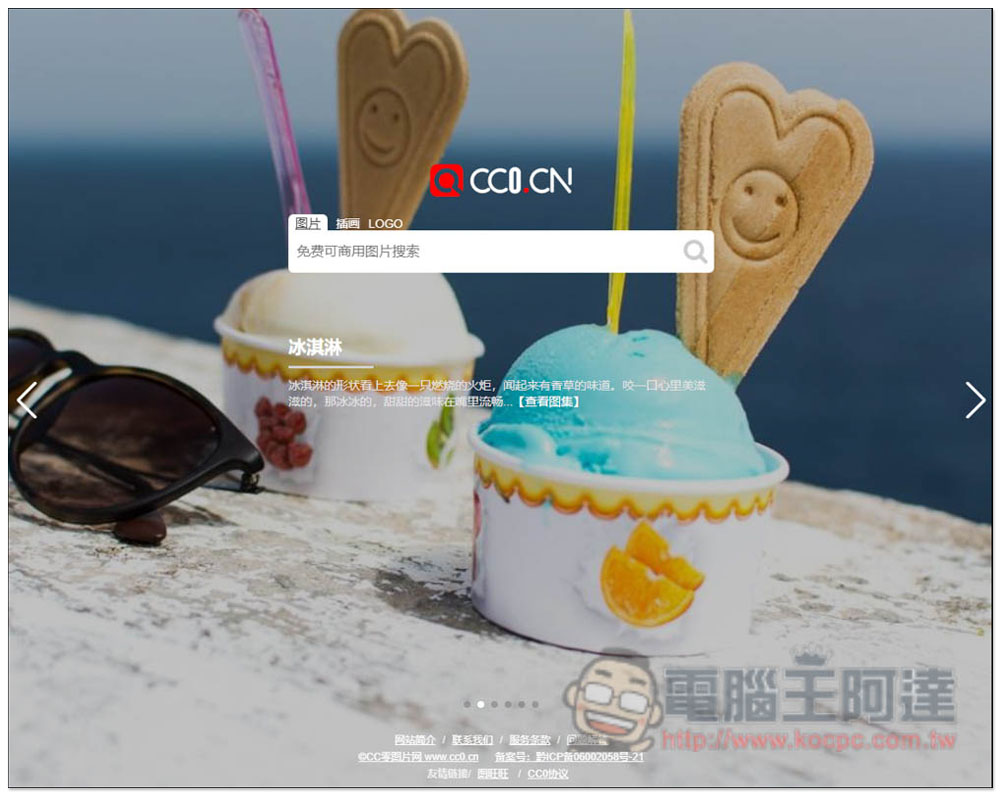
After entering the CC0.CN website, you can enter keywords to find what you want. In addition to pictures, there are also illustrations and logos:
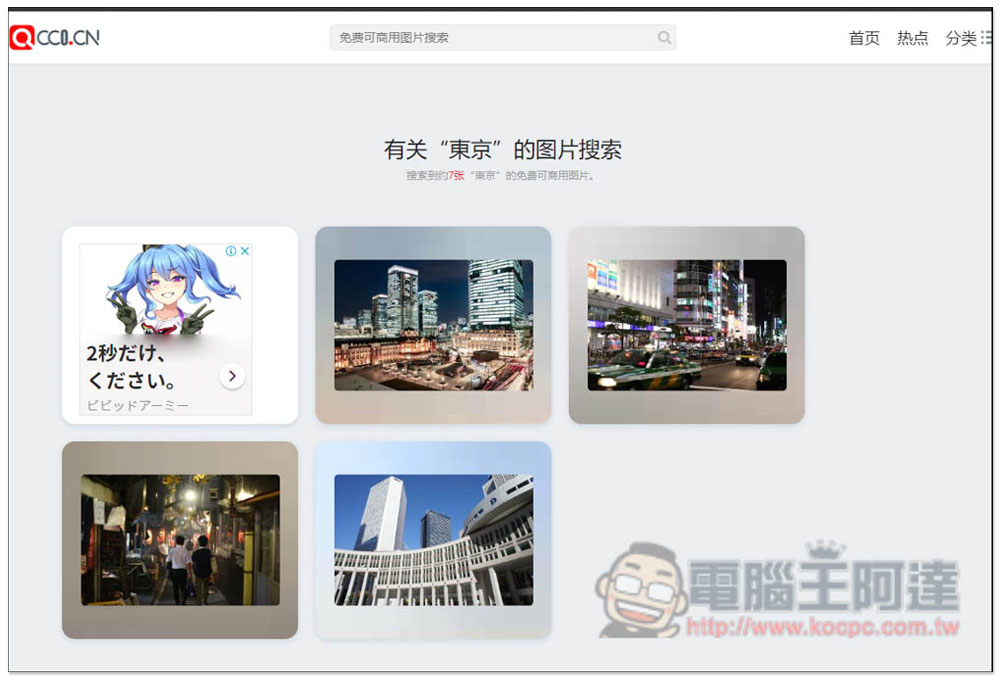
Another thing to note is that, as mentioned before, this website collects images from major photo gallery websites “manually”, completely reorganizes them manually, and then puts them on CC0.CN. Therefore, when searching, you do not directly look for pictures on this photo gallery website, but look for images that have been sorted by this website. Therefore, it is recommended to enter simplified Chinese in the keyword section to get more results. For example, if I enter the traditional Chinese character “Tokyo”, there are only 7 pictures:
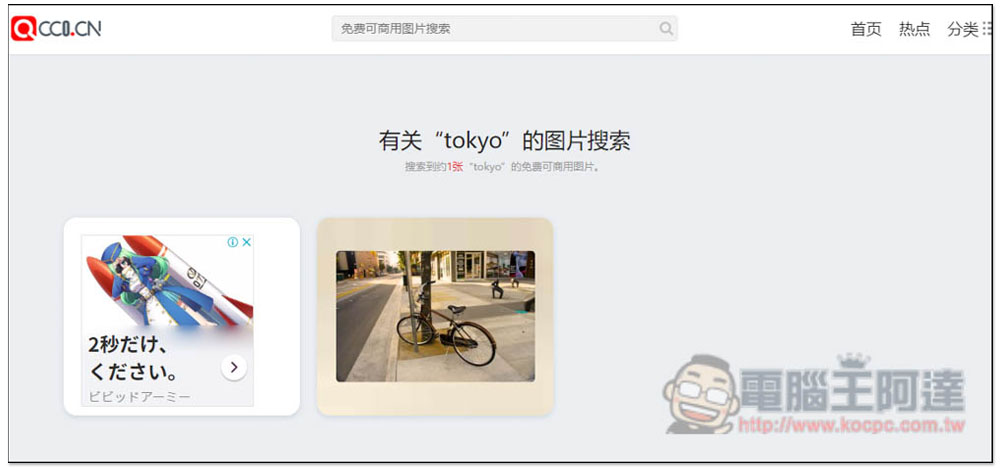
There is only one picture in English. If you directly search for pictures on Pixabay, Pexels, Unsplash and other picture galleries, you should find many:
Changed to simplified Chinese characters for Tokyo, there are 386 pictures:
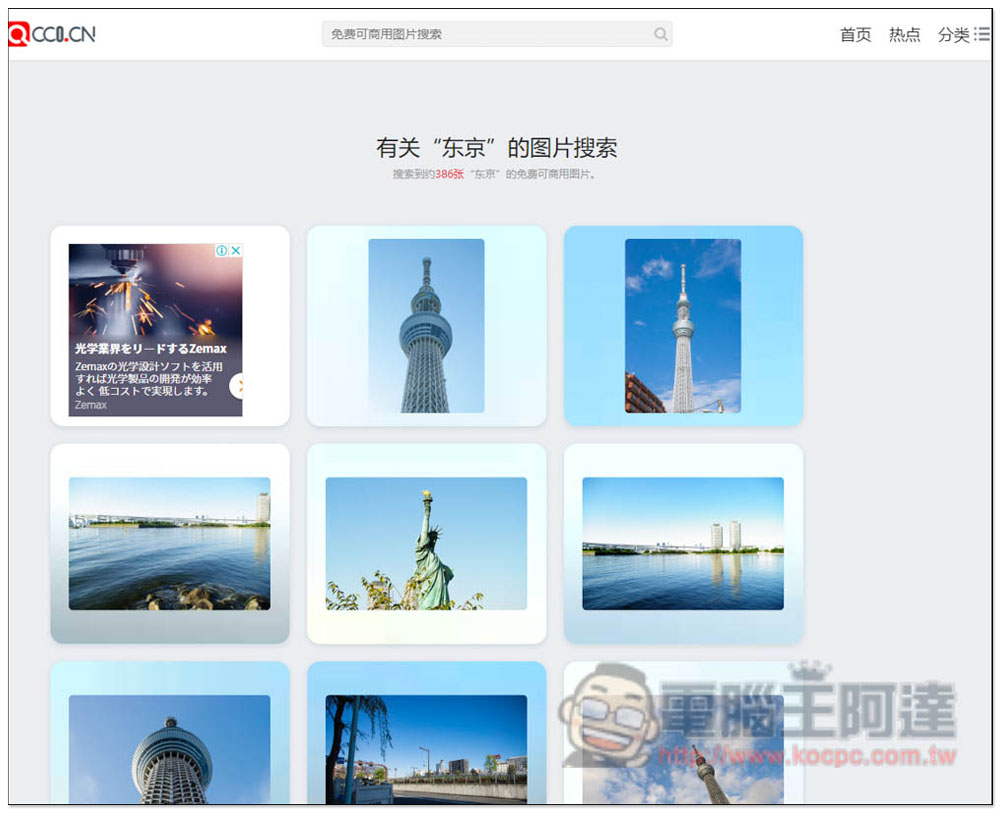
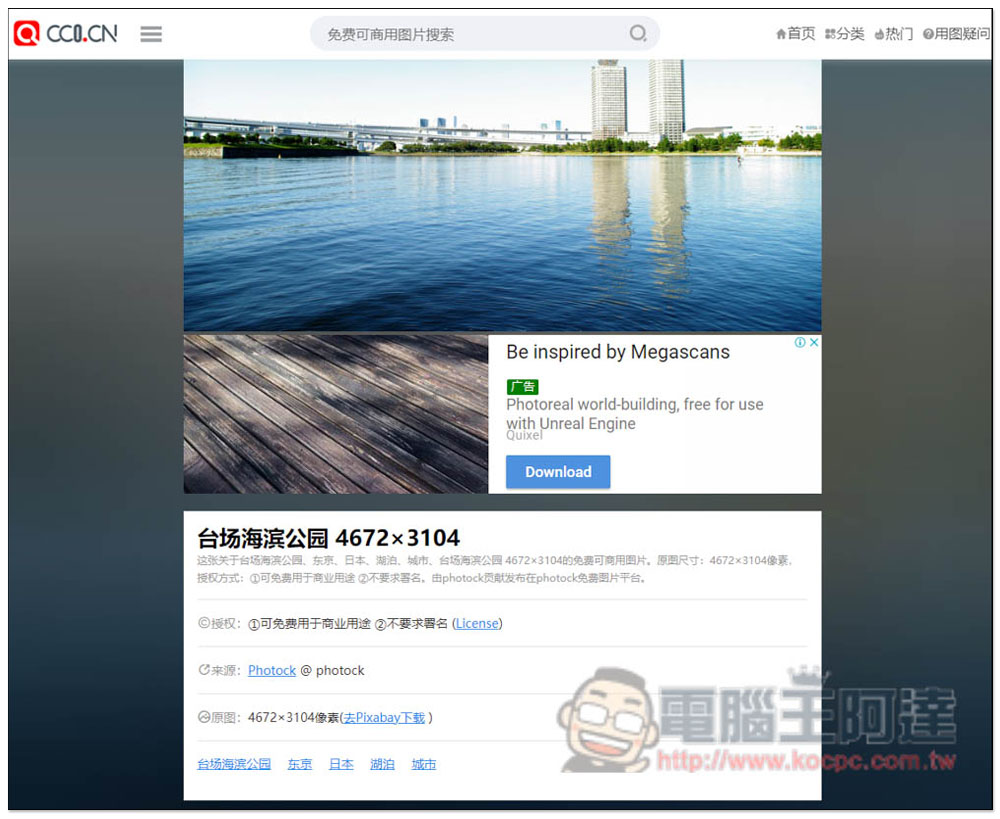
After you find a picture that you think is good, there will be some brief introduction on the inner page, including where it was taken, the resolution, authorization, source, etc. If you like it, click “Download from Pixabay” on the right side of the original picture. Ignore Pixabay. I tested many pictures and opened the source website to download. Like the one below, it will open the Photock website instead of Pixabay:
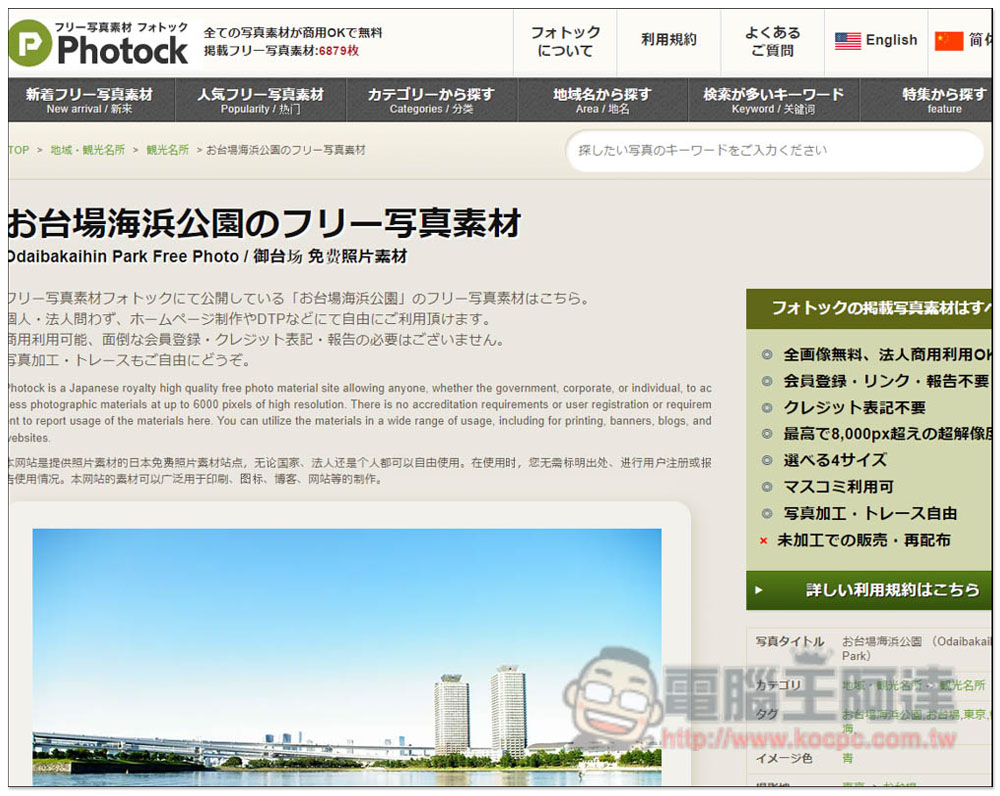
Photock is a free photo website from Japan. The purpose of each picture is explained on the right side. It can indeed be used for commercial purposes:
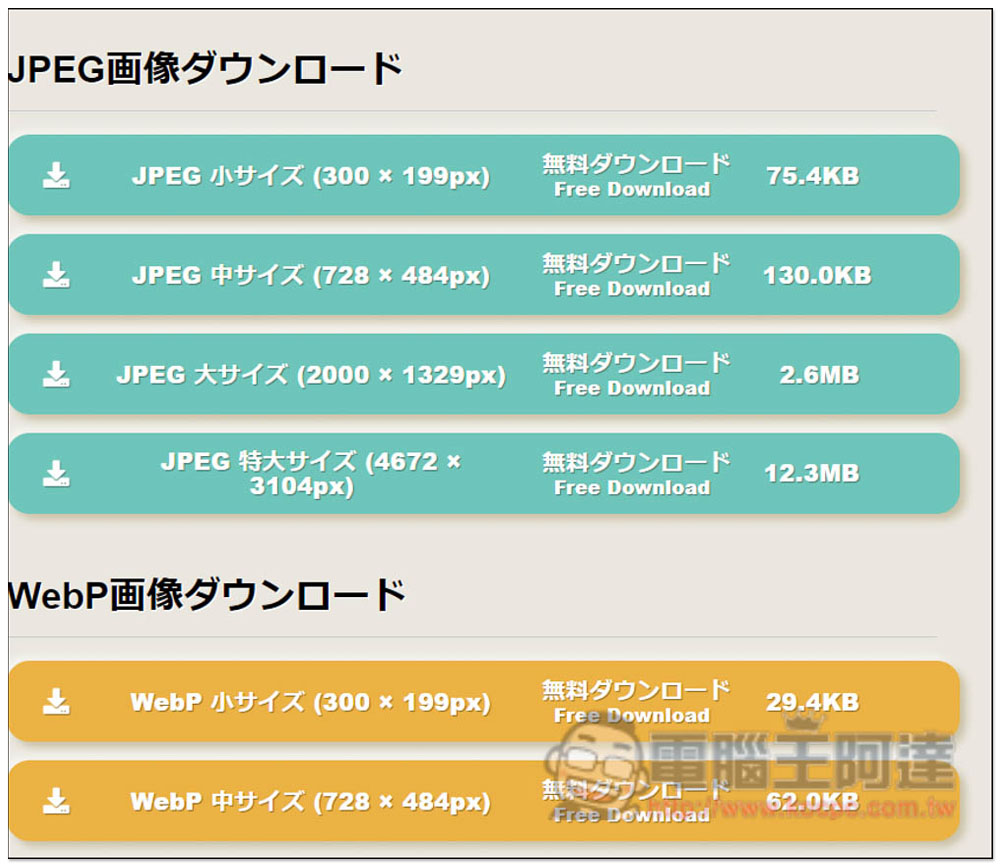
Scroll down to find the download point, which provides multiple resolutions, JPEG and WebP formats:
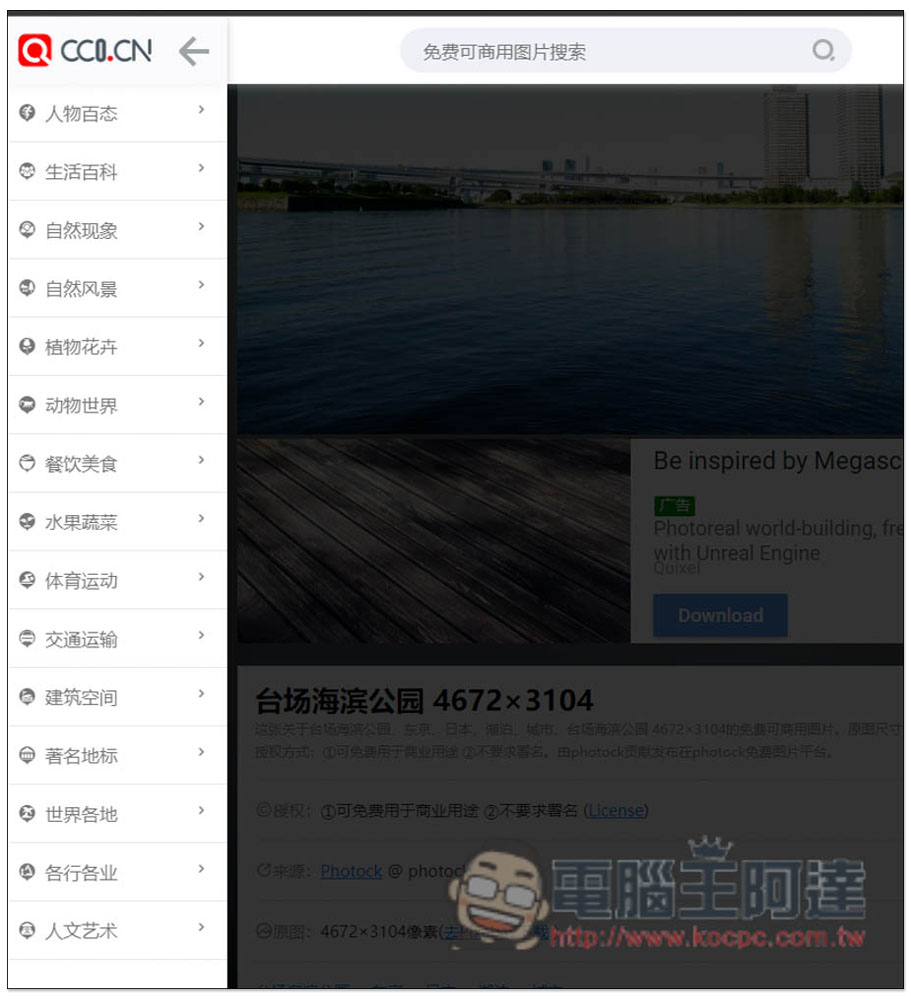
In addition to search, there are also some categories when opening the menu on the left, including “People”, “Life Encyclopedia”, “Natural Phenomenon”, “Natural Scenery”, “Animal World”, “Food and Food”, “Fruits and Vegetables”, “Sports”, “Transportation”, “Around the World”, “Architectural Space”, etc.:
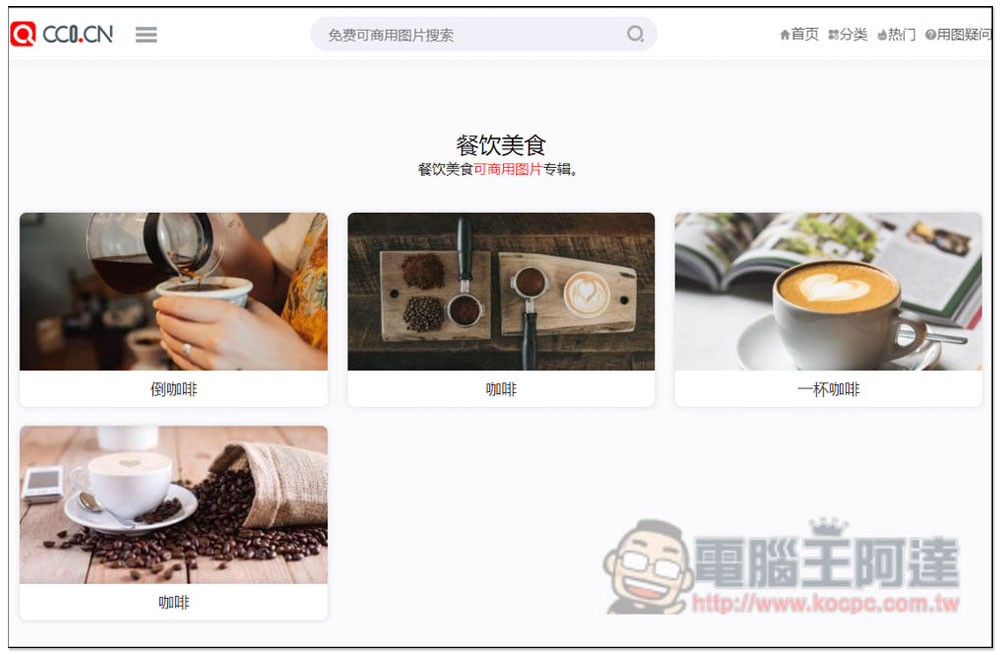
However, I feel that the classification function is not well organized. For example, when I enter the food and beverage category, there is only coffee, and there are two options for the word coffee? There is also a very strange cup of coffee, so it is recommended to use keyword search than:
If you use the homepage to search for pictures, the page remains completely white.Can be improved to results page search。
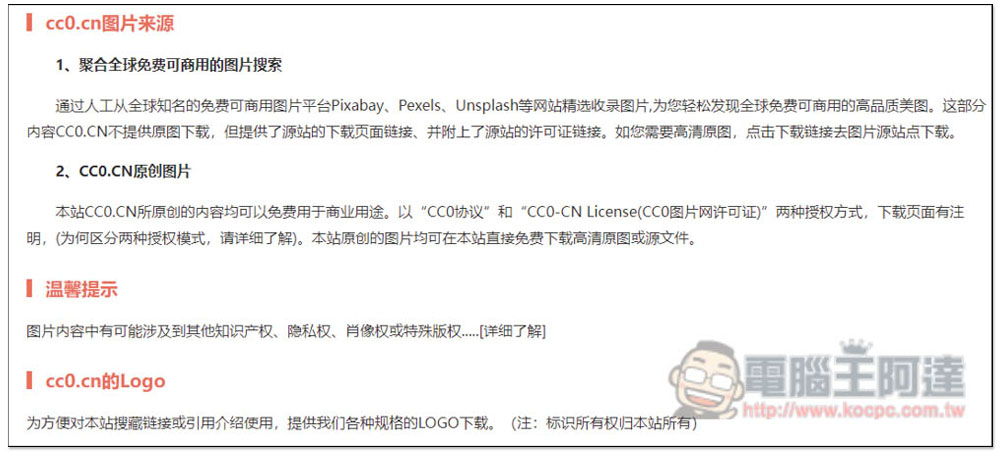
The licensing section has detailed instructions on this page. All content can be used for commercial purposes free of charge (it is recommended to go to the source website to double-check) and complies with the CC0 agreement and CC0-CN License authorization method\
Source: KOCPC Chinese