


When watching online videos, you will sometimes see some videos that you want to download for collection or watch offline. If you have not downloaded the software to your computer, then VCap Downloader PRO, a universal online video download software, is worth collecting. It can not only download several mainstream video websites, but also has a built-in capture function, which can download files in M3U8 format, and will automatically merge into one file after the download is completed. This software was originally a paid software, but now it is offering a limited free offer. It is still free for life. Those who need it should hurry up and get it.
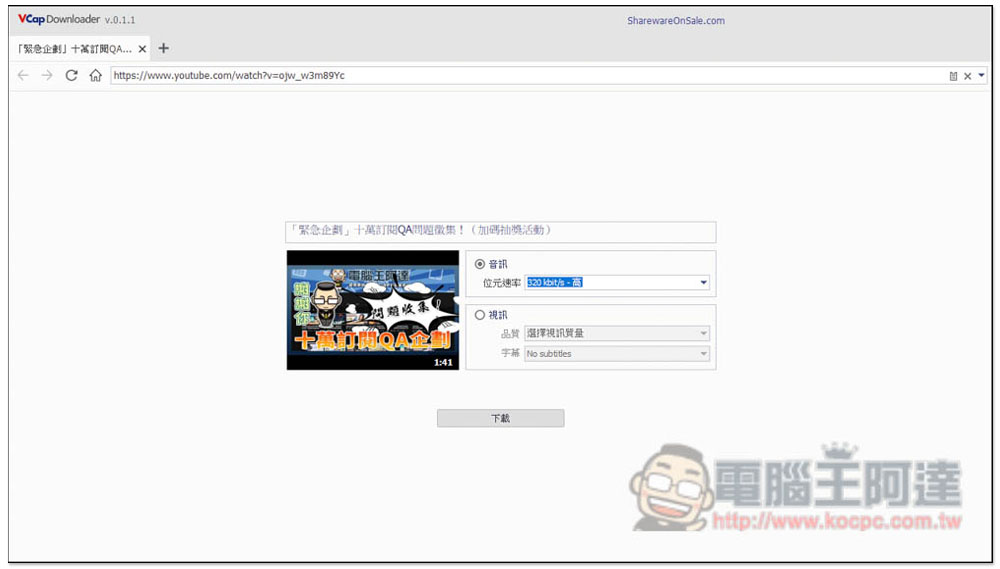
VCap Downloader PRO is a universal online video and audio download software for free.
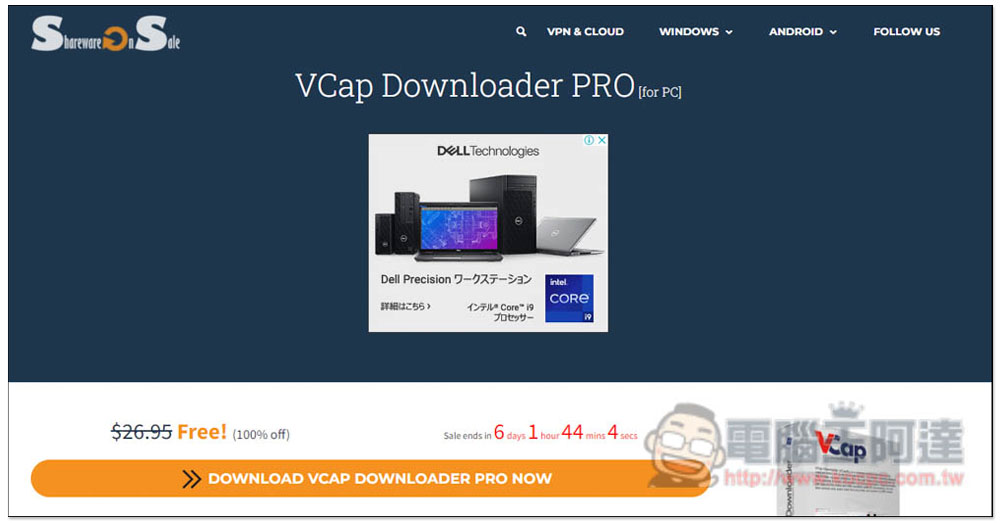
After entering the VCap Downloader PRO limited free page, click DOWNLOAD VACP DOWNLOADER PRO NOW below to get it. There are still 6 days left when writing this article:
The next page will ask you to share to social platforms, such as Facebook, Twitter, or Linkedln. If you don’t want to share, you can click I don’t use Facebook, Twitter, or Linkedln! below: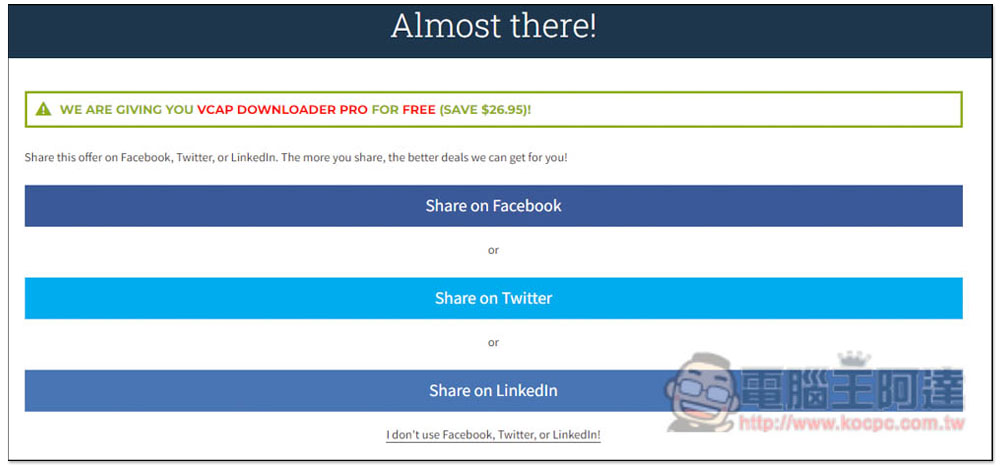
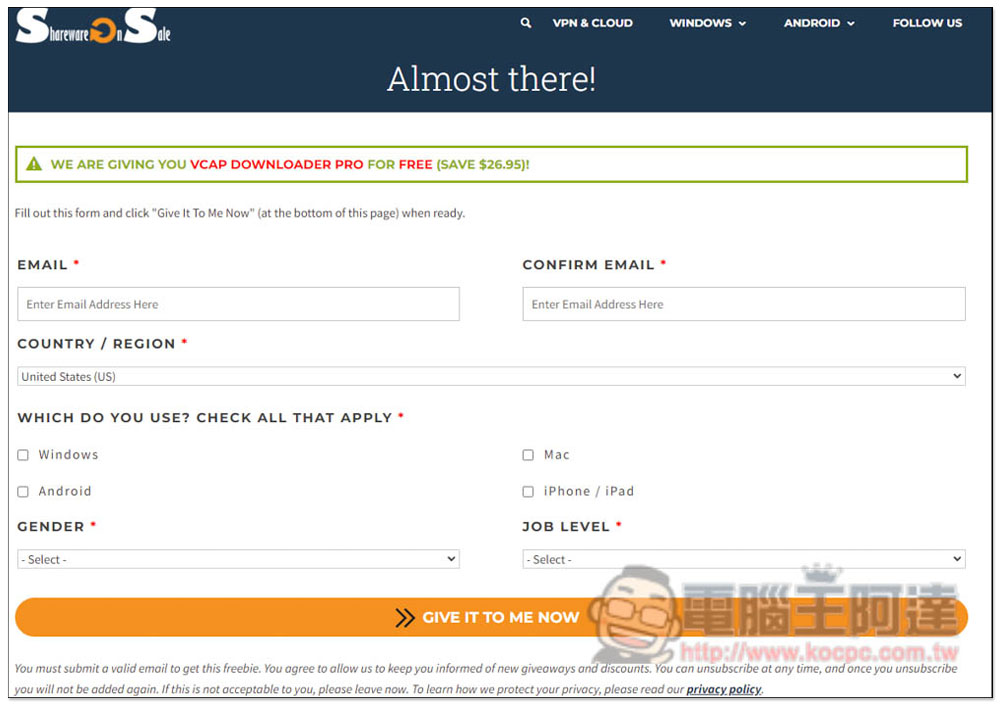
It will jump to the data input page. You can fill in the data as you like. Press GIVE IT TO ME NOW and you will get the software download point:
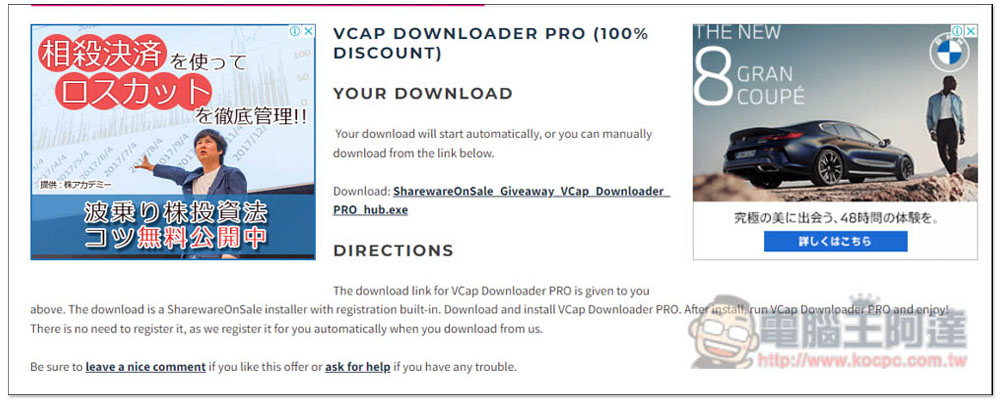
As shown in the picture below, the serial number has been bound to the installation file, so there is no need to enable it additionally. Click the link next to Download to download the installation file:
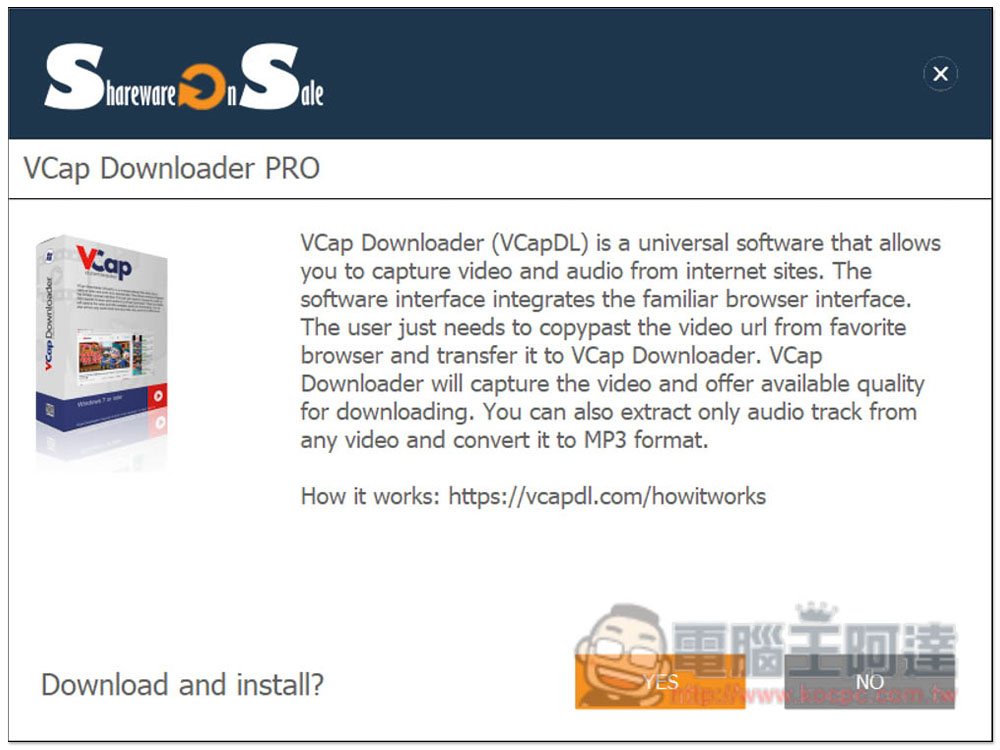
This installation file is the Hub tool of SharewareOnSale. You also need to download the installation file of VCap Downloader PRO through this set. Click Yest:
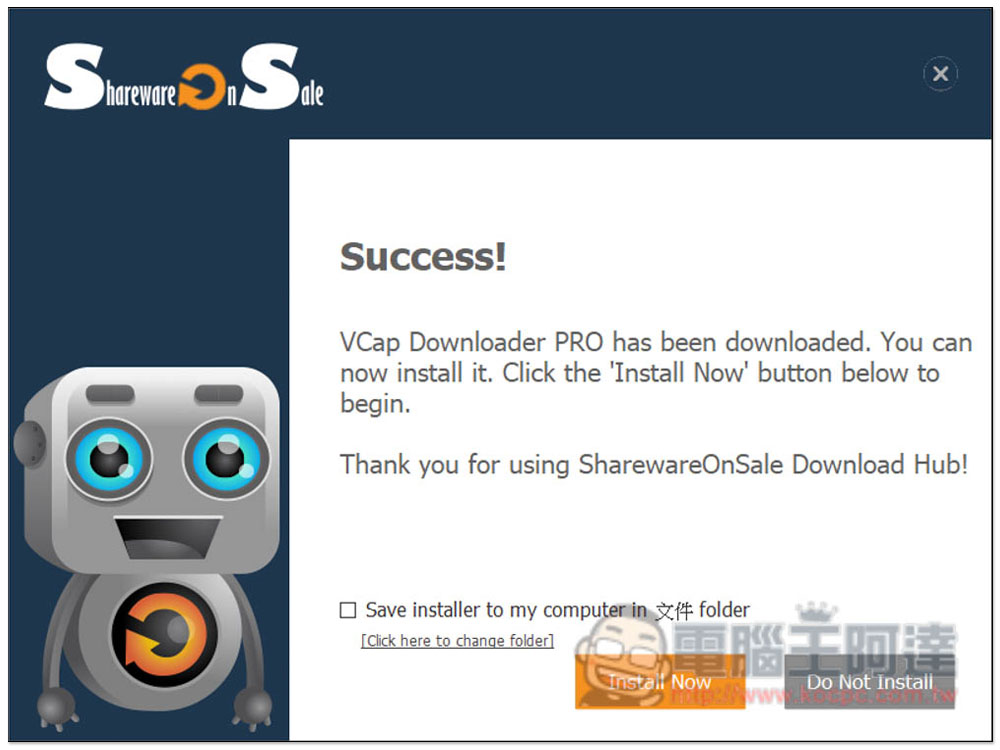
After downloading, you can start the installation Install Now:
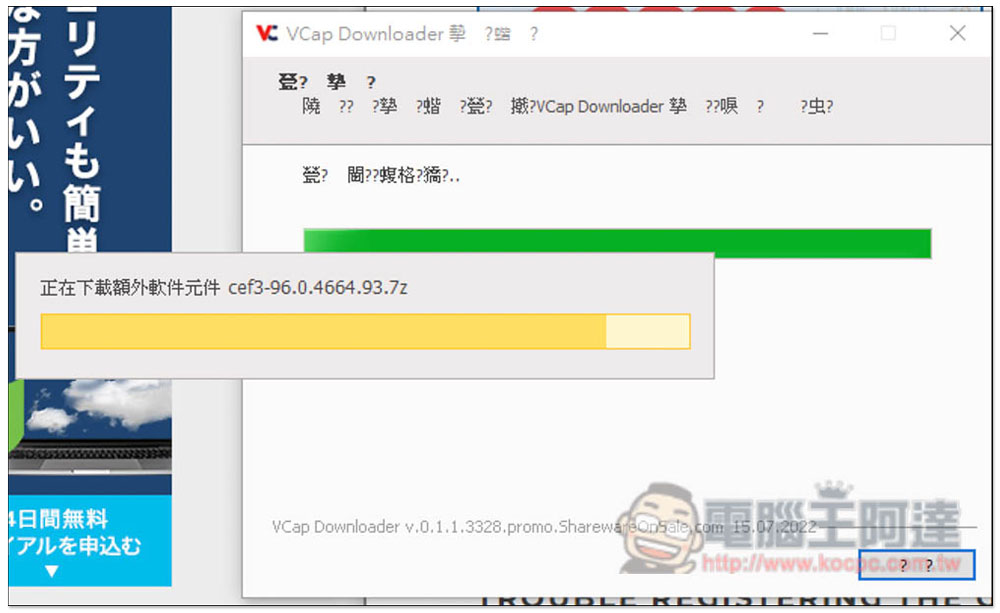
There may be garbled characters in the installation file. Don’t worry about it. Just keep pressing Next. When you start using the language, it will become normal:
Like this, there will be no garbled characters! The method of use is also very simple. There are two functions: “Capture” and “Analysis”. The analysis will directly find the download point and supports common audio and video websites, such as YouTube. For websites that cannot be analyzed, you can use the capture function. The download time will be longer, but this is not a recording, so it will be faster than recording. For example, a two-hour video may take more than ten or twenty minutes:
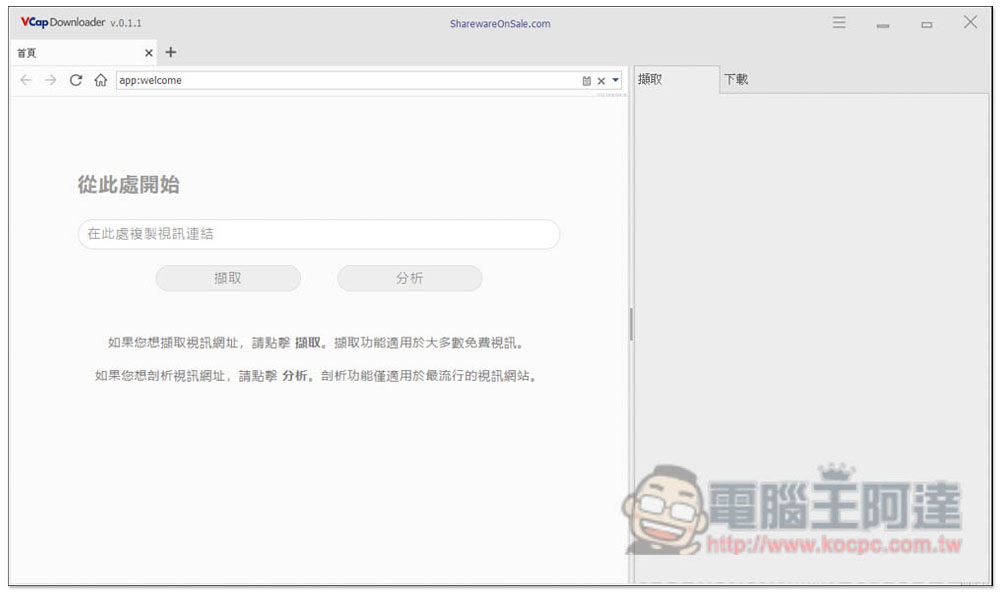
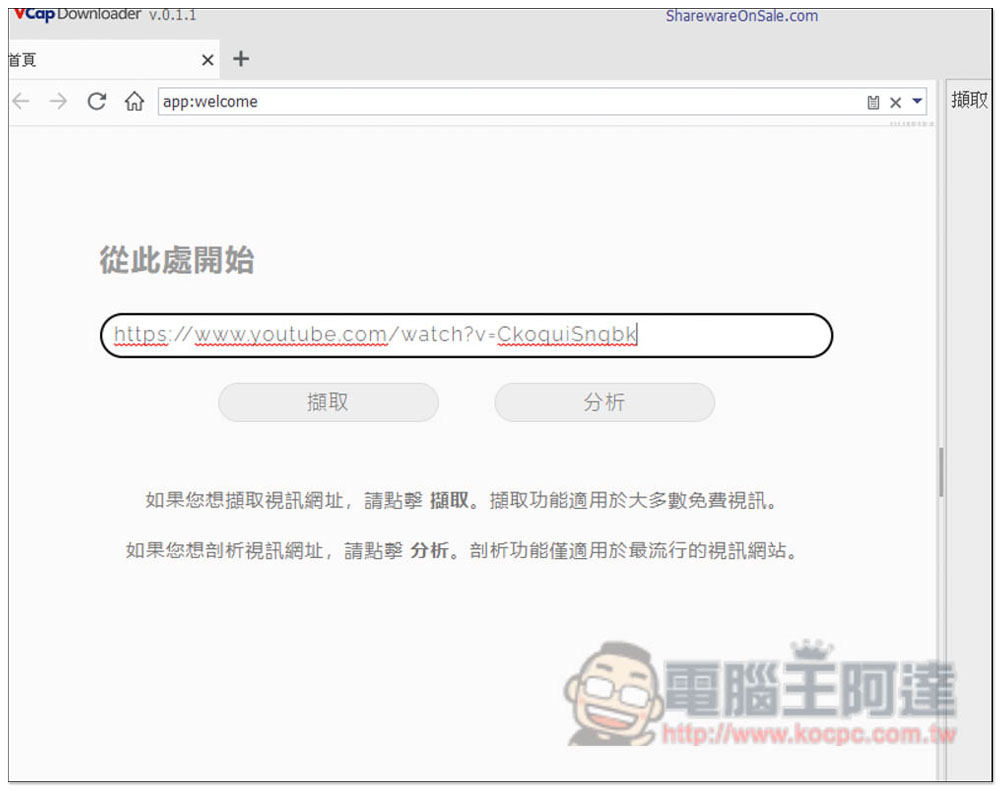
I will demonstrate how to download a YouTube video. Paste the video URL and click Analyze:
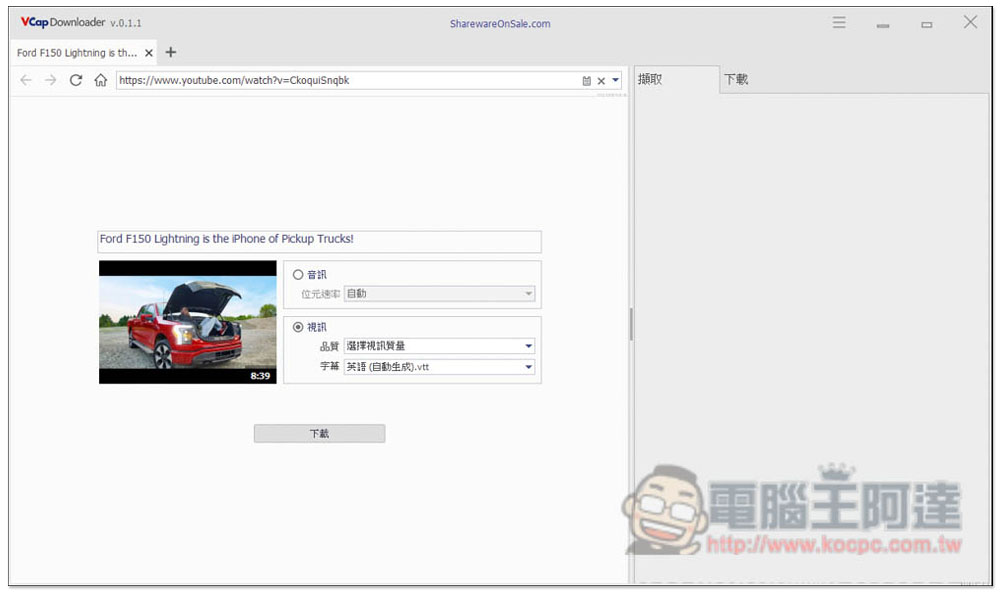
A download point will appear on the screen, with two formats: audio and video. Video also supports subtitle downloading:
But the strange thing is that not every YouTube channel seems to be able to download high-quality images. The channel I tested MKBHD can only download up to 640p:
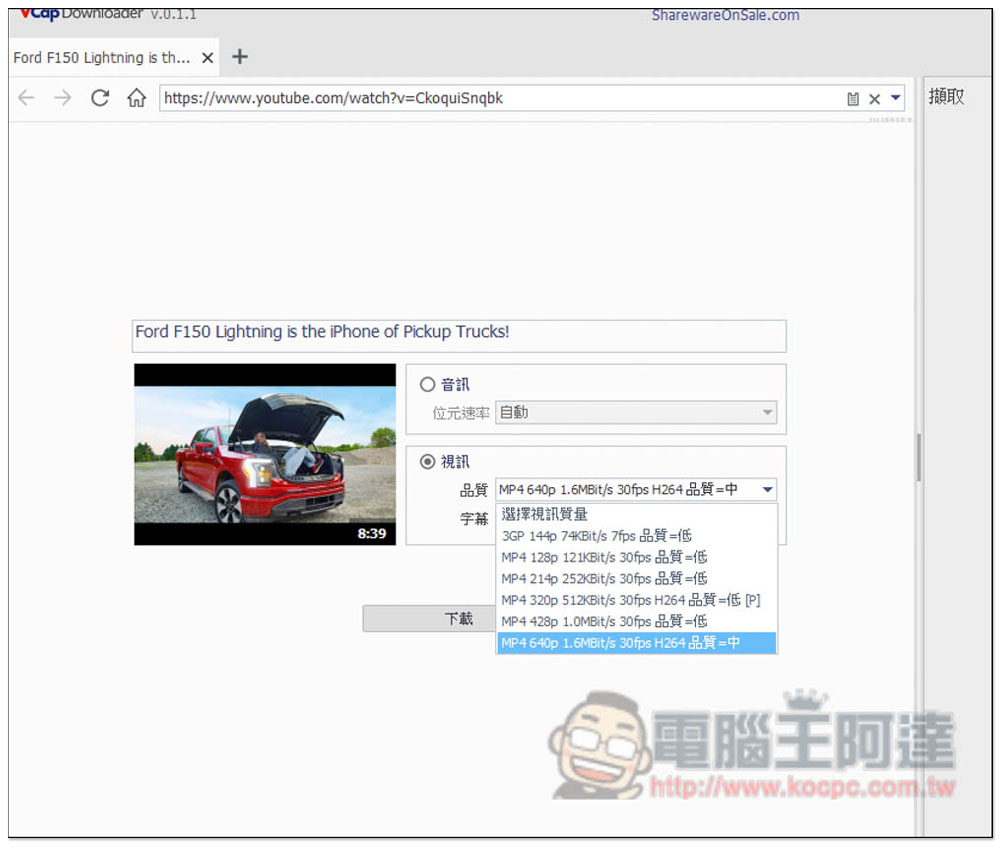
But other channels can reach 4K quality, not sure why:
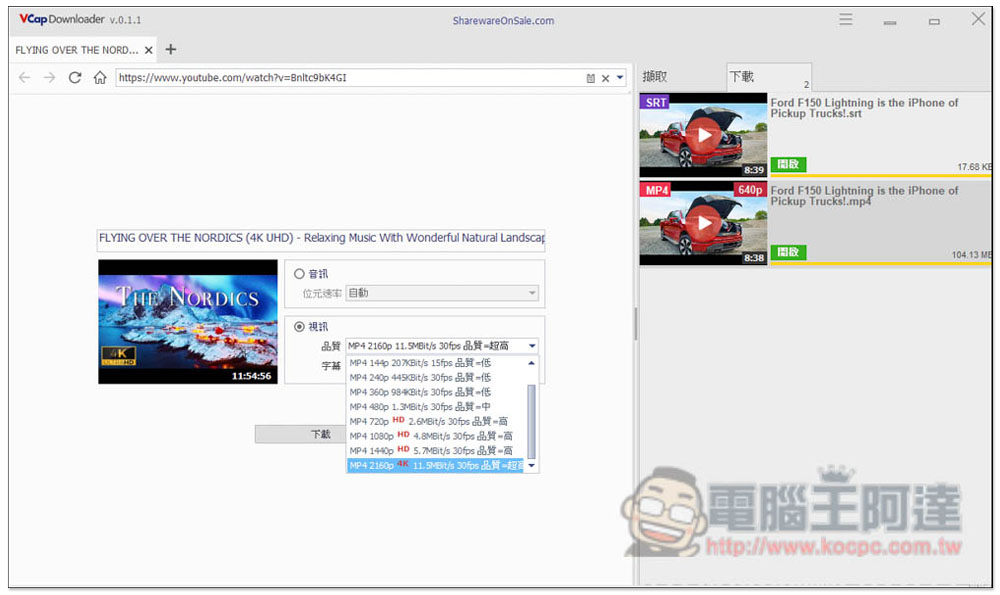
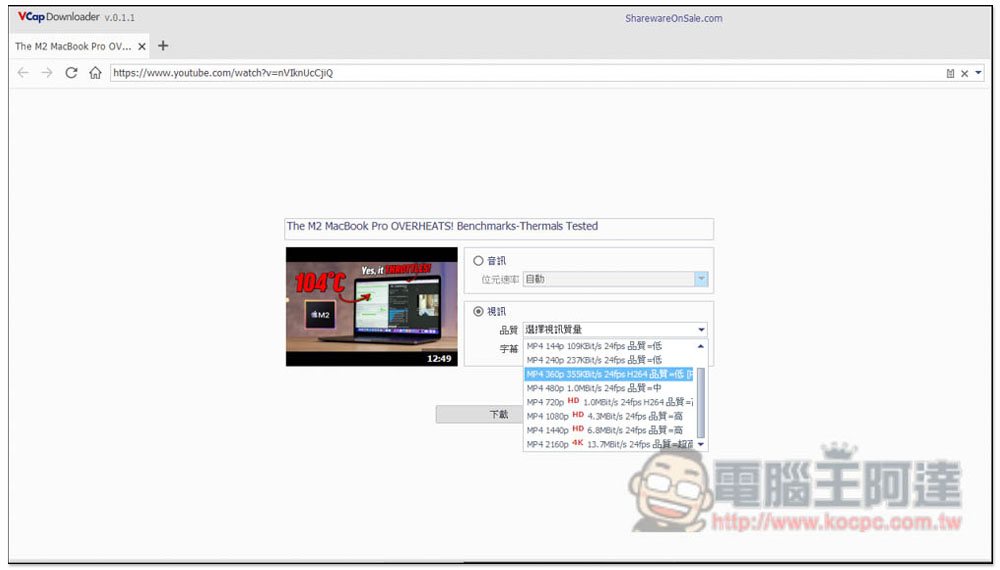
MaxTech can also download to 4K quality:
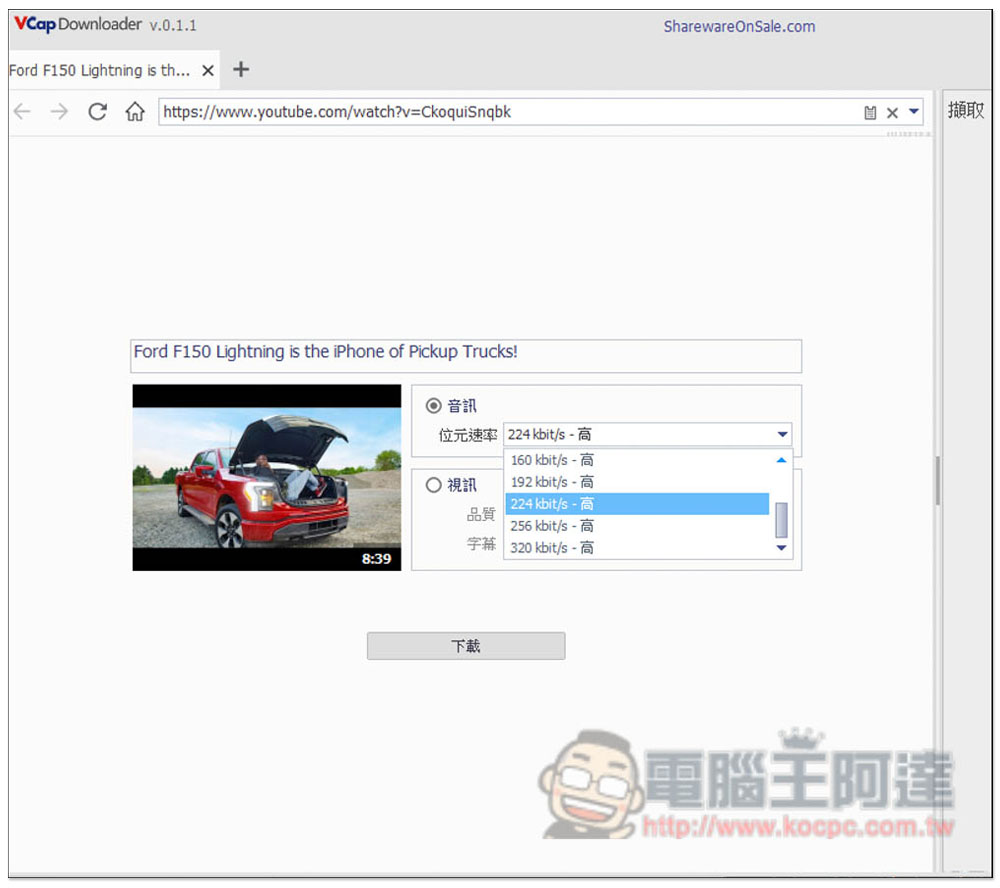
The audio format is MP3, supporting up to 320kbit/s:
Downloading from such common audio and video websites is relatively simple, but the M3U8 format is more troublesome. I have tested that most websites that use the M3U8 video format can indeed download and merge into one file, but there is a problem with the sound and it will lag intermittently. I am not sure whether it is a problem with my computer or what, so I will leave it to the readers to try it.
If this happens to you, another solution is to download the video and audio separately, which I tested and it worked fine, and then merge the video and audio through software.
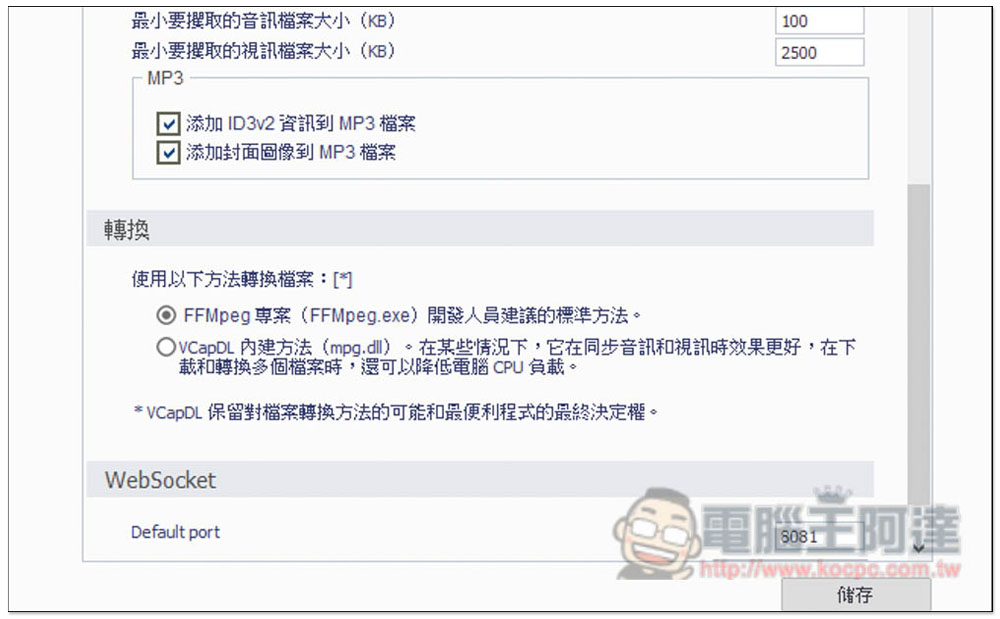
There is a conversion mode in the settings that you can also try:
Source: KOCPC Chinese