


These days, many people turn to AI tools like Gemini, ChatGPT, and NotebookLM to ask questions when studying for exams or learning new material. However, ordinary chat conversations aren’t actually the best format for learning. The hardest part usually isn’t figuring out how to solve a particular problem—it’s identifying what you genuinely don’t understand and deciding what to read next.
To help everyone learn more efficiently, Google recently launched a new “Study & Learn” feature in Gemini—a dedicated space that provides an AI study coach. You can upload syllabi, class notes, reading materials, lecture slides, or other learning materials, and Gemini will first generate a diagnostic quiz, then create personalized mini-lessons, practice problems, and progress tracking based on your strengths and weaknesses.
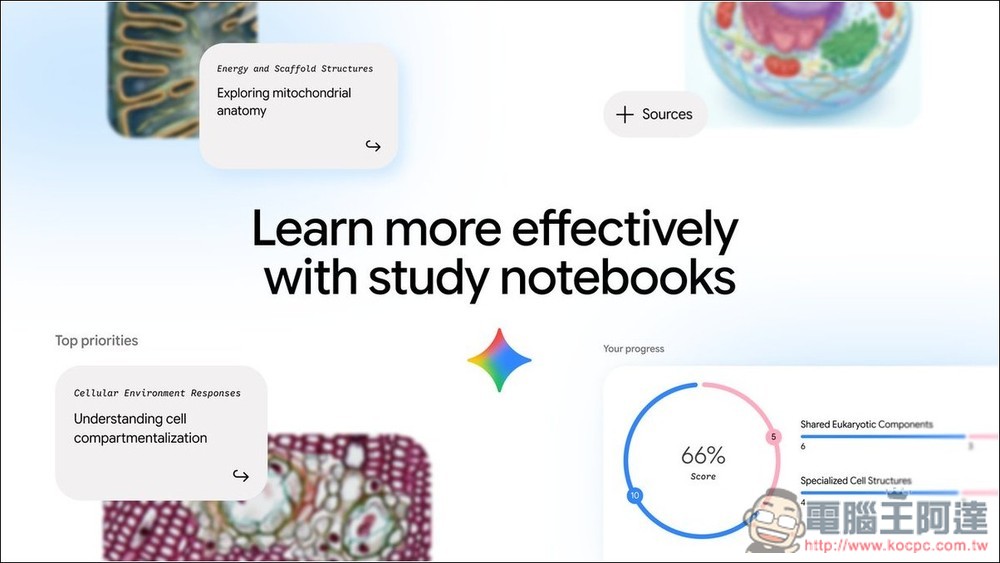
Gemini Adds “Study and Learn” Feature: Upload Syllabi and Notes to Generate Diagnostic Quizzes, Personalized Courses, and Study Schedules
According to GoogleThe “Study and Learning” feature transforms the traditional AI Q&A model into a more comprehensive learning workflow. Students can first upload syllabi, notes, reading materials, or other course materials to Gemini. The system then generates customized diagnostic quizzes based on this content to assess their current knowledge, strengths, and weaknesses, and uses the results to plan subsequent personalized learning content.
This diagnostic result isn’t just a score—it helps identify which topics you’ve already mastered and which knowledge areas still need strengthening, so that subsequent learning content can better match your needs.
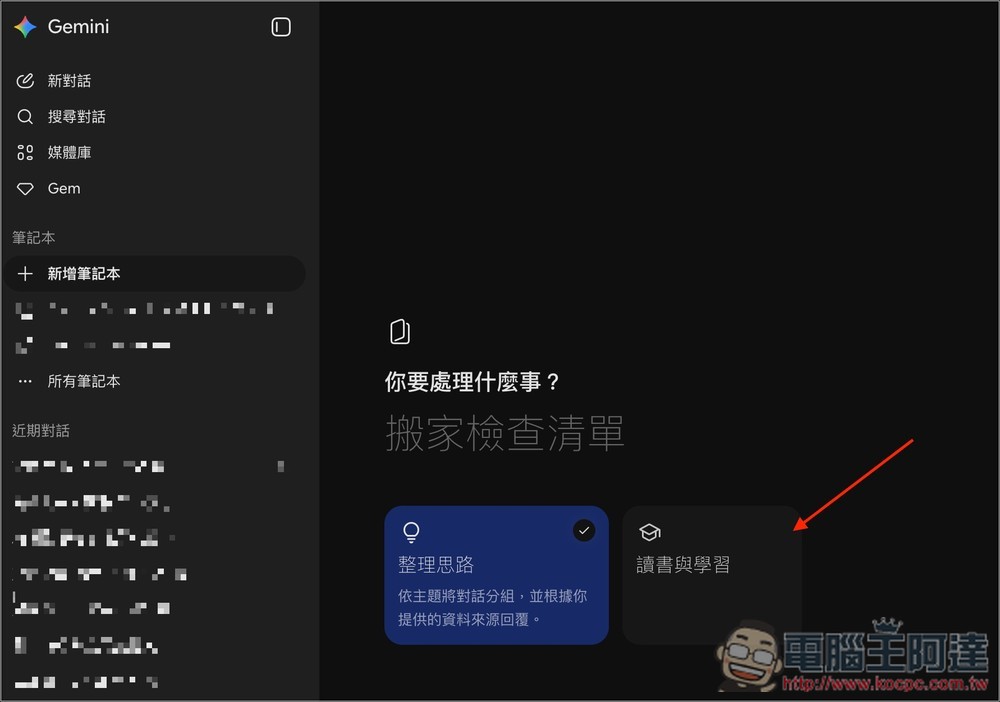
It is also very easy to use: after entering Gemini, under the New Notebook option, you will see the new “Reading and Learning” feature:
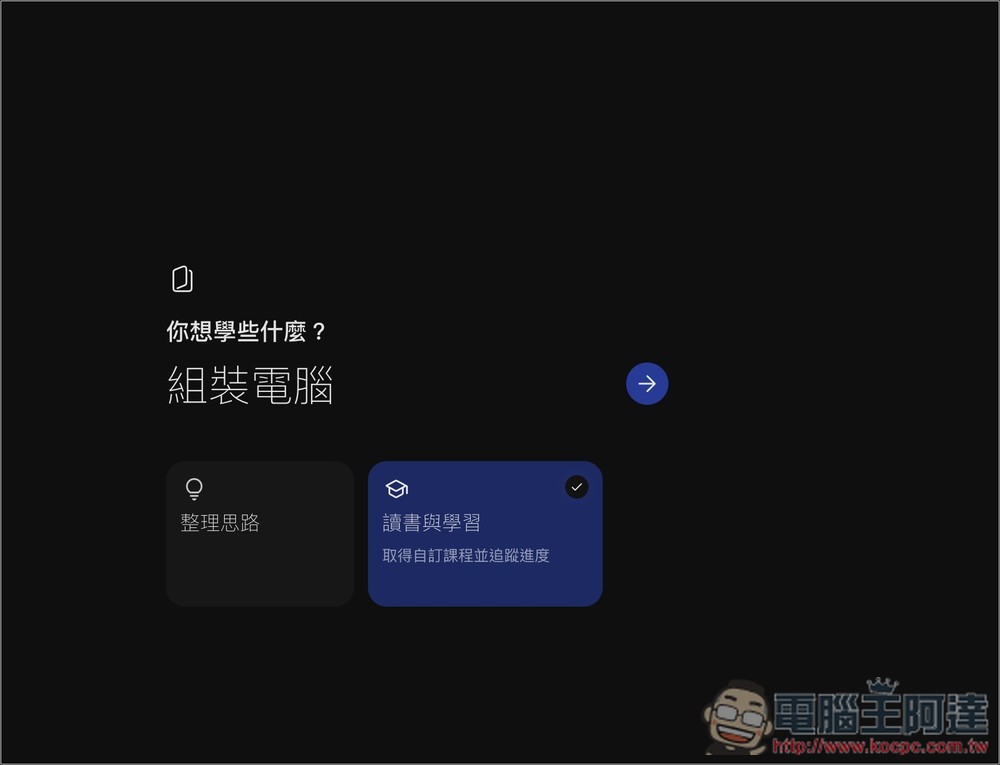
Enter the subject or goal you want to learn:
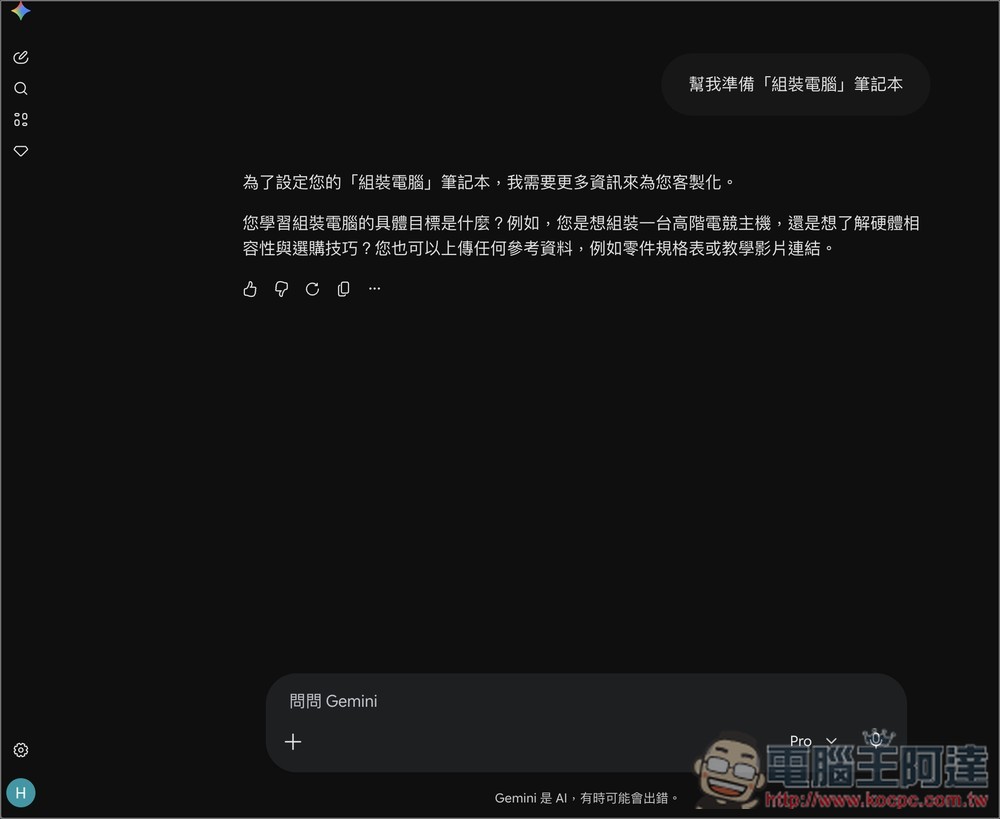
Next, it will automatically send the prompt “Help me prepare an xxx notebook,” asking you to upload syllabi, handouts, notes, or reading materials. Note that once the goal is created, it cannot be edited. If you want to switch to a new learning goal, you’ll need to create a new notebook:
5 Official Tips for Using “Reading and Learning”
1. Find out what you truly don’t know.
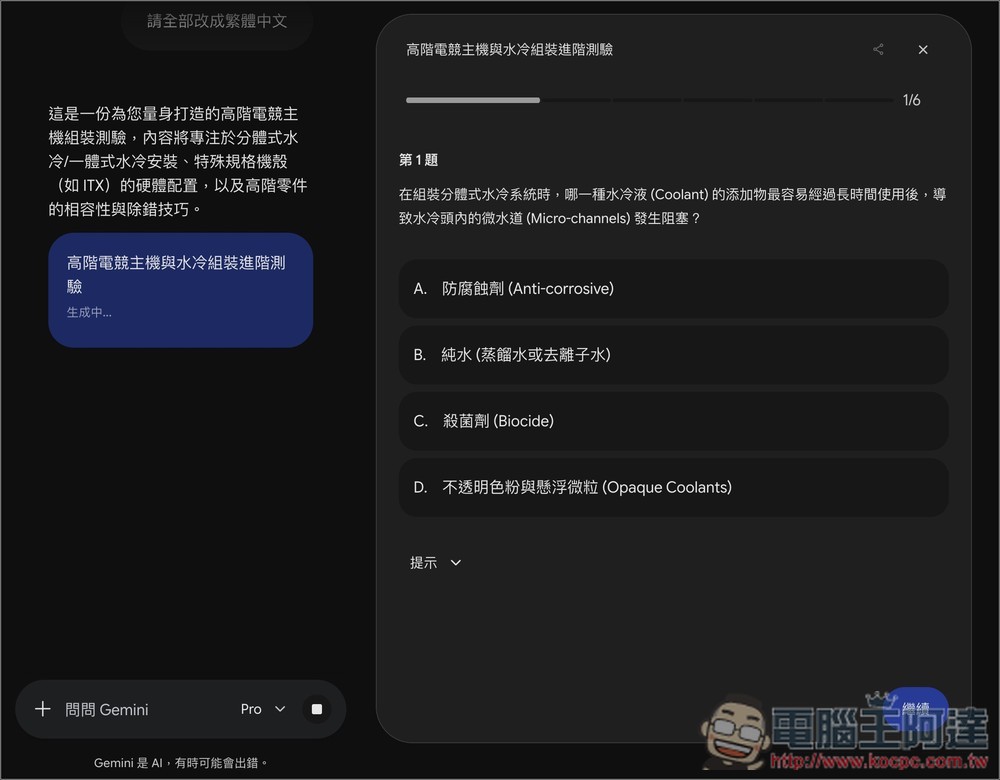
The biggest problem many people run into isn’t that they haven’t studied at all, but that they can’t figure out exactly what they don’t know. Subjects like freshman calculus, statistics, and organic chemistry have thick textbooks, piles of lecture notes, and tons of homework problems. If you start rereading from chapter one before an exam, it’s easy to waste time on what you already understand and end up neglecting the parts that actually need work.
Therefore, the first use case is to upload the syllabus, teacher’s handouts, notes, homework problems, or reading materials, and have Gemini generate a “diagnostic test” first.
For calculus, upload the teacher’s syllabus, the first four weeks of lecture notes, and the homework problems, then have Gemini generate a diagnostic test first.
After finishing the test, you may find that it’s not that you don’t understand differentiation as a whole, but rather that your grasp of specific topics like the definition of limits, the chain rule, or implicit differentiation is weaker. At that point, your study strategy should change completely—there’s no need to reread the entire handout; instead, focus your time on these areas that need strengthening.
2. Turn weaknesses into short courses so you don’t have to read everything at once.
Finding weaknesses is only the first step; what matters more is figuring out how to fix them.
Google said that after completing a diagnostic quiz, this feature will generate short lessons based on your knowledge gaps, with each lesson paired with practice quizzes whose questions are generated from the course materials you uploaded. If you don’t understand something while learning, you can also ask directly.
This approach is ideal for people with fragmented schedules, such as working professionals preparing for certifications. For example, when studying for PMP, securities analysis, cloud certifications, or cybersecurity-related exams, study materials are usually very thick, and many people only have time to study after work.
You can put the official exam syllabus, your own notes, and course summaries into “Reading and Learning,” and have it first generate short courses targeting weak spots like “risk management,” “cost management,” or “cloud network architecture.”
3. Use the progress dashboard to know what to read next
Many people unconsciously keep reviewing material they already know, while their real weaknesses get put off again and again. The progress dashboard in Reading and Learning Notebook is designed to help you solve this problem.
Google says the Study and Learning Notebook will break down your learning goals into over 100 specific learning objectives, then group them into different topics, and continuously track your learning progress through follow-up quizzes. The system will automatically label them as “Strengths,” “Focus areas,” or “Not started,” while recommending the courses you should prioritize most right now. Users can also switch between viewing their strengths, topics to strengthen, and content they haven’t started yet.
For example, when preparing for a statistics final exam, you don’t have to review the chapters in order. Instead, first complete a diagnostic test, then follow the progress dashboard’s recommendations to prioritize weaker topics such as hypothesis testing or confidence intervals, and spend your limited time where you need the most improvement.
4. Prepare for standardized tests such as the SAT, ACT, and GRE
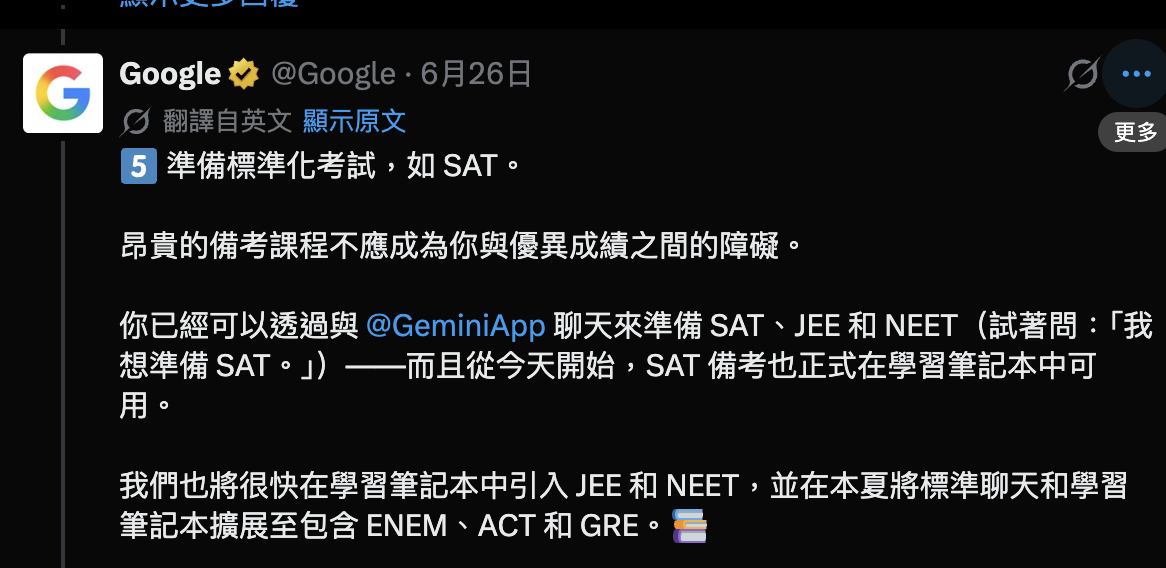
Google has also integrated standardized test prep into this feature. It currently supports the SAT, using licensed questions from The Princeton Review. More exams such as JEE, NEET, ENEM, ACT, and GRE will be added this summer.
This is a great fit for those preparing to study abroad or take international exams. Using the SAT as an example, many students complete countless practice questions without knowing their actual weaknesses. Through diagnostic tests and progress tracking, Reading and Learning can pinpoint the skill areas where points are easily lost, such as reading comprehension, grammar, algebra, or data analysis, making your review much more targeted.
Say your goal is to raise your SAT Math score to 750+ within six weeks: after a diagnostic test, if the system flags algebra and data analysis as weak areas, it will prioritize relevant short lessons and practice questions instead of having you blindly grind through problems every day.
5. Integrate with NotebookLM so your notes go beyond chat history.
The last tip is to pair reading and learning with NotebookLM.
Google stated that notebook content will be interoperable between Gemini and NotebookLM. Users can not only review past chat history, but also directly use uploaded course materials to generate interactive learning content such as Flashcards and Video Overviews in NotebookLM.
For example, when preparing a final report, you can put all the research paper PDFs from your professor, class slides, your own notes, and previous conversations with Gemini into the same notebook. Use Gemini first to organize your research direction and report structure, then switch to NotebookLM to create Flashcards or Video Overviews to review key points and clarify concepts, so you don’t have to keep moving data back and forth between different AI tools.
Source: KOCPC Chinese