


Although there are many free space services now, the capacity is limited, so it is not suitable if you often need to share large files. The GigaFile free file sharing space from Japan is very good. Not only does a single file support up to 300GB, but there is no capacity limit, which means you can share as many files as you want, and they can even keep them for up to 100 days. You can also delete them early at any time, and the upload and download speeds are also fast. I recommend it to everyone.
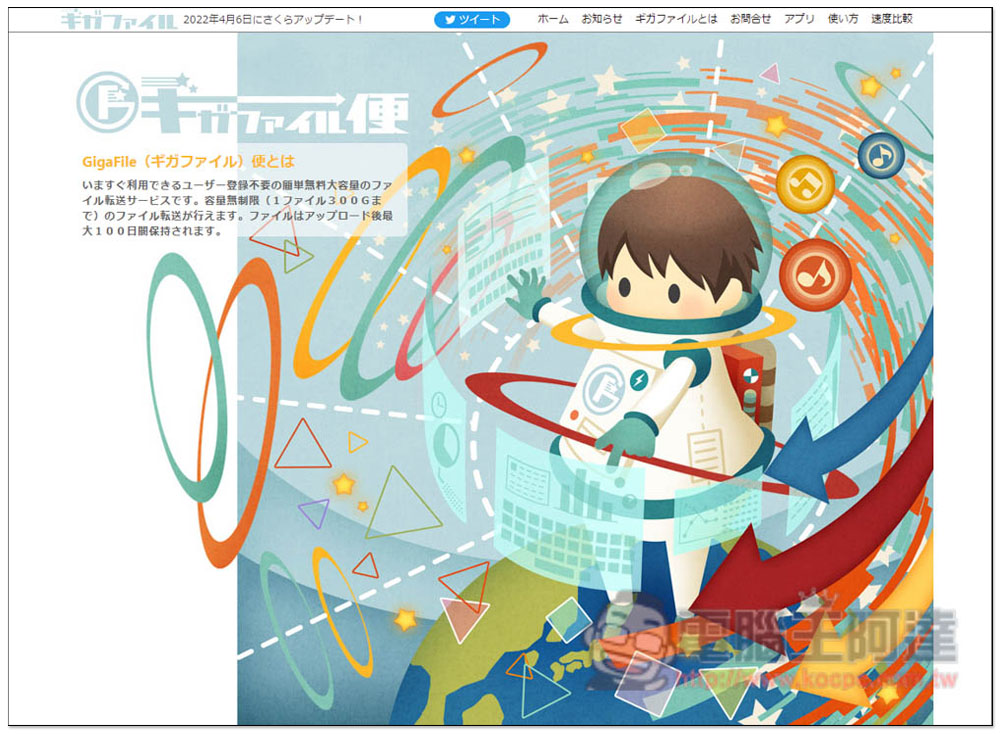
Introduction to GigaFile, a free file sharing service from Japan
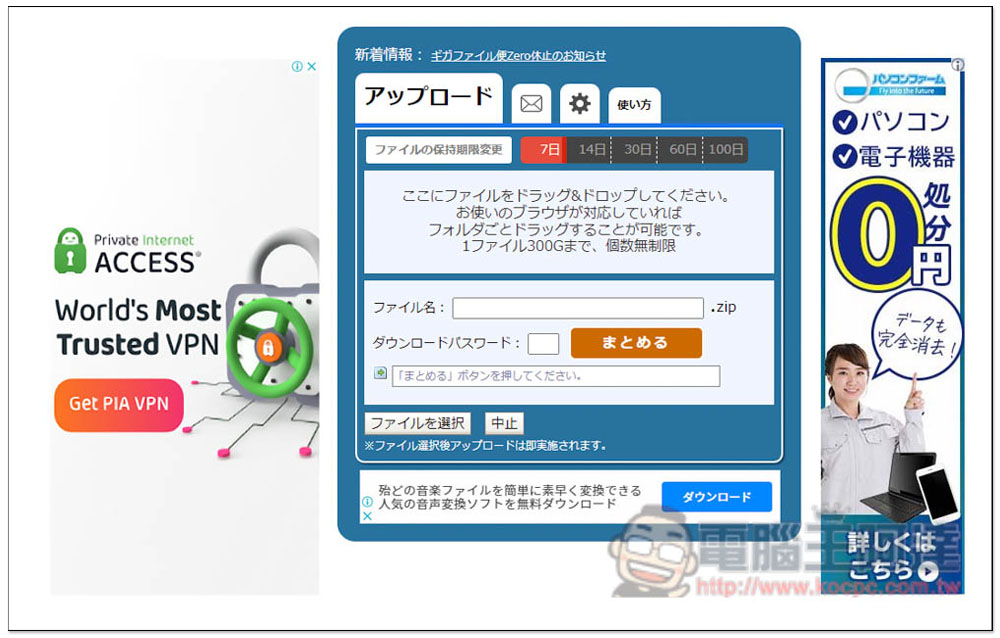
GigaFile is currently only in Japanese. People who don’t understand Japanese are recommended to use the browser translation function to automatically translate the entire page into Chinese:
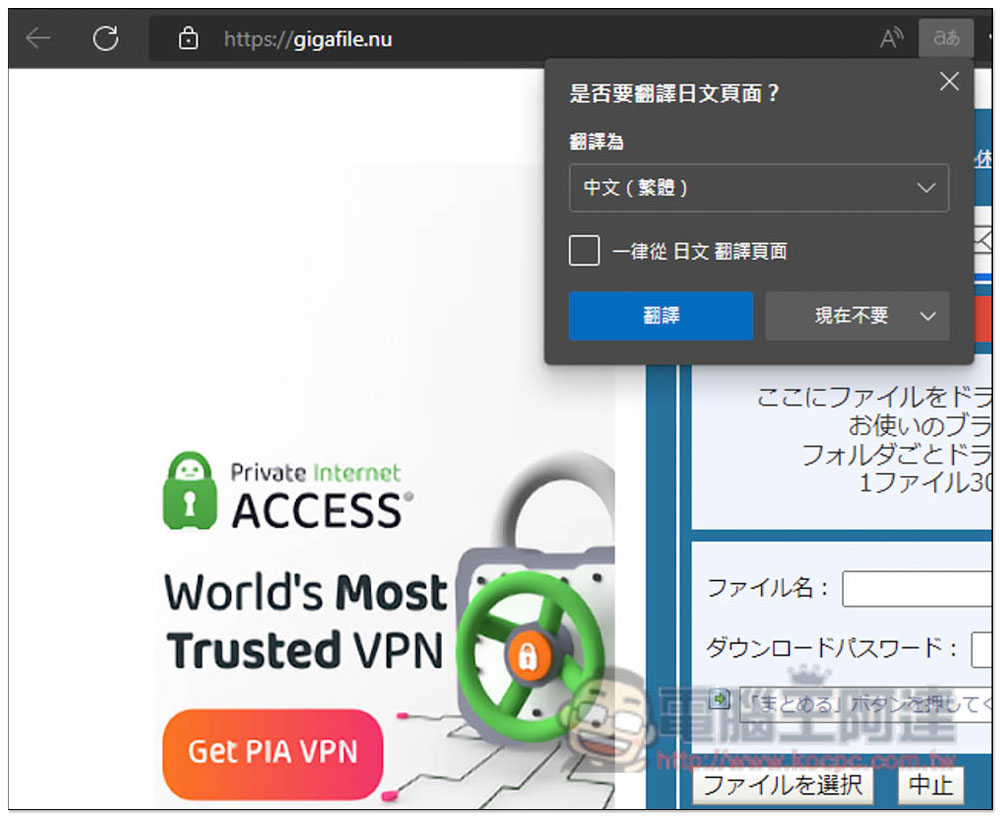
Like this, all current mainstream browsers provide full-page translation capabilities. I use Microsoft Edge:
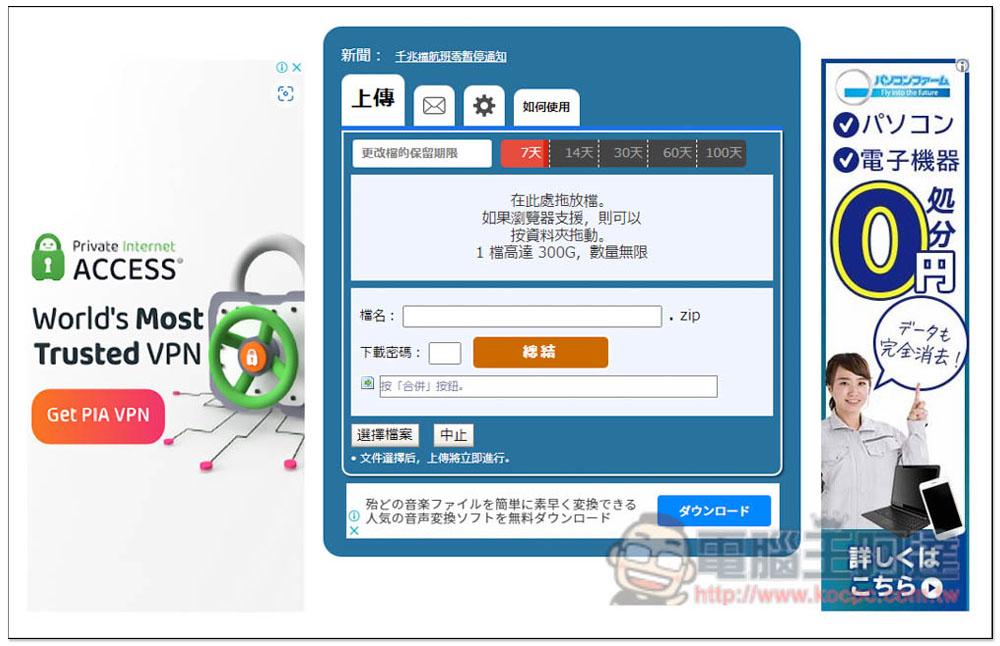
Then it will become Chinese! This way you should be able to understand how to use it. To put it simply, just drag in the file you want to upload. The maximum size of a single file is 300GB, and there are no restrictions on the rest. At the top, you can select the number of days you want to keep, including 7 days, 14 days, 30 days, 60 days and 100 days:
Drag the files in and they will be automatically uploaded, and then you can get the download link for each file. Each file has a preset deletion code, which is used for manual deletion when you want to delete it early. If you find it difficult to remember, you can also set your own “download password” below, which will also tell you when the file will be automatically deleted:
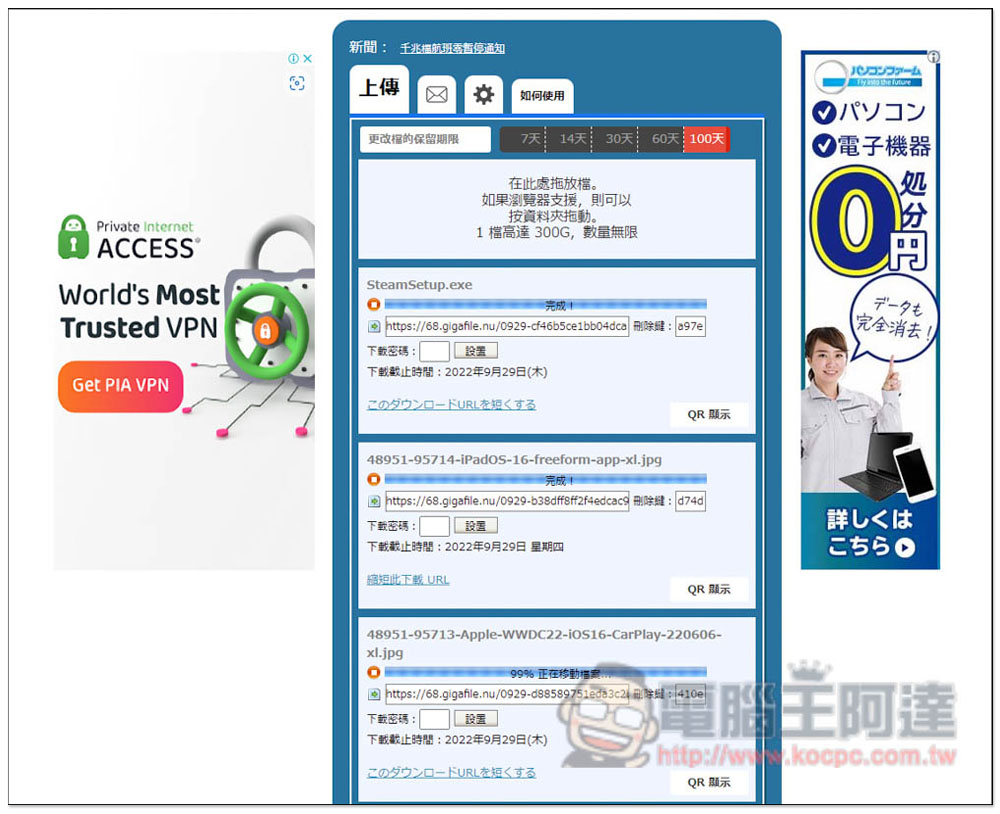
Support QRCode function:
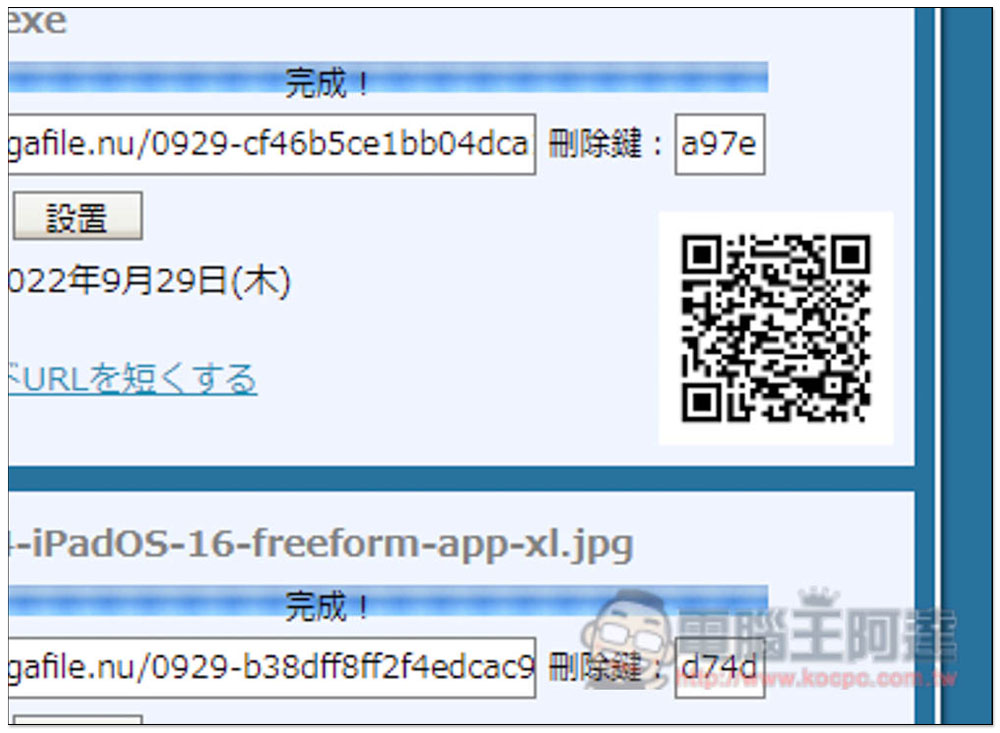
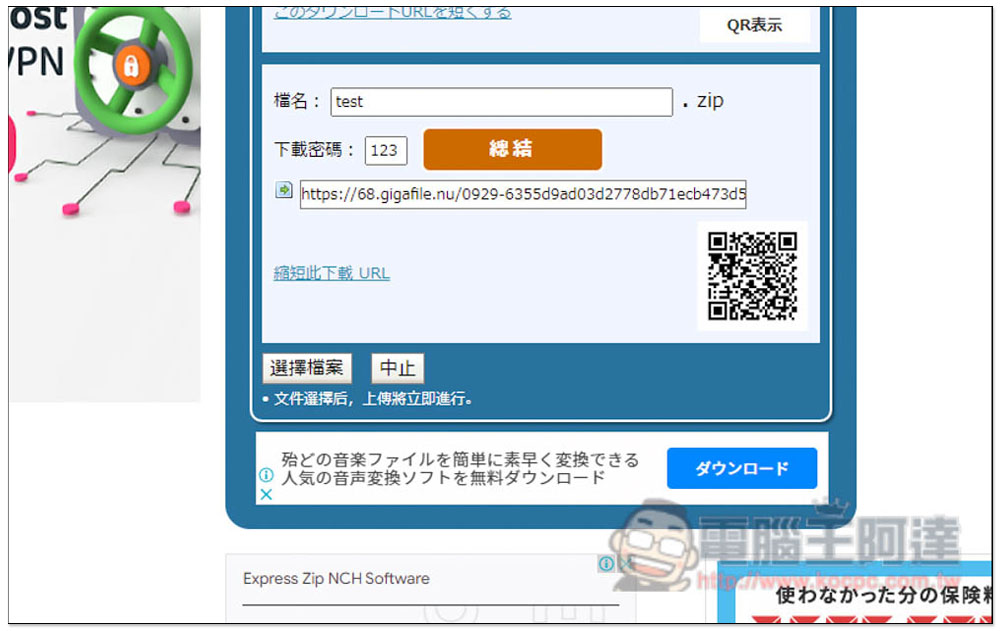
It also provides the function of creating a package link. Enter the name of the zip file in the file name below, and then whether to download the password. After completion, click “Summary”:
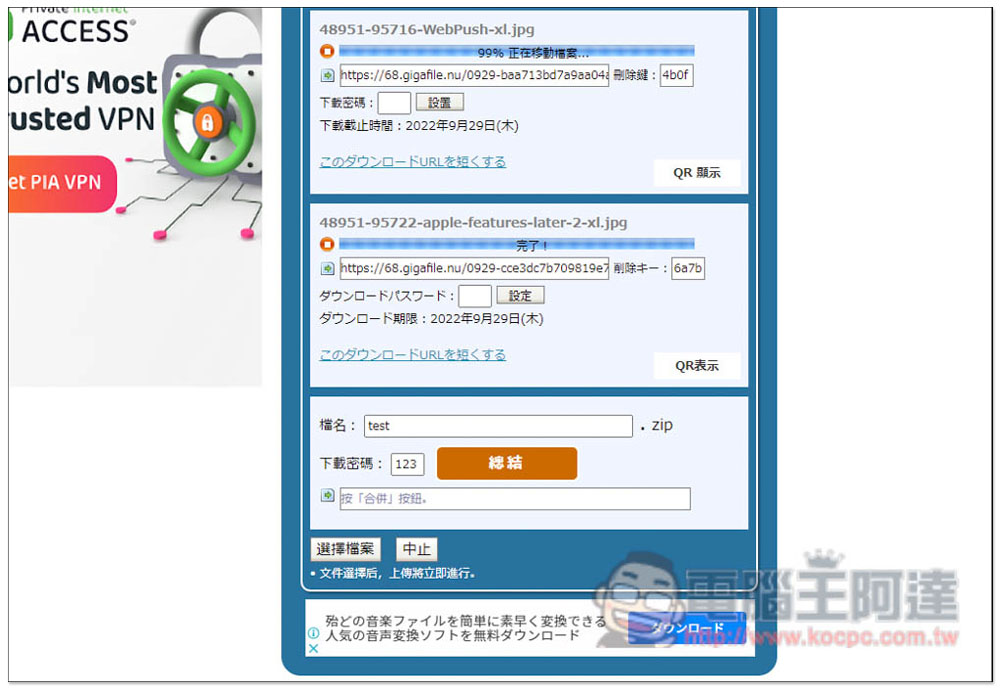
This message will pop up at the top, indicating that the download link has been created:
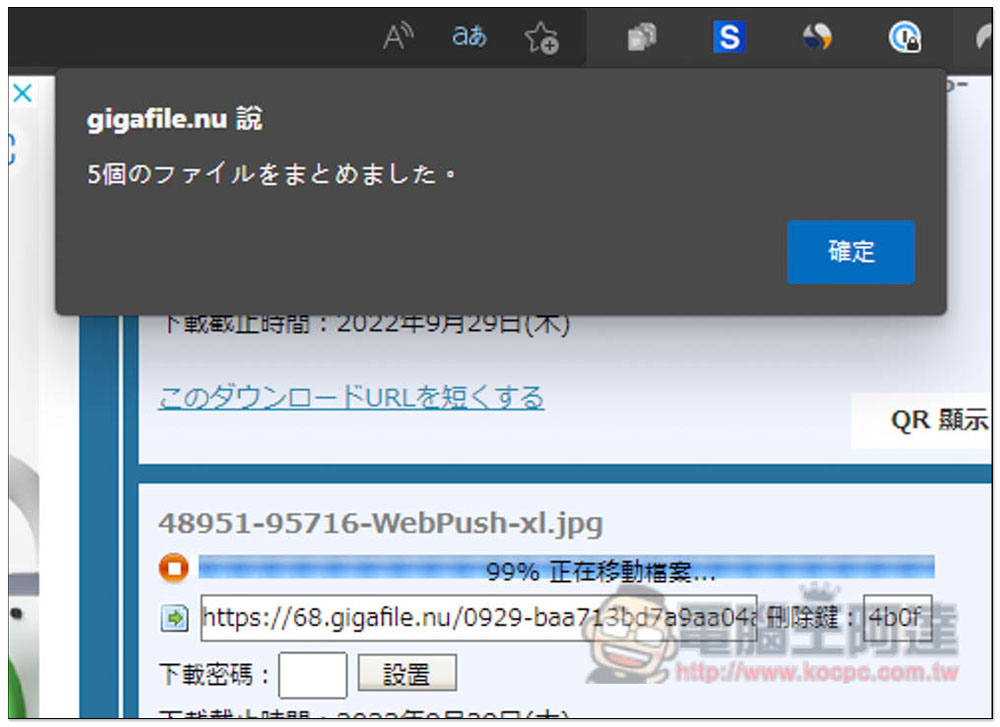
This is done, and the package download link will be obtained below. In addition, if you think the URL is too long, it also provides a URL shortening function. Click “Shorten this download URL” below:
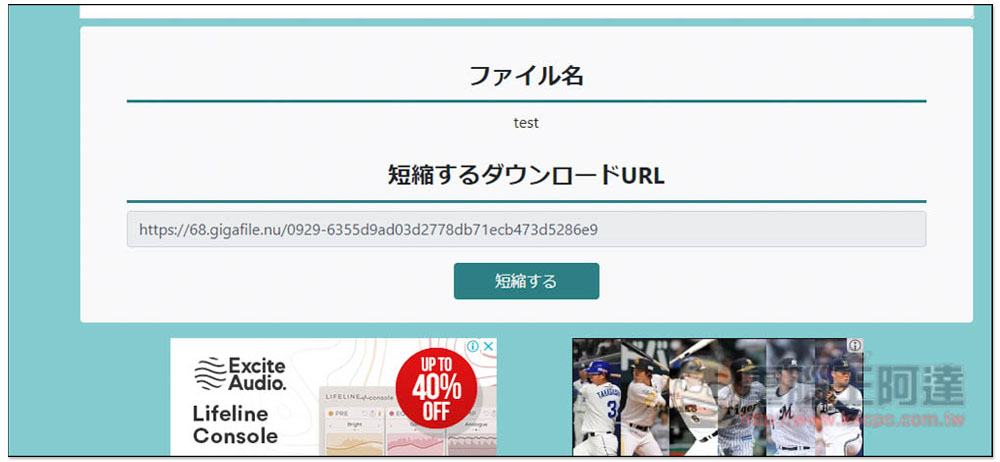
It will jump to this page, click “Shorten” below:
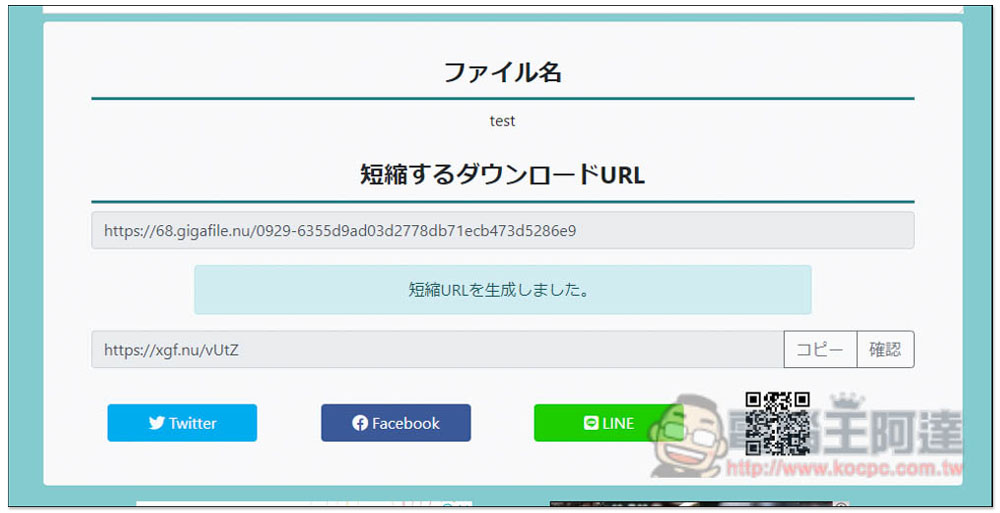
This will get the short URL:
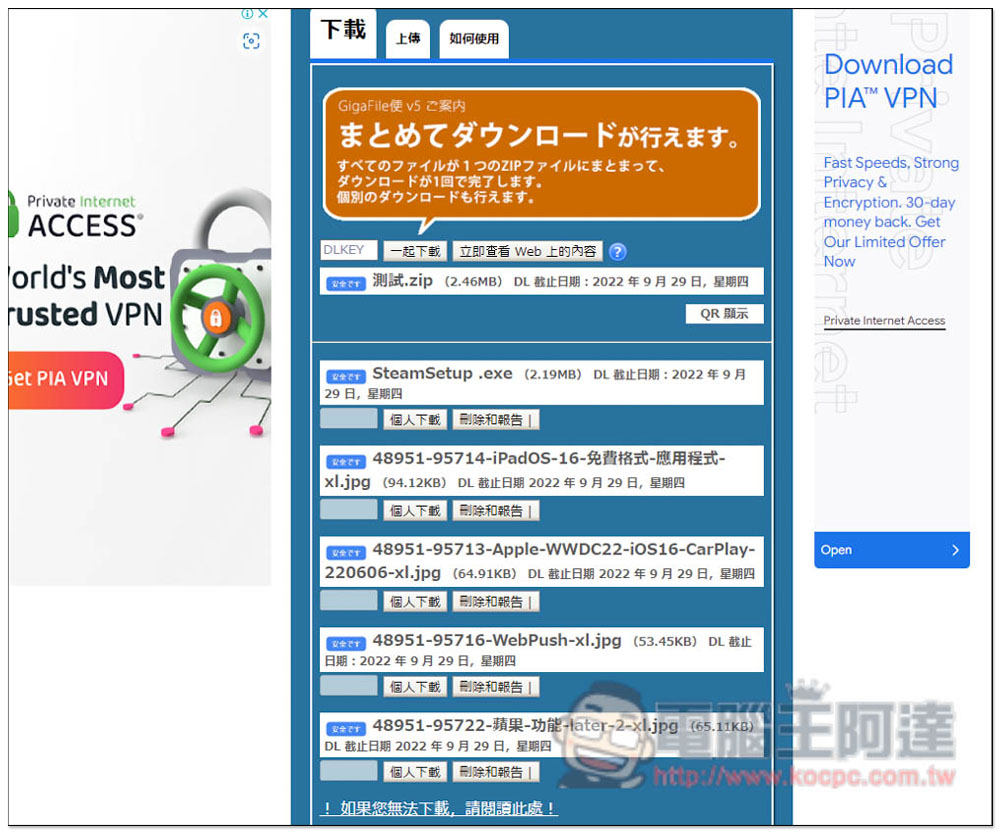
When the other party opens the one-click package link, this screen will appear. The default is also in Japanese. You can use the browser’s full-page translation function to translate the web page into Chinese:
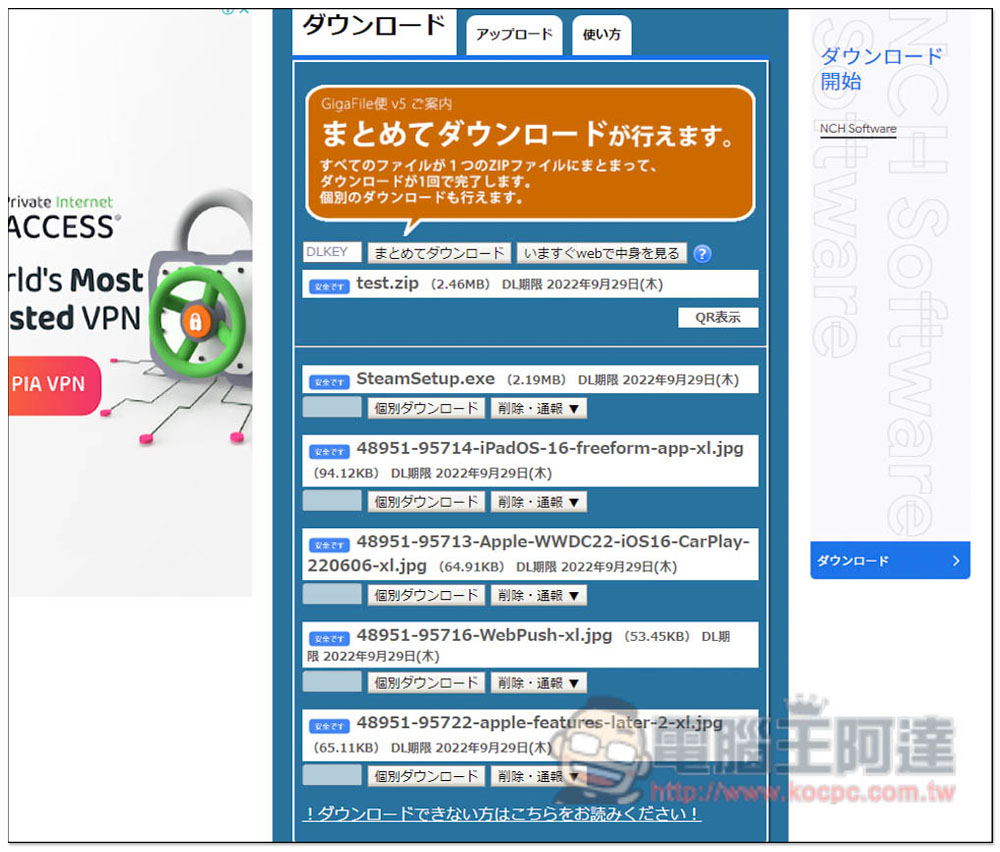
Like this, click “One-click download” above to package it all at once, or click “Personal download” for each file below:
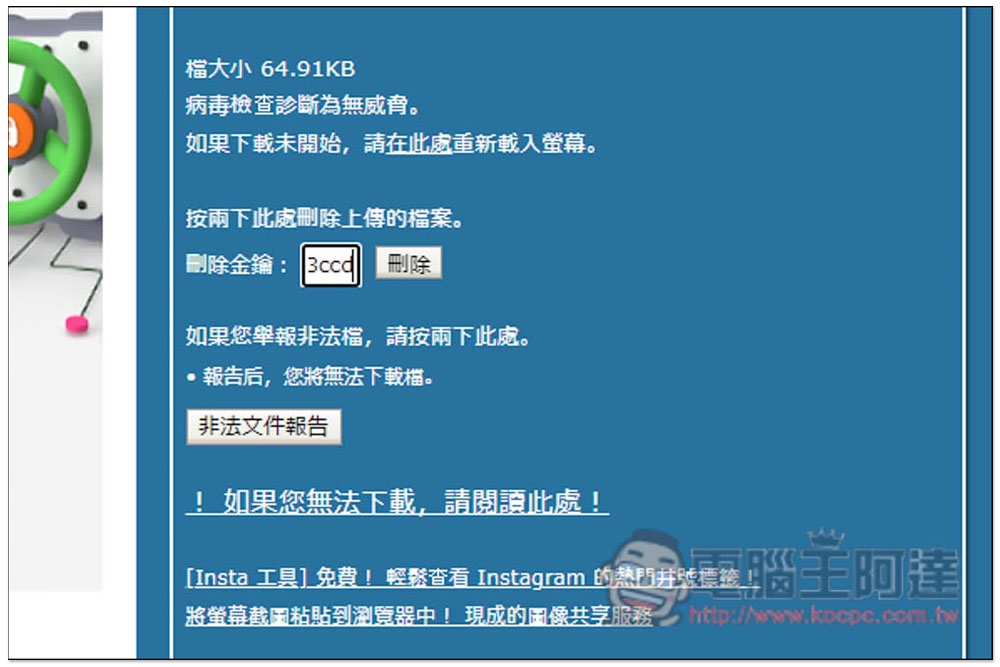
If you want to manually delete the file in advance, go to the download URL of the file. You will find a deletion key box below, fill in the deletion password you obtained after uploading, and then press Delete:
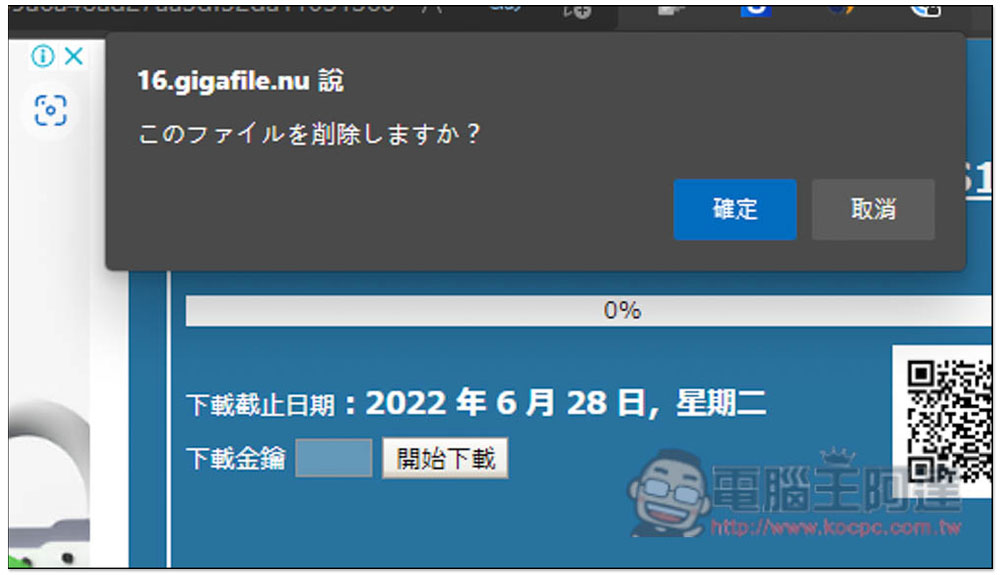
After clicking OK, the file will be deleted:
As far as file sharing space is concerned, GigaFile is really generous. There is no limit on the number of files. A single file of 300GB is almost unlimited (it is rare for a single file to be that big). The storage time is also long. More importantly, it is quite rich in functions. You can even manually delete it early. It even provides a function to upload a certification file to prove that you are the owner of this file.
Source: KOCPC Chinese