


When you see the name CleverPDF, it should be familiar to some people. It is a very famous free online PDF software tool, and it also has a Mac version. It is not only free to download and use, but also an offline version, which means it can be used without the Internet. If you don’t have PDF conversion and editing software on your Mac and only use it lightly, this one is quite good and recommended to everyone.
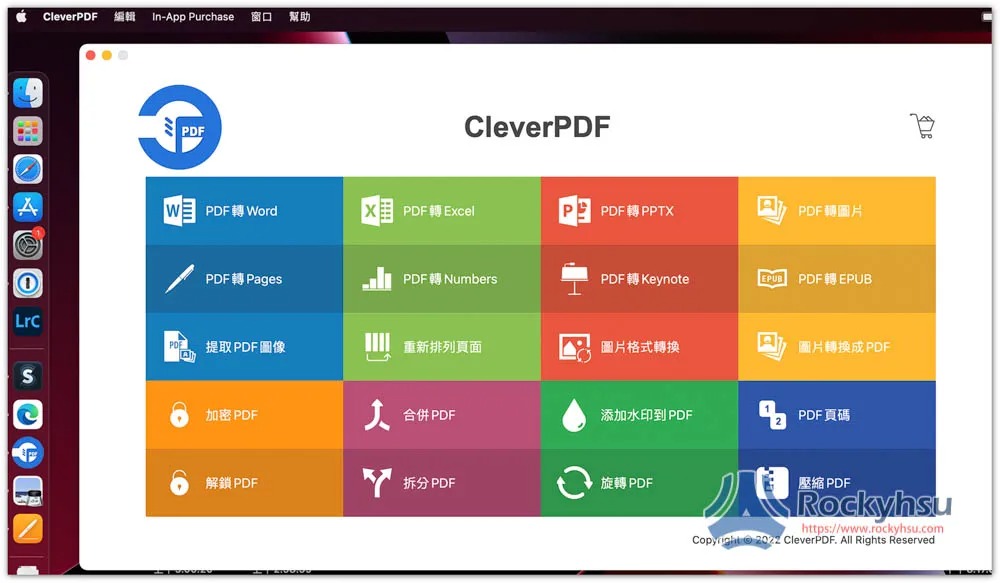
What PDF features does this offer?
There are up to 44 types of online version, and there are fewer Mac versions. Currently there are only 20 types, including:
- PDF to Word
- PDF to Excel
- PDF to PPTX
- PDF to image
- PDF to Pages
- PDF to Numbers
- PDF to Keynote
- PDF to EPUB
- Extract PDF images
- Rearrange pages
- Image format conversion
- Image to PDF
- Encrypt PDF
- Merge PDFs
- Add watermark to PDF
- PDF page number
- Unlock PDF
- Split PDF
- Rotate PDF
- Compress PDF
Completely free?
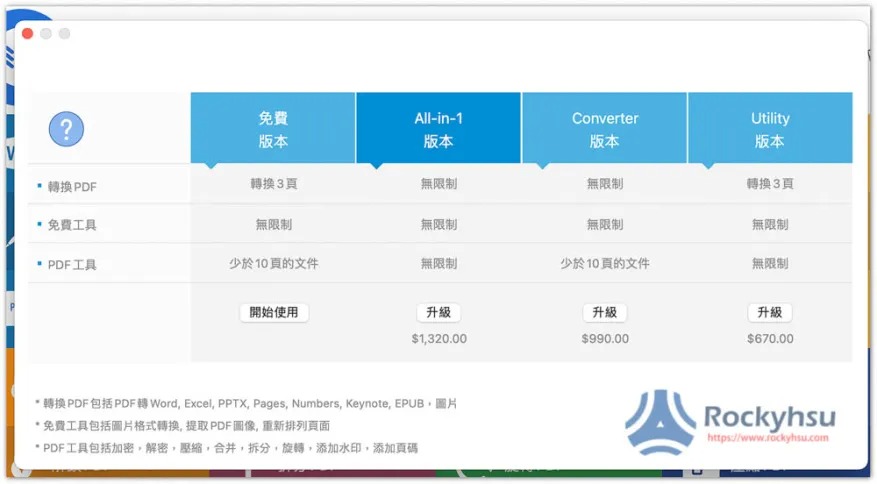
No, as far as conversion is concerned, the free version can only convert up to 3 pages. If you exceed it, you must upgrade to the paid version, so it is more suitable for light users.
The picture below shows the price of the paid version. It looks like it should be a one-time purchase. The price is neither expensive nor cheap. I would recommend the option. Setapp subscription service, by paying a little money every month, you can use more than 230 professional paid software for Mac, including many for PDF, and not only for converting, but also for editing, compression, OCR, etc.:
CleverPDF is available on the App Store, so go directly toofficial storeJust download and install. After installation, you can use it even if there is no Internet, unlike the web version, which must have an Internet connection.
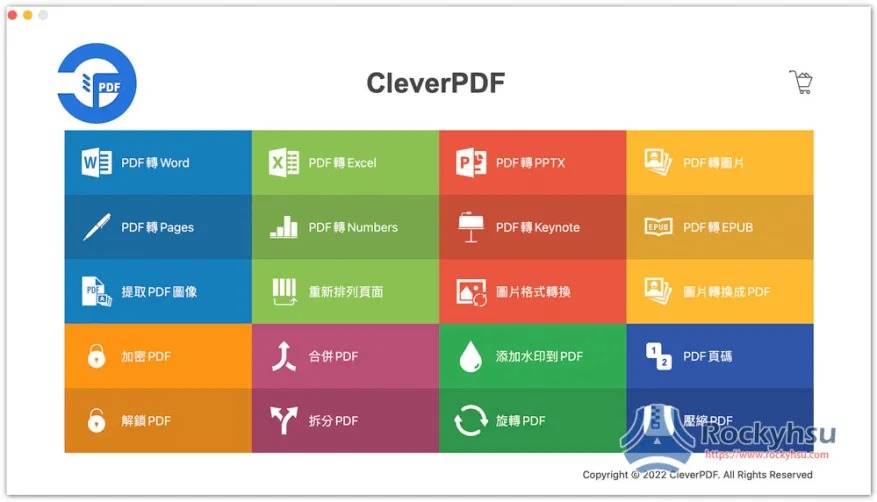
Step 1 – Choose the PDF features you want to use
After opening this software, you can see all the PDF functions provided and decide which one you want to use. I use PDF to Word and PDF to Pages as examples:
Step 2 – Select File
Click “Add” on the left to select files:
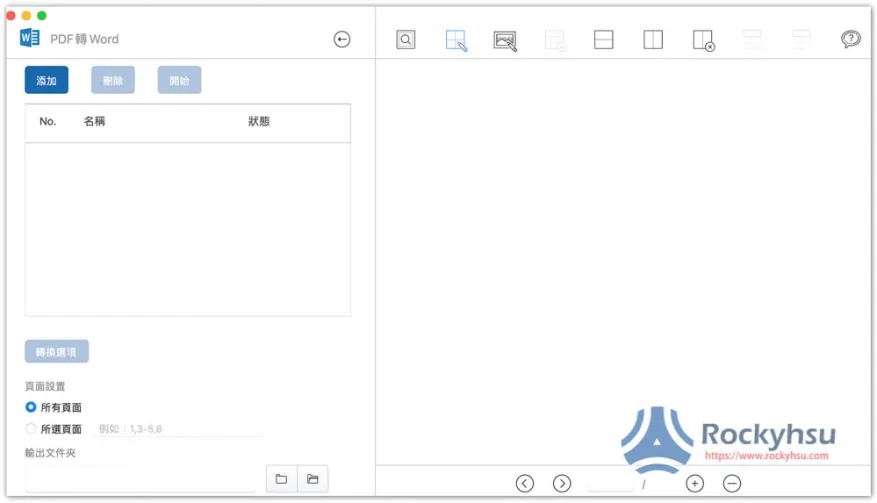
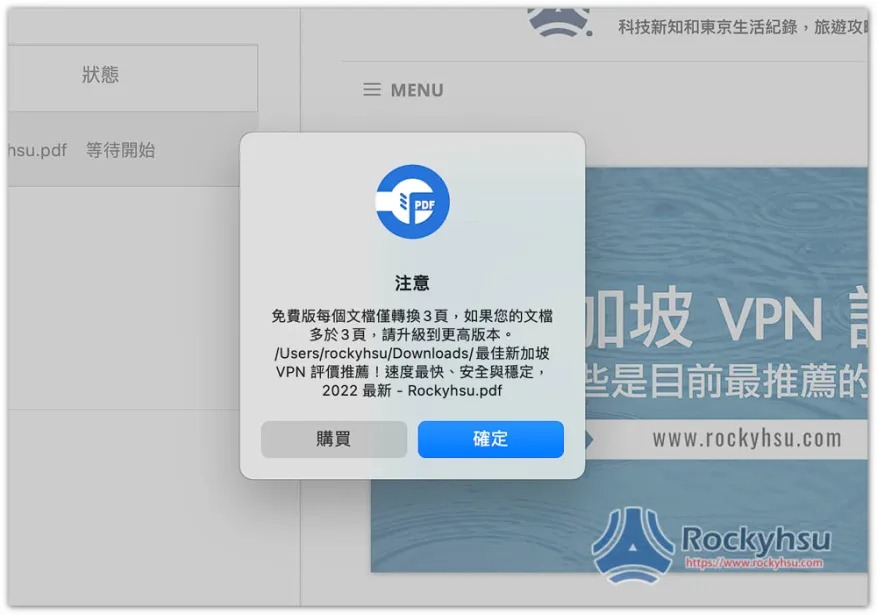
You will be reminded that the free version can only convert up to 3 pages, and no more pages will be converted:
Step 3 – Start conversion
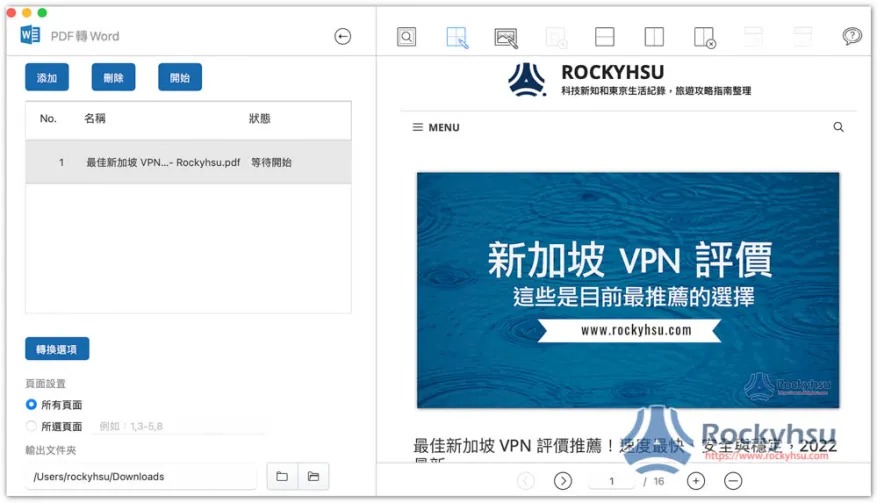
The right side will give you a preview, and there are some adjustment tools above for those who need it:
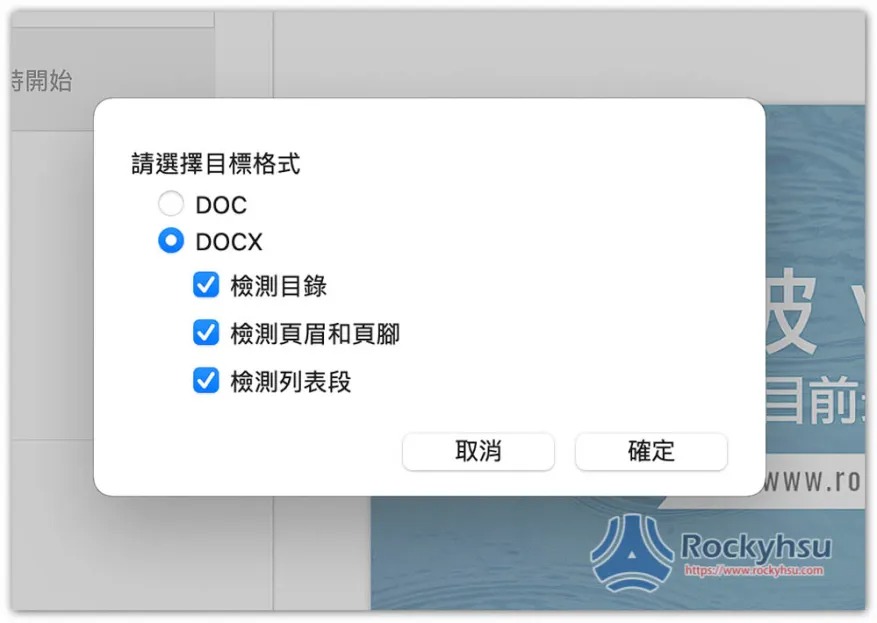
The Word part can be converted to DOC or DOCX format. The DOCX part also supports detecting table of contents, detecting headers and footers, and detecting list segments. After setting, press start to start the conversion, which is quite fast:
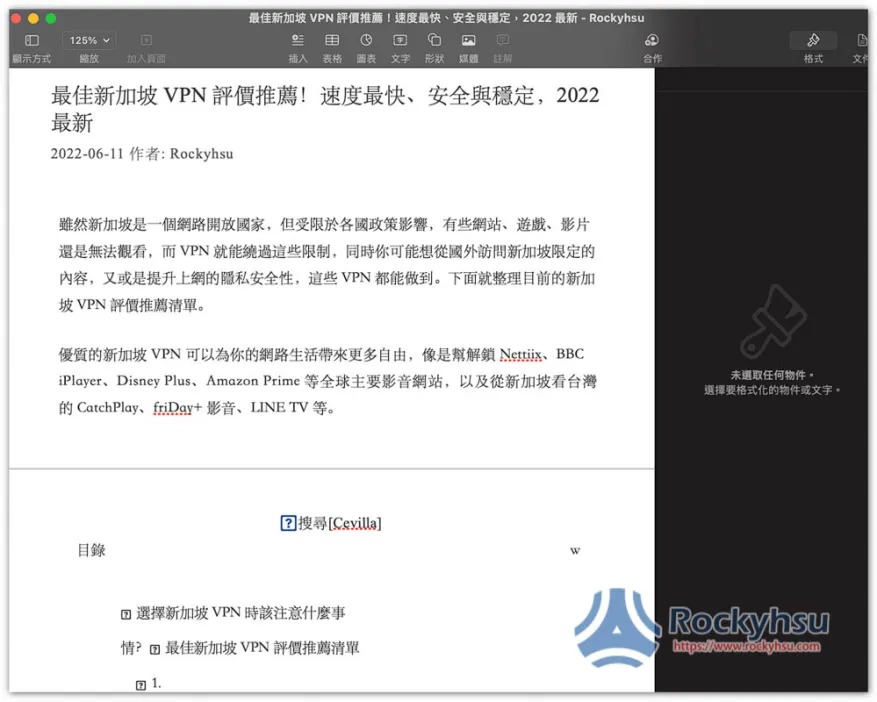
My Mac does not have the Office series installed. After converting to Word, the pictures opened with Pages disappeared, but the text was still there, and the typesetting and recognition were quite accurate:
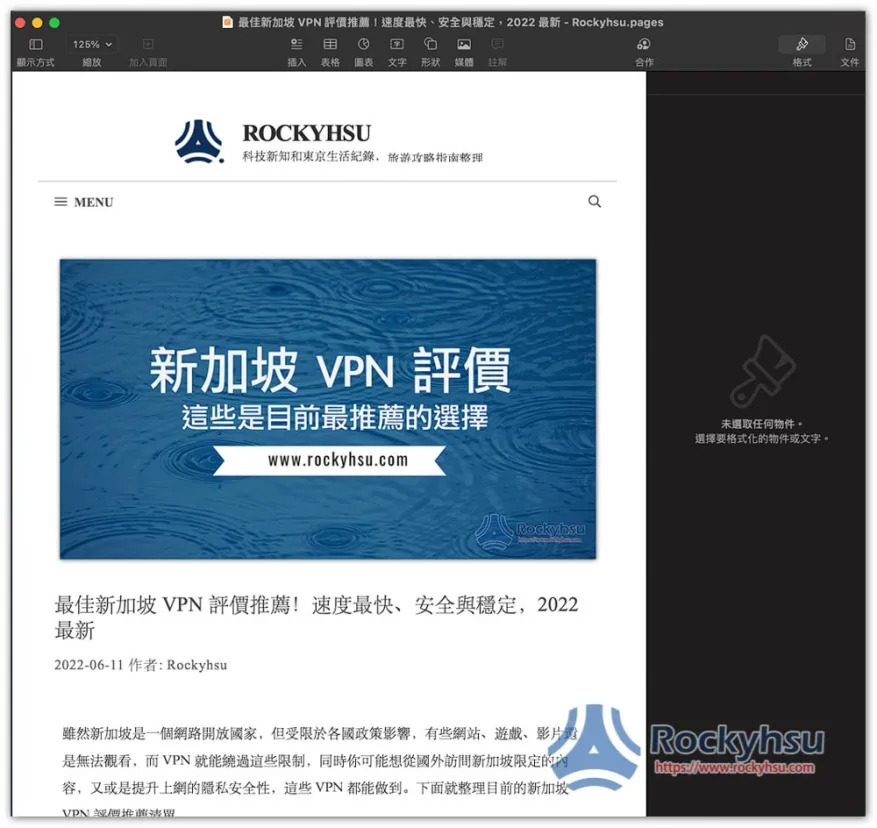
When I converted the PDF to Pages format, there was no problem, and the images were displayed normally:
Source: KOCPC Chinese