


Although since they are already “nearby”, you can probably get a rough idea of how crowded the traffic is by looking out the window or opening the door. However, just like many widget functions that can remind you of various information on the desktop at all times, Google Maps will soon collect user big data and predict real-time traffic forecast information through machine learning. It will also be possible to use gadgets to let you quickly grasp more relevant information you need through the “Peak” on your desktop. Continue reading Google Maps preview brings a widget that can quickly grasp the congestion level of surrounding traffic conditions.
▲Photo source of this article: Google
Google Maps previews a widget that can quickly grasp the congestion level of surrounding traffic conditions
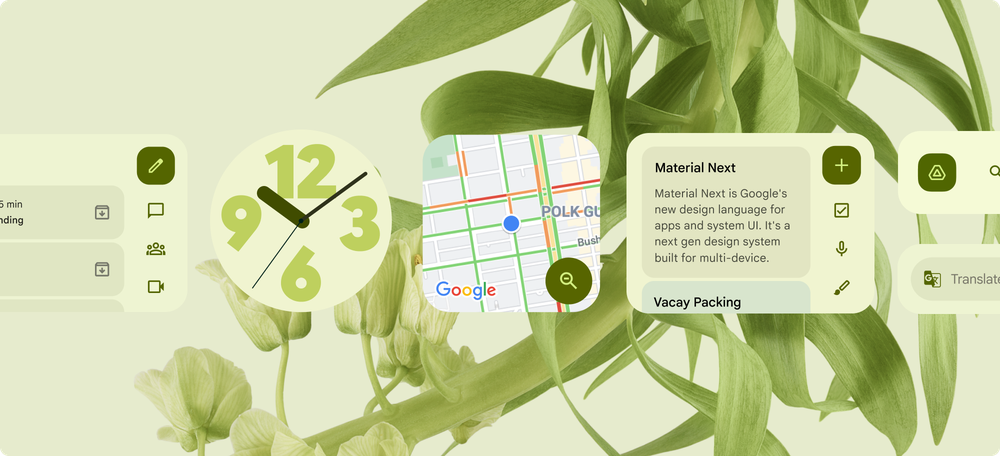
Along with a series of “very Material You” latest Android Widget updates were introduced in a Google blog post. Not only did we see Gmail gadgets that can quickly archive emails, but we also saw to-do and translation gadgets that support scrolling list pages. For Google Maps, the navigation map application that many people love to use, this wave also previews related updates to gadgets that can provide a lot of practical real-time information.
Although compared to other widgets, the newly added tools of Google Maps this time are basically covered by the map, so it is difficult to feel that they have an overall sense that matches the color of the Android system background theme. However, this new Widget, which will be updated and introduced in the next few weeks, will focus on displaying the traffic congestion level of the surrounding environment, that is, whether there are traffic jams on nearby roads. You can quickly grasp it by glancing at the widget that can be directly accessed through the desktop.
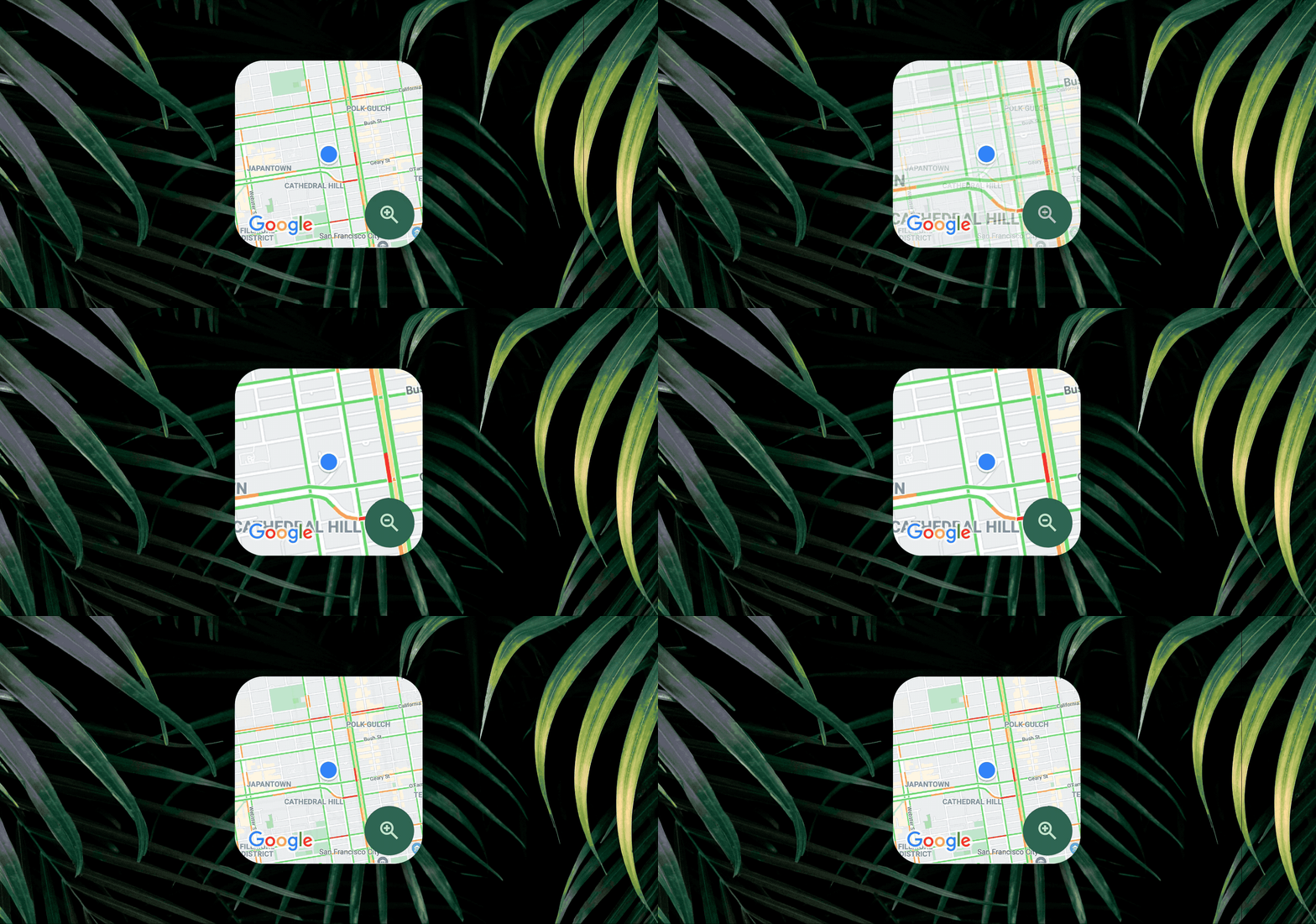
According to the official description, this new Nearby Traffic Widget is a nearby traffic widget. This will make it easier for you to plan your next trip. See the traffic congestion around your current location directly on your Android desktop. So when you are preparing to go to work/class, or even travel, you can quickly grasp the surrounding situation – whether you need to “evacuate” later or find a relatively smooth road from the traffic jam, you can flexibly respond.
This desktop widget allows you to quickly grasp the surrounding traffic conditions. It also supports a button to quickly zoom in or out of the map in the widget with one click (it seems that at least the color of the button will change with the theme XD). It also solves the problem of being able to grasp the surrounding environment just by opening a door – because it also allows you to quickly grasp a wider range of traffic conditions directly on the desktop.
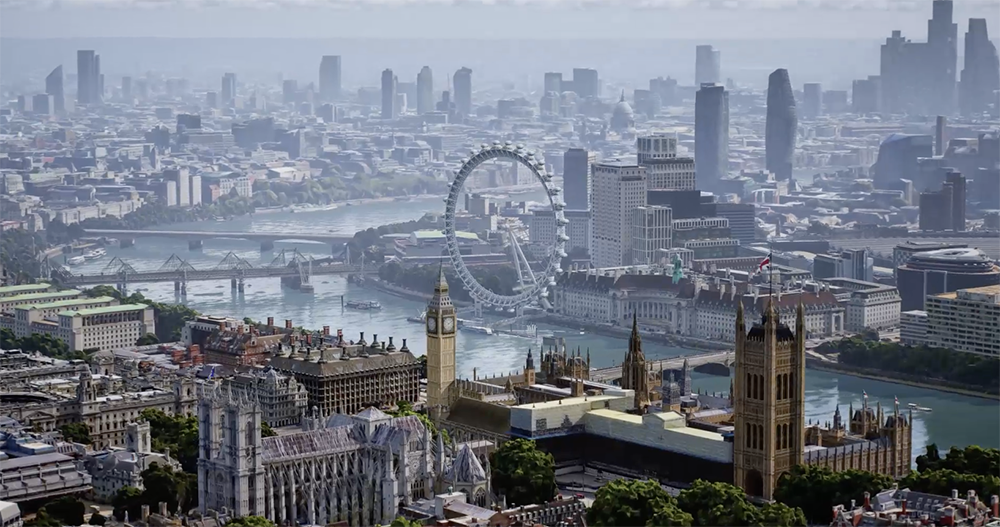
In addition to this gadget update. At this year’s Google I/O, they also gave us a preview of how their signature map application will bring “aerial photography”Immersive View” function; the previous import will remind youAI feature where business hours may change. As the map navigation used with mobile systems continues to evolve, it also allows us to grasp the surrounding environment more efficiently.
Further reading:
Source: KOCPC Chinese