


The Internet is particularly important in modern families. In addition to traditional computer and mobile phone connections, smart home IoT products are also inseparable from the Internet, which makes purchasing a suitable Wi-Fi router more important than in the past. ISP providers such as Chunghwa Telecom often provide users with a modem equipped with a Wi-Fi router function. However, if they want to fully utilize the speed of the network, many people will buy an additional router.
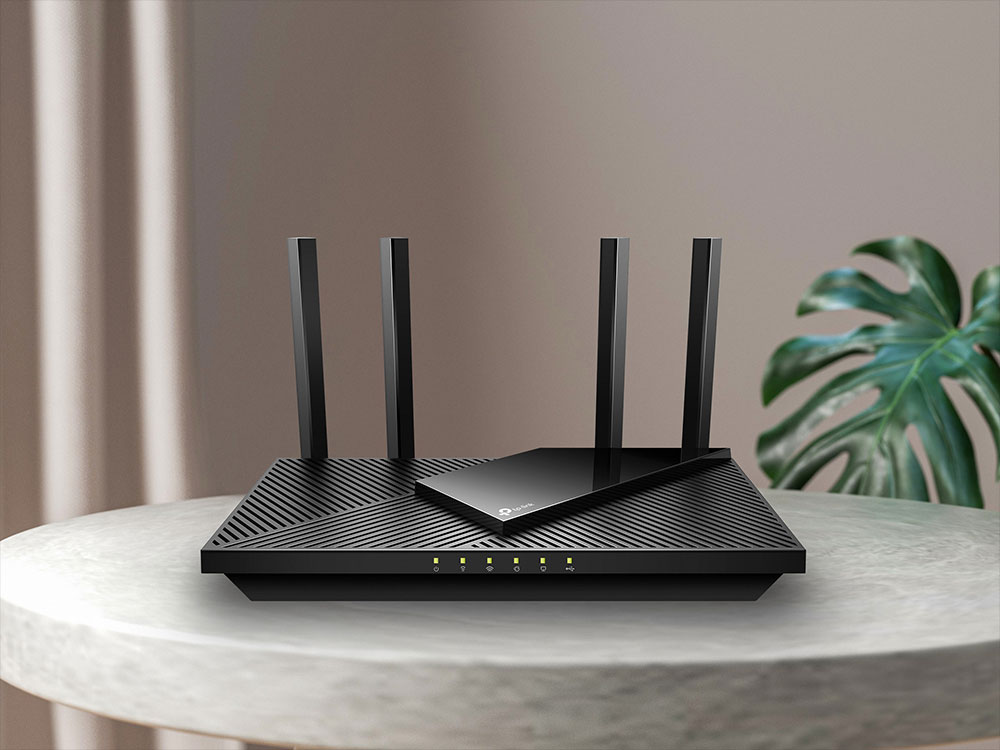
Not sure where to start? Things you need to know before buying a router
Under certain circumstances, the routers provided by ISPs can operate normally most of the time. Even the author relied directly on Chunghwa Telecom’s routing modem for several years. After all, it was rented for free, so I didn’t use it in vain. However, as the times progress, more and more home products will require Wi-Fi connections, from various mobile devices to home appliances. In addition, many people must work and isolate from home during the epidemic, and the advantages and disadvantages of routers have gradually become more obvious.
What are the Wi-Fi standards?
Wi-Fi is a global standard and there are certain specifications that must be followed in order to ensure that devices can connect properly without any issues. The standard is called 802.11, followed by a, b, g, n, ac, etc. to indicate the version of Wi-Fi. These versions are compatible with each other, but connecting to an older version means that the device will have slower network speeds due to limitations. With the introduction of 802.11ax, a new naming method has become widespread to help differentiate between versions of Wi-Fi. Below I have sorted out the corresponding names:
- 802.11b:Wi-Fi 1
- 802.11a:Wi-Fi 2
- 802.11g:Wi-Fi 3
- 802.11n:Wi-Fi 4
- 802.11ac:Wi-Fi 5
- 802.11ax:Wi-Fi 6
What is Wi-Fi 6?
Wi-Fi evolution is constant, and while N and AC versions of devices and routers are still very common, AX is by far the newest version. Due to advancements in technology, it is more common and easier for people nowadays to purchase at least an AC/Wi-Fi 5 router, although it is much cheaper to buy an 802.11n router in most cases. Looking at the current router trends, more and more brands have launched Wi-Fi 6 series products, the price is becoming more and more affordable, and the future is more abundant. Compared with Wi-Fi 5 (802.11ac), Wi-Fi 6 has four main advantages:
- Faster overall transfer rates between devices
- Provides greater bandwidth to connected devices
- Achieve better network performance with multiple connected devices
- Device battery consumption is lower when connected
Wi-Fi 6 is better suited to handling network connections from a large number of users, and it can handle higher theoretical speeds, up to about 9.6Gbps (about 3 times the current theoretical limit of Wi-Fi 5). As people move toward high-resolution streaming, intensive gaming, and more connected devices, Wi-Fi 6 is really starting to show its benefits.

What is a frequency band? What is the difference between dual-band and tri-band?
Wireless communication relies on frequency bands. You can think of it as a channel for data to travel. While 802.11g and older routers only operate on the 2.4GHz band, support for the 5GHz band was added when 802.11n was launched and carried over to 802.11ac and 802.11ax. Why? All because the 2.4GHz band has become too congested, causing network congestion during peak hours. Devices that can only use the 2.4GHz band are called single-band devices, while dual-band devices can use both the 2.4GHz and 5GHz bands. The 2.4GHz band has lower speeds and narrower bandwidth, while the 5GHz band has a larger bandwidth and can provide higher speeds.
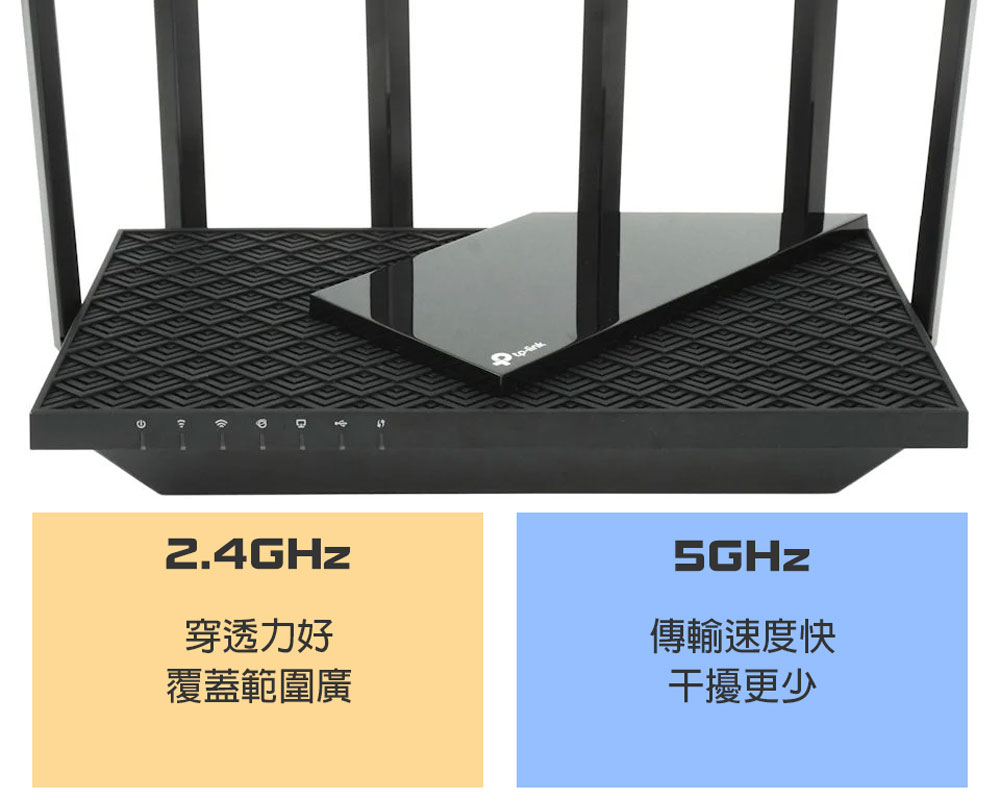
Then why is it not just 5GHz but also 2.4GHz? There are still downsides to the 5GHz band, with higher frequencies meaning the signal is less able to handle penetrating walls, furniture and other obstructions. However, modern routers have a technology called “beamforming” that will send signals in the direction of the device, rather than just in a ball around the device. Still, the increased speed and greater bandwidth mean it’s ideal for streaming high-resolution videos and games.

Typically, the router you buy will be dual-band or tri-band. Dual-band routers have both the 2.4GHz and 5GHz bands; tri-band routers add a second 5GHz band. Multiple frequency bands relieve congestion in devices, with bands prioritized based on their proximity to the device.
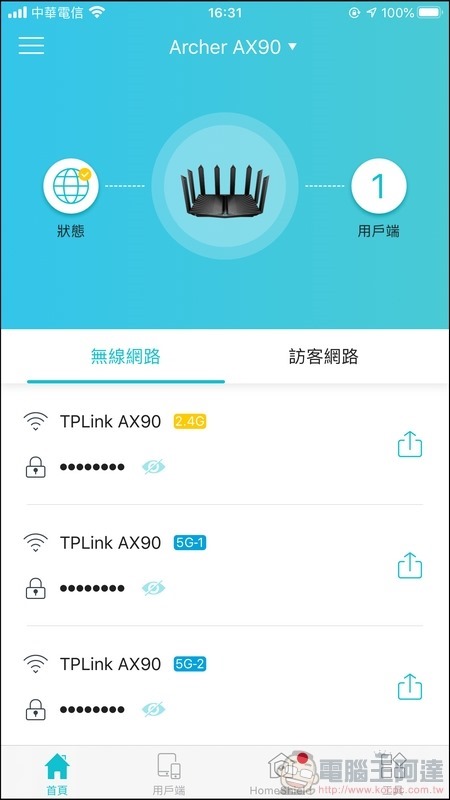
▲Take this router as an example. It is a so-called tri-band router, with one 2.4GHz frequency band and two 5GHz frequency bands.
Does Internet speed matter?
Within each Wi-Fi standard there are further classifications that determine how effective a router actually is. You may see routers advertised as AC1200 or AX6000, etc. This does not mean you will get a top speed of 1,200Mbps or 6,000Mbps. This number is the sum of the speeds of both bands. For example, the AC1200 router will have a 2.4GHz band with a maximum speed of 300Mbps and a 5GHz band with a maximum speed of 867Mbps. Rounding up the speed sum is what you see as “AC1200.”
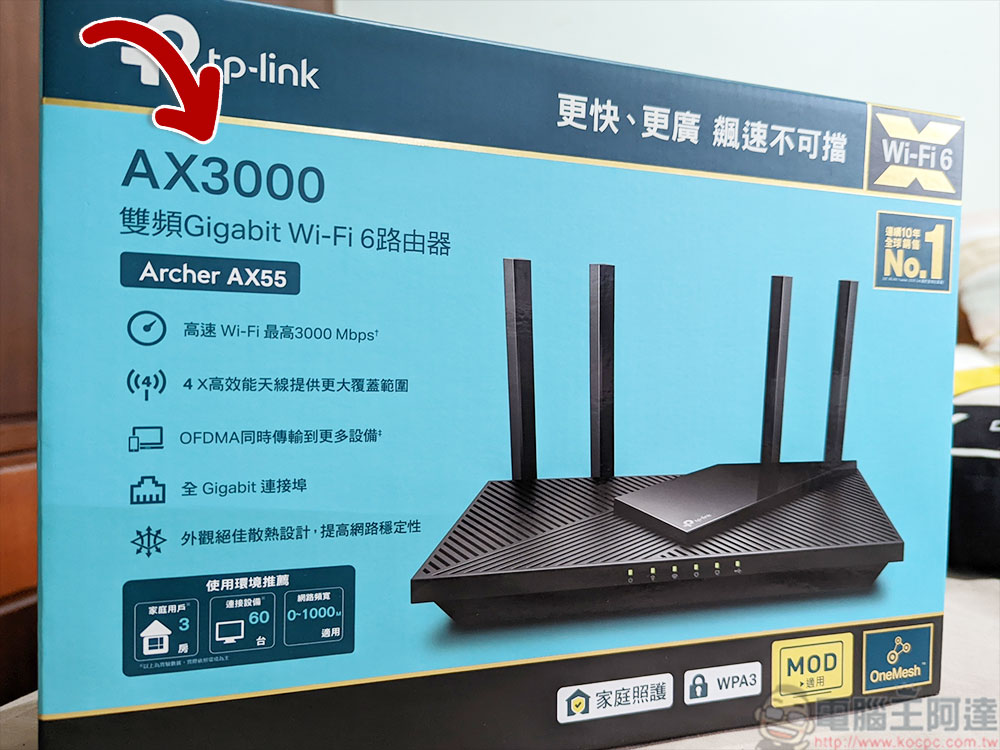
Even though these speeds are so-called “theoretical values”, you may not get such ideal speeds in actual testing. Likewise, if you see a Wi-Fi 5 router labeled like the AC5000, it won’t magically hit 5,000Mbps speeds, instead you’ll get one 2.4GHz band at 600Mbps speeds and two 5GHz bands at 2,166Mbps. As for the AX6000 Wi-Fi 6 router, it can increase band speeds by 3x, and you’re looking at theoretical speeds of up to 1.2Gbps on the 2.4GHz band and up to 4.8Gbps on the 5GHz band.
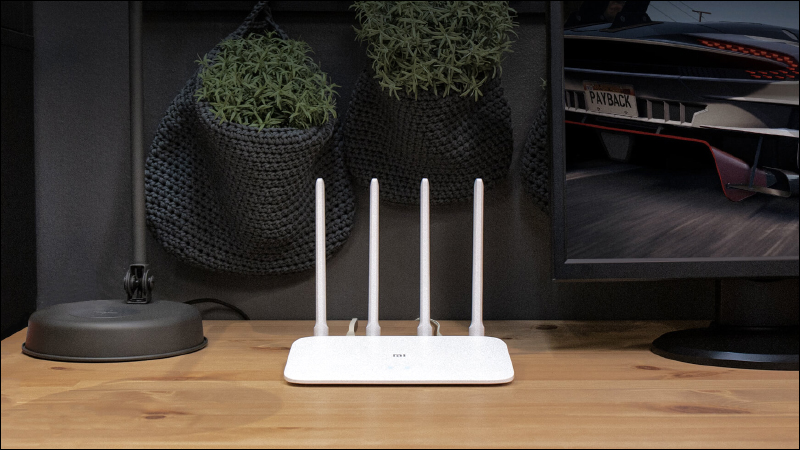
When you’re shopping for a router, the most expensive router may seem tempting, but you really don’t need to spend money on something you don’t need. For example, if you have a 50Mbps plan from your internet provider and you live in a suite, then buying an AC5000 router with eight antennas doesn’t make much sense.
Should you determine how much area you need to cover?
For smaller apartments or homes, a single router with a powerful antenna set will do the job just fine. If you live in a large house or a large house, you are likely to encounter problems when it comes to connecting all devices to Wi-Fi, especially when using 5GHz.
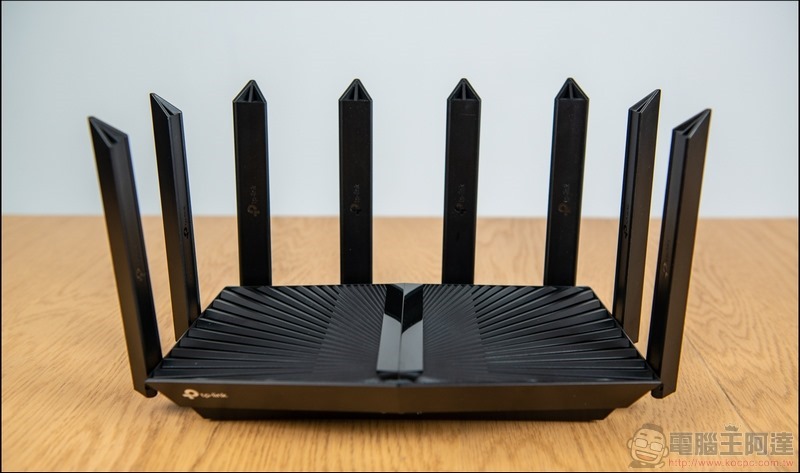
If you know you’re going to have issues covering large spaces and don’t want to buy a single large router, you can go for a mesh router system. This kind of system expands the Wi-Fi coverage space through collaborative work and transmits Wi-Fi to a larger area. Moreover, its architecture is very simple, and it is also an increasingly popular choice on the market.
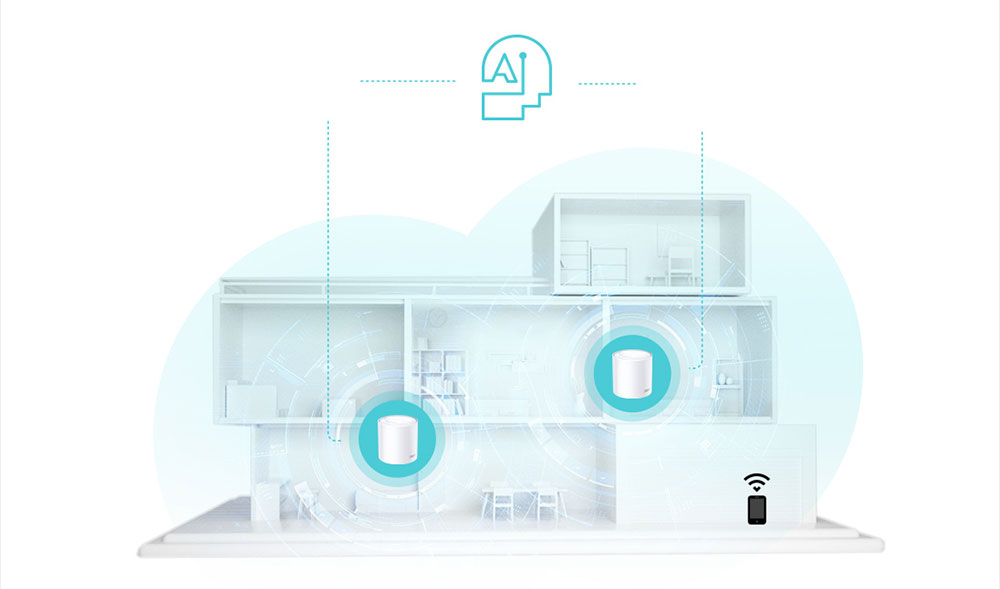
※Image source: TP-Link
How many devices will be connected to your router?
If you live alone and only have a few devices connected to the wireless network at the same time, such as mobile phones, game consoles, laptops, or streaming devices such as smart TVs, then you don’t have to worry about putting too much pressure on the router. Although you should not encounter the situation where you can no longer connect devices (unless you provide the network for all roommates), the more devices you have connected at the same time, the slower the speed will be.
If you have a router on the 2.4GHz band that can hit the theoretical maximum of 300Mbps, and you have 10 devices connected at once, the average speed per device is only about 30Mbps. For connecting every member of a crowded household with multiple devices at once, a high-end dual-band router is your best bet. If your family is constantly streaming Netflix, a tri-band router with two 5GHz bands is definitely an option worth considering.
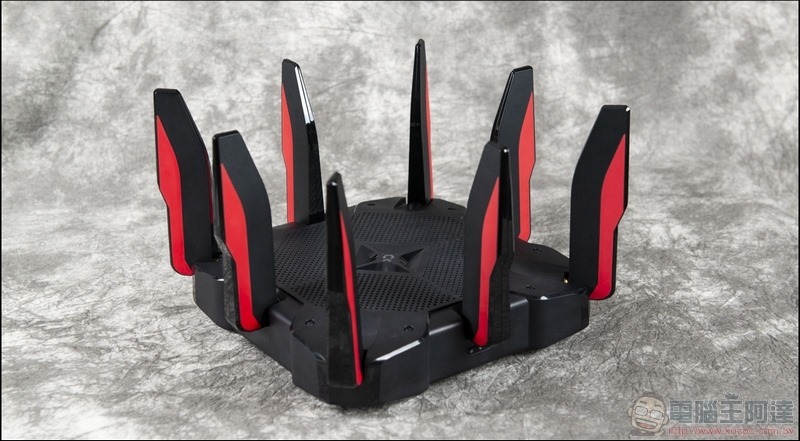
Do you need MU-MIMO?
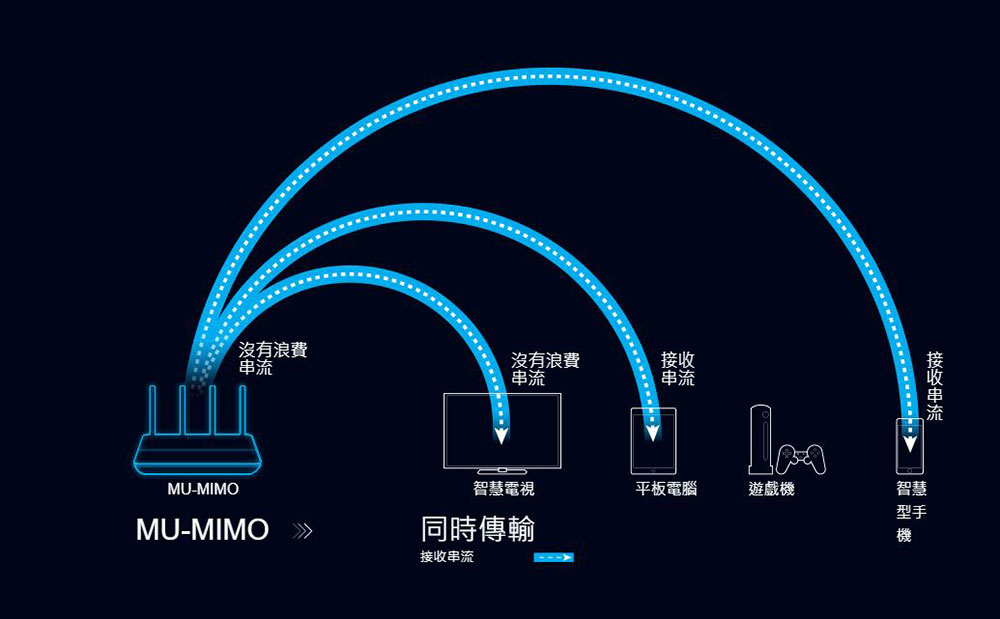
To complicate things further, most new routers have something called MU-MIMO (Multi-User Multiple-Input Multiple-Output) technology. Where the more traditional SU-MIMO (Single-User Multiple-Input Multiple-Input) technology delivers data to one device at a time in a rotating fashion, MU-MIMO allows for simultaneous data transfers.
SU-MIMO is fine for most purposes, and although the transmission is rotated, the connection between them is very fast, and usually the user will not feel the difference in conversion. But if someone at home is watching a streaming video and you’re playing an online game, MU-MIMO can help by providing an uninterrupted stream of data to both devices at the same time. If you mainly use older equipment, MU-MIMO will be less important, but if you frequently update your hardware, you will undoubtedly be able to take full advantage of this feature.
 ※Image source: TP-Link
Are safety features important?
If you need complete control over everything that goes through your router, then you should choose a router with advanced firmware that includes a more complete firewall and any other features you might need, or supports the installation of third-party high-end firmware that can provide these features, such as DD-WRT.

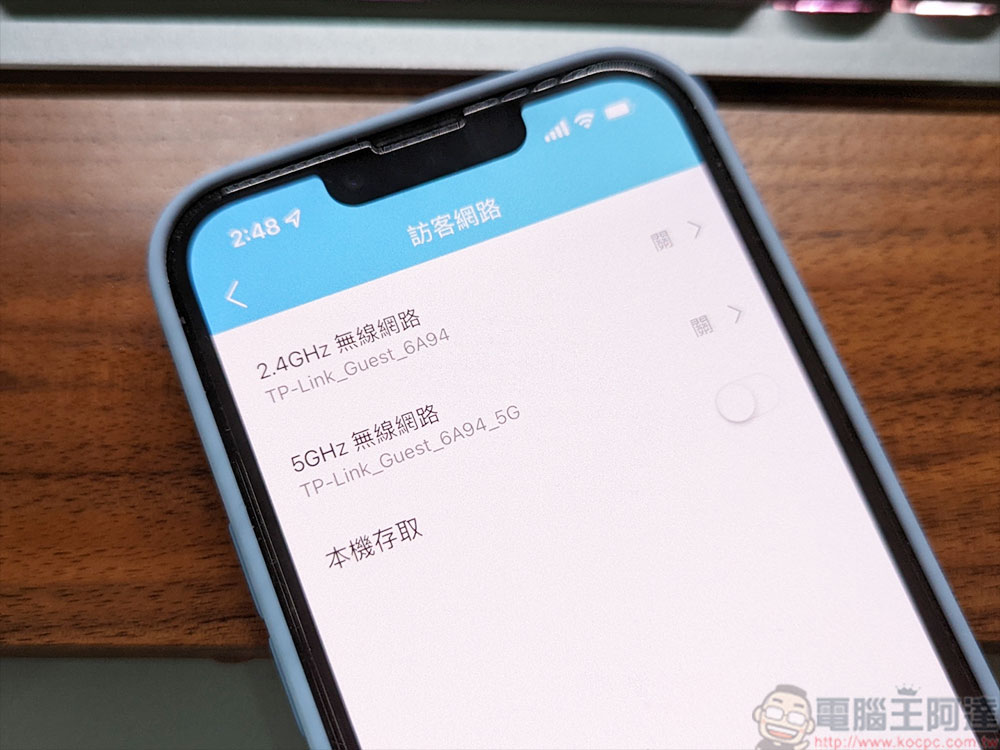
If you’re concerned about your children being exposed to inappropriate information online, it may be helpful to choose a router with built-in parental controls. Some routers even allow you to allow and restrict your children’s Internet access based on time periods, and provide your guests with passwords for guest access, eliminating the need for you to provide your guests with your main Wi-Fi password.
Summary: How to Choose the Best Wi-Fi Router?
Now that the author has finished explaining all the common terms, here is a review for everyone. AX (Wi-Fi 6) routers are the best option for future-proofing connectivity, although AC (Wi-Fi 5) routers are very cheap and may be suitable if you’re not paying for a high-speed connection from your network provider. If you have already applied for 100, 300, or 500M high-speed Internet, please make sure that you at least invest in an AX (Wi-Fi 6) router that can handle it, whether it is dual-band or tri-band, so that you can fully utilize the Internet speed you purchased.
Consider how much space you need to cover and plan accordingly. Some high-end routers can handle a fairly wide area, but if you live in Tuotiancuo, or have a basement at home, you may need to invest in a Mesh router system to fully cover every corner of every floor.
If you are in a large space and there are likely to be a lot of people trying to connect multiple devices at the same time, investing in a router with two 5GHz bands would be a good idea; choosing a high-speed router could come in handy in the future if you decide to upgrade your network plan from your telecom provider in the future.
Finally, choose a router with appropriate customization options. If you want to adjust a lot of settings, make sure its settings can meet your needs; if you’d rather just connect without additional actions, you’ll have more flexibility when purchasing.
Source: KOCPC Chinese