


It can be said that there are more and more memorization tools on the Internet today. We have introduced many of them before, such as:Adobe Photoshop、PicWish、AirMore、FocoClipping as well as designify, each model has good back-removal capabilities, but sometimes you still encounter situations where the effect of removing the back of photos and pictures is not very good, so you can try more. ImageMatting, which I will introduce in this article, is also a free online memorization tool that can be used without registration. After uploading the photo, it will be memorized automatically, and you do not need to operate anything.
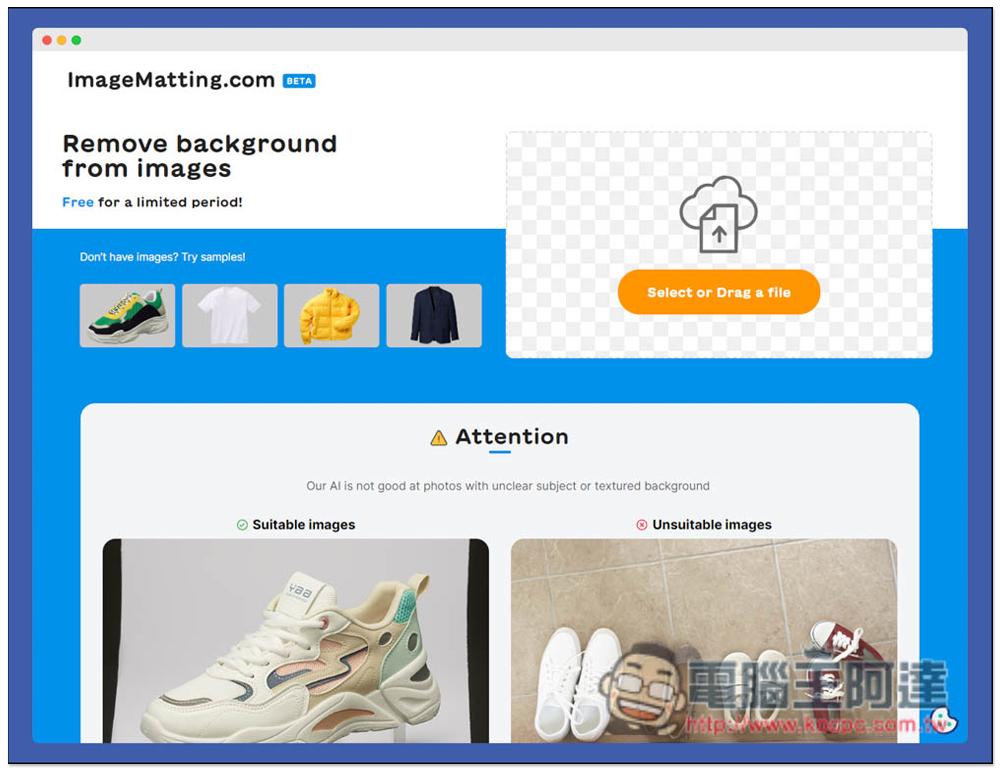
Introduction to ImageMatting free online memorization tool
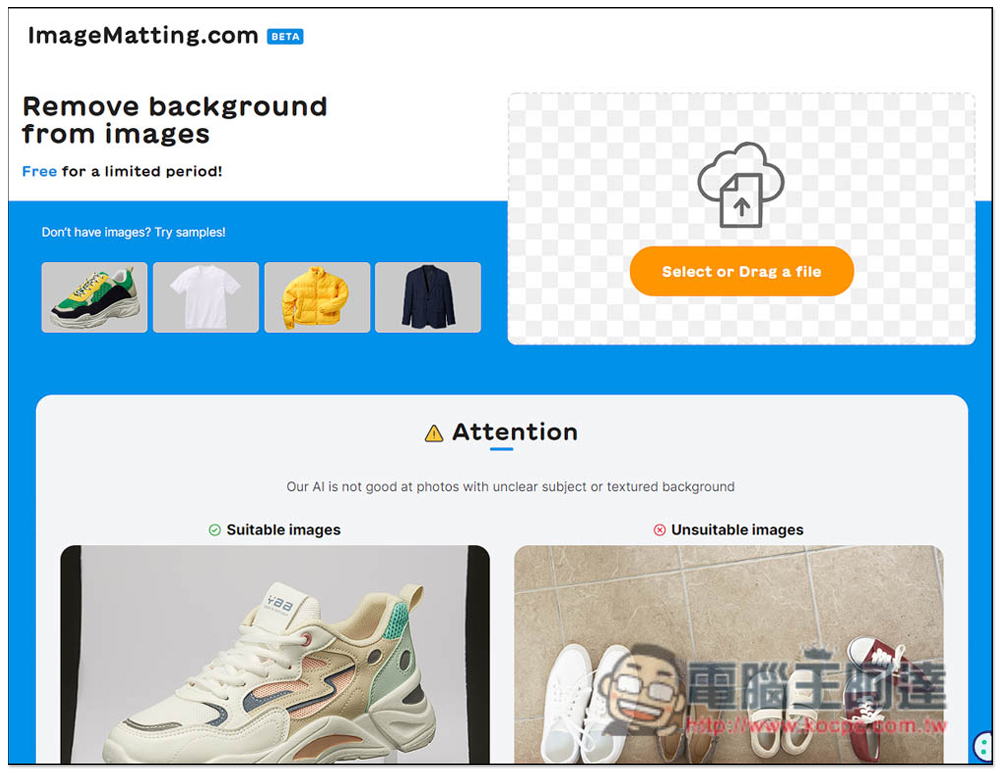
After entering the ImageMatting website, you can drag the photo or image you want to memorize into the “Select or Drag a file” box. Manual selection is also supported. In addition, if you want to see the effect of back removal first, there are four demonstration pictures on the left for you to use. However, they usually provide demonstration pictures with the best memorization effect, so I don’t think they have much reference value. Directly uploading your photos or images is the most accurate:
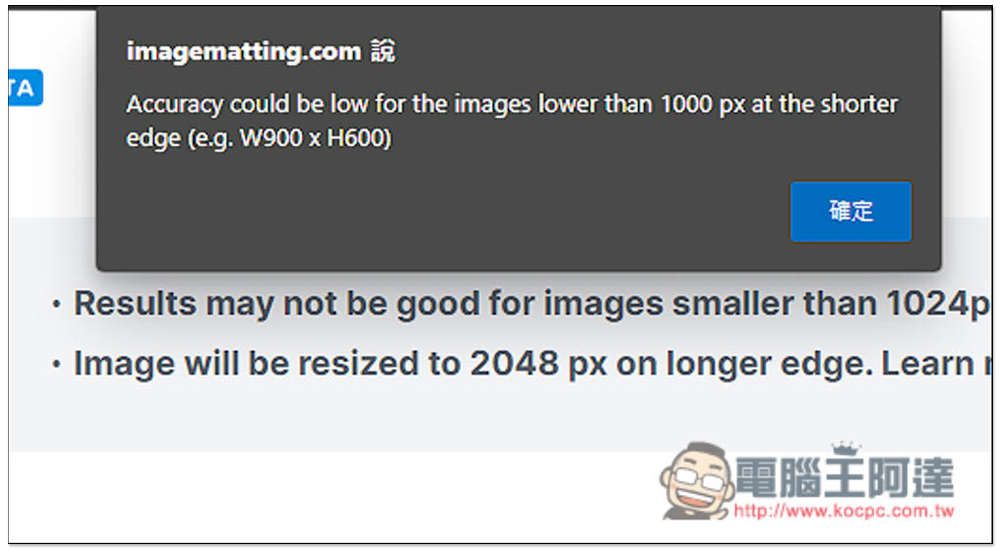
After uploading, this prompt will pop up above. If the photo is smaller than 1024px, you may not get the best back removal effect. The long side of the image will also be resized to 2048px. If you want to know more, click Lern More:
The removal speed is very fast, and it is completed in a few seconds. As far as this photo is concerned, the face and body removal is pretty good, but the edges of the hair are a bit unnatural. I have tried other online removal tools before, and some of them did a good job in hair removal:
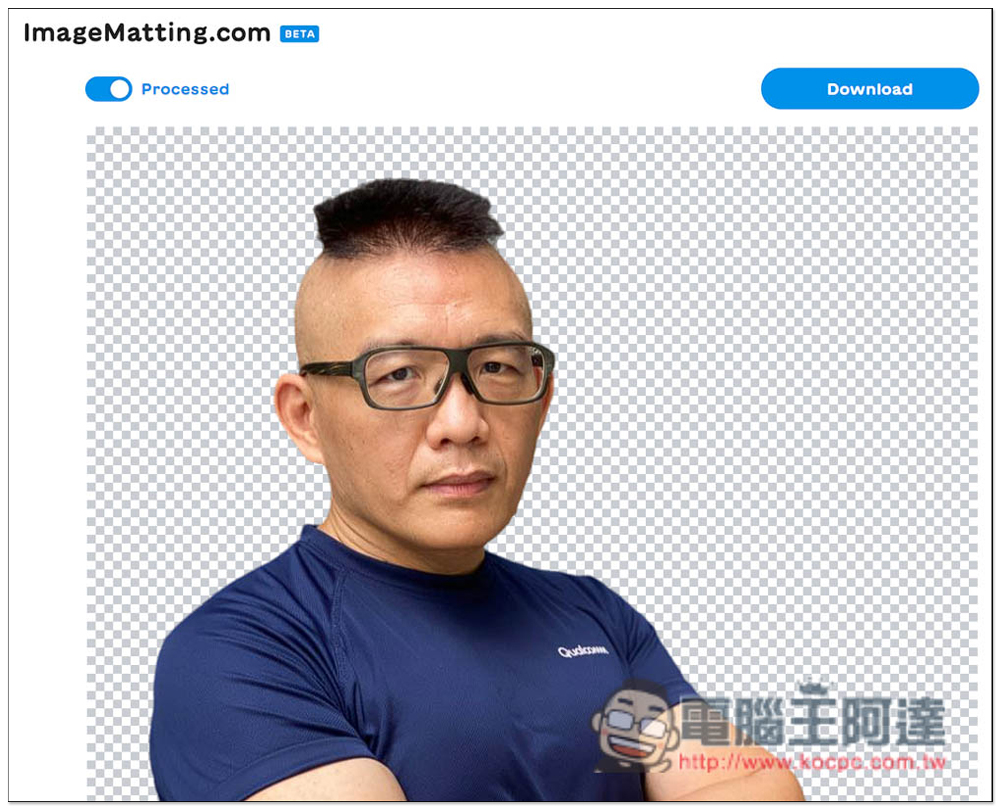
Click Processed in the upper left to view the original picture before the back removal. If there is no problem, click Download in the upper right:

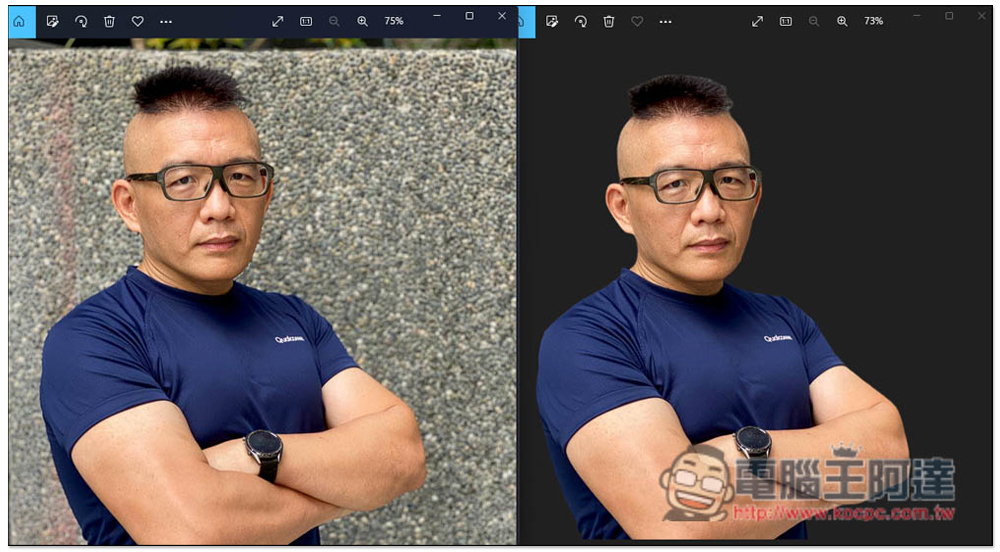
The picture below is a comparison before and after back removal. The left side of the hair is a little removed, but the right side is fine. It is actually acceptable just looking at it this way:
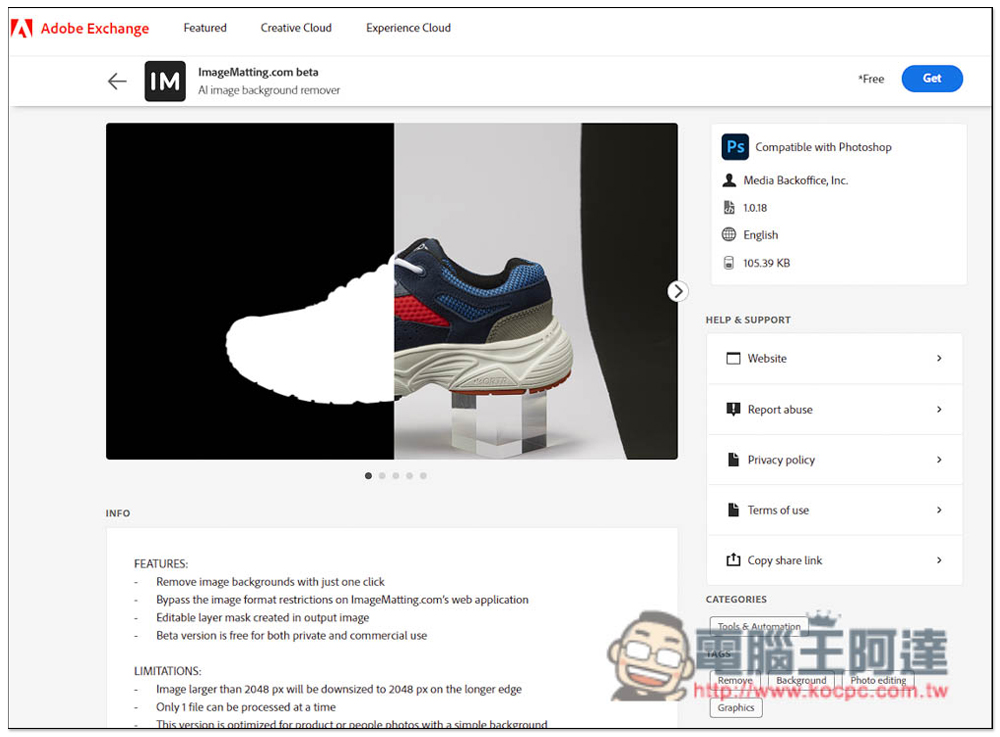
In addition, this product also provides Adobe Photshop expansion plug-in. Those who think the back removal effect is good can install it:
Currently, ImageMatting is still in the beta stage, so when the official version is released later, the back removal effect may be improved. For those who often need to use the back removal function, you can save it.
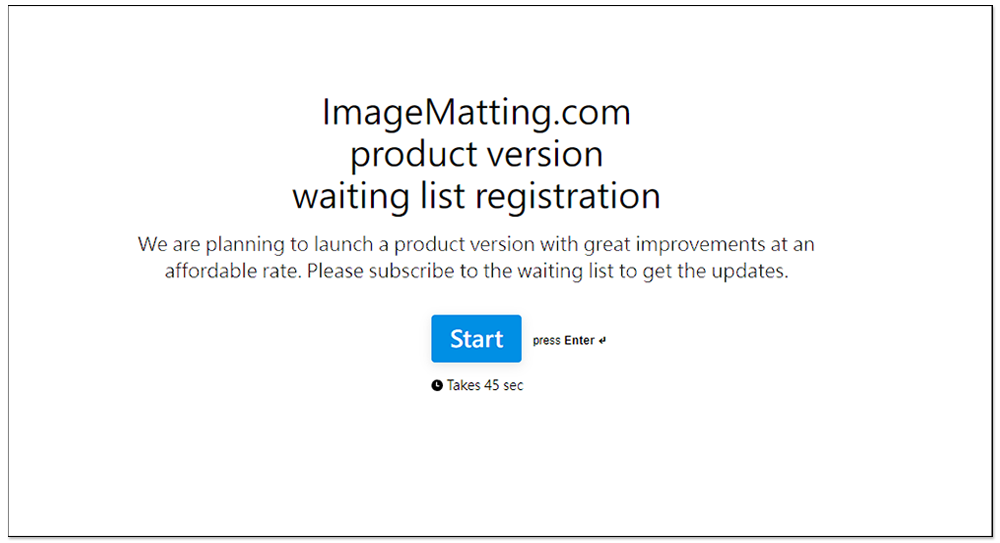
In addition, this website currently has a Waiting List function. It seems that a paid version will be launched in the future. It is possible that if you want to get better back removal effect and non-compressed results in the future, you need to upgrade and pay to get it:
Finally, I would like to remind you that you need to upload photos or pictures to the server of this website when you memorize. Therefore, if the content is too private and personal, it is not recommended to use such online tools. Although most of them have strict privacy policies, there are still risks. It is better to use offline tools.
Source: KOCPC Chinese