


Nowadays, in addition to YouTube, many people also open TikTok every day and watch a lot of funny and interesting videos. In the process, they will definitely find some videos that they want to download, collect and share with friends. If you don’t know which download tool to use, SnapTik is quite useful. It provides web version and Android App. Copy the URL and paste it to get download points. It is a watermark-free + high-definition version, and the download speed is also very fast.
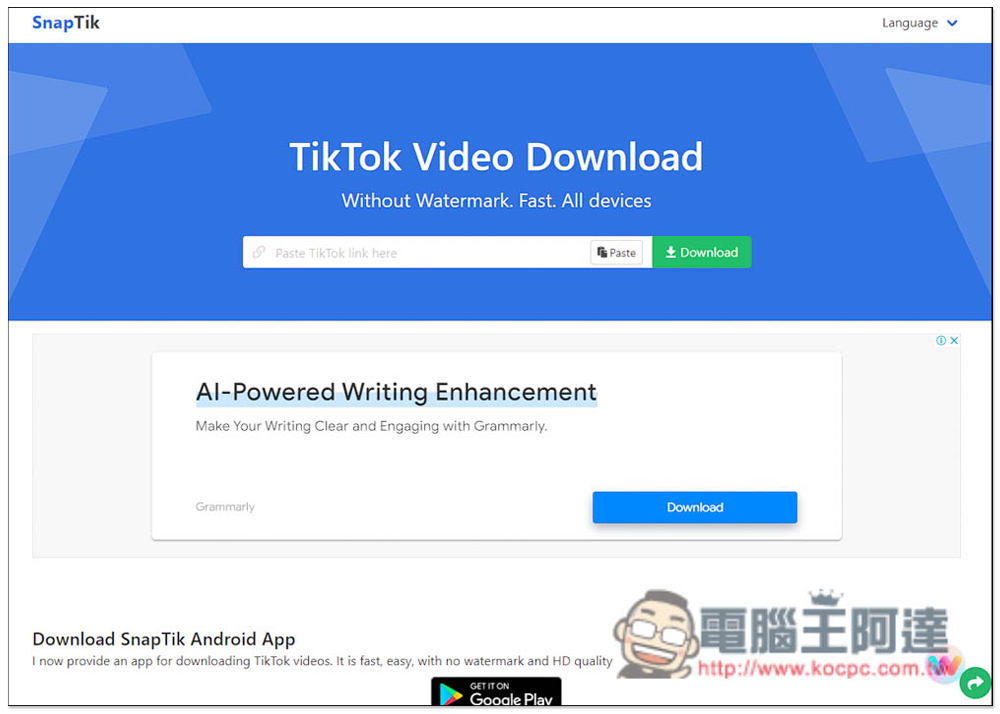
Introduction to SnapTik, a free tool for downloading TikTok videos quickly and without watermarks
Let’s look at the web version first. After entering the SnapTik website, you can paste the URL of the TikTok video you want to download into the search box in the middle, press Paste and it will be pasted, then click Download:
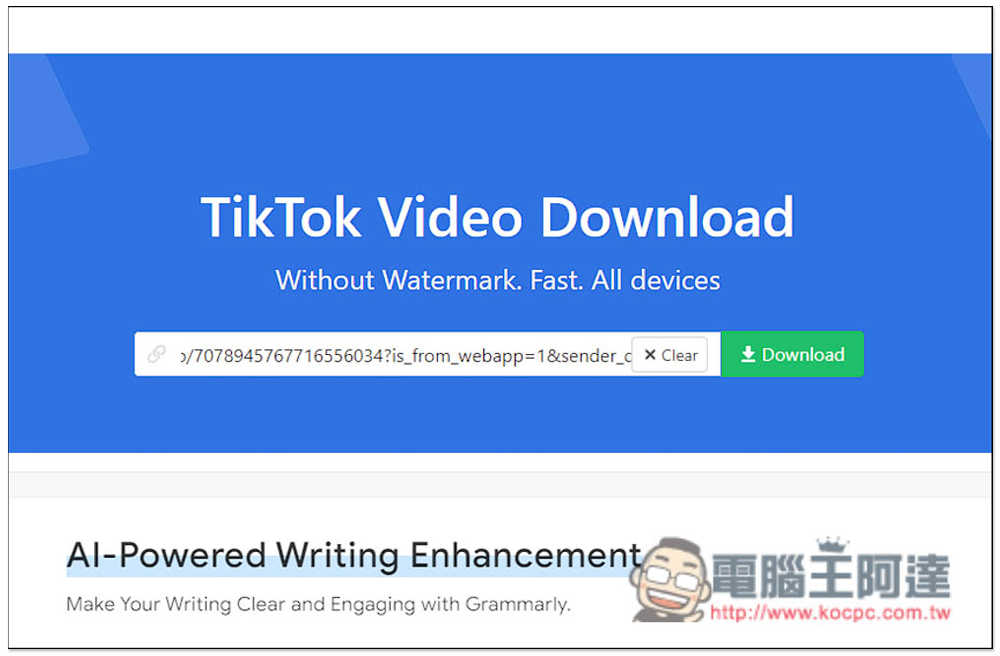
If you don’t know how to get the TikTok video URL, find the video you want to download, and then open the sharing function icon to find the copy link function:

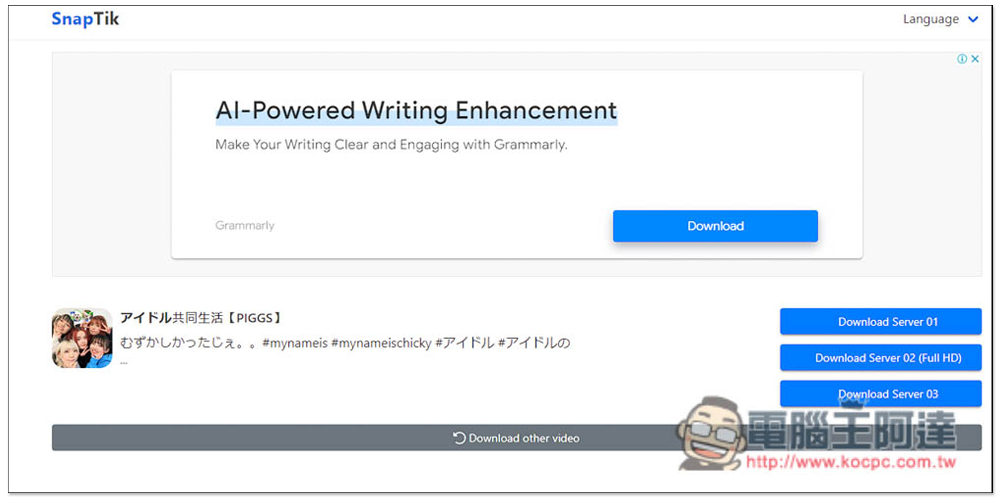
Then you will see three download points, namely Download Server 01, Download Server 02 (Full HD) and Download Server 03. If you want to download a high-definition version of the video, please use Download Server 02 (Full HD), the file will be larger. For those who don’t mind the picture quality, any download point will do. Which one you like:
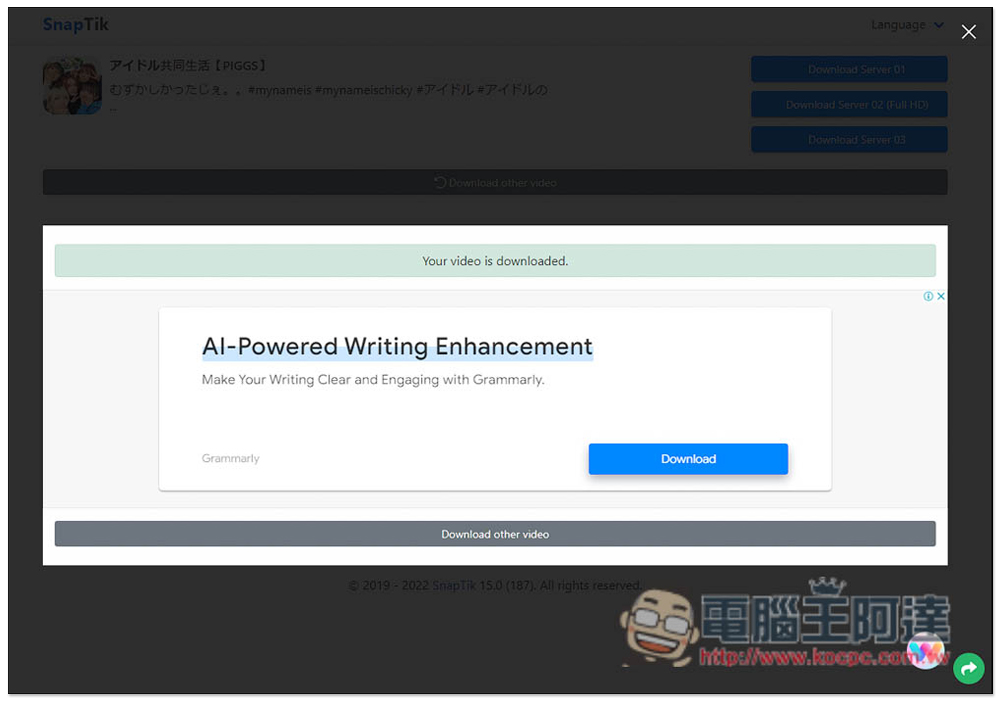
Then “Your Video is downloaded” is displayed, which means it has been successfully downloaded. It may take 2 or 3 seconds before your browser starts downloading:
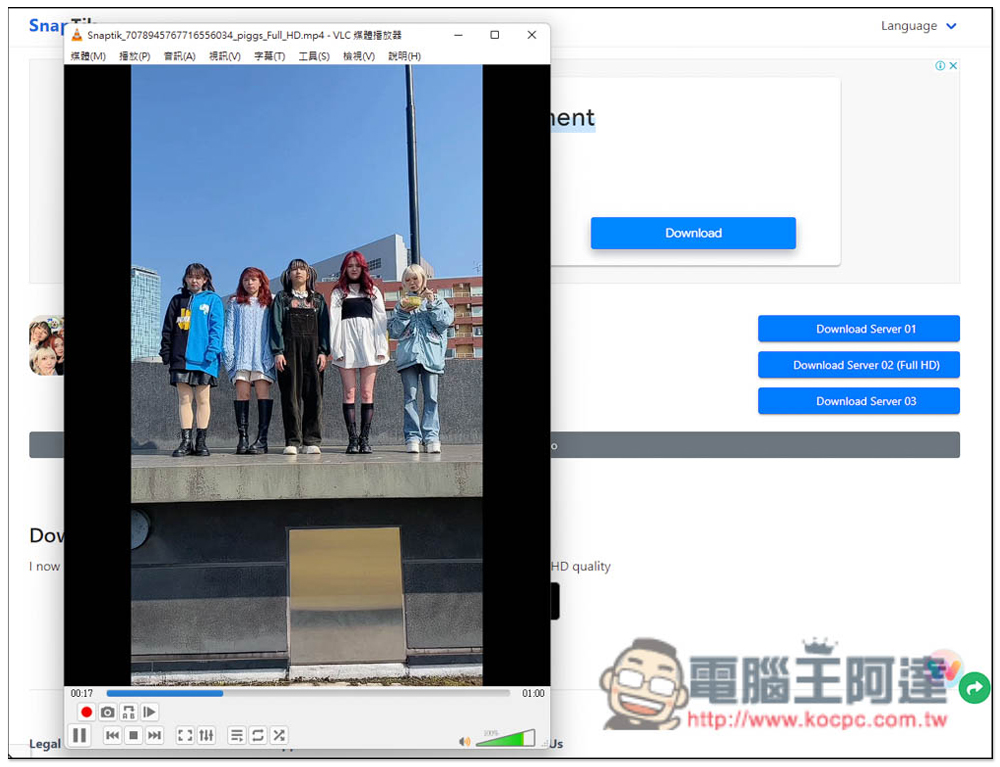
According to the actual test, high-definition videos can indeed be downloaded, and there is no watermark. The file extension is .mp4:
The Android version of SnapTik is even more powerful. In addition to TikTok videos, it can also be used on Instagram, Facebook and Twitter. For those who like to watch videos on social networking sites, it is worth collecting. The usage is the same, just paste the URL of the TikTok video you want to download (press Paste). In addition, in fact, when you go to the video URL in the TikTok App and return to the SnapTik App, it will automatically paste the video URL, so you don’t have to click on it manually:

Then the download point will appear, click Download video and the download will start. However, there is only one image quality option, unlike the web version which provides three loading points:

If you don’t like using the app, you can actually open the SnapTik website directly. It also has a mobile version, so the operation will match the mobile phone screen. Not only Android, but also iPhone.
In addition to SnapTik, we have previously introduced other TikTok video download tools, such as:Download This Video、TikTokFull You can also refer to it.
Source: KOCPC Chinese