


PDF can be said to be a format that is often used nowadays, whether it is for work or class. However, most useful PDF software requires payment, and not many provide Chinese interfaces. If you do not have PDF software on your computer and suddenly need to edit or convert files, you can use pdfforge, a free online tool that provides many functions, is completely free, and has almost no ads.
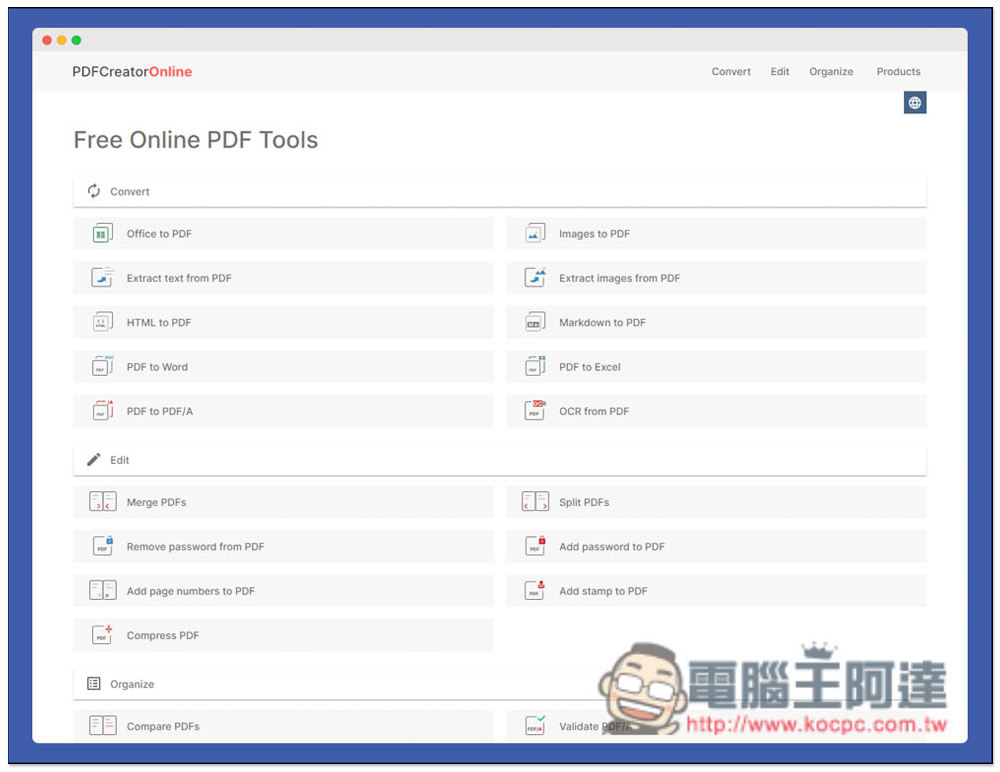
Introduction to pdfforge free PDF multifunctional online tool
After entering the pdfforge website, you can see all free PDF tools. There are three major categories: “Convert”, “Edit” and “Organize”. In the conversion part, PDF to other formats include Word, Excel, and PDF/A. Other formats to PDF include Office series, HTML, and Markdown. In addition, it also provides text or image extraction from PDF files, as well as OCR functions, which are quite rich:
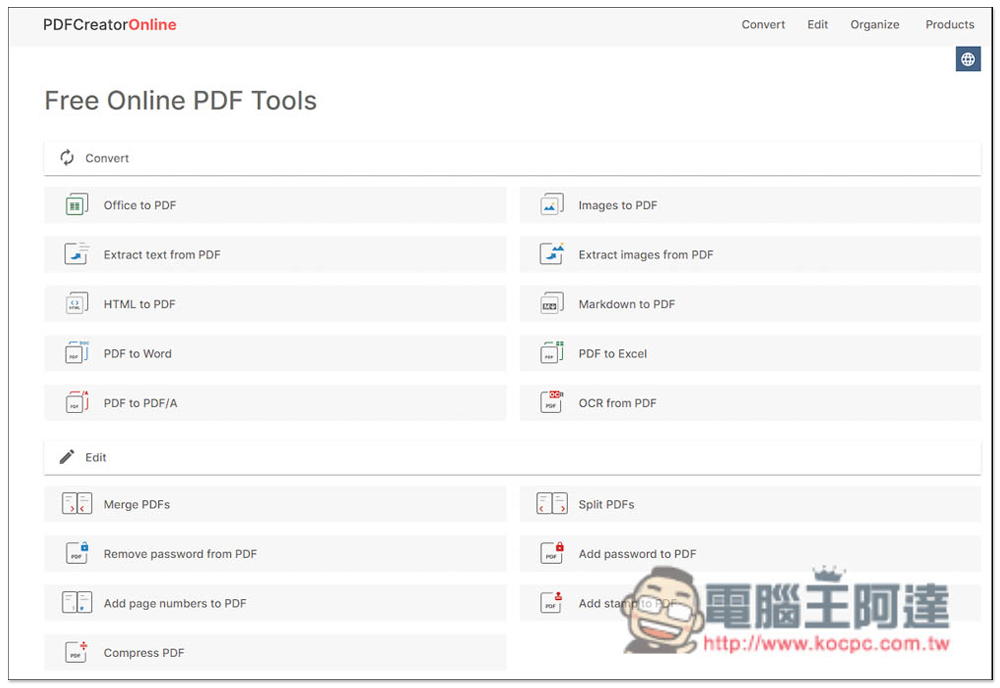
The editing part includes merging PDF files, splitting PDF files, removing PDF passwords, adding PDF passwords, adding page numbers to PDF, adding stamps to PDF and compressing PDF files. Basically, all the editing functions you will use are included.
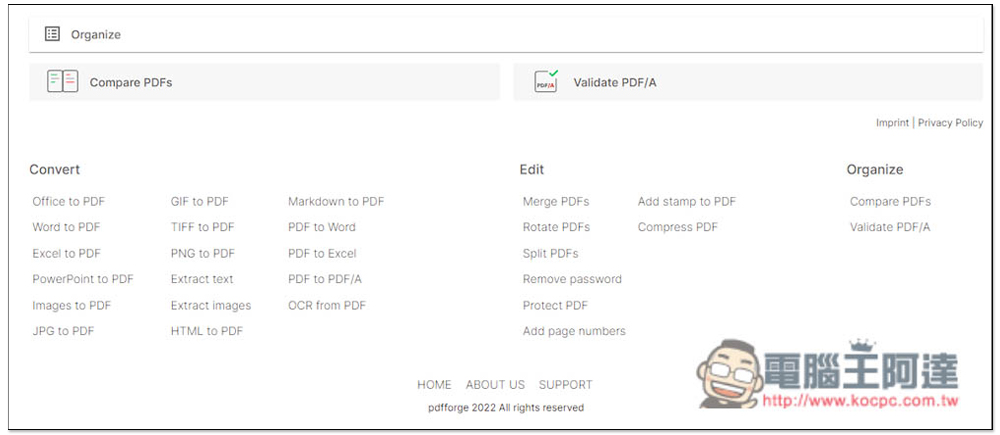
Organize only has two tools, Compare PDF and Verify PDF/A:
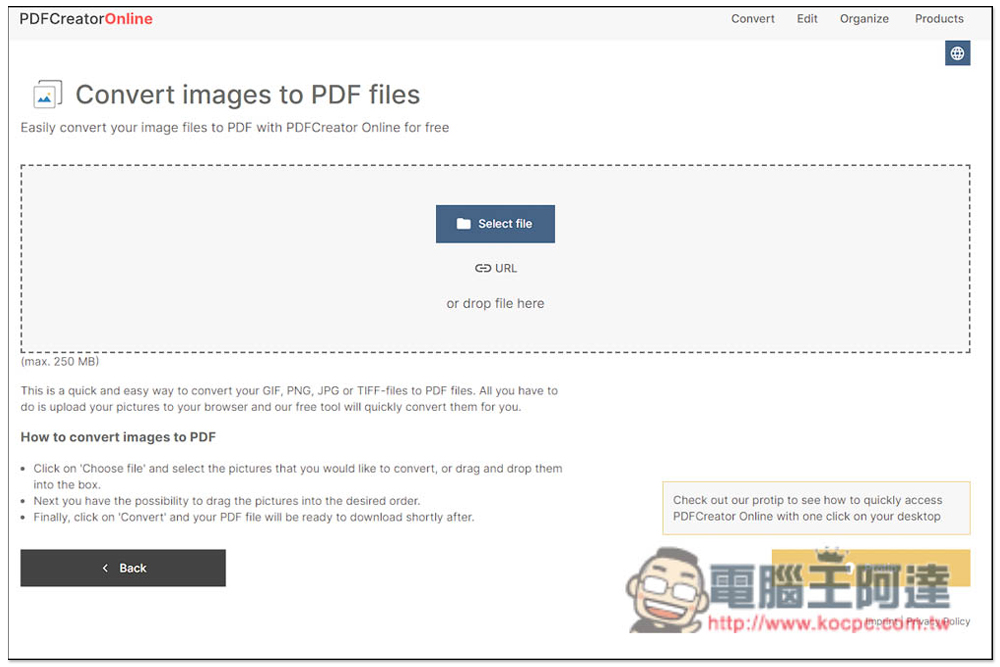
Take image conversion to PDF as an example. After entering the tool page, you can drag in the images you want to convert to PDF, or click Select fine to select manually. Multiple images can be converted into one PDF file, and the URL import function is also provided. Image formats support GIF, PNG, JPG and TiFF. In addition, each tool will have a maximum file limit. The image converted to PDF is 250MB (max:xxx will be written in the lower left corner):
Then you will enter the editing interface. On the right, you can adjust the order of the pictures, and on the left there are some settings:
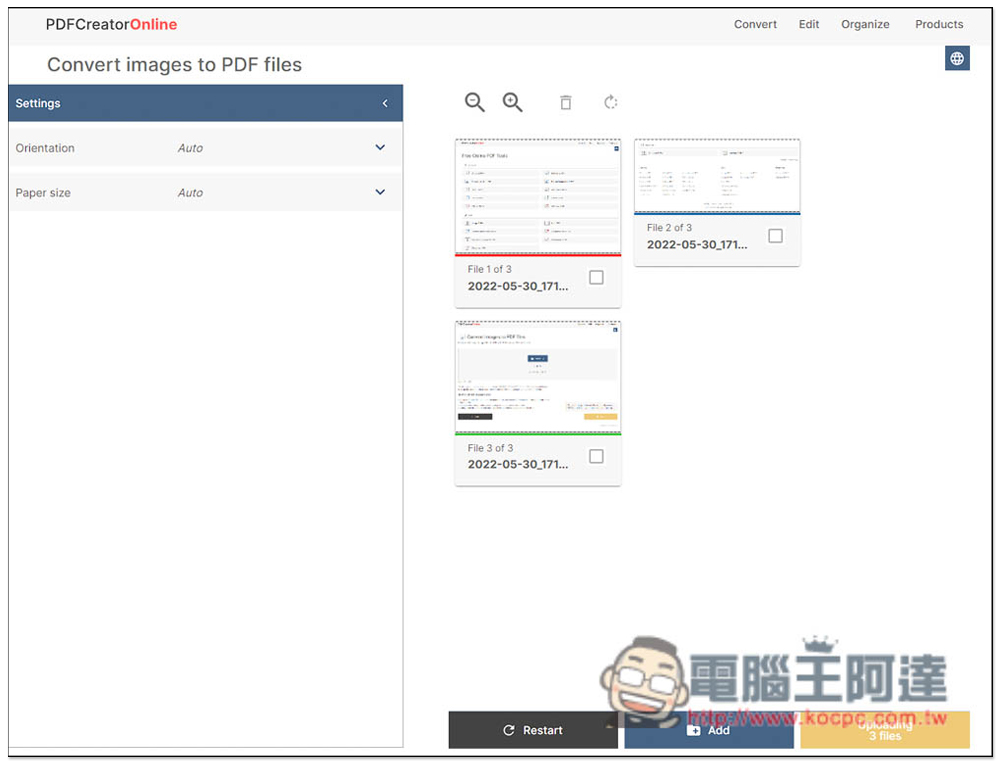
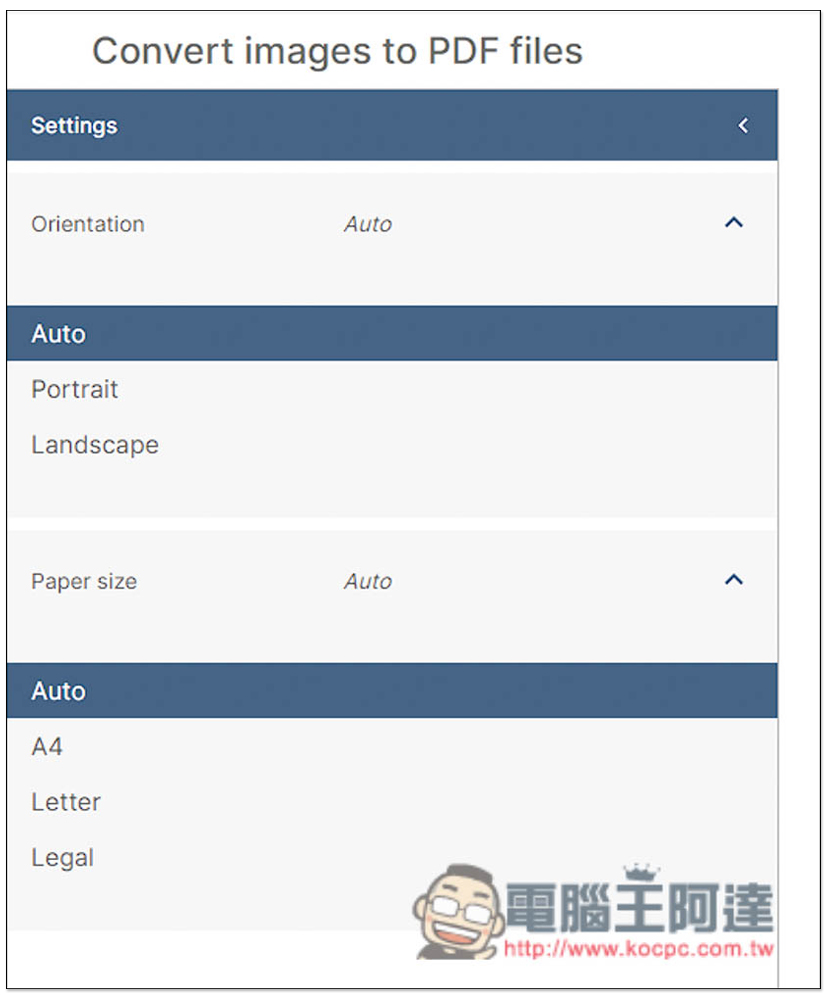
There are three options for the Orientataion direction: Auto, Portrait and Landscape. Paper Size has four options: Auto, A4, Letter and Legal:
Once everything is set up, click the Uploading button in the lower right corner:
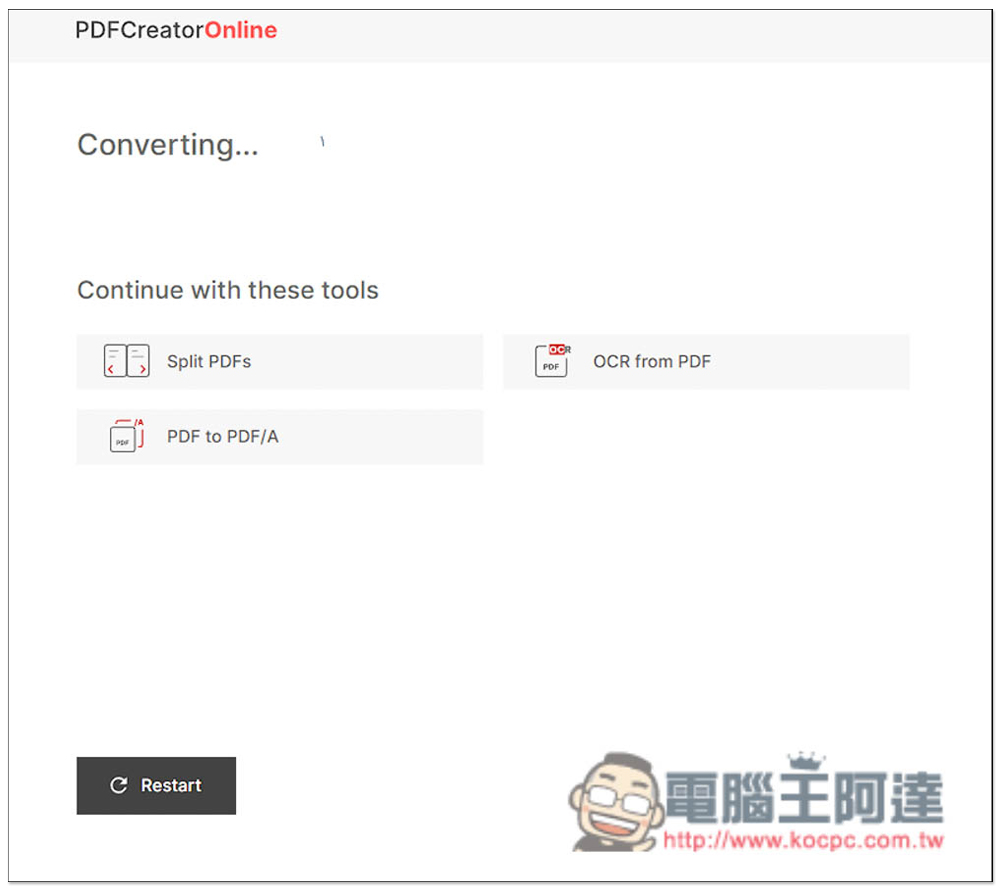
Wait for the conversion to complete, which usually takes a few seconds, and is very fast:
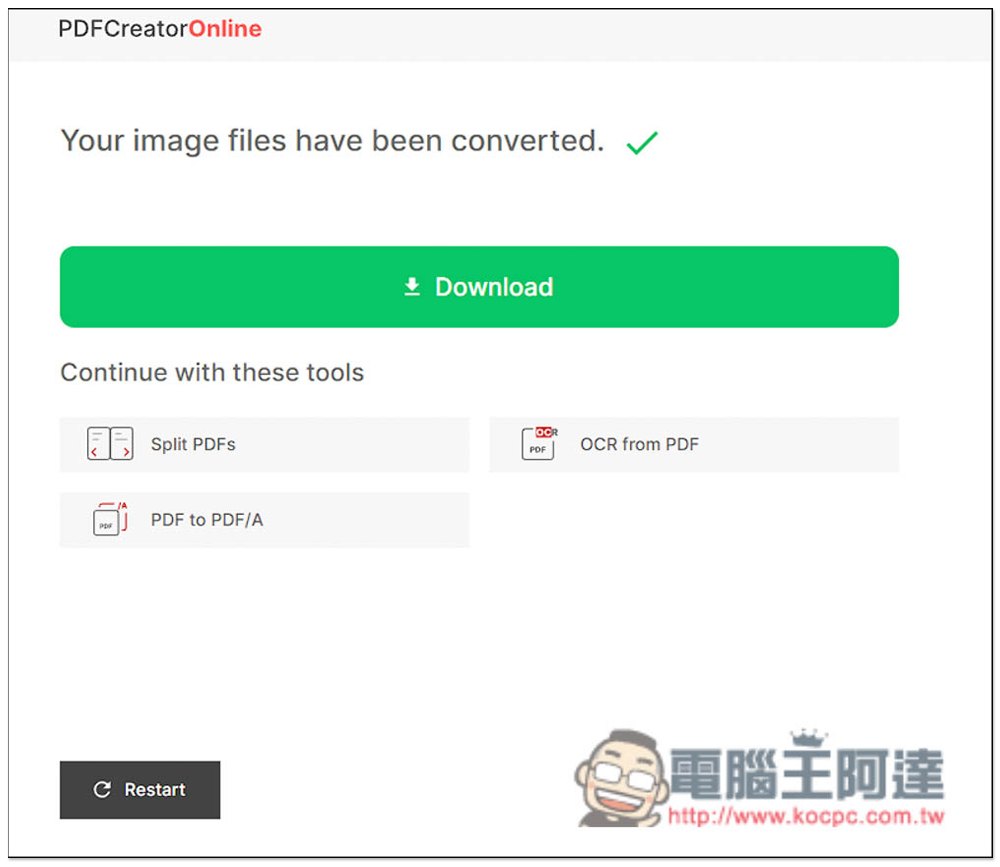
After completion, the Download point will appear, click to download:
Finally, I would like to remind you that if the PDF file you want to convert or edit is a very important and private file, then I still recommend using the desktop version of the software. After all, the file needs to be uploaded to the server of this tool. Even if the website description says it is very safe, there are some risks.
In addition to this pdfforge, we have also introduced some good PDF online tools before, such as:Speedpdf、Free PDF Convert、Adobe Acrobat official browser free extensionThey are all good, and there is also a free and open source one PDF Arranger desktop tool, you can try it all.
Source: KOCPC Chinese