


Although there are many free music apps in the App Store now, such as Spotify, they cannot be downloaded and listened to offline, so you cannot continue listening without an Internet connection. We have previously introduced a eSound Music The free music app was originally available for download, but it was removed for some reason. The good news is that recently I found another Offline Music Player. Although the YouTube part cannot be downloaded, this one also supports other music platforms, so there is a chance to find the same songs from other platforms and download them. I will introduce it to you below.
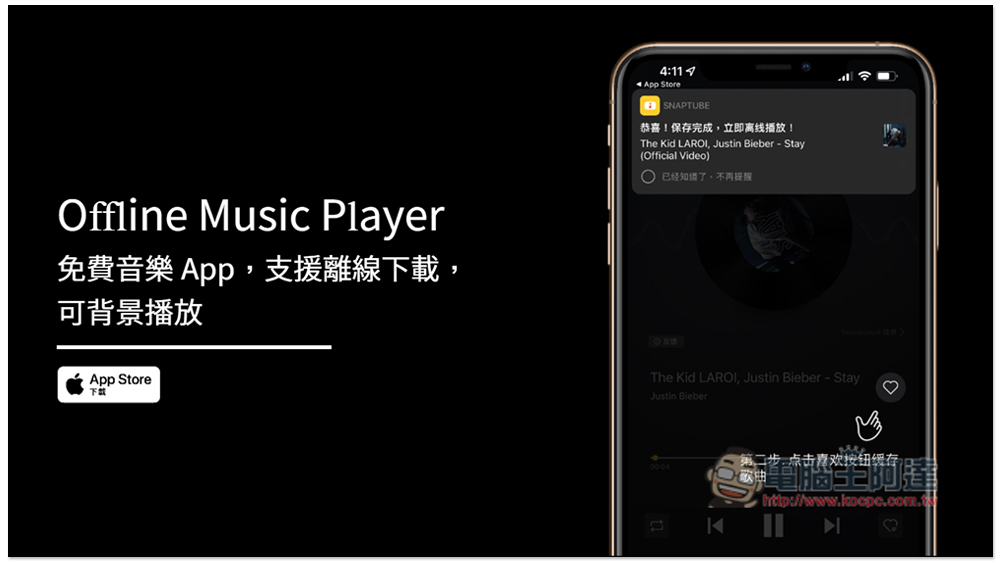
Offline Music Player Free Music Player App Introduction
After opening the Offline Music Player App, there will be a simple download tutorial at the beginning. To put it simply, after finding the music you want to download, enter the playback interface, then click the like icon on the right, and the download will start. The download speed is super fast. Then after entering the favorite list, you can see the music you downloaded:
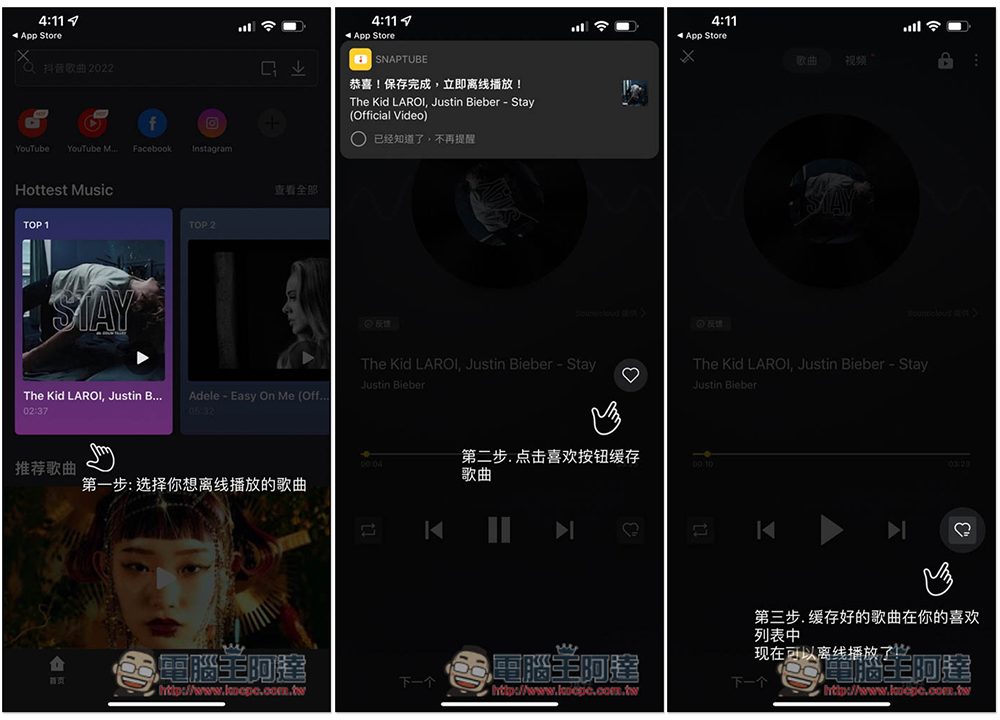
As shown below:
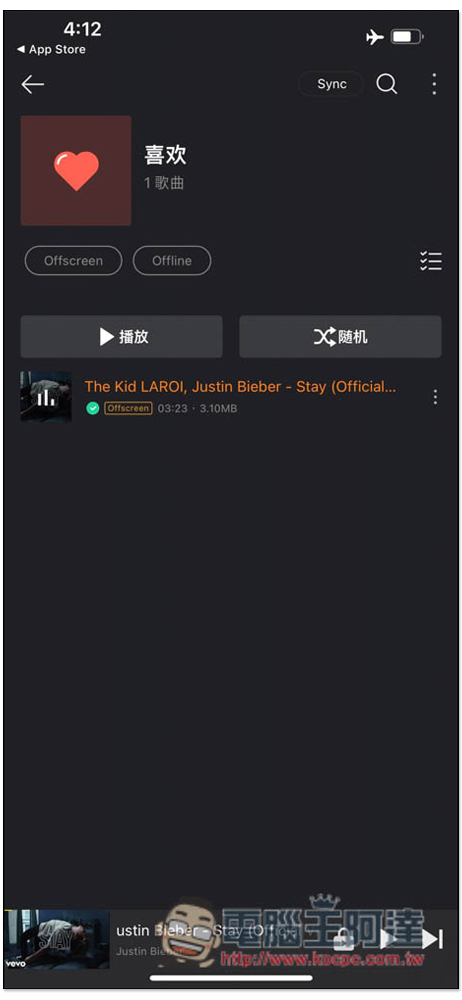
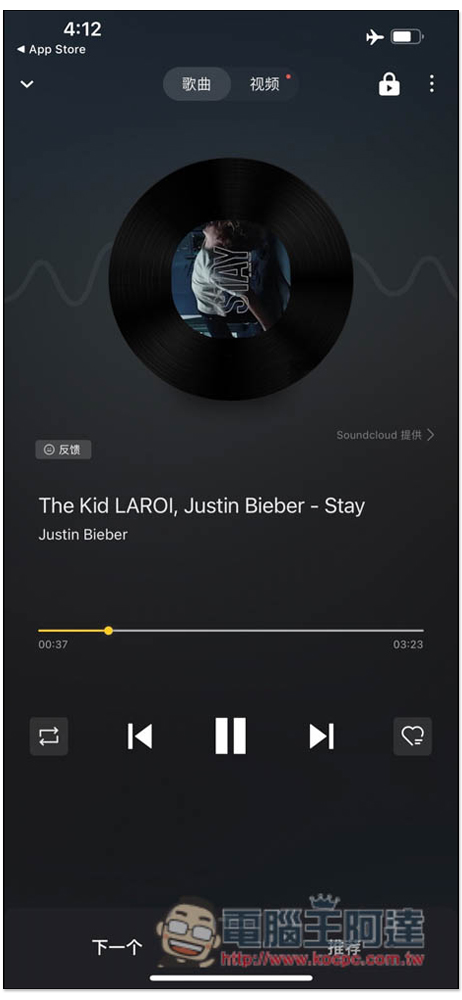
I also tested turning on airplane mode and turning off Wi-Fi wireless network, and it can indeed be played:
In the home page, you can directly search for the music title you are looking for. There are also preset commonly used video websites, including: YouTube, Facebook and Instagram. Click to quickly enter the website:
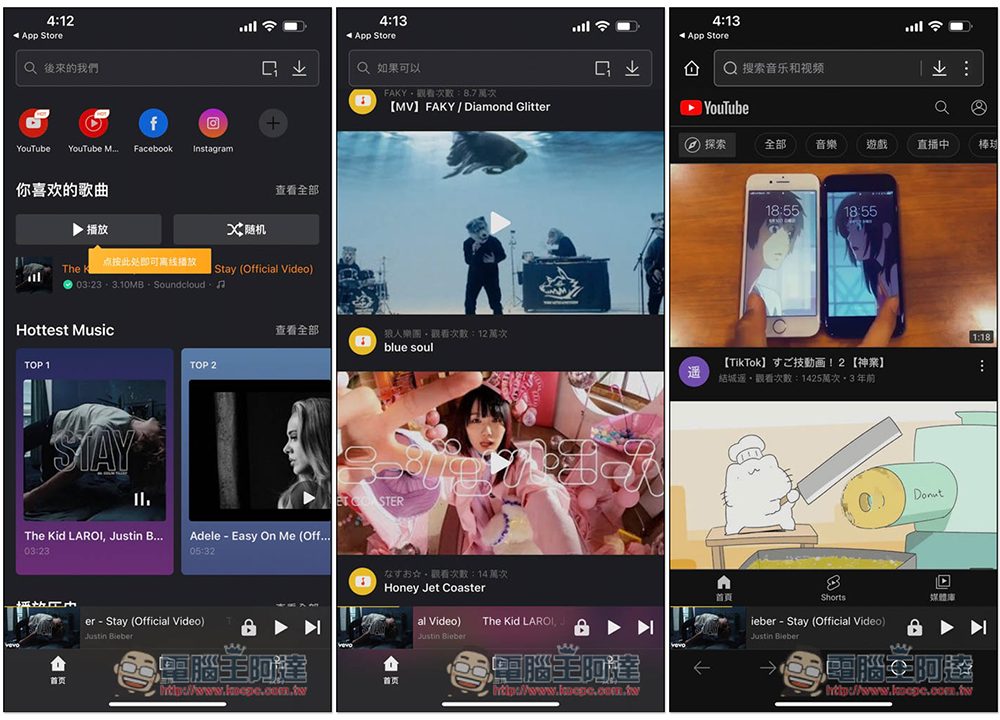
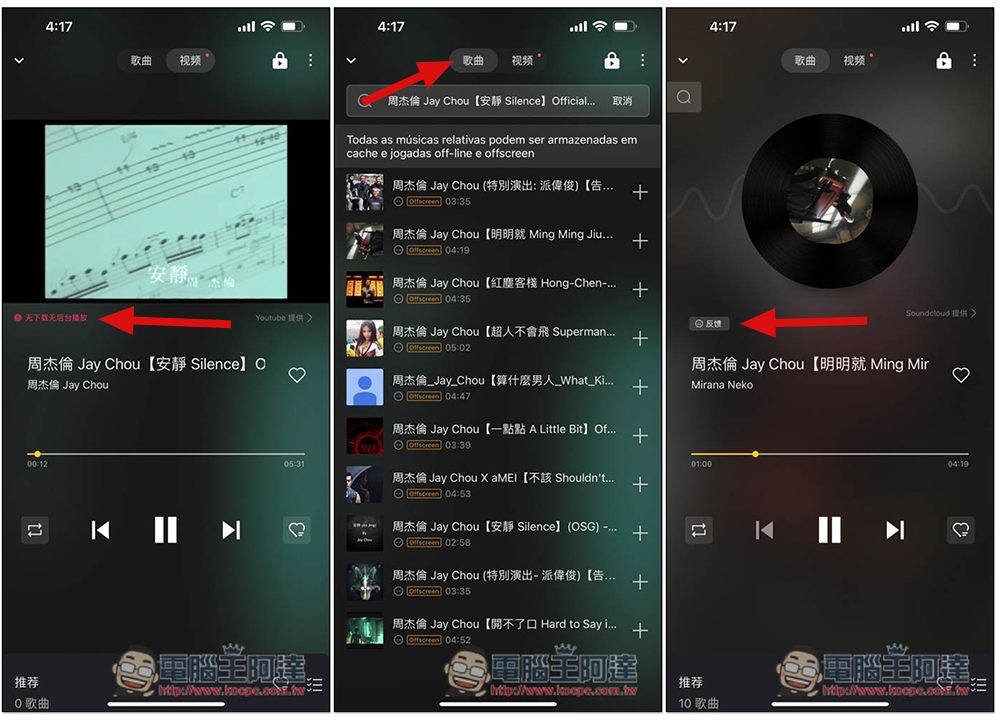
However, after entering the YouTube video and music section, “No downloading and no background playback” will be displayed below. This is limited by the influence of YouTube:
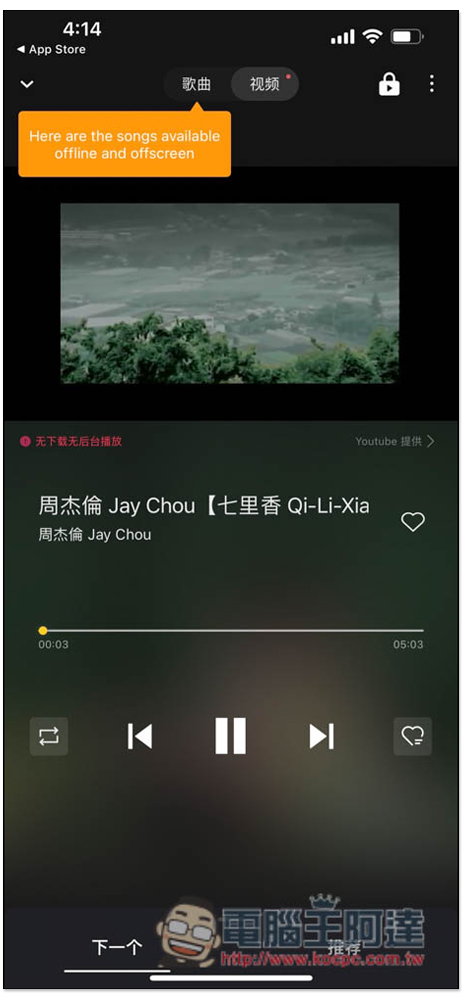
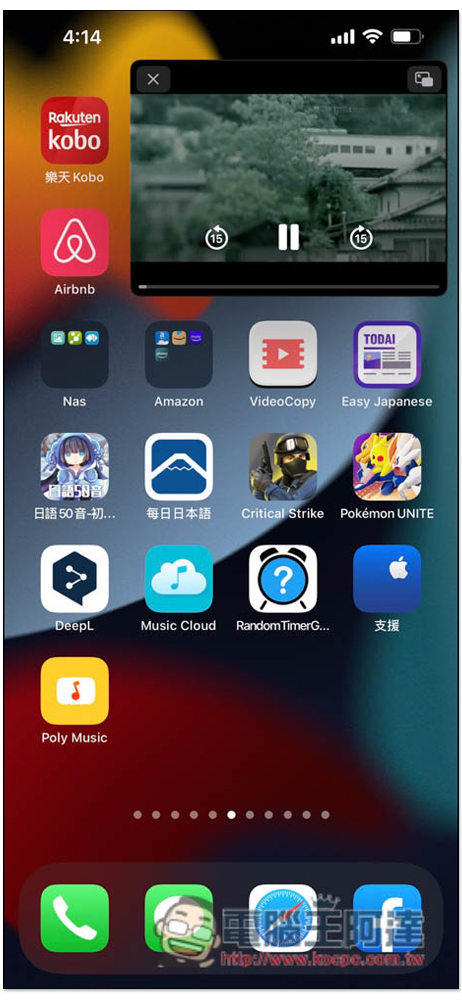
Background playback will become picture-in-picture:
Non-YouTube music can be played in the background:
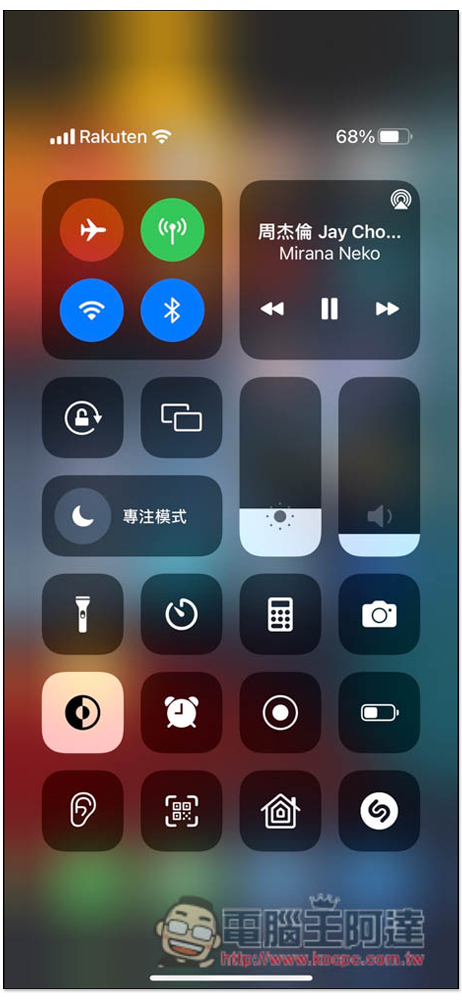
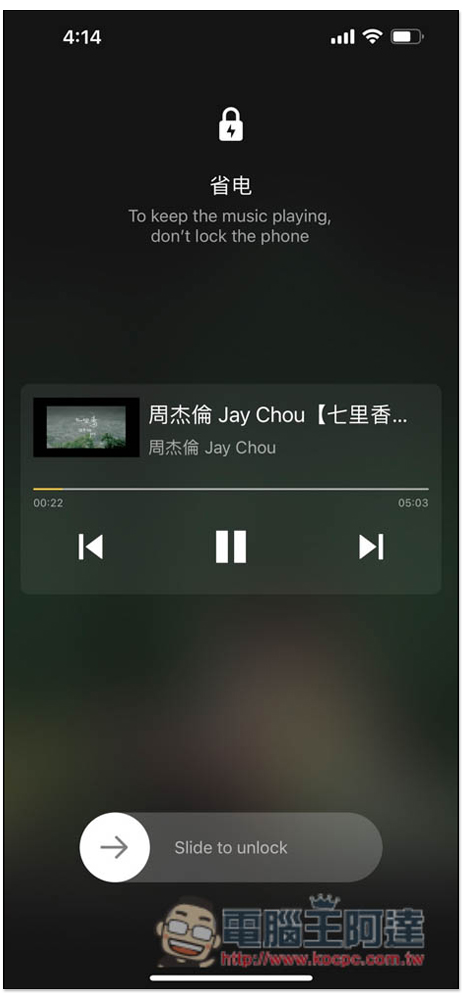
Although YouTube cannot be played in the background, the app provides its own power saving mode that dims the screen, which is pretty good. It is rare to see such an app design. But remember not to lock the screen, the locking will stop:
Although YouTube cannot be downloaded, this app also supports other music platforms. After finding the song you want, click “Song” above to find other platforms where you can download the music. If feedback is displayed after clicking on it, it means it can be downloaded:
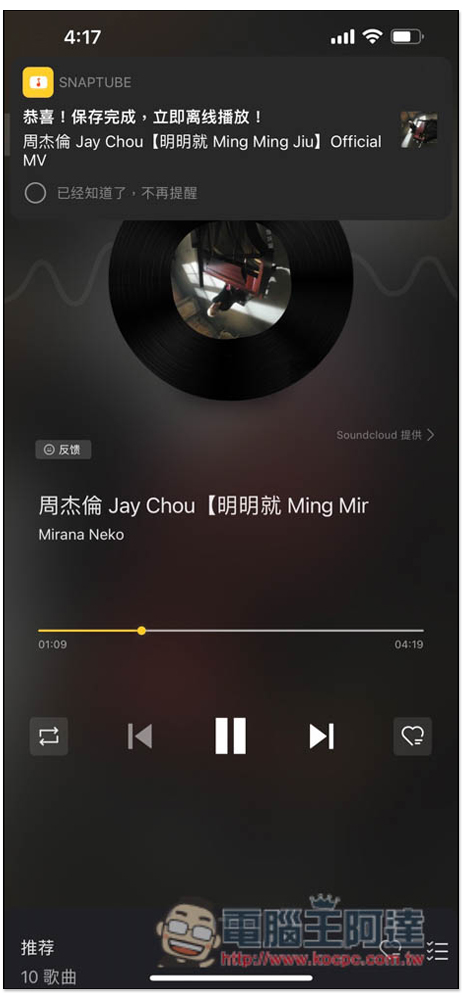
Test download successfully:
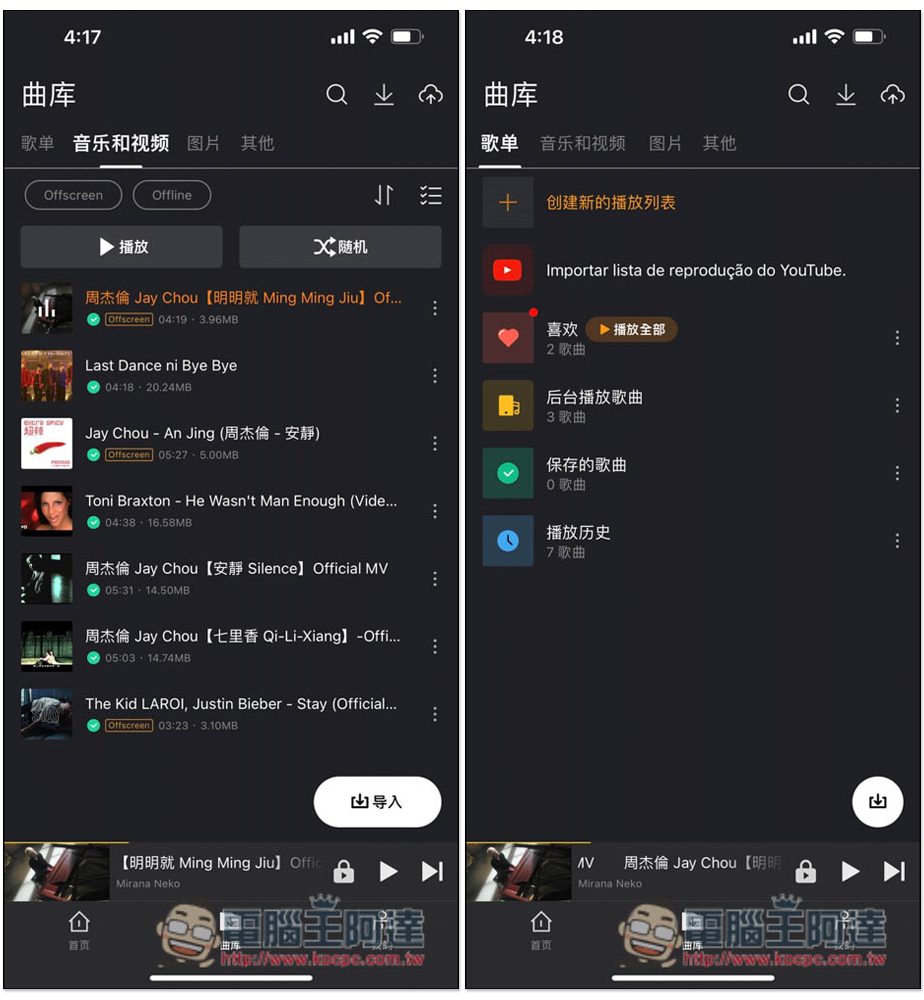
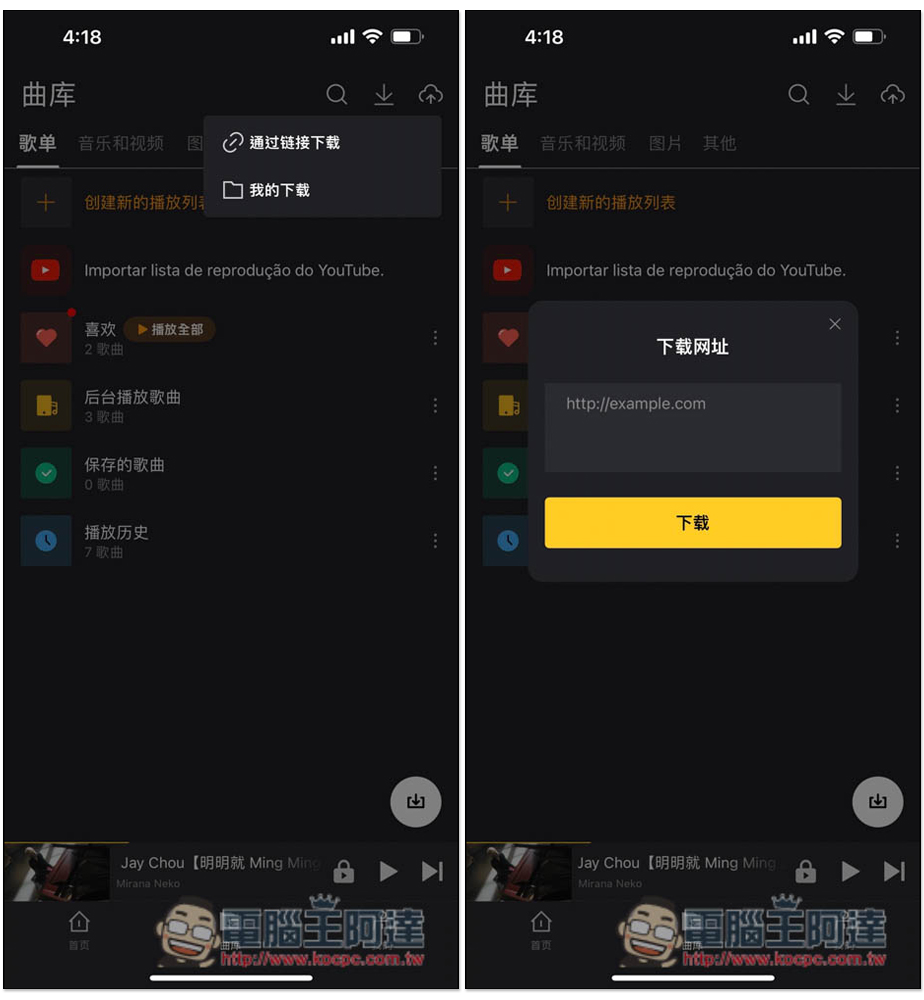
In the music library menu, you can view your past play history and create playlists. The functions are quite complete:
What’s more special is that it also has a link download function. You can enter the URL to check whether it can be downloaded. I have not tested this. If you can’t find the music you want to download, you can try this function and find it from other websites:
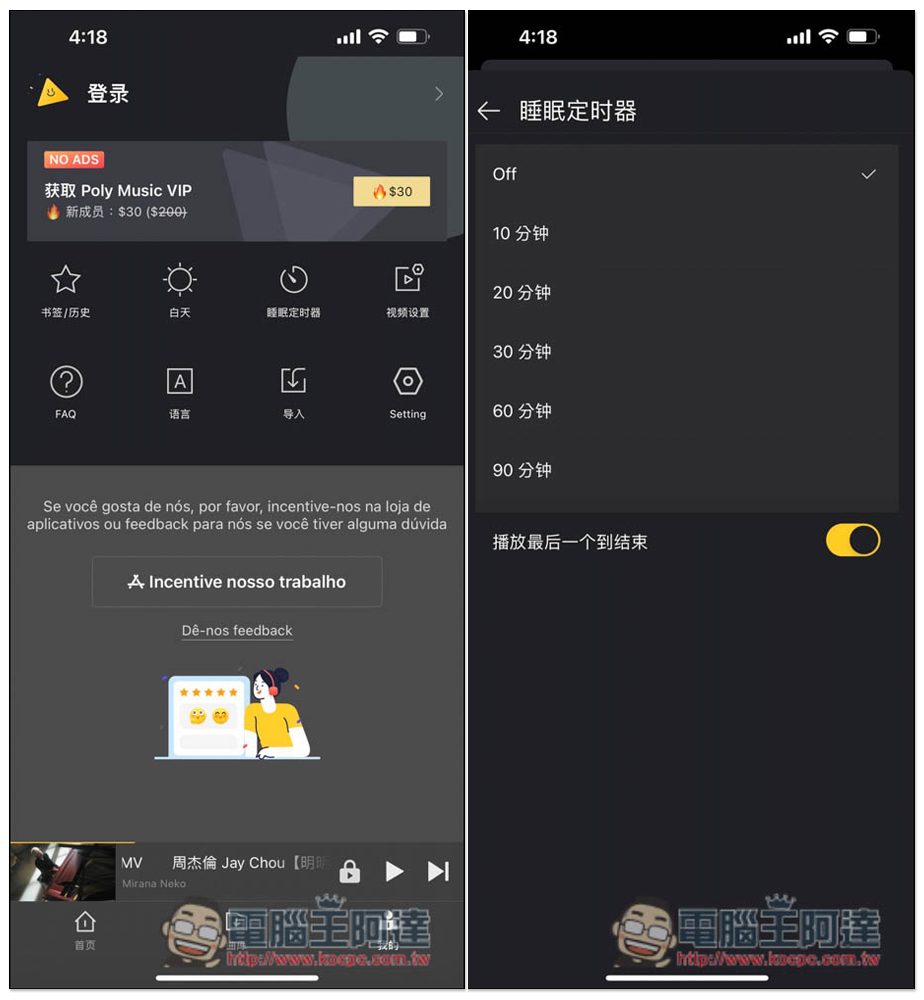
There are many functions in my menu. The free version has ads, but not many. It also has a built-in sleep timer, with five times: 10 minutes, 20 minutes, 30 minutes, 60 minutes and 90 minutes:
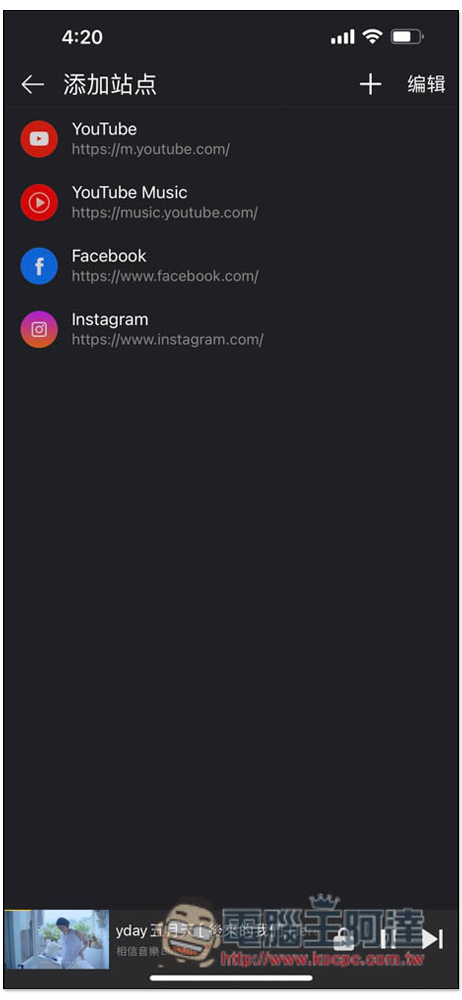
In addition, the shortcut icons on the homepage can also be added manually. If you have frequently used music websites, you can also add them:
Finally, I would like to remind you that the source of music downloads for this app may be problematic. For those who are concerned about copyright, it is recommended to skip it and do not use this app. Spotify or YouTube Music are better.
Source: KOCPC Chinese