


It seems like Pika, the well-known AI video generation service, has rolled out a big holiday gift for all users to celebrate Christmas. From now until December 23 Taiwan time, everyone—regardless of their membership plan (including free members)—can generate AI videos with the Pika 2.0 model with no limits. In other words, you can create as many videos as you want. If you haven’t tried it yet, or haven’t experienced the latest Pika 2.0 model, now’s the time to make the most of it.
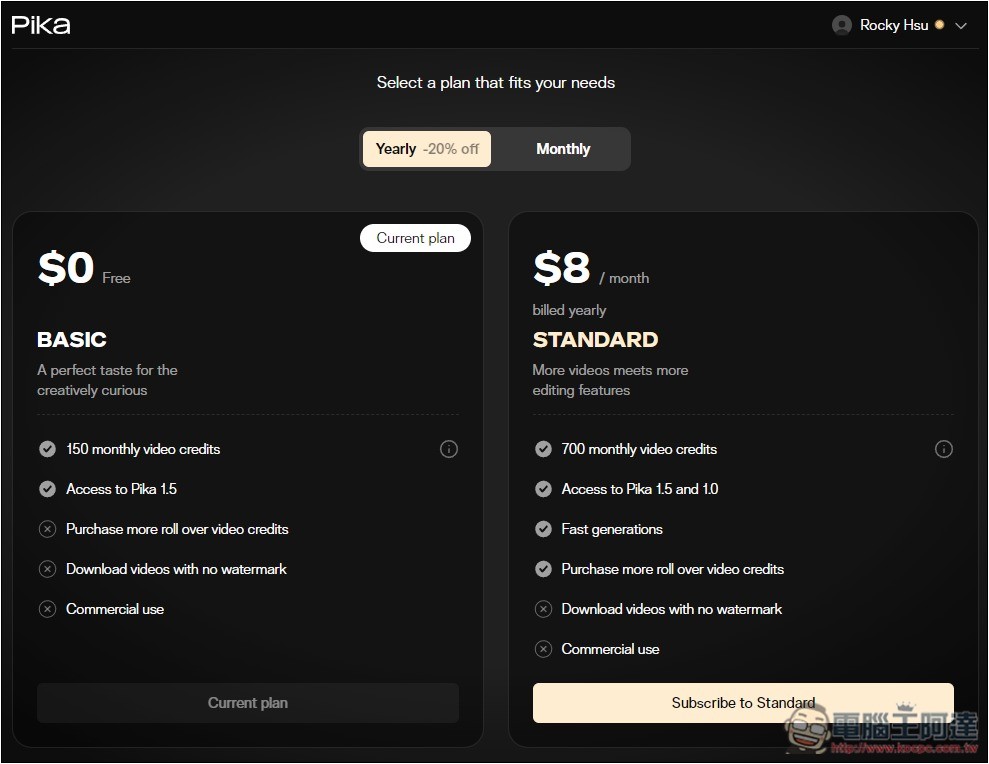
Normally, free users (BASIC) and standard users (STANDARD) can only use the old Pika 1.5 model.
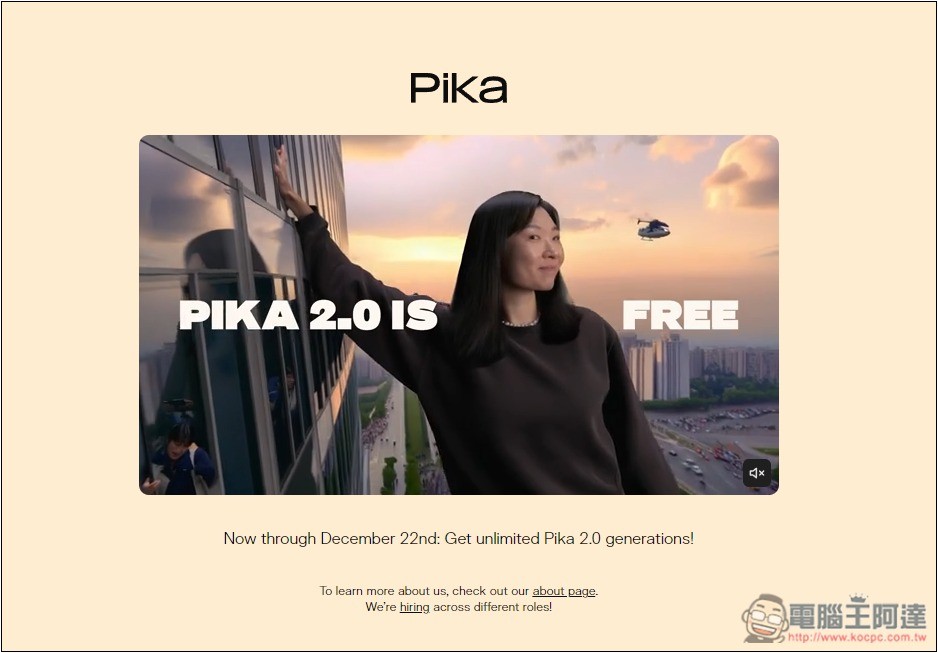
Until December 23, Taiwan time, all users can use the Pika 2.0 model for free to generate AI videos.
Recently, Pika announced on its official website a limited-time event for free use of the Pika 2.0 model. Now until December 23rd, Taiwan Time, all plans offer unlimited generation with Pika 2.0, and include scene elements (Ingredients):

After logging into the Pika dashboard, the top also shows how much time is left. At the time of writing this article, there were still over 50 hours, more than two days. The generation model at the bottom is already preset to Pika 2.0:
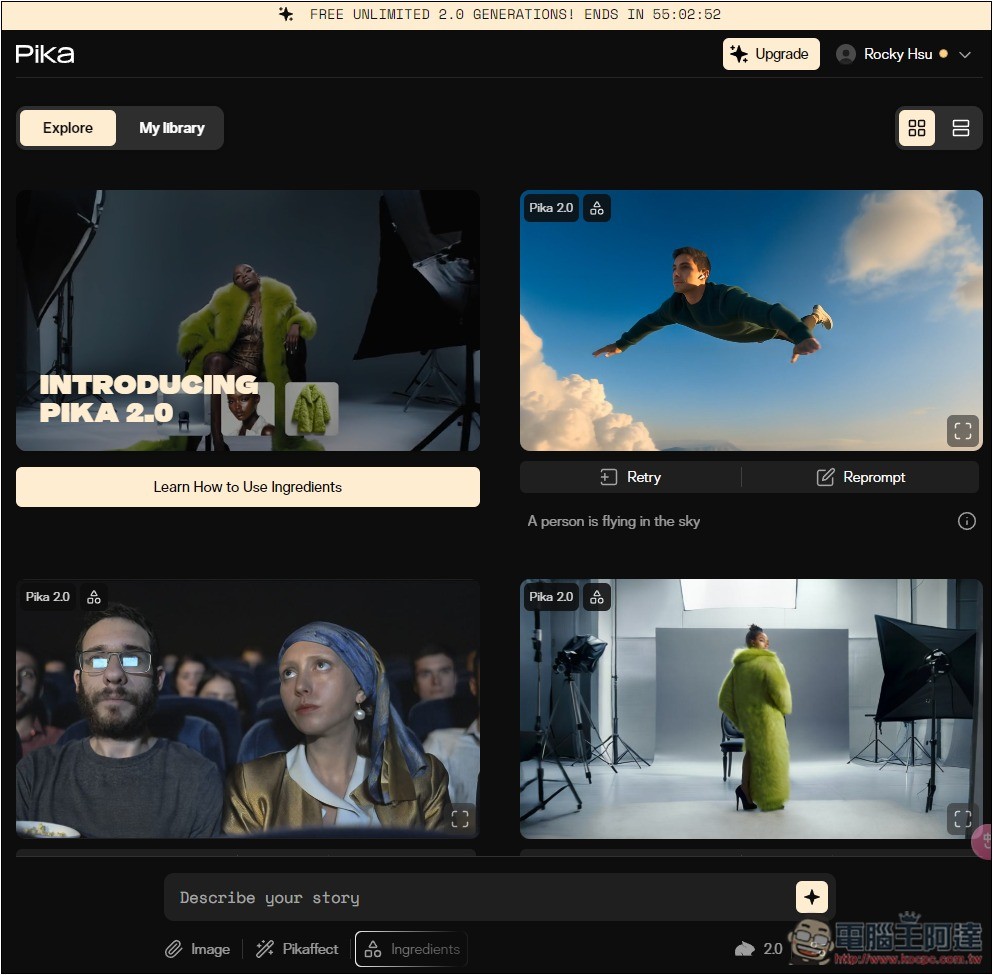
However, note that although the Pika 2.0 model does not limit the number of videos you can generate, the free version’s generation speed is still limited to slow mode. Now that it’s open to all users, it seems there are a large number of generation requests at all times, so the speed is genuinely a bit slow—a single video could take several hours. You should be prepared for that.
For free-tier users, I’d suggest that after entering the AI video you want to generate, just let it run and come back in an hour or two.
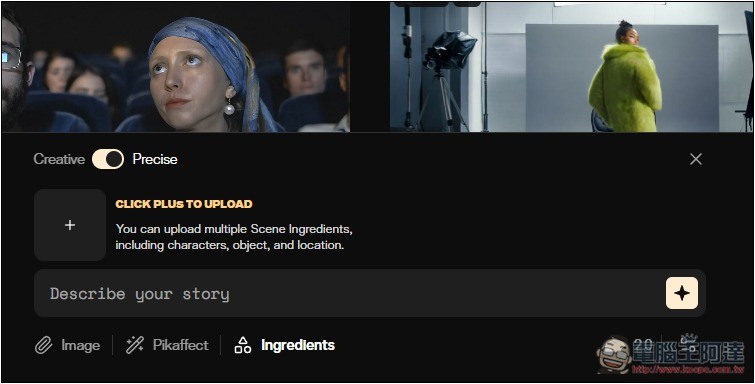
You can also use the Scene Elements (Ingredients) feature:
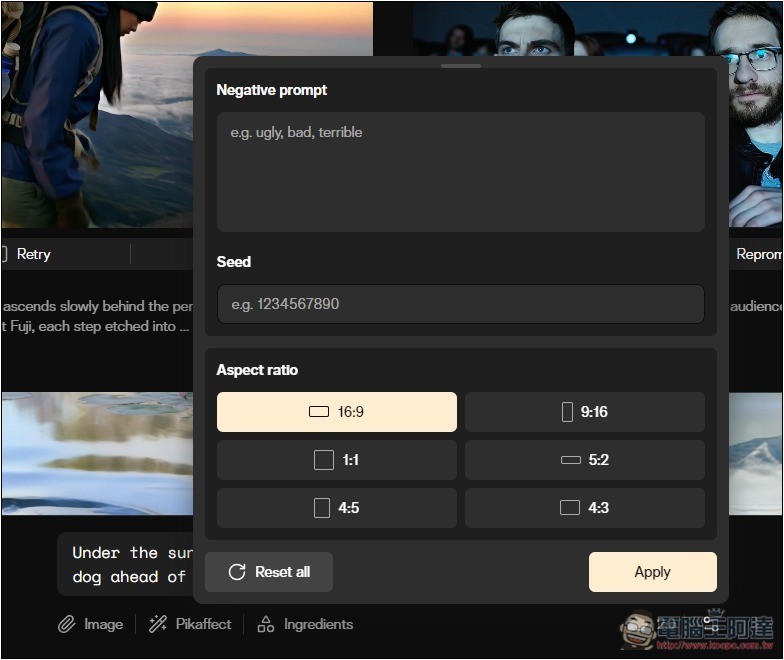
Open the function icon on the right side to add Negative prompt, Seed, and video comparison:
After pressing generate, if it shows “High demand right now,” that means there are currently a lot of video generation requests, and you’ll need to wait a while for it to finish. The top-left corner of the video notes “Pika 2.0”:
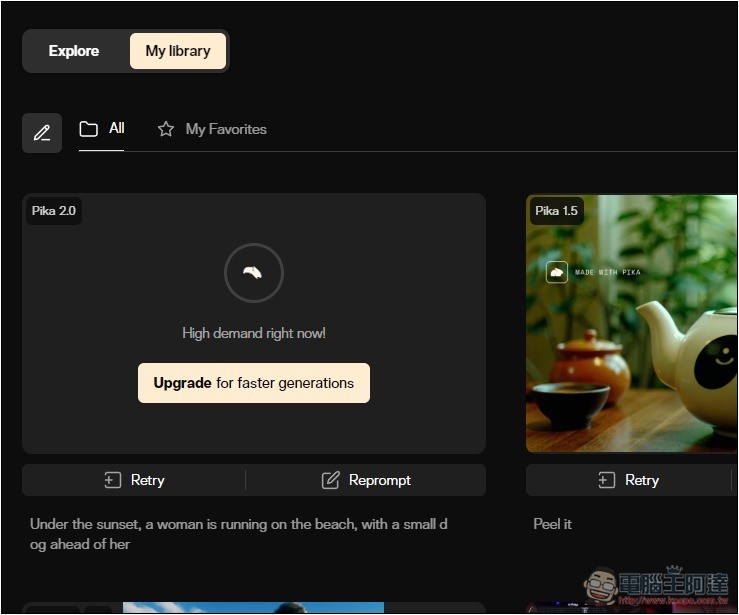
Of course, you can also switch back to Pika 1.5 or Pika 1.0, and these two generate very quickly.
While waiting, you can return to the homepage to check out Pika 2.0 videos generated by other users.
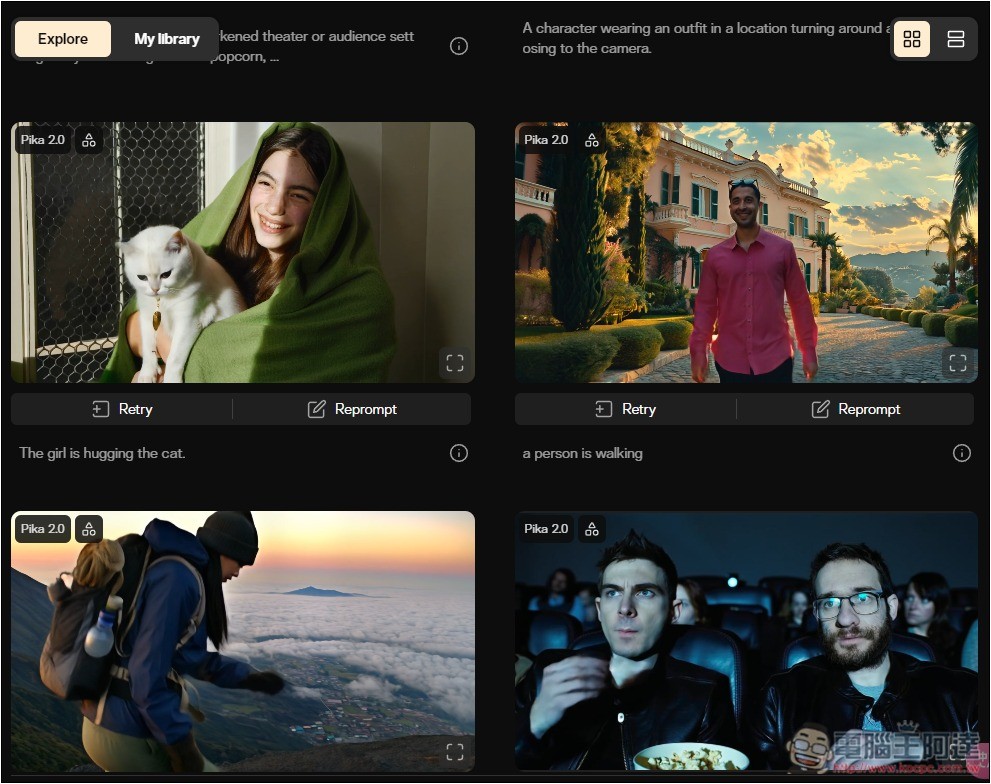
The following diagram explains the available features for the free and paid standard plans. Normally, only Pika 1.5 can be used; Pika 2.0 is not available:
Although Pika is really generous to offer the Pika 2.0 model for free, given the current generation speed, a 5-second video takes several hours, so not many users are likely to truly experience the advantages of Pika 2.0.
What features does Pika 2.0 have?
Compared to previous models, the biggest upgrade in the latest Pika 2 should be its greater customizability, making it easier for users to create “funny, humorous, and engaging content.”
For scene elements (Ingredients), users can control elements in the video by sharing their own images, including characters, objects, clothing, and background settings.
The Pika team once said, “The model’s advanced image recognition can intuitively understand the characters in each reference image and seamlessly combine them into a single scene.”
Source: KOCPC Chinese