


In advance of WWDC, Apple will be able to cultivate more novice-friendly programming learning and implementation applications that are interested in writing programming applications. Swift Playgrounds has been updated to version 4.1, and has brought many updates to macOS. This editor has experienced the joy of coding since version 4.0, which added the App publishing function to iPadOS last year (really?). Not only did I quickly try out this new feature, I also interviewed two experts who won WWDC Swift Student Challenge awards to learn about how they enlightened their programming skills, won awards, and even started their own businesses. Continue reading The new version of Swift Playgrounds can be easily completed even with Mac apps. This article teaches you how to use it! Report text.
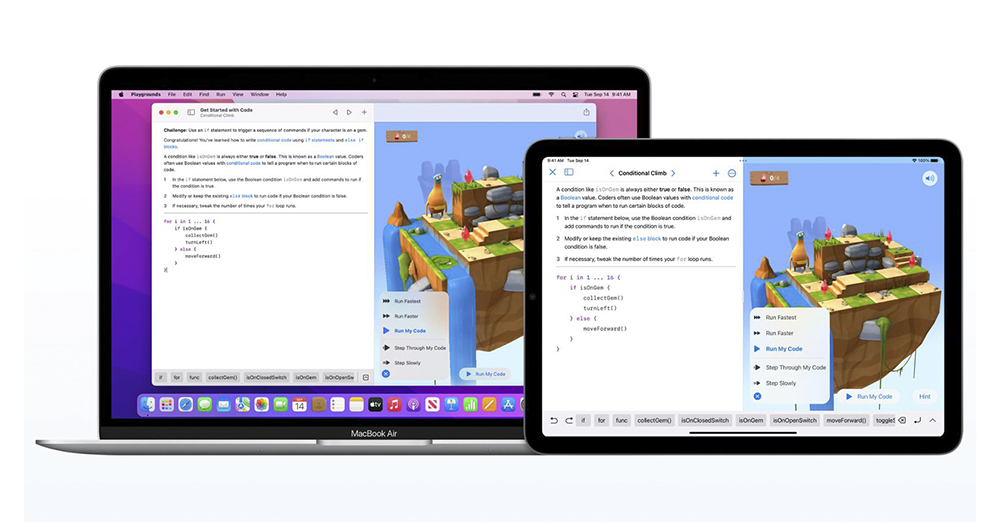
▲Picture source for this article: Apple
The new version of Swift Playgrounds can be easily completed even with Mac apps. This article teaches you how to use it!
This time, under the “supervision” of two Swift Student Challenge winners, we got to play with the latest features of Swift Playgrounds 4.1 version to use SwiftUI to build Mac Apps. Starting from version 4.1, this tool will be able to use Swift Playgrounds on Apple computers running macOS 12.4 or above to create applications that can actually be installed on Mac.
After all, it is an application that is suitable for all ages and can bring users learning fun. The interface of Swift Playgrounds is really easy to understand! Here we also give you some simple interface tutorials (learn now and sell now).
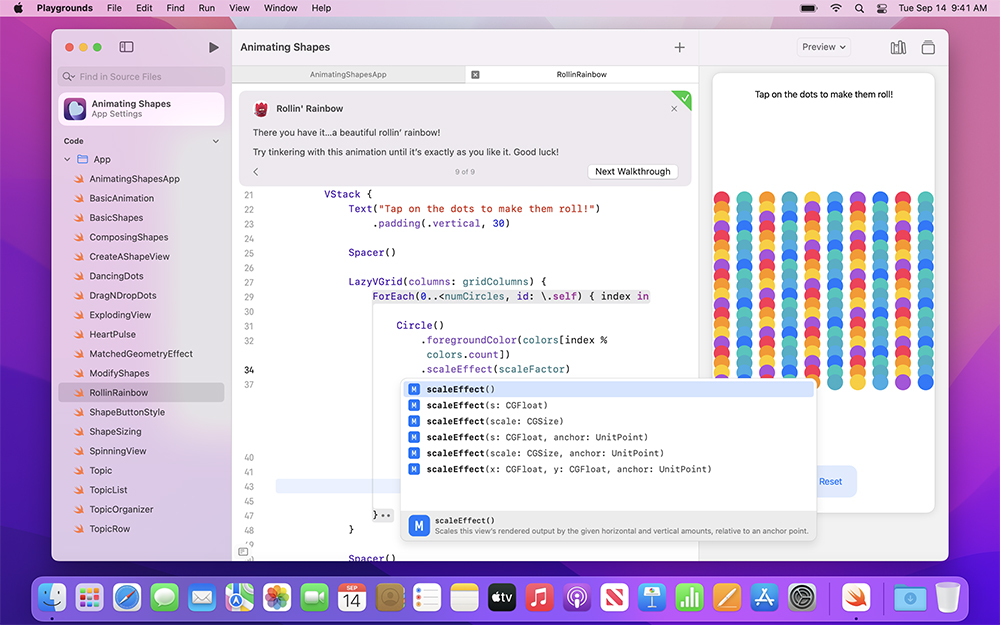
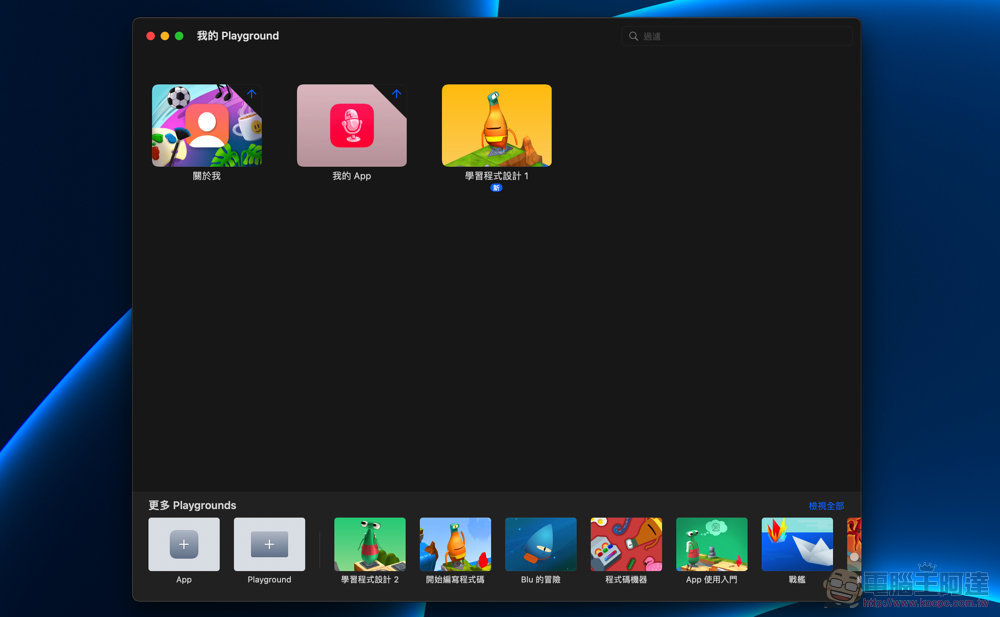
The latest 4.1 version of Swift Playgrounds is very similar to the iPadOS version. You can launch downloaded App learning resources directly on the homepage, or you can launch a new App or Playground directly from the lower left corner:
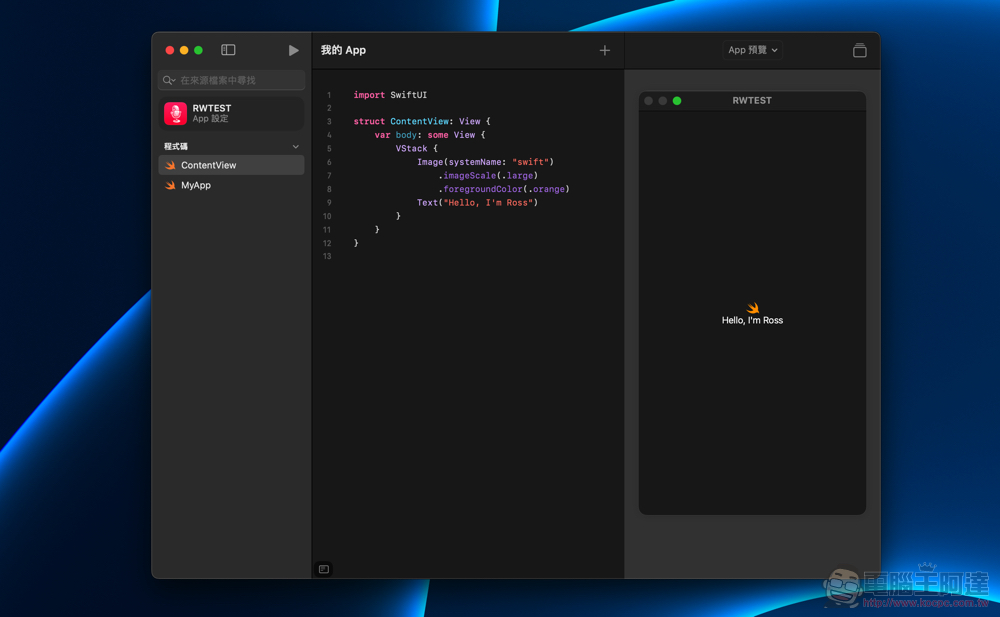
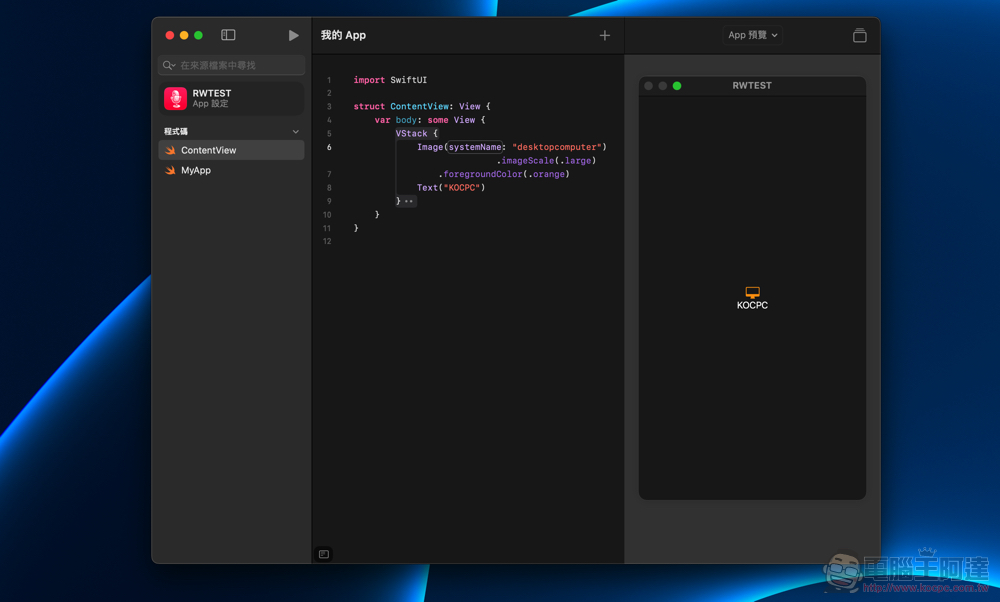
After opening the App template, you can boldly change the program code, and see the results immediately from the App preview window on the right – here we changed the “Hello World” of the classic example of the learning program to our own name:
Even if you don’t understand programming, you can change the icon in the application or add other components through the ” + ” above:
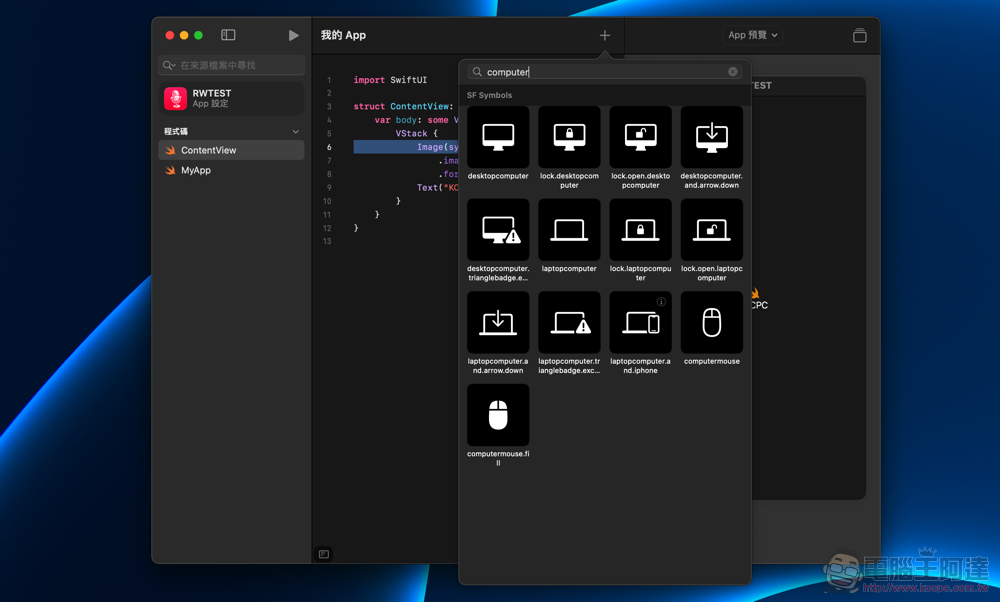
In an instant, the App changed its look:
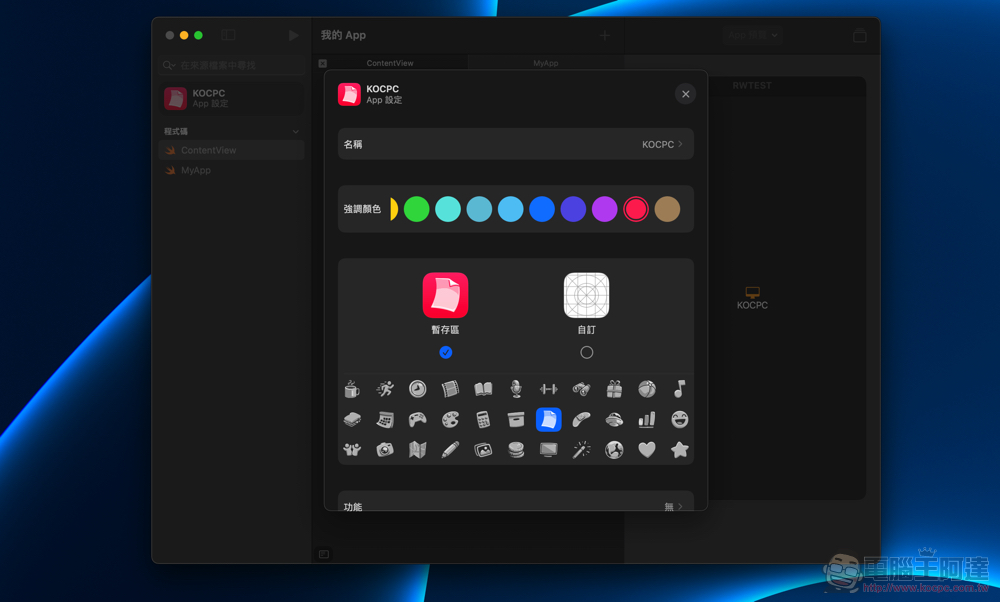
The “external icon” that many people have as their first impression of the App can also be changed through the settings on the left, and the icon can be customized:
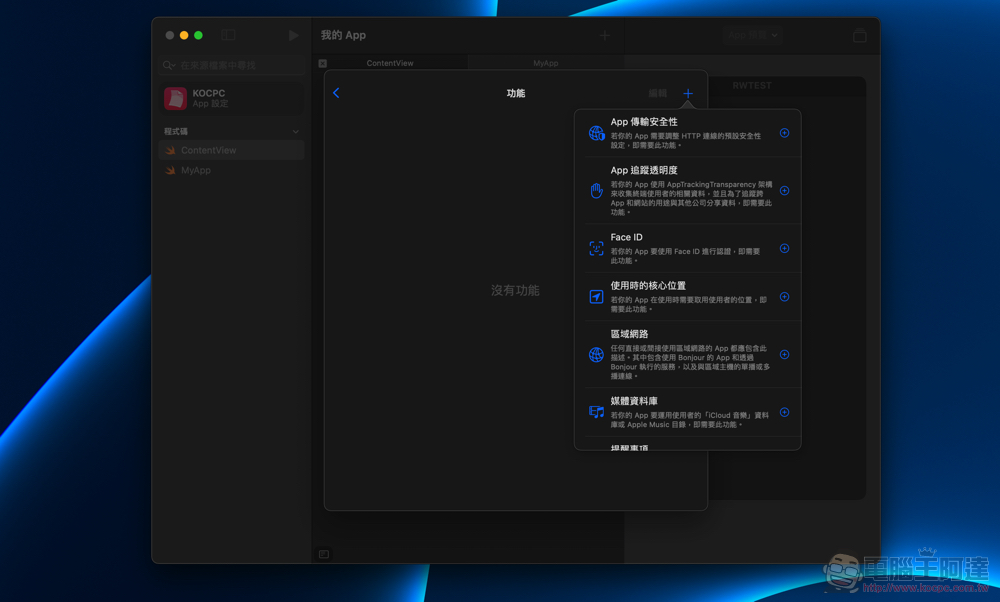
Although the current demonstrations of Swift Playgrounds seem to be very simple, in fact, you can play the functions quite deeply:
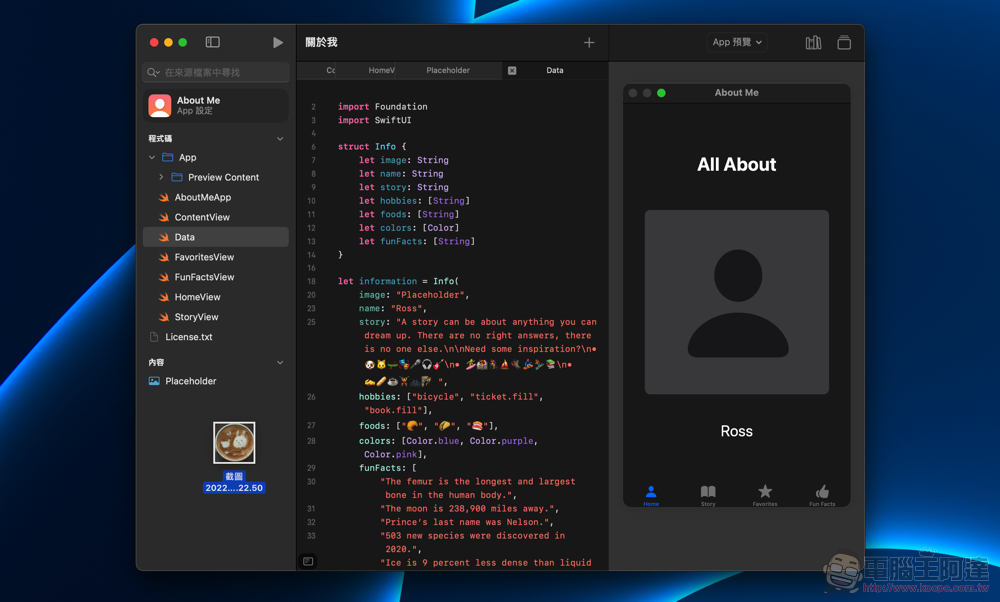
It’s very easy to add your own pictures. You can just drag and drop them into the “Content” resource area of the app:
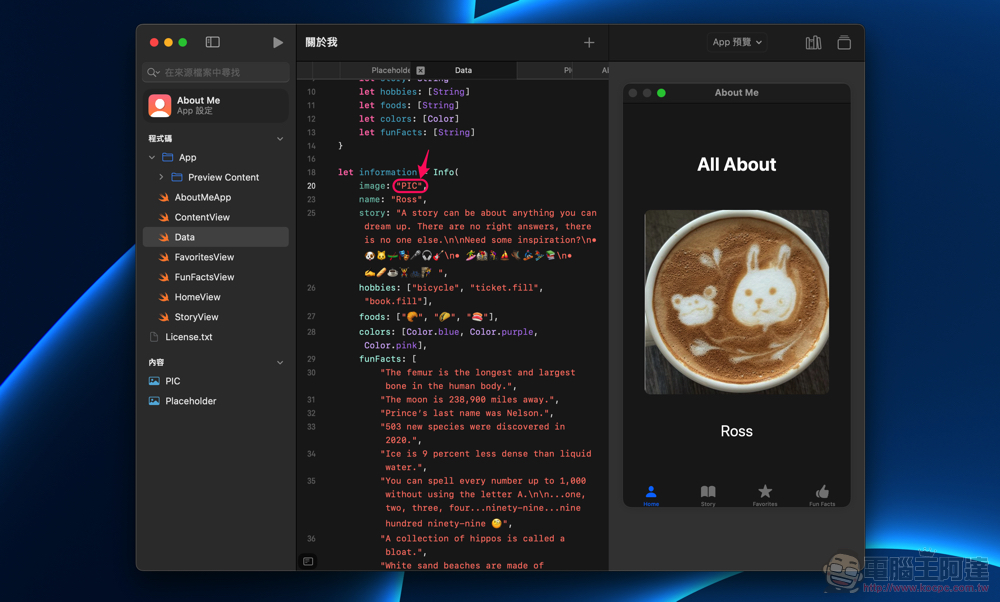
Rename the picture and directly enter the name of the picture to add it to the app – I didn’t expect that writing macOS programs is so easy (pull the bow):
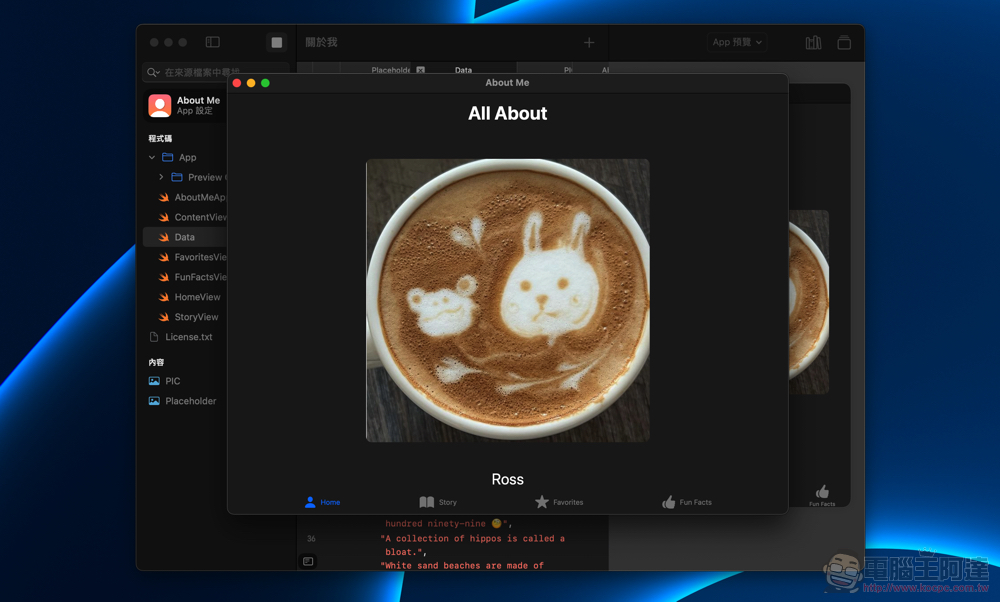
The point is, not only can you see the App through the preview on the right, but you can also “Play” it through the play button in the upper left corner to see how the App looks like when it is executed:
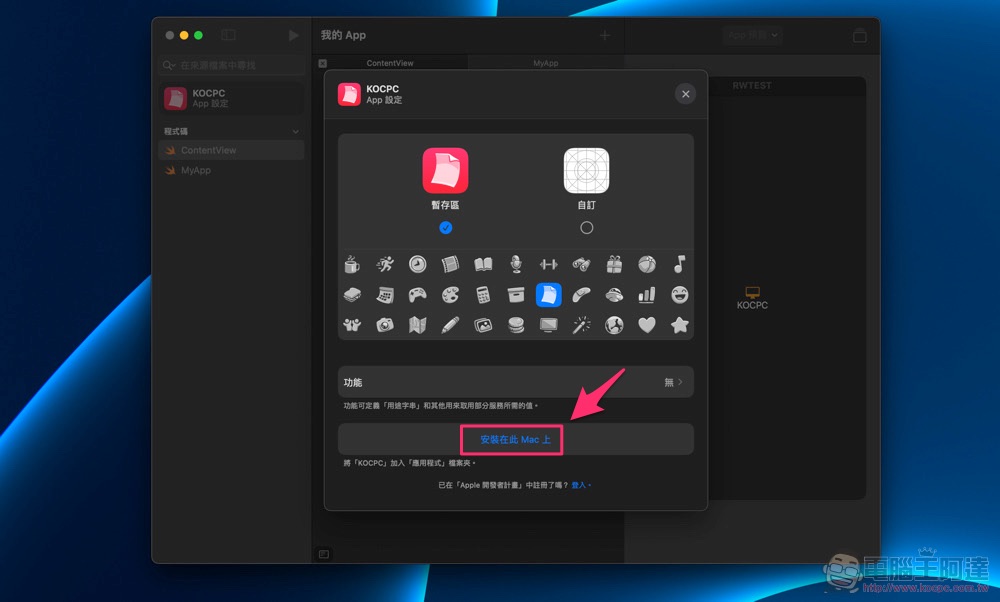
You may even want to package it into a macOS app to share with friends, or log in to your account to join App Store Connect and become a member of Apple developers. These are all things that can be achieved in a practical way from this playground – it’s really like having fun exploring, and you can instantly get started with the learning process that might have taken you a while to hit a wall in the past:
Have fun and get started, allowing developers to build their dreams with confidence
Because the editor’s current exploration of Swift Playgrounds is only in the very early stages – the “in the world” stage. It’s probably hard to convince everyone that becoming a developer is really easy. However, this time we visited the learning journey of two outstanding students, Abinaya Dinesh and Matt Moss, who won the Swift Student Challenge award.
They all mentioned that they had a similar experience from hitting a learning wall (perhaps because it was too difficult to get started with programming languages, or the related resources were too fragmented and scattered) to finding a direction through WWDC and hackathon-related activities, and quickly getting started with SwiftUI to learn how to build applications for the Apple ecosystem.

It must be said that learning tools are important, but a developer conference like WWDC, which allows people to find a place to learn and discuss with each other, is actually a very important link in stimulating learning and progress. Not to mention, this type of developer conference can also provide early access to the most cutting-edge developments and developer kits in the ecosystem. There are opportunities to make the ideal and meaningful applications in your mind more efficient and more likely to be realized.
Speaking of which, it may be a pity that in recent years due to the epidemic, there have been fewer opportunities to attend in person. But for Apple developers with different conditions around the world, being able to participate in online WWDC events for free is also an opportunity worth seizing.

Speaking of which, Abinaya has also seen the relationship between the impact of the epidemic on the world and his own gastrointestinal diseases in recent years. I thought I could develop an app for this group of people. Finally, a quick query application for improving specific symptoms through dietary adjustments and fitness was completed: Gastro at Home.
It’s similar to the trouble they encountered when they first learned application development because resources were too scattered. For people who want to improve their health, they also face the problem of too fragmented information. In order to solve this problem, she uses the app to integrate relevant information so that people can find information to improve their gastrointestinal symptoms without constantly jumping out of the app or switching to the web.
In the end, such an application won her an award, and she had the unique opportunity to introduce such an application that is helpful to patients to other developers and even entrepreneurs, so as to find a direction for improvement.
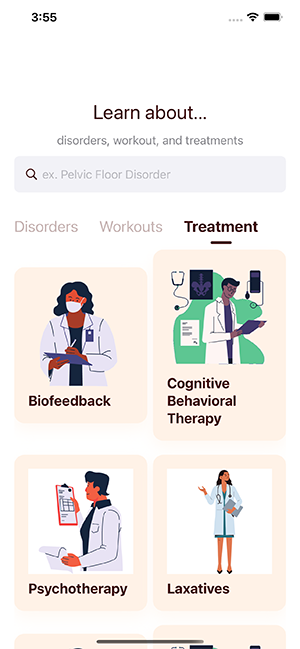

Next, she will not only go to Los Angeles during the summer vacation to continue research on medical biotechnology with other engineers and founders. After entering college life in computer science, she also said that while seeking more modern knowledge in technology-assisted medicine, she hopes to continue to evolve Gastro at Home and expand its content to serve more people. For example, the application can add a function to track the disease status, and also want to develop a function to help patients find appropriate medical resources.
Abinaya started by solving his own needs and then thought of solving problems for others. Through the App, users around the world can benefit. It also brings me a sense of accomplishment and more future opportunities, which is really inspiring. This application, which won the Swift Student Challenge award, does not use an overly complicated or fancy interface, but it can really bring changes to the world (like it).

Cut to Matt Moss, winner of the Swift Student Challenge award three years in a row. In fact, since he created the ARKit kit in 2018 to achieve barrier-free operation of the browser application with eye-tracking directions: Hawkeye, you can already feel his talent in developing applications. He mentioned that when he was developing applications as a self-study, he also looked for information everywhere and kept trial and error. So I think having tools like Swift Playgrounds is really helpful. He also mentioned that participating in WWDC allowed him to make many like-minded friends, and he is looking forward to seeing the launch of new tools and applications at this year’s developer conference.
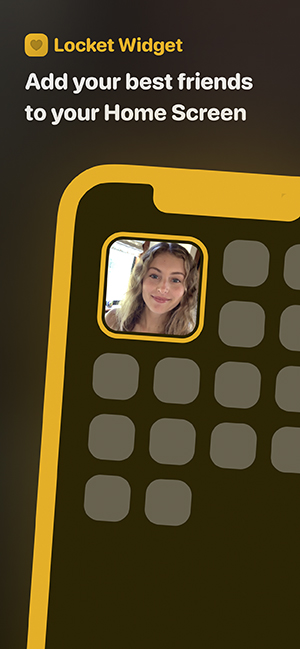
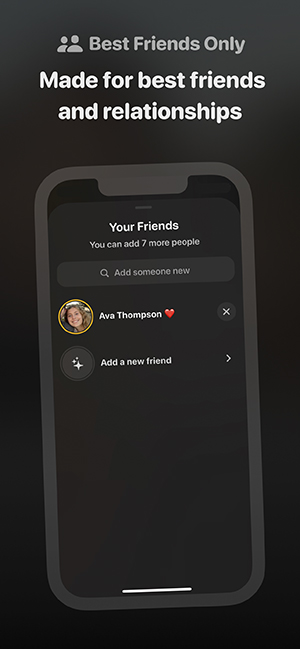
Matt, who has won awards for many years, also has the opportunity to show his work directly to Apple CEO Tim Cook like Abinaya. Matt then officially started his own business and became a full-time developer entrepreneur. Launched Locket, an application that feels like a magic photo frame that can be interacted with in real time, allowing iOS users to directly rotate the recently taken photos of their friends through desktop widgets. This app has been downloaded more than 15 million times since its launch, and has accumulated 500 million photo shares, achieving good results. He also said that he will continue to move towards building the most popular social brand.
Two talented developers were asked about how friends who want to get started with Swift Playgrounds can use this tool and what directions they can take to get more advanced in the future. They believe that Swift Playgrounds is really suitable for learning to build applications in the early stages, which can save a lot of unnecessary wasted time on exploration; the WYSIWYG App preview function can also speed up learning efficiency.
After getting familiar with Swift Playgrounds and trying to build applications, if you want to take advantage of more back-end APIs. You can use Xcode to take over more advanced development needs.
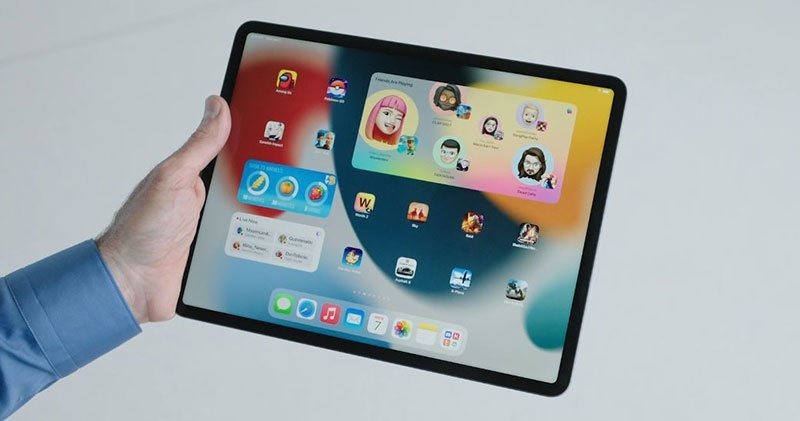
Oh, by the way, I will also learn more about it later. Since Swift Playgrounds is available on macOS and iPadOS systems, desktop/mobile system applications can be written separately. So what if you want to create a “cross-platform” application in Swift Playgrounds? It’s actually very simple, because SwiftUI Code has the feature of being able to easily cross devices, so just transfer the project to Mac or iPad and then export it as an App.
Conclusion
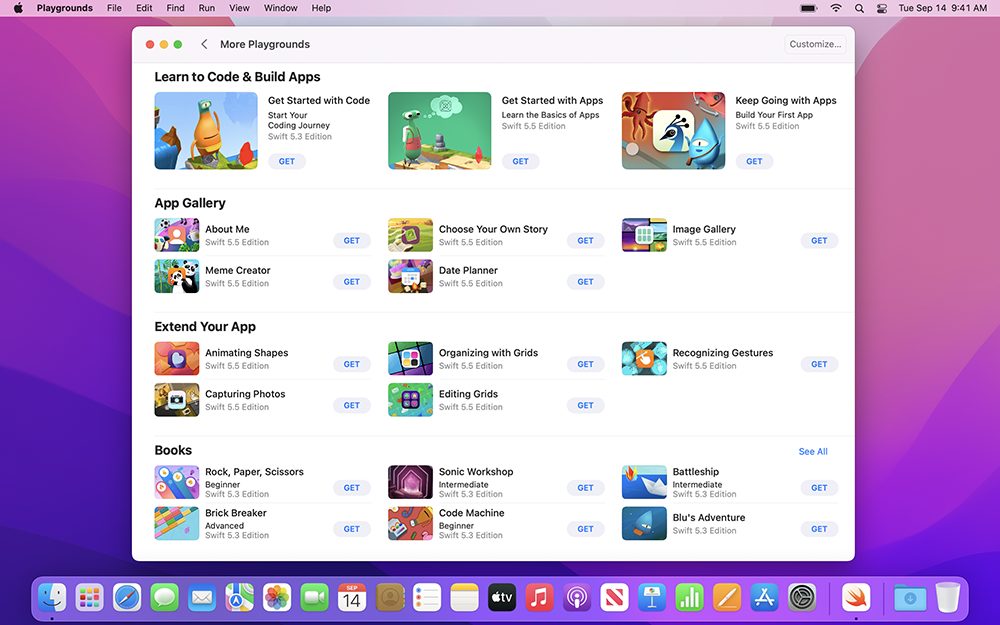
This time Swift Playgrounds adds a simple implementation of writing Mac app updates. Not only during the simple hands-on process, I felt that this learning tool is indeed suitable for all ages – really anyone who wants to learn about programming or even really has an idea to create an application can try it.
Through conversations with young developers, I felt the infinite possibilities of the power of apps that can impact the world. You can really start to bring changes to the world from many small places; and after joining the ranks of the developer community, you will also have the opportunity to bring yourself an unexpected and amazing journey. Since Coding is so interesting, why don’t you do it now?Download Swift Playgrounds How about starting to create your own application?
Further reading:

Source: KOCPC Chinese