


When the concept of exciting replays is integrated with online video platform services, this new YouTube interface pops up. I believe you often watch videos on the Internet veteran driver Friends should not feel too strange. And this experimental feature of “automatically finding interesting clips when jumping to videos” is now confirmed to be a built-in feature of the desktop and mobile versions. Continue reading YouTube’s popular curve display playback interface is fully pushed, and it is easy to quickly jump to interesting clips and report content.
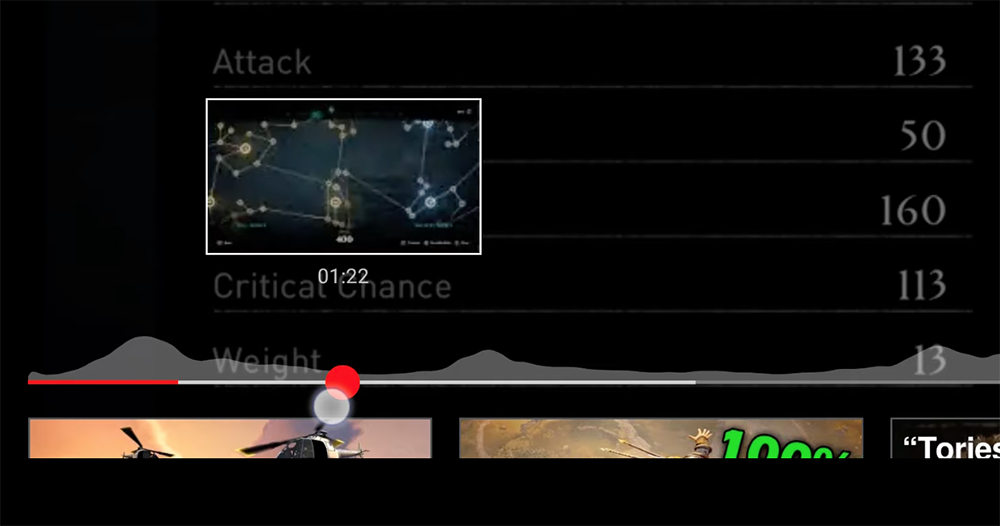
▲Image source: 9to5Google
YouTube’s popular curve display playback interface is fully pushed, and it is super easy to quickly jump to interesting clips
Computer King Ada has already introduced it first. YouTube’s “Automatically Find Interesting Clips When Jumping Videos” function of the curve display interface of popular replay time points can be launched while jumping the video content. I don’t know if you have started to try it out during the experimental period?
This feature will use social viewing data to detect the most frequently replayed moments in video content, which are the times that people find the most interesting. Then, through the interest fluctuation curve integrated into the shuttle playback interface, you can quickly find the part of the video that causes most people to choose to play it repeatedly (or share the link at a specified playback time).Thinking about it carefully, this peak value is quite suitable for advertising, right?
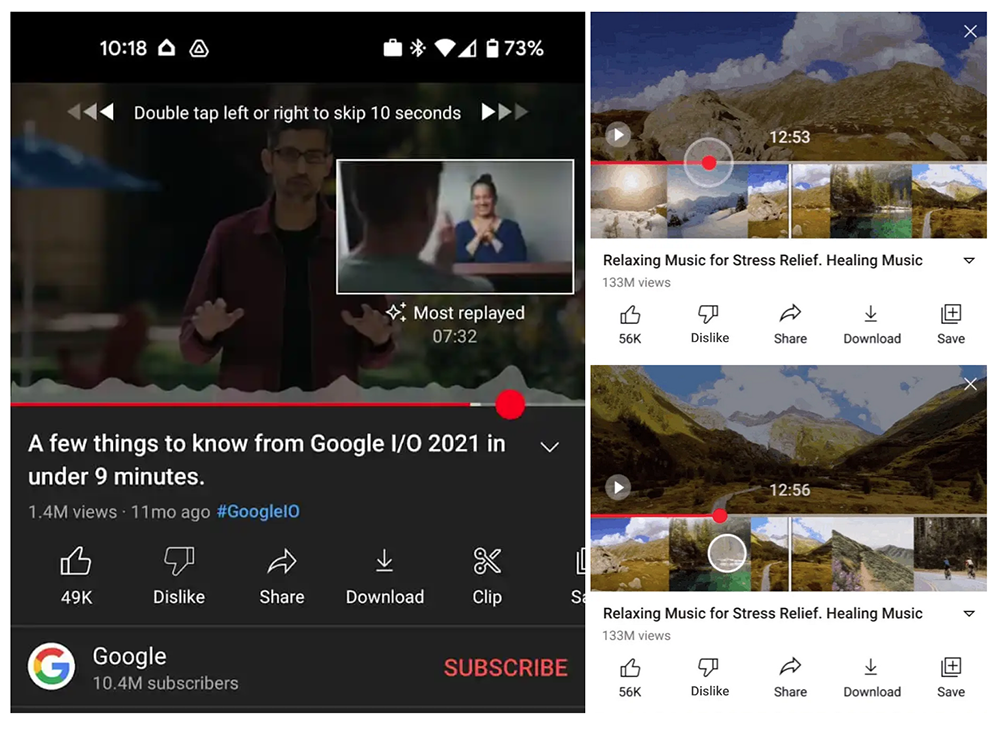
Compared with the chapters set by the creator or the key time code settings that are worthy of everyone’s viewing. This feature of YouTube automatically finding interesting clips when jumping videos – this article will be referred to as “hot curve display” – will allow viewers who want to quickly find the key points of the video to use this curve to display interesting content in the video in addition to time and thumbnails.

▲Image source: Google
As for what content people find interesting? Not to mention the veteran-oriented content, perhaps there will be quite obvious ups and downs at the time when the main celebrities, celebrities and Internet celebrities appear in the interview. This feature is reported to have officially left the laboratory and come to the desktop and mobile version of the playback interface. However, for marginalized people like the editor, I haven’t seen it yet when trying mobile phones and desktop computers. Maybe… we also need to give the video some time to display, right?
If you want to know how it feels to use, you can take a look at our previous “YouTube launches new experimental feature “Automatically find interesting clips when jumping to videos” to help viewers find the most-watched clips in videos“Please refer to the report.

That is to say, this wave of YouTube not only pushes the function of video chapters to applications in smart TV systems and game consoles. The official also mentioned that the chapter function can now also support automatic generation, and can provide creators with the unlimited replay function of Single Loop. He also specifically mentioned that the message and detailed information pages feel squeezed together, and the new interface that has a particularly strong sense of title is also the focus of this update – I originally thought this was just a test interface for a small number of users, but it seems to be the official version…
So if you think it’s weird and you’re not used to it, you may have to wait until the next revision… (QQ)
Further reading:

Source: KOCPC Chinese