


There are many YouTube download tools on the Internet, but they all require opening the website or modifying the URL, which may be troublesome for lazy people. If you are using Edge or Firefox browser, there is such a free extension called YouTube 4K Downloader in the extension store. After installation, a download button will be added directly under the YouTube video, making it easy to download with one click, and it also supports up to 8K.
As for Chrome, there’s no way Google would make this kind of extension available, so it definitely doesn’t exist.

YouTube 4K Downloader Free Expansion Features Introduction
Here I take Microsoft Edge as an example. After entering the Edge extension store, click “Get” in the upper right corner:

This message will pop up above, click “Add extension” to install:

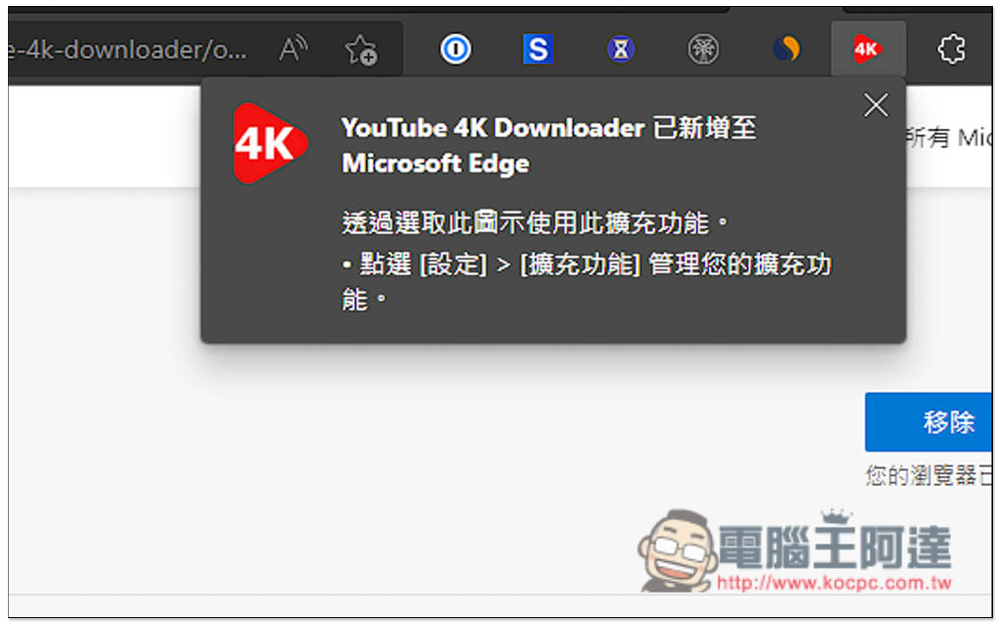
When this message pops up in the upper right corner, it means that the installation is complete. Then its icon should be automatically hidden. Don’t worry about it because you don’t need this icon function when downloading. Just go to the YouTube video page directly:
You will see an additional DOWNLOAD button below (next to Subscribe), please click it:

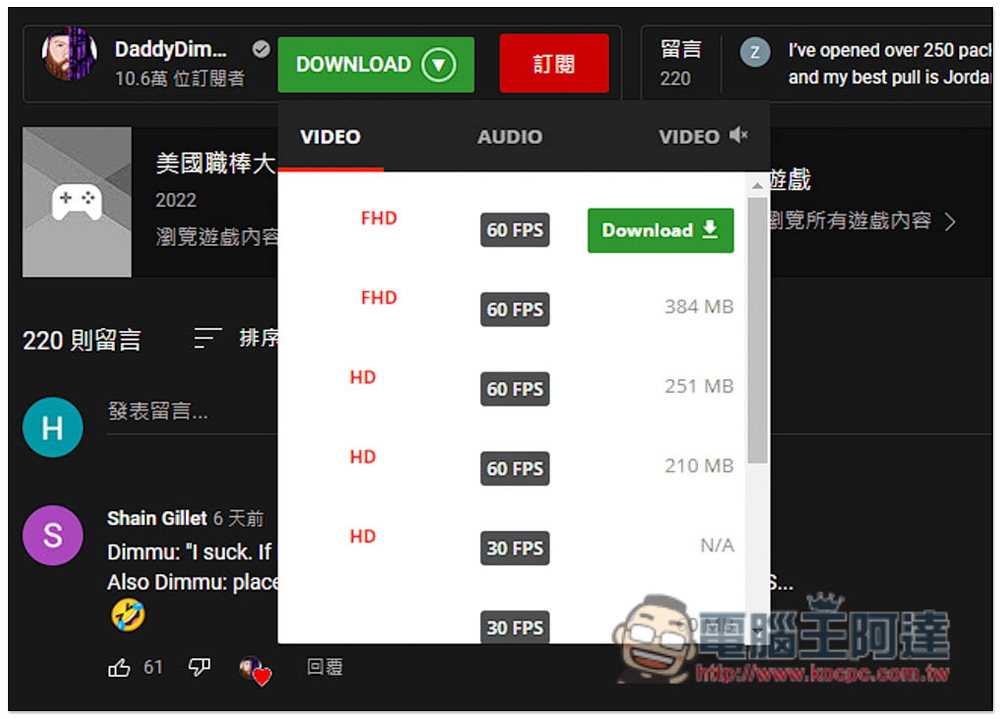
The download option will pop up. The video section will tell you the resolution, FPS, and file size. Press Download to start downloading. What is strange is that some resolutions have two download options. For example, there are two download options for FHD 60FPS and HD 60FPS, but the file sizes are different, so it depends on which one you want to download. It is recommended to choose the one with a larger file size, which usually has better image quality. My guess is that the formats are different, MP4 and WEBM. Usually, WEBM files are smaller:
The download speed is acceptable, almost 1MB/s in my tests, and many online download tools only have KB/s:

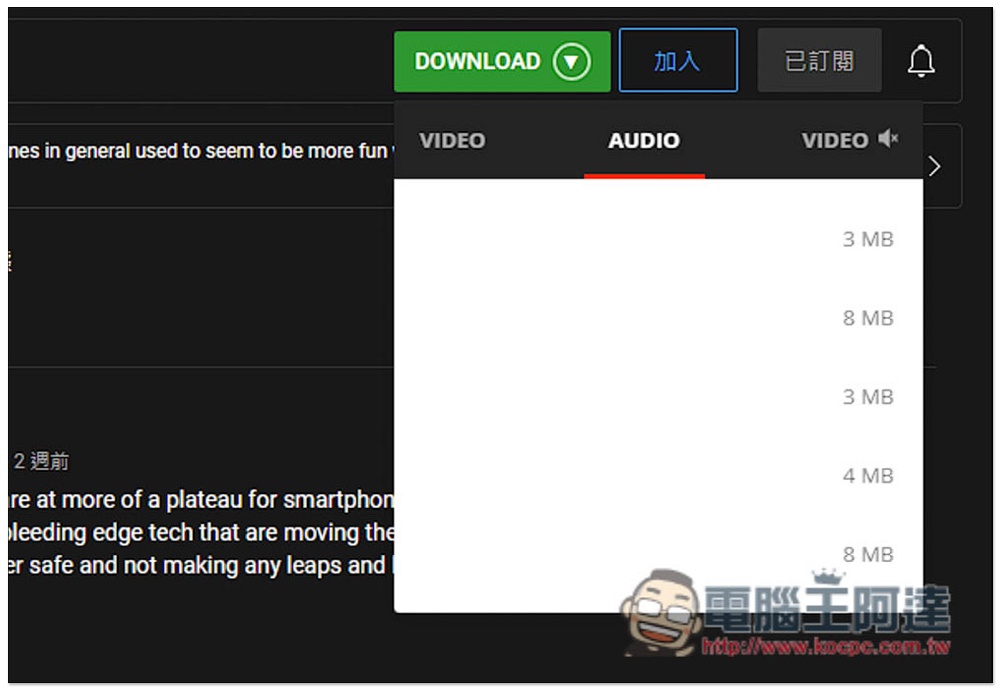
I don’t know if there is a bug in the interface design of this product or for other reasons. The sound section does not list important information (such as format, sound quality), only the file size, so you can only explore by yourself to see which one you need to download:
According to the developer’s instructions, this extension can download YouTube videos in 720p, 1080p, 2K, 4K, and 8K resolutions in MP4 and WEBM formats, as well as private videos and playlists. In terms of sound, there are MP3, WebM and M4A.
I tested that it can indeed download 2K, 4K and 8K resolutions:

As for other audio and video websites, this extension is not supported, which means that this extension is limited to downloading YouTube videos and music. Also a reminder, this type of download tool may fail after a while. If you encounter this, you can try again in a few days, or use other YouTube download tools, like what we introduced before X2Download、Mydowndown、Cut YouTube etc. can be collected for emergencies.
Source: KOCPC Chinese