


There are many free tools for downloading videos from social networking sites on the Internet. However, because it is a web version, it is not so convenient for mobile phone operation. Everyone should be more accustomed to apps. If you have Android, then Download This Video is a good choice. It supports downloading videos from Facebook, TikTok, Instagram and Twitter websites. Paste the URL and the download will start. You don’t have to choose any format or quality. It is simple and easy to use.
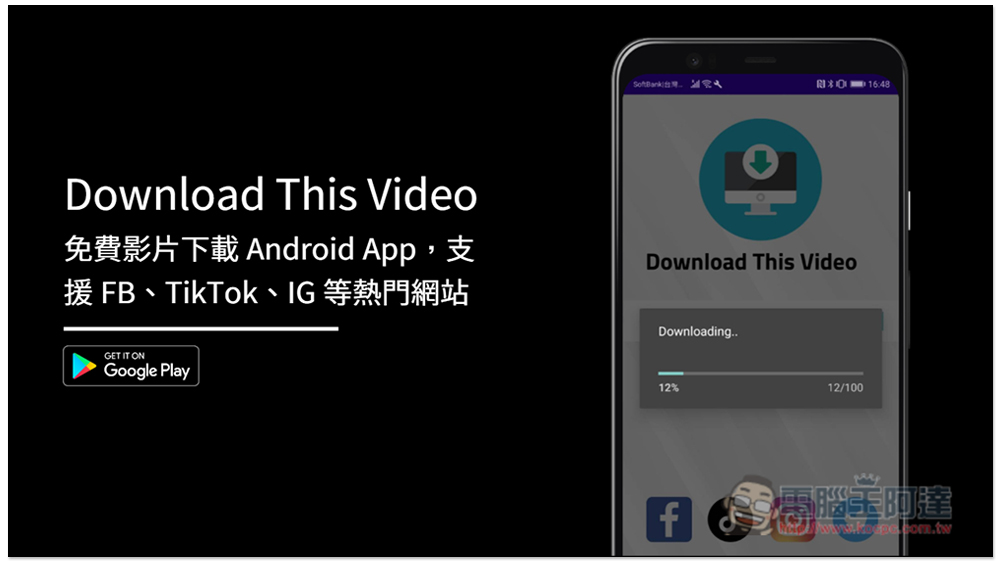
Download This Video Free Video Download Android App Introduction
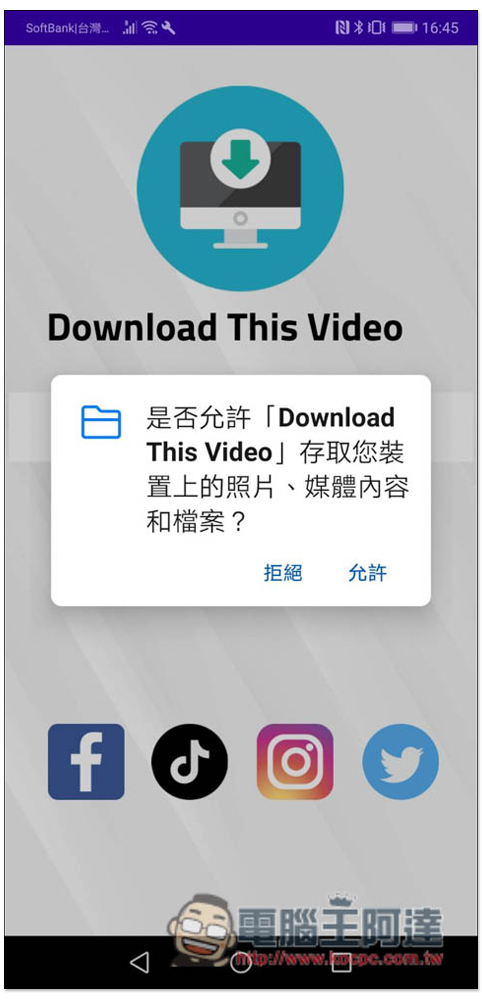
When you open Download This Video App for the first time, you will be asked to obtain permission to access photos, media content and files on your device. Remember to allow it so that you can download it to your phone:
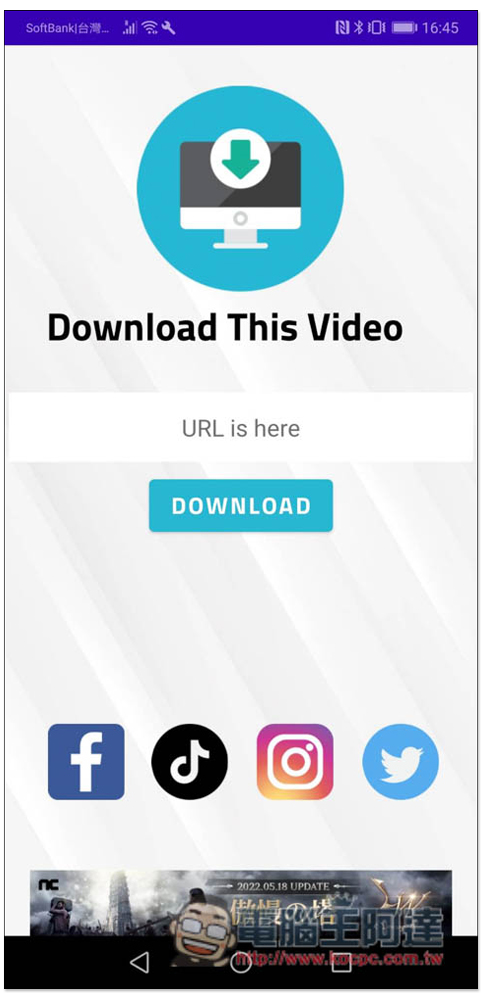
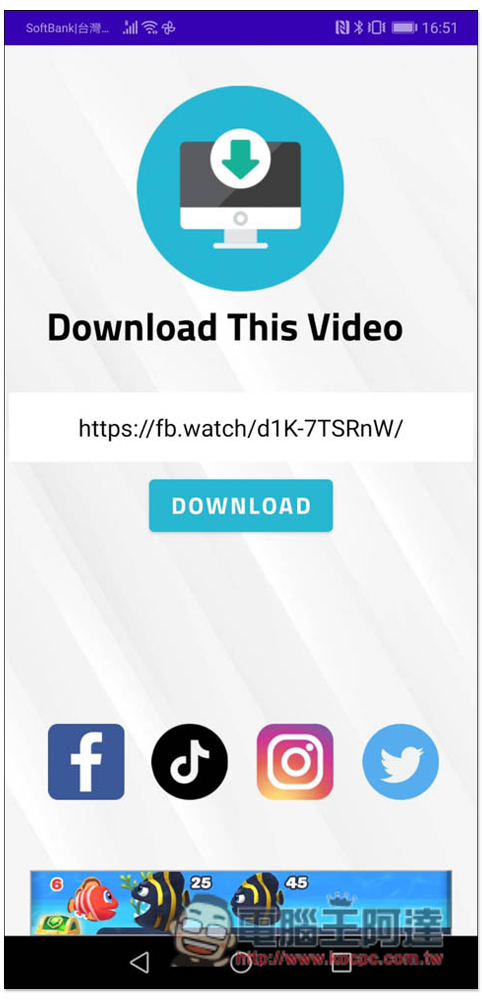
The interface is as simple as that. Paste the URL of the video you want to download in URL is Here, and then click Download to start downloading. Facebook, Tiktok, Instagram and Twitter are definitely supported, but I’m not sure about other websites. You can also give it a try:
First I tried to download the TikTok video, paste it on the website and press Download:

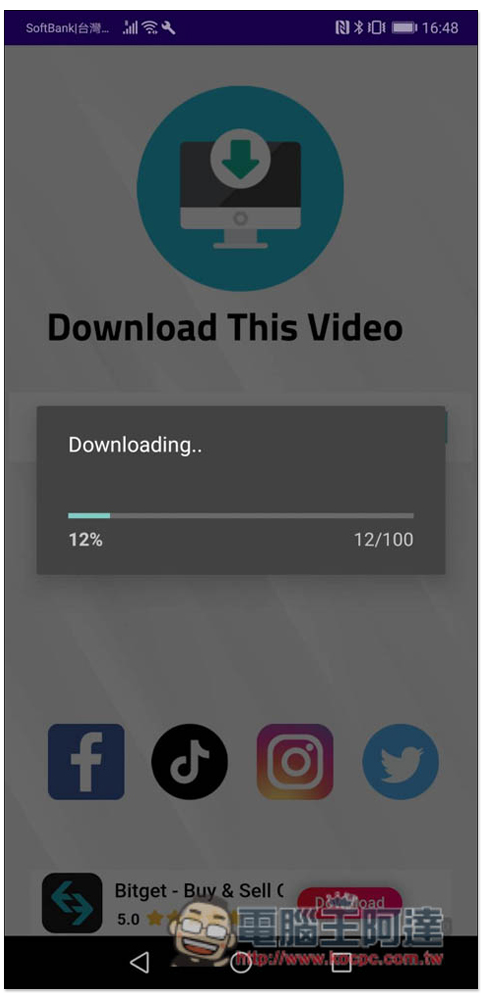
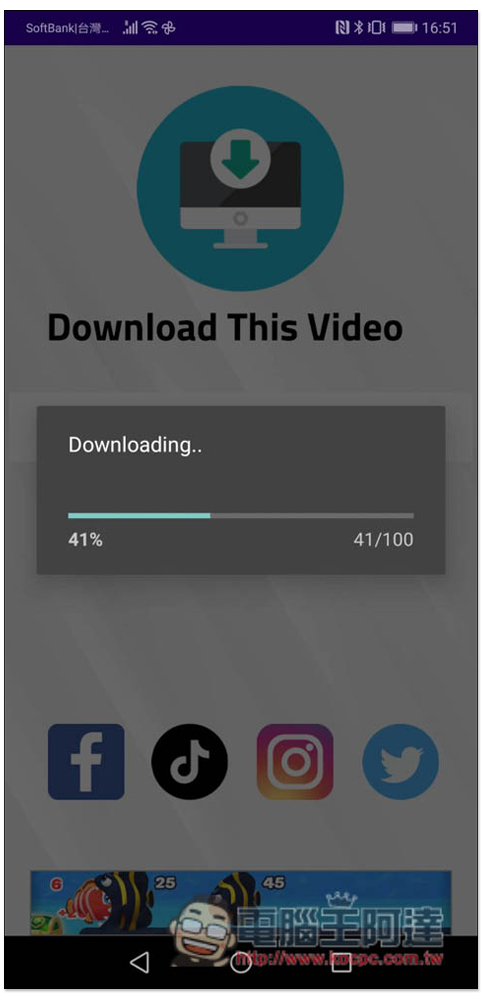
The download will start, and when it reaches 100 it means it is complete. There is no need to select the video format or quality:
After downloading, this screen will pop up. Press WATCH to open and watch immediately:

I tested and it downloaded successfully:

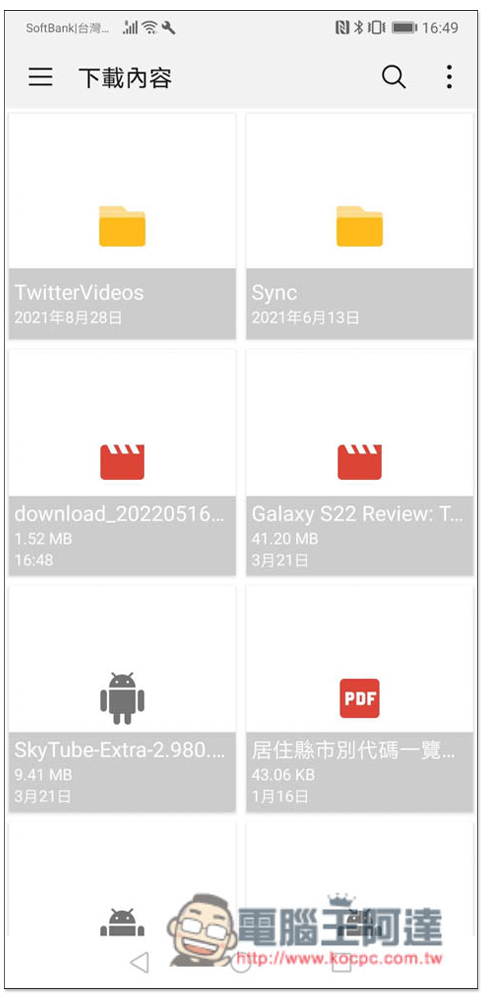
The downloaded video can be found in the download content of the mobile phone and will be named download_2022xxx (date), so just look for the one that starts with this, and then change it to the video name you want:
Let me test the Facebook video again:
No problem, you can download normally:
I have to say that this Download This Video App is really easy to use. There are not too many complicated steps. You can download it directly by pasting the URL. There are not many ads, which is quite good.
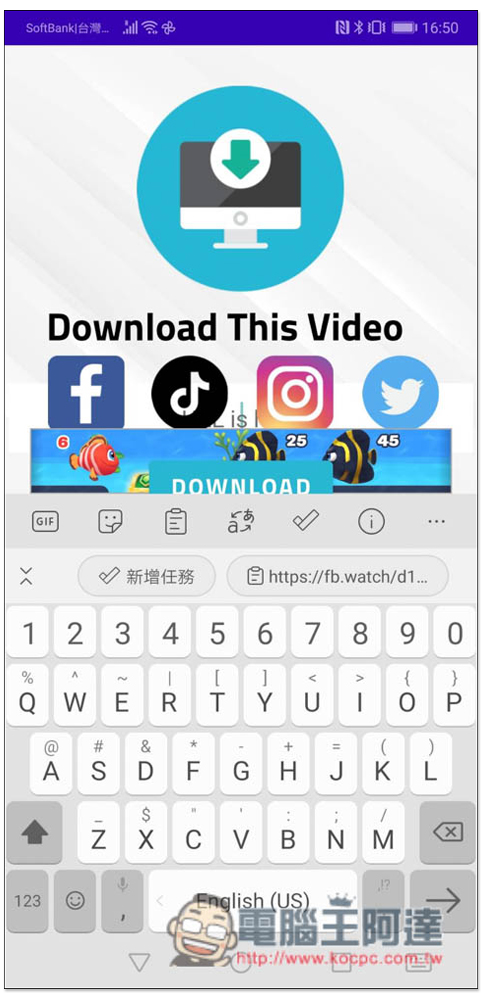
Of course, it is not without its shortcomings. I don’t know whether it is because the screen resolution of my mobile phone is not optimized, or for other reasons. After I paste the video URL, the keyboard will push the lower half of the screen upwards, causing the URL field and Download to be covered, and the Download function cannot be seen. The keyboard must be reduced to use it:
Finally, I would like to remind you that such online video downloading tools sometimes fail and cannot be downloaded. If you unfortunately encounter this, you can use another downloading app, or you can wait a few days and try to download again.
In addition, if you want to download YouTube videos, you can use the method we introduced earlier SkyTube Extra, this one is comparable to YOuTube Vanced, Download This Video cannot download YouTube videos (anything that can be downloaded is not available on the Google Play Store.)
Source: KOCPC Chinese