


As AI image generation becomes more and more sophisticated, there are now more and more free tools online that let you generate AI images without paying or even registering, like the ones we’ve covered before. PicLumen、Fast Stable Diffusion XLand ImagenFX Wait.
This article recommends another free open-source tool, BlinkShot, based on the Flux model from the Together API. Not only is it completely free to use, it also supports real-time generation—by the time you finish entering your prompt, the image may already be generated. It’s incredibly fast.
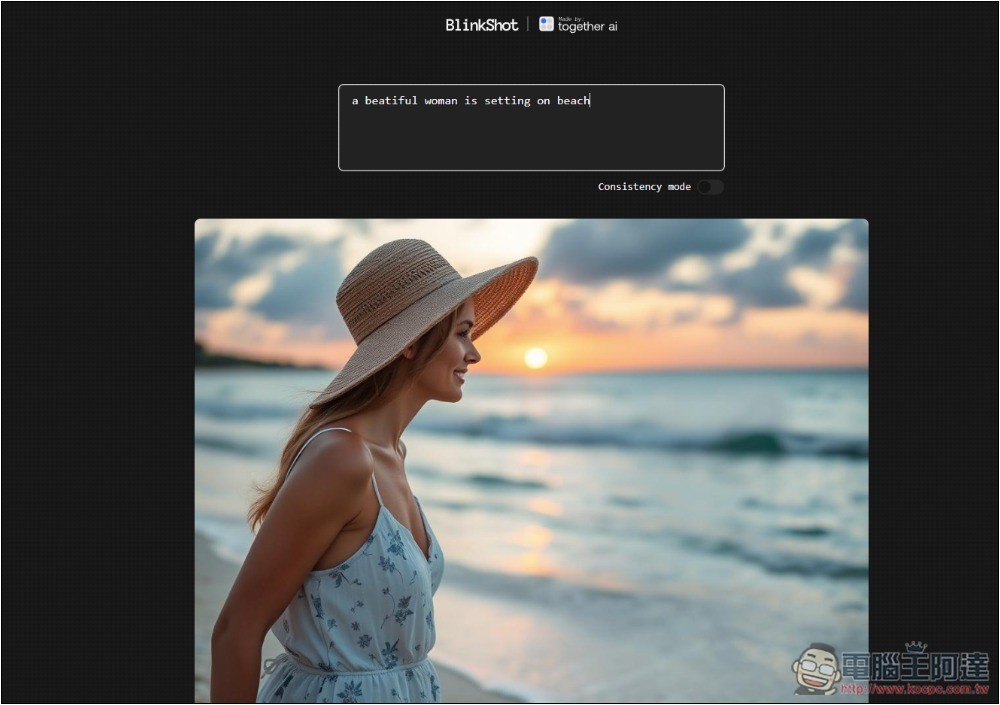
Introduction to BlinkShot: An Open-Source, Free AI Image Generation Tool
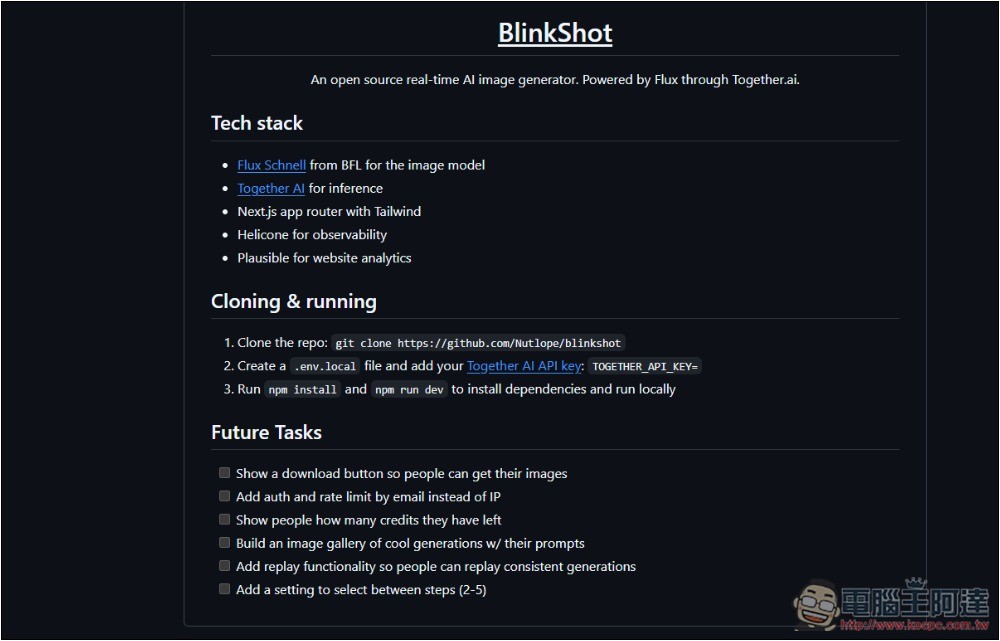
BlinkShot is an open-source tool, which means you can also host it locally using your own Together API. If you’re interested, you can go to GitHub Download the entire project:
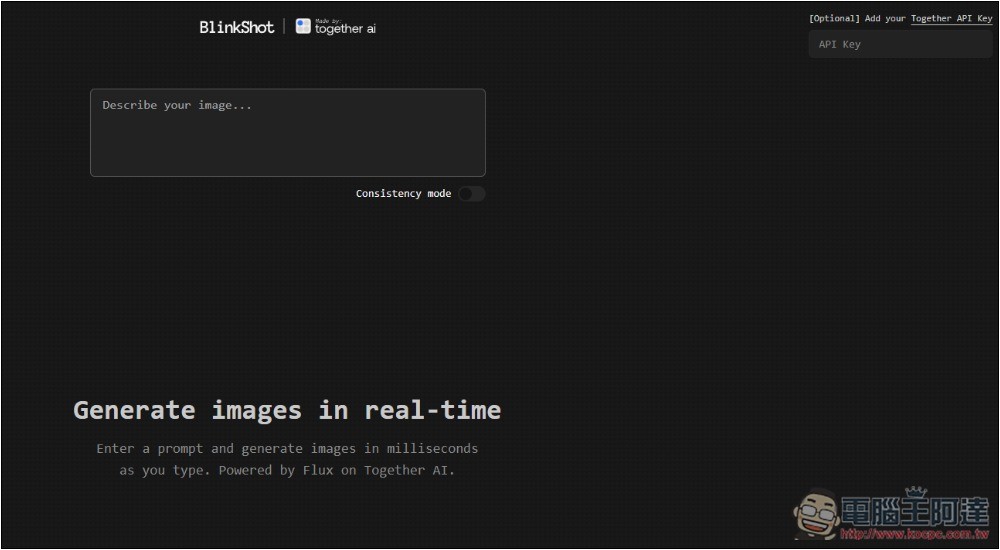
BlinkShot’s online version already has the Together API preconfigured, so you don’t need to enter anything or register an account to start using it. There’s also no limit on the number of images you can generate — you can create as many as you want.
Of course, if you prefer to use your own Together API Key, the developer also provides an API input field, located at the top right of the screen:
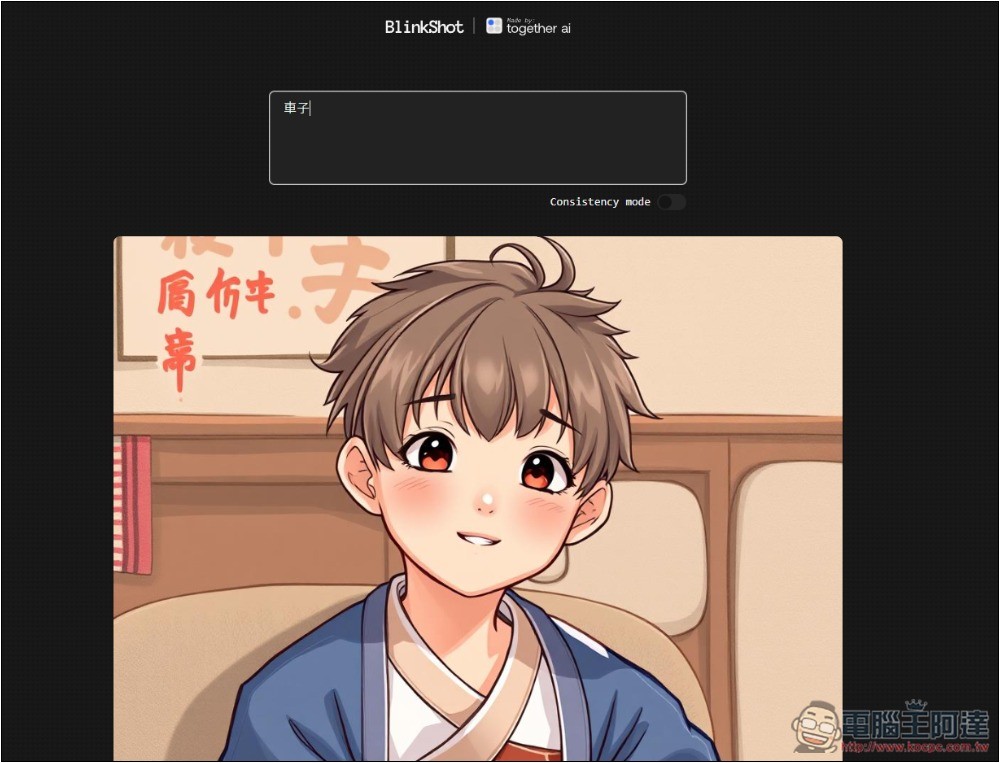
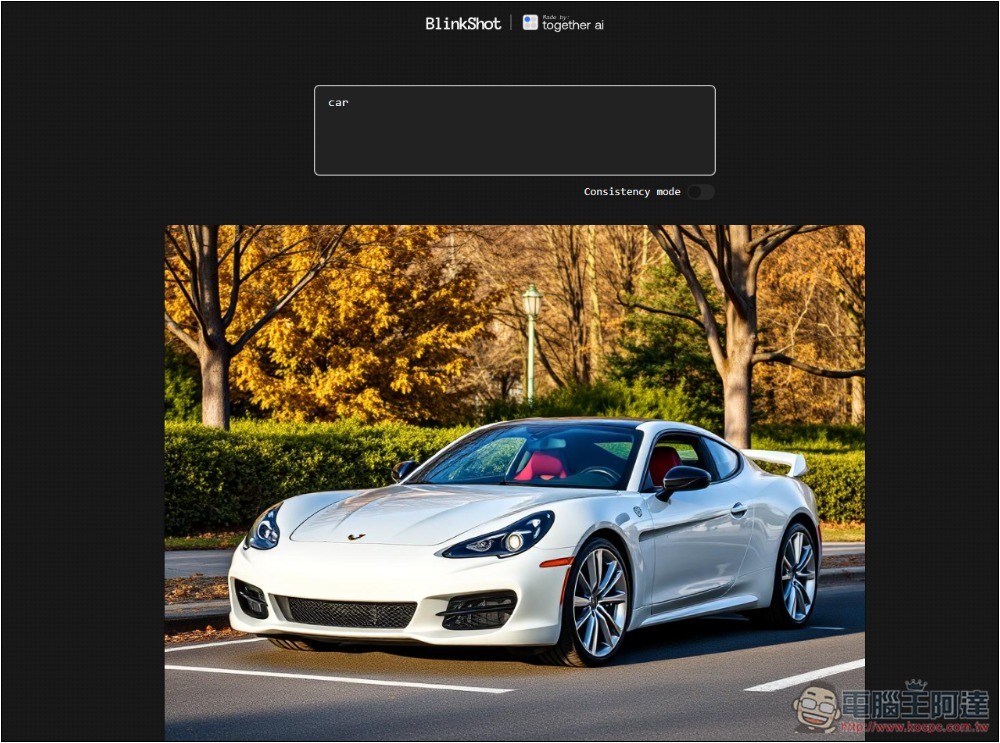
Usage is simple: just type the image description you want to generate in the box. I tested it and it doesn’t support Chinese—it generates random, unrelated images. For example, I entered “car” (車子), but it gave me an anime picture of a guy. Since the generation is very fast, you can also try Chinese; you’ll get the result in less than a second after entering your input.
After changing it to the English “Car,” it works normally. If no style is given, it seems to generate realistic images:
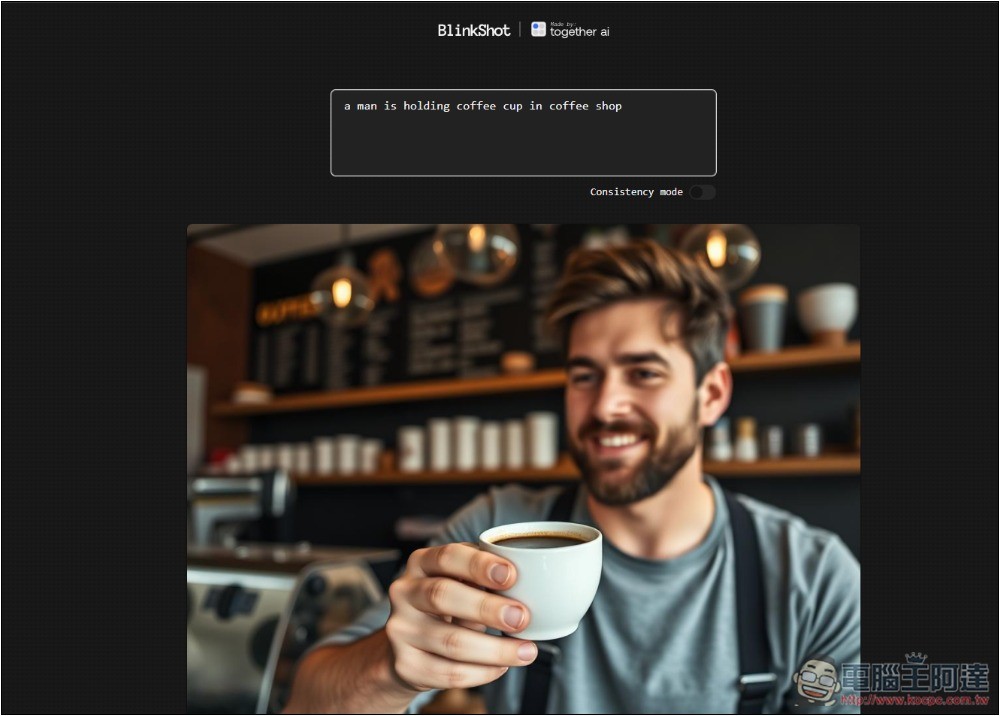
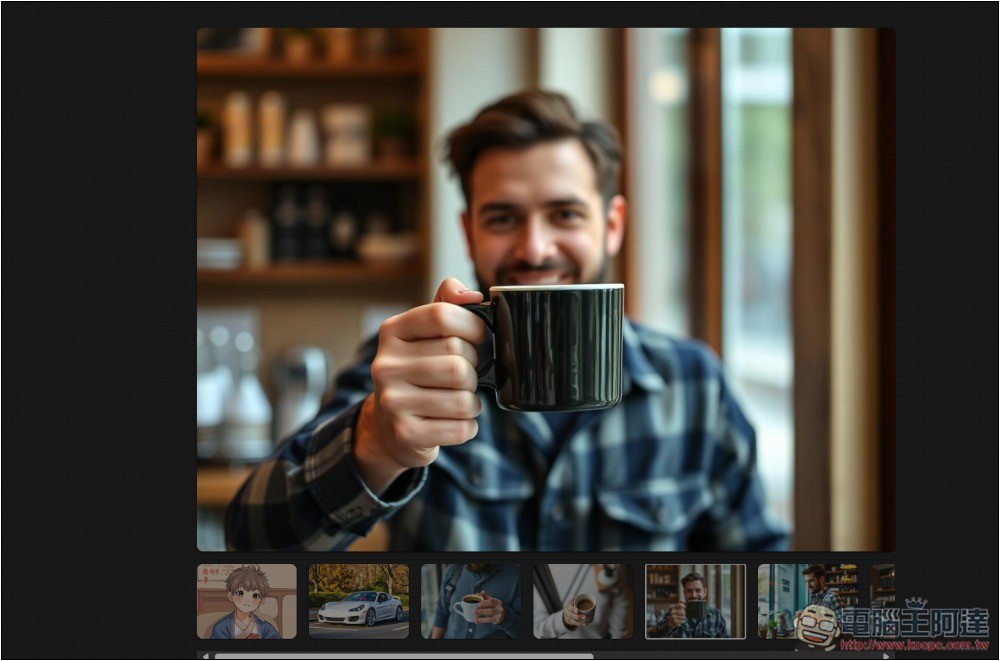
When generating images, I’d recommend giving more description, so the AI-generated image will better match what you want. As expected of the Flux model, the portrait details are quite good, and it doesn’t give off a strong AI feel:
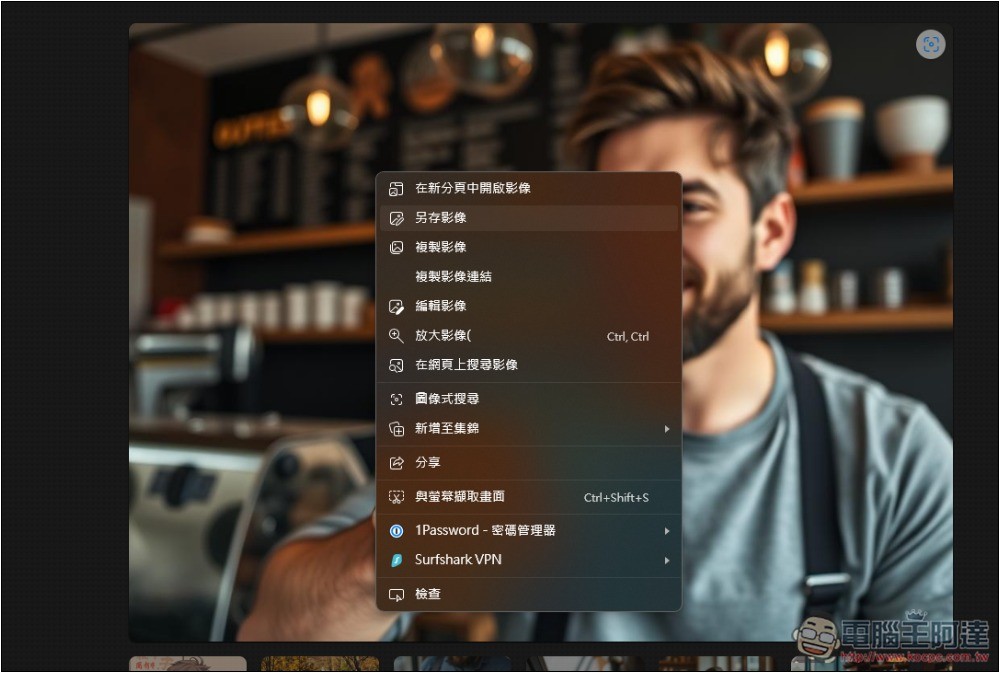
If you are satisfied with the AI image, you can save it by right-clicking and choosing “Save image as”:
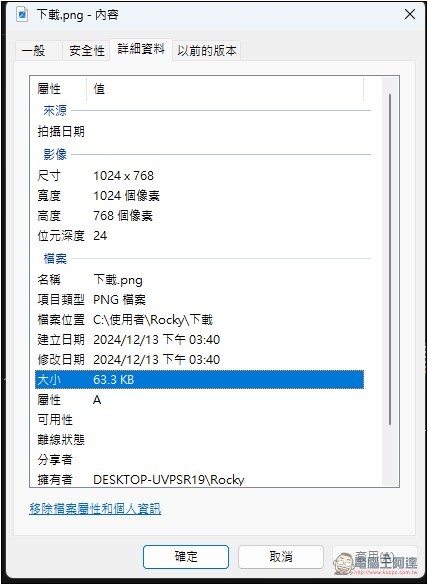
The downloaded image dimensions are 1024×768, and currently it looks like there’s only this one. I’ve tried adding the aspect ratio and resolution to the description, but that part had no effect:
All the images you’ve generated will be saved below, so you can switch between them anytime without worrying about losing them. That’s actually pretty nice:
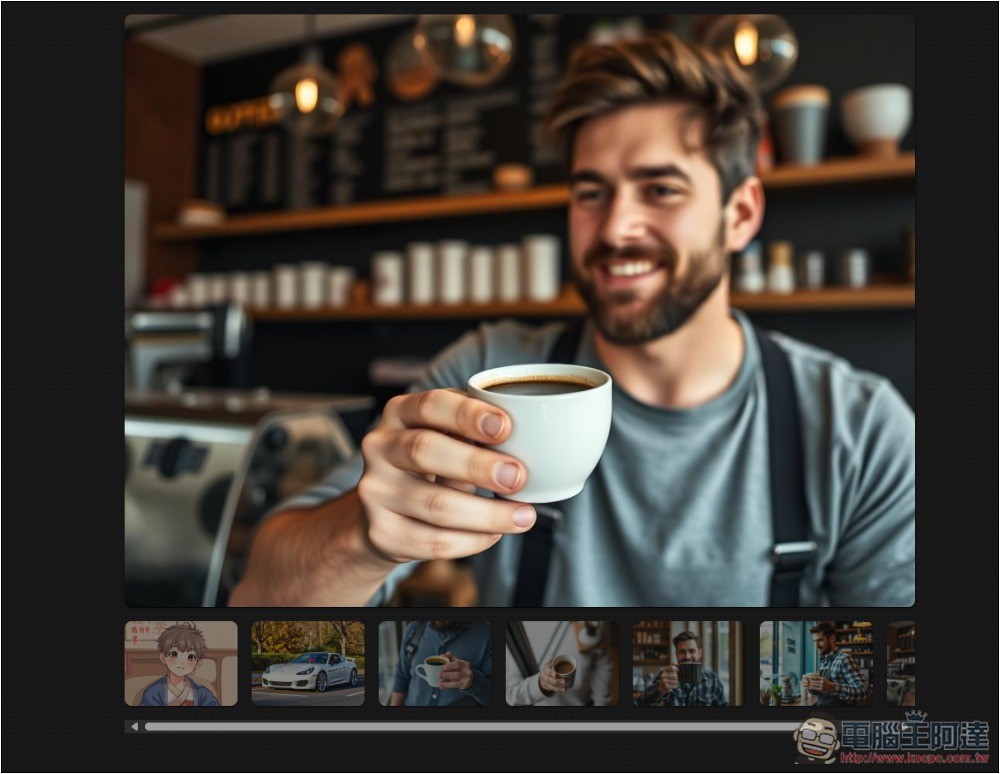
Additionally, after the image is generated, you still need to check the details, since errors are common. For example, in the image I generated, the male figure had an extra finger on his hand, making six fingers. In such cases, just regenerate it once (press the spacebar within the description to generate again), and that should basically fix it.
Additionally, in the GitHub project, the developers have indicated that the following new features will be added in the future:
- Show a download button so users can download their images.
- Use email for authentication and rate limiting instead of IP.
- Display the user’s remaining points amount.
- Create an image gallery showcasing wonderful generated results with their prompts.
- Add a replay feature so users can reproduce consistent generated content.
- Add a setting that allows users to select the number of steps (2-5).
This also means that in the future, free might come with usage limits.
Source: KOCPC Chinese