


At this year’s September Apple event, besides unveiling its own AI, Apple Intelligence, Apple also announced that OpenAI’s chatbot ChatGPT would be integrated into iPhone, iPad, and Mac in the future. At the time, they only said it would be integrated but didn’t give a specific date. Recently, OpenAI announced a 12-day event with 12 livestreams over 12 days, and many new things will be revealed during this event. For example, a few days ago they unveiled the long-anticipated video generation model Sora. Today, OpenAI officially announced that ChatGPT is now integrated into the Apple experience on iOS, iPadOS, and macOS, allowing users to access ChatGPT features directly within the operating system. Although it’s not yet available in Taiwan, we can still get a preview of what changes the Apple ecosystem will see with ChatGPT integrated. Today I’ve put together some examples for everyone—if you’re interested in this integration, keep reading~
OpenAI announced that ChatGPT has officially launched on Apple’s iOS, iPadOS, and macOS systems.
OpenAI announced today that ChatGPT has been integrated into the Apple experience across iOS, iPadOS, and macOS, allowing users to access ChatGPT features directly within the operating systems of iPhone, iPad, and Mac. With this integration, ChatGPT is now available for use with Siri, Visual Intelligence, and Writing Tools.
Siri with ChatGPT built-in
After Siri is equipped with ChatGPT, calling up Siri is essentially calling ChatGPT. For example, if you ask Siri to help you organize a Christmas party, Siri will have ChatGPT plan one for you.

You can also ask ChatGPT to create a Christmas playlist for you, and have ChatGPT generate a Christmas playlist cover.


Your conversations on Siri will jump to the ChatGPT APP when you click the ChatGPT link, and you can see all your conversation history with Siri. Simply put, you don’t need to open ChatGPT; just use voice or text input to call on Siri, and you can still use ChatGPT to get things done.

Apple Visual Intelligence uses ChatGPT
Using the camera on an Apple device for Visual Intelligence—that is, visual recognition—you can point the camera at yourself and have ChatGPT host a Christmas sweater contest. You can use your iPhone’s camera to scan yourself and let ChatGPT score your ugly Christmas sweaters. After ChatGPT picks the winner, you can also ask ChatGPT to generate an image for the champion.
Visual Intelligence with ChatGPT pic.twitter.com/4dfOOUET6A
— OpenAI (@OpenAI) December 11, 2024
Using ChatGPT on Mac
As mentioned earlier, Apple Intelligence and the ChatGPT extension are now available on iPhone, iPad, and Mac. Apple has now made Siri accept voice or text input, so you don’t have to wake all your devices at once by saying “Siri.”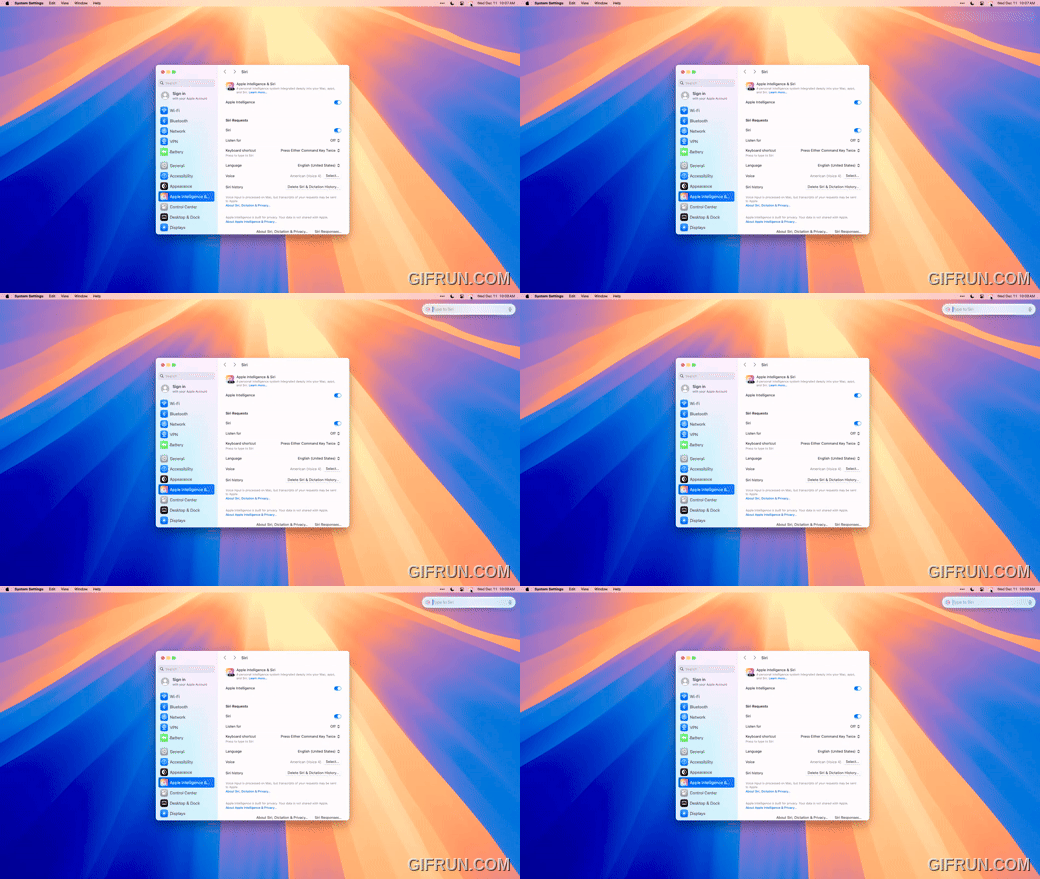
Now when you’re working on a Mac, you can also use ChatGPT to help you get things done. For example, when reading a 46-page article, you can ask Siri to use ChatGPT to find the content you’re looking for in the article. If you find the content too long to read comfortably, you can also jump straight to the ChatGPT app, where all your previous conversations with ChatGPT will appear on screen.
Compose with ChatGPT pic.twitter.com/Njc5qRsh7C
— OpenAI (@OpenAI) December 11, 2024
Due to OpenAI’s announcement today, ChatGPT experienced a temporary global service outage. The service has now been restored, and everyone can use it normally. Although the issue has been resolved, it still affected the experience of the Siri-ChatGPT integration in some regions where it was already available.
We’re experiencing an outage right now. We have identified the issue and are working to roll out a fix.
Sorry and we’ll keep you updated!
— OpenAI (@OpenAI) December 12, 2024
The features introduced today are currently only supported in the United States and in English, so Taiwan and other regions still can’t use most of the Apple Intelligence and ChatGPT integrated features. However, based on the timeline announced in the Apple iOS 18.2 update news for the next wave of Apple Intelligence language support, my guess is that Taiwan should be able to use them around the first half of 2025. I wonder if everyone is looking forward to having these available in Taiwan too? If you’d like to learn more about the 10 must-try new features in the iOS 18.2 official release, you can click the link below to read the related report:
Source: KOCPC Chinese