


When making videos, some people may not like to record their own voices, or they may want to have the same computer narration effect as online videos. This Sound of Text online tool can do it. It is completely free and does not require registration. After opening the web page, you can enter the text you want to record as voice and select the language. After listening and it is OK, you can download and use it. It is simple and easy to use.
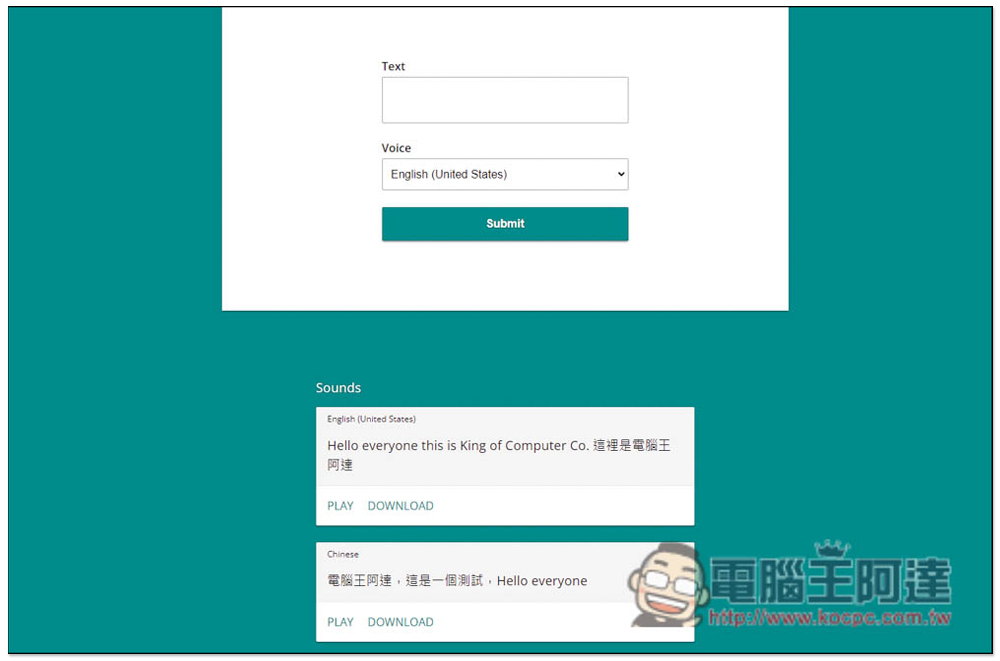
Introduction to Sound of Text, a free online text-to-speech tool that can easily create Google Voice narration sound files
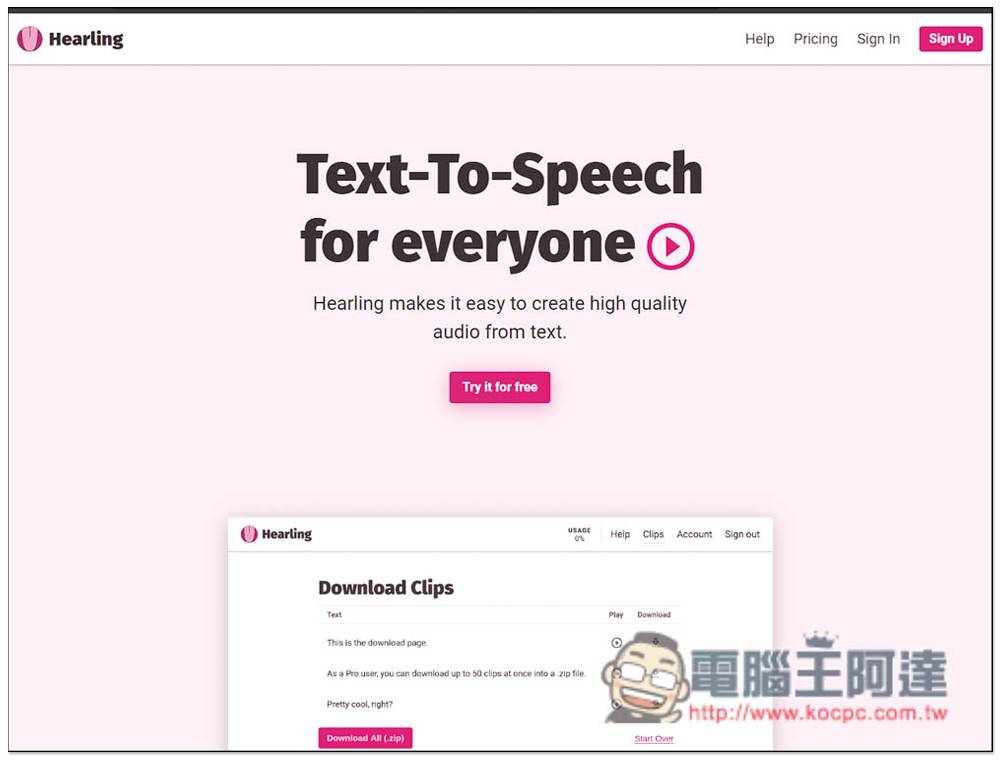
Sound of Text technology uses Google Translate’s speech engine. The free version’s voices are all female and have a more machine-like sound. If you want more natural or more voice options, they also launch another text-to-speech service called Hearling, which requires an additional fee.
After entering the Sound of Text website, you can enter the text you want to convert into speech in the Text field. There is a limit of 200 words. If you need a long text, you can divide it into multiple sub-sound files:
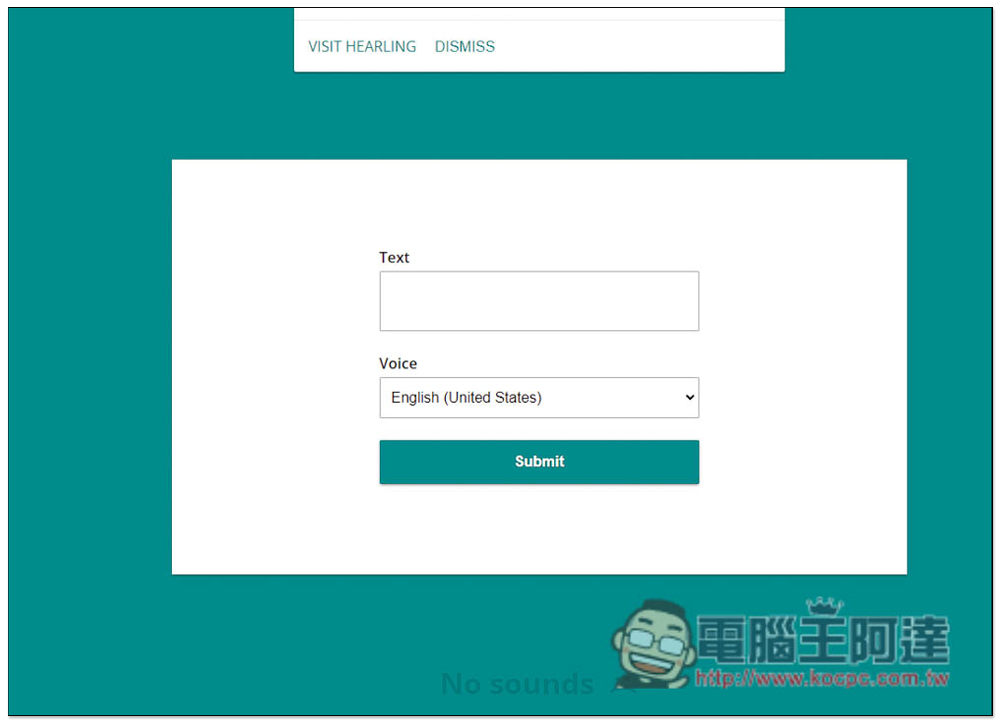
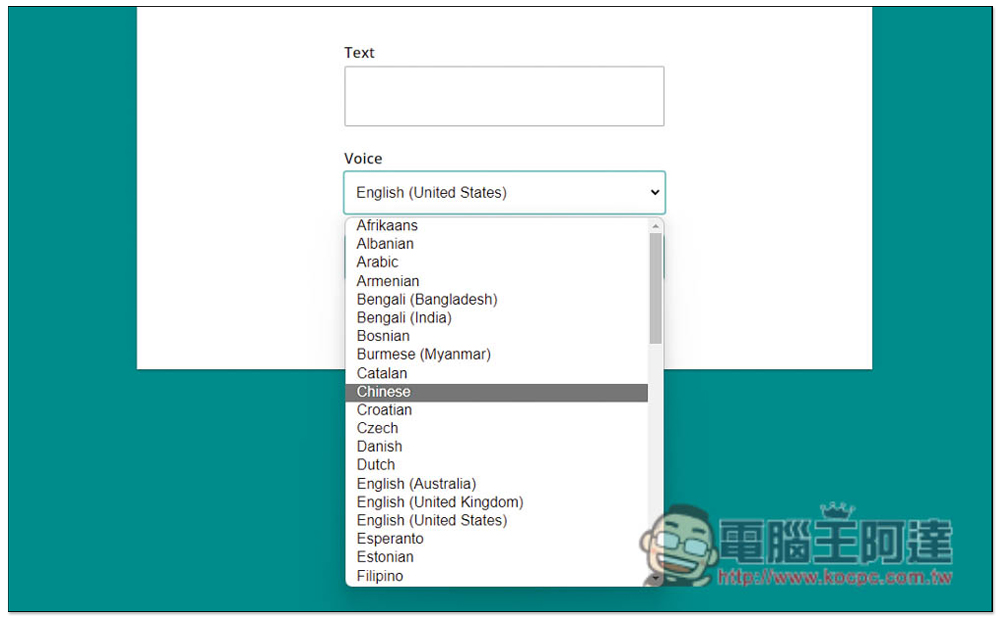
Click Voice to switch the language you want to change. In fact, the English voice can also read Chinese characters, but it will become like a foreigner speaking Chinese. Some of the words may not be very clear. If you want standard Chinese, select Chinese (not divided into simplified or traditional):
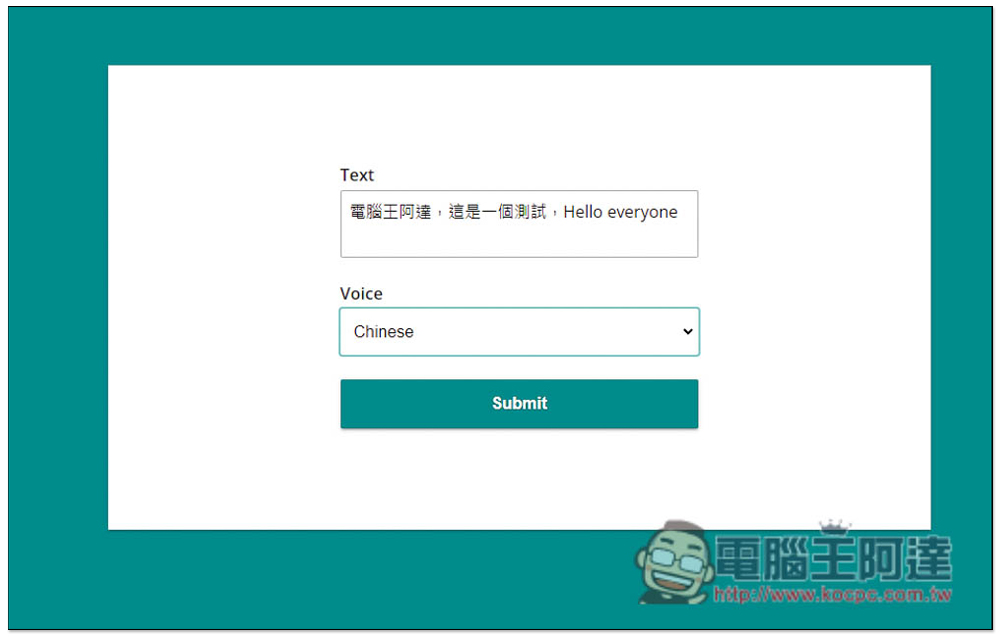
I first tested the Chinese + English content. The voice selection was Chinese. After typing, I pressed Submit:
In a few seconds, a download link converted into an audio file will appear below. You can press PLAY to listen to it first, and then press DOWNLOAD to download if you have no problem. I tested the Chinese pronunciation (Chinese) and can also pronounce English, but the pronunciation method is a bit strange. For those who want perfect pronunciation, it is recommended to make separate audio files, and pronounce English independently with the English voice:
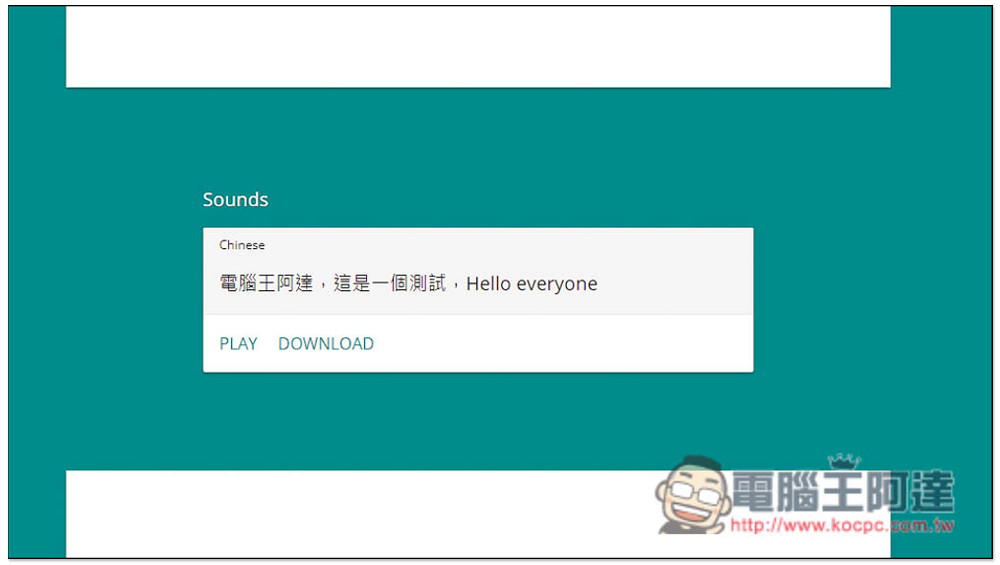
New sound files generated later will not overwrite the previous one, so you can keep building up, which is pretty good. Also remember not to reorganize this page, otherwise the original records will disappear:
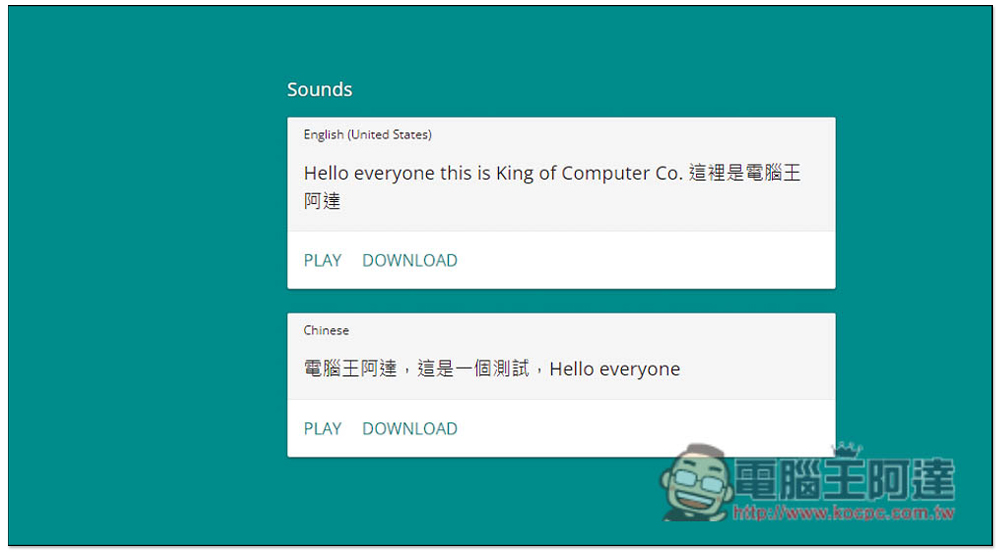
The sound files generated here can be used for any purpose, so you can use them with confidence.
There are a lot of supported sounds, and the free version has as many as 61 to choose from, including Chinese, English, Korean, German, Italian, Japanese, Spanish, Portuguese, and even Indian, etc.
another one Hearling text-to-speech serviceThere is also a free trial, but this requires registering an account. You can record 5,000 words per month (normal quality), and WaveNet quality is only 1250 words. Upgrading to the paid version also has a word limit per month, not unlimited, and the price is not very expensive. People who often have such needs can still refer to:
Source: KOCPC Chinese