


When browsing Instagram, occasionally there will be some photos and videos that you want to save. However, Instagram itself does not provide a download function, and you cannot right-click to download. Then you can use this free online tool Snapinsta. IG videos, photos, Reels, Stories and IGTV can be downloaded. You only need to paste the URL. It also has a Chinese interface, which is simple and easy to use.
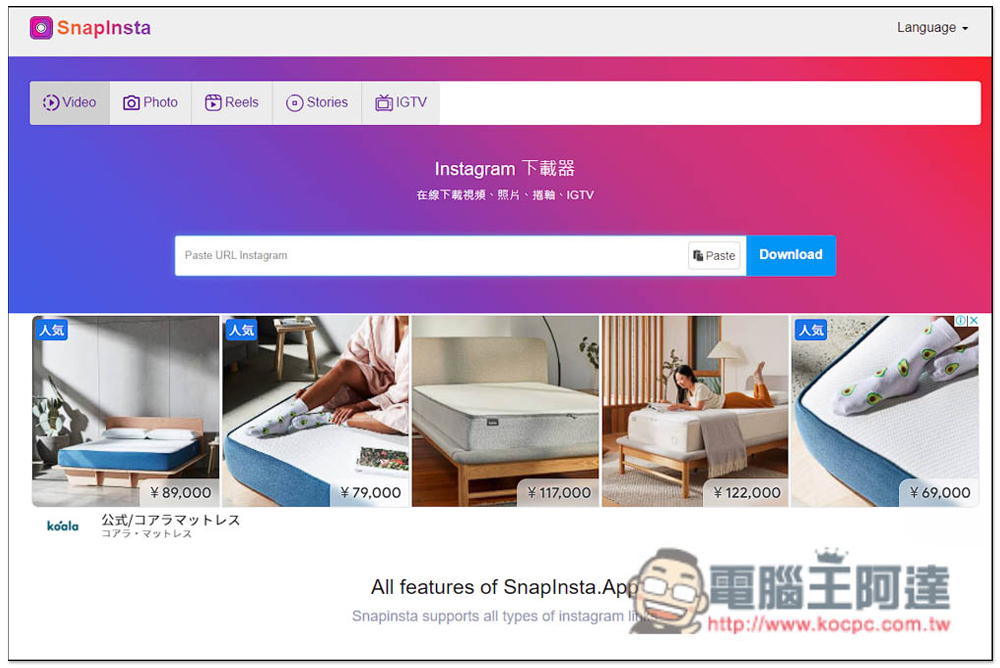
Introduction to Snapinsta, the all-purpose Instagram free downloader, which can download videos, photos, Reels, Stories and IGTV
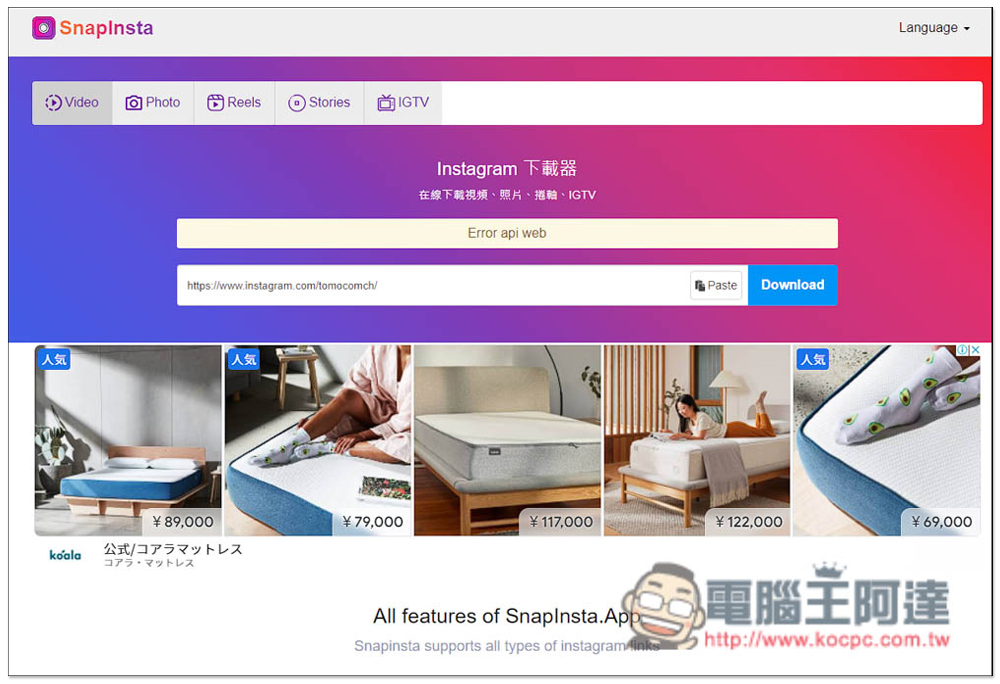
After entering the Snapinsta website, you can see Videos, Photos, Reels, Stories, limited-time updates, and IGTV functions at the top. Logically speaking, you should click on which tool you want to download which IG content, but this website does not use it. You can directly paste the IG URL you want to download, and it will automatically determine what content it is and find the download point:
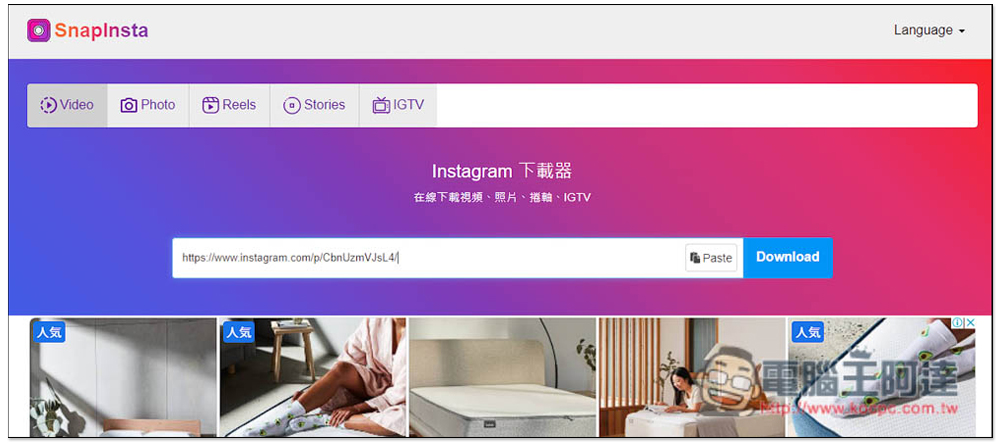
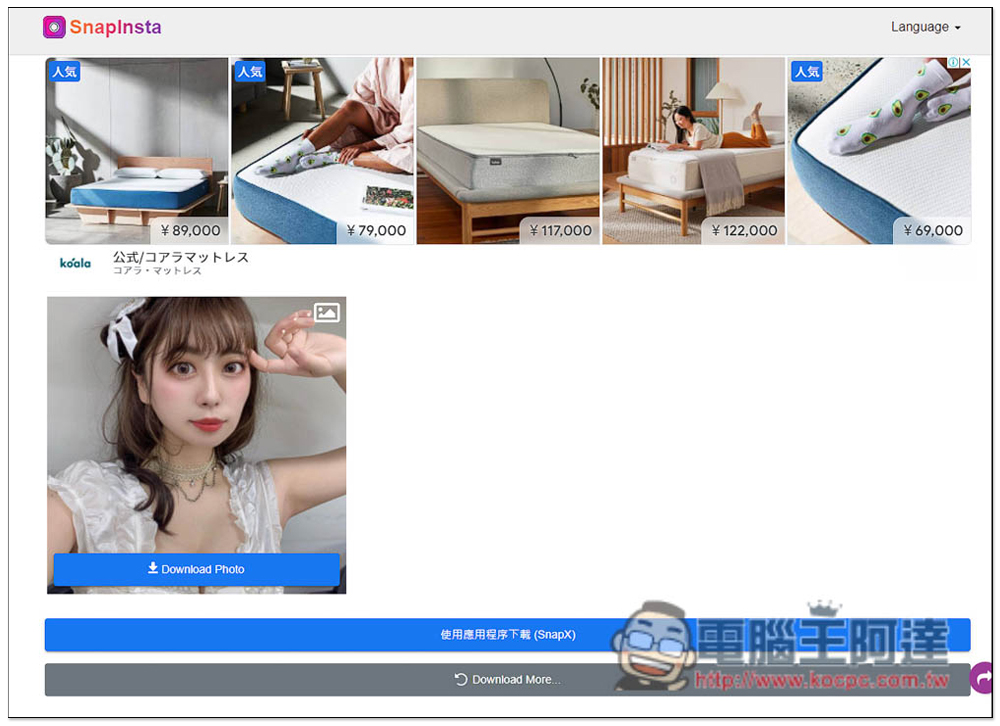
Just like I just used Video, you can still download IG photos. Make sure you can find the download point. It can be a single photo or multiple photos. Press Download Photo to download the photos:
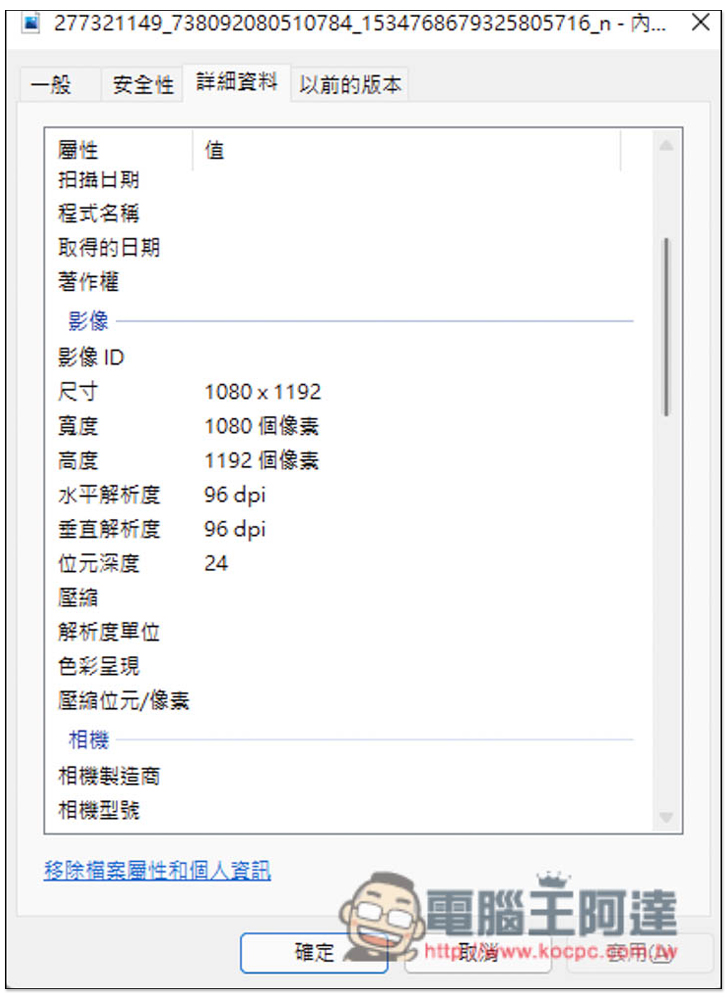
The downloaded photos are also high resolution, as are the videos:
In actual testing, downloading videos is also possible. Press Download Video and the download will start:
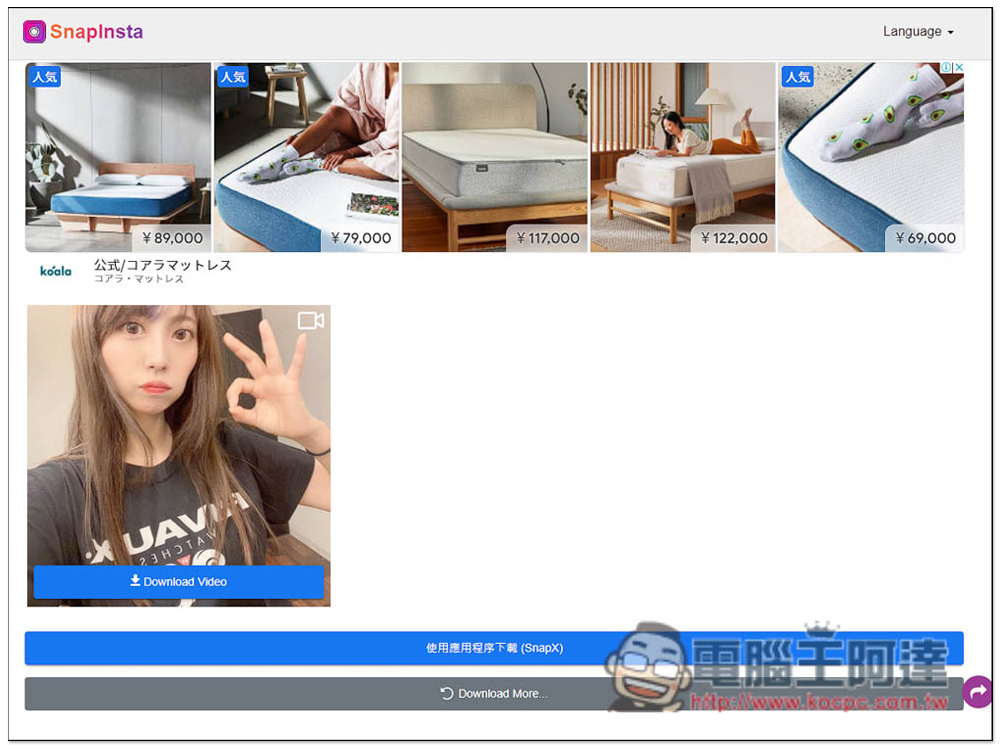
Stories and IGTV are no problem. You can find the download point and press Download Video to download:
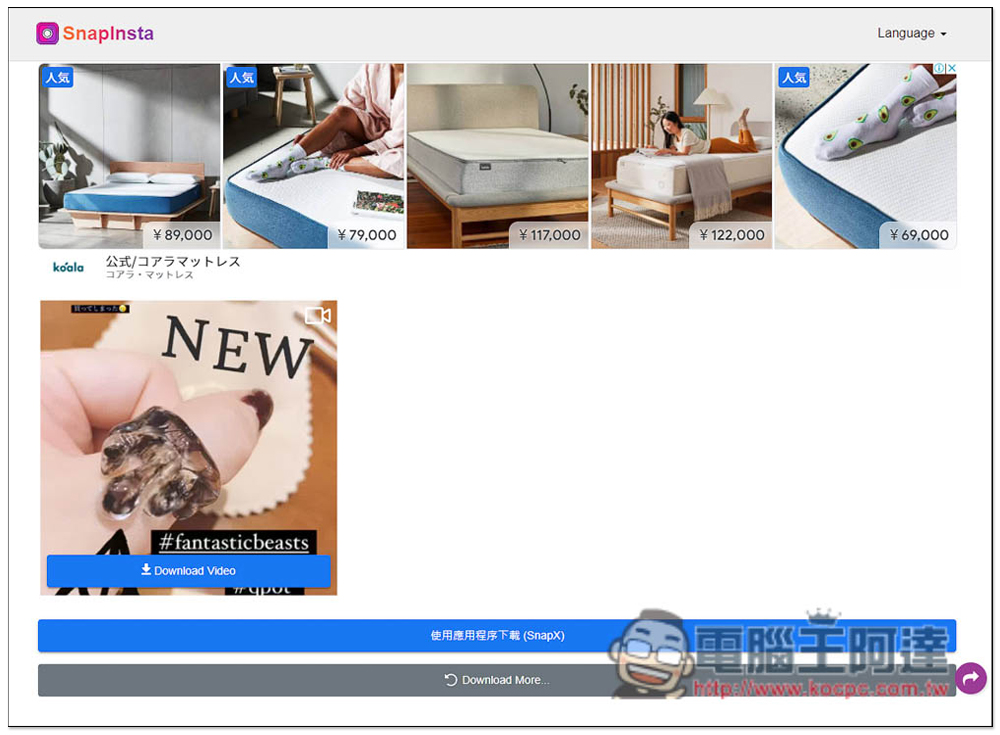
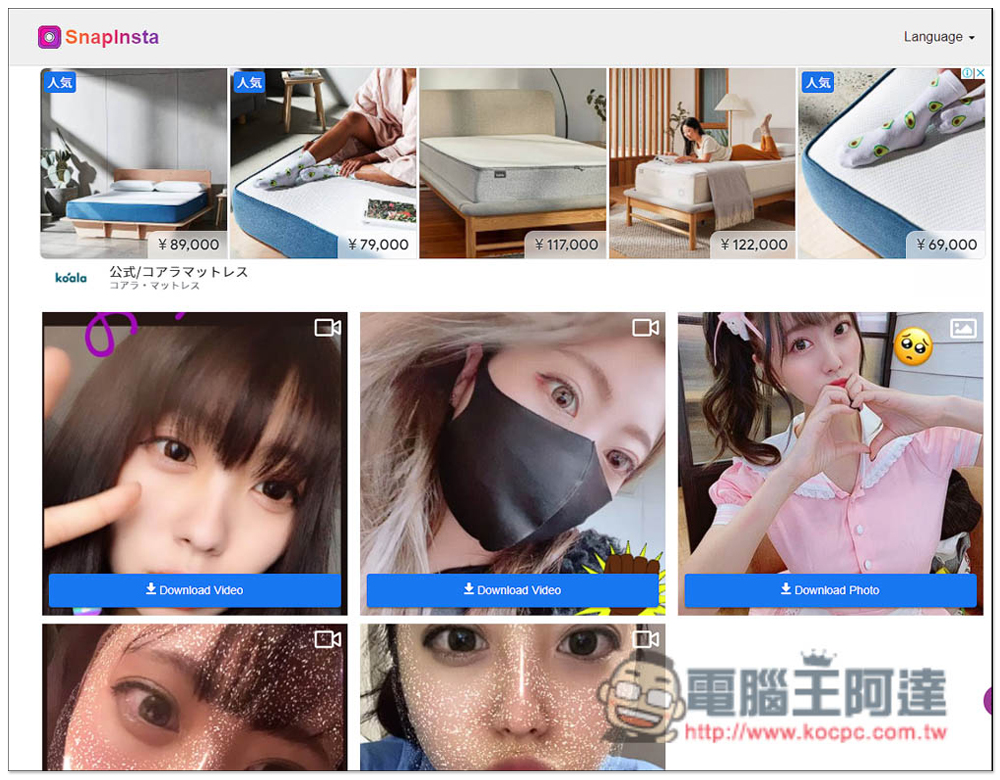
If there are multiple videos and photos in the limited-time dynamic, the download points will also be displayed individually, allowing you to download according to your favorite content:
Unfortunately, the tool I tested does not support scanning the contents of an account at once. Pasting the account URL will display “Error api web error”, so you can only copy the URLs one by one, paste and download:
In addition, this website also provides an Android version of the free downloadable app called “SnapTik – Tiktok Downloader”, it can download Tiktok videos without watermarks, all Instagram content, Facebook, Twitter and other social networking sites. It is also quite powerful. Android users can give it a try.
This type of online tool occasionally fails and cannot be downloaded, so if this is the case when you use it, you can try other tools instead, such as the ones we introduced before Mydowndown、Allow Right-Click、StoriesIG Wait, or download it again in a few days.
Finally, I also provide that the Instagram content you want to download must have the consent of the other party. We do not encourage downloading of unauthorized content. Here we only recommend and introduce online tools.
Source: KOCPC Chinese