


As network technology becomes more and more powerful, many things can now be done online, such as file conversion, video editing, compressed media formats, etc. If you only use it occasionally, you basically don’t need to install related tools on your computer, you can just open the browser and complete it. FileConverto is an online tool that integrates these functions. It can be used without registration. It is completely free and can process any number of files.
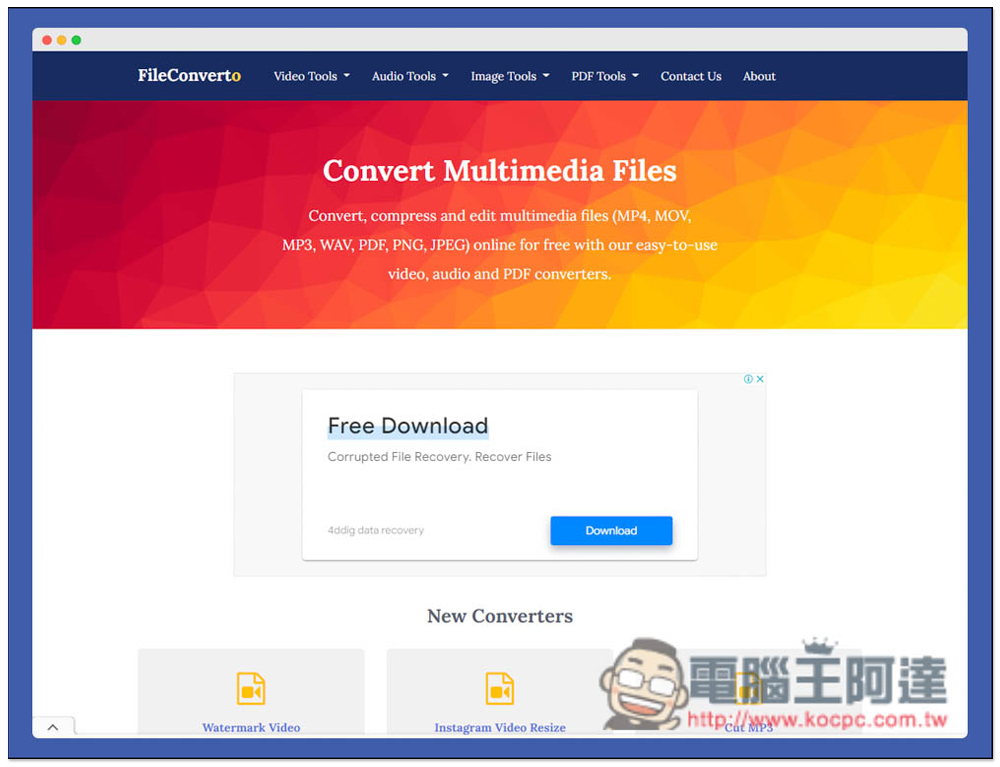
Introduction to FileConverto, an online multi-functional media tool that provides many functions and supports most mainstream formats
After entering the FIleConverto website, you can see all the tool options at the top, including “Video Tools”, “Audio Tools”, “Image Tools”, and “PDF Tools”:
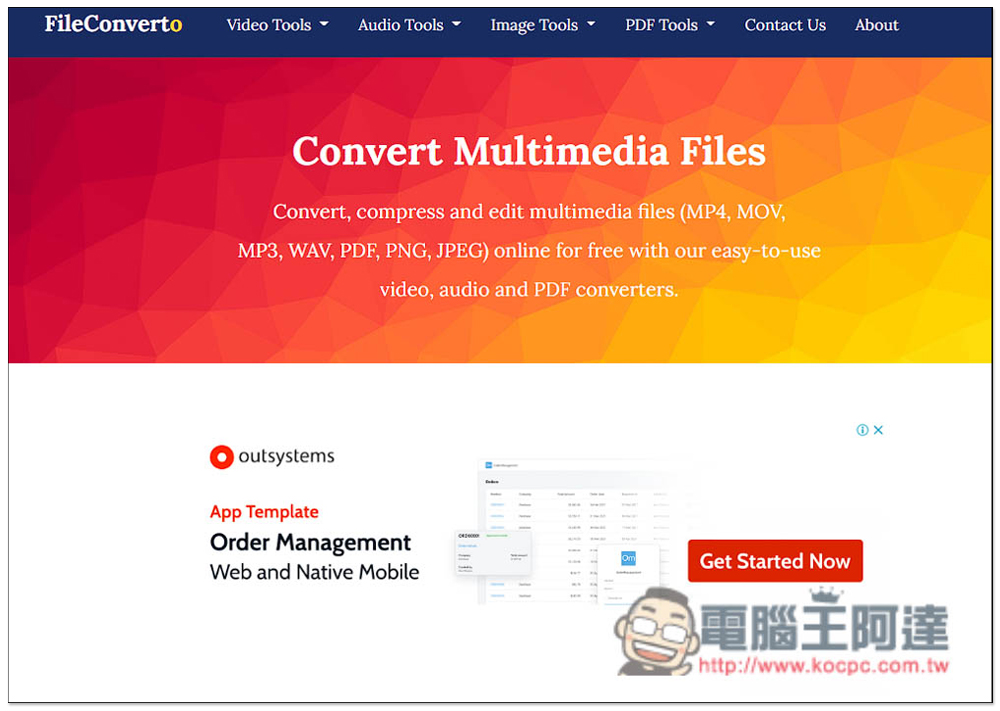
Video tools have many functions, including video compression (Video Compressor), increasing video volume (Boost Video Volume), video downloading (Video Downloader), video Meme making (Video Meme Maker), adding watermark (Add Watermark to Video), online trimming video (Trim Video Online), removing video sound (Remove Audio From Video), etc.:
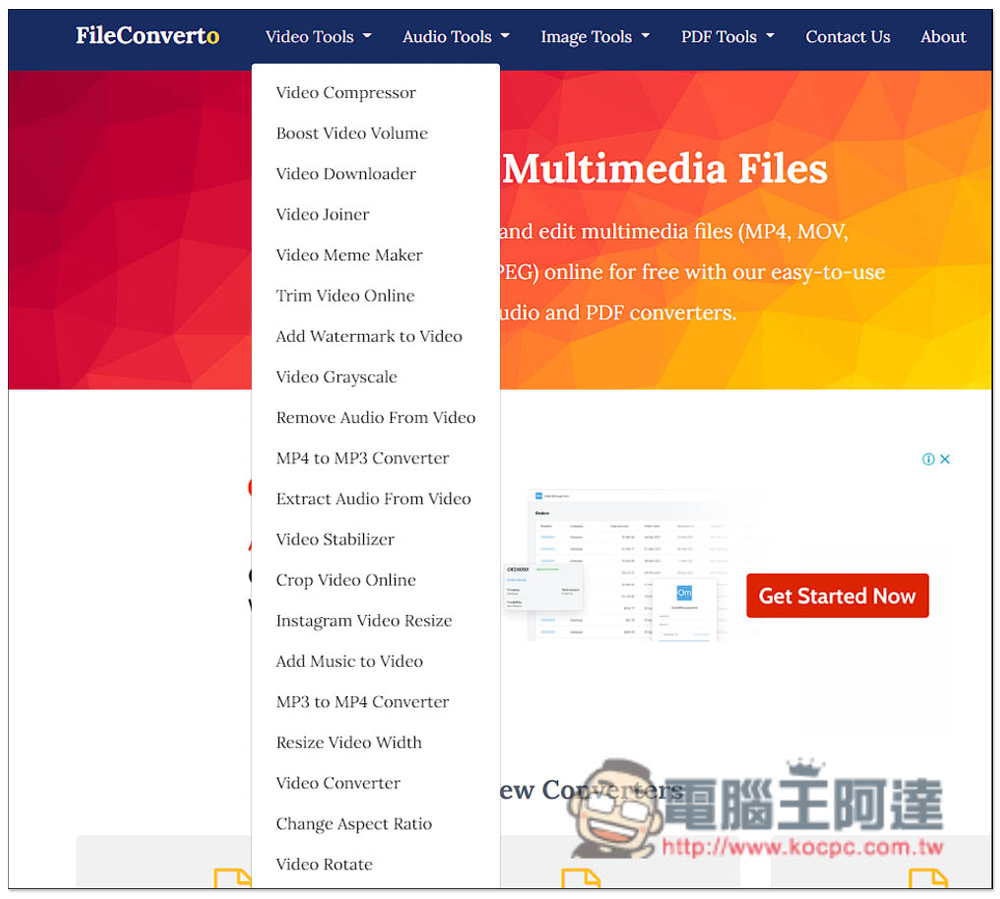
There is relatively little audio, but it has everything it needs, including MP3 compression (MP3 Compressor), changing MP3 playback speed (Change Mp3 Speed), trimming MP3 (Trim Mp3 Online), MP3 to M4R (MP3 to M4R Converter), increasing MP3 volume (Boost Mp3 Volume), etc.:
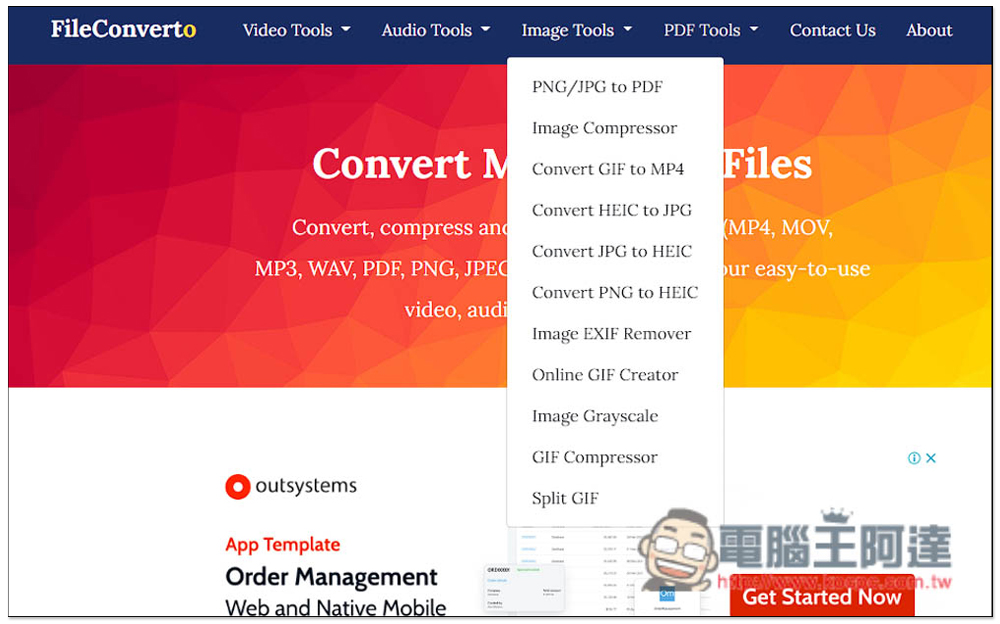
There are also many image tools, including various format conversion, image compression (Image Compressor), image EXIF removal (Image EXIF Remover), online GIF generator (Online GIF Cretor), etc.:
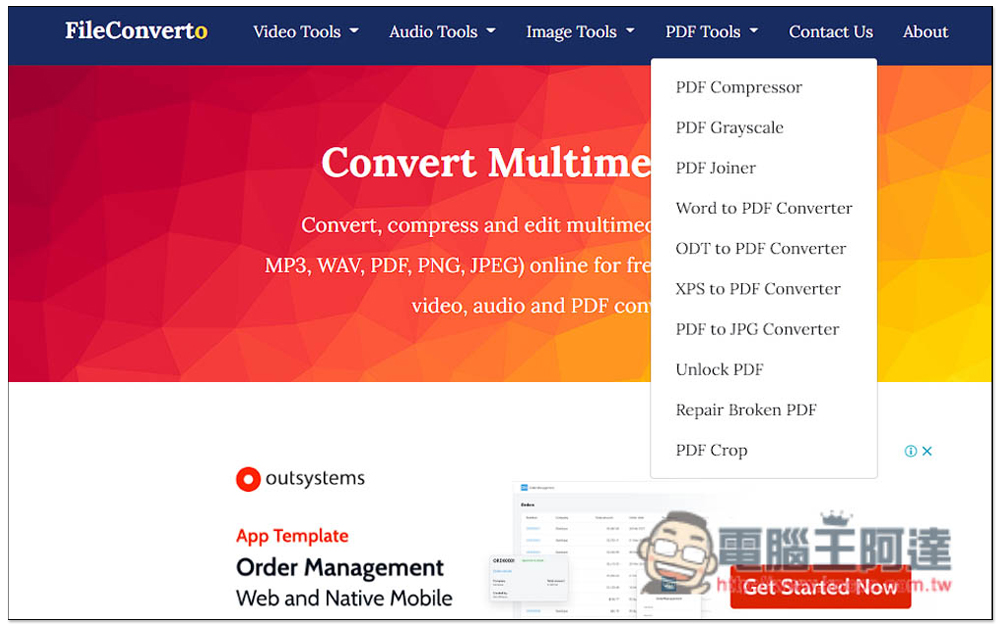
PDF tools also have compression, and some common functions, such as unlocking PDF, cropping PDF, and converting various file formats to PDF, including Word, ODT and XPS:
However, please note that you need to upload files to the server of this website when using it. Therefore, if the files are too important, I do not recommend using online tools. It is safer to use local software.
For compressed PNG and JPG images, a single file supports a maximum of 50MB. If it exceeds, this tool cannot be used. This one claims to be able to compress up to 80% of the capacity without affecting image quality:
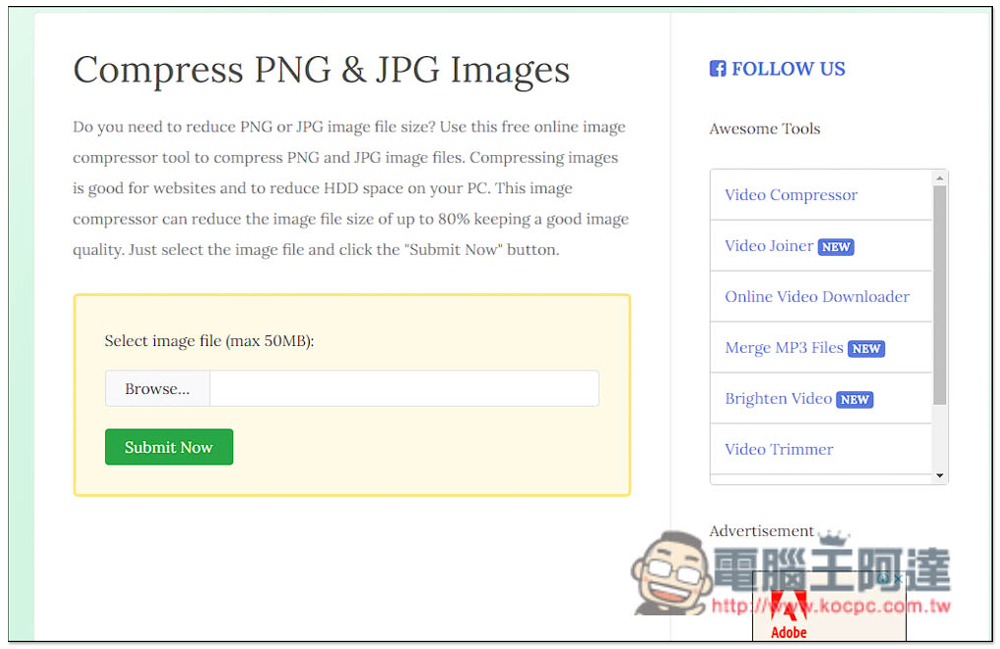
I tested this image. It will start to compress after uploading. The speed is quite fast, and the compression effect is quite good, reducing the capacity by 51.64%:
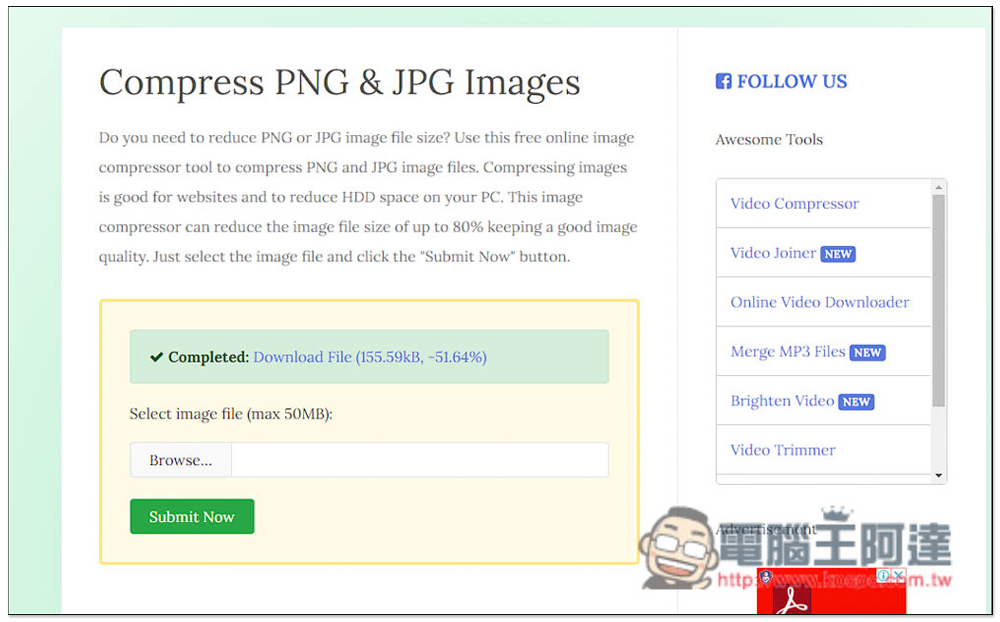
After downloading, I compared the image quality before and after compression. Sure enough, it was almost unaffected, and there was no difference visible to the naked eye:

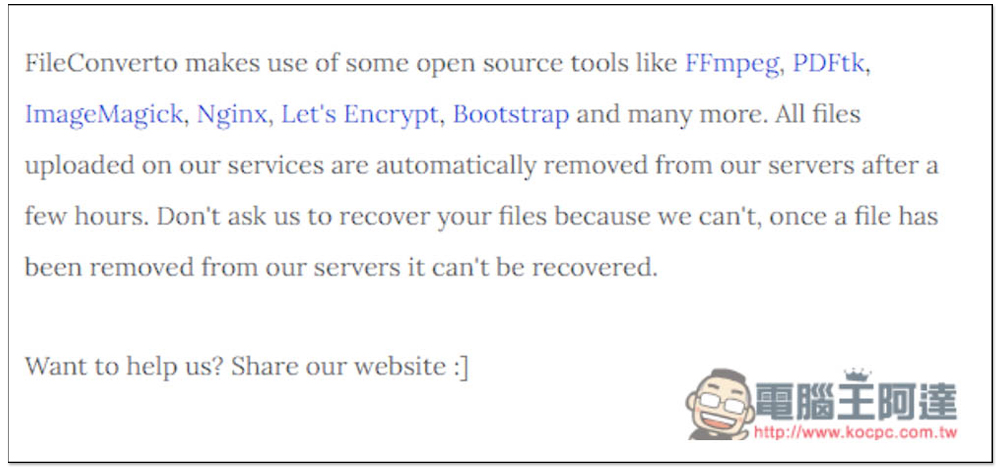
As for the uploaded files, there is a note about me that they will be automatically removed after a few hours and cannot be restored:
Source: KOCPC Chinese