


Regarding the current purchase recommendations for the M1 Apple chip Mac series, I personally feel that it is basically highly recommended for anyone who needs to use Final Cut Pro (FCP) for video editing. When it comes to Mac Studio, whether it is an M1 Max or even two M1 Ultras assembled together, Final Cut Pro will finally unleash more powerful performance. Continue reading Final Cut Pro update enhances performance support for M1 Max and M1 Ultra, and also uses machine learning to enhance vocal clarity.

▲ Image source for this article: Apple
Final Cut Pro update enhances performance support for M1 Max and M1 Ultra and enhances vocal clarity through machine learning
In the description of the official press release, it is mentioned that the M1 Ultra SoC brings powerful performance by “using Apple’s innovative packaging architecture UltraFusion to connect the dies of two M1 Max chips.” After bonding, it is fully loaded with 114 billion transistors, which is said to be the most in the history of personal computer chips. It also provides specifications of up to 128GB bandwidth, 20-core CPU, 64-core GPU and 32-core neural network engine.
This chip has added specifications for ProRres hardware acceleration, which together make it 5.6 times faster than the previous Mac Pro equipped with 28 cores and Afterburner accelerator card. Now it seems that through the 10.6.2 update of Final Cut Pro, the cooperation between Mac Studio equipped with M1 Max or M1 Ultra chips will be closer and more efficient.

In the latest Final Cut Pro update, Apple specifically emphasized optimization for Mac Studio models using M1 Max and M1 Ultra chips. Not only the performance of image processing has been improved, but also the performance of playing related content has been improved. Interestingly, this improvement seems to be focused on specific models – while M1 Ultra is currently only available on Mac Studio, M1 Max can also be found on MacBook Pro!

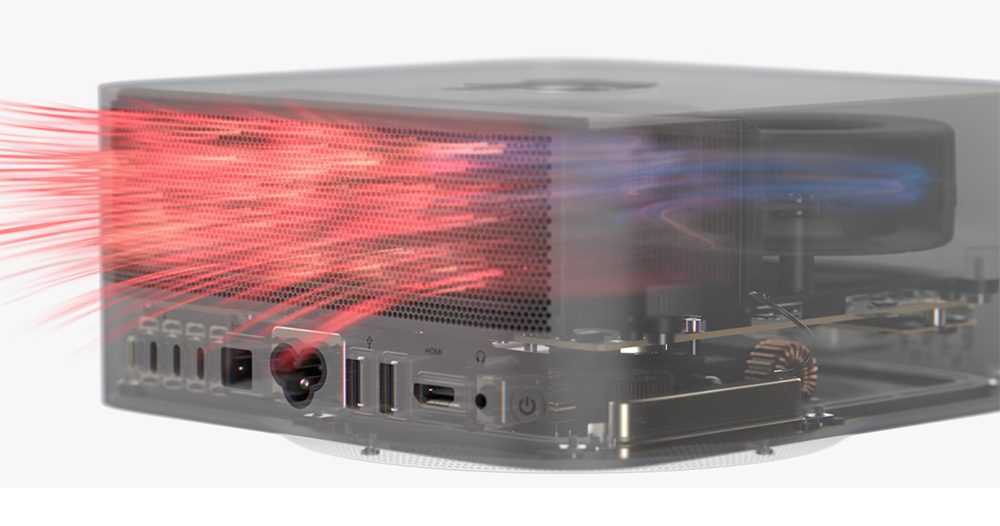
Therefore, even if Apple did not specifically point out the difference in performance improvement this time, it is estimated that it may be compared with Mac Studio.More powerful cooling performancerelated? It also reminds people of the “high power mode” of the M1 Max MacBook Pro. Maybe Final Cut Pro can also correspond to some special modes exclusive to the Mac Studio desktop (this is really a guess).
Another cool improvement that only requires the macOS Monterey version of Mac to support is the ability to adjust the intensity of background noise through machine learning to improve speech clarity – many Mac users should be able to turn it on and use it after the update. In terms of interface functions, the new version of FCP also provides related project import support for the updated magical videos and storyboards of iMovie 3.0, the entry-level editing application of the same manufacturer. Interface improvements have also been added to highlight clips or timeline indexes for media that appears multiple times.
In addition, this update also introduces Korean support and a number of fixes and enhancements. You can refer to itDescription of this update, see if any bugs that have been bothering you for a long time have been fixed.
Further reading:
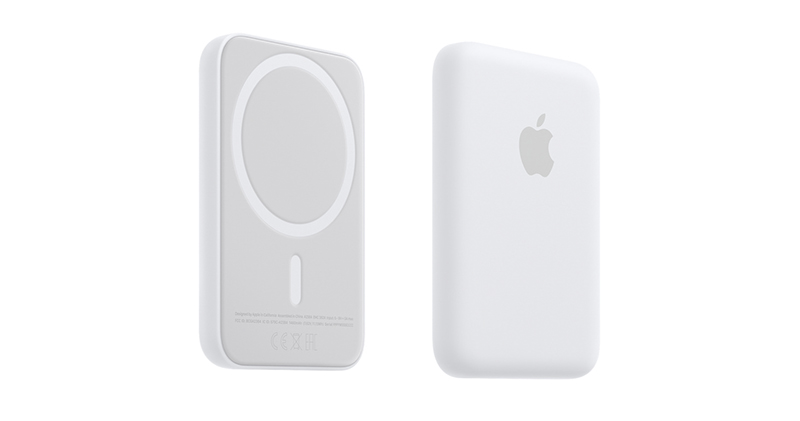
MagSafe power bank can also be updated! It also speeds up charging
Source: KOCPC Chinese