


When I see someone using a mobile phone, I often just swipe the app. Some people may think that modern mobile phones do a good job in multi-tasking management, and there is no need to do this kind of behavior at all. But now it seems that when some unforeseen bugs come out, maybe these people’s habits can prevent them from being afraid of inexplicably running out of battery when they go out (eh). Continue reading the article about a bug in the Google Messages app that causes the camera to stay on, causing Android phones to become hot and consume excessive power.
▲Image source: Google
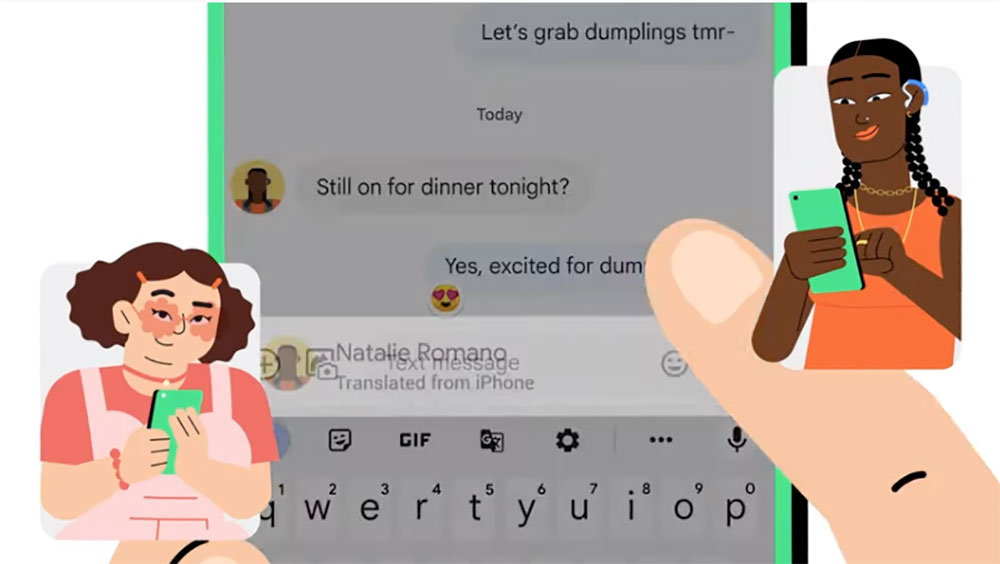
A bug in the Google Messages app causes the camera to stay on, making Android phones hot and consuming too much battery
I believe everyone knows that, regardless of privacy issues (although Google’s package this time will probably also discuss this aspect). If you keep the camera of your phone turned on and carry it with you, there should be no need to explain how obvious this behavior is to the electric shock and even the heat of the phone.
Recently, someone discovered that Google Messages, Google’s current main messaging application on the Android system, has problems with excessive power consumption and causing the phone to become hot because the quick photo sharing function provided by the app continues to open the camera in the background.
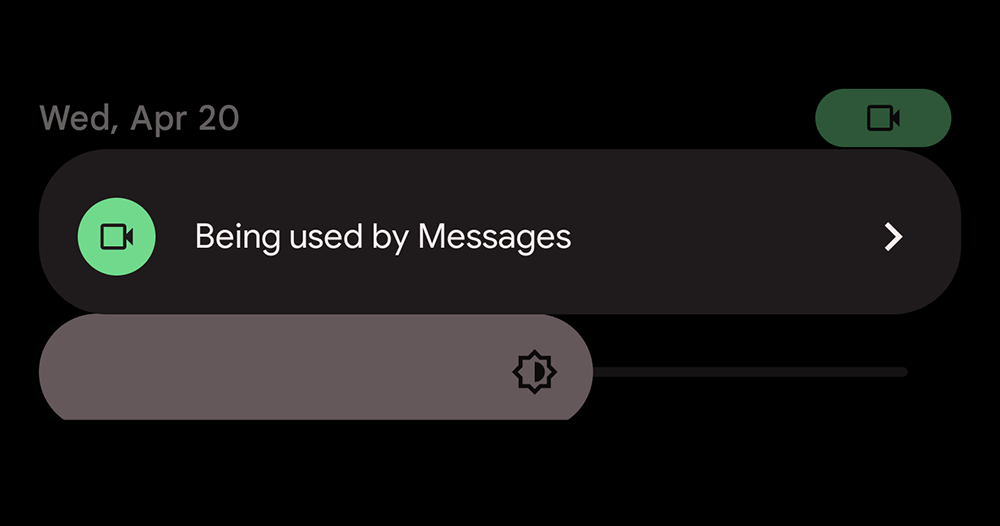
This kind of problem is especially problematic in the new generation of Android systems that already show that an application is using a specific function, such as a camera, recording, and other icons in the status bar. People quickly discovered what was causing trouble – but this time, the Android system display function that can help everyone catch possible privacy issues actually caught the application of the company (laughs).
To put it simply, the problem this time is that even when the Google Messages app is in the system background state, it still performs the camera function, causing the phone to consume power and heat. Before the official finds the problem and updates it, the simplest solution is quite intuitive – just close Google Messages directly from the multi-tasking page after using it to avoid it.
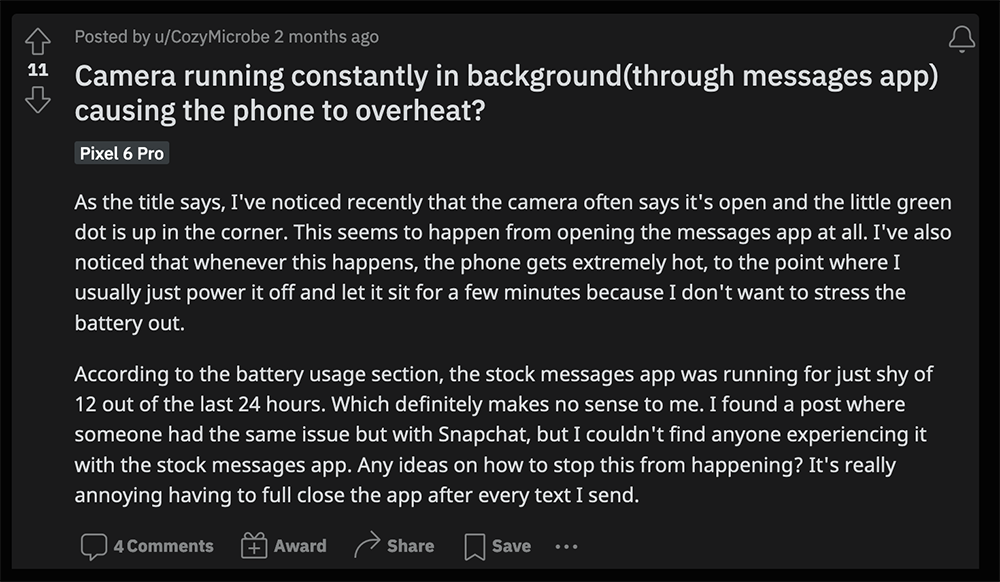
And for memory free Friends who are accustomed to not turning off background applications may not necessarily change themselves (quite). To put it simply, if you basically don’t use story sharing in Google Messages, you can also go directly to the system and cancel access to the camera function for this application.
For specific steps, you can select “Applications” from the system settings to find “Messages” – if you have opened it recently, you should be able to find it in the system’s “Recently Opened Applications” list. After clicking in, select “Permissions” to select permissions for allowed items. Basically, you need to change it to “Not Allowed” first to prevent Google Messages from secretly opening the camera in the background.
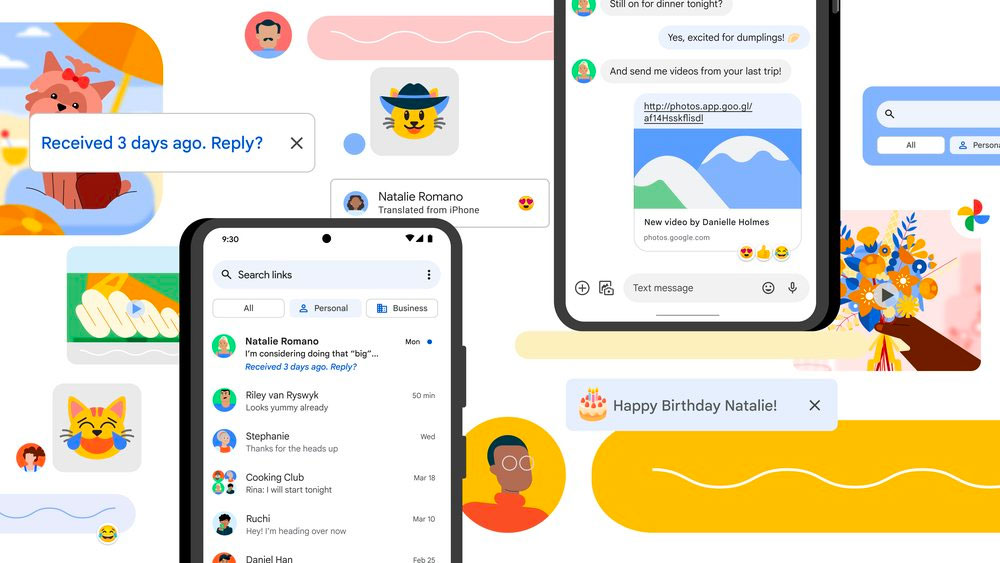
I mean, this might really be a simple bug. However, for people who are particularly sensitive to privacy, I believe that this situation should make Google complain that the phone is prone to running out of battery, and may also have to face some doubts in this regard. But after all, the Android system did not treat itself favorably by blocking the display function during the camera execution of this bug, so I believe that most of them will still be inclined to understand that Google was just careless, right?
Further reading:
Source: KOCPC Chinese