


With busy lives, many people often forget to drink water every day, and the amount of water they drink every day is often lower than the generally recommended standard. If you want to improve your water-drinking habits, choosing a water-drinking reminder app that is easy to use and looks good can be of great help! Today I will share with you “Drink Time”, a free water drinking reminder app. In addition to recording and reminding on iPhone, it also supports Apple Watch.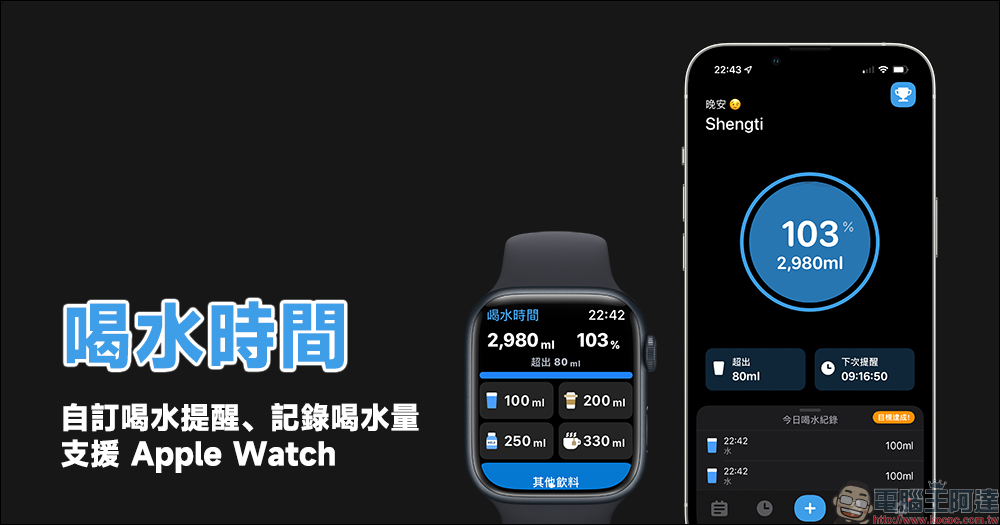
Drinking Time App, customize water drinking reminders, record water drinking amount and Apple Watch
In order to remind yourself to develop the habit of drinking water, so that you can replenish enough water every day and keep your body in a healthy state, it is a good way to use a water-drinking reminder app. Generally speaking, the amount of water each person needs to drink per day is approximately “body weight (kg) * 30ml), which means that a 60kg person needs at least 1,800ml of water per day.
However, the interface design of many current drinking water reminder apps is not intuitive enough and the user experience is poor, which will also reduce users’ willingness to use them. This time, I would like to recommend a free “Drinking Time” app that I frequently use recently, which supports iPhone and Apple Watch drinking water records and reminders.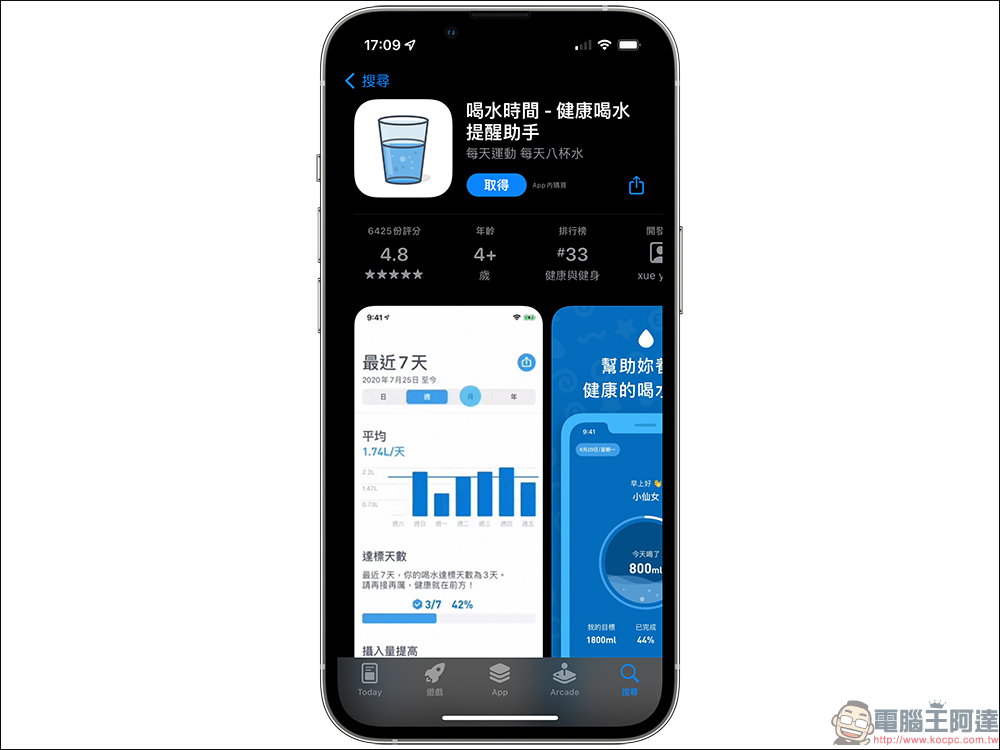
After setting your personal weight and water drinking goal for the day, you can start using the “Drinking Time” App! The interface design of this app is quite intuitive. The main screen can display the current water drinking goal today and quickly increase the amount of water consumed. The system will also completely record the proportion of water, coffee and other beverages consumed by the user daily, weekly, monthly, and annually. In addition, the drinking water reminder app has also designed a series of “achievement medals” to allow users to insist on checking in every day and cultivate the habit of drinking water.
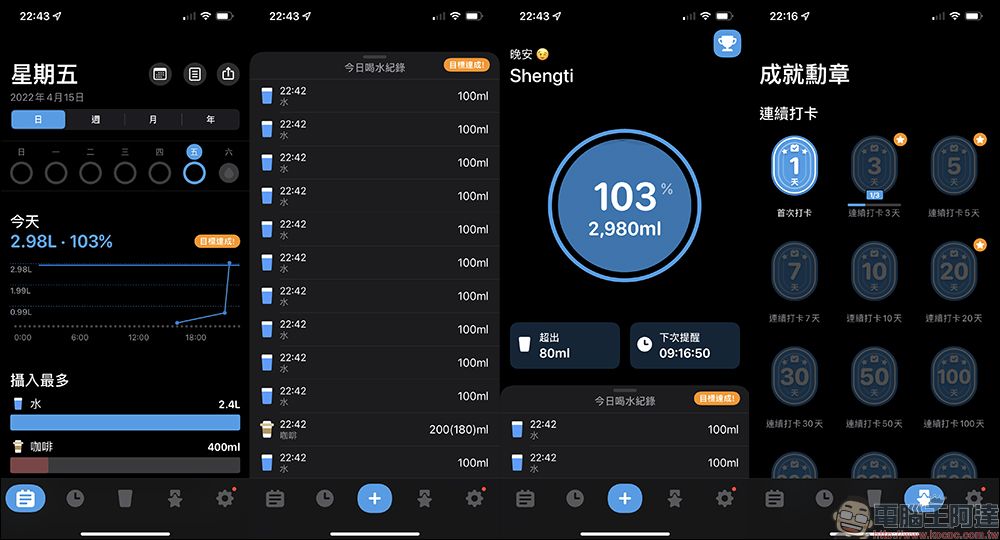
To create a new water drinking record, just click the “+” button on the main screen, and then you can choose to add commonly used water or beverages such as water, coffee, milk, tea, etc. The capacity can also be set by the user. The Drinking Water Reminder App also provides a wide range of beverage options, including water, coffee, milk, tea, spring water, carbonated drinks, milk tea, flavored milk, yogurt, Yakult, soy milk, soy milk, grandma, milkshakes, sports drinks and energy drinks. Of course, it is recommended that you drink as little sugary drinks as possible!
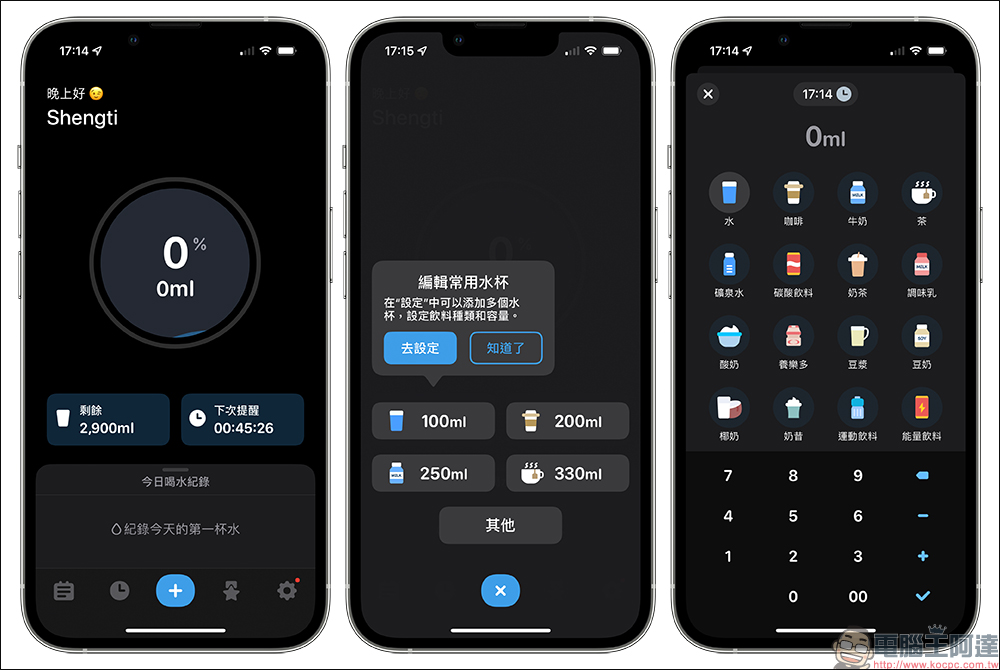
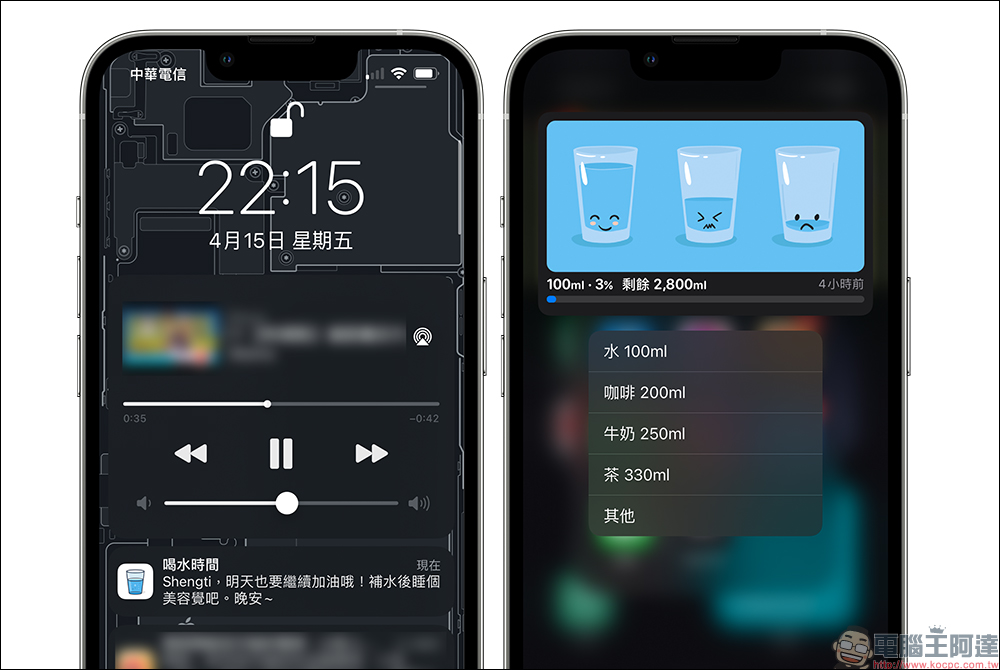
If you are worried about forgetting to drink water due to busy work, users can set a reminder to drink water. When the time is up, the system will automatically push a reminder message to drink water, and users can always check how much water they need to drink before the day’s goal.
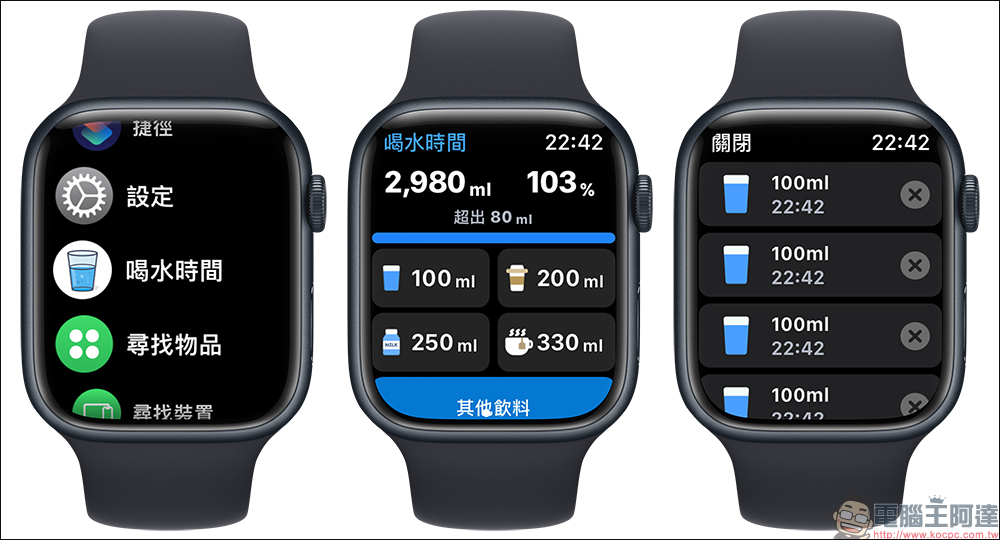
If you have an Apple Watch, you can also check your water drinking goals, record the amount of water (or beverages) you drink, and today’s water drinking record on your Apple Watch. When there is a water drinking reminder, it will be prompted on your Apple Watch simultaneously.
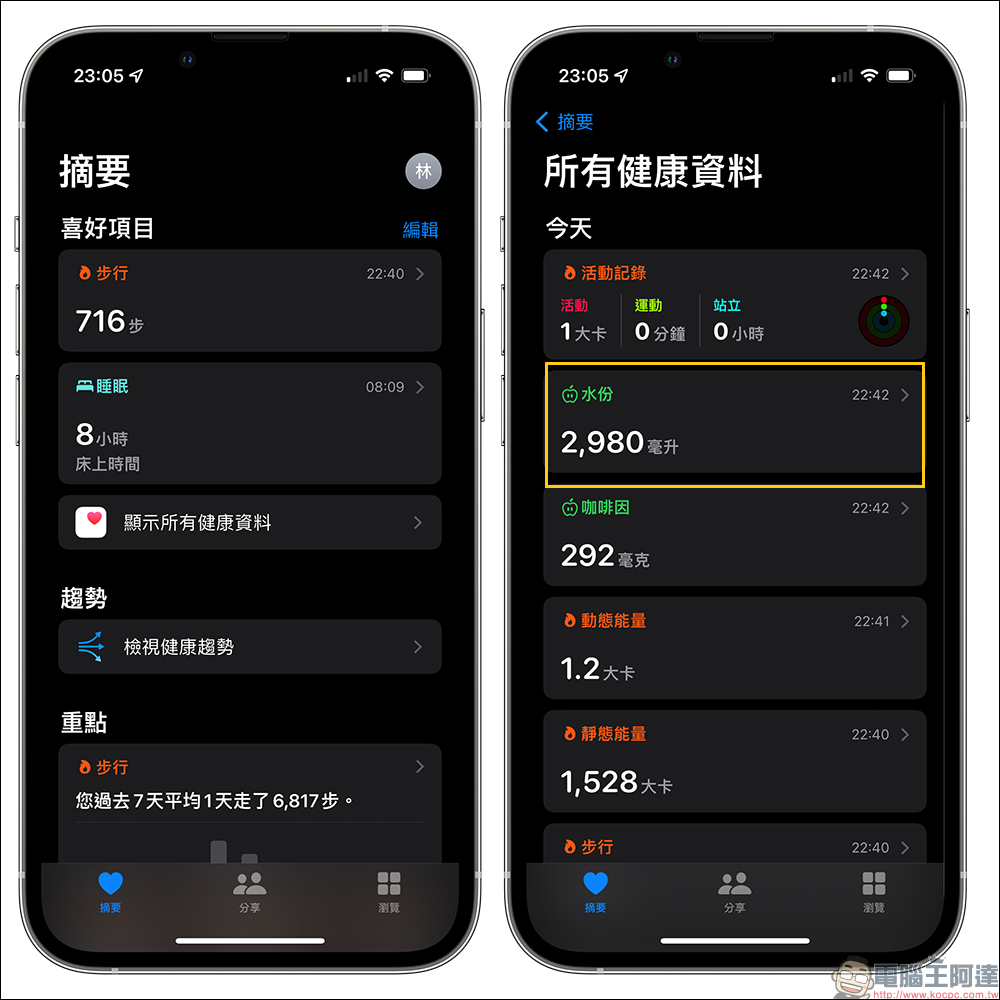
The water-drinking reminder app can also be integrated with the iOS “Health” app. Users can synchronize today’s water consumption in the health app.
Although the “Drinking Time” App can be upgraded to the full version for an additional fee, the free version is already quite easy to use and the user experience will not be affected too much by the free version. It is highly recommended for users with iPhones and Apple Watches.
Drinking water time app:Click here to download (App Store)
Source: KOCPC Chinese