


In recent years, Adobe has continued to work hard on online tools. In addition to the ones we have introduced before, Adobe Photoshop web version、PDF Sign for Free、Adobe Arcobat various PDF toolsIn addition, there is now a free online de-memorization function provided by Photoshop. You don’t need to know any knowledge about image retouching. After uploading the image, it will automatically de-memorize it through AI. The effect is very good and it is completely free. You don’t need to ask anyone to memorize it in the future, you can just use Adobe’s online tool.
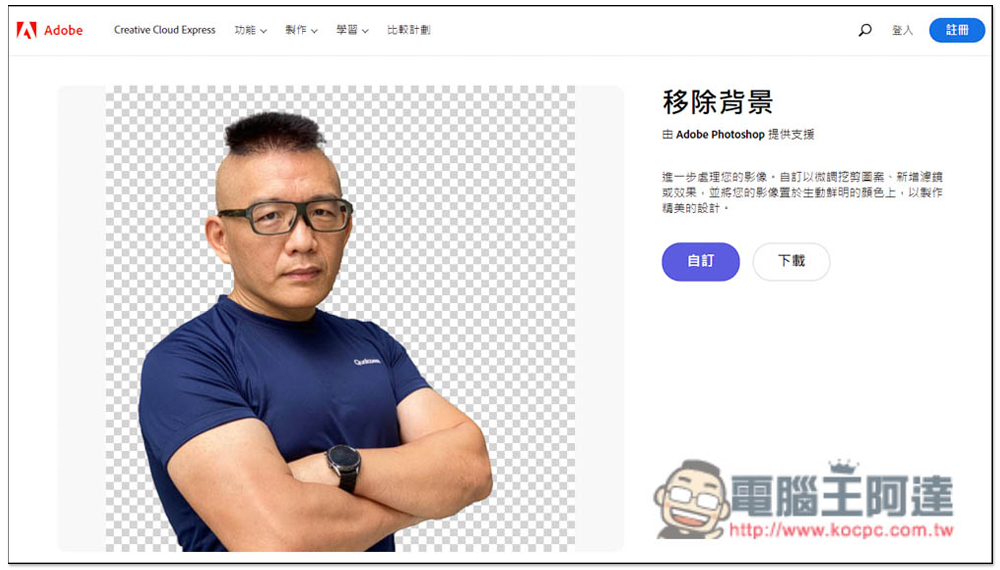
Introduction to Adobe’s official Photoshop online free back-removing tool
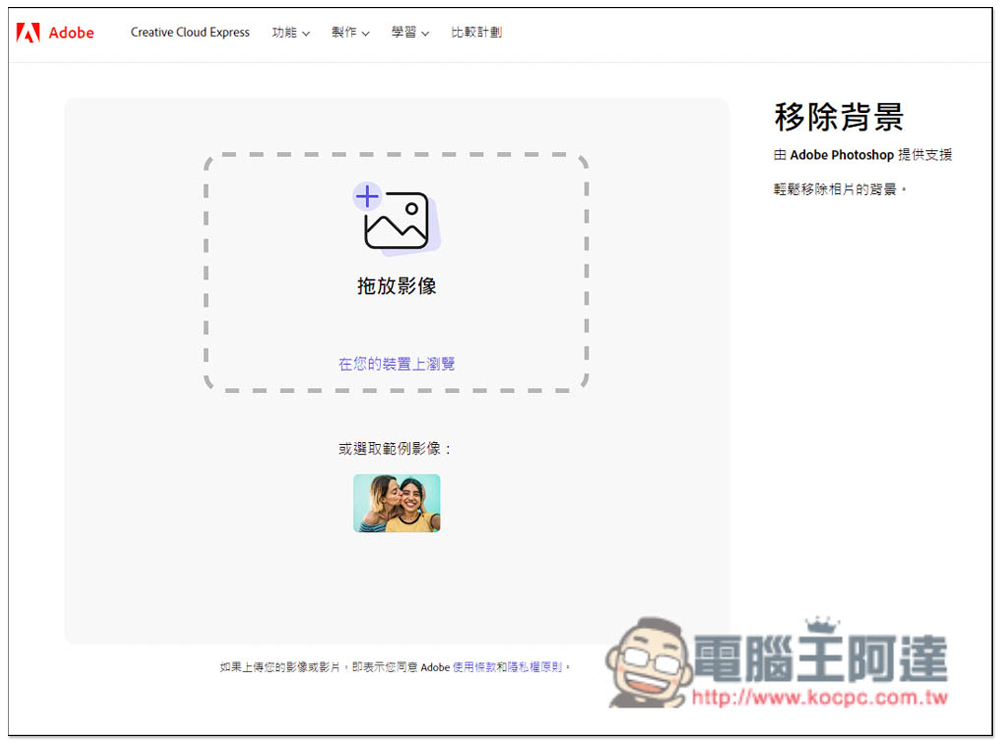
After entering the background removal function on Adobe’s official website, you can drag the photo you want to memorize into the window, or directly click on the middle function to select it manually. There are also sample images below for those who want to try it out first. In addition, it is also noted on the right that this background removal function is supported by Adobe Photoshop. This function was originally only available in the paid version, but it is now completely free online:
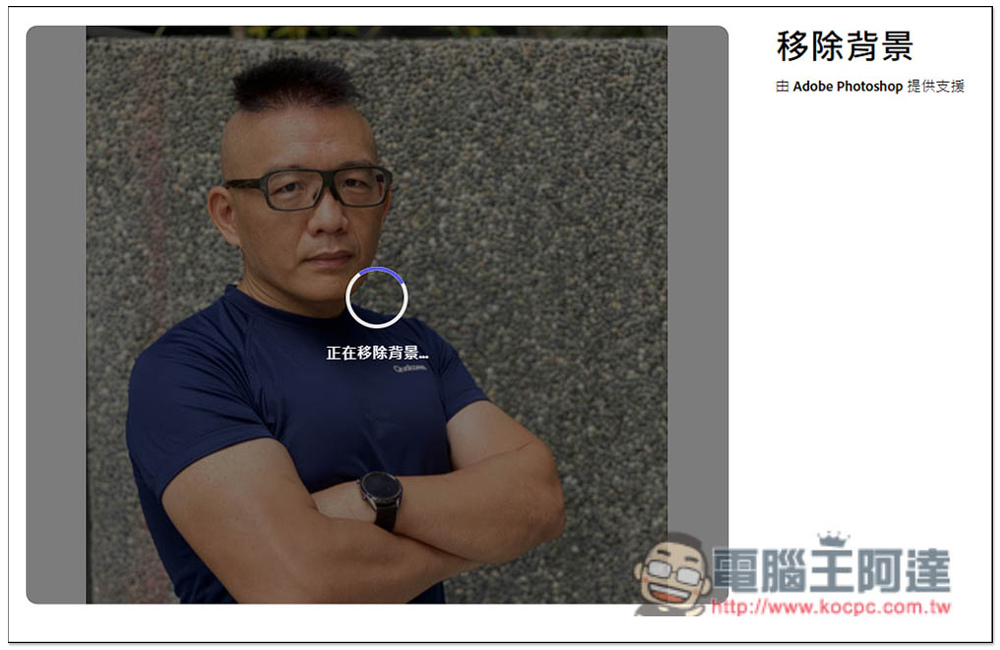
I take this headshot as an example. Although Adobe Photoshop has a strong back-removal capability, it is recommended to use photos with simple backgrounds as much as possible to achieve the best back-removal effect. After uploading, just wait for the circle in the middle to finish running. The speed is quite fast, and it will be completed in a few seconds:
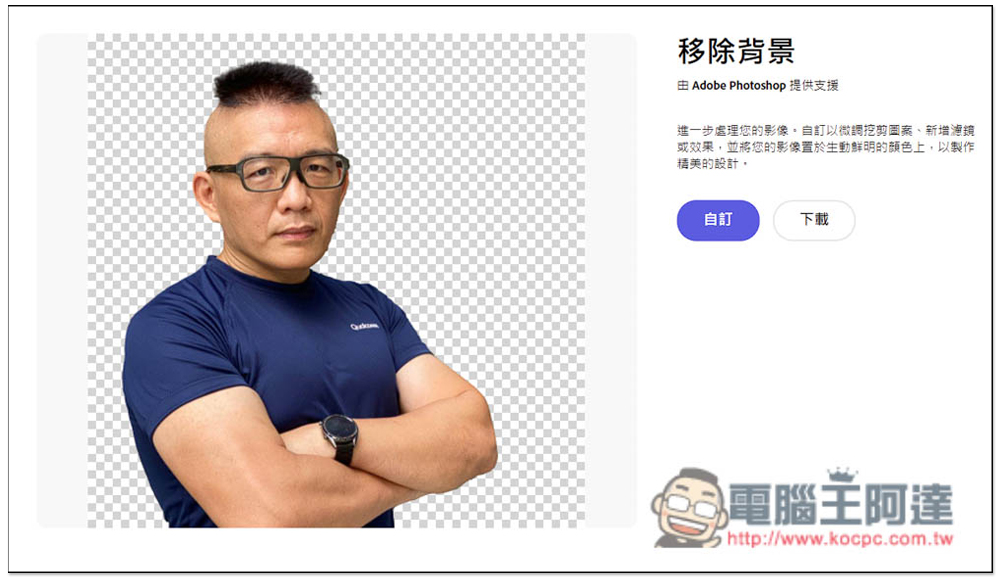
Then you will see the pictures of the removed back. I have to say that it is really powerful. The edge processing is very good, even the hair. There are no flaws at all. It is indeed Adobe’s official back removal tool. This product also provides custom editing functions. If you want to make some post-production adjustments, you can click “Customize”, which is also free:
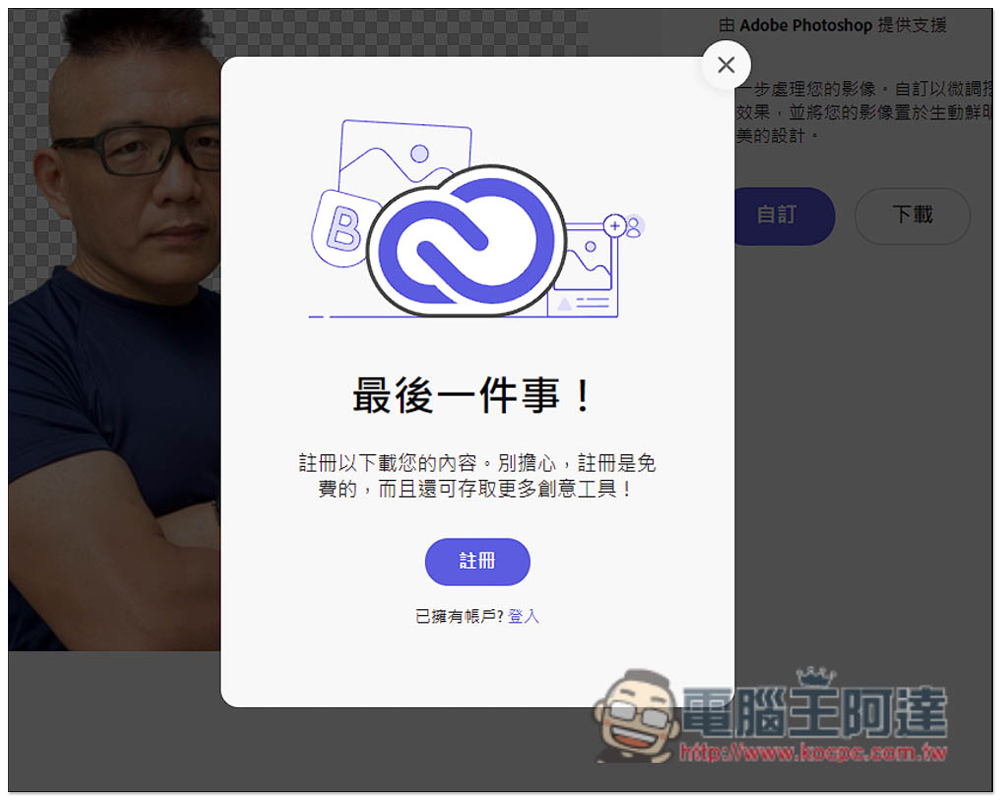
Whether you customize or download, you need to register as an Adobe member. Free membership is enough. People who don’t have an account can register:
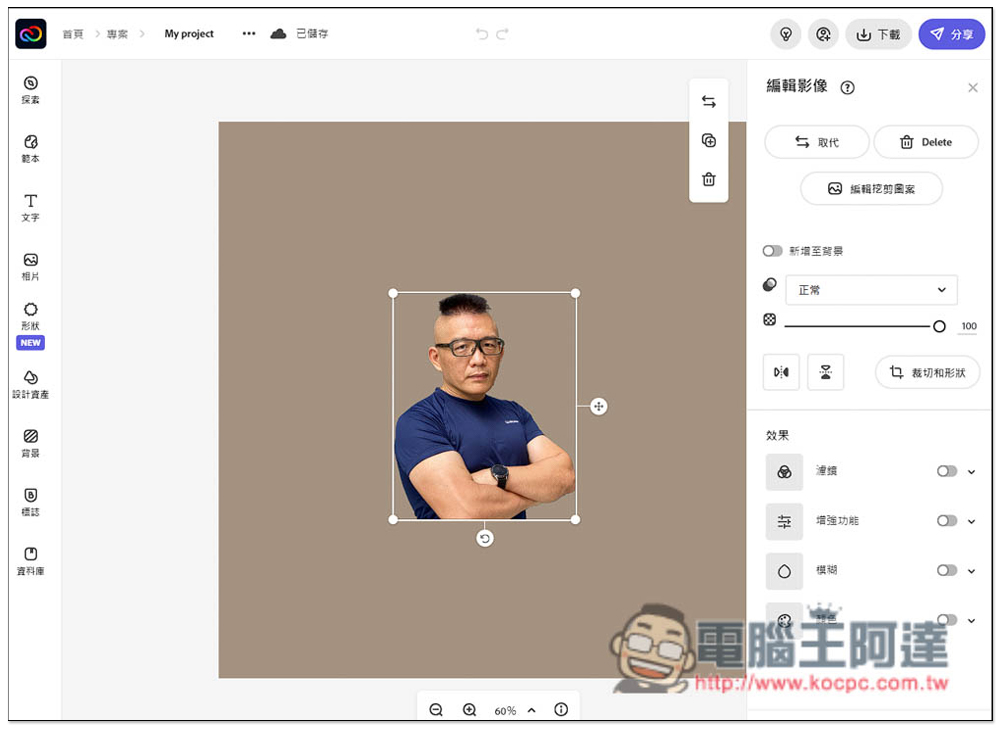
The picture below is the customized tool screen. Simply put, it is an online image editor. You can add text, photos, shapes, backgrounds, and some design assets. It is all in Chinese language, so you don’t have to worry about incomprehension:
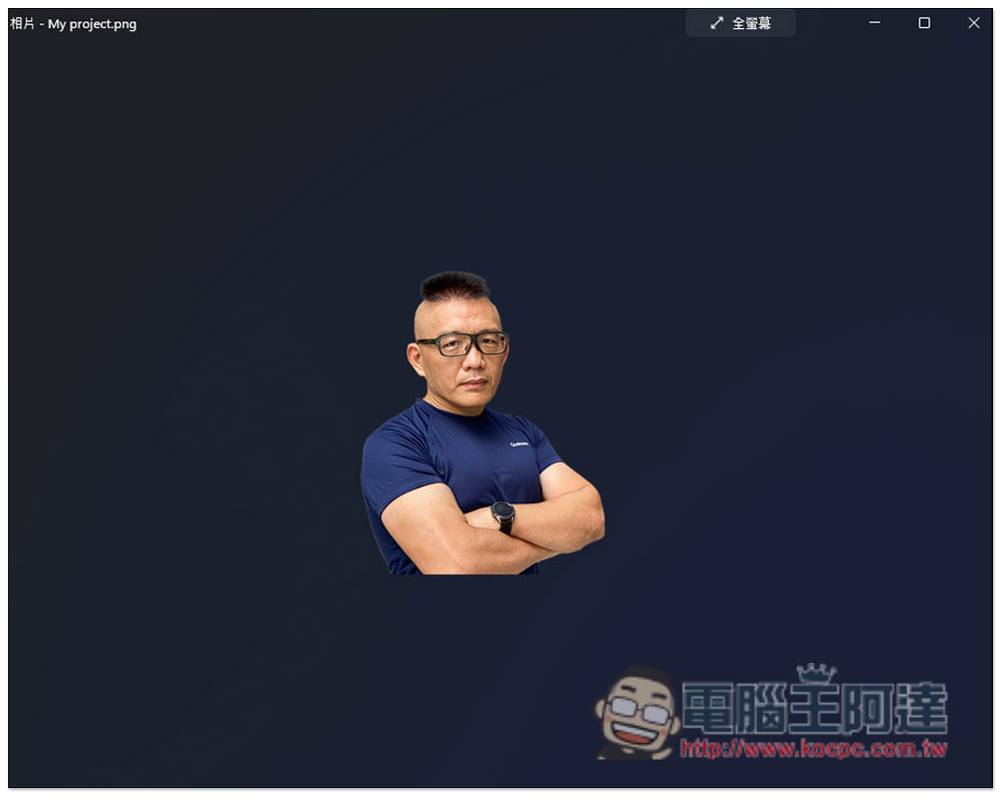
The picture below is the PNG file I downloaded behind it, it’s very good:
In addition to this Adobe official tool, if you feel that the back removal effect is not very good, you can also try other free back removal tools we introduced before, such as PicWish、AirMore、designify、BackgroundCut etc.
As for which one is stronger compared to the back removal function of Adobe Photoshop desktop version, it is not clear, but it stands to reason that the desktop version should be better. The advantage of the online version is that it is completely free and easy to operate, and you can try it first to see the effect of back removal. If you are satisfied, then register and download. If you are not satisfied, close it and try other online back removal tools.
Source: KOCPC Chinese