


The desktop version of Google Earth has always had an interesting flight simulator function, but in the past you had to install the desktop version of Google Earth Pro to experience it. Now Google has finally brought this feature to the web version of Google Earth and opened it to users around the world. It means that you don’t need to install additional apps or desktop software. Just open Google Earth through a browser and you can experience flying anywhere on the earth from a first-person perspective.
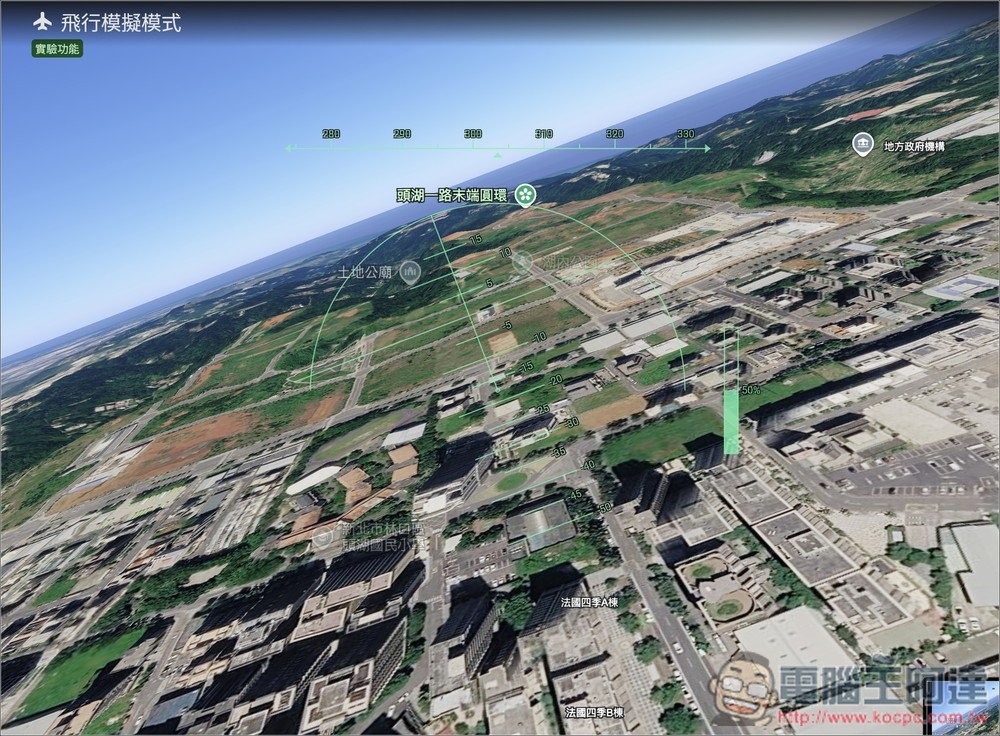
Google Earth web flight simulator is now available! No need to install an app, just open the browser and fly around the world in first person
Recently, Google Earth announced on the official community that the flight simulator function has been opened to users around the world for free in the web version:
However, according to Google’s official statement, the current flight simulator in the Google Earth web version is still an experimental feature, so the interface, functionality or support status may be adjusted at any time in the future.
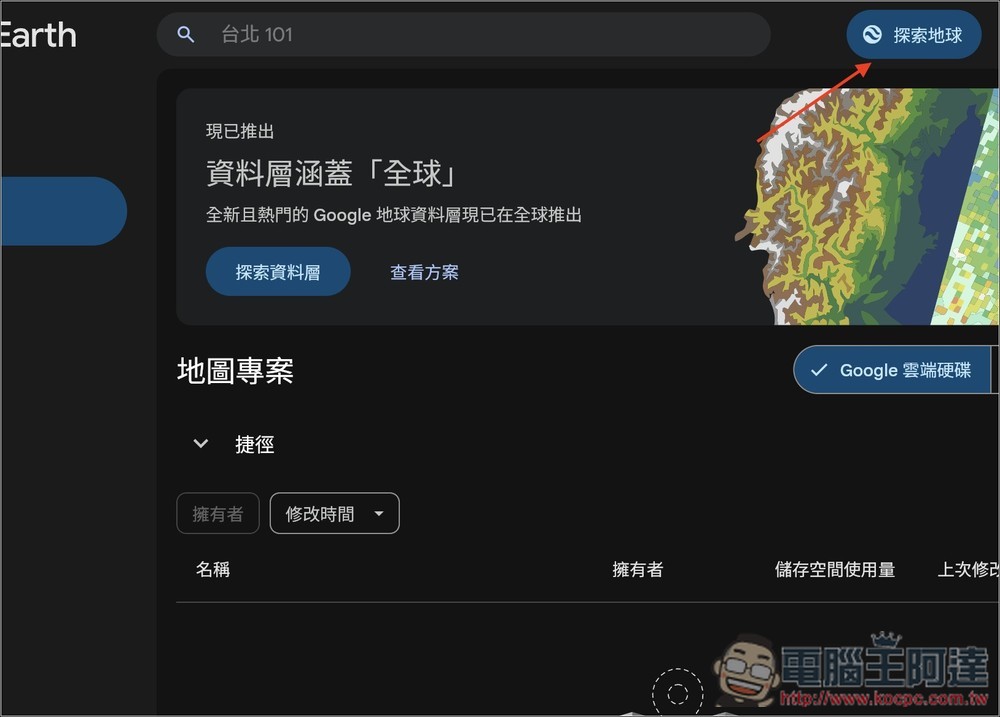
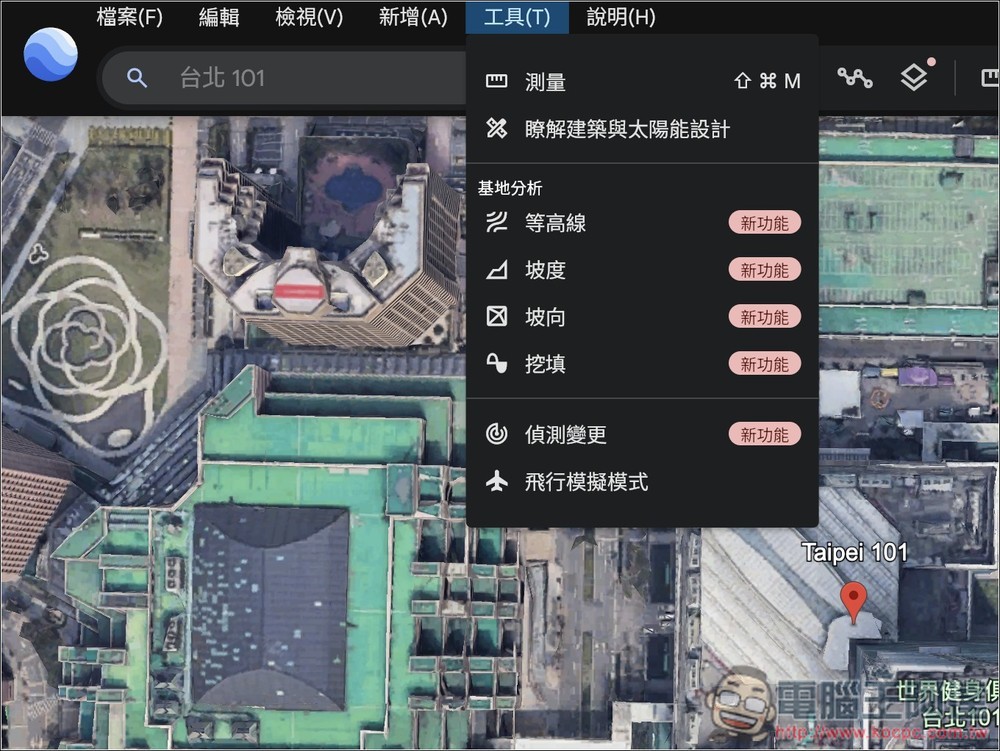
The method of use is very simple. After opening the Google Earth web version with a browser, click “Explore Earth” at the top of the homepage. After entering, first find the place you want to fly, then open the “Tools” menu from the upper toolbar, and then select “Flight Simulator” to start.
Go to Google Earth for the web
After clicking the link above to enter the homepage, you will see the “Explore the Earth” function above:
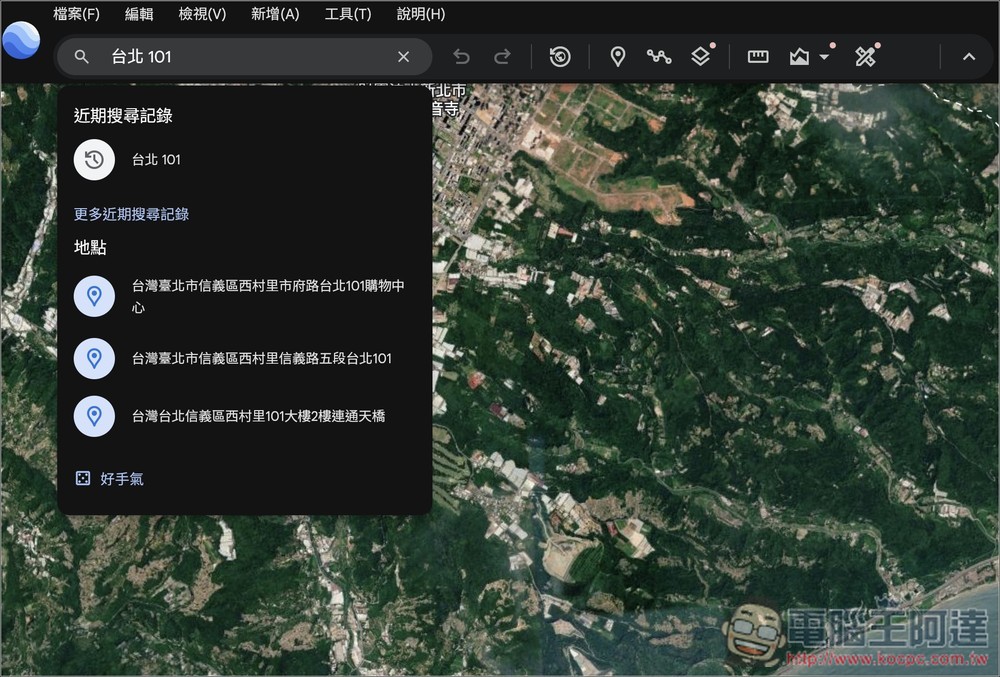
Search for the area you want to experience flying in the left column, like I searched for Taipei 101. If you don’t specify a location or country, you can also enable Flight Simulator directly:
After selecting Taipei 101 as the location, open the tool menu above and you will see the “Flight Simulation Mode”:
Once enabled, it switches to a first-person flight simulation mode and controls the direction you want to go. I have to say that the difficulty is quite high, and you need to practice several times to master the flying skills:
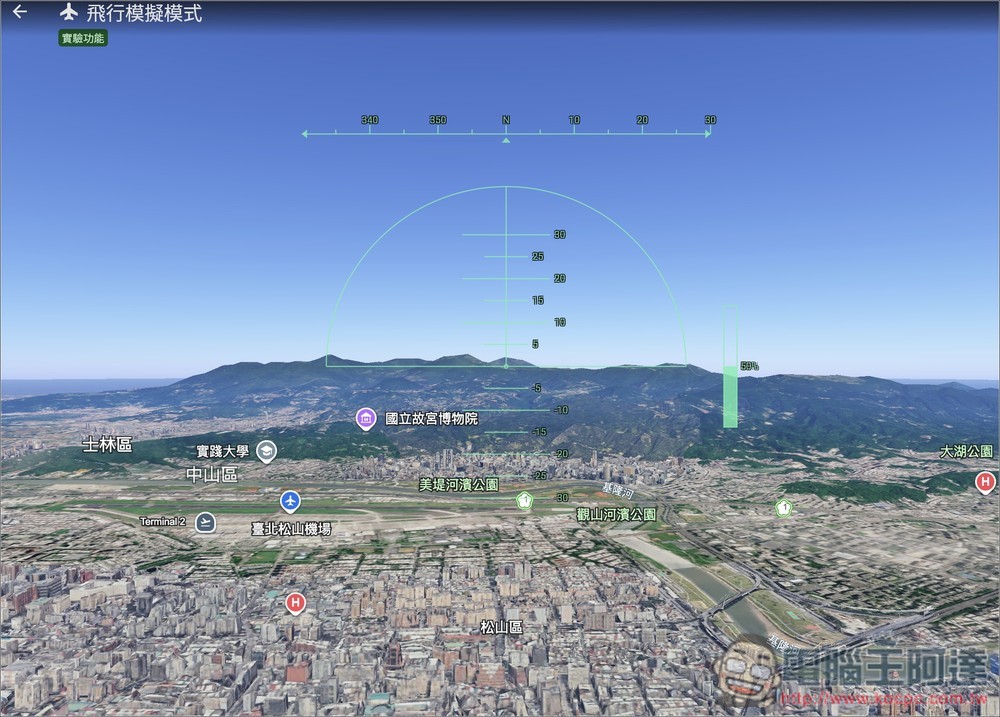
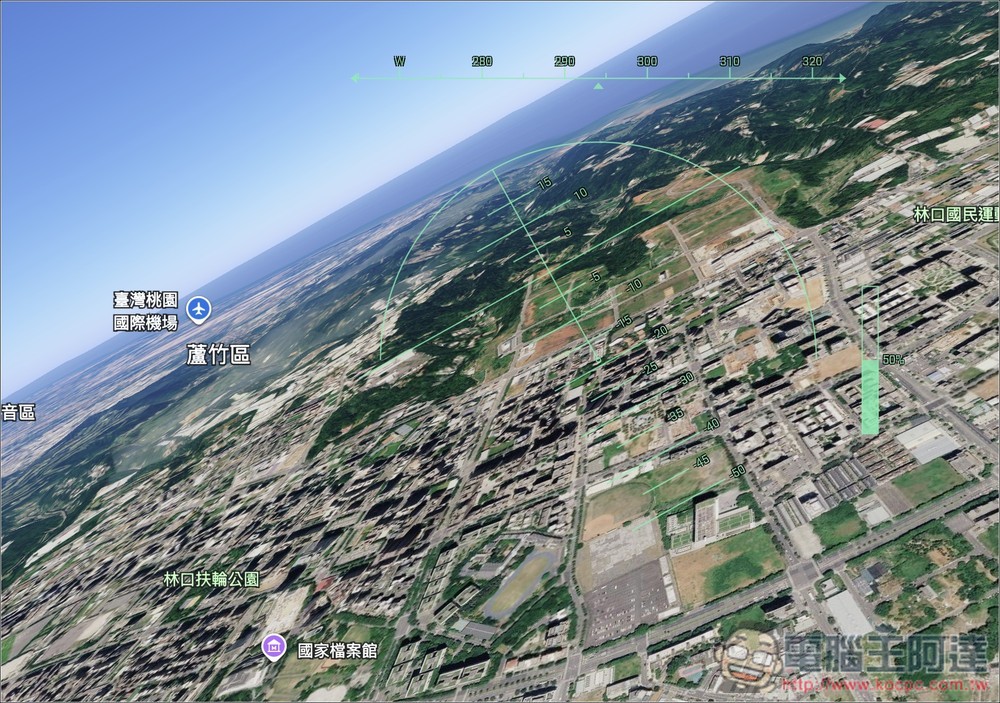
The location and important landmarks ahead will be displayed in real time to let you know:
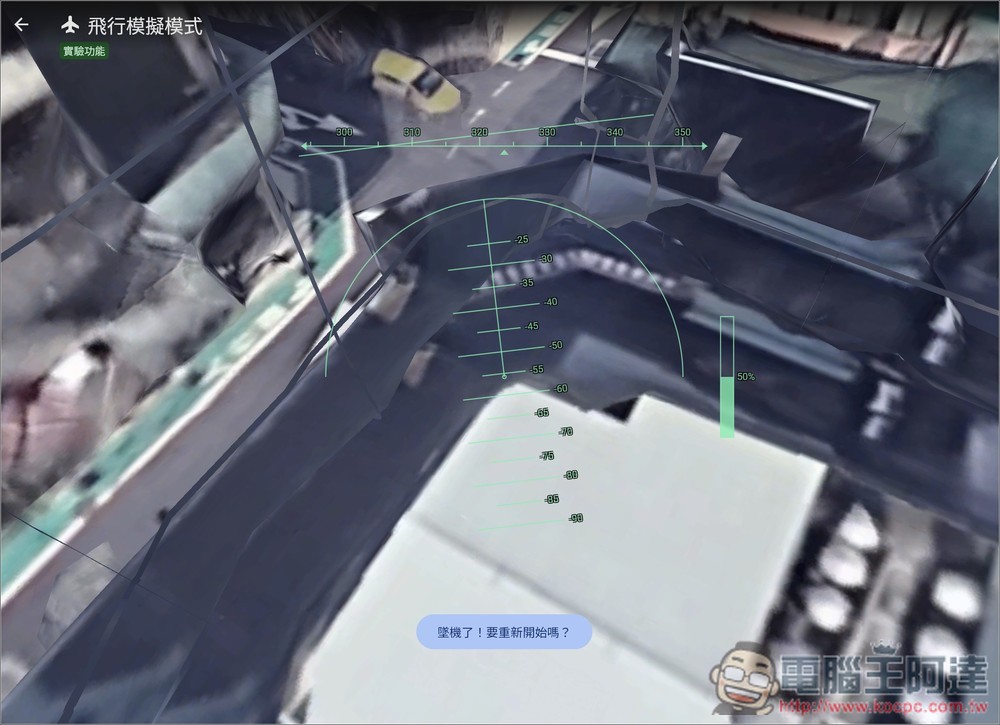
It doesn’t matter if it crashes. Click “Crashed! Do you want to start over?” below and it will take off again:
Compared with other flight simulators, the unique feature of Google Earth Flight Simulator is that it will be paired with Google Earth’s 3D buildings, high-resolution images and terrain data, allowing you to see the earth’s surface from a first-person perspective. However, these contents are not loaded all at once, but will be dynamically streamed along with the flight route.
Therefore, Google officials also remind that if the network bandwidth is relatively low, or if you fly at extremely high speeds, you may encounter temporary loading delays. In other words, if you fly too fast, the scenery may not be completed in time, and the picture will be delayed or incomplete.
Finally, if you find it difficult to control when flying and keep crashing, this is normal, because many people think so, it is really difficult to control.
Source: KOCPC Chinese