


Due to the popularity of mobile phones and mobile communications, the age group using mobile phones is getting younger and younger, and various applications and games are attracting children’s attention. Parents have many things to worry about. In addition to helping to select suitable games, they also need to prevent their children from using the in-app purchase mechanism to make random purchases. It can be seen that it is too convenient and sometimes inconvenient. This time, I will tell you how to enable the consumption verification machine on Android and iOS / iPadOS, making every consumption not so easy.
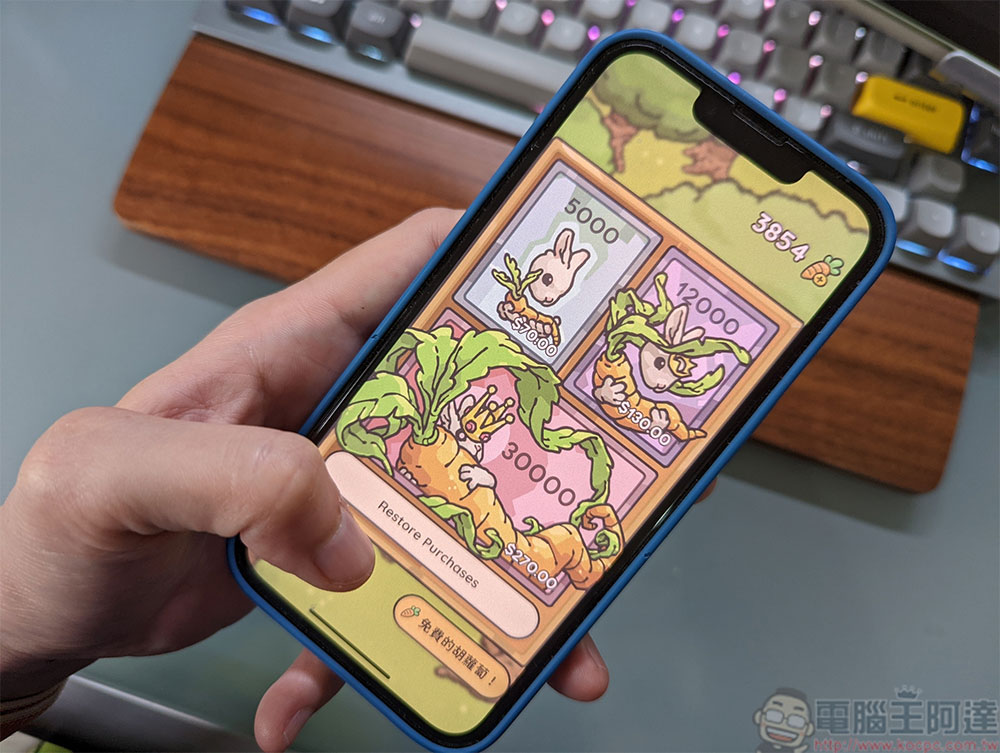
How to set up in-app purchase verification on Android and iOS/iPadOS to control children’s consumption?
In the digital age, many parents give their children mobile phones and tablets to use and play games, but their children’s values and ideas are not yet mature. Parents must always check them, but sometimes parents tend to neglect it when they are busy. The in-app purchase mechanism is too easy for children, so from time to time there are news about children’s excessive consumption. In order to ensure that you and your children do not accidentally spend expensive virtual currencies or items in apps or games, let’s learn how to set up verification so that the system must be verified every time you choose to spend.
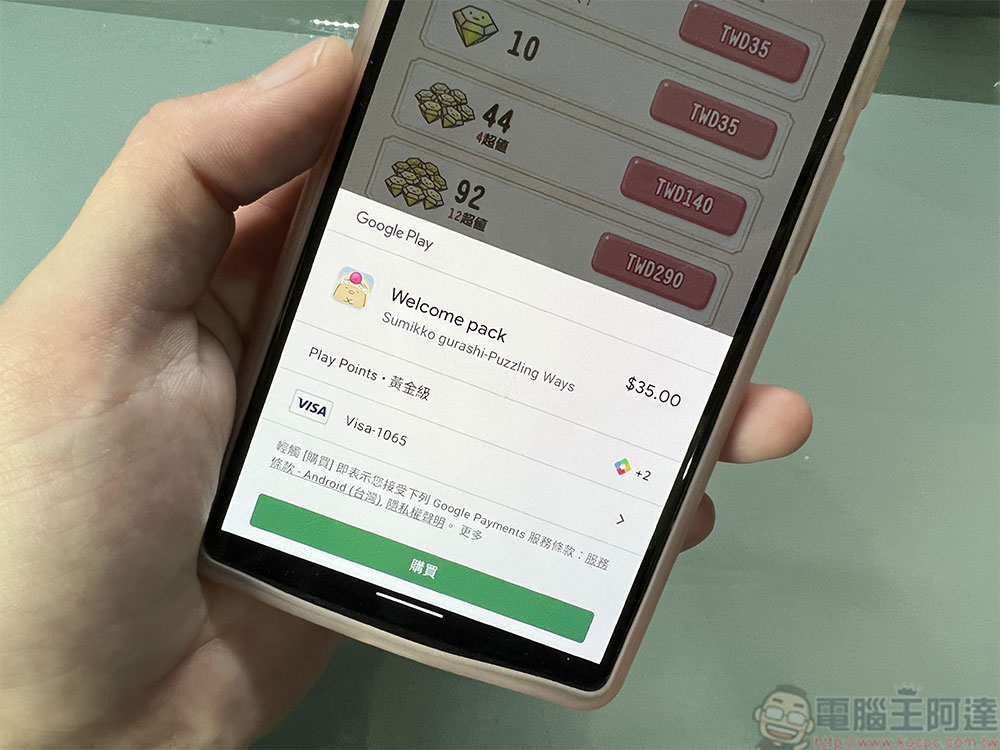
Android system
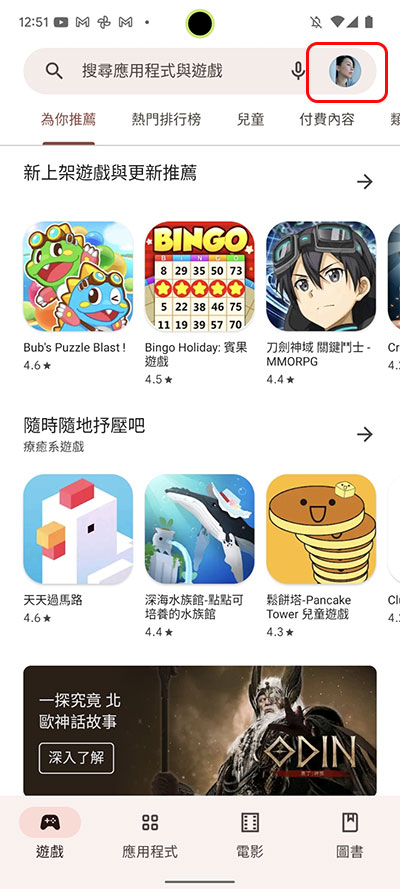
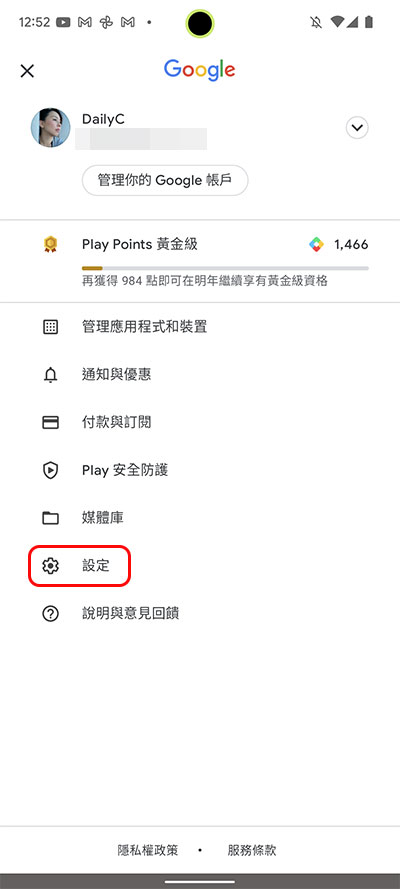
- Open the Play Store app, tap your profile picture icon on the far right of the search field, and then tap the “Settings” item.
- Open the folded menu of the “Verification” item and select the “Verification required to purchase” item.
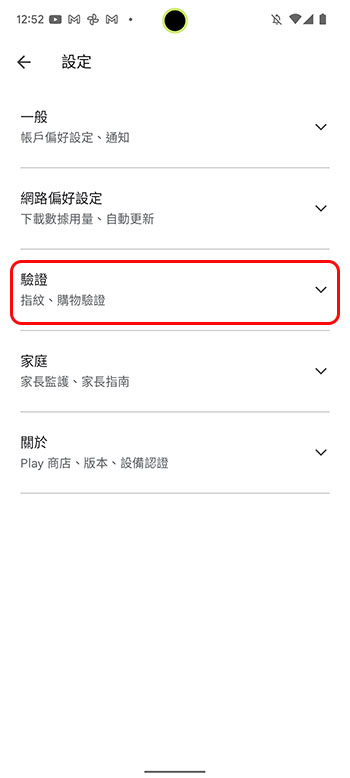
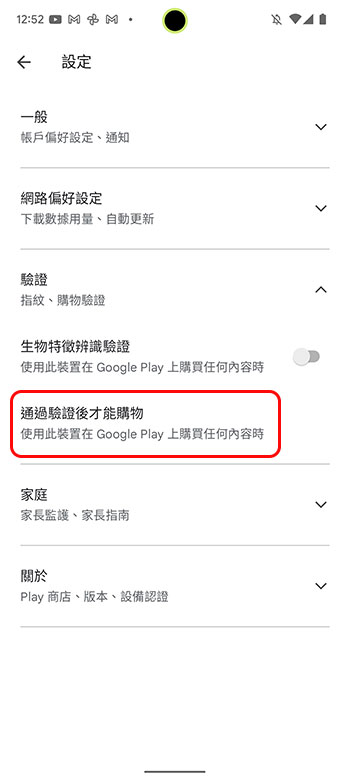
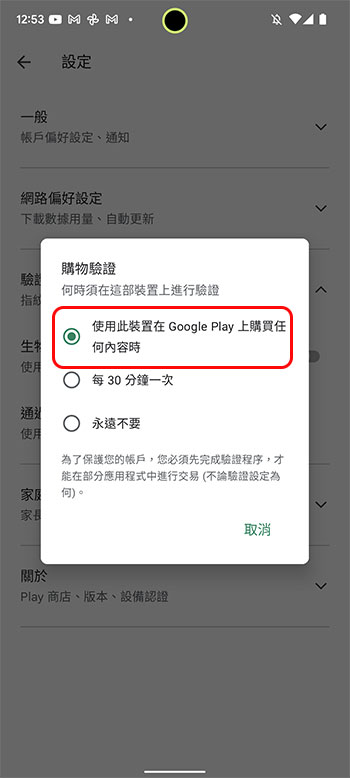
- After clicking, three options will appear for you to choose from. Select “When using this device to purchase any content on Google Play”, so that the system will require verification every time you make a purchase. You don’t have to worry about your children making settings changes on their own here, because every time you want to make a setting change, the system will ask you to enter your Google account password before it can be released.
iOS/iPadOS system
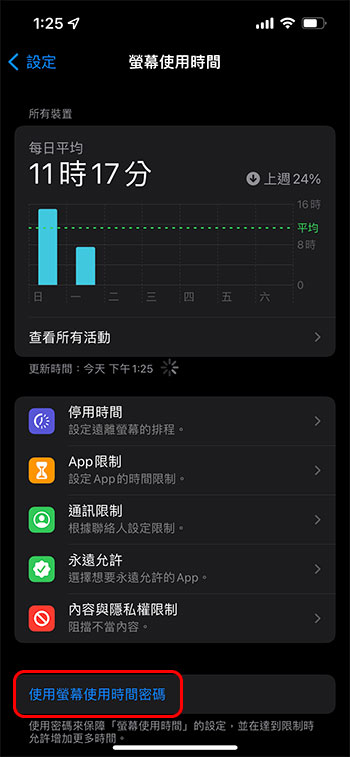
- Open the Settings app on your iPhone or iPad and select Screen Time.
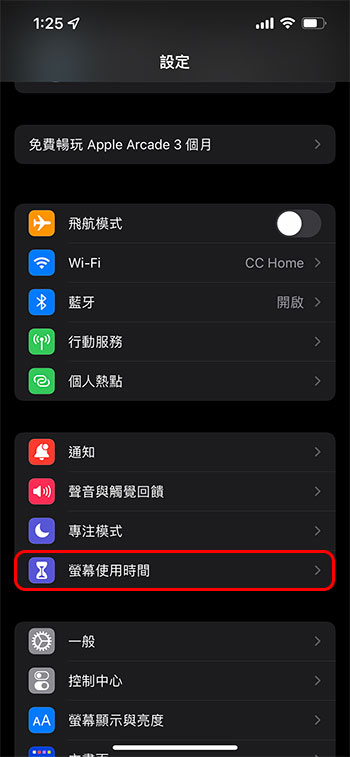
- First, make sure you have enabled the “Use Screen Time Password” (4 digits) in the Screen Time function. After setting the password, your children cannot secretly change your settings. Then select the “Content and Privacy Restrictions” option.
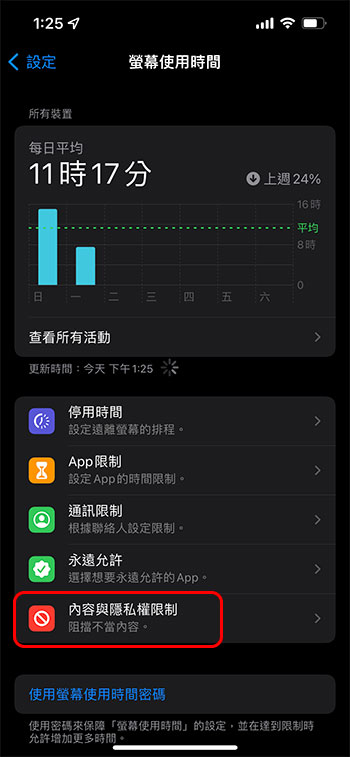
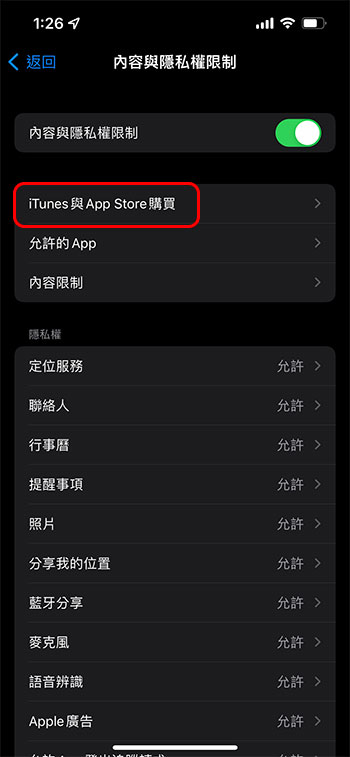
- Turn on the “Content and Privacy Restrictions” switch at the top, then click the “iTunes and App Store Purchases” item, and then select “In-App Purchases.”
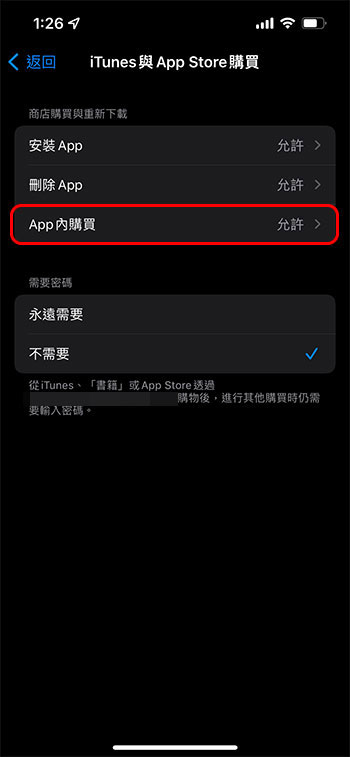
- Just select “Not Allowed” in further settings.
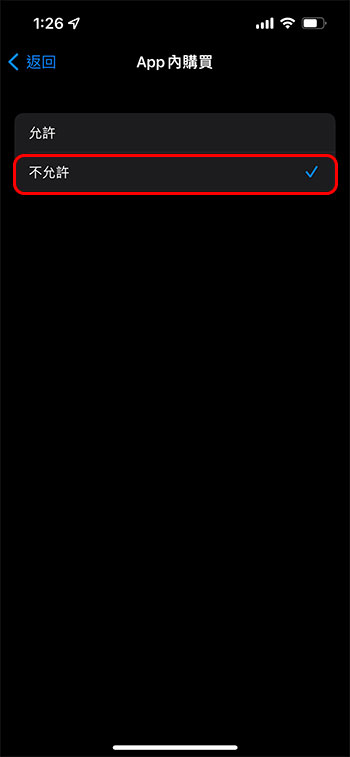
Just a few simple steps can set a threshold for your children’s consumption in the app. Don’t be afraid of trouble and protect your wallet!
Source: KOCPC Chinese