


Although the popularity of fidget spinners has been around for a long time, I didn’t expect that the little easter egg that Microsoft silently hidden in Windows 11 still awakened the itch in many people’s hands that they would want to spin twice when they have nothing to do. After seeing this, I have already thought, “Who is still playing with that childish thing?” Don’t say we didn’t remind you, after reading this article, don’t silently open the app and keep spinning (laughs). Continue reading Windows 11’s interesting little easter egg: a setting gear that can be played as a “fidget spinner”.

▲Image source: Reddit
Windows 11 interesting little easter egg: a setting gear that can be played as a “fidget spinner”
From now on, I declare that the time has come for me to just turn the setting gear when I have nothing to do.
With more and more users of Windows 11, the number of people who are bored and digging for system Easter eggs should also increase – well… In fact, it may be because Microsoft has just updated it recently. In short, according to sharing on the Reddit forum, someone discovered that the Windows 11 Notepad notebook actually hides a little easter egg that will make people feel itchy.
u/Designer_Koala_1087 discovered that when he moved the mouse to the settings gear of Notepad and quickly shook the cursor, the gear would spin a few times before stopping like a fidget spinner. Although from the perspective of a fidget spinner, this gear can be said to be quite weak, and it stopped after just a few turns. But since he shared this easter egg, many people seem to have lost it, and they can’t help but turn to it several times whenever they open the app.
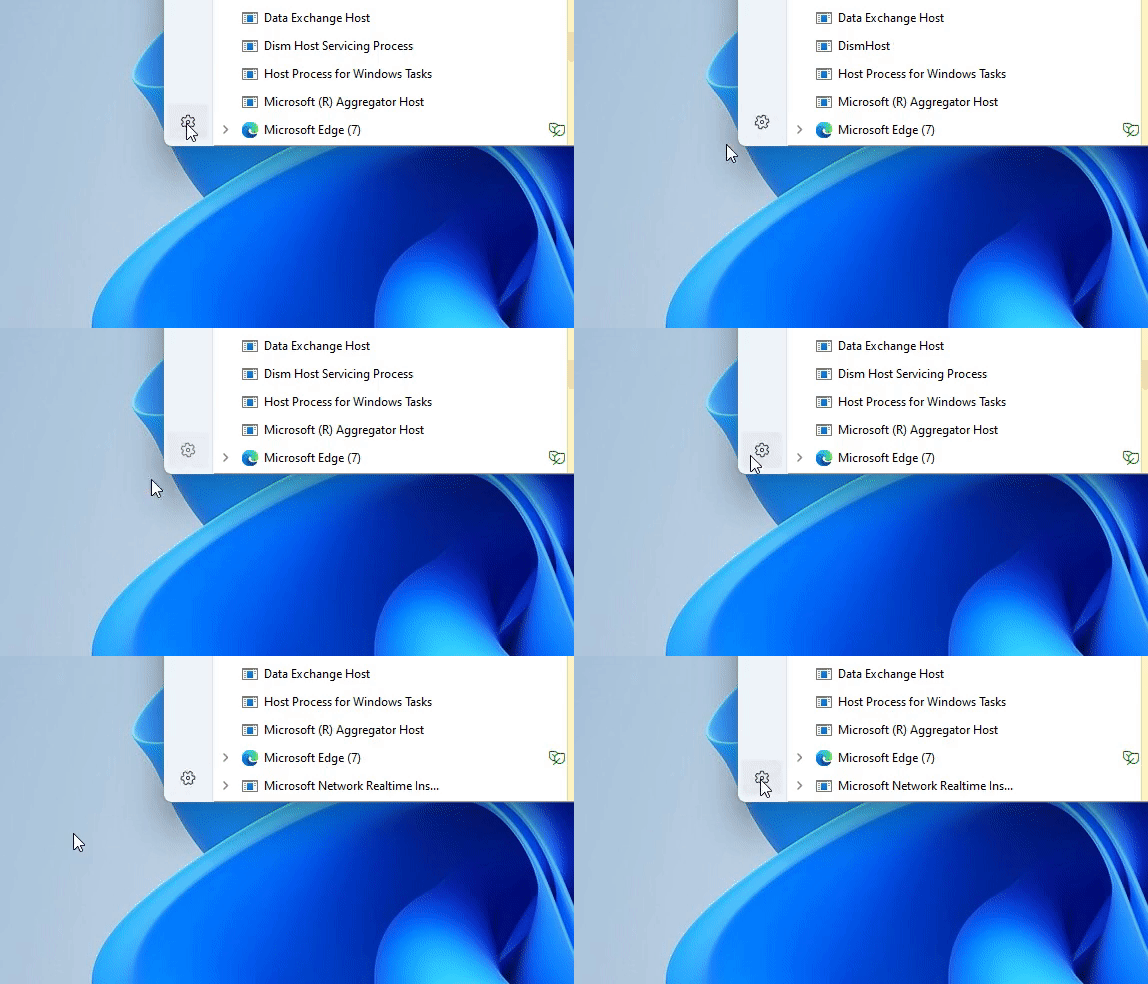
That is, if you feel that the Notepad app is not so commonly used. In fact, some people have also discovered that the gear in the lower left corner of the new task manager window in Windows 11 also has the same function. Is this commonly used by everyone? When you find any strange services in the system, you can shake it a few times to heal it.
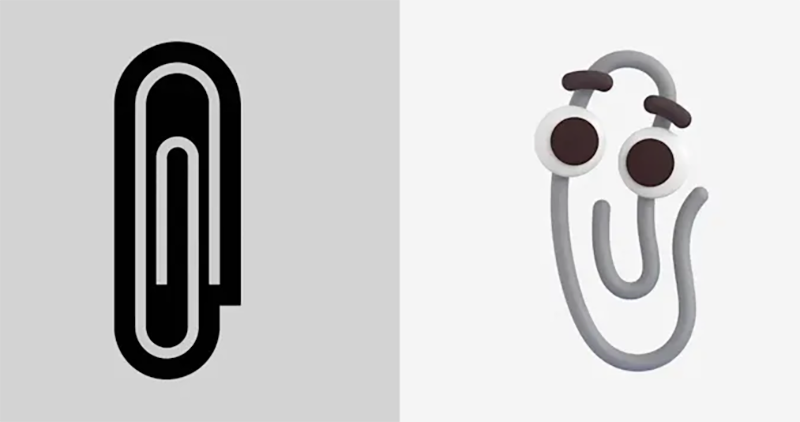
Speaking of Easter eggs, this is actually nothing new for Microsoft. Last year, they only used the community to warm up the return of the Office helper Clippy. In the end, it got really high likes and confirmed that the Office Assistant Paperclip will be brought back to the system through Emoji. However, the gear this time is extremely low-key, and it is quite interesting to be discovered.
Since the launch of Microsoft’s Windows 11, many new system elements and functional improvements have been added. Previously we also compiled four hidden features of Windows 11. Including the title bar window shaking setting to solve the problem of pulling the wrong window, and the second start menu function that can be launched through Windows + X. In “Settings > System > Storage > Cleaning Suggestions”, new cleaning suggestions and power saving functions have been added, which can help you quickly find problems in the computer system that may cause low performance and occupy space. For more related reporting teaching, you can refer to ourFour Windows 11 hidden features that greatly improve productivity article。
Further reading:
Source: KOCPC Chinese